You rely on data mapping tools to solve business challenges like inconsistent data, complex transformations, and different schemas. Data mapping means connecting and transforming information between systems, making integration, migration, and analytics possible. Data mapping helps you profile data, identify errors, and create transformation rules.
You can use the following 10 data mapping tools to analyze schemas and automate matching:
- FineDataLink
- Informatica PowerCenter
- Talend Data Integration
- IBM InfoSphere DataStage
- Altova MapForce
- Jitterbit
- MuleSoft Anypoint Platform
- Skyvia
- CloverDX
- Dell Boomi AtomSphere
Data mapping improves efficiency, boosts data quality, and supports decision-making. When you select a data mapping tool, focus on scalability, ease of use, integration, security, and pricing.
What Are Data Mapping Tools?

Data Mapping Tools Explained
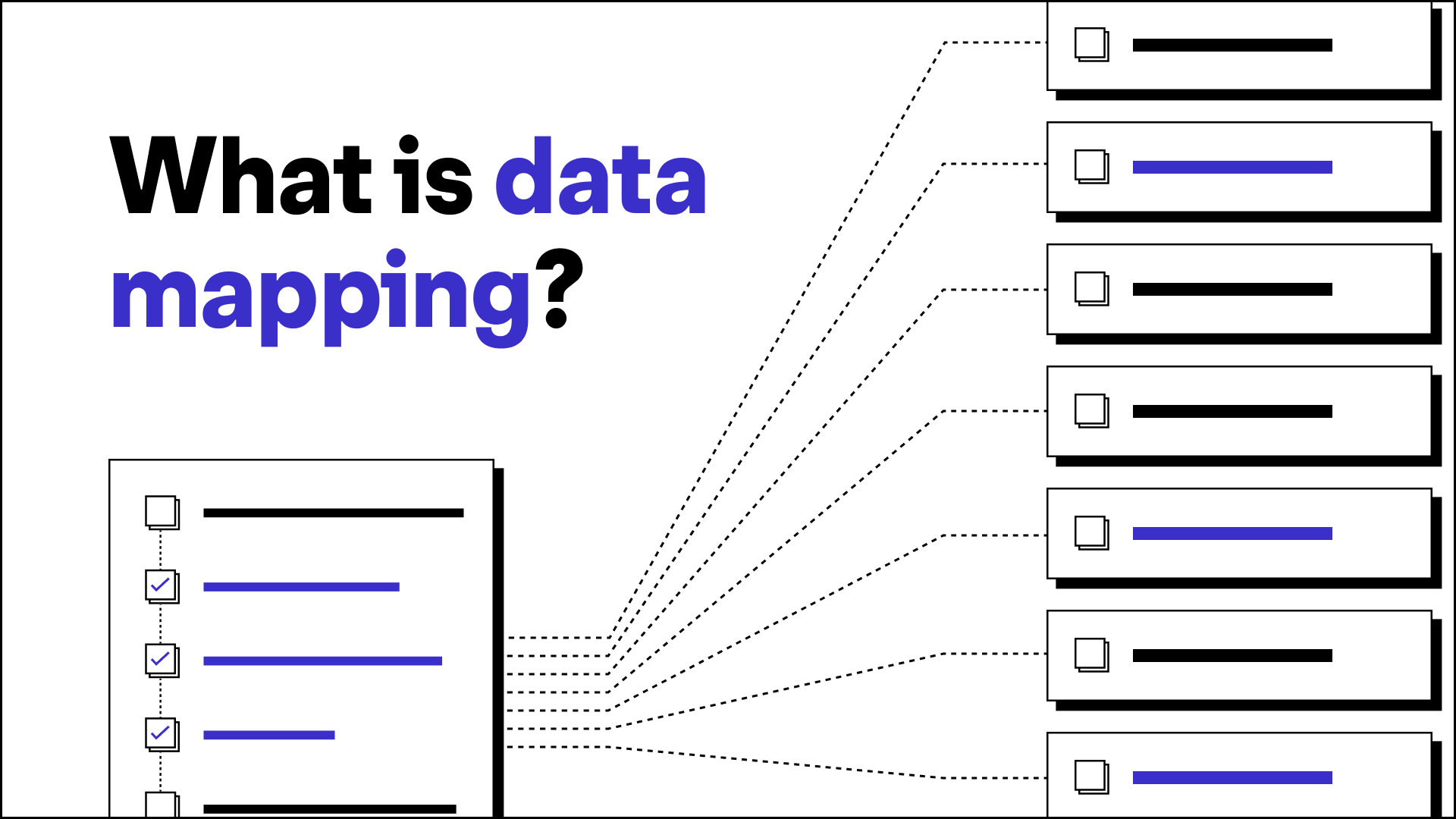
You use data mapping tools to connect and transform information between different systems. These tools help you match data fields from one source to another, ensuring consistency and accuracy. Leading technology analysts describe data mapping tools as essential for data integration, migration, and transformation projects. You rely on these tools to enable seamless data exchange between databases, applications, or cloud platforms. Data mapping tools provide source and target definition, transformation rules, mapping techniques, and validation features. You can use automated data mapping to reduce manual effort and minimize errors. Data mapping tools support real-time fraud detection and help you comply with regulatory requirements. You benefit from data mapping features like drag-and-drop interfaces, visual schema mapping, and built-in testing options. These tools form the backbone of modern data integration tools and data transformation tools.
Key Functions And Use Cases of Data Mapping Tools
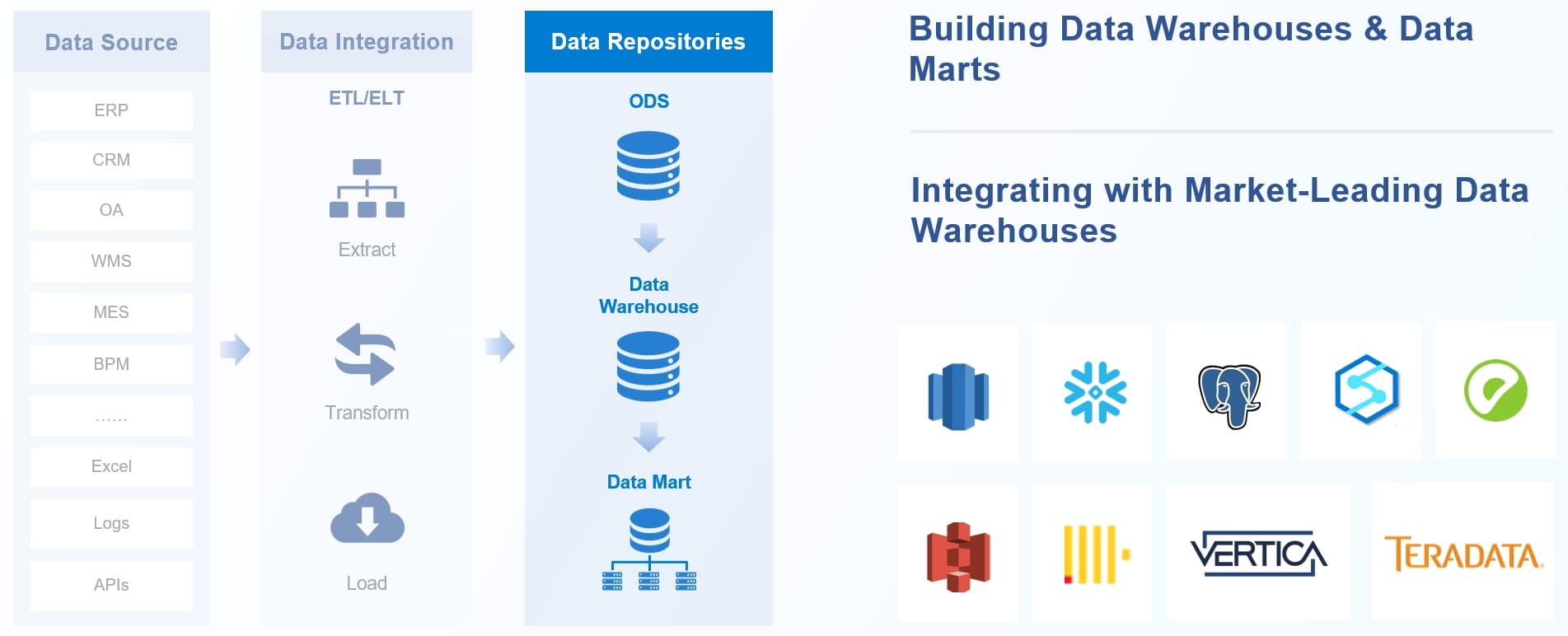
Data mapping tools offer a range of capabilities that address your business needs. You can use them to automate the ETL process, extracting, transforming, and loading data from various sources into a centralized repository. Automated data mapping ensures data accuracy and consistency, which is crucial for analysis and reporting. You can automate the identification and correlation of data fields, reducing the risk of human error. Data mapping workflows allow you to update schemas and transformations quickly, improving operational efficiency. You gain reliable documentation for audits and transparency for stakeholders. Common use cases include post-merger system consolidation, regional office standardization, vendor reconciliation, and historical data cleanup for reporting. You apply data mapping strategies to reconcile different data models, manage multiple versions of data entities, and untangle complex relationships. Data mapping capabilities help you understand evolving business rules and structures. You rely on data migration tools to move data between systems, while data mapping functionality ensures the process remains accurate and efficient.
Business Value Of Data Mapping Tools
Streamlining Integration
You rely on data mapping tools to simplify data integration across your organization. These tools help you connect different systems and ensure information flows smoothly. You can align data fields correctly, which eliminates manual intervention and saves valuable time. Automation in data mapping tools reduces complexity and accelerates integration projects. You handle large volumes of data more efficiently, which leads to faster project completion. When you automate repetitive tasks, you minimize human error and speed up the mapping process. Data mapping tools make it easier for you to scale your data integration efforts as your business grows.
- Data mapping tools simplify connections between systems.
- Automation reduces manual work and project timelines.
- Scalability improves efficiency for large data integration projects.
Improving Data Quality
You use data mapping tools to enhance the quality of your data. These tools help you identify inconsistencies and errors before they affect your business processes. You can set up validation rules and transformation logic to ensure data accuracy. Data mapping allows you to standardize formats and reconcile differences between sources. When you automate data mapping, you reduce the risk of mistakes and improve the reliability of your analytics. High-quality data supports better decision-making and drives business success.
Tip: Regularly review your data mapping configurations to maintain data quality as your systems evolve.
Supporting Compliance
You depend on data mapping tools to meet regulatory requirements. Data mapping is essential for compliance with regulations such as GDPR and CCPA. You document how you collect and store data, which helps you identify compliance issues and prepare for audits. Data mapping tools make it easier to track data flows and ensure privacy standards are met. You can respond quickly to regulatory changes and maintain trust with your customers.
- Data mapping tools support GDPR and CCPA compliance.
- Documentation and tracking simplify regulatory audits.
- Privacy standards are easier to maintain with automated data mapping.
Data mapping solutions deliver measurable business value. You streamline data integration, improve data quality, and support compliance. These benefits help you operate more efficiently and make informed decisions.
How To Choose Data Mapping Tools
Essential Selection Criteria
When you evaluate data mapping tools, you need to focus on several important criteria. These factors help you select the right data mapping software for your organization and support your data integration goals. Industry experts recommend the following steps:
- Decide on a type of data mapping tool. You must identify whether you need a solution for ETL, real-time data integration, or API-based mapping.
- Research available options. You should compare different data mapping tools and review their capabilities.
- Evaluate features and functionality. Look for features such as automated mapping, visual interfaces, and support for multiple data formats.
- Assess compatibility. Make sure the data mapping software integrates with your existing systems and data sources.
- Check data security and compliance. You need robust security features to protect sensitive information and meet regulatory requirements.
- Review scalability and performance. Choose a tool that can handle your current and future data integration needs.
- Assess user interface and ease of use. A user-friendly interface helps your team work efficiently and reduces training time.
Tip: Create a checklist of these criteria before you start your search. This approach helps you compare data mapping tools objectively and ensures you do not overlook critical requirements.
Matching Features To Business Needs
You must align the features of data mapping software with your specific business needs. Start by assessing your data requirements. Identify the types of data you handle, the sources, and the formats. Define your organizational goals for data integration and analytics.
Next, evaluate how each tool integrates with your existing infrastructure. Seamless integration reduces troubleshooting and improves performance. Balance the cost of the software with the expected return on investment. Consider both initial expenses and long-term benefits, such as improved data quality and operational efficiency.
Note: Involve stakeholders from IT, business intelligence, and compliance teams when you select data mapping tools. Their input ensures the solution meets technical and business requirements.
You can use these practical steps to understand how to choose a data mapping tool that fits your organization. By focusing on essential criteria and matching features to your needs, you improve your data integration strategy and support business growth.
Top 10 Data Mapping Tools
Choosing the right data mapping tools can transform how you manage, integrate, and analyze your business data. In this section, you will discover the top 10 data mapping tools. Each tool offers unique features to help you streamline data integration, improve data quality, and support compliance. Explore these solutions to find the best fit for your organization.
1.FineDataLink
Website: https://www.fanruan.com/en/finedatalink
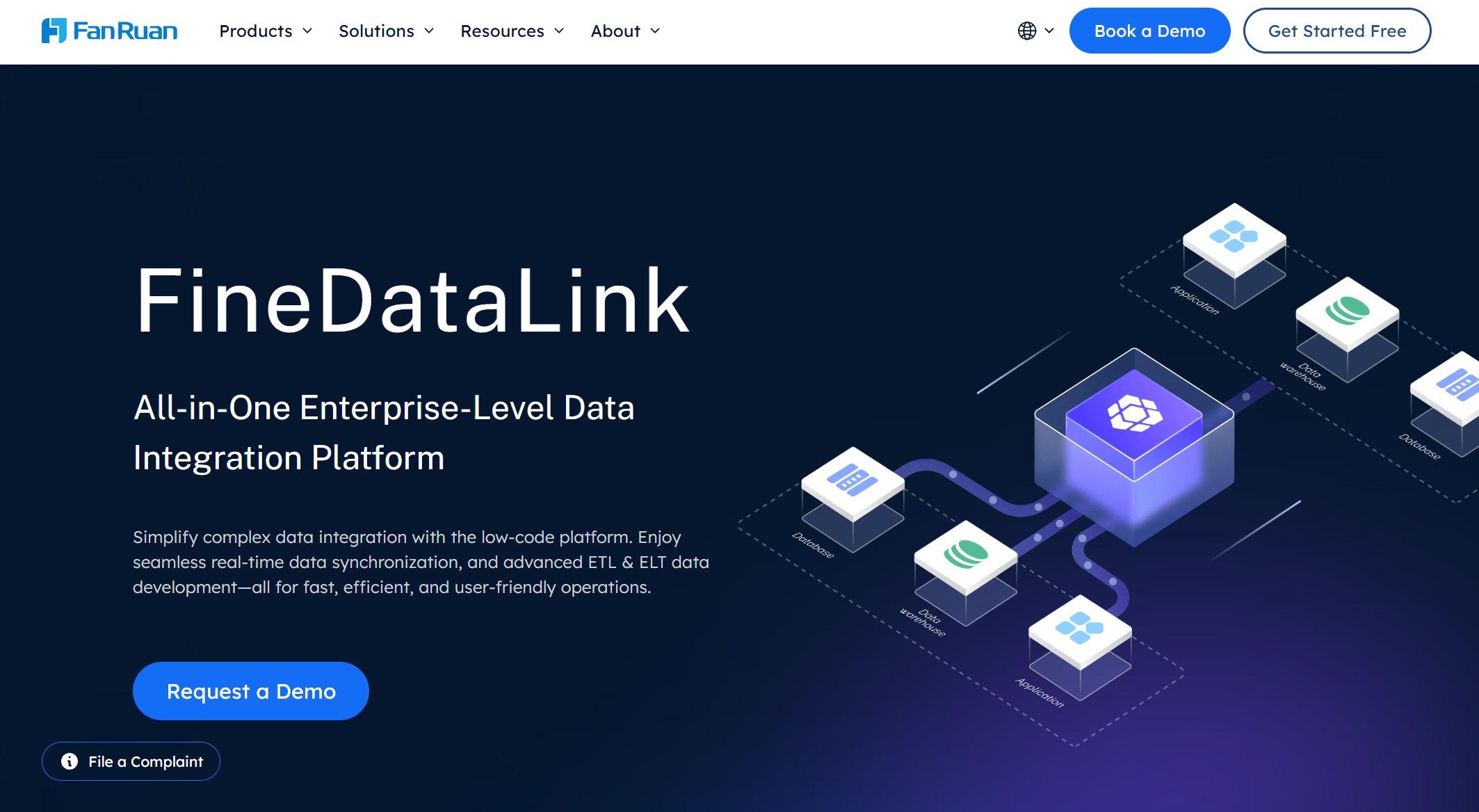
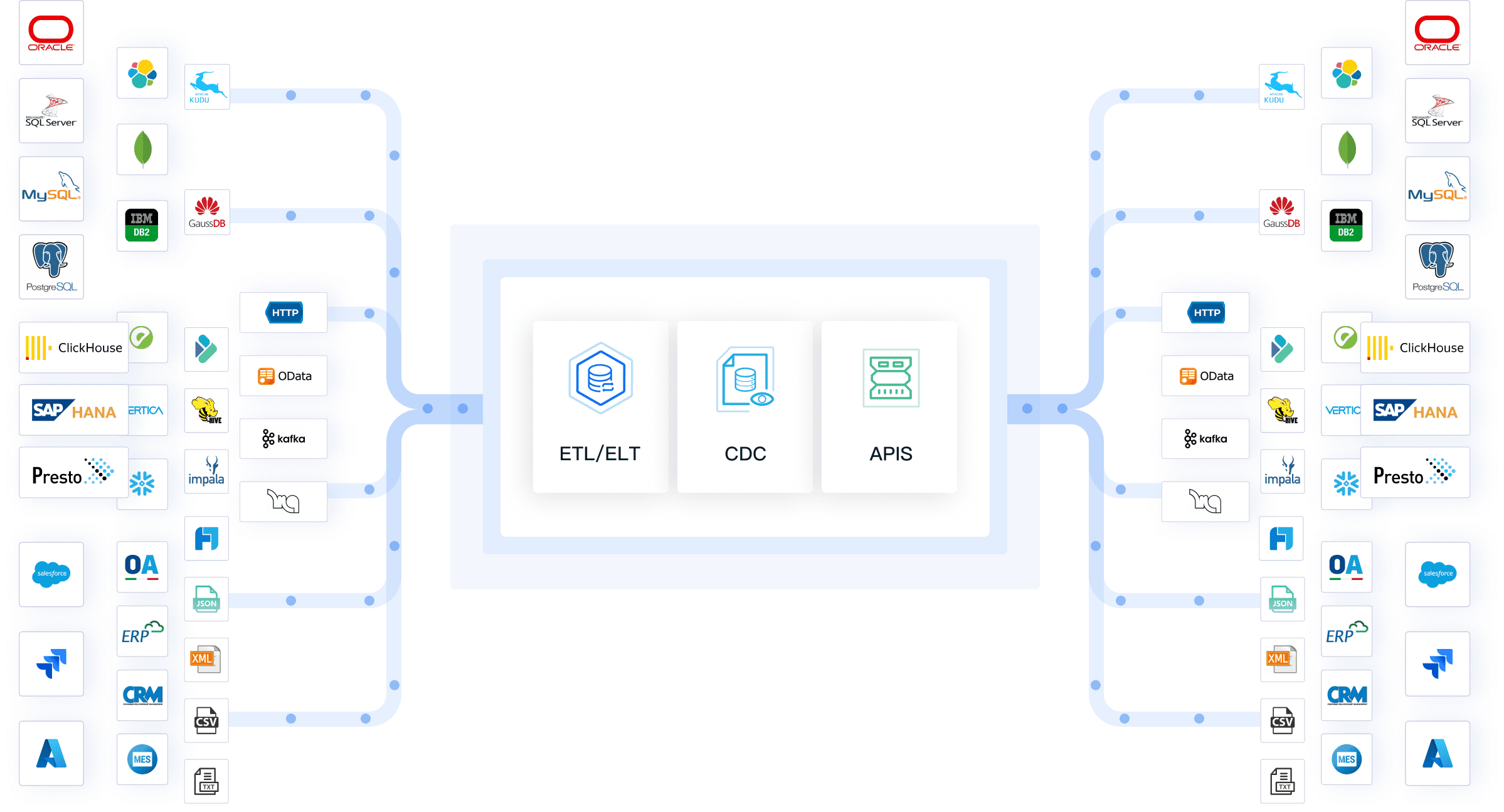
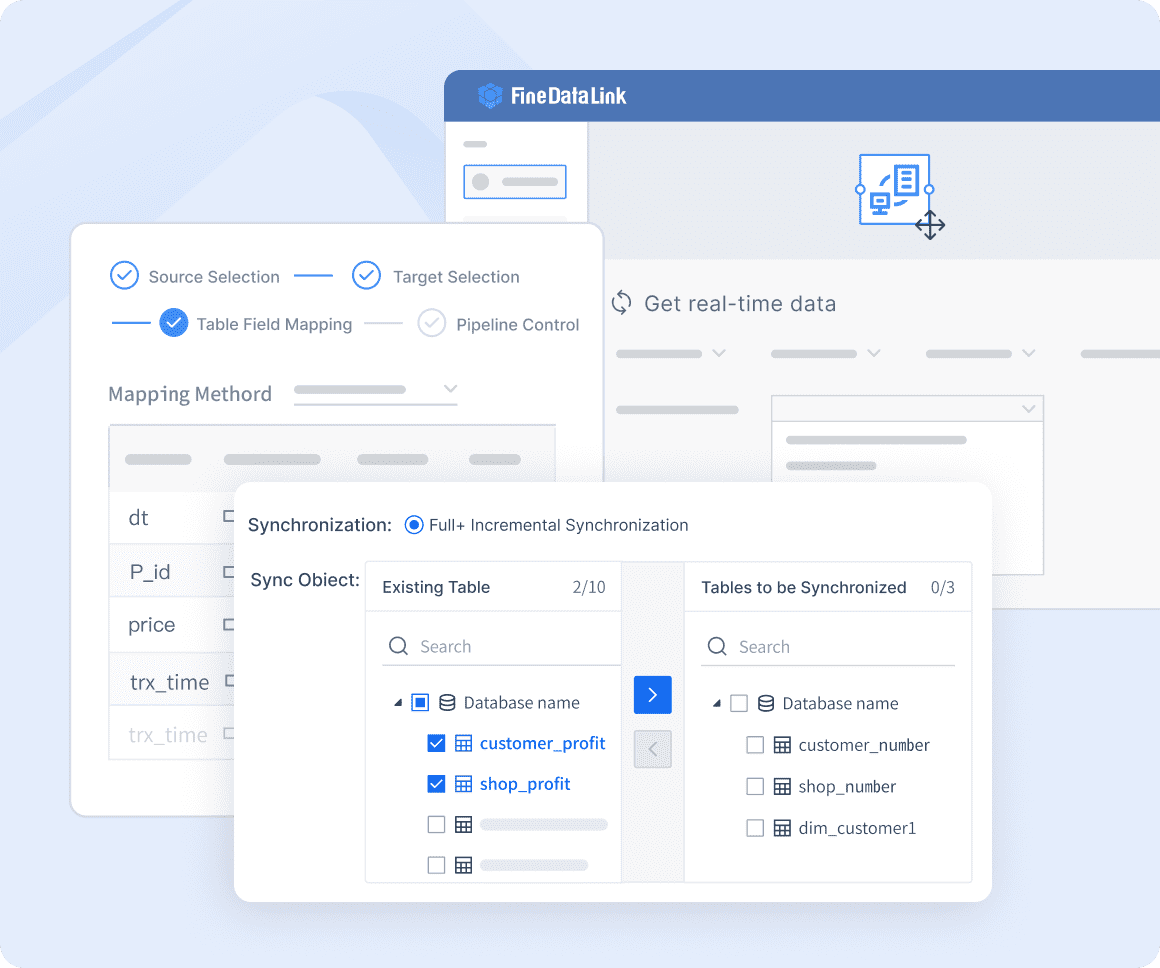
FineDataLink stands out among the top 10 data mapping tools. You can use its modern, low-code platform to simplify complex data integration and mapping tasks. FineDataLink offers real-time data synchronization, which keeps your data up to date with minimal delay. The platform connects to over 100 data sources, giving you flexibility as your data needs grow.
- Low-code interface for easy data integration and lineage.
- Real-time data synchronization for up-to-date information.
- Broad connectivity with support for 100+ data sources.
- Scalable architecture for handling large data volumes.
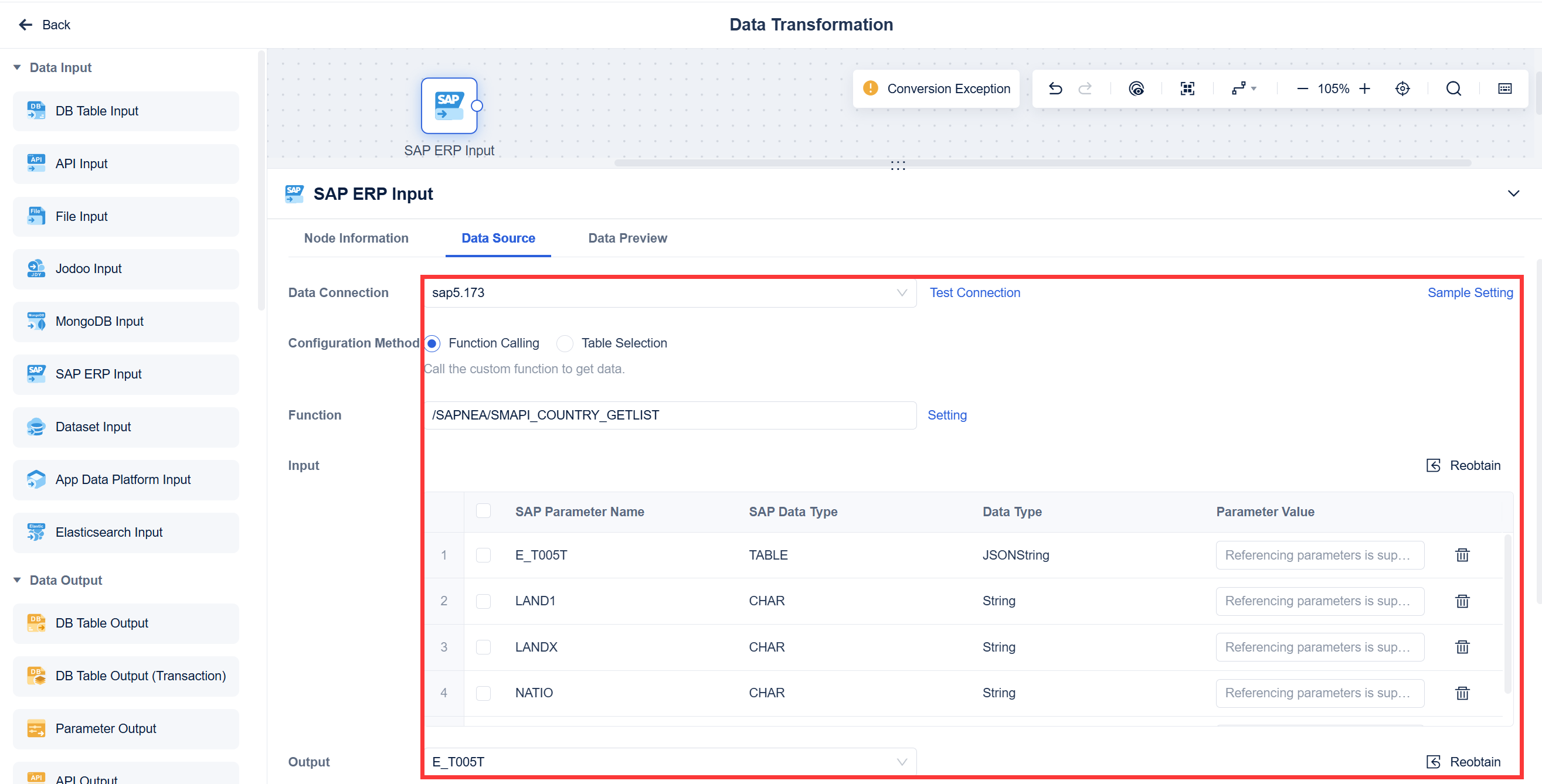
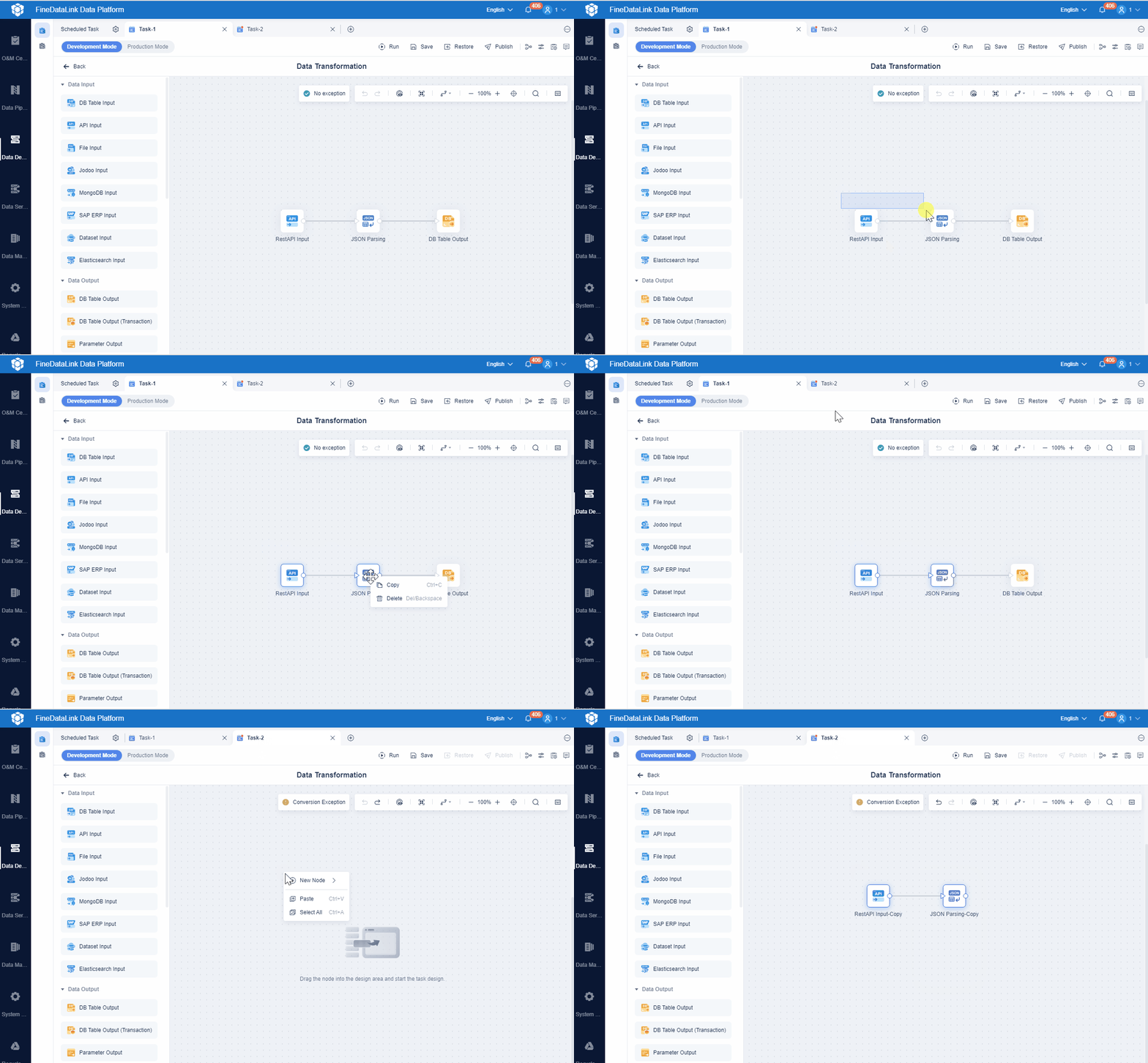
- Visual drag-and-drop interface for managing data pipelines.
- Advanced ETL and ELT support for both simple and complex tasks.
- Role-based access control to secure sensitive information.
- Extensive documentation for quick onboarding and effective use.
You can use FineDataLink to build efficient data layers for business intelligence, manage both real-time and batch data integration, and support data governance initiatives. The platform’s user-friendly design and advanced features make it a strong choice for organizations seeking high-quality, scalable data mapping software.
FineDataLink helps you streamline integration, improve data quality, and support compliance—all with a low learning curve and robust support.
2.Informatica PowerCenter
Informatica PowerCenter stands out as a leading enterprise data mapping software. You can use it to handle complex data integration projects across large organizations. The platform supports a wide range of connectors, making it easy to integrate data from various sources.
Website: https://docs.informatica.com/data-integration/powercenter.html
| Advantages | Limitations |
|---|---|
| Powerful data integration capabilities | Complexity |
| Broad range of connectors | High cost |
| Scalability and performance | Resource-intensive |
| Data quality and cleansing | Dependency on ETL processes |
| Robust workflow and scheduling | Limited cloud-native capabilities |
| Comprehensive metadata management | |
| Strong community support |
You benefit from robust workflow management, strong data quality features, and comprehensive metadata support. Informatica PowerCenter works best for large enterprises that need advanced data mapping tools for high-volume, mission-critical projects.
3.Talend Data Integration
Talend Data Integration gives you a flexible platform for both cloud and on-premises environments. You can automate ETL processes and maintain real-time updates, which is essential for modern analytics.
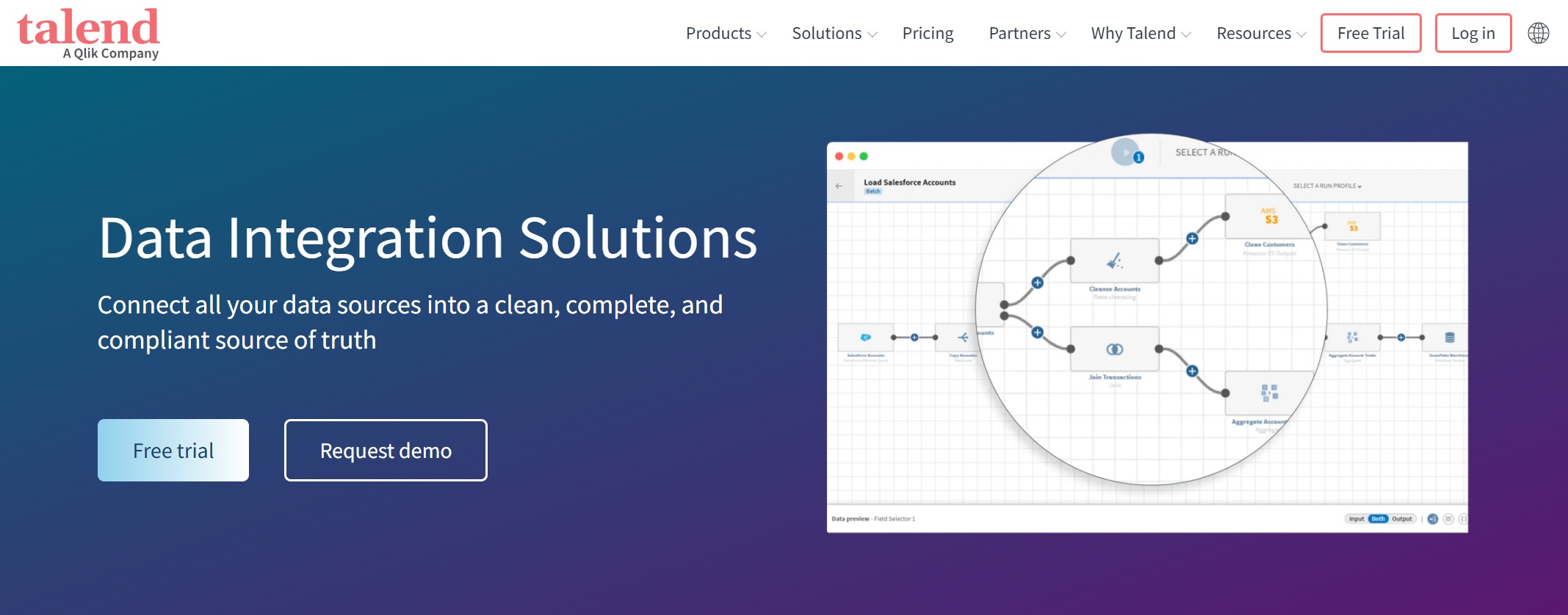
Website: https://www.talend.com/uk/products/integrate-data/
| Feature | Cloud Environment | On-Premises Environment |
|---|---|---|
| Data Integration | Yes | Yes |
| Data Quality | Yes | Yes |
| Self-Service Tools | Yes | Yes |
| Real-Time Updates | Yes | Yes |
You can use Talend to simplify integration, automate data consolidation, and ensure your data stays current. The platform supports both technical and business users, making it a strong choice for organizations that need scalable and flexible data mapping tools.
Talend streamlines ETL by automating data consolidation from multiple sources, keeping your data up to date for better decision-making.
4.IBM InfoSphere DataStage
IBM InfoSphere DataStage is an enterprise-grade tool designed for high-volume data integration. You can use it to manage complex data transformation and transport tasks.
Website: https://www.ibm.com/docs/en/iis/11.7.0?topic=qualitystage-overview-infosphere-datastage
| Feature | Description |
|---|---|
| Enterprise-Grade Tool | Suitable for high-volume processing. |
| ETL Focused | Enhances data transformation and transport. |
| Highly Scalable | Grows with business data needs. |
| Data Organization | Ensures structured data flow. |
| Robust Support | Backed by comprehensive IBM resources. |
You gain scalability, robust support, and advanced ETL capabilities. IBM InfoSphere DataStage fits best in large organizations with demanding data mapping and integration needs.
5.Altova MapForce
Altova MapForce provides a visual approach to data mapping and transformation. You can map data from databases, XML files, and other sources to different targets using an intuitive graphical interface.

Website: https://www.altova.com/mapforce
- Visually map data from various sources to different targets.
- Simplify complex workflows and automate data handling.
- Manage and integrate data with a user-friendly interface.
- Instantly convert data between formats.
Altova MapForce works well for business users who want to manage data mapping without deep technical skills. You can quickly set up and automate data transformations for a variety of business scenarios.
6.Jitterbit
Jitterbit offers strong integration capabilities for connecting disparate data sources. You can use hundreds of pre-built connectors and templates to speed up your integration projects.
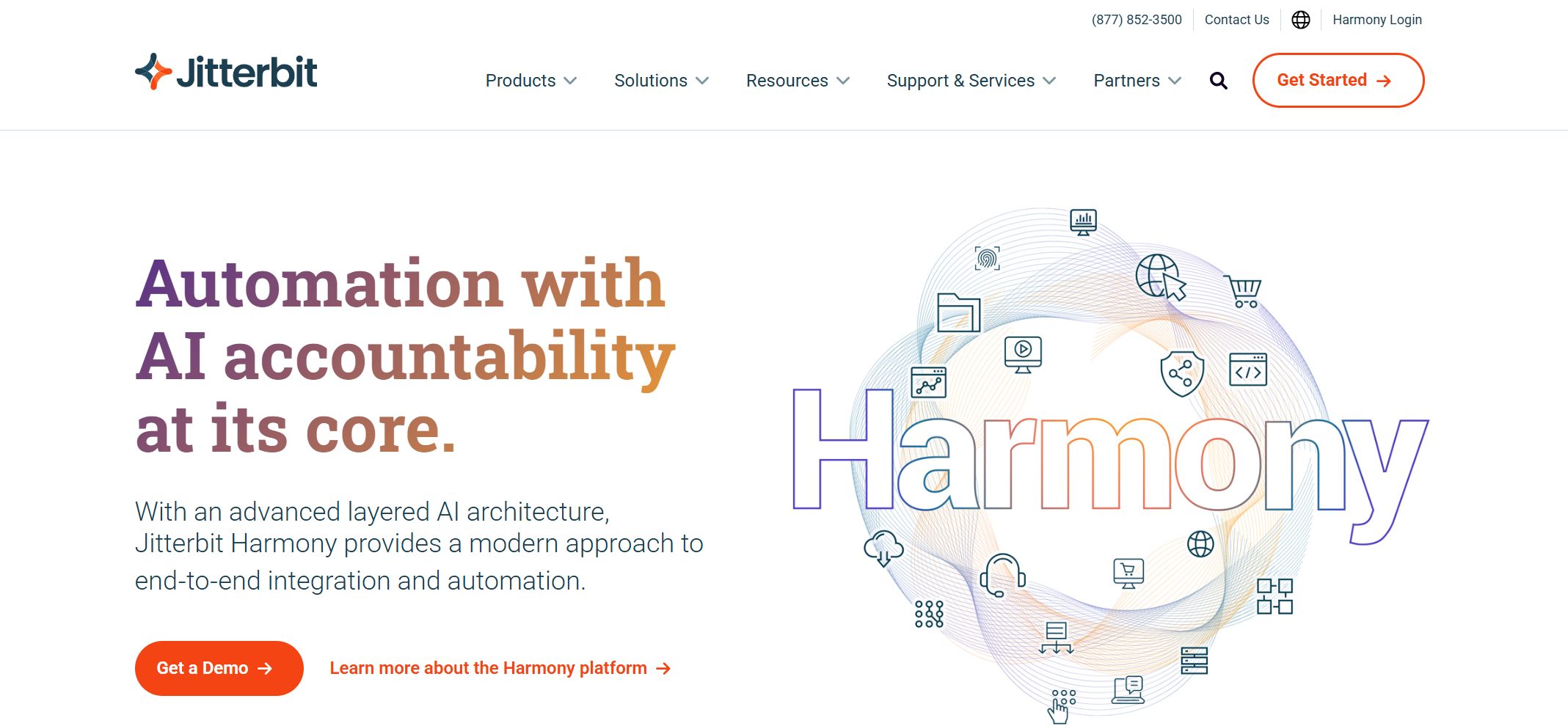
Website: https://www.jitterbit.com/
| Feature | Description |
|---|---|
| Pre-built Connectors | Hundreds of connectors for platforms like Salesforce, Workday, NetSuite, etc. |
| Hybrid Support | Supports both on-premise and cloud applications. |
| Reusable Integration Templates | Templates for common workflows like lead-to-cash, procure-to-pay, etc. |
| Custom Connectors | Integrate with proprietary systems via scripting or REST/SOAP APIs. |
Jitterbit is ideal for organizations that need to connect cloud and on-premise systems quickly. You can use its reusable templates and custom connectors to handle unique business requirements.
7.MuleSoft Anypoint Platform
MuleSoft Anypoint Platform enables API-led data mapping and integration. You can treat APIs as building blocks, which increases reusability and agility in your integration architecture.
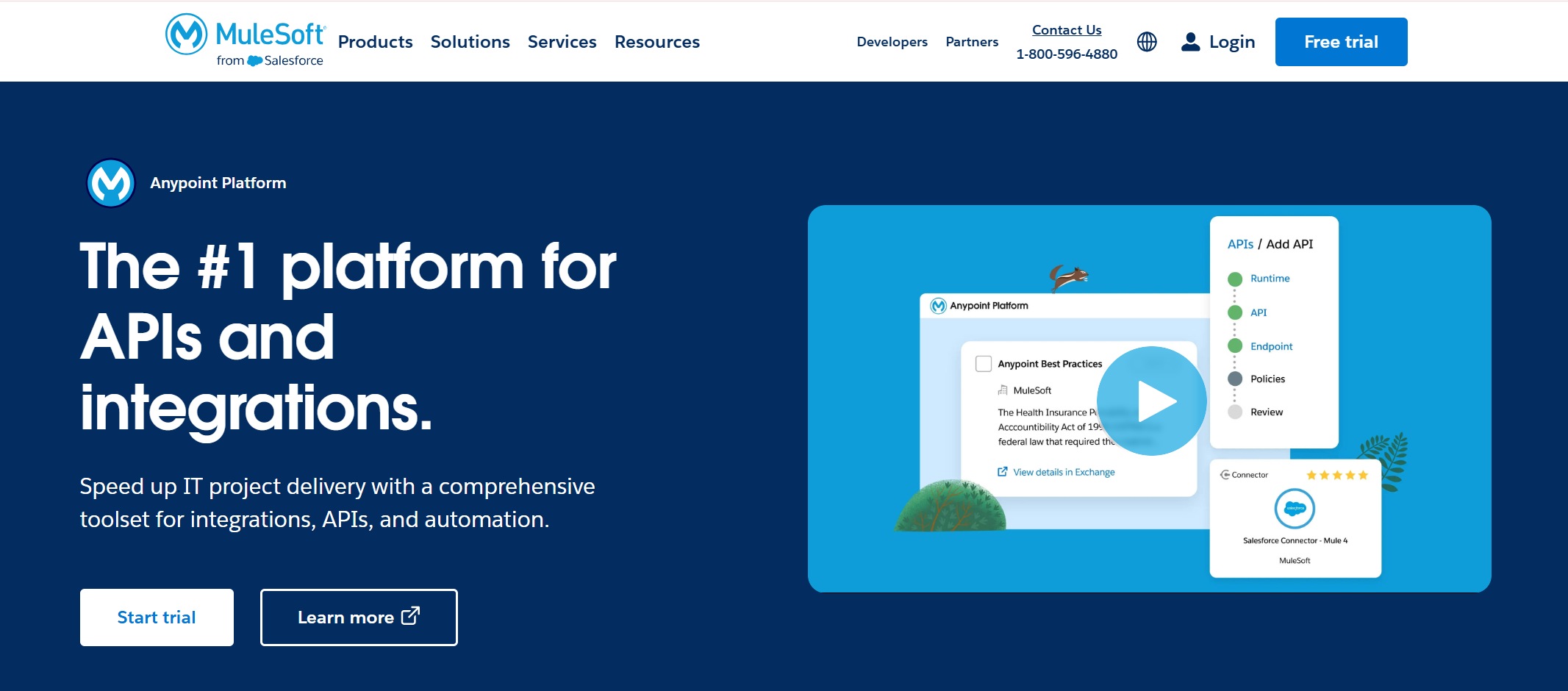
Website: https://www.anypoint.mulesoft.com/home/
- Use API-led connectivity for scalable and agile integration.
- Transform and map data easily with advanced tools like DataWeave.
- Expose and consume data in a standardized way.
- Ensure seamless interoperability between systems.
MuleSoft Anypoint Platform suits businesses that want to build robust, reusable integration layers. You can manage complex data mapping and transformation tasks efficiently.
8.Skyvia
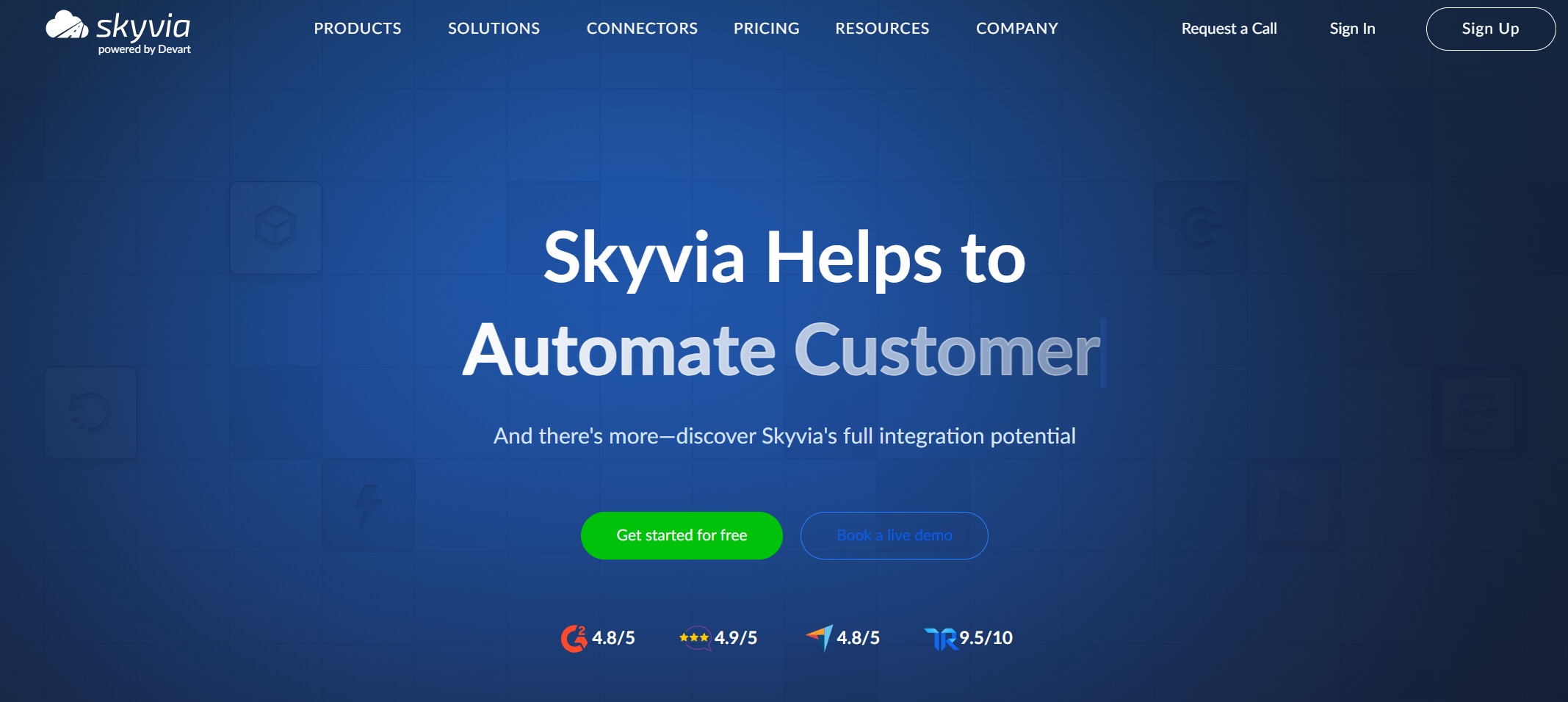
Skyvia specializes in cloud data mapping and synchronization. You can automate two-way sync between cloud apps and databases, even if they have different structures.
Website: https://skyvia.com/
- Automate synchronization between cloud applications and databases.
- Sync data from different sources without changing existing structures.
- Customize data mapping, including mapping one table to multiple tables.
Skyvia is a great choice if you need flexible, cloud-based data mapping tools. You can define exactly what data to sync and customize your integration workflows.
9.CloverDX
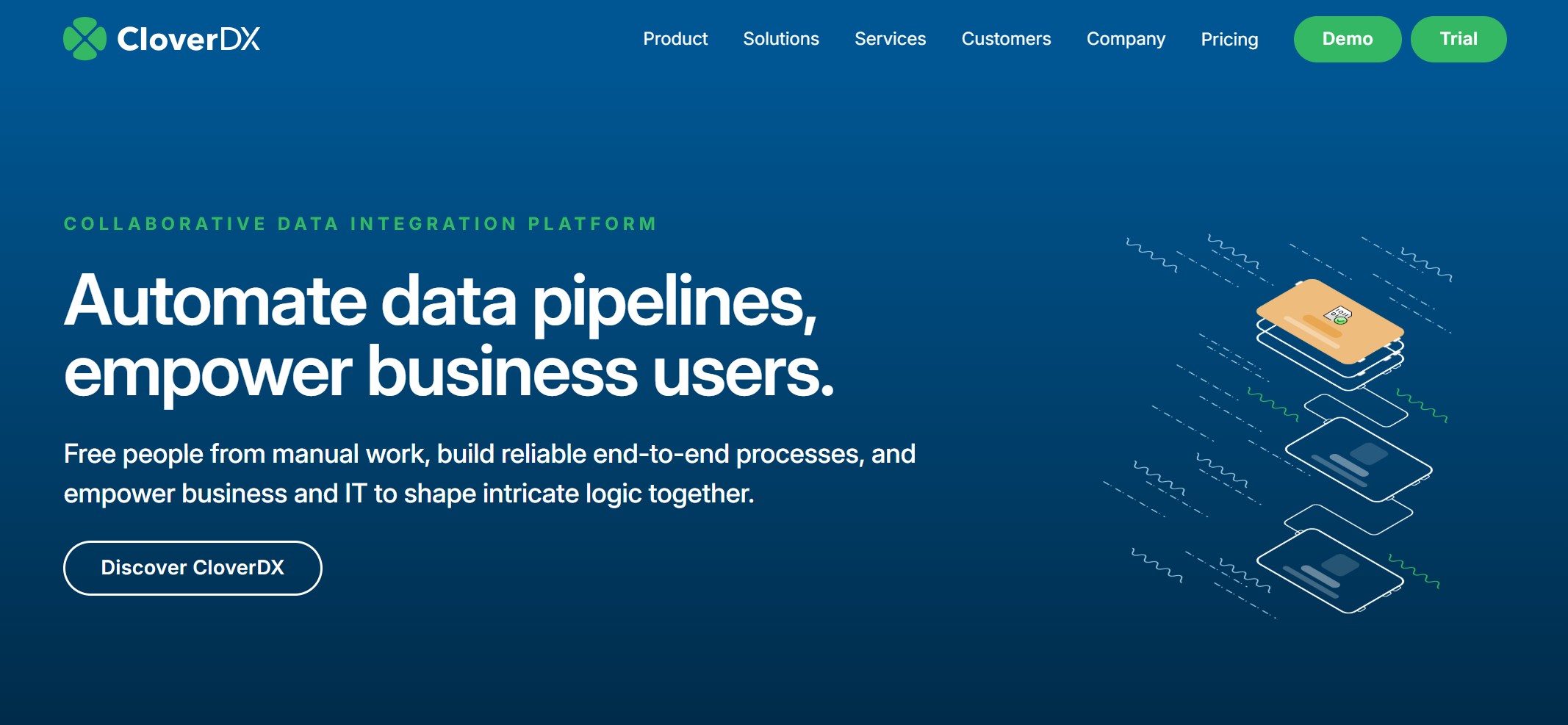
CloverDX supports data mapping for both technical and non-technical users. You can use its intuitive interface or code for complex scenarios.
Website: https://www.cloverdx.com/
| Feature | Description |
|---|---|
| User Empowerment | Both technical and non-technical users can manage data mapping. |
| Collaboration | Facilitates teamwork between business and technical users. |
| Intuitive Interface | Drag-and-drop mapping for non-technical users. |
| Excel Integration | Define mappings in Excel and integrate them into workflows. |
| Reusable Components | Create reusable mapping components for efficiency. |
CloverDX works well for organizations that want to empower business users and streamline collaboration. You can use Excel templates and drag-and-drop tools to simplify your data mapping process.
10.Dell Boomi AtomSphere
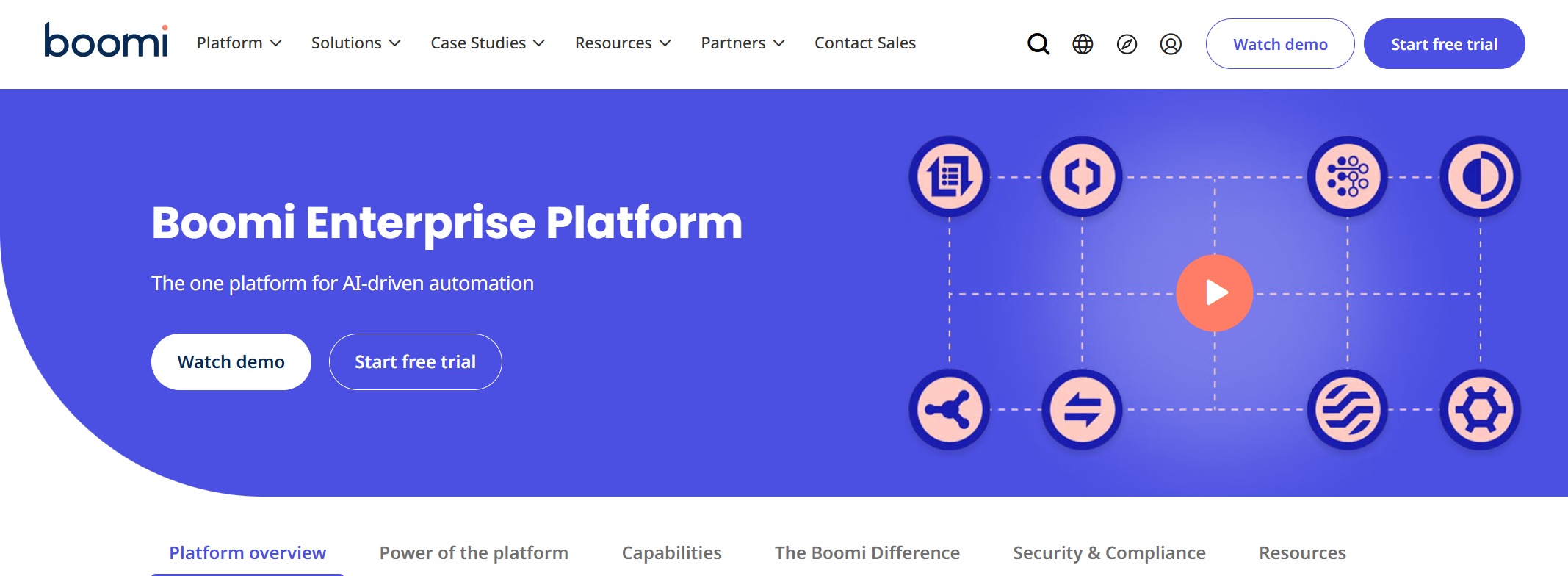
Dell Boomi AtomSphere delivers real-time data mapping and integration with a user-friendly interface. You can connect to over 200 data sources and use visual tools to design your integrations.
Website: https://boomi.com/platform/
| Key Strengths | Description |
|---|---|
| Extensive Connectivity | Over 200 connectors for various data sources. |
| User-Friendly Interface | Drag-and-drop visual UI for all users. |
| Intelligent Features | Automated data mapping and built-in error handling. |
| Flexibility in Deployment | Supports cloud-native and on-premise deployments. |
You benefit from low-code development, pre-built accelerators, and flexible deployment options. Dell Boomi AtomSphere is ideal for businesses that need fast, reliable data mapping tools for hybrid environments.
When you evaluate the top 10 data mapping tools, consider your organization’s size, data complexity, and integration needs. Each tool offers unique strengths, so match their features to your business goals for the best results.
Data Mapping Tools Comparison

Feature Overview Table
You need to compare data mapping platforms to find the best fit for your organization. The table below highlights standout features and summarizes the pros and cons of leading data mapping tools. This overview helps you understand which data mapping platforms offer advanced transformation, broad connectivity, or user-friendly interfaces.
| Platform | Standout Features | Pros and Cons Summary |
|---|---|---|
| Informatica | Wide data source support, scalable, robust metadata management | Pros: Comprehensive, scalable. Cons: Higher cost, technical. |
| Jitterbit | Drag-and-drop editor, strong integration, ETL simplification | Pros: Streamlined ETL, simple UI. Cons: Learning curve, support. |
| Dell Boomi AtomSphere | Cloud-based, pre-built connectors, visual UI | Pros: Easy access, strong support. Cons: Limited offline, cost. |
| MuleSoft Anypoint | iPaaS, visual mapping, drag-and-drop | Pros: Powerful, simplifies transformation. Cons: N/A. |
| FineDataLink | Low-code, real-time sync, 100+ data sources, visual interface | Pros: Efficient, scalable, user-friendly. Cons: N/A. |
Pricing And Support Snapshot
You should consider pricing models and support options when choosing data mapping platforms. The table below shows how leading platforms structure their pricing for different business sizes.
| Platform | Pricing Model Type | Cost Details |
|---|---|---|
| Informatica | Subscription-based | Custom quotes for enterprise needs |
| Jitterbit | Tiered pricing | Based on integrations |
| Dell Boomi | Subscription-based | Varies by number of integrations |
| MuleSoft | Custom pricing | Tailored for unique requirements |
| FineDataLink | Affordable subscription | Free trial available, scalable pricing |
Tip: Request a free trial of data mapping software to evaluate features before making a commitment.
Best Use Cases
You want to match data mapping platforms to your industry and business needs. The table below lists ideal use cases for each platform.
| Platform | Industry Use Case | Key Features |
|---|---|---|
| Altova MapForce | Healthcare, Finance | XML/JSON mapping, compliance, versatile |
| Jitterbit | Retail, SaaS | Pre-built connectors, hybrid support |
| FineDataLink | BI, Data Governance | Real-time sync, ETL/ELT, broad connectivity |
| Informatica | Large Enterprises | Scalable integration, metadata management |
| Dell Boomi | Hybrid Environments | Cloud-native, visual UI, extensive connectors |
You can use these tables to compare data mapping platforms quickly. This approach helps you select the right data mapping tools for your business goals.
Getting Started With Data Mapping Tools
Assessing Your Data Needs
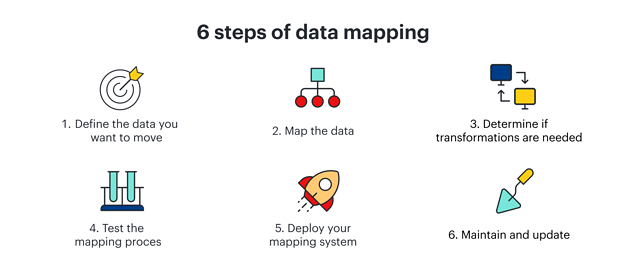
You need to start with a clear plan before you select data mapping tools. Begin by defining your objectives. Decide if you want to improve data integration, migrate systems, or cleanse your data. Next, conduct a data audit. Review the quality and structure of your current data. Identify all systems and examine data fields for accuracy. Create a data mapping template. This blueprint should include source and target data, data types, and transformation rules. A template helps you ensure accurate data transfer and sets the foundation for successful implementation.
Tip: Involve stakeholders from IT, business intelligence, and compliance teams early in the process. Their input helps you understand requirements and avoid costly mistakes.
Next Steps For Implementation
Once you have assessed your needs, you can move forward with implementing data mapping software. Define clear project goals and scope. Perform thorough data profiling to understand your data landscape. Develop comprehensive mapping rules that guide how data moves between systems. Leverage automation and AI features to reduce manual work and improve efficiency. Implement robust testing and validation to catch errors before they impact your business. Maintain detailed documentation for every step. Monitor and optimize performance regularly to keep your data mapping tools running smoothly.
- Conduct comprehensive data discovery.
- Engage stakeholders throughout the project.
- Ensure data accuracy and consistency.
- Document data flows for transparency.
- Establish data quality standards.
- Review and optimize your processes.
Consider starting with a free trial, such as the one offered by FineDataLink. A trial lets you explore features, test integrations, and evaluate usability before making a commitment. You gain confidence in your choice and ensure the software fits your business needs.
Note: Regular reviews and stakeholder involvement help you adapt your data mapping strategy as your organization grows.
Choosing the right data mapping tools drives measurable improvements for your business. You gain actionable insights, optimize workflows, and uncover inefficiencies.
- Data-driven strategies help you stay competitive.
- Mapping and analysis tools visualize processes and support better decisions.
After selecting data mapping software, you should create specifications, test solutions, and monitor performance.
| Recent Advancements | Features |
|---|---|
| Hevo Data | Automated schema mapping, no-code interface |
| Pentaho | Embedded analytics, drag-and-drop GUI |
Stay updated by assessing your digital state and developing a strategic roadmap. You unlock growth by leveraging new technology and partnerships.
Continue Reading About Data Mapping Tools
Enterprise Data Integration: A Comprehensive Guide
What is enterprise data and why does it matter for organizations
Understanding Enterprise Data Centers in 2025
Enterprise Data Analytics Explained for Modern Businesses
Frequently asked questions
Data mapping tools help you connect and transform data between systems. You use them to automate integration, migration, and analytics. These tools improve data quality and support business decisions.