
A strong payroll dashboard does more than summarize pay runs. It turns raw timesheets, pay rules, and employee records into a reliable operating view of labor cost. For HR, payroll, and finance leaders, that visibility matters because labor is often the largest controllable expense in the business.
When payroll reporting is built on spreadsheets, disconnected exports, and manual reconciliation, errors multiply quickly. Overtime gets missed, department allocations drift, and period-end close takes longer than it should. The better approach is to design a payroll dashboard as a governed reporting system: one that starts with approved hours, applies business logic consistently, and gives stakeholders a shared version of the truth.
This guide walks through a practical 7-step approach to building a payroll dashboard from timesheets so your team can improve accuracy, reduce manual effort, and make better labor cost decisions.
Start with the business question your payroll dashboard must answer
Before building visuals, define the job the dashboard must do. The primary goal is not “show payroll data.” It is to convert raw timesheets into accurate labor cost visibility that payroll, HR, and finance can use with confidence.
A useful payroll dashboard should help answer questions such as:
- Are approved hours flowing correctly into payroll?
- Which departments are driving labor cost increases?
- Where is overtime rising beyond policy or budget?
- Do payroll totals reconcile with approved timesheets for the pay period?
- Which employees, teams, or locations require exception review?
This step is critical because dashboard design follows decision design. If the business cannot agree on the decisions the dashboard should support, the reporting layer will become cluttered and hard to trust.
Typical decision areas include:
| Decision area | What the payroll dashboard should show |
|---|---|
| Overtime control | Overtime hours, overtime pay, trend by team, exception thresholds |
| Department cost tracking | Labor cost by department, location, cost center, and manager |
| Pay-period reconciliation | Approved hours vs payable hours vs payroll output |
| Budget variance | Actual labor cost vs plan by function or business unit |
| Exception management | Missing timesheets, rate mismatches, duplicate entries, unassigned cost centers |
You also need to map the source systems involved. In most organizations, the payroll dashboard draws from several operational systems:
- Time tracking system for timesheets, shifts, approvals, and edits
- Payroll system for earnings, deductions, taxes, and net pay
- HRIS for employee status, job title, manager, department, and location
- Finance or ERP system for cost centers, budget, and ledger alignment
- Pay rule tables for overtime, shift differentials, holiday treatment, and employer burden logic
The final alignment point is audience. In practice, the most valuable payroll dashboard serves both HR and finance stakeholders. HR needs visibility into policy exceptions, attendance patterns, and employee-level issues. Finance needs cost trends, departmental allocations, and pay-period reconciliation. If these groups use different definitions for hours or labor cost, the dashboard will fail politically even if it works technically.
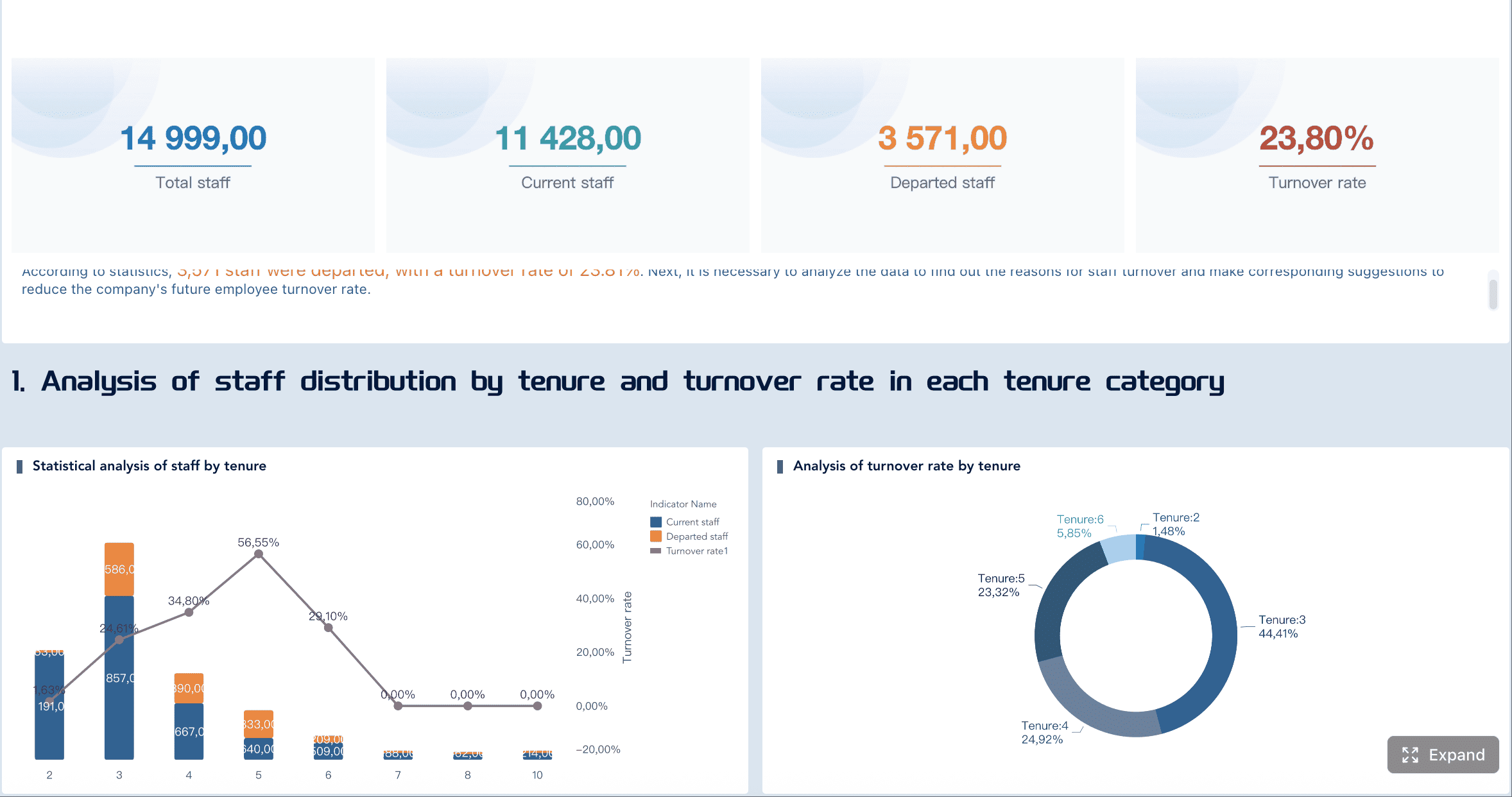
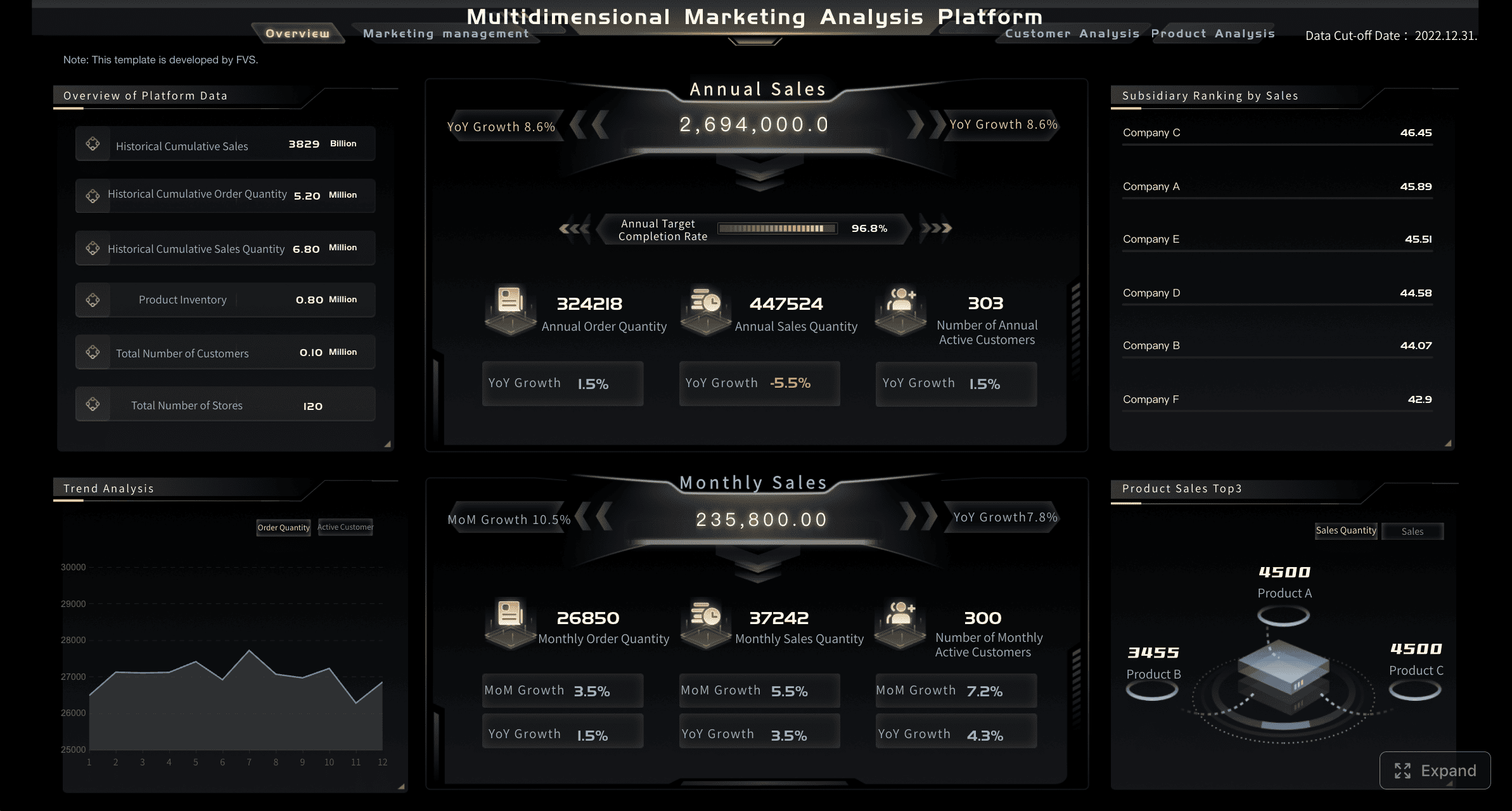
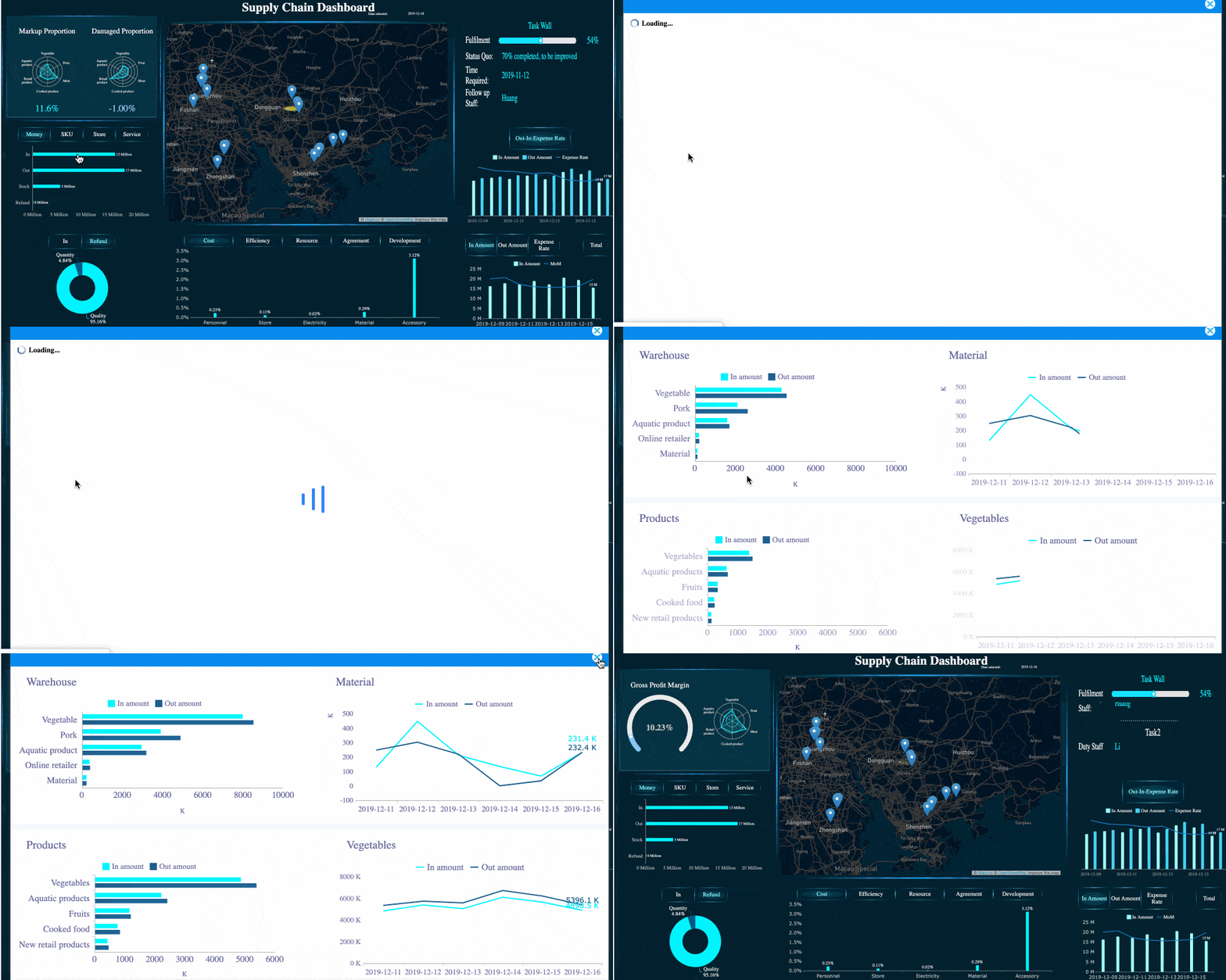
All Dashboard Examples created by FineBI.
Design the payroll dashboard data model before building reports
Most payroll reporting problems are not visual design problems. They are data model problems. If employee records, time entries, pay rules, and payroll outputs are not connected through a clean model, every downstream metric becomes fragile.
Map the key tables and fields
Start by identifying the core tables that the payroll dashboard must combine:
- Employee master
- Timesheet transactions
- Pay period calendar
- Earnings detail
- Deductions
- Taxes
- Department and cost center hierarchy
- Rate tables or compensation records
At this stage, standardization matters more than visualization. A payroll dashboard becomes unreliable when identifiers do not line up across systems. For example:
- Employee ID in HRIS does not match worker ID in payroll
- Department codes differ between finance and HR
- Job codes are free text in timesheets but structured in payroll
- Location names vary by spelling or abbreviation
Your goal is to create consistent join keys so hours, rates, earnings, and allocations can be linked without manual cleanup during every pay cycle.
Define the calculation logic for labor cost reporting
The next step is to define the metrics clearly before they are built into the payroll dashboard.
Separate the major components of labor cost:
- Regular hours
- Overtime hours
- Bonus or supplemental earnings
- Employee taxes and deductions
- Employer taxes and burden
- Benefits allocations where relevant
This is where many teams make a costly mistake: they mix payroll output with managerial labor cost analysis without defining the difference.
Use distinct formulas, such as:
- Gross Pay = Regular Pay + Overtime Pay + Bonuses + Other Taxable Earnings
- Net Pay = Gross Pay - Employee Taxes - Deductions
- Fully Loaded Labor Cost = Gross Pay + Employer Taxes + Benefits + Other Employer Burden
If the dashboard is intended for finance review, fully loaded labor cost is usually more useful than net pay. If it is intended for payroll operations, gross-to-net reconciliation may be the priority. The best payroll dashboard often includes both, but labels them precisely.
You should also define business rules for:
- Overtime thresholds by jurisdiction or policy
- Shift premiums
- Leave treatment
- Retroactive pay adjustments
- Contractor vs employee treatment
- Allocation rules for split cost centers
Set validation rules early
Validation should not be an afterthought. It should be part of the payroll dashboard design from day one.
Set rules that flag common issues automatically:
- Missing timesheets
- Duplicate time entries
- Timesheet hours exceeding policy thresholds
- Mismatched pay rates between systems
- Unassigned departments or cost centers
- Payroll totals that do not reconcile with approved hours
A practical method is to maintain a reconciliation checklist for every pay period:
- Confirm all expected employees are present.
- Confirm all approved timesheets are loaded.
- Compare approved hours to payable hours.
- Compare calculated payroll totals to payroll system output.
- Review exception records for rate, code, and allocation mismatches.
This governance layer is what turns a dashboard into a trusted management tool rather than a reporting experiment.
Build the reporting pipeline from timesheets to payroll dashboard metrics
Once the model and rules are clear, build the reporting pipeline that transforms raw operational data into consistent payroll dashboard metrics.
Clean and normalize timesheet data
Timesheet data is rarely analysis-ready. It often contains inconsistent job codes, mixed date formats, incomplete hour types, and late adjustments.
Standardization tasks usually include:
- Converting date fields into a unified calendar structure
- Mapping inconsistent job and department codes
- Normalizing hour categories such as regular, overtime, leave, and holiday
- Removing or flagging duplicate entries
- Identifying records edited after approval
You also need explicit handling for edge cases, including:
- Late submissions after payroll cutoff
- Split shifts across departments or locations
- Retroactive corrections
- Shift swaps
- Leave entries overlapping worked hours
Without this cleansing step, the payroll dashboard may look polished while producing incorrect totals.
Transform approved hours into payroll measures
After normalization, convert approved hours into business-ready payroll measures.
This transformation generally includes:
- Aggregating hours by employee, team, department, location, and pay period
- Applying rate logic based on compensation type and effective dates
- Splitting regular and overtime hours
- Calculating payable hours
- Computing gross labor cost and, where needed, employer burden
A simple transformation framework is helpful:
| Input | Transformation | Output metric |
|---|---|---|
| Approved regular hours | Multiply by standard rate | Regular pay |
| Approved overtime hours | Multiply by overtime rate | Overtime pay |
| Bonus records | Add supplemental earnings | Total supplemental pay |
| Employer tax rules | Apply burden logic | Employer tax cost |
| Benefits allocations | Add employer benefit cost | Fully loaded labor cost |
The payroll dashboard should not rely on ad hoc formulas embedded separately in multiple charts. Build reusable metrics once, then expose them consistently across all views.
Create a reporting layer your teams can trust
The final pipeline step is to store business-ready metrics in a reporting layer optimized for recurring use.
This layer should include:
- Clean dimension tables for employee, department, location, and pay period
- Governed metric definitions
- Historical snapshots where payroll logic changes over time
- Audit-friendly timestamps and data refresh status
- Documentation for assumptions and calculation logic
Trust is built when users can answer a simple question: Where did this number come from?
That means every important payroll dashboard metric should be explainable:
- What source system did it come from?
- What filters are applied?
- What business rule transformed it?
- Is it based on approved hours, payable hours, or final payroll results?

Choose the views and templates that make the payroll dashboard useful
A payroll dashboard is only effective if the layout matches how leaders review labor data. Too much detail on the first page creates noise. Too little detail forces users back into exports.
Include the core dashboard views
Most organizations should start with five core views in the payroll dashboard:
-
Payroll summary
- Total gross pay
- Total net pay
- Total employer cost
- Headcount paid
- Total hours
-
Labor cost by department
- Department-level spend
- Cost center allocation
- Variance against budget
- Cost per employee or cost per hour
-
Overtime trend analysis
- Overtime hours by pay period
- Overtime pay by team or manager
- High-risk locations or roles
- Threshold breaches
-
Headcount and workforce mix
- Employee vs contractor split
- Active paid employees by department
- Full-time vs part-time composition
- Location-based distribution
-
Variance and exception review
- Pay-period comparisons
- Outlier employees
- Missing approvals
- Retro pay or correction volumes
A well-designed payroll dashboard also includes drill-down capability. Executives may start at summary level, but payroll analysts and HR partners need to drill into employee-level exceptions and pay-period details quickly.
Use examples and templates to speed up adoption
Templates are useful, but only if they reflect your operating model. A common mistake is copying a generic payroll dashboard layout that looks modern but does not answer your actual reporting questions.
When reviewing sample layouts, compare them against your internal requirements:
- Do they support gross-to-net reconciliation?
- Can they handle department and cost center analysis?
- Is overtime shown as both hours and cost?
- Are employee-level exceptions easy to audit?
- Can finance compare actual labor cost to budget?
A practical evaluation checklist looks like this:
| Template feature | Keep | Modify | Remove |
|---|---|---|---|
| Payroll totals KPI cards | Yes | ||
| Employee-level detail table | Yes | Add exception flags | |
| Trend charts by month only | Add pay-period view | ||
| Decorative charts with no action value | Yes | ||
| Department cost matrix | Yes | Add budget variance |
Use templates to accelerate layout decisions, not to define reporting logic. Business logic should always come first.
Validate the payroll dashboard with HR and finance before rollout
Even a technically accurate payroll dashboard can fail if users do not trust the outputs or cannot navigate the analysis path easily.
Test accuracy against real payroll cycles
The safest validation method is to test the dashboard against completed payroll runs.
For each historical pay cycle, reconcile:
- Approved timesheet hours
- Payable hours
- Gross pay
- Deductions
- Taxes
- Net pay
- Department allocations
Make sure edge cases are covered, especially:
- Paid leave
- Holiday pay
- Retro pay
- Corrections and reversals
- Shift premiums
- Off-cycle payroll runs
A sample validation workflow:
Completed Payroll Cycle
   ↓
Load approved timesheets
   ↓
Apply payroll logic
   ↓
Compare dashboard totals to final payroll register
   ↓
Investigate variances
   ↓
Adjust rules or mappings
   ↓
Approve for production use
Testing with real cycles exposes issues that a sample dataset will never reveal. This is especially important when payroll policies differ by location, union rule, or compensation type.
Confirm usability for cross-functional teams
Accuracy alone is not enough. The payroll dashboard must also work for different user groups.
Finance teams typically need:
- Trend analysis across periods
- Department and cost center views
- Budget variance
- Fully loaded labor cost
HR and payroll teams typically need:
- Employee-level exceptions
- Missing time approvals
- Leave and attendance impacts
- Policy compliance checks
Usability testing should focus on:
- Filter clarity
- Consistent labels
- Sensible drill-down paths
- Role-based default views
- Fast access to exception records
If users need training just to understand what a metric means, the dashboard is too complex. Keep labels explicit and business-oriented.
Maintain, scale, and evaluate payroll dashboard tools over time
A payroll dashboard is not a one-time build. It is an operational reporting product that must evolve with policy, systems, and organizational structure.
Set an operating process for ongoing accuracy
To keep payroll reporting reliable, establish a clear operating model.
That operating model should define:
- Data refresh schedules
- Ownership for metric definitions
- Exception review responsibilities
- Change control for pay rules
- Version history for mapping updates
- Periodic validation against payroll output
A simple governance framework:
| Area | Owner | Frequency |
|---|---|---|
| Timesheet data refresh | Data/BI team | Daily or per pay cycle |
| Payroll reconciliation | Payroll team | Each pay cycle |
| Labor cost review | Finance | Monthly |
| Pay rule updates | Payroll/HR | As policies change |
| Dashboard enhancement requests | BI governance group | Monthly or quarterly |
This discipline helps prevent a common problem: the dashboard remains live, but the logic behind it slowly becomes outdated.
Compare build-vs-buy options for dashboard software
At scale, many teams reach a decision point: should they keep building the payroll dashboard within their current BI stack, or move to a more packaged solution?
The answer depends on complexity, internal capability, and reporting requirements.
A custom build may be the better choice when:
- You already have a mature BI environment
- Payroll logic is highly specific
- You need deep integration with finance and operational data
- Your team wants full control over modeling and governance
A packaged solution may be the better choice when:
- Reporting needs are standard
- Internal BI resources are limited
- Implementation speed matters more than customization
- You need employee-facing or payroll-native workflows
The right evaluation criteria should include:
- Data integration flexibility
- Modeling capabilities
- Drill-down and self-service usability
- Security and role-based access
- Auditability
- Total cost of ownership
For many mid-sized and enterprise teams, a modern BI platform offers the best balance: enough flexibility to model payroll correctly, plus enough usability to deliver trusted dashboards across HR and finance.
This is where FineBI is a practical option to evaluate. If your organization needs to build a governed payroll dashboard from timesheets, payroll outputs, HR data, and finance dimensions, FineBI can help you centralize the model, standardize calculations, and deliver interactive analysis for different business roles. It is especially useful when you want to move beyond static reports and give HR and finance a shared, drillable view of labor cost, overtime, headcount, and variance. Instead of maintaining fragmented spreadsheets or waiting on ad hoc report requests, teams can use FineBI to create repeatable payroll reporting workflows with stronger control and faster decision support.
The key is to evaluate tools only after your reporting requirements are clear. Software should support your payroll reporting design, not define it for you.
A high-performing payroll dashboard is not built by starting with charts. It is built by starting with business questions, disciplined data modeling, governed calculations, and validation against real payroll cycles. Get those fundamentals right, and your dashboard becomes far more than a report. It becomes a decision system for controlling labor cost with confidence.
FAQs
It should combine approved hours, pay rules, employee records, payroll results, and department or cost center data. The most useful views cover total labor cost, overtime, departmental spending, and pay-period reconciliation.