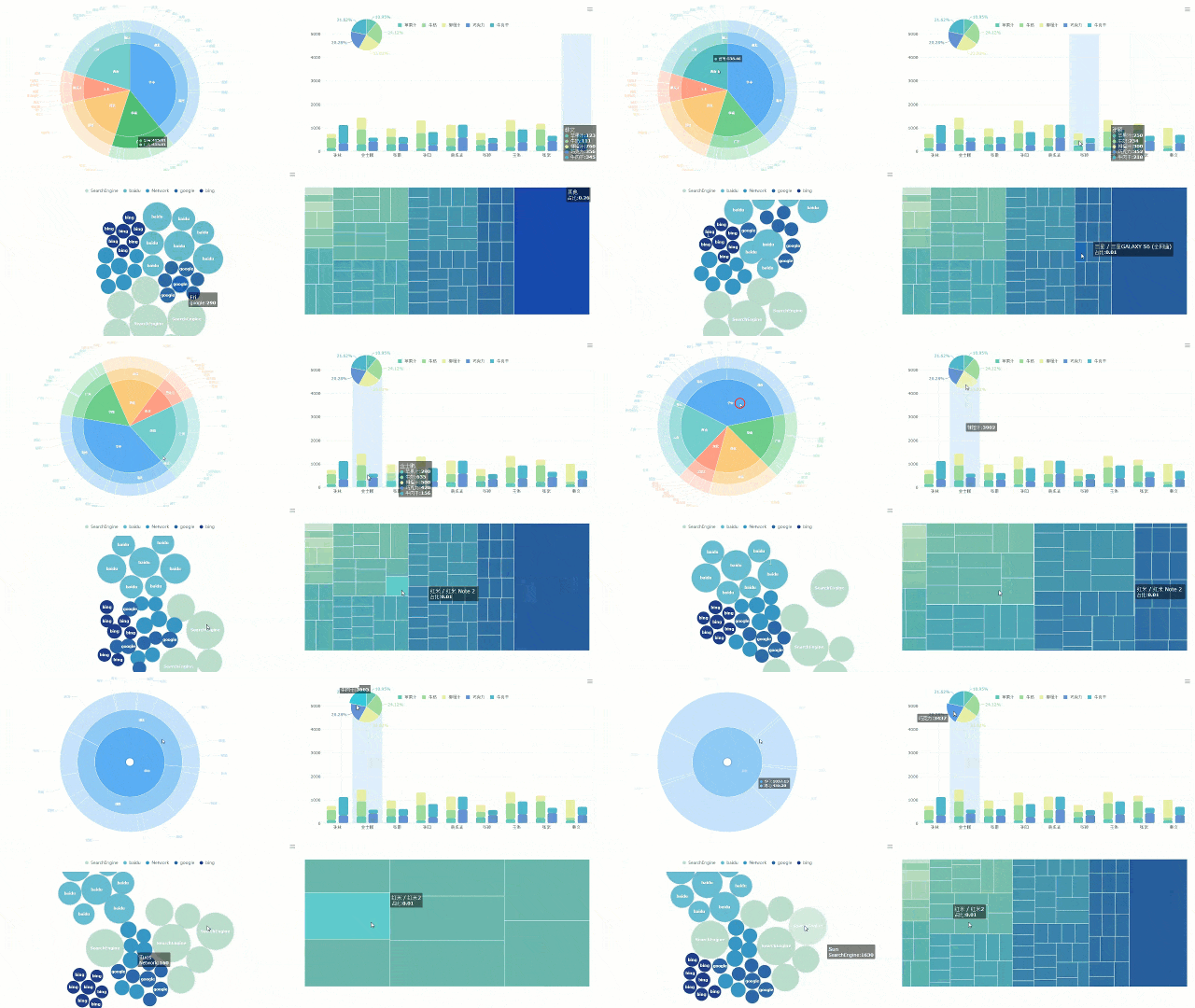
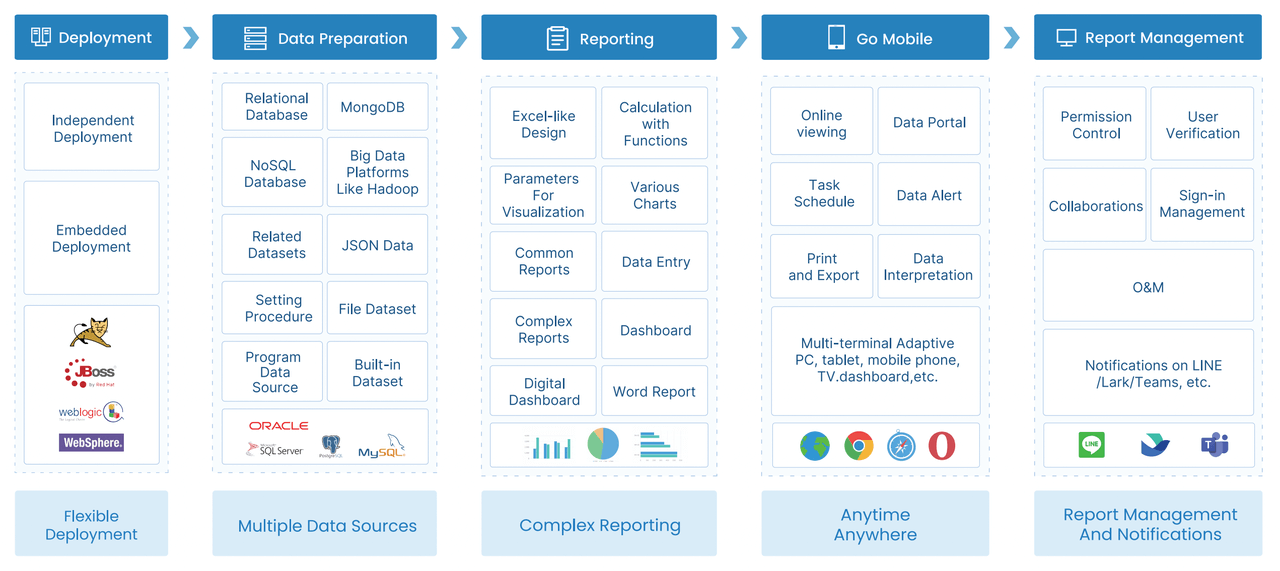
A weekly sales report provides a clear snapshot of your business’s performance over a seven-day period. By regularly reviewing weekly sales reports, you can track sales and revenue, identify emerging trends, and respond quickly to changes in the market. Making smart business decisions relies on having accurate numbers delivered at the right time. With tools like FineReport from FanRuan, generating weekly sales reports becomes effortless. FineReport brings automation, real-time updates, and robust data integration to your reporting process, ensuring your weekly sales reports are both precise and efficient. The table below highlights how FineReport enhances the accuracy and efficiency of your weekly sales reports:
Feature
How It Helps You
Streamlined report generation
Reduces manual errors, boosts accuracy
Real-time data updates
Keeps your information current and timely
Data integration
Combines data from different sources
Visual report creation
Lets you build clear, appealing reports fast
Workflow automation
Speeds up the reporting process
Understanding Weekly Sales Reports
What Is a Weekly Sales Report?
A weekly sales report is a document that shows how your business performed over the past seven days. You use it to track important sales data, such as the number of deals closed, revenue earned, and team activities. This report gives you a clear view of your sales process and helps you spot trends quickly. Unlike monthly or quarterly reports, weekly sales reports offer immediate insights, so you can make fast adjustments to your sales strategy.
Here is a table that shows common components found in a standard weekly sales report:
Component
Description
Total outbound calls
The total number of calls made by the sales team.
Sales by channel
Breakdown of sales performance across different channels.
Revenue/deal closed per rep
Revenue generated by each sales representative.
Lead conversion ratio
The percentage of leads that convert into sales.
Upsell-cross sell rate
Rate at which additional sales are made to existing customers.
Customer lifetime value
The total revenue expected from a customer over their lifetime.
Average purchase
The average amount spent by customers per transaction.
Meetings conducted by every rep
Number of meetings held by each sales representative.
Opportunity-to-win ratio per rep
Ratio of opportunities that result in a sale for each rep.
Total sales per region
Total sales figures broken down by geographical region.
Purpose and Benefits for Businesses
You rely on weekly sales reports to make better decisions and keep your team focused. These reports help you see what is working and what needs improvement. When you review sales data every week, you can spot problems early and take action before they grow.
Some key benefits include:
Better decision-making: You get real-time updates on progress and challenges.
Greater trust and alignment: Everyone knows their roles and responsibilities.
Higher productivity: Regular reviews boost motivation and performance.
Quicker communication: You can share feedback and insights faster.
Weekly sales reports also create accountability and encourage a culture of excellence. They help you find new market opportunities and empower your sales team with the data they need. With tools like FineReport from FanRuan, you can automate report creation, integrate data from multiple sources, and distribute reports quickly. This makes your reporting process more accurate and efficient.
Many people in your organization use weekly sales reports. Sales managers depend on them to track team performance and set goals. Performance analysts use the reports to study trends and measure results. Field sales managers review the data to guide their teams and adjust strategies.
Tip: When you use a tool like FineReport, you make it easier for everyone to access and understand sales data. This supports better teamwork and faster decision-making.
Why Weekly Sales Reports Matter
Driving Data-Driven Decisions
You need clear information to make smart choices for your business. Weekly sales reports give you a steady flow of data, so you can see what is happening right now. When you review a sales report each week, you spot trends and changes before they become problems. This helps you stay agile and respond quickly.
Here is a table that shows how weekly sales reports help you make better decisions:
Contribution of Weekly Sales Reports
Description
Insights into Performance
You see how each person and team is doing, which helps you find strengths and weaknesses.
Trend Identification
You notice patterns that guide your next steps.
Resource Allocation
You decide where to focus your time and money for the best results.
Professional Development
You create plans for growth and training.
Team-Wide Trends
You find common issues and share winning strategies.
FineReport from FanRuan makes this process easier. You get automated updates and real-time data, so your decisions are always based on the latest information.
You want your team to work better and reach their goals. Weekly sales reports help you track key performance indicators and measure progress. When you analyze a sales report, you find out which products sell best and which areas need more attention. You also see how well your team manages meetings and uses their time.
Weekly sales reports help you track key performance indicators (KPIs).
They make team members more accountable for their results.
Regular reporting shows where you can improve and helps you match your strategy to your goals.
FineReport’s automation features let you focus on coaching and development instead of manual data entry. You spend more time helping your team and less time collecting numbers.
You need a plan to grow your business. Weekly sales reports give you a clear picture of future revenue and help you spot shortfalls early. When you track sales opportunities, you adjust your strategy before problems get bigger. This keeps your business moving forward.
Sales reports help you set realistic goals and keep your team focused. You use the data to make changes that improve sales performance and support long-term growth. FineReport’s real-time insights make it easier to plan and adapt quickly.
Key Components of a Sales Report
A strong sales report helps you understand your business and make better decisions. You need to include the right information to get a clear picture of your sales performance. Let’s look at the key components you should always include and how FineReport makes it easy to bring all your sales data together.
You want to track the numbers that matter most. These key performance metrics show how well your team is doing and where you can improve. The common elements of a sales report include figures like sales growth rate, revenue, and conversion rates. You can see these metrics in the table below:
Metric
Description
Input Frequency
Example
Sales growth rate
Measures the percentage increase in sales over a specific period of time.
Monthly
If sales were $100,000 last month and $120,000 this month, growth rate is 20%.
Sales revenue
The total amount of revenue generated by the sales department over a specific period.
Monthly
If $500,000 was generated last month, that is the sales revenue.
Customer acquisition cost
The cost of acquiring new customers, calculated by dividing total sales and marketing costs by new customers acquired.
Monthly
If $50,000 was spent and 100 new customers were acquired, cost is $500.
Customer lifetime value
Total revenue generated by a customer over their lifetime.
Quarterly
If a customer spends $1,000 per year for 5 years, their lifetime value is $5,000.
Sales conversion rate
The percentage of leads that convert into paying customers.
Daily
If 100 leads resulted in 10 paying customers, conversion rate is 10%.
Average deal size
The average value of each sale made by the sales department.
Monthly
If 50 sales totaled $100,000, average deal size is $2,000.
Sales pipeline velocity
How quickly leads move through the sales pipeline.
Weekly
If it takes 30 days for a lead to convert and there are 100 leads, velocity is 3.
Sales cycle length
How long it takes for a lead to become a paying customer.
Weekly
If it takes 30 days for a lead to convert, cycle length is 30 days.
Sales win rate
The percentage of deals won by the sales department.
Daily
If 10 deals were made and 3 were won, win rate is 30%.
Sales velocity
How quickly deals move through the sales pipeline.
Weekly
If it takes 30 days for a deal to move through and there are 10 deals, velocity is 0.33.
Sales per rep
Total revenue generated by each sales representative.
Monthly
If 5 reps generated $500,000, average sales per rep is $100,000.
Sales per lead
Total revenue generated by each lead.
Monthly
If 100 leads generated $50,000, average sales per lead is $500.
Lead response time
How quickly sales reps respond to leads.
Daily
If it takes 2 hours to respond to 10 leads, response time is 2 hours.
Customer retention rate
The percentage of customers that continue to do business over a specific period.
Quarterly
If 1,000 customers started and only 16 were lost, retention rate is 98.4%.
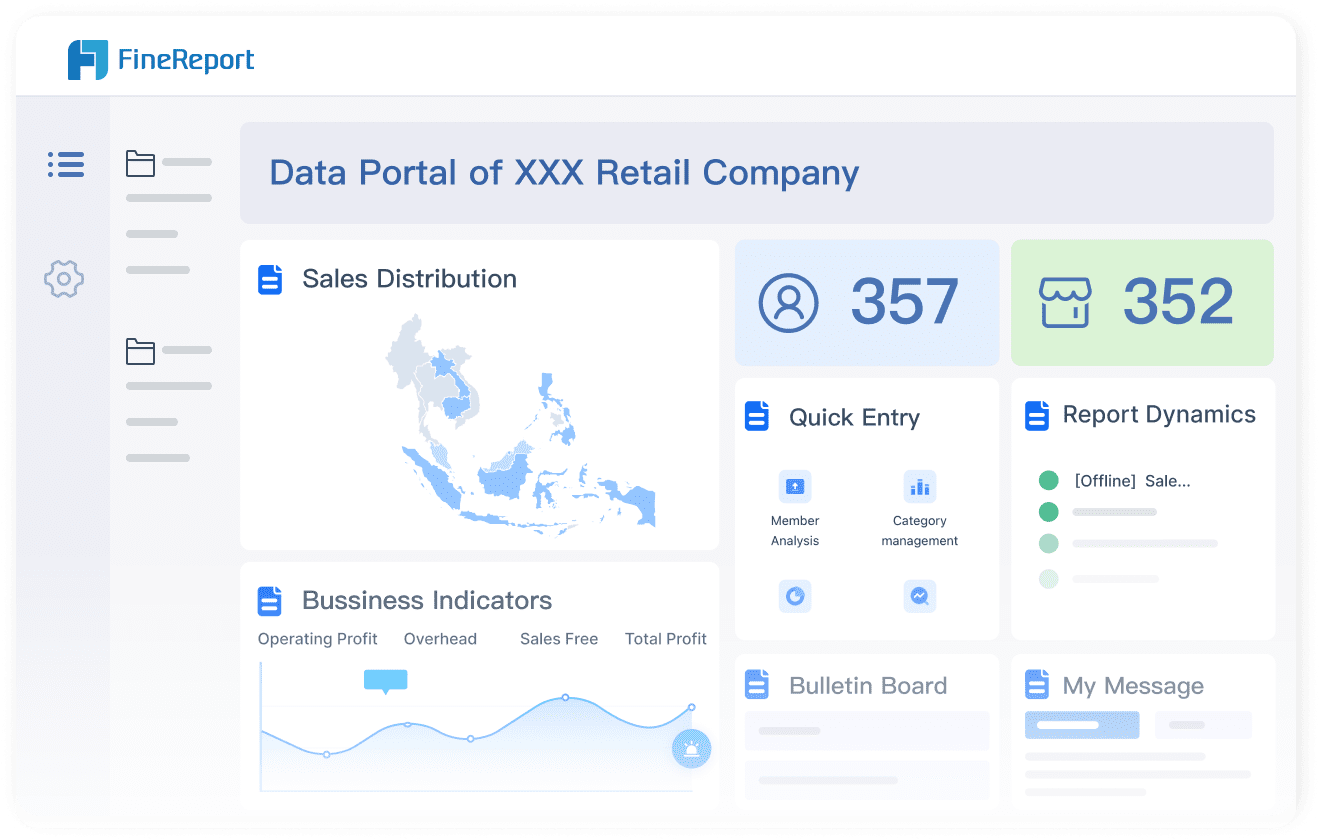
You can use FineReport to collect these metrics from different sources and display them in one dashboard. This helps you see your sales performance in real time and spot changes quickly.
Sales by Product, Channel, or Region
You need to know where your sales come from. Segmenting sales data by product, channel, or region helps you find your strengths and weaknesses. You can compare sales performance across online stores, physical locations, or different products. The table below shows how you can break down your sales report:
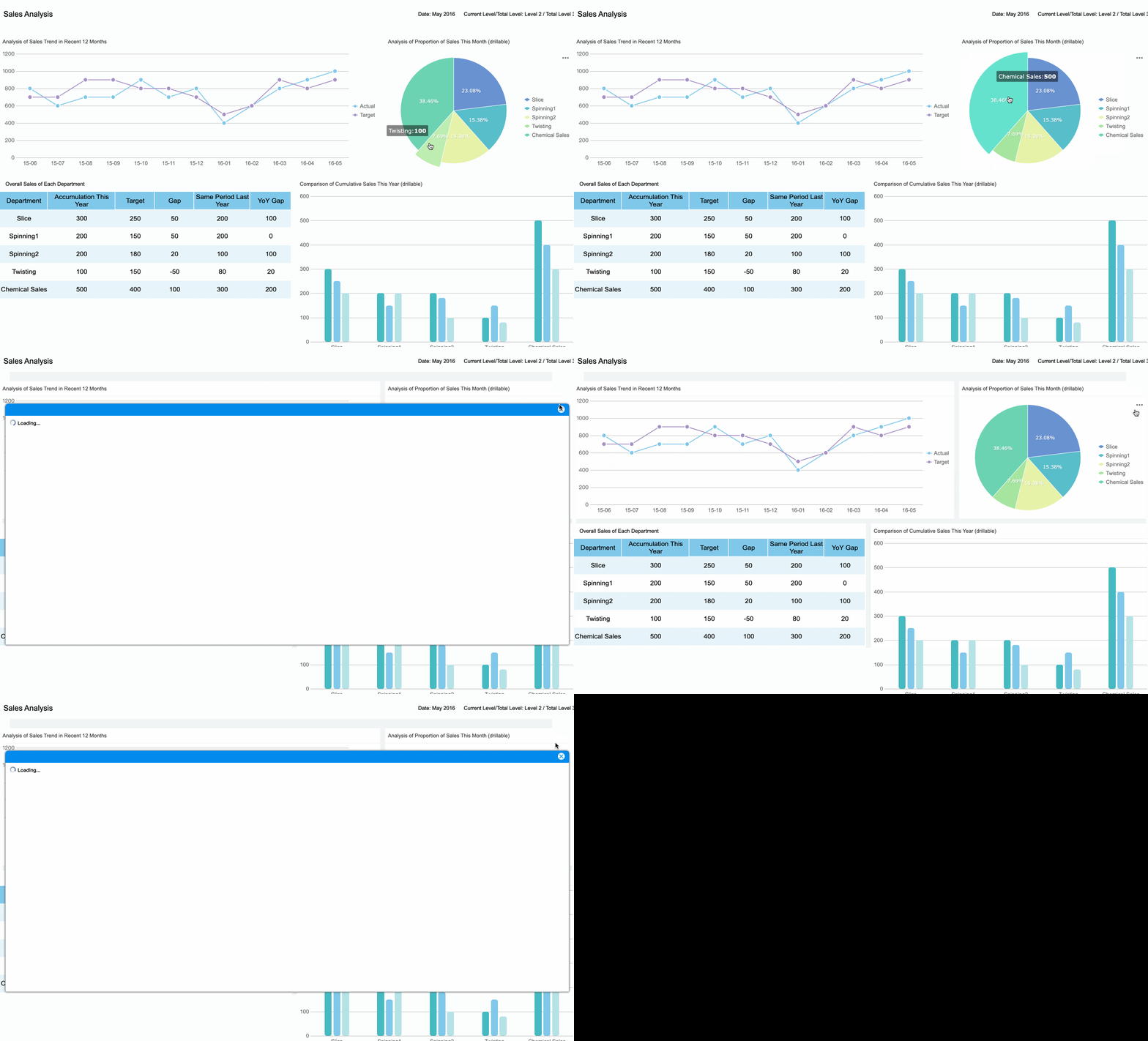
FineReport enables you to integrate data from multiple systems, so you can view sales by product, channel, or region in one place. You can create interactive dashboards that let you drill down into details and compare results side by side.
You want to understand what is changing in your business. Tracking trends helps you see if your sales are growing, staying flat, or dropping. You can use moving averages to smooth out weekly sales data and spot patterns. Regression analysis helps you see how factors like pricing or marketing affect sales performance. Correlation analysis lets you compare sales with other metrics, such as customer retention or average deal size.
Tip: Use historical comparisons to spot unusual spikes or drops in demand. Exclude special events like holiday promotions to get a clearer view of normal sales performance.
Businesses often identify trends such as price rollbacks, extended discounts, and competitive price matching. You may also see supplier-funded deals driving traffic. FineReport’s visualization tools help you highlight these trends and compare sales performance across different regions using advanced analytics.
Track performance shifts by reviewing sales data across different time periods.
Segment revenue data to find growth drivers.
Use cohort analysis to see how new customers contribute over time.
Analyze product lines to find which items drive growth or need improvement.
FineReport supports these analyses with multi-source data integration and interactive charts, making it easy to uncover insights and share them with your team.
Action Items and Recommendations
You need to turn insights into action. Every sales report should end with clear recommendations based on the data. You might decide to focus on a high-performing product, adjust your pricing strategy, or invest more in a successful sales channel. You can also set new goals for your team or plan training sessions to improve weak areas.
Note: FineReport lets you automate the delivery of action items and recommendations. You can schedule reports to send updates to your team, ensuring everyone stays informed and aligned.
When you use FineReport, you can add comments, highlight urgent issues, and assign tasks directly from your dashboard. This helps you move from analysis to action quickly, keeping your business agile and focused on growth.
You need to include these key components in every sales report to get the most value from your sales data. FineReport makes it simple to gather, analyze, and visualize all the information you need, so you can make smarter decisions and drive better results.
Creating Effective Weekly Sales Reports with FineReport
Data Integration and Automation
You want your weekly sales report to reflect accurate, up-to-date information from every corner of your business. FineReport helps you integrate multiple data sources and automate the reporting process. To get started, follow these best practices:
Set clear objectives for your report. Decide what you want to measure and why.
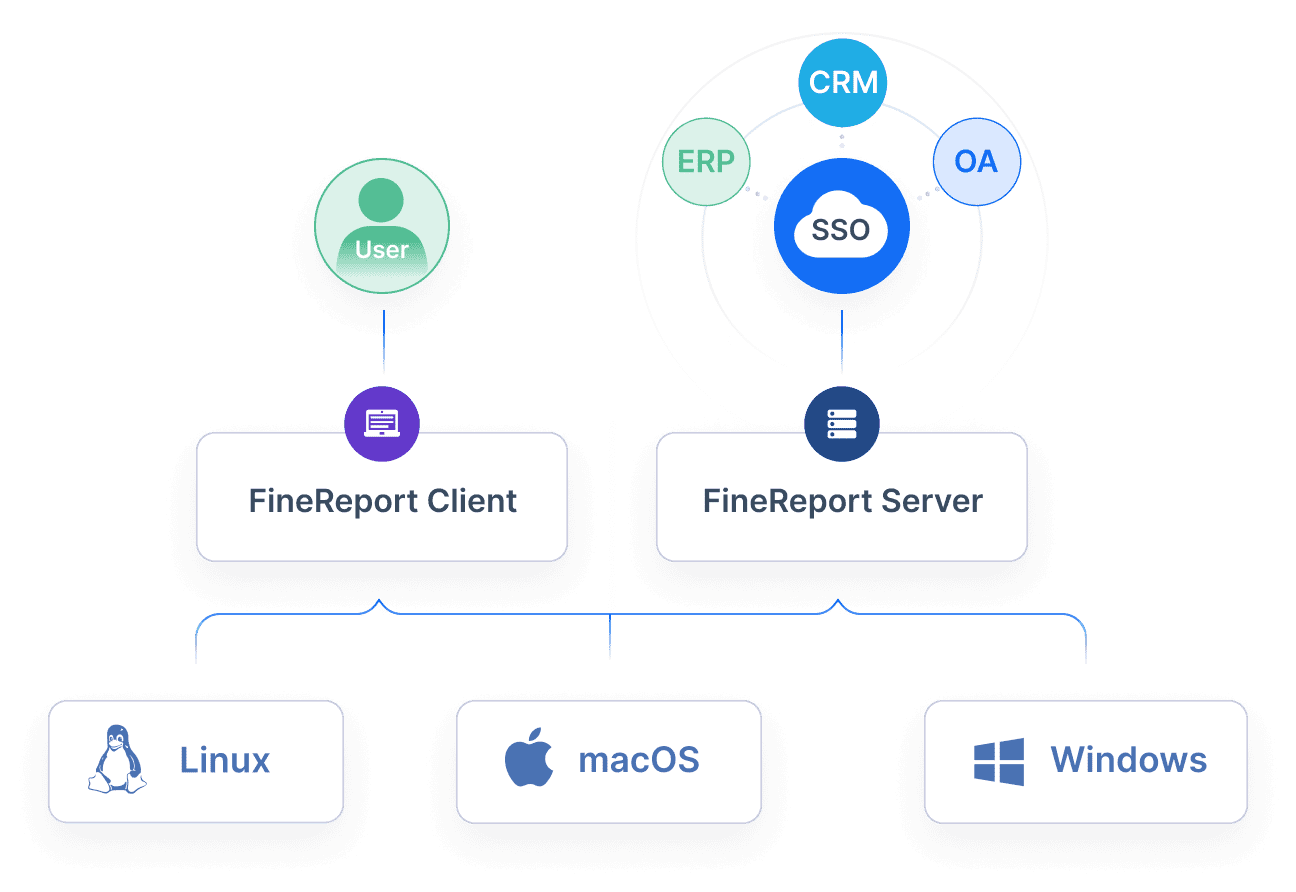
Identify the key data sources you need, such as CRM, ERP, or e-commerce platforms.
Choose integration tools that work well with your current systems and can scale as your business grows.
Standardize your data formats and definitions to ensure consistency.
Build a unified data structure so you can compare and analyze information easily.
Use FineReport’s visualization features to display trends and insights.
Monitor and optimize your integration regularly to keep your reports accurate.
FineReport’s automation features save you time by pulling sales data from different systems and updating your reports in real time.
Customizing Reports for Your Business
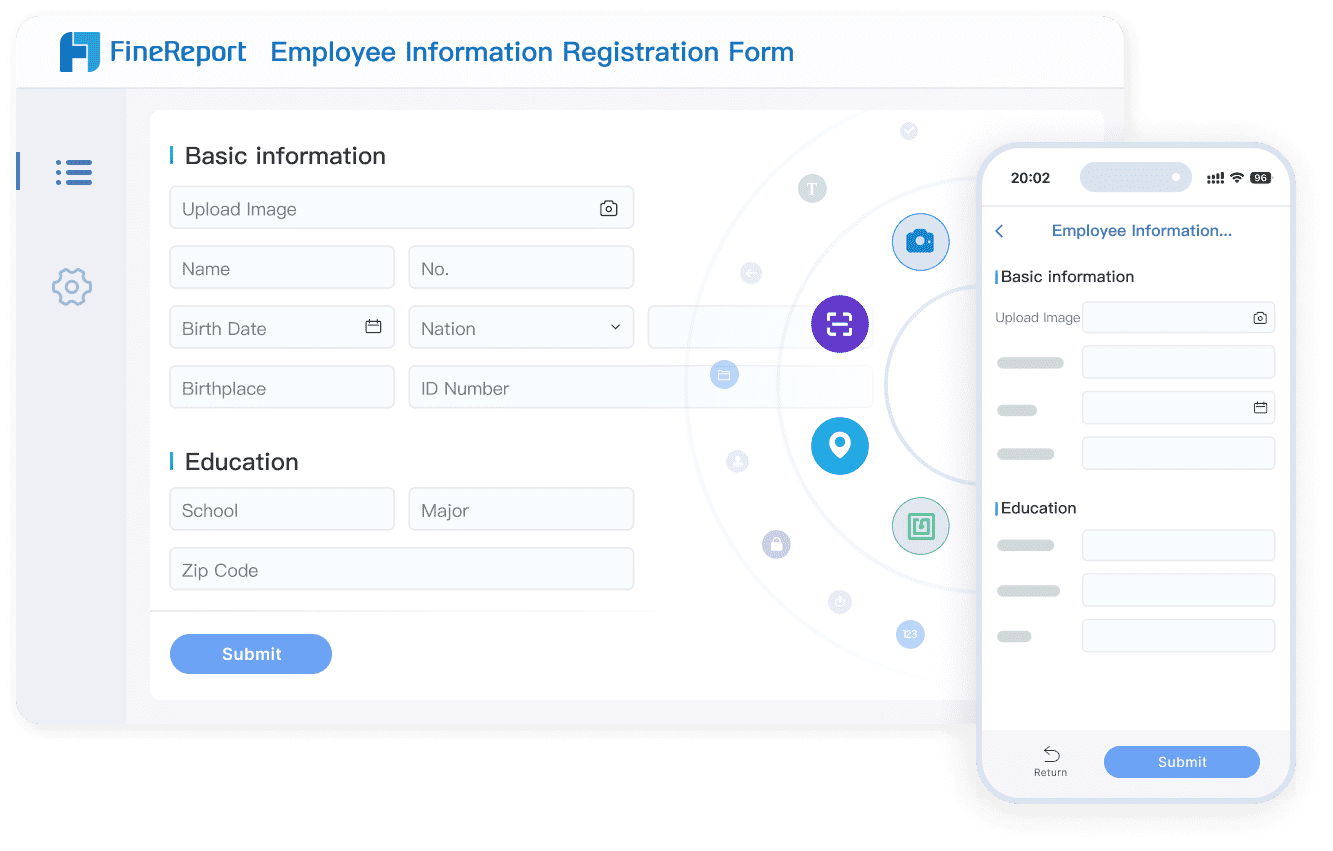
Every business has unique needs. FineReport gives you the flexibility to create a sales report that fits your goals. You can use a drag-and-drop interface, select from over 50 chart styles, and connect to major databases. The table below shows some customization options:
Customization Options
Description
Drag-and-drop interface
Create reports quickly and easily in just 10 minutes.
When you customize your reports, you deliver timely data to the right people. This speeds up decision-making and ensures everyone has the information they need.
Scheduling and Distribution
You need to deliver your weekly sales report to the right people at the right time. FineReport lets you automate scheduling and distribution, so your team always stays informed. Consider these best practices:
Use charts and visual indicators to highlight important trends and exceptions.
Set a distribution frequency that keeps everyone updated without overwhelming them.
Highlight anomalies or threshold violations to draw attention to urgent issues.
Tailor the content and timing of reports for each recipient group.
Start with a summary, then provide detailed data for deeper analysis.
FineReport’s scheduling tools help you automate delivery, making sure your team receives actionable insights every week.
Real-World Example: SAMOA’s Success Story
SAMOA, a leading distributor for OPPO in Taiwan, transformed its sales management by using FineReport. The company integrated CRM, email, and calendar data into a real-time dashboard. This allowed sales teams to prioritize deals and improve forecast accuracy. SAMOA automated performance calculations and unified report formats, which reduced manual work and eliminated data silos. The result was faster, more reliable decision-making and measurable gains in sales performance. SAMOA’s experience shows how real-time data integration and automation can drive growth and efficiency.
FineReport is part of the broader FanRuan ecosystem, which supports data-driven decision-making across your organization. You can connect, analyze, and visualize your business data with ease, empowering your team to act quickly and confidently.
You rely on weekly sales reports to drive business performance and informed decision-making. The following summary table highlights their impact:
Key Takeaway
Description
Evaluating Strategies
Weekly reports help you assess sales strategies and set future targets.
Informed Decision-Making
You create accurate forecasts and identify opportunities for growth.
Accountability and Progress
Regular reporting promotes accountability and quick adjustments.
FineReport from FanRuan streamlines report creation and automates data integration, giving you real-time insights. When you upgrade your weekly sales reporting process, you gain a competitive advantage. Here is a quick summary of the benefits:
You save time and reduce errors.
You improve team alignment and efficiency.
You make smarter decisions with up-to-date information.
Access a wealth of case studies, industry insights, and solution guides to accelerate digital transformation.
FAQ
How often should you create a weekly sales report?
You should create a weekly sales report every seven days. This routine helps you track progress, spot trends, and respond quickly to changes in your sales performance.
Can you customize weekly sales reports in FineReport?
Yes, you can customize your reports in FineReport. Use the drag-and-drop designer, select chart styles, and connect to your preferred data sources. You build reports that fit your business needs.
What data sources can FineReport connect to?
FineReport connects to over 100 data sources. You can link databases, spreadsheets, cloud platforms, and more. This flexibility lets you combine all your sales data in one place.
How does automation in FineReport save you time?
Automation in FineReport schedules report generation and distribution. You avoid manual data entry and repetitive tasks. Your team receives up-to-date reports without extra effort.