You probably notice how fast things change when it comes to data and technology. Today, ai data tools have become essential for analysts. According to industry surveys, 97% of analysts say ai tools help speed up daily tasks, but many still rely on manual work. Over the past few years, adoption has skyrocketed. Companies now use ai assistant features to automate data cleaning, spot trends, and make better decisions faster. If you want to boost productivity, improve writing, and turn raw data into insights, staying updated with the right tools is more important than ever.
With so many options available, knowing which tools deliver real value can save you time and effort. Here are the 10 best AI data tools every analyst should know:
- FineChatBI
- Microsoft Power BI
- Tableau with Einstein GPT
- Zoho Analytics
- Mammoth
- TextQL
- Akkio
- Polymer
- Apache Spark
- OpenAI GPT-5
Top 10 AI Data Tools for 2026

Choosing the right ai data tools can change how you work as an analyst. You want tools that make your job easier, help you find actionable insights, and keep you ahead in a fast-moving world. Here are the best ai tools you should know for 2026, each bringing something special to your workflow.
1.FineChatBI by FanRuan
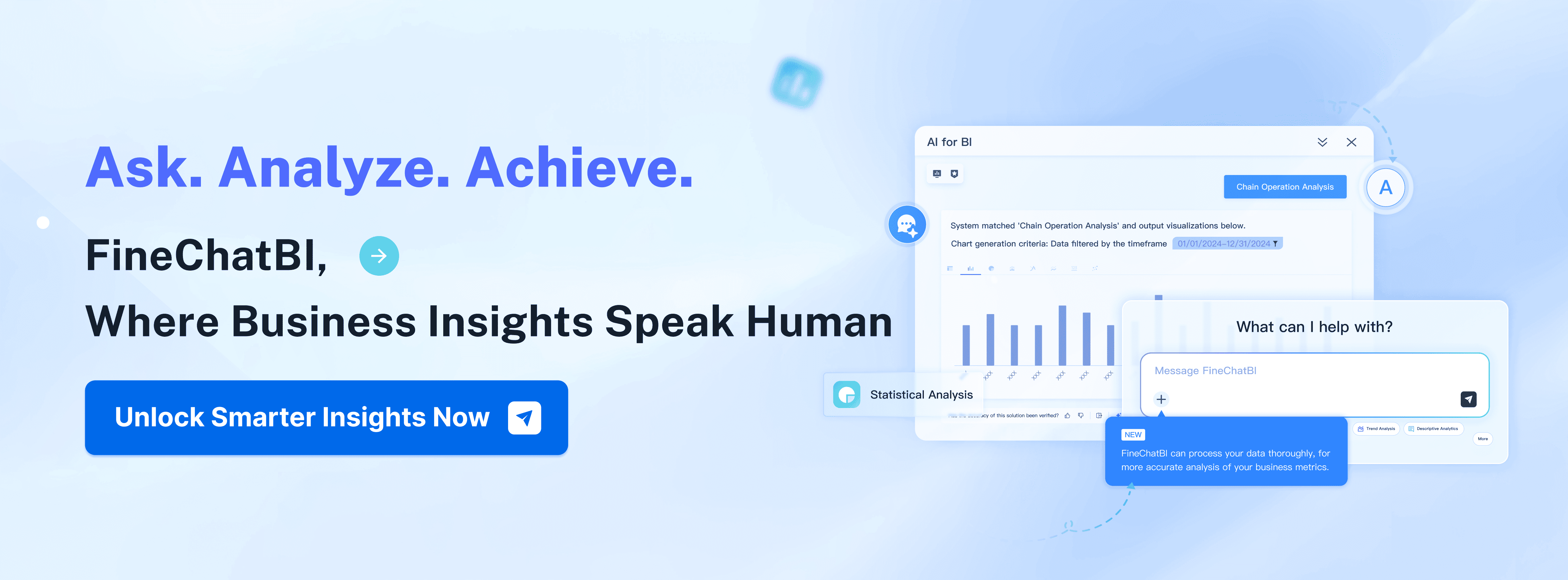
If you want a conversational ai assistant that truly understands your business data, FineChatBI by FanRuan stands out. You can ask questions in plain language and get instant, reliable answers. FineChatBI helps you move from simple questions to deep analytics, all through a chat-like interface. It’s built for both business users and analysts, so you don’t need to be a tech expert to get value.
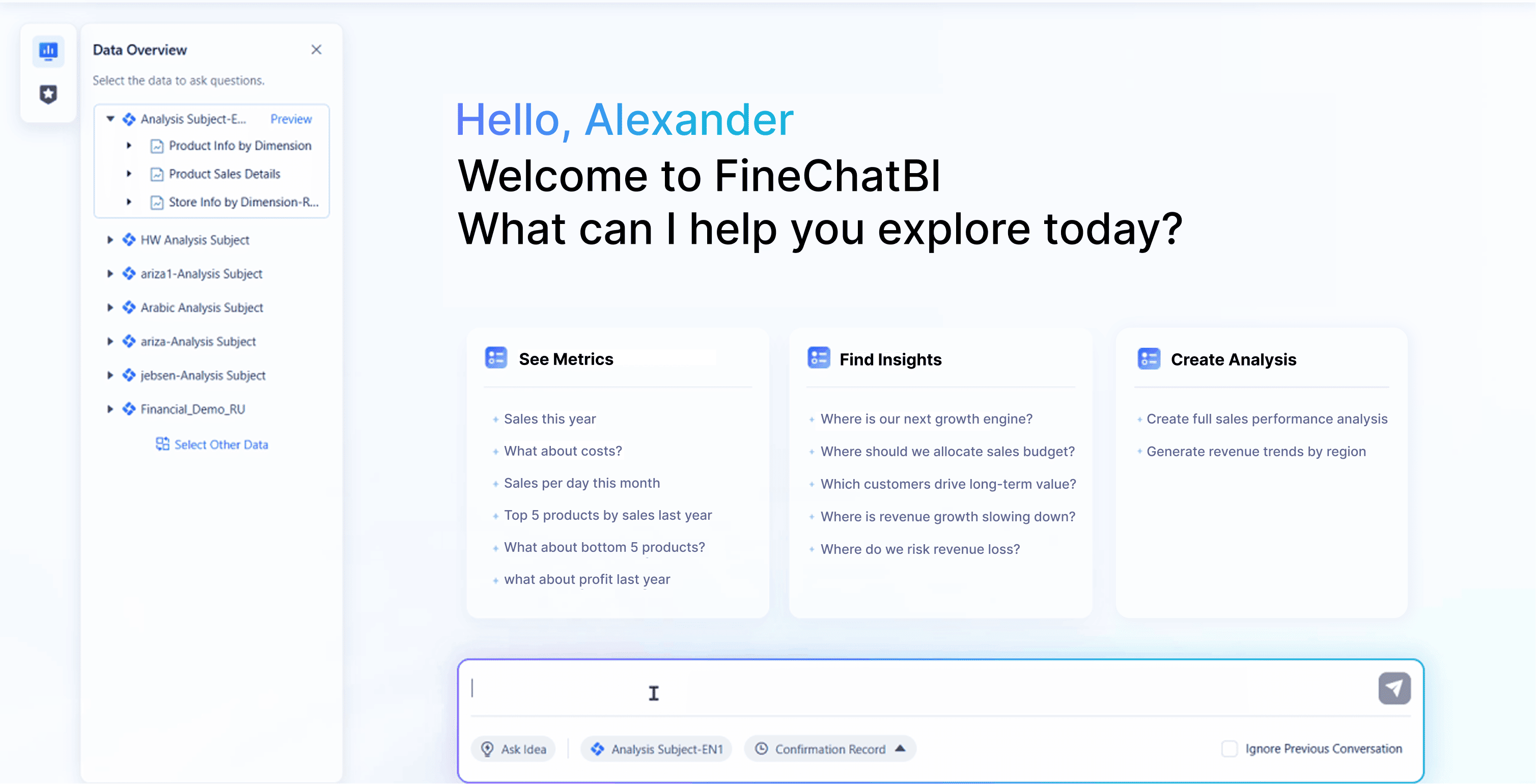
Website: https://www.fanruan.com/en/finechatbi
Here’s what makes FineChatBI unique compared to other ai data collection tools:
| Unique Feature | Description |
|---|---|
| High Scalability | Supports large-scale data processing and analysis. |
| Seamless Mode Switching | Lets you switch between analysis modes easily. |
| Advanced Architecture | Built on a strong framework for performance and reliability. |
| Visual Data Preparation | Makes data cleaning and preparation intuitive. |
| Excellent User Experience | Designed for ease of use. |
| Intelligent Permission Inheritance | Simplifies user access management. |
| Real-time Data Previewing | Shows data changes instantly during analysis. |
| Support for Complex Data Models | Handles intricate data structures for deep analysis. |
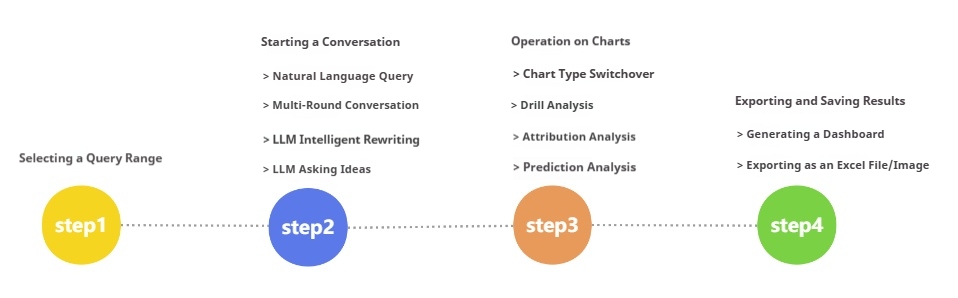
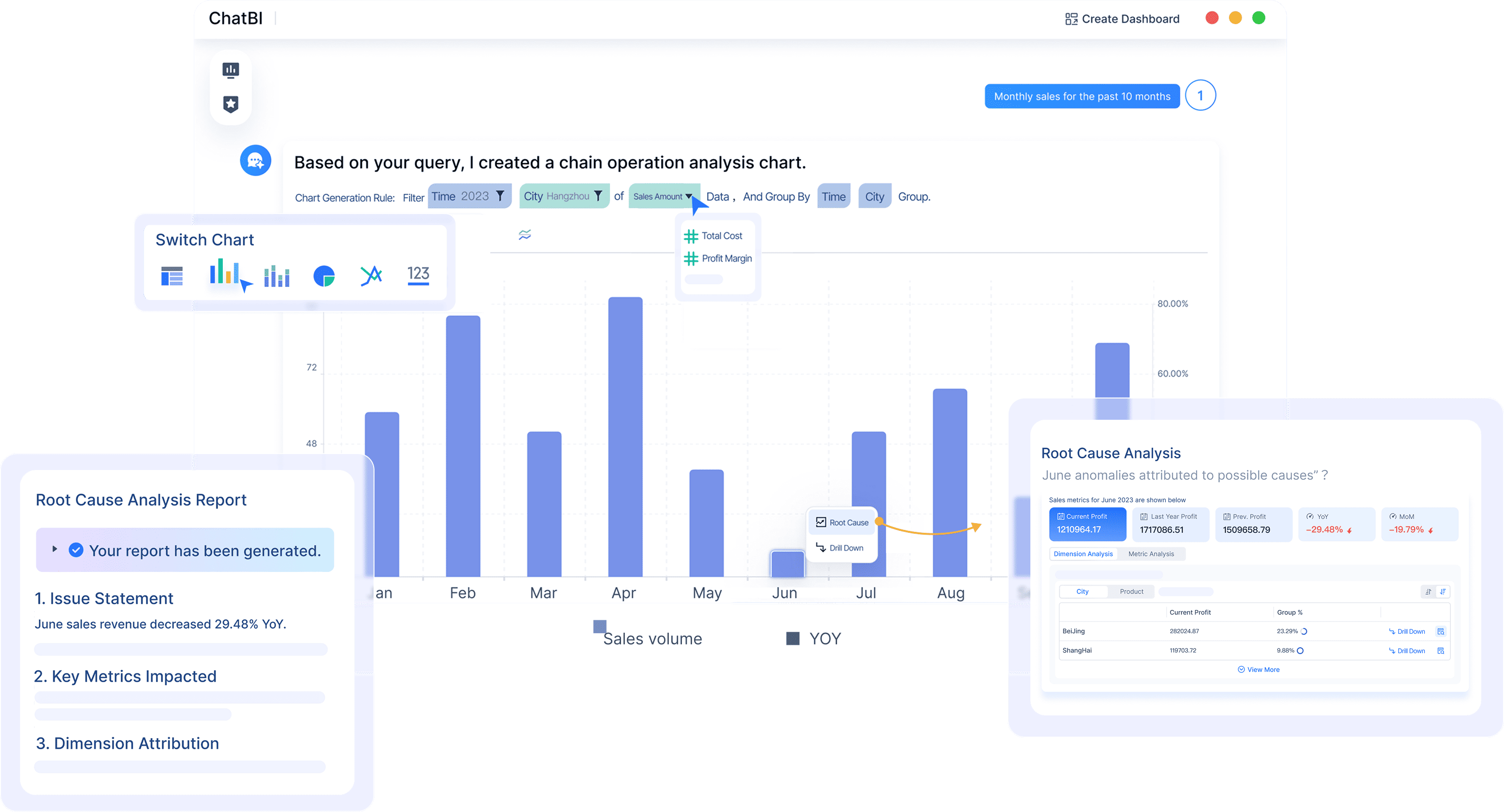
You can use FineChatBI to clean, explore, and visualize data, all while keeping your workflow smooth and efficient. It’s perfect for teams that want to democratize analytics and empower everyone to find insights.
2.Microsoft Power BI
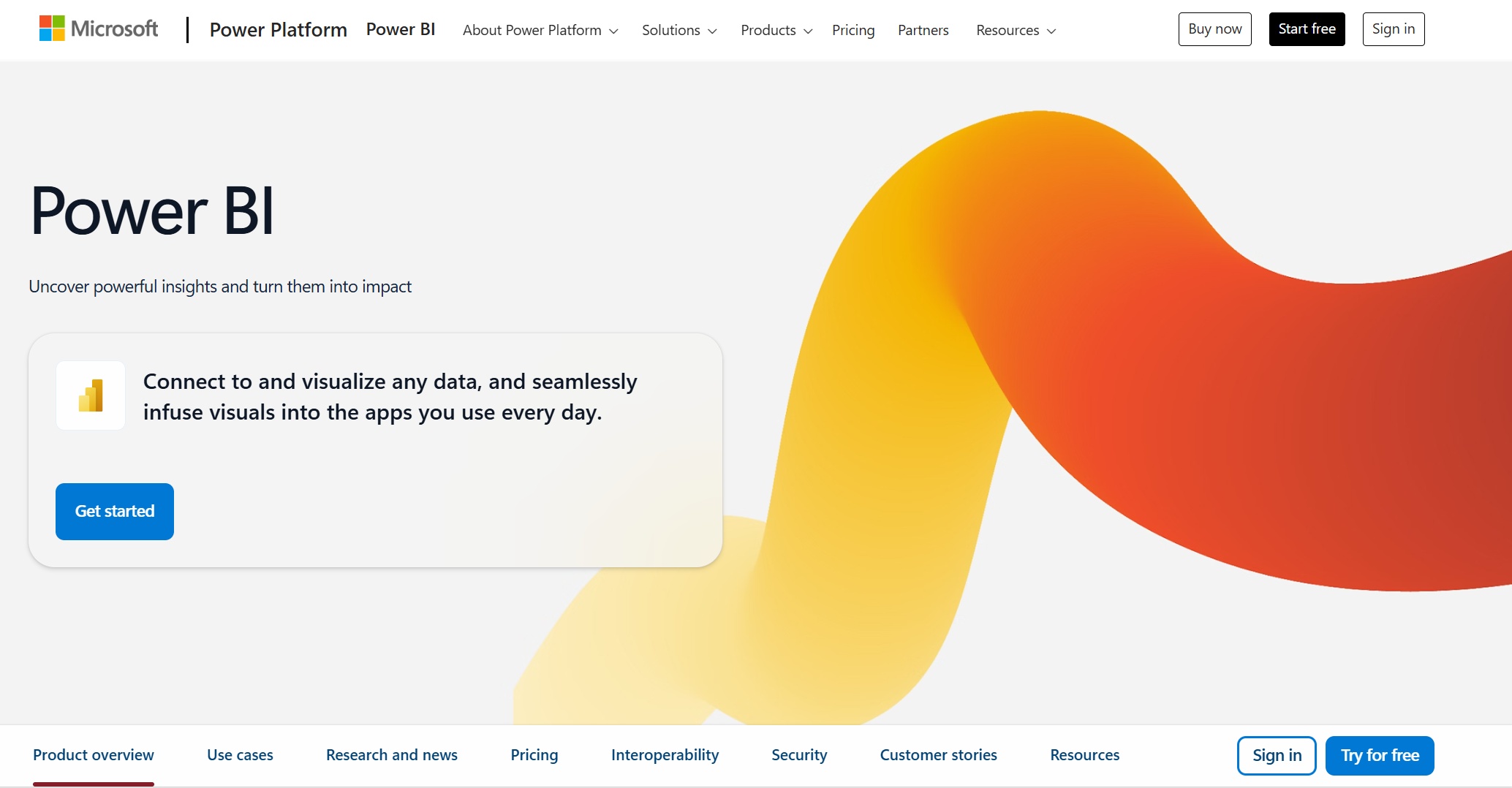
Microsoft Power BI remains a favorite among data analytics tools. You get a powerful platform that brings together ai data collection tools, visualization, and automation. Power BI lets you connect to almost any data source, build interactive dashboards, and use ai assistant features to uncover trends.
Website: https://www.microsoft.com/en-us/power-platform/products/power-bi
You’ll love these use cases:
- Advanced AI visuals that help you spot patterns.
- Automated insights that save you time.
- Natural language analytics so you can ask questions in your own words.
- Integration of machine learning capabilities for deeper analysis.
- Sentiment analysis and predictive modeling for marketing and business planning.
Power BI’s semantic models give you a trusted source for ad-hoc analysis and reporting. Millions of users rely on it for its leadership in analytics and BI platforms.
3.Tableau with Einstein GPT
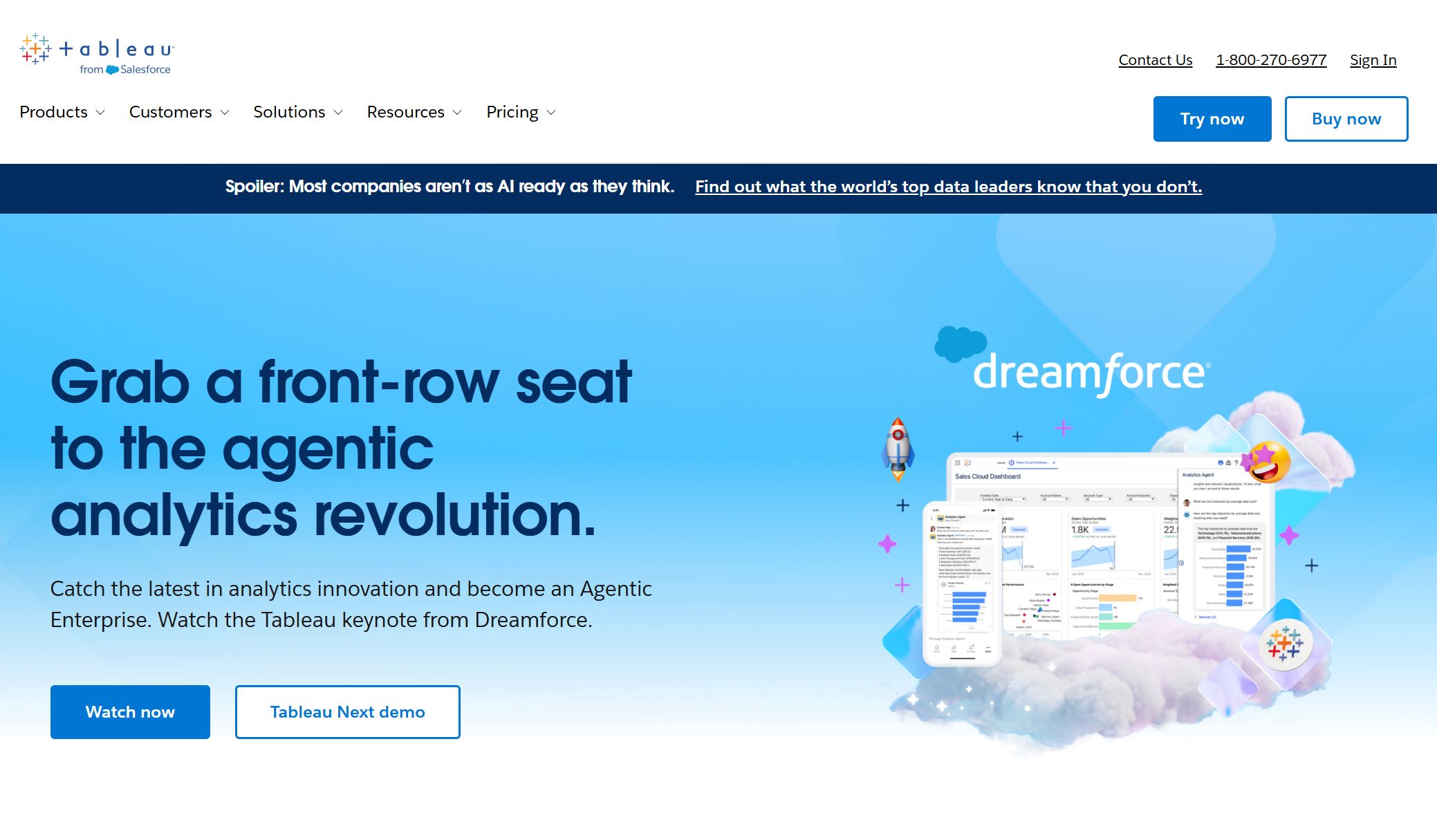
Tableau has always been about beautiful data visualization, but now with Einstein GPT, you get ai-driven tools that take your analytics to the next level. You can ask questions in plain English, and Tableau will suggest charts and insights instantly. This makes it easy for anyone to explore data, not just analysts.
Website: https://www.tableau.com/
| Feature/Benefit | Description |
|---|---|
| Natural Language Interaction | Ask questions in plain English, simplifying data access and analysis. |
| Auto-suggested Charts and Insights | Get relevant visualizations and insights based on your prompts. |
| Enhanced Collaboration | AI-assisted suggestions help teams work better together. |
| Democratization of Analytics | Makes analytics accessible to non-technical users. |
| Context-aware Capabilities | Offers smarter, more relevant insights as the tool evolves. |
You can refine queries, explore follow-up questions, and automate time-consuming analytics tasks. Tableau Agent uses generative AI to understand your data’s context, making it easier to prepare sources and create visual stories. This helps you get actionable insights faster and share them with your team.
4.Zoho Analytics
Zoho Analytics is a strong choice if you need robust integration and data management. You can connect to over 500 data sources, including files, cloud databases, and business applications like Oracle NetSuite and Microsoft Dynamics 365. Zoho’s data management framework helps you build end-to-end pipelines for data preparation and analysis.

Website: https://www.zoho.com/analytics/
| Data Source Type | Description |
|---|---|
| Data Connectors | Integrates with 500+ data sources, including files, cloud databases, and applications. |
| Business Applications | New integrations with Oracle NetSuite, Microsoft Dynamics 365, and Amazon Seller Central. |
| Data Management Framework | Offers a robust framework for data preparation and management with end-to-end pipelines. |
You can use Zoho Analytics to automate reporting, create dashboards, and share insights across your organization. It’s a great fit for companies that want to centralize their data and make analytics accessible to everyone.
5.Mammoth
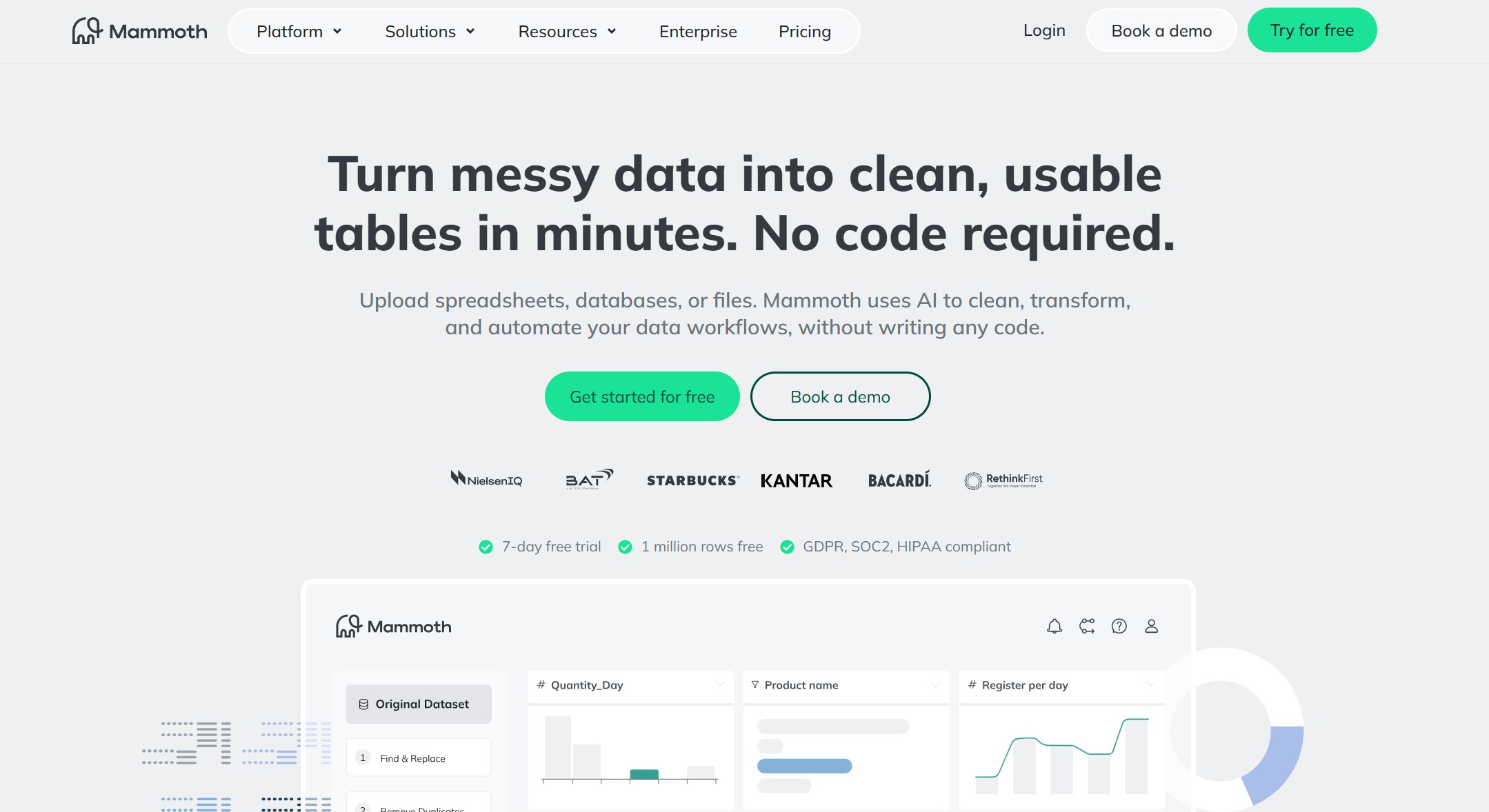
Mammoth is all about automation and scalability. If you’re tired of manual work, Mammoth helps you automate data collection, cleaning, and reporting. The platform grows with your business, handling more data and more complex logic as you need it.
Website: https://mammoth.io/
- Mammoth focuses on automation, reducing manual effort.
- The platform scales with your business, managing growing datasets and multiple data streams.
- Automated systems handle increasing volumes of information efficiently.
- Mammoth adapts to complex logic or segmentation, making it great for both startups and large enterprises.
You can use Mammoth to streamline your analytics workflow, freeing up time for deeper analysis and strategy.
6.TextQL
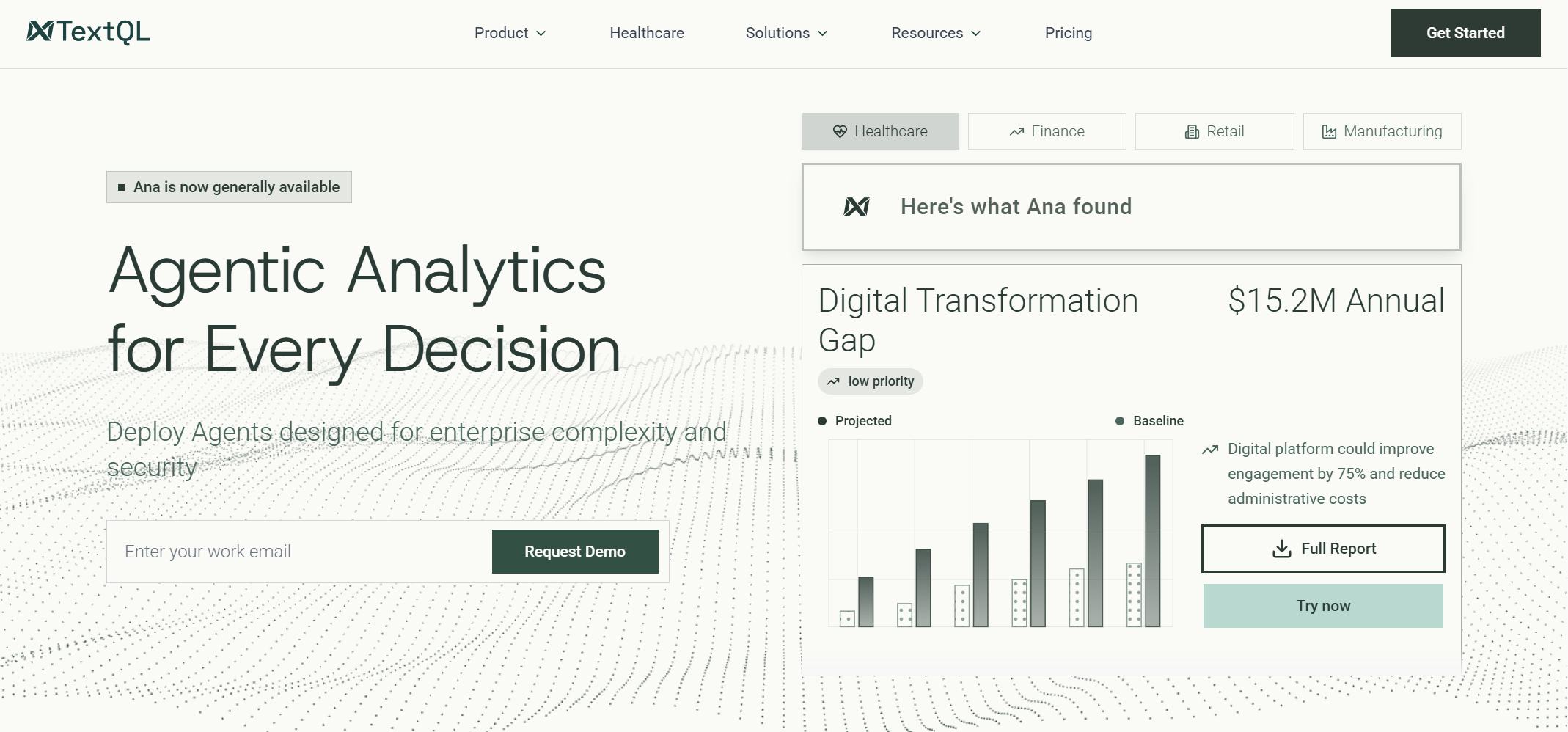
TextQL acts like a virtual data analyst. You can ask questions in natural language, and it translates them into precise SQL or Python commands. This means you don’t need to know coding to get powerful business insights.
Website: https://textql.com/
TextQL catalogs and enriches your data models, making it easy to generate accurate queries. Its query engine figures out the best data outputs, and a built-in Python interpreter lets you dig even deeper into your results. You get fast, reliable answers to your business questions, making analytics more accessible for everyone.
7.Akkio
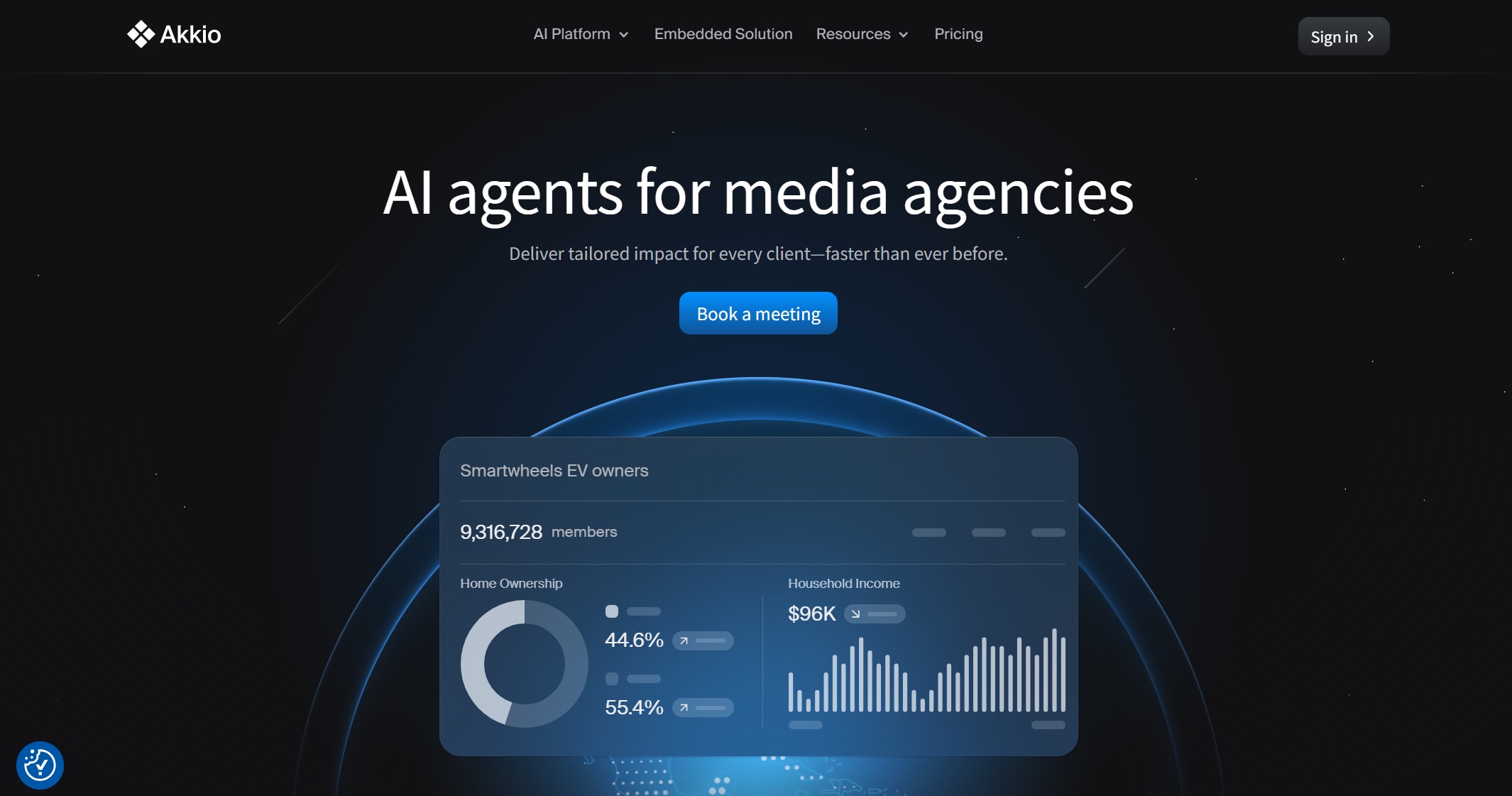
Akkio is a no-code ai data collection tool that brings machine learning to non-technical analysts. You can build, deploy, and analyze ML models without needing a data science background. Akkio helps you with predictive analytics, list prioritization, lead scoring, and forecasting.
Website: https://www.akkio.com/
- Akkio lets you integrate machine learning and predictive analytics into your workflow.
- You can build and deploy models without technical expertise.
- Use predictive analytics for forecasting trends, managing tasks, and identifying potential customers.
- Akkio reduces your reliance on technical specialists and gives you real-time answers.
This tool is perfect if you want to add ai-driven tools to your workflow without a steep learning curve.
8.Polymer
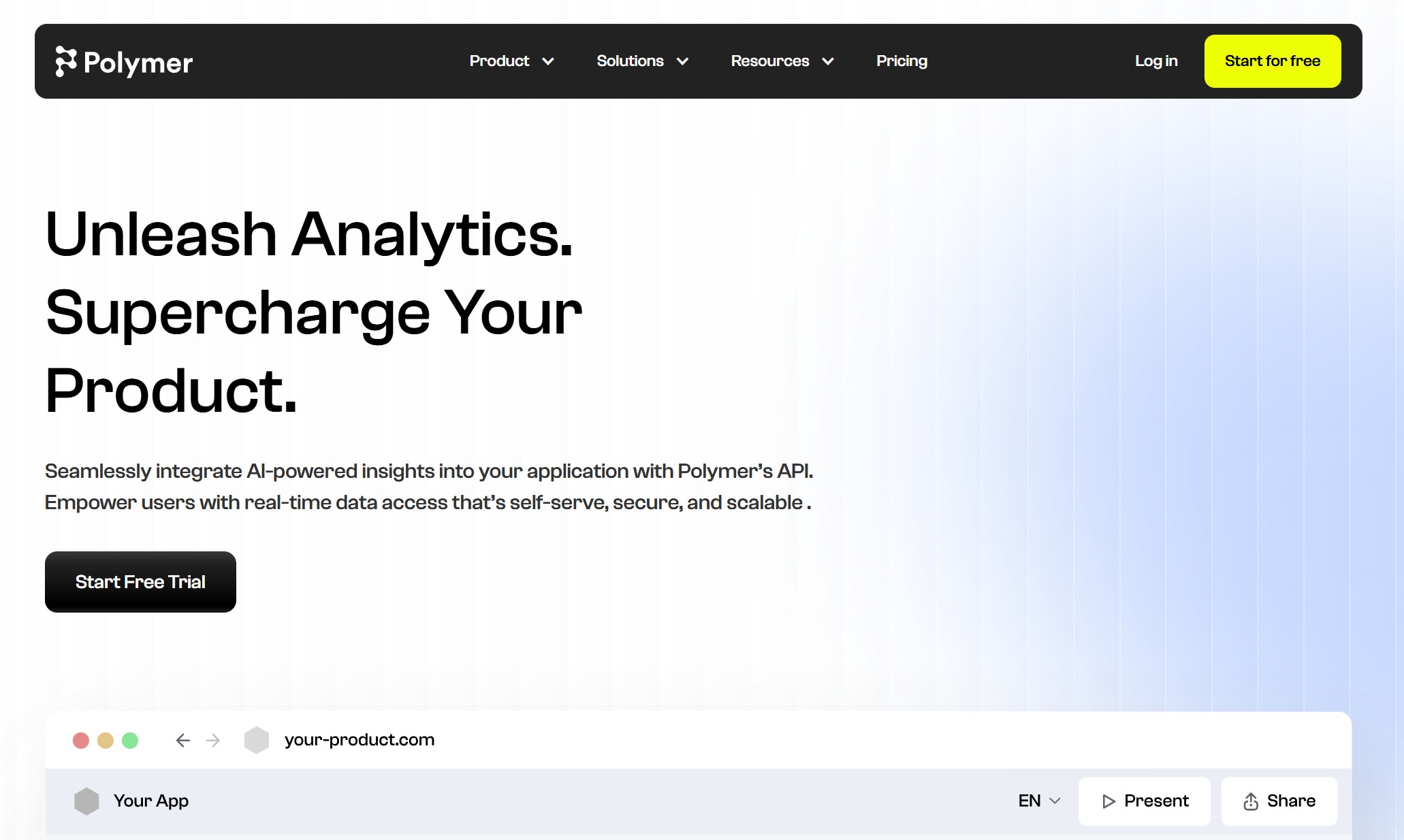
Polymer makes data visualization and reporting simple for business users. You can create dynamic dashboards from sources like Google Sheets, Excel, or CSV files. Polymer recommends the best chart types and supports real-time collaboration, so your team can work together easily.
Website: https://www.polymersearch.com/
| Feature | Description |
|---|---|
| Real-time insights | Enables timely analysis and decision-making by providing real-time data insights. |
| Conversational AI interactions | Lets you engage with data through natural language, simplifying queries. |
| Efficient data syncing | Ensures access to the most current data through seamless integration from diverse sources. |
| Extensive customization options | Supports alignment of dashboards and reports with specific business objectives. |
You can use Polymer to highlight key metrics with conditional formatting and custom colors. It’s a great choice for marketing teams and anyone who needs quick, interactive reports.
9.Apache Spark
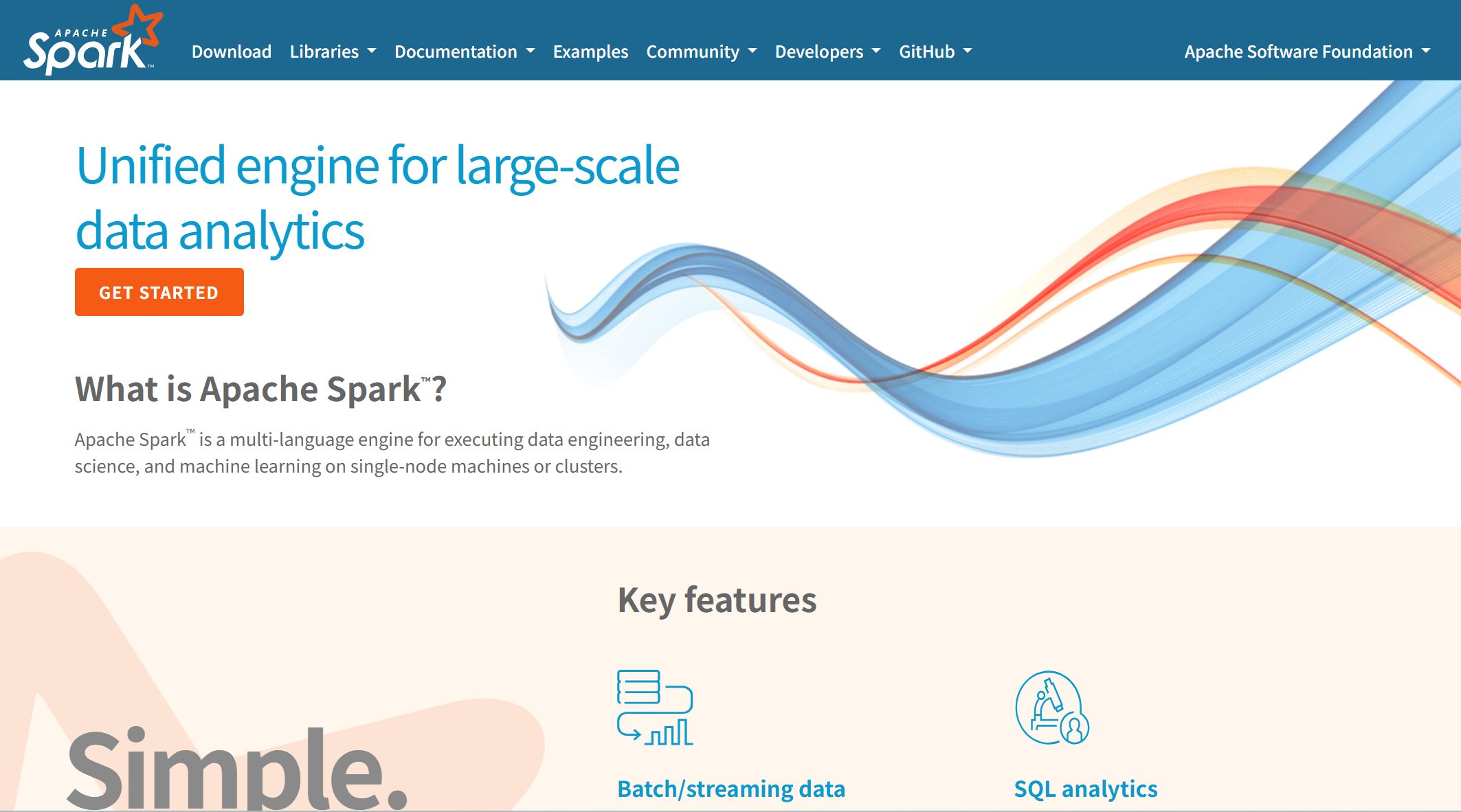
Apache Spark is the go-to platform for large-scale data processing. If you work with big data, Spark gives you lightning-fast performance and supports multiple programming languages like Python, Scala, Java, and R.
Website: https://spark.apache.org/
| Feature | Description |
|---|---|
| Lightning-Fast Processing | In-memory data processing delivers speeds up to 100x faster than disk-based systems. |
| Multi-Language Support | Native support for Scala, Python, Java, and R with identical APIs. |
| Unified Platform | Single framework for batch processing, streaming, SQL queries, machine learning, and graph processing. |
| Fault Tolerance | Automatic recovery through RDD lineage tracking without expensive replication. |
| Dynamic Scalability | Seamlessly scales from single machines to thousands of nodes. |
You can use Spark for machine learning, real-time stream processing, and complex ETL operations. It’s ideal for companies that need to process huge amounts of data quickly and reliably.
10.OpenAI GPT-5
OpenAI GPT-5 brings advanced reasoning and multimodal capabilities to data analysis and business intelligence. You can process text, images, and numbers together, making your analysis more complete. GPT-5 automates data extraction, cleaning, and interpretation, giving you real-time narratives and forecasts.
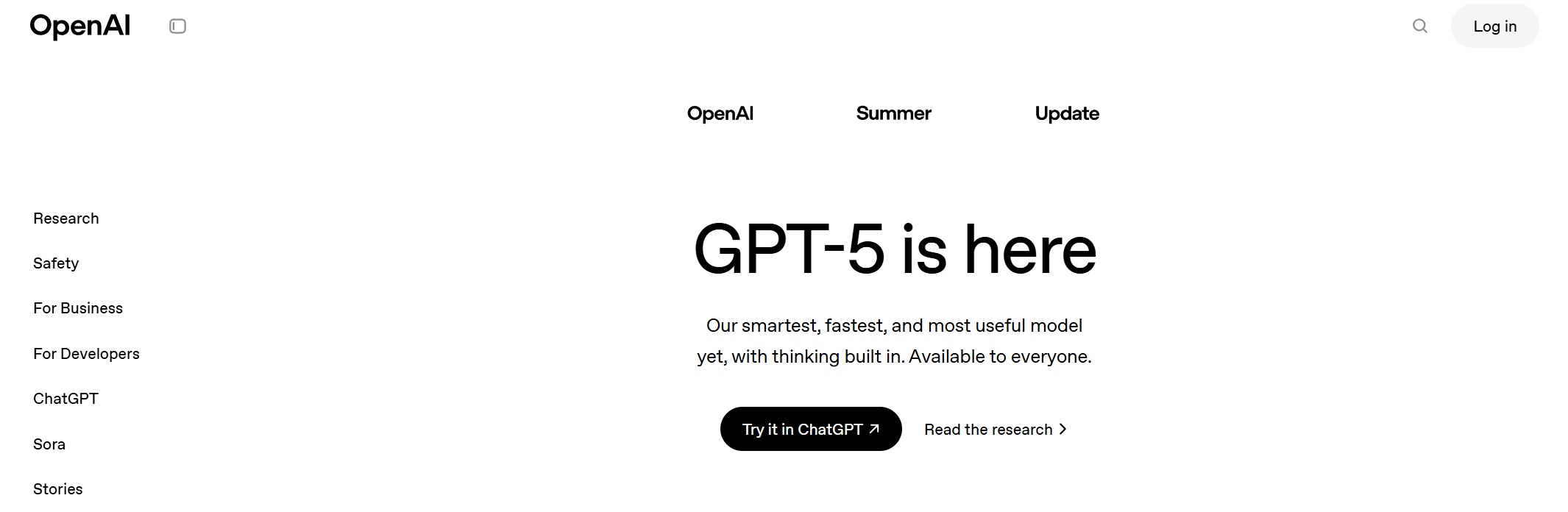
Website: https://openai.com/gpt-5/
| Feature | Description |
|---|---|
| Advanced Reasoning | Improved reasoning for analyzing complex datasets and producing contextual insights. |
| Multimodal Capabilities | Processes and correlates data across text, images, and numbers for comprehensive analysis. |
| Automation of BI Workflow | Streamlines data extraction, cleaning, and interpretation, generating real-time narratives. |
| Predictive Capabilities | Combines historical data with external variables for reliable forecasting. |
| Enhanced Analytical Precision | Improves decision-making accuracy through structured quantitative analysis. |
| Cross-Sector Applications | Useful in finance, healthcare, marketing, and operations for various analytical needs. |
You’ll notice faster response times, fewer errors, and better handling of complex queries. GPT-5 is a powerful ai assistant for anyone who wants to turn raw data into actionable insights, whether you’re in marketing, operations, or finance.
Tip: Try mixing and matching these ai data tools to cover all your needs, from data integration to visualization and automation. The best ai tools work together to help you get the most out of your data, speed up your writing, and unlock new insights every day.
Why These Are the Best AI Tools for Analysts
Selection Criteria Overview
You want the best ai tools that actually make a difference in your daily work. When you look for ai data tools, you should focus on a few key things. Innovation matters because you need solutions that keep up with the latest trends in analytics and data science tools. Integration is huge—your tools should connect with your existing systems and data sources without a hassle. Scalability lets you handle more data as your business grows. Ease of use means you can get started quickly, even if you’re not a tech expert. Industry recognition shows that other analysts trust these ai tools for their reliability and results. These criteria help you pick ai data collection tools that deliver actionable insights and support your writing, reporting, and marketing goals.
FanRuan’s FineChatBI: Conversational BI Leadership
FineChatBI by FanRuan leads the way in conversational business intelligence. You can ask questions in plain language and get instant answers, which makes analytics feel like a conversation. This tool helps you move from simple data checks to deep analysis, all in one chat window. You don’t need to worry about technical barriers—FineChatBI makes data accessible for everyone, not just analysts.
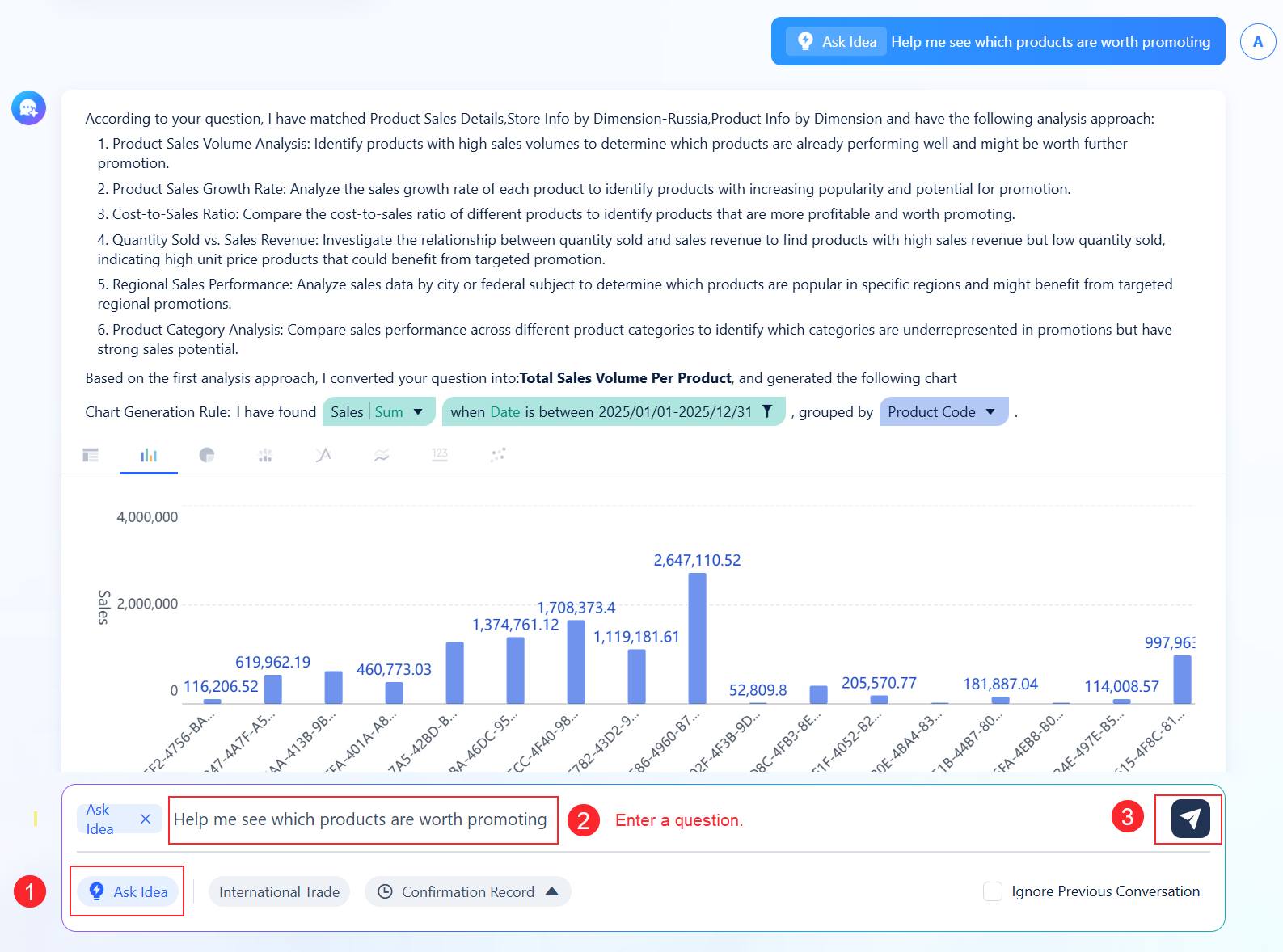
Here’s how it stands out:
| Feature | Description |
|---|---|
| Q&A Data Retrieval | Lets you get key data indicators fast with natural language queries, boosting your efficiency. |
| Intelligent Reporting | Combines large language model parsing with data visualization tools for interactive analytics. |
| AI Agent Decision Support | Blends business logic with advanced reasoning for automated analysis and early warnings, helping you make better decisions. |
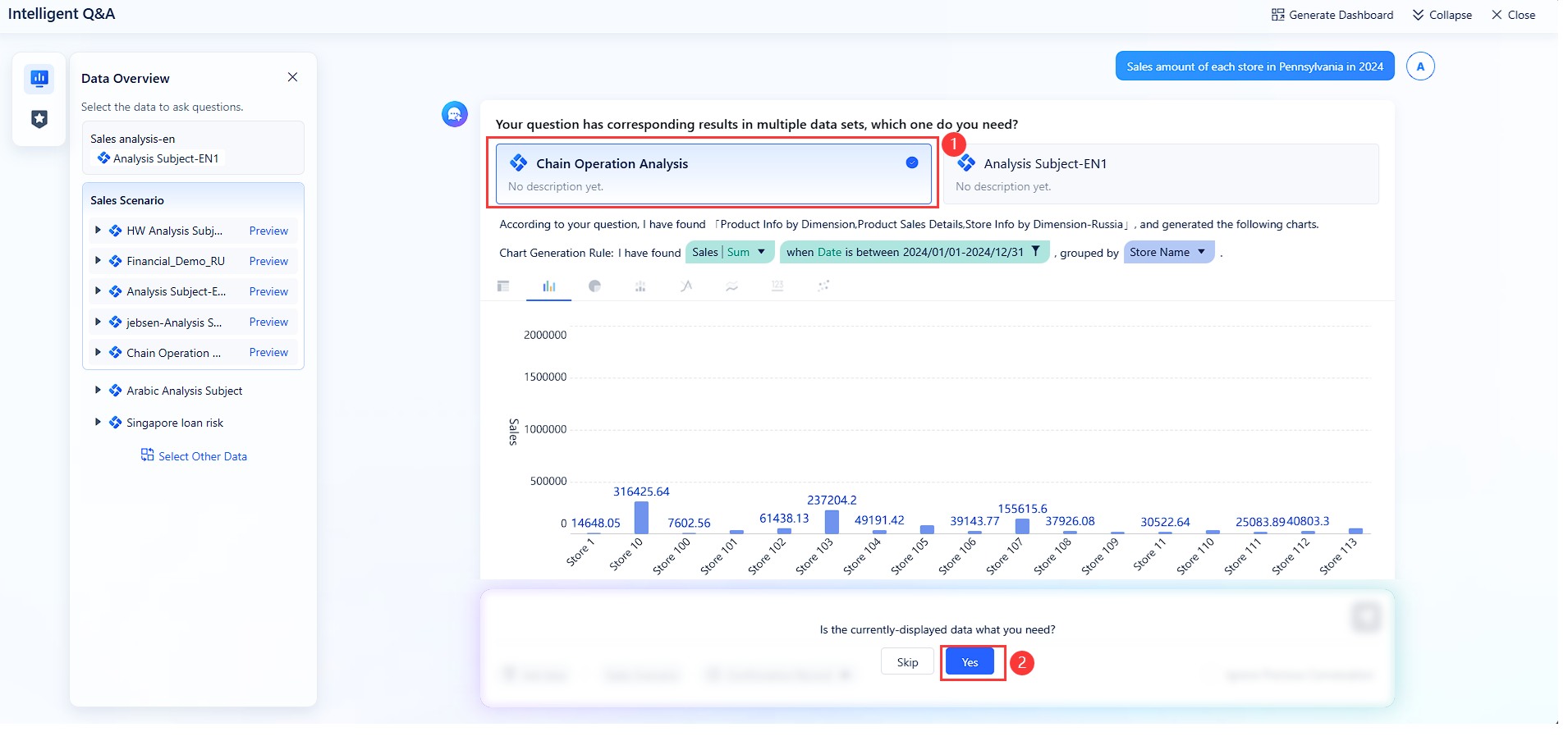
You can use FineChatBI to empower your team, democratize analytics, and unlock new insights for marketing, reporting, and everyday operations.
Integration and Automation Capabilities
You need ai data collection tools that do more than just store data. The best ai tools automate the tough parts of analytics, so you can focus on finding insights and writing reports. Integration features let you connect data from different sources, while automation handles repetitive tasks. Check out what analysts value most:
| Feature | Description |
|---|---|
| Automated Data Mapping | Cuts down manual work by understanding your data’s structure and meaning. |
| Schema Matching | Keeps your data consistent by aligning information from different places. |
| Transformation | Converts raw data into usable formats, making analysis smoother. |
| Data Quality Management | Spots and fixes errors automatically, so your insights stay accurate. |
| Automated Governance | Helps you stay compliant by tracking sensitive data and monitoring access. |
| Self-Service Data Access | Gives you quick, unified views of your data, speeding up decision-making. |
With these features, you can trust your ai assistant to handle the heavy lifting. You get more time for analytics, marketing strategy, and creative writing. That’s how ai-driven tools turn raw data into real, actionable insights.
How AI Data Tools Transform Analyst Workflows
Streamlining Data Integration and ETL
You know how messy data can get. AI data collection tools now make it much easier to bring everything together. These tools automate complex data transformations, so you spend less time on manual work. You can spot anomalies in real time, which means better data quality for your analytics. Even if you don’t have a technical background, you can build and manage data pipelines with just a few clicks. Here’s what you get:
- Automation of tedious ETL tasks, so you move faster from raw data to analysis.
- Real-time anomaly detection, which keeps your data clean and reliable.
- Machine learning that finds patterns and classifies information in huge datasets.
- Normalization of different data formats, making your data consistent and ready for analytics.
- Faster, more reliable delivery of data to your ai assistant and analytics platforms.
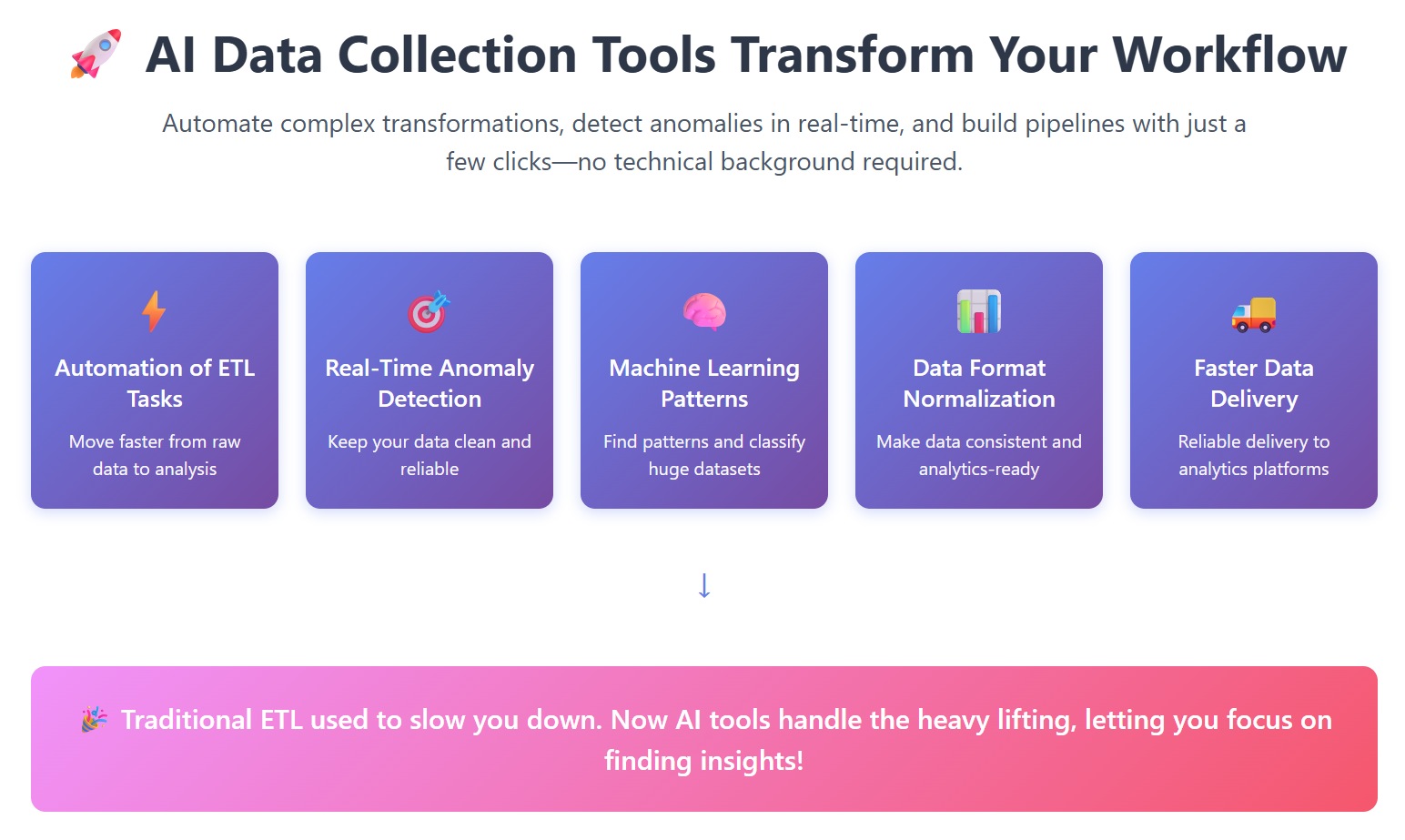
You’ll notice that traditional ETL used to slow you down. Now, ai tools handle the heavy lifting, letting you focus on finding insights.
Enhancing Data Visualization and Insights
Once your data is ready, you want to see the story it tells. AI data collection tools and data visualization tools help you turn numbers into clear visuals and actionable insights. Check out how these features make your job easier:
| Feature | Description |
|---|---|
| Automated Chart Generation | AI tools create charts and infographics from raw data, saving you time. |
| Predictive Analytics | Go beyond basic reports and spot trends for better marketing and business decisions. |
| Natural Language Processing | Ask questions in plain English and get instant visualizations, even if you’re not a data expert. |
| Voice-to-Diagram | Speak your instructions and see diagrams appear in real time. |
| AI-Driven Recommendations | Get suggestions and actionable insights based on your data analysis. |
With these features, you can share insights with your team, improve your writing, and make smarter decisions for marketing and analytics.
Real-World Success: TXC Corporation and FanRuan
Let’s look at how these tools work in real life. TXC Corporation, a global leader in quartz frequency components, faced slow reporting and outdated data. They turned to FanRuan’s ai data collection tools to change their workflow. Employees across departments started using analytics and ai assistant features to run thematic analysis and get instant insights. The company saw faster data preparation, better reporting, and more time for writing and strategy. TXC’s teams now use data analytics tools to drive process improvements and unlock business value. With FanRuan, they moved from manual work to a culture where everyone can find actionable insights and make data-driven decisions.

Tip: When you use ai data tools like FanRuan, you give your team the power to explore data, improve analytics, and boost marketing results—all while saving time for what matters most.
Emerging Trends: Best AI Writing, Image, and Video Generators

You probably notice that analysts and business users want more than just numbers. Today, you need tools that help you tell stories, create visuals, and share ideas in new ways. That’s where the latest AI writing, image, and video generators come in. These tools work alongside your core ai tools, making your workflow smoother and more creative. You can use them to boost productivity, automate content creation, and make your data stand out in marketing or presentations.
Generative AI tools are changing how you work. Most executives plan to use AI-driven automation by 2026. You can now build workflows that handle text, images, and video at the same time. This means you get seamless processes from start to finish, whether you’re preparing a report, designing a dashboard, or launching a marketing campaign. Your ai assistant can help you manage everything, so you spend less time on manual tasks and more time on insights.
Best AI Writing Tools for Data Reporting
You want your data reports to be clear and engaging. The best AI writing tools help you turn complex numbers into easy-to-read stories. These generators can summarize findings, suggest headlines, and even draft emails or presentations. You get faster, more accurate writing for your team and clients. This makes your reports more useful for decision-making and marketing.
Best AI Image Generators for Visualization
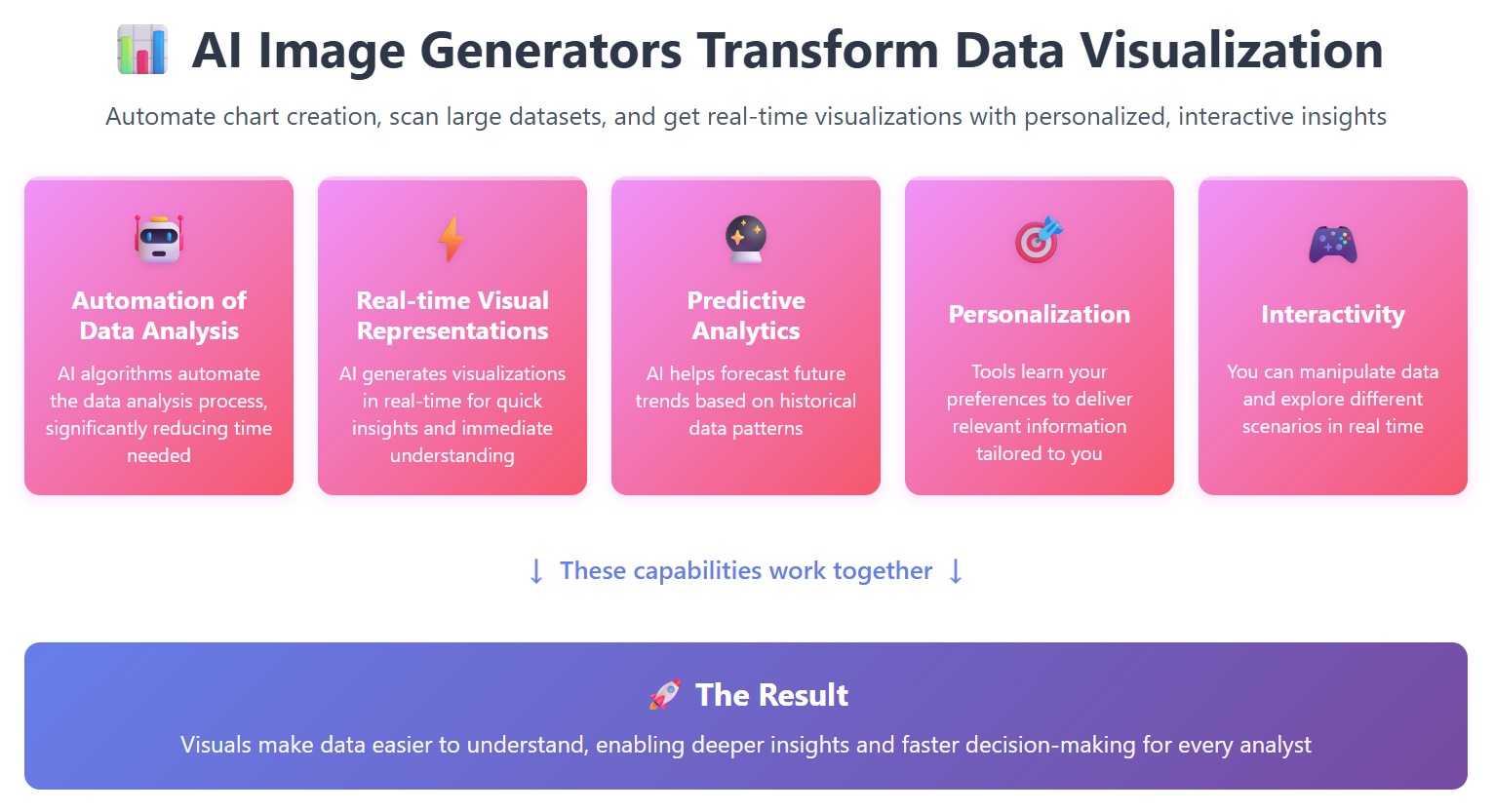
You know that visuals make data easier to understand. The best ai image generators automate the process of creating charts and infographics. You can scan large datasets and get real-time visualizations. These tools also let you personalize visuals and interact with data for deeper insights.
| Evidence Point | Description |
|---|---|
| Automation of Data Analysis | AI algorithms can automate the data analysis process, reducing time needed. |
| Real-time Visual Representations | AI generates visualizations in real-time for quick insights. |
| Predictive Analytics | AI helps forecast trends based on historical data. |
| Personalization | Tools learn your preferences for relevant information. |
| Interactivity | You can manipulate data and explore scenarios in real time. |
Best AI Video Generators for Presentations
You want your presentations to grab attention. The best ai video generators let you create professional videos from your data. These tools offer features like automated translation, multi-avatar scenes, and interactive elements. You can export videos that fit right into your learning or marketing workflows.
| Feature | Description |
|---|---|
| Ideal Use Case | Corporate learning and development (L&D) |
| Key Features | Automated translation, multi-avatar dialogue, interactive elements |
| Integration Capabilities | SCORM-compliant exports for seamless workflow integration |
| Pricing Structure | Annual minute bundles with unlimited minutes in Business plans |
| Language Support | Supports multiple languages including Danish |
You can compare solutions, filter by your needs, and access demos easily. These generators help you create content that stands out in any meeting or campaign.
Tip: Try combining writing, image, and video generators with your core data tools. You’ll see better results in marketing, reporting, and team collaboration.
When you use the best ai tools like FanRuan’s FineChatBI, you set yourself up for success. These platforms automate data wrangling, speed up analytics, and help you find insights faster. You can focus on writing, research tools, and sharing results with your team. Try reviewing your current analytics and automation tools. Look for features that support integration, security, and advanced insights. The right ai assistant and data science tools will boost your marketing tools, sales tools, and writing tools. Explore FanRuan and other platforms to unlock new insights and stay ahead in analytics.
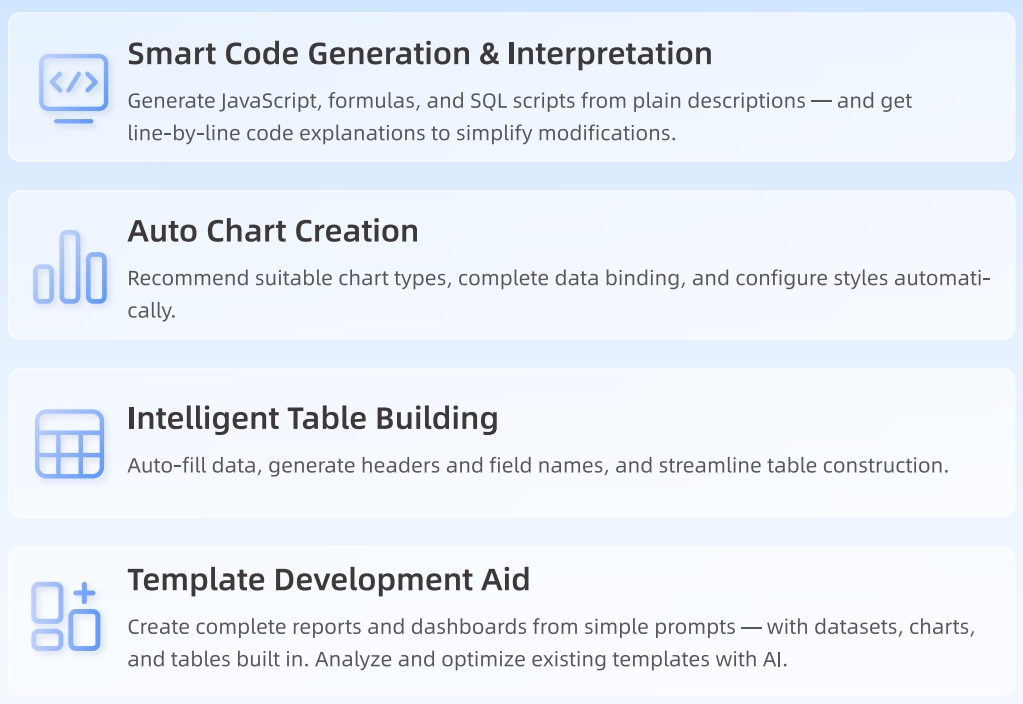
| Criteria | Why It Matters |
|---|---|
| User Interface | Makes analytics easy for everyone |
| Advanced Capabilities | Finds trends and delivers insights |
| Integration | Connects all your data sources |
Continue Reading About AI data tools
What is The Best AI for Data Analysis
10 Real Time Data AI Apps You Should Try in 2026
What Is an AI Data Catalog and How Does It Work
Frequently asked questions
AI generators help you create content, visuals, and reports quickly. You can use these tools to automate repetitive tasks, boost creativity, and save time. They make your workflow smoother and help you focus on insights.