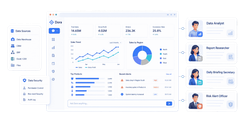
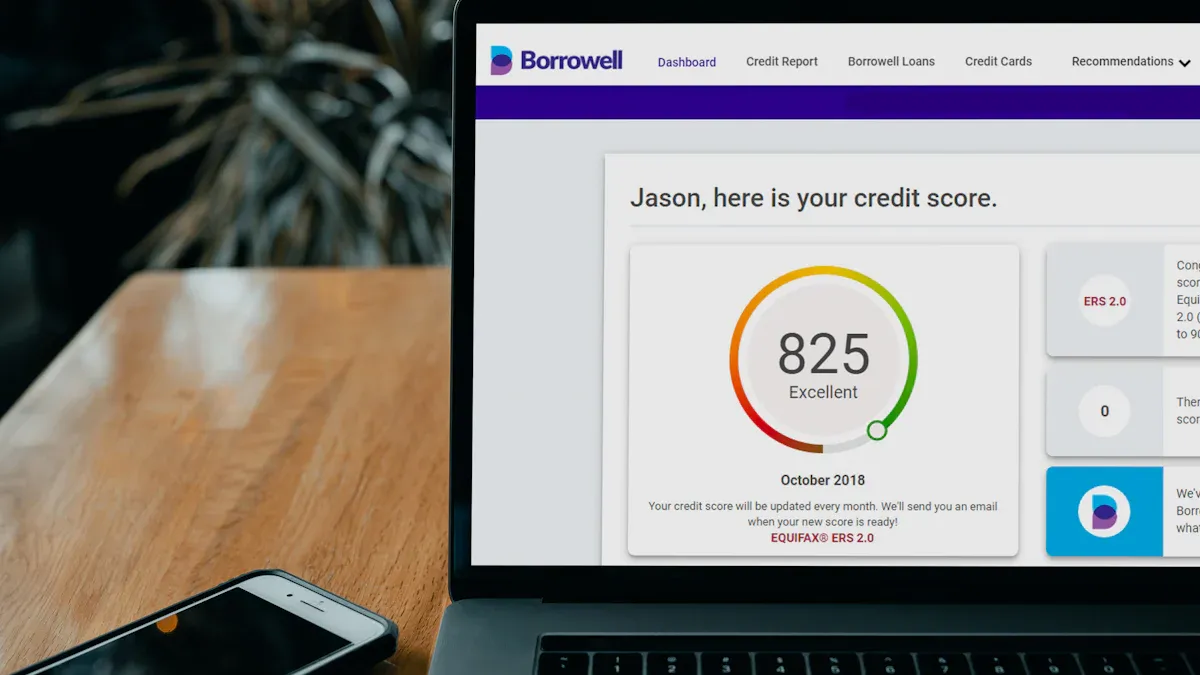
Month-end close breaks down when finance teams are forced to chase files, reconcile inconsistent data, and rebuild reports by hand every cycle. Automated financial reporting solves that by connecting source systems, standardizing rules, validating balances early, and generating stakeholder-ready outputs with far less manual effort. For CFOs, controllers, and finance operations leaders, the business value is simple: close faster, reduce reporting risk, and give teams more time for analysis instead of spreadsheet maintenance.
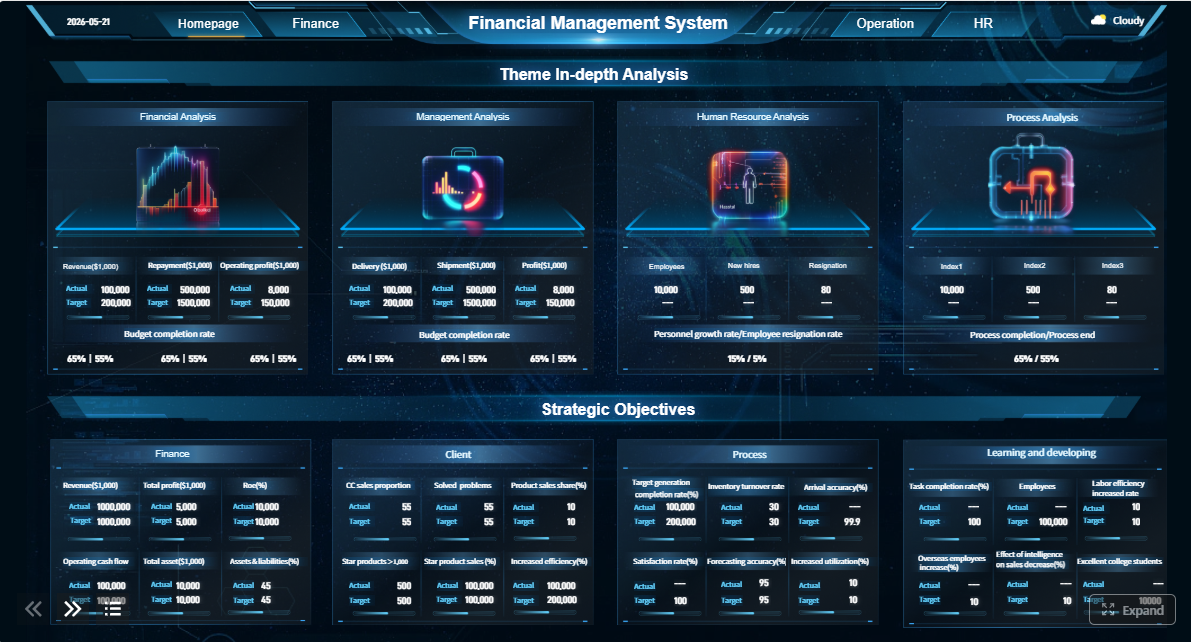 Click To Try The Dashboard
All reports in this article are built with FineReport
Why automated financial reporting matters for month-end close
A strong month-end process is not just about producing financial statements faster. It is about creating a repeatable reporting system that pulls approved data from the right systems, applies consistent logic, and moves reports through review and approval without last-minute fire drills. That is the real promise of automated financial reporting.
Manual reporting slows close because every handoff introduces friction. Teams export ERP data, merge subledger files, clean columns, fix broken formulas, chase missing inputs, and circulate revised versions over email. The result is familiar: delays, duplicate work, inconsistent figures across teams, and higher audit risk.
Basic report generation is not the same as a connected close process. A basic setup may automate a single financial statement or dashboard. A fully connected close process goes further. It ties together:
- source-system extraction
- data validation and mapping
- reconciliations and exception routing
- report generation
- approvals and sign-off
- controlled distribution and archiving
That distinction matters. If only the final report is automated, finance still loses time upstream in data prep, review cycles, and rework.
What financial reporting automation includes
Automating finance reporting means more than scheduling a PDF. It means building a controlled workflow from raw transaction data to final approved output.
Core workflow components
At a practical level, automated financial reporting includes several connected components.
Data collection from source systems
The process starts by pulling data from ERP platforms, subledgers, planning systems, banking tools, payroll systems, and operational applications. The goal is to create a trusted reporting layer without repeated exports and manual file stitching.

Validation, mapping, and reconciliation steps
Once data is ingested, it must be standardized. That includes chart-of-accounts mapping, entity alignment, intercompany logic, and reconciliation checks. Automated controls should flag missing records, broken mappings, out-of-balance conditions, and unusual period-over-period variances before reports move forward.
Report creation, review, approval, and distribution
After validation, the system generates stakeholder-specific outputs such as management packs, board reports, entity views, and department summaries. Review workflows, due dates, approvals, and distribution rules ensure the right people see the right version at the right time.
Where automation fits into technical accounting
Technical accounting often creates some of the biggest reporting bottlenecks. Recurring entries, disclosure support, lease or revenue schedules, and policy-driven reporting rules can add complexity quickly. Automation helps by making those requirements more structured and auditable.
Instead of tracking key accounting support in scattered spreadsheets, teams can tie recurring workflows to defined rules, approval checkpoints, and supporting schedules. That improves consistency in areas where manual interpretation often creates rework.
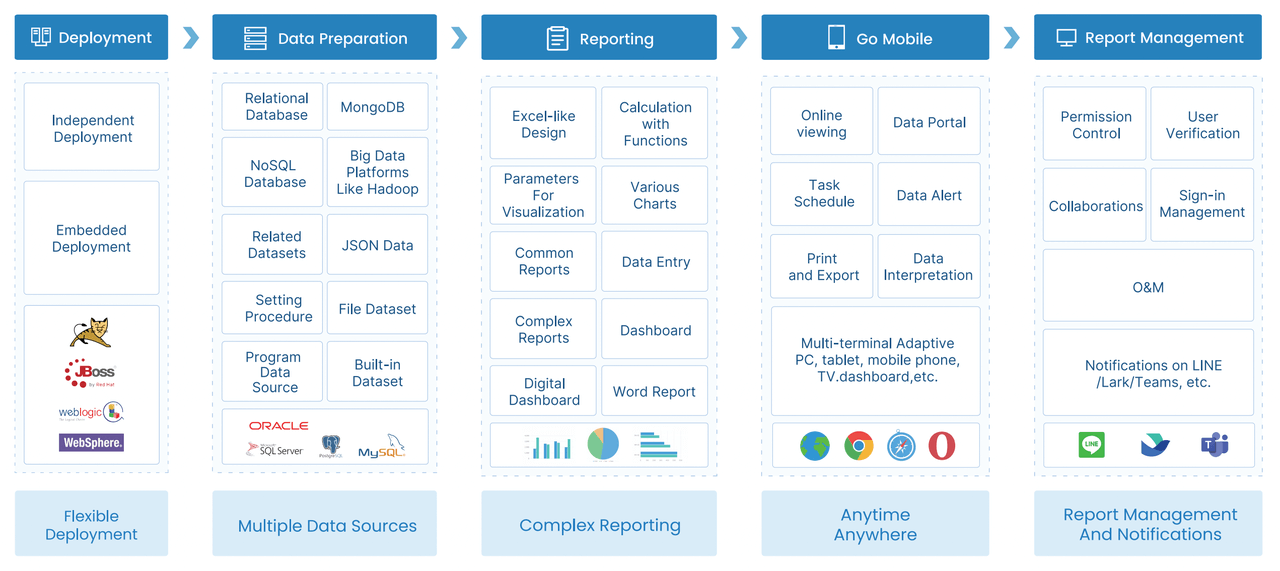
Automation is especially valuable when finance needs stronger:
- Controls: enforce standardized logic and approval routing
- Audit trails: capture who changed what, when, and why
- Exception handling: direct anomalies to responsible owners before finalization
- Version control: prevent multiple conflicting report copies from circulating
The core framework: key metrics for an automated month-end close
To improve month-end close, leadership needs more than a vague goal to “automate reporting.” They need clear operating metrics that show whether the process is actually getting faster, cleaner, and more reliable.
Key Metrics (KPIs)
- Close Cycle Time: Total number of business days required to complete month-end close and issue final reports.
- Data Refresh Time: Time it takes to pull and update source-system data in the reporting environment.
- Reconciliation Completion Rate: Percentage of required reconciliations completed on time each cycle.
- Exception Volume: Number of data, mapping, or balance issues flagged during validation.
- Exception Resolution Time: Average time needed to investigate and clear reporting exceptions.
- Manual Journal Dependency: Share of close activities still dependent on manual entries or offline adjustments.
- Report Production Time: Time from approved data set to stakeholder-ready financial report output.
- Approval Cycle Time: Time required for report review, sign-off, and release.
- Version Count per Reporting Pack: Number of revisions created before final approval; lower usually means stronger upstream control.
- On-Time Delivery Rate: Percentage of reports distributed by agreed reporting deadlines.
- Audit Trail Completeness: Degree to which report changes, approvals, and supporting documents are fully logged.
- Stakeholder Rework Requests: Number of report revisions requested due to formatting, missing context, or inconsistent figures.
Core elements of a connected close process
Every high-performing close automation design should include the following elements:
- Single source of truth: One governed data layer for reporting across systems and entities
- Standardized mappings: Consistent chart-of-accounts, cost center, and entity structures
- Automated validations: Rules that detect missing, late, or inconsistent data
- Exception workflows: Assigned owners and deadlines for issue resolution
- Role-based reporting: Different views for executives, controllers, business unit leaders, and boards
- Controlled approvals: Documented review and sign-off paths
- Secure distribution: Managed access to final outputs
- Archived support: Retention of final reports and backup documentation for audit readiness
Step-by-step month-end close workflow that saves time
The most effective automated financial reporting programs follow a staged workflow. Each step reduces manual work while improving trust in the final numbers.
Step 1: Standardize data sources and reporting rules
Start by defining your system of record. Finance should document which ERP, subledgers, banking feeds, payroll systems, and operational tools feed the month-end process. If multiple teams use different source extracts, automation will simply accelerate inconsistency.
Create common rules for:
- chart-of-accounts mapping
- entity and department hierarchies
- period cutoffs
- currency treatment
- intercompany logic
- report templates and naming conventions
A seasoned consultant’s advice: do not automate local workarounds. Eliminate them first. Standardization is where most close-time savings are won.
Step 2: Automate data collection and consolidation
Once source systems and rules are defined, schedule data imports and refreshes. This should include entity-level rollups, recurring consolidations, and time-based update windows. The aim is to remove spreadsheet handoffs and repeated manual copy-paste work.
Well-designed automation can:
- refresh balances on a schedule
- consolidate multiple entities automatically
- pull commentary or operational metrics from linked systems
- maintain consistent period views across teams

This is also where finance should reduce shadow reporting files. If teams still maintain local versions “just in case,” you have not fully automated the process.
Step 3: Build validation and reconciliation checks
Speed without control is dangerous. Before generating reports, automate validation rules that catch data problems early. This step protects report integrity and reduces end-of-cycle surprises.
At minimum, your validation layer should detect:
- missing source files or late system loads
- unmapped accounts or dimensions
- out-of-balance trial balances
- intercompany mismatches
- unusual variances from prior periods
- duplicate or stale data refreshes
The best practice is to route each exception to a named owner with a due date. That creates accountability before reports are finalized.
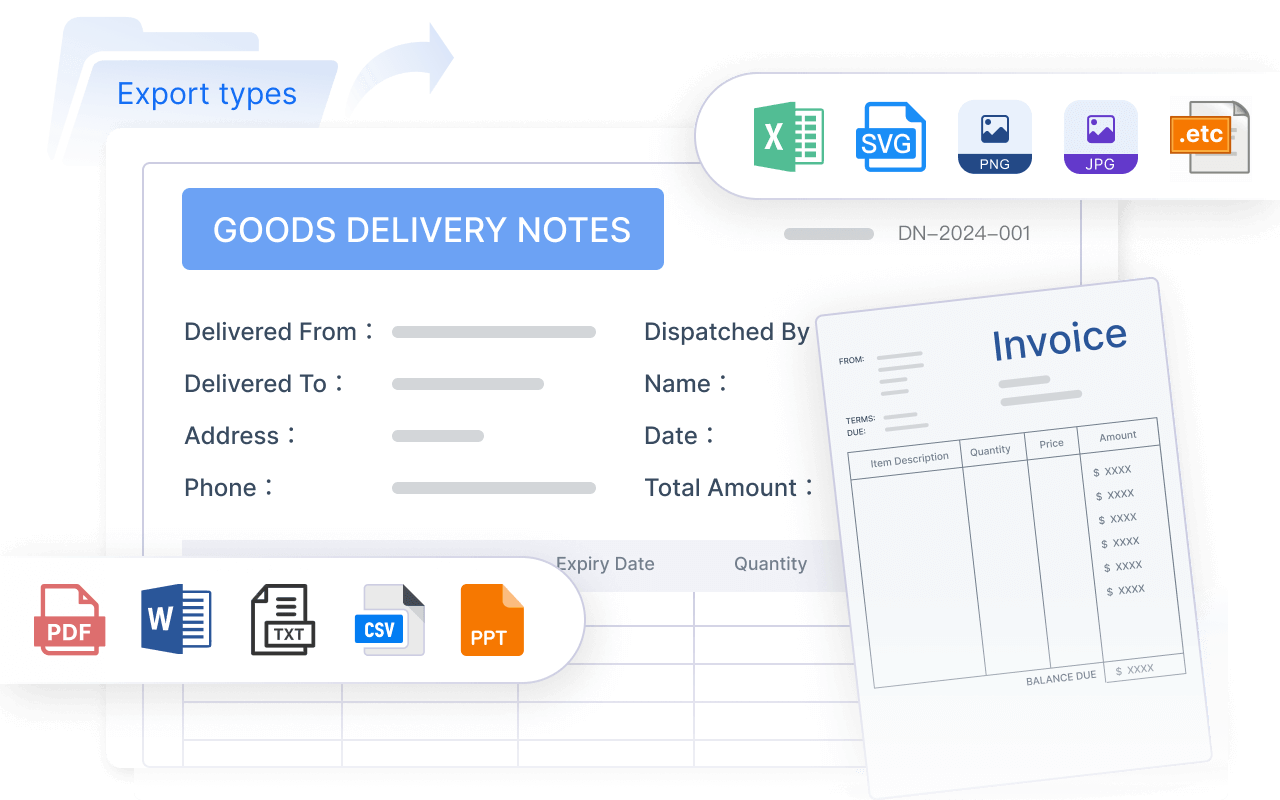
Step 4: Generate automated financial reports
Once data is approved, generate multiple report views from the same controlled data set. This is where automation creates the biggest visible impact for leadership.
Typical outputs include:
- monthly management reports
- board reporting packs
- departmental P&L views
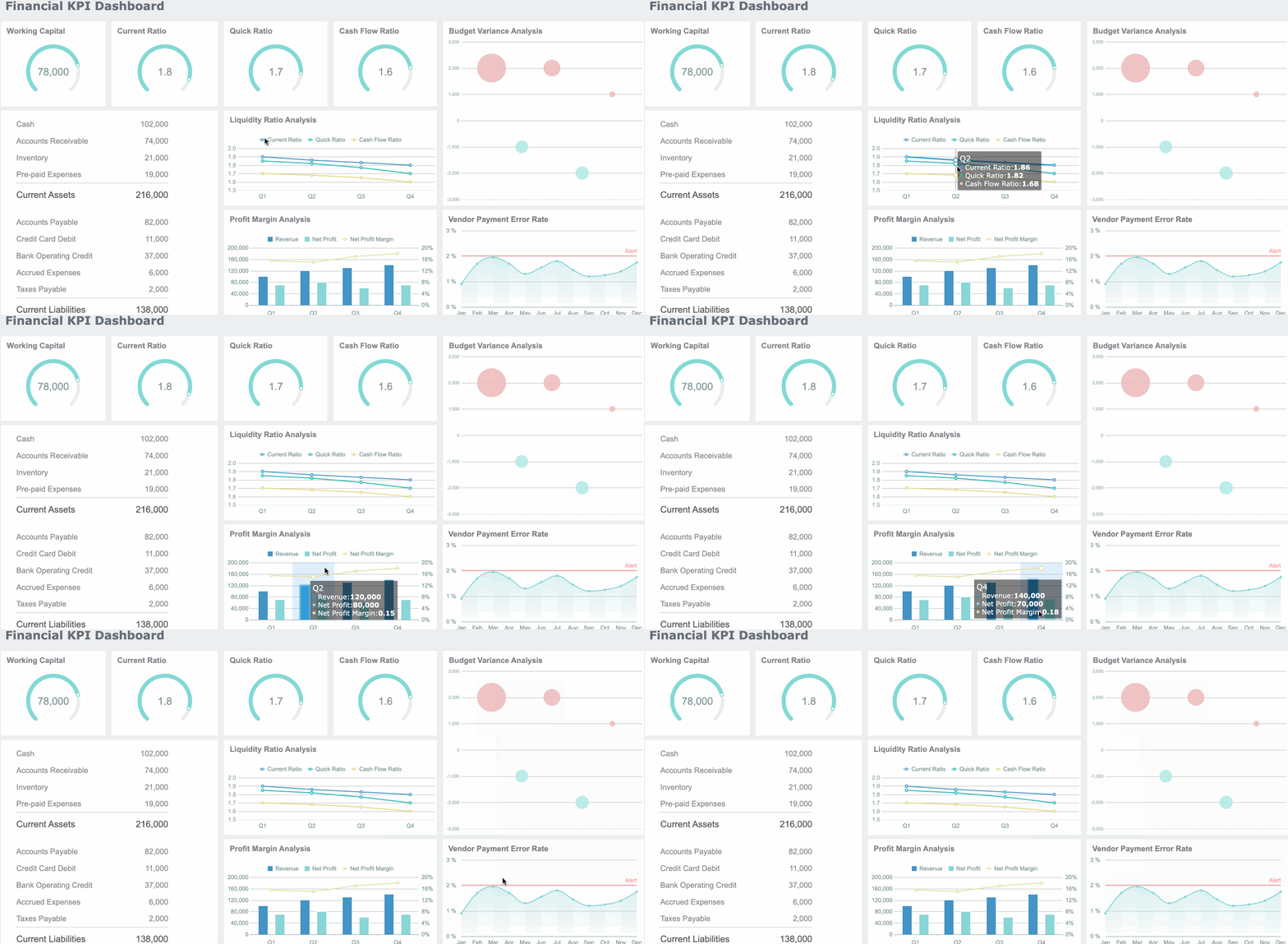
- cash visibility dashboards
- entity-level performance summaries
- variance reports with commentary fields
Use role-based formatting so executives see concise summaries while controllers and analysts can drill into details. Add version control so teams know which draft is current and which report is final.
Step 5: Review, approve, and distribute reports
The final step is workflow control. Reports should move through review, sign-off, and release with defined deadlines and automated notifications. This reduces email sprawl and gives finance leaders a real-time view of what is complete, what is blocked, and who is holding up the cycle.
Finalized outputs should be archived alongside supporting documentation. That improves audit readiness and reduces scramble during internal or external review.
Benefits, tools, and best practices
When month-end close is redesigned around automation, the benefits show up quickly in cycle time, quality, and executive confidence.
Benefits teams can expect
Finance teams typically see gains in three areas.
Faster close cycles and more predictable reporting timelines
Automation removes waiting time between extraction, cleanup, consolidation, and report assembly. The process becomes more repeatable, which makes deadlines more reliable.
Better accuracy, consistency, and transparency across entities
When every report draws from the same governed logic, numbers align more consistently across legal entities, departments, and stakeholders. Audit trails and exception logs increase visibility into what changed.
More time for analysis instead of manual report preparation
This is the strategic payoff. High-value finance talent stops acting as report assemblers and spends more time on business performance analysis, risk review, and planning.
Choosing tools that actually save time
Not every tool that claims automation will improve close performance. Some only automate the final report layout while leaving data prep and review work untouched.
Evaluate solutions across these categories:
- ERP-native features: Useful for standard reporting, but often limited for cross-system workflows
- Reporting platforms: Strong for dashboards, templates, role-based access, and distribution
- Workflow tools: Helpful for approvals, task management, and exception routing
- AI-assisted solutions: Useful for narrative generation, anomaly detection, and user support when governed correctly
The most important buying criteria are:
- integration quality
- scalability across entities and periods
- security and role-based access
- auditability
- ease of maintenance by finance and IT
- template reuse and self-service capability
Best practices for implementation
If you want automation to actually save time, use a phased approach.
1. Start with one close cycle and one reporting pack
Choose a high-friction process such as monthly management reporting or board packs. Prove the workflow, identify bottlenecks, and refine controls before broad expansion.
2. Measure cycle-time improvements from day one
Track baseline close time, exception volume, and report production effort before rollout. Without a baseline, you cannot show value to leadership.
3. Document ownership and approval paths
Every validation rule, exception queue, and sign-off step should have a named owner. Unclear accountability is one of the main reasons automation projects stall.
4. Build fallback procedures for exceptions
Even the best automation design needs a controlled fallback path for late files, system outages, and unusual accounting events. Define it in advance.
5. Keep templates standardized and maintainable
Avoid over-customizing reports for every stakeholder request. Build a common template library and limit one-off versions unless there is a clear business case.
How CFOs and finance leaders use automation successfully
Executive teams do not adopt automated financial reporting just to modernize technology. They use it to improve operating control and decision speed.
Common leadership use cases
CFOs and controllers typically prioritize automation in these scenarios:
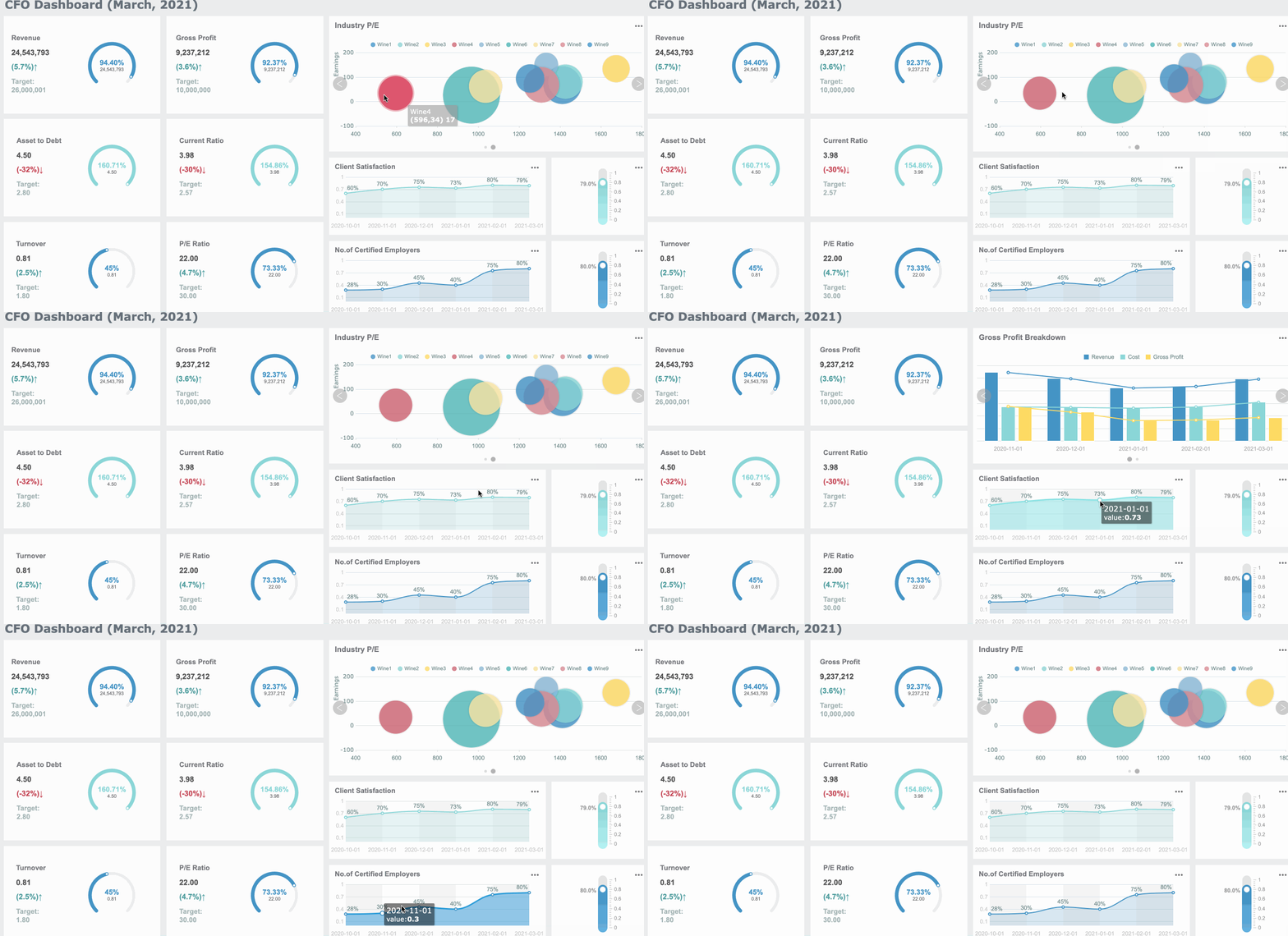
- Board reporting: shorten the time required to produce consistent board-ready packs
- Cash visibility: create more timely views of liquidity, collections, and working capital
- KPI tracking: deliver standardized performance reporting across business units
- Multi-entity close: improve control when multiple subsidiaries or regions feed into one close process
- Cross-functional inputs: collect commentary and operational metrics from HR, sales, procurement, or operations without endless email follow-up
Team adoption and capability building
Technology alone does not fix close. Teams need training on new workflows, validation checkpoints, review responsibilities, and governance expectations. That includes both finance users and cross-functional contributors.
For organizations adopting AI-enabled reporting features, capability building should cover:
- when AI can support narrative drafting or anomaly detection
- what still requires human review
- how to validate outputs before executive use
- where governance and approval authority remain with finance leadership
Confident teams adopt automation faster when they understand not only the tool, but also the operating model behind it.
Common pitfalls and how to avoid them
Most failed automation efforts do not fail because the software is weak. They fail because the process design is weak.
Automating broken processes before standardizing data and approvals
If your inputs, mappings, and responsibilities are inconsistent, automation will only produce errors faster. Standardize first, automate second.
Over-customizing reports that are difficult to maintain across periods
Highly customized packs may please one stakeholder temporarily, but they create long-term maintenance drag. Keep reports modular and reusable.
Ignoring change management, controls, and accountability during rollout
Finance teams need clear ownership, training, and escalation paths. Without these, exceptions pile up and users revert to spreadsheets.
Failing to define success metrics for time saved, accuracy, and stakeholder satisfaction
If leadership cannot see measurable improvement, support for the program fades. Track cycle time, error reduction, on-time delivery, and stakeholder confidence from the start.
Build the workflow faster with FineReport
Building this manually is complex; use FineReport to utilize ready-made templates and automate this entire workflow. For finance teams under pressure to close faster without sacrificing control, FineReport helps connect source data, standardize reporting logic, automate refreshes, build exception dashboards, and distribute role-based reports at scale.
Instead of maintaining fragile spreadsheets and disconnected reporting files, teams can use FineReport to create a controlled reporting environment for month-end close, management reporting, board packs, and multi-entity finance dashboards.

Get Ready-to-Use Dashboard Templates in Fine Gallery
FineReport is especially well suited when you need to:
- integrate multiple finance and operational systems
- standardize recurring close and reporting workflows
- build KPI dashboards for CFOs and controllers
- enforce permissions, approvals, and audit visibility
- reduce manual report preparation across entities and departments
If your team is still spending month-end close copying data, checking formulas, and rebuilding the same reports every cycle, this is the moment to redesign the process.
FAQs
Automated financial reporting is a workflow that pulls data from source systems, applies standard rules, validates balances, and produces reports with less manual work. In month-end close, it helps finance teams issue accurate reports faster and with stronger control.