Data discovery tools help you quickly find, organize, and analyze data across sources so you can uncover insights, trends, and anomalies for smarter decisions.Here are the top 10 data discovery tools for businesses in 2026:
- FineReport by FanRuan
- Microsoft Power BI
- Tableau
- Qlik Sense
- Looker
- Alation
- Collibra
- Atlan
- Informatica Data Discovery
- BigID
When you choose the right tool, you get a clear view of your data, spot trends, and find outliers fast. You can see the bigger picture, make smarter decisions, and boost compliance. In retail, these tools help you understand what customers want. In finance, they make risk management easier. Healthcare organizations use them to improve patient care.
What Are Data Discovery Tools?
Definition and Purpose
When you hear about data discovery tools, you might wonder what they actually do. These tools help you find, organize, and understand your data, no matter where it lives. You can use data discovery software to search through databases, spreadsheets, and even cloud storage. The goal is simple: make your data easy to find and use.
Data discovery tools let you uncover patterns, spot trends, and highlight outliers. You get to see the big picture and the tiny details. With these tools, you can make smarter choices for your business.
Here’s a quick look at why businesses rely on data discovery solutions:
| Purpose | Description |
|---|---|
| Informed decision making | Uncover patterns, trends, and outliers for data-driven choices. |
| Enhanced efficiency | Streamline processes and save money by finding inefficiencies. |
| Competitive advantage | Identify market trends and understand customer behavior. |
| Solid security | Spot risks early, including market volatility and cybersecurity threats. |
| Increased agility | Monitor trends in real time and respond quickly to changes. |
| Innovation | Fuel new ideas and business models with fresh insights. |
Why Businesses Need Data Discovery
You face a lot of challenges when you manage data. Sometimes, your data sits in silos, making it hard to get a complete view. You might deal with poor data quality, which can lead to mistakes. As your business grows, your data grows too, and that can slow things down. Security and compliance also become more important.
Data discovery tools solve these problems. They help you break down silos and unify your data. You can automate quality checks and keep your data accurate. These tools scale with your business, so you never fall behind. You also get better security and can meet compliance rules with ease.
When you use data discovery solutions, you speed up how you collect and process information. You can spot issues before they become big problems. You get clear insights into customer behavior, so you can respond faster and smarter. Leaders use these tools to dig deep into their business models and find ways to improve. You get the power to innovate and stay ahead of the competition.
Key Features of the Best Data Discovery Tools
Essential Capabilities for Business Users
When you look for data discovery tools, you want features that make your work easier and faster. The best tools help you connect to all your data, clean it up, and turn it into useful information. You get ai-powered insights that show you patterns and trends you might miss. With customizable dashboards, you can see the information that matters most to you.
Here are some features you should expect:
- AI-driven data discovery and cataloging. You get automated metadata enrichment, so you spend less time searching for data.
- Data lineage and quality tracking. You can see where your data comes from and make sure it stays accurate.
- Collaboration tools. You can share trusted datasets and work with your team in real time.
- Unified data workspace. You can integrate with major platforms like Snowflake and Tableau.
- Automated data tagging. Metadata intelligence helps you organize your data quickly.
- Built-in governance and access control. You keep your data secure and only share it with the right people.
Take a look at this table to see how these capabilities help you:
| Evidence | Description |
|---|---|
| Self-Service Analytics | You can analyze data quickly and make better decisions for your team. |
| Data Preparation | You clean and transform data without waiting for IT support. |
| Data Integration | You find trends by combining data from different sources. |
| Increased Agility | You adjust to market changes fast and stay ahead. |
| Enhanced Collaboration | You share visual stories and insights with others easily. |
Benefits for Organizations
When you use advanced data discovery solutions, your whole organization wins. You get ai-powered insights that help you make smarter choices. Customizable dashboards let you track key metrics and spot problems before they grow. Your business intelligence improves because you see the big picture and the small details.
Here are some benefits you can expect:
- Improved decision-making. You get actionable insights that guide your strategy.
- Enhanced lead generation. You analyze customer data and find new opportunities.
- Compliance with regulatory standards. You validate your data and meet rules with confidence.
- Faster return on investment. You save time and money by using a powerful data analytics platform.
- Increased revenue and reduced costs. You make better choices and avoid mistakes.
Check out this table for a quick summary:
| Benefit | Description |
|---|---|
| Improved Decision-Making | You use insights to make smart strategic moves. |
| Enhanced Lead Generation | You find new customers by analyzing interactions. |
| Compliance with Regulatory Standards | You keep your data complete and accurate for audits. |
With the right data discovery tools, you unlock the full power of your data analytics platform. You get ai-powered insights, customizable dashboards, and a boost in business intelligence. Your team works together, your data stays secure, and your business grows stronger.
Top 10 Data Discovery Tools in 2026
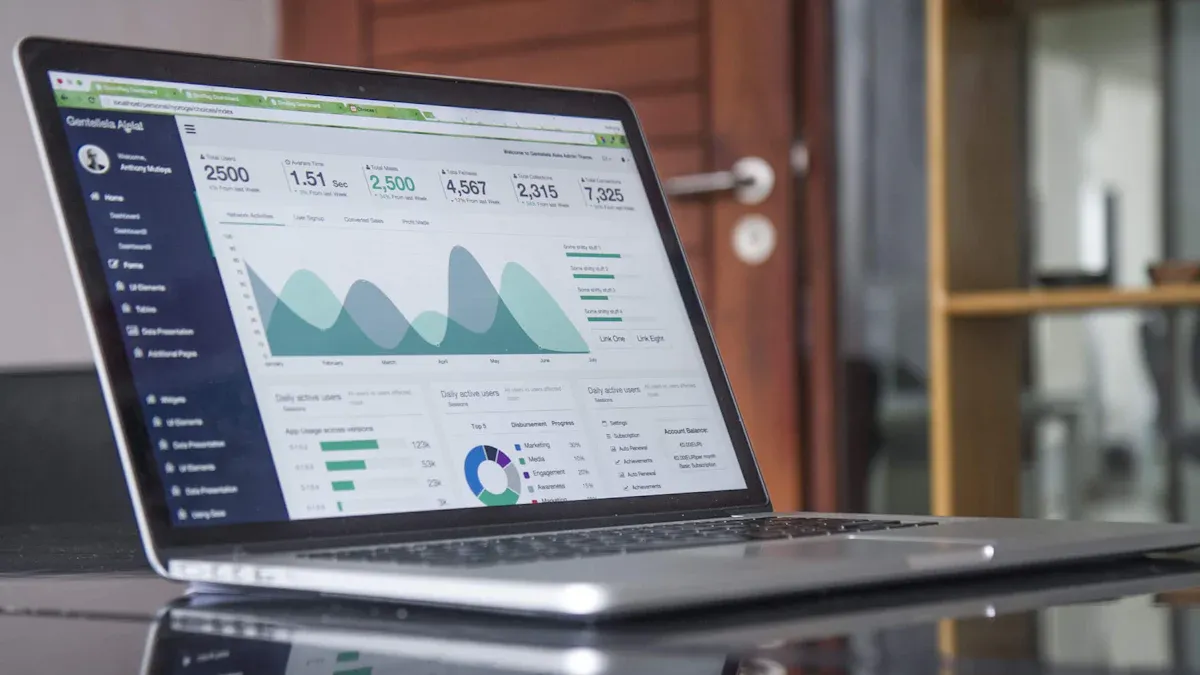
Choosing the best data discovery tools can feel overwhelming. You want a solution that fits your business, scales with your needs, and helps you make sense of your data. Here’s a look at the top 10 data discovery solutions for 2026, each with unique strengths. Let’s break down what makes each tool stand out and how you can use them to unlock powerful insights.
Selection Criteria for Top Tools:
Before you pick a tool, you should know what matters most. Here’s a quick table showing how experts choose the best data discovery tools:
| Step | Criteria Description |
|---|---|
| 1 | Define your objectives to clarify what you need from the tool. |
| 2 | Map your data landscape to ensure compatibility with existing systems. |
| 3 | Separate must-haves from nice-to-haves to focus on essential features. |
| 4 | Shortlist and test tools in real scenarios to evaluate performance. |
| 5 | Evaluate scalability, support, and cost to ensure long-term viability. |
1. FineReport by FanRuan
FineReport by FanRuan leads the pack when you need a flexible, enterprise-level reporting and dashboard platform. You get a drag-and-drop designer that feels familiar, like working in Excel, but with much more power. FineReport connects to hundreds of data sources, including databases, files, and cloud platforms. You can create pixel-perfect reports, interactive dashboards, and even 3D visualizations.
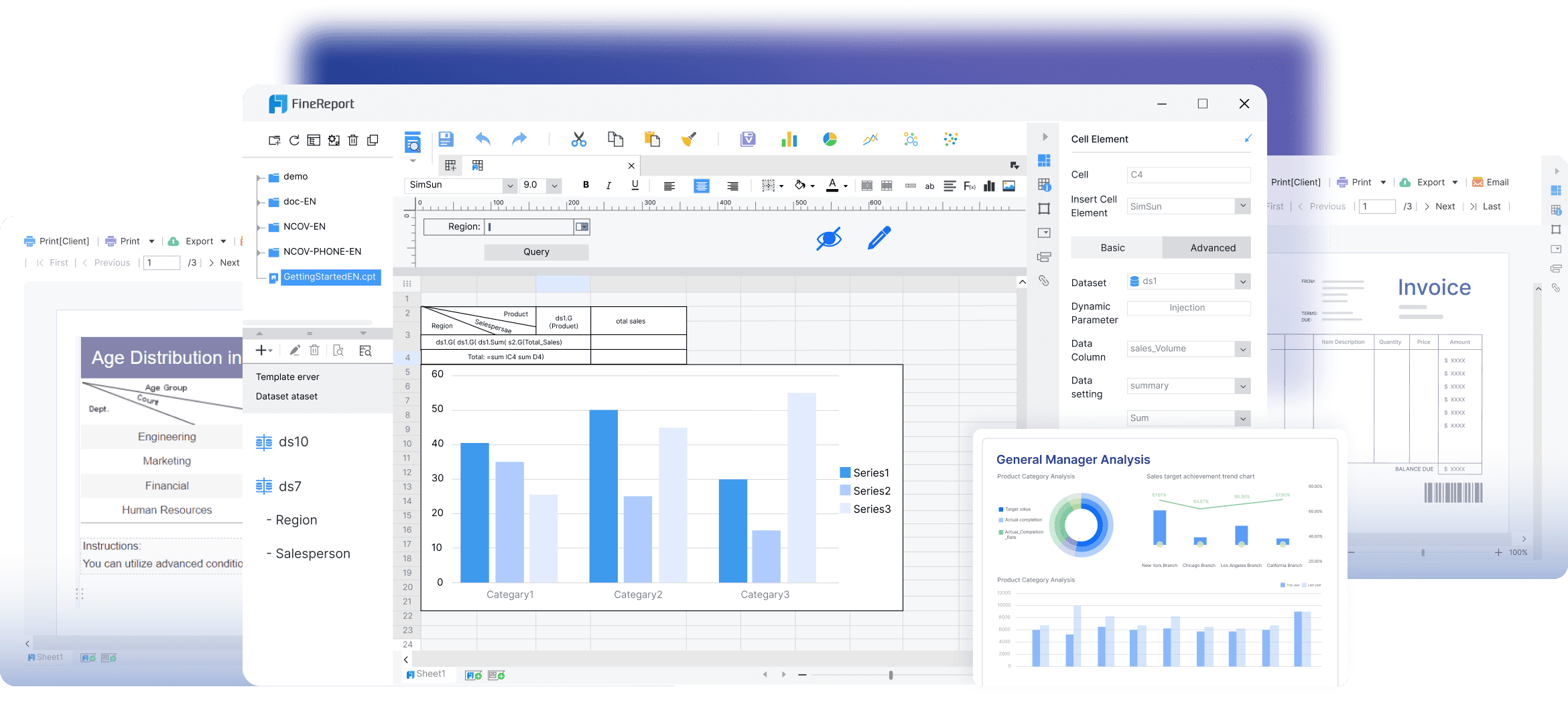
Website: https://www.fanruan.com/en/finereport
You don’t need to write code to build complex reports. The platform supports real-time data integration, so you always see the latest numbers. You can automate report generation and schedule delivery to your team. FineReport’s decision-making platform lets you manage users, permissions, and data security in one place. You can access reports on any device, including mobile, which keeps you informed wherever you go.

If you want to combine data from different systems, FineReport makes it easy. You can build multi-source reports and dashboards that show everything at a glance. The platform’s data entry forms help you collect and manage information efficiently. FineReport stands out among data visualization tools because it offers advanced features like 3D dashboards, mobile BI, and seamless integration with FineBI for self-service analytics.

Tip:
FineReport is trusted by over 15,000 companies worldwide. You can use it to streamline reporting, boost collaboration, and drive smarter decisions.

2. Microsoft Power BI
Microsoft Power BI is a favorite for many businesses. You get a cost-effective solution that integrates deeply with Microsoft products like Excel and Azure. Power BI offers rich visualization options, including charts, maps, and dashboards. AI-powered analytics help you spot trends and predict outcomes.
Website: https://www.microsoft.com/en-us/power-platform/products/power-bi
Here’s a quick look at Power BI’s strengths and challenges:
| Strengths of Power BI | Description |
|---|---|
| Affordability | Power BI is considered cost-effective for organizations. |
| Deep Integration | Seamlessly integrates with other Microsoft products like Excel and Azure. |
| Rich Visualization | Offers a variety of visualization options for data representation. |
| AI-Enhanced Analytics | Features like predictive analytics and anomaly detection enhance data insights. |
| Weaknesses of Power BI | Description |
|---|---|
| Limited NoSQL Support | Struggles with NoSQL databases and REST API integration. |
| Steep Learning Curve | Advanced features require knowledge of DAX, which can be complex. |
| Microsoft-Centric Ecosystem | Best performance in Windows and Azure environments, limiting cross-platform use. |
You can use Power BI to create interactive dashboards and share insights across your organization. If you already use Microsoft tools, Power BI fits right in.
3. Tableau
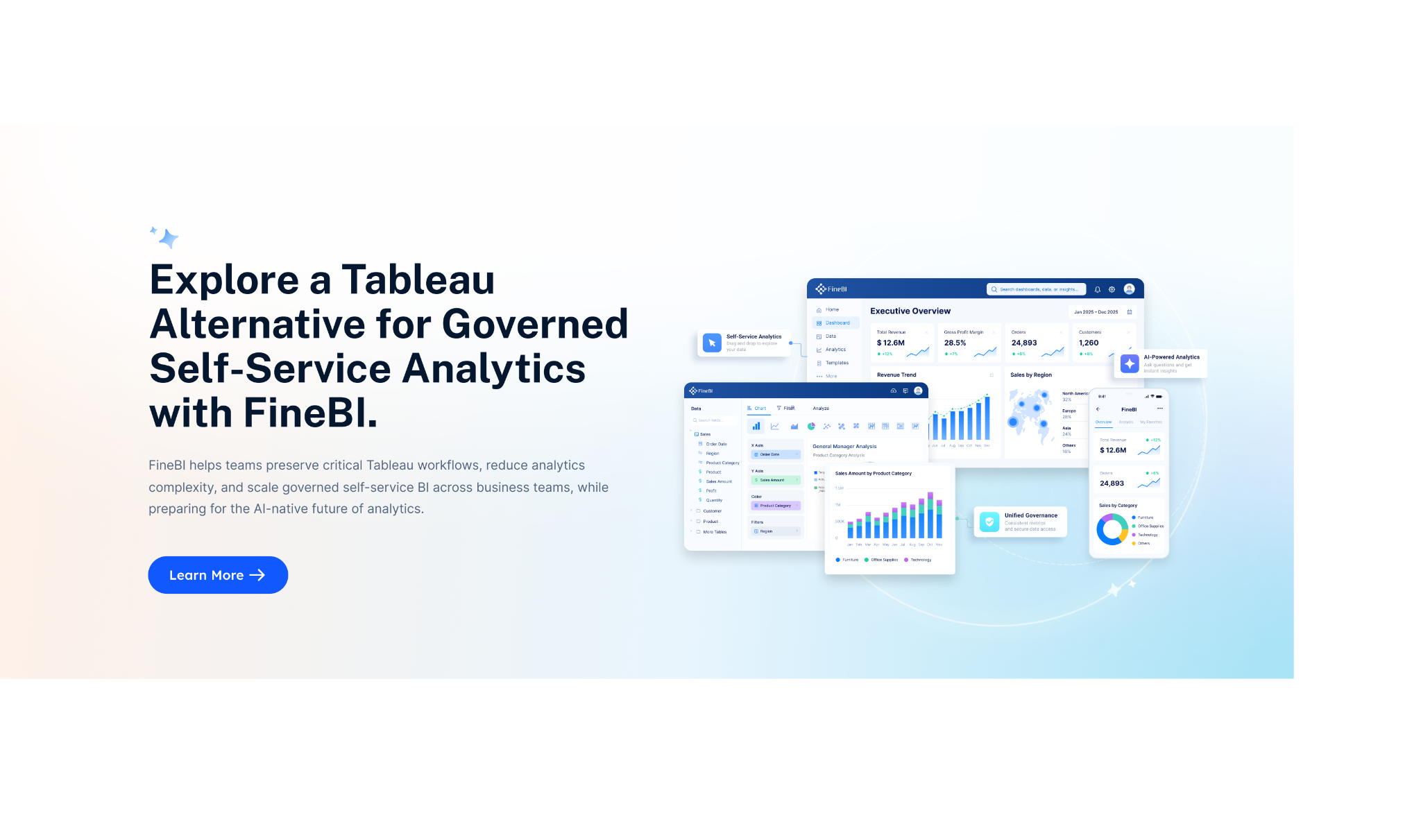
Tableau makes data discovery simple and visual. You get an intuitive interface that lets you drag and drop data to create charts and dashboards. You don’t need advanced technical skills to get started. Tableau helps you uncover insights quickly and share them with your team.
Website: https://www.tableau.com/
- You can build actionable visuals like dashboards and charts.
- Tableau Catalog gives you a clear view of data connections, so you trust your data.
- Prebuilt dashboards help you start analysis fast.
- Row-level security keeps your data safe.
- Central access points allow self-service analysis.
- Simplified management reduces the load on your data warehouse.
Tableau is a top choice if you want to empower everyone in your company to explore data and make decisions.
4.Qlik Sense
Qlik Sense stands out for its powerful data modeling and fast analytics. You get native data modeling, which lets you transform and shape your data right in the platform. The associative data model allows you to explore data flexibly and make connections on the fly.

Website: https://www.qlik.com/us/products/qlik-sense
| Feature | Description |
|---|---|
| Native Data Modeling | Enables advanced data transformations and modeling directly within Qlik Sense, allowing for tailored data models. |
| Associative Data Modeling | Allows dynamic and flexible data exploration, enabling users to make associations on the fly to uncover insights. |
| Insight Advisor | Provides intelligent, context-aware suggestions based on data analysis activities, helping users uncover hidden insights. |
| QIX Engine | A high-speed, in-memory engine that enables rapid data discovery and analysis, ensuring fast queries and visualizations. |
| Centralized Sharing and Collaboration | Facilitates easy sharing of insights and collaboration on projects, enhancing teamwork and data-driven decision-making. |
| Embedded Analytics | Integrates Qlik Sense analytics into existing applications, enhancing user productivity by providing insights within familiar workflows. |
| Extensions and Custom Applications | Offers extensive customization options through extensions and custom application development, allowing organizations to tailor the platform to their needs. |
| Row-Level Security | Provides comprehensive security features, ensuring users only see data they are authorized to access, enhancing data governance and compliance. |
You can embed Qlik Sense analytics into your own apps and customize the platform to fit your business.
5. Looker
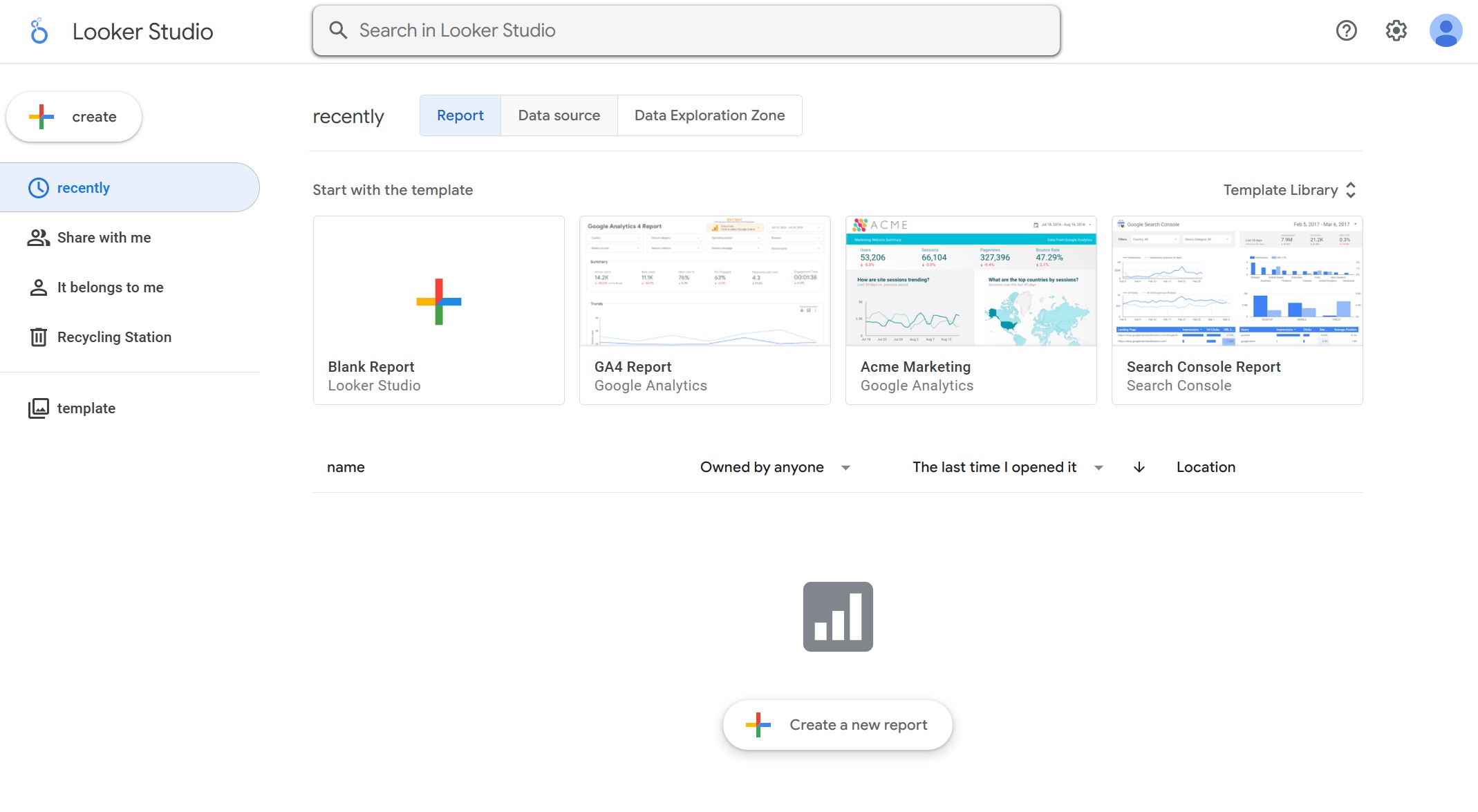
Looker, now part of Google Cloud, takes a code-based approach to data modeling. You use LookML to define metrics and build a single source of truth for your organization. Looker supports real-time data querying, especially with BigQuery, so you always see up-to-date information.
Website: https://lookerstudio.google.com/navigation/reporting
| Feature | Looker | Competitors (Tableau, Qlik) |
|---|---|---|
| Modeling Approach | Code-based (LookML) | GUI-based |
| Source of Truth | Single source for metrics | Multiple sources possible |
| Real-time Data Querying | Yes (via BigQuery) | Limited |
| Embedded Analytics | Strong (white-labeling, API) | Moderate |
| Integration with Google Cloud | Seamless | Varies |
You can embed analytics into your own products and customize dashboards for different teams. Looker is a great fit if you want strong integration with Google Cloud and a unified view of your data.
6. Alation
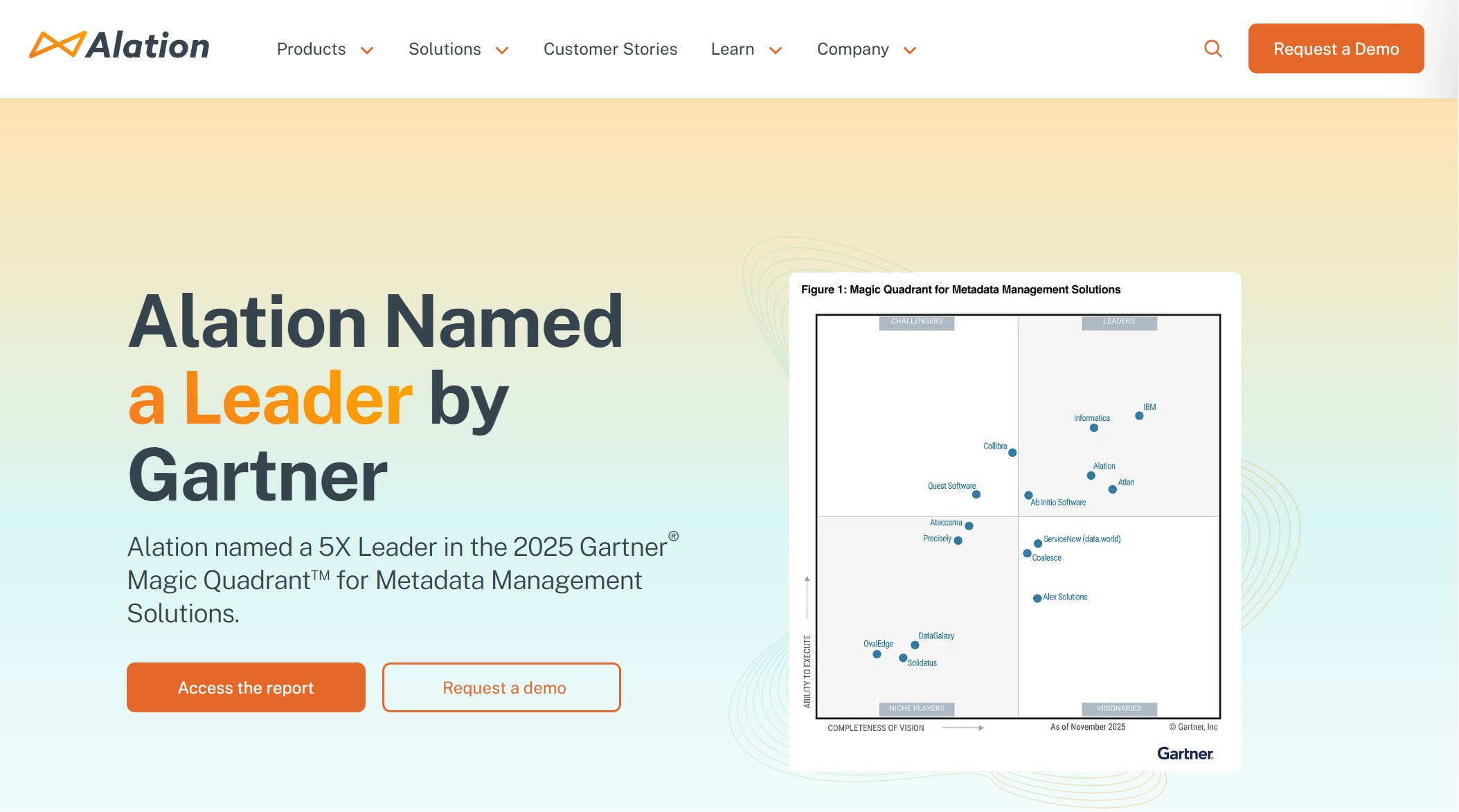
Alation helps you organize and discover data across your business. You get a centralized data catalog that makes it easy to find and access information. Alation tracks data lineage, so you see where your data comes from and how it’s used.
Website: https://www.alation.com/
| Feature | Description |
|---|---|
| Data catalog | Centralized library for organizing and accessing data across the organization. |
| Data lineage | Visual mapping of data flow, transformations, and usage, providing context and quality insights. |
| Data integration with BI tools | Seamless integration with BI tools like Tableau and Power BI for easy data discovery and analysis. |
| Effortless metadata management | Automatic classification and tagging of data assets, enhancing searchability and reducing manual effort. |
| Data stewardship | Management of data accuracy and compliance through assigned stewardship roles and dashboards. |
Alation makes it simple to manage metadata and ensure data quality. You can connect it to your favorite BI tools for deeper analysis.
7. Collibra
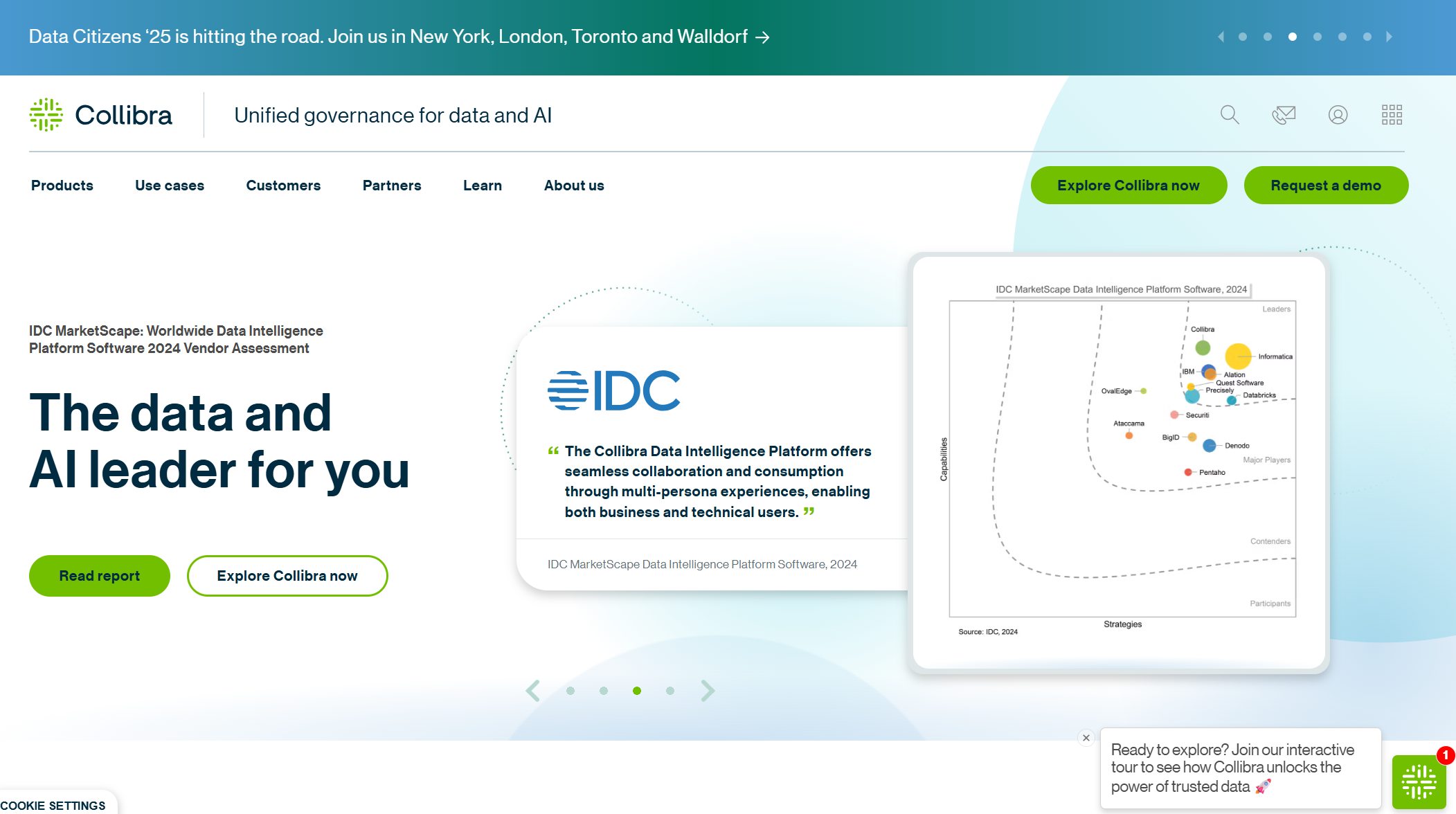
Collibra focuses on data governance and discovery. You get a data marketplace that connects discovery, access, and governance in one place. Collibra’s centralized data catalog serves as a single source of truth, which boosts productivity and reduces IT overhead.
Website: https://www.collibra.com/
| Feature | Benefit |
|---|---|
| Data Marketplace | Seamless integration between data discovery, access, and governance. |
| Centralized Data Catalog | Serves as a single source of truth, reducing IT overhead and enhancing productivity. |
| Workflow Designer | Allows for custom workflows to automate and standardize governance processes. |
| Data Quality Monitoring | Provides real-time insights into data quality, linking issues to specific data assets. |
| AI Governance Support | Helps document training data for AI models, ensuring compliance with ethical guidelines. |
- Collibra’s Data Quality and Observability module links quality issues to specific data assets.
- You get real-time insights into data quality.
- Observability features help you spot anomalies in data pipelines.
Collibra is a smart choice if you want to automate governance and keep your data clean.
8. Atlan
Atlan is built for collaboration. You get active metadata management, which keeps your data catalog up-to-date as workloads run. Atlan tracks data lineage, so you can audit and analyze the journey of your data.
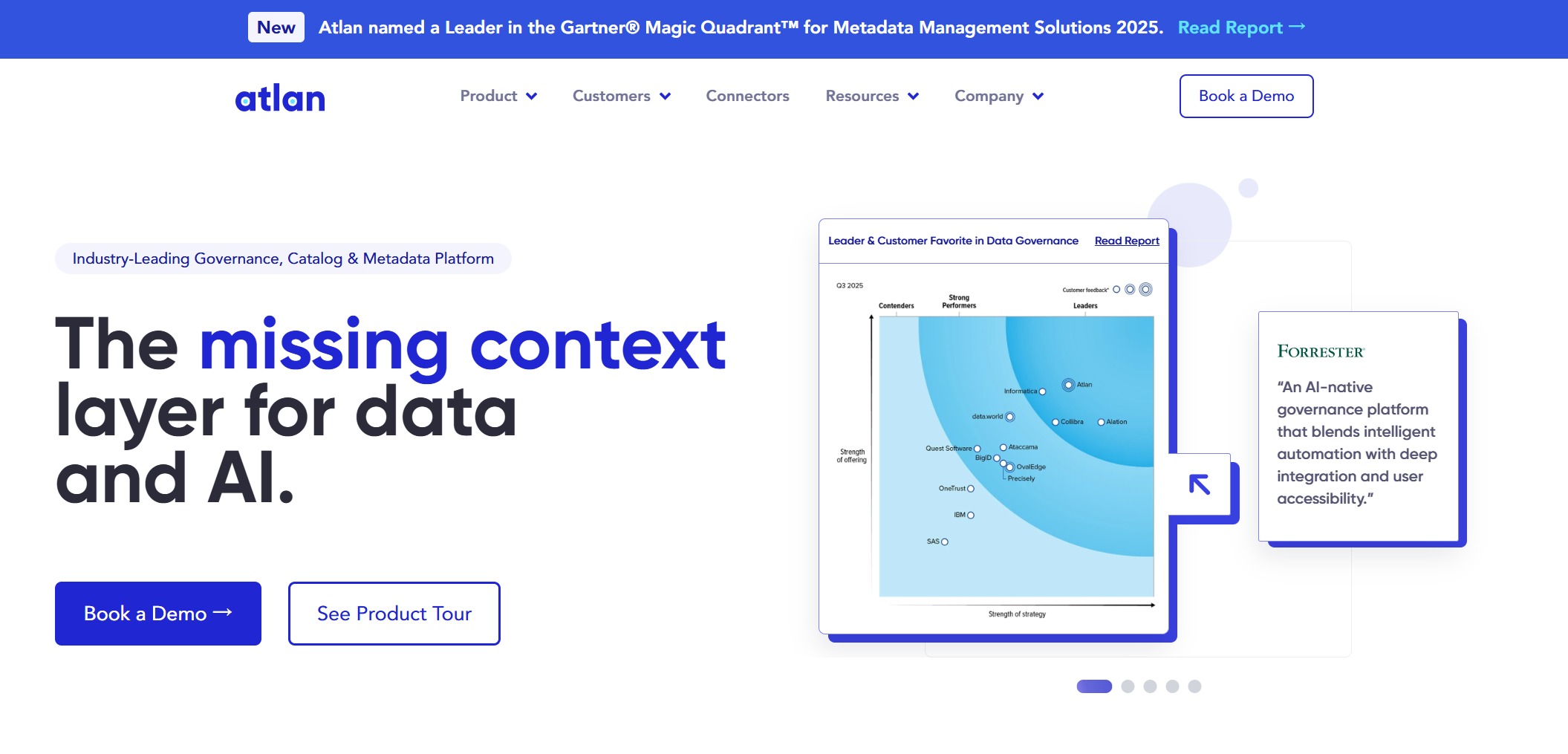
Website: https://atlan.com/
| Feature | Description |
|---|---|
| Active Metadata | Automatically ingests and updates metadata as data workloads run, keeping the catalog up-to-date. |
| Data Lineage Tracking | Allows users to trace the origin and journey of data through pipelines for auditing and impact analysis. |
| Collaboration Tools | Users can add documentation, comments, or Q&A to data asset pages and integrate with platforms like Slack. |
| Search and Filter Capabilities | Intuitive interface with powerful search and filter options to quickly find relevant data assets. |
| Custom Categorization | Supports tagging and categorization of assets to align with business terms and taxonomy. |
| Data Governance Features | Includes a business glossary and policy management for compliance and consistency. |
You can add comments, documentation, and even Q&A to data assets. Atlan integrates with Slack, making teamwork easy.
9. Informatica Data Discovery
Informatica Data Discovery is designed for large enterprises. You can find relevant data quickly, understand its context, and identify gaps. The platform helps you make informed choices and improves operational efficiency by reducing search time and automating processes.
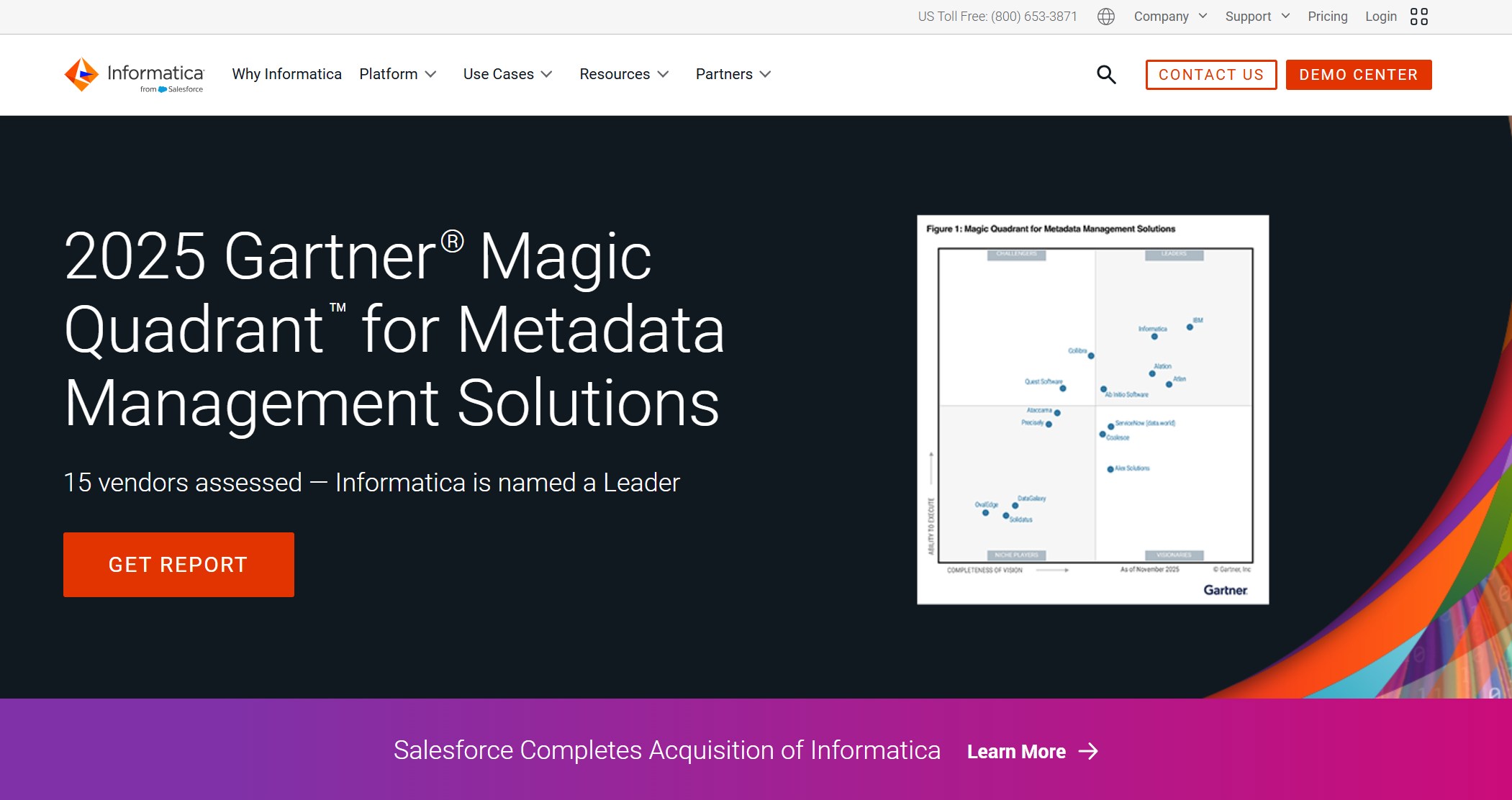
Website: https://www.informatica.com/
- Improved Decision Making: You find data fast, understand its context, and make better choices.
- Enhanced Operational Efficiency: You spend less time searching and more time acting.
- Better Data Governance: You get a complete inventory and track data usage for compliance.
- Increased Data Value: You unlock hidden insights and maximize your data’s potential.
- Reduced Data Search Time: No more manual hunting for data.
- Streamlined Processes: Automation improves collaboration.
- Accelerated Projects: Faster access means quicker results.
Informatica helps you protect sensitive data, minimize redundancy, and prioritize what matters most.
10. BigID
BigID puts privacy and compliance front and center. You get automated privacy operations, including data discovery and subject request workflows. BigID tracks and manages consent, making it easier to comply with regulations like GDPR and CPRA.
Website: https://bigid.com/
- BigID inventories all personal data across your IT infrastructure.
- You can scan for personal identifiable information (PII) and map data to regulatory policies.
- The platform automates privacy operations and deletion workflows.
- AI-driven insights help you stay compliant and reduce risk.
- BigID provides apps to mitigate security and privacy risks for both structured and unstructured data.
If privacy and compliance are top priorities, BigID gives you the tools to manage and protect your data.
Note:
Each of these best data discovery tools brings something special to the table. You can choose the right solution by matching your business needs with the strengths of each platform. Whether you want advanced data visualization tools, seamless integration, or strong governance, you’ll find a tool that fits.
Tool Comparison: Data Discovery & Visualization Tools
Feature Comparison Table
You want to see how the top data discovery tools stack up. Here’s a quick table that compares their best uses, standout features, pricing, and ratings. This helps you pick the right tool for your business needs.
| Tool Name | Best For | Standout Feature | Pricing | Rating (G2) |
|---|---|---|---|---|
| FineReport | Automated data discovery, reporting, and dashboards | Multi-source integration, real-time reporting, mobile BI | Custom | 4.8/5 |
| Tableau | Data visualization needs | Interactive dashboards | Starts at $15/mo | 4.7/5 |
| Qlik Sense | Data exploration and analytics | Associative data engine | Starts at $30/mo | 4.6/5 |
| Power BI | Microsoft ecosystem users | Microsoft integration | Starts at $9.99/mo | 4.6/5 |
| Looker | In-database analytics | Embedded analytics | Custom | 4.6/5 |
You’ll notice that each tool brings something special to the table. Tableau shines with real-time data analytics and a drag-and-drop interface. Power BI stands out for its deep Microsoft integration and row-level security. Looker lets you explore data directly in your database and adapts to changing sources.
Unique Advantages of FineReport
FineReport gives you a big edge in the data discovery process. You can connect to hundreds of data sources and blend them into one view. The platform supports automated data discovery, so you don’t waste time searching for information. You get real-time data analytics, which means you always see the latest numbers.
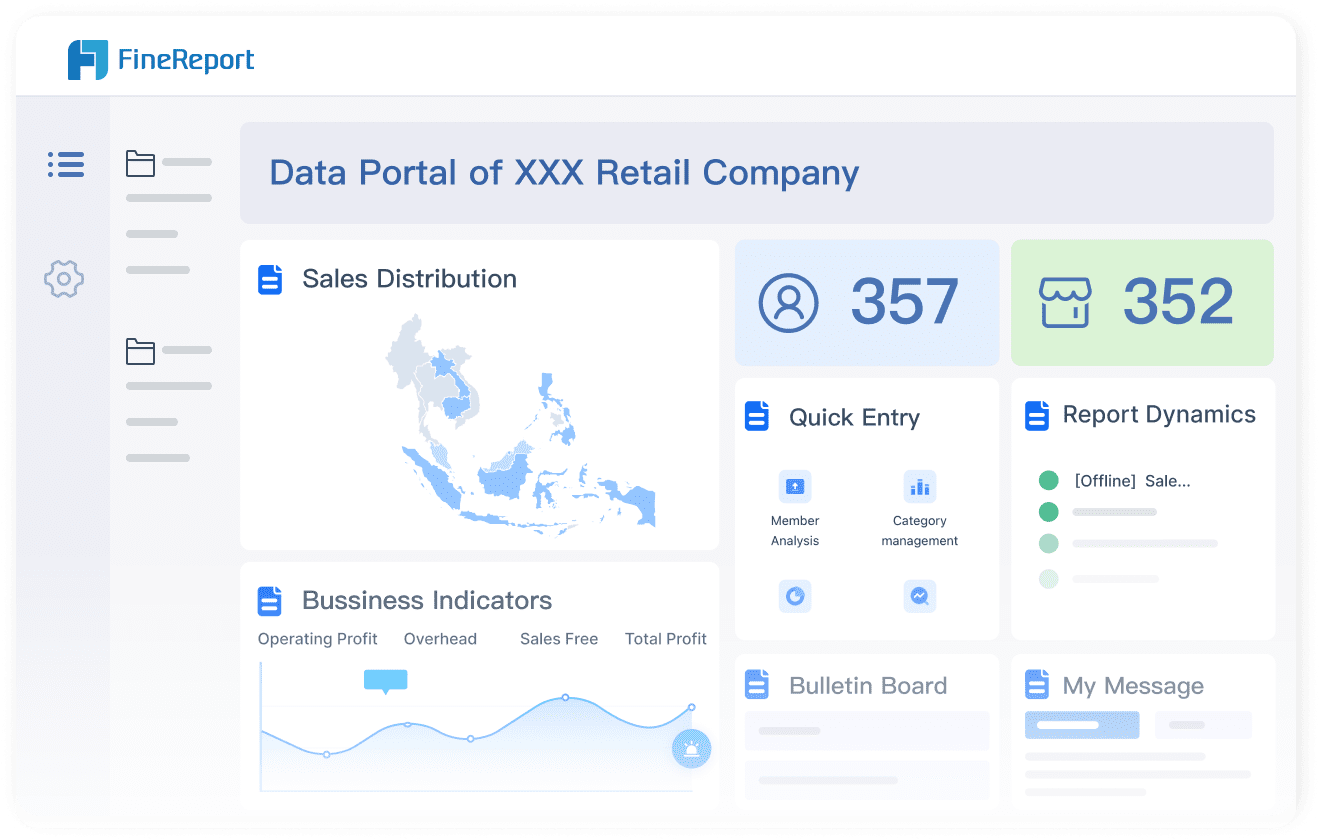
You can use FineReport for data discovery and classification across your business. The drag-and-drop designer makes it easy to build dashboards and reports. You don’t need to code. FineReport’s mobile BI lets you check reports on your phone or tablet, so you stay informed wherever you go.
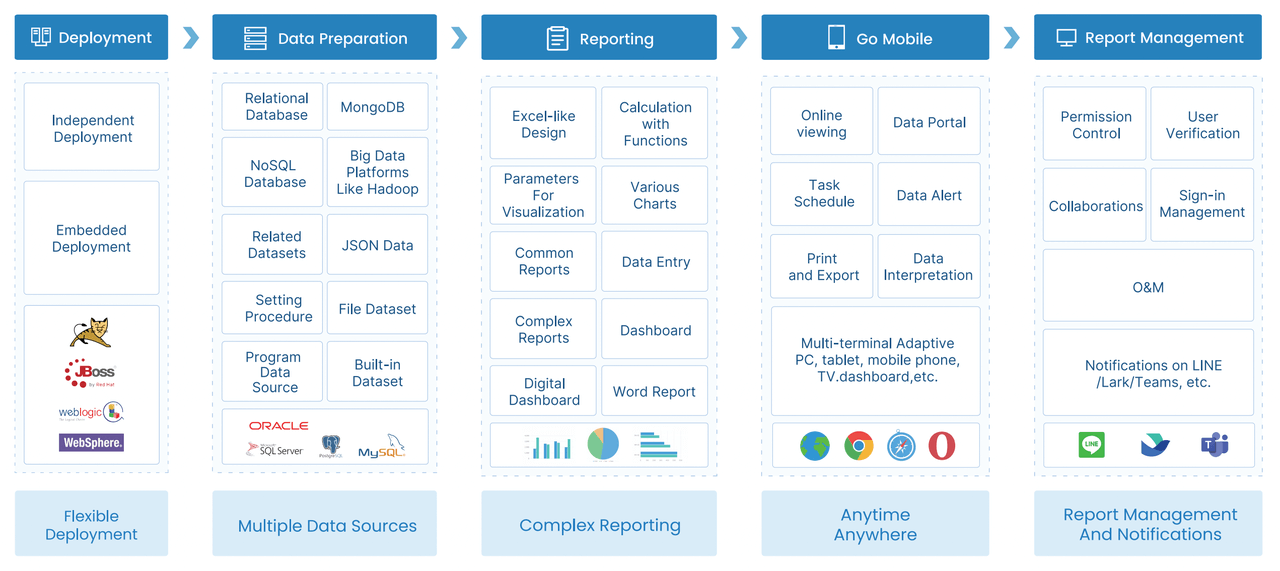
If you want to speed up your data discovery process, FineReport’s automated data discovery features help you find and classify data fast. You can set up self-service analytics for your team, so everyone can explore data on their own. The platform also supports predictive analytics, helping you spot trends before they happen.
FineReport works well for self-service BI and automated data discovery. You can use it for data discovery and classification, real-time reporting, and predictive analytics. This makes it a top choice for businesses that want to stay ahead.
How to Choose the Best Data Discovery Tool
Assessing Business Needs
You want a data discovery tool that fits your business like a glove. Start by thinking about your goals. What problems do you need to solve? Do you want to improve reporting, boost collaboration, or strengthen data discovery and governance? Make a list of your must-haves before you start shopping.
Here are some things you should look for:
- Specific business needs and goals. Pick a tool that matches your objectives.
- Scalability and integration capabilities. Make sure the tool can grow with you and handle more data as your business expands.
- User-friendliness and training requirements. Choose a tool that everyone can use, from beginners to experts.
- Data security and compliance features. Check if the tool keeps your data safe and helps you meet regulations.
If you know what you need, you can narrow down your choices and avoid wasting time.
Scalability and Integration
Your business will change and grow. You need a tool that can keep up. Some platforms offer hundreds or even thousands of connectors, making it easy to link your data from different sources. Others focus on fast data transfer or distributed processing.
Here’s a quick look at how leading tools compare:
| Tool | Scalability Features | Integration Capabilities |
|---|---|---|
| Precisely | Hundreds of pre-built connectors; Change Data Capture | Quick and straightforward data transfer to cloud platforms |
| Informatica | Grid computing; Distributed data processing | Thousands of pre-built connectors for diverse systems |
You want a solution that connects to your current systems and can handle more data as you grow. If you plan to expand, pick a tool that won’t slow you down.
Ease of Use and Cost
Nobody likes a tool that’s hard to learn. If your team spends weeks in training, you lose time and money. Easy-to-use platforms help you get started fast and keep support costs low. Pricing can vary a lot, so check what fits your budget.
Here’s a table to help you compare:
| Tool Name | Cost Range |
|---|---|
| General Tool | Starts at $15/user/month |
| Enterprise Tool | Initial quote at $125/user/month |
| Power BI Pro | Starts at $9.99/user/month |
| Another Tool | Typically starts around $185/year |
| Yet Another Tool | Commences around $16/user/month |
| Average Tool | Averages around $500/month |
| Scalable Tool | Starts at $300/month |
| Small Team Tool | Starts at $5,000/annum |
| Standard Plan Tool | Initial quote at $30/user/month |
Ease of use can lower your total cost of ownership. If your team can use the tool without much help, you save on training and support. Look for clear interfaces and helpful guides.
Tip: Try a demo or free trial before you commit. You’ll see if the tool matches your workflow and budget.
Real-World Success: FanRuan Customer Story

BOE Technology Group Case Study
Let’s look at how BOE Technology Group changed the way it works with data. You might know BOE as a leader in the IoT and semiconductor display industry. They faced big challenges. Data sat in different places. Teams used different definitions for the same metrics. Many employees relied on paper reports or spreadsheets. This made it tough to get a clear view of the business.

BOE decided to use FineReport and FineBI to solve these problems. They built a data warehouse to bring all their information together. Over 200 model designs helped automate data integration. Teams created a unified system for metrics. Now, everyone uses the same definitions. BOE set up KPI dashboards and cross-factory benchmarking. You can see how these changes made it easier to track performance and spot risks early.

Impact of FineReport and FineBI
You want to know what happened next. BOE saw a 5% drop in inventory costs. Operational efficiency jumped by 50%. Managers started using dashboards to monitor business in real time. They could compare performance across factories and take action faster.
FineReport made report creation simple. You get an intuitive drag-and-drop interface. You can connect to databases and Excel sheets. This means you handle data from many sources without extra effort. Interactive dashboards let you monitor key metrics and make smart decisions. FineReport works for both technical and non-technical users. You can build systems for attendance or quality management.
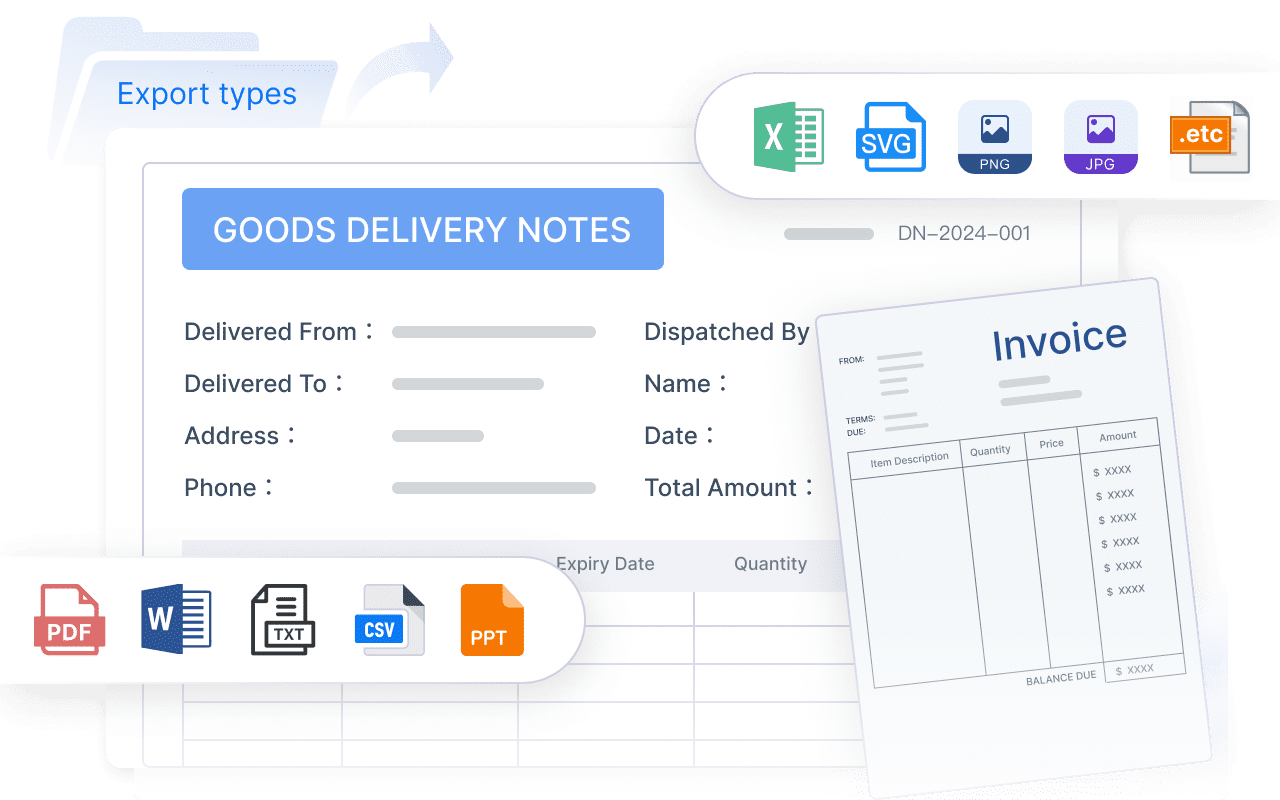
Here’s a quick table showing the practical benefits:
| Benefit/Outcome | Description |
|---|---|
| Ease of Report Creation | You create complex reports with a simple drag-and-drop interface. |
| Versatility in Data Handling | You connect to databases and Excel for complete reporting. |
| Interactive Dashboards | You monitor data in real time to support decision-making. |
You also get faster data analysis compared to old tools like Excel. Built-in funnel models help you with data funnel analysis. With FineReport and FineBI, you unlock better data exploration and analysis. You see the big picture and the details, helping your business grow.
Choosing the right data discovery tool can change how you run your business. You get tools that fit different needs, with FineReport by FanRuan standing out for flexibility and powerful features. Check out the table below to see what matters most:
| Key Benefit | Description |
|---|---|
| User Empowerment | Lets you explore data easily, even if you’re not a tech expert. |
| Holistic Data View | Brings all your data together for a clear picture. |
| Trends & Anomalies | Helps you spot patterns and outliers fast. |
| Informed Decisions | Supports smart, data-driven choices. |
| Actionable Insights | Gives you answers you can use right away. |
Ready to take the next step? Here’s what you can do:
- Define your main goal for using a data discovery tool.
- Map out where your important data lives.
- Try a pilot project to see how the tool works for you.
- Review the pricing to make sure it fits your budget.
- Check how well the tool connects with your current systems.
You can use the comparison guide to help you decide. Talk with your team and test a few options. The right tool will help you unlock new insights and grow your business.
Continue Reading About data discovery tools
What is a Data Platform and Why It Matters
How to Set Up a Comprehensive Data Analysis Framework
Frequently asked questions
A data discovery tool helps you find, organize, and understand your business data. You can spot trends, outliers, and patterns quickly. These tools make it easier to make smart decisions.