If you are comparing investment reporting software, you are probably trying to solve a bigger problem than just making portfolio data look better. Most firms already have some way to show returns, allocations, and benchmark performance. The harder question is whether the software can produce accurate, repeatable, client-ready reporting at scale while fitting the workflows of advisors, operations teams, and compliance stakeholders.
That is why a serious investment reporting software evaluation should go beyond dashboards and performance charts. You need to assess how each platform handles data aggregation, reporting controls, delivery workflows, permissions, security, and long-term operational value. For RIAs, family offices, private wealth teams, and institutional investment operations, these factors often matter more than the visual layer alone.
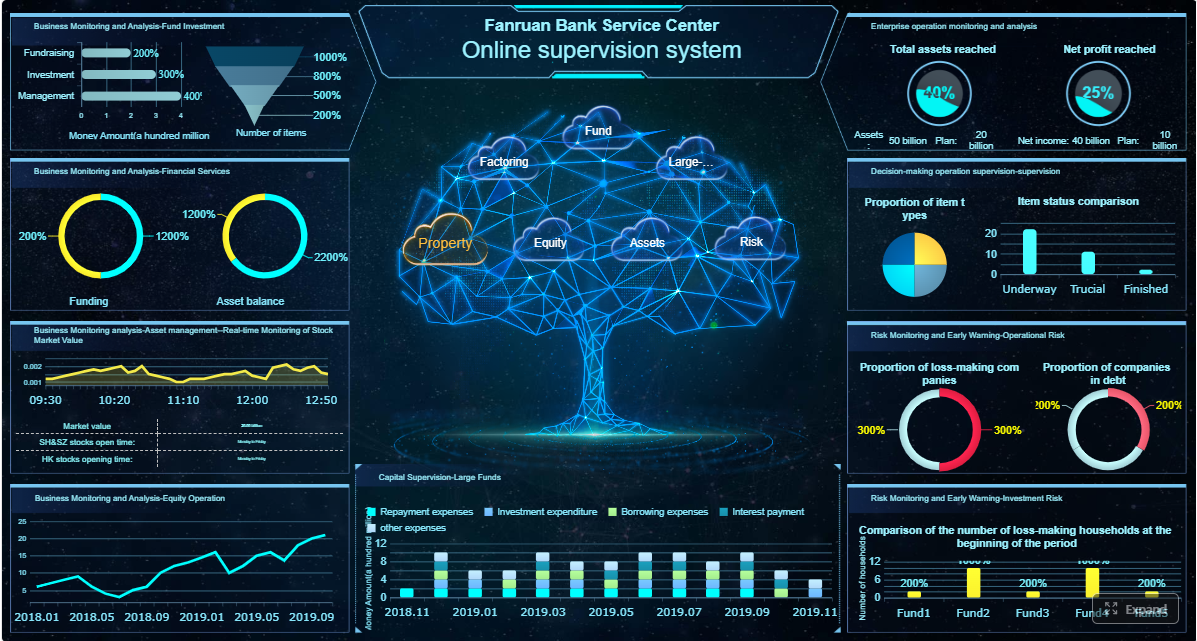 Click To Try The Dashboard
Key Elements of a Strong Investment Reporting Software Evaluation
| Evaluation Factor | What to Look For | Why It Matters |
|---|---|---|
| Data connectivity | Connections to custodians, portfolio accounting systems, CRM tools, and external data sources | Reduces manual consolidation and reporting delays |
| Reporting accuracy | Reconciliation support, exception handling, version control, audit trails | Helps maintain trust in client and management reports |
| Customization | Flexible templates, branding, household views, client-specific output | Supports different client segments and reporting standards |
| Workflow fit | Review cycles, approvals, scheduling, secure sharing, sign-off | Improves recurring reporting efficiency |
| Compliance support | Recordkeeping, disclosures, retention controls, standardized language | Helps firms manage governance requirements |
| Security | Role-based access, encryption, SSO, secure delivery | Protects sensitive portfolio and client information |
| Scalability | Multi-entity support, multi-currency reporting, alternatives handling | Supports growth without rebuilding processes |
| Analytics depth | Performance insights, portfolio analysis, management reporting | Extends value beyond static reporting |
| Total platform value | Implementation effort, support model, pricing logic, roadmap fit | Prevents expensive misalignment over time |
A tool can have attractive dashboards and still create reporting bottlenecks if the underlying workflows are manual. In investment environments, software quality is measured as much by control and repeatability as by visual appeal.
What an investment reporting software comparison should cover beyond dashboards
Visual reporting is only the starting point. Dashboards help users spot trends, explain performance, and communicate high-level portfolio information. But investment firms also need software that can support operational reporting cycles, client communication standards, and internal governance requirements.
A useful comparison should examine how well each platform supports the full reporting lifecycle:
- Data collection and aggregation
- Validation and reconciliation
- Report design and customization
- Review and approval
- Secure distribution
- Retention and reproducibility
Different firms also prioritize reporting in different ways:
- RIAs may focus on client-friendly reporting, account grouping, and efficient recurring delivery
- Family offices may prioritize complex entity structures, illiquid assets, and consolidated views
- Institutional teams may care more about governance, consistency, and management reporting
- Private market or alternatives-heavy firms may need stronger support for manual inputs, exception handling, and customized report logic
The best investment reporting software for one firm is not automatically the best for another. The right choice depends on your client base, asset mix, service model, and internal reporting responsibilities.
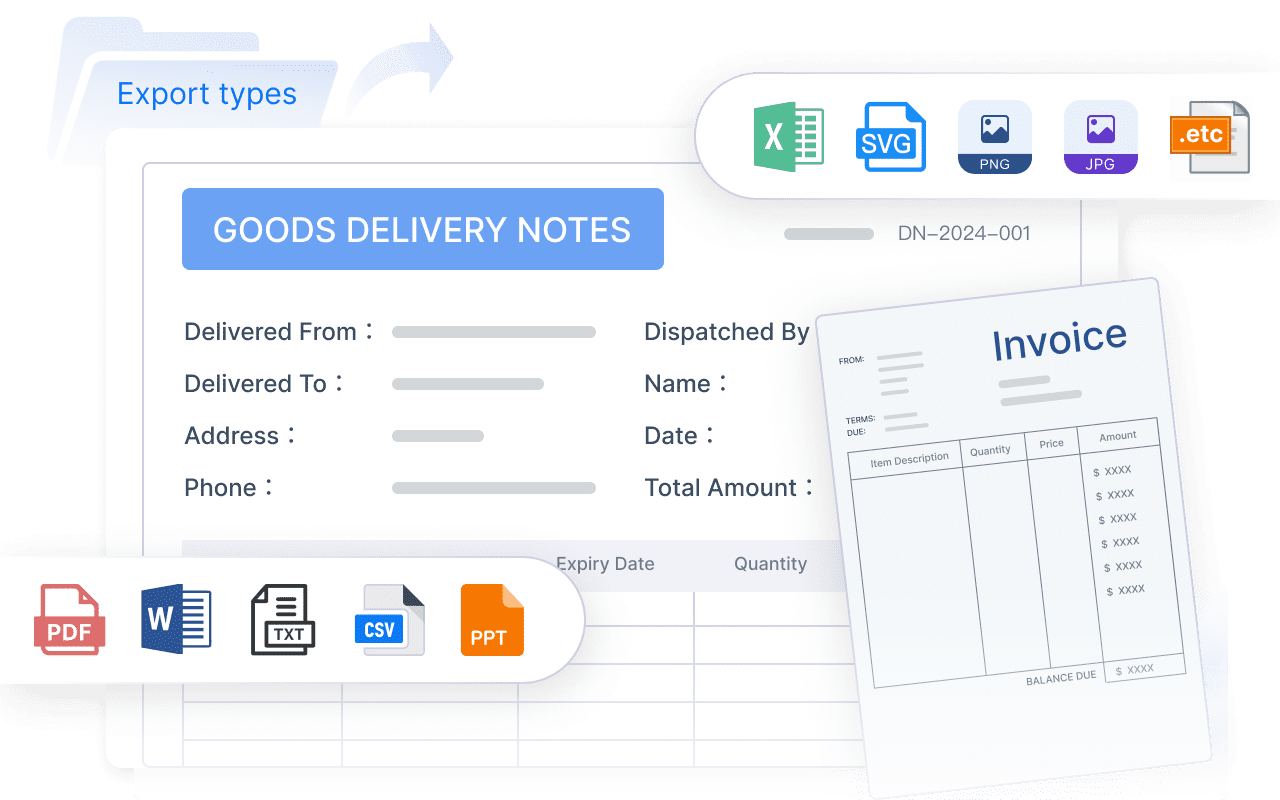
Data quality, integrations, and reporting accuracy
For investment reporting, bad data moves fast. A polished PDF or portal report means very little if the underlying holdings, valuations, or classifications are incomplete or inconsistent.
Source connectivity and data aggregation
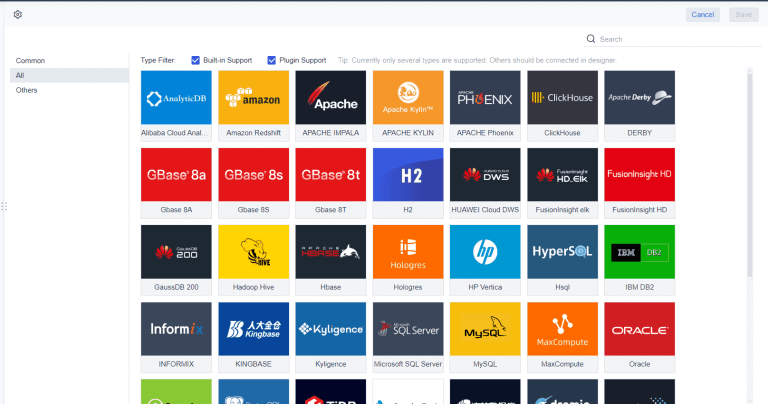
Start by reviewing how the software connects to the systems you already use. Common data sources include:
- Custodian feeds
- Portfolio accounting platforms
- CRM systems
- Market data providers
- Internal spreadsheets or databases
- Alternative investment records
- Billing or fee systems
The key question is not simply whether the platform has integrations. It is whether it can aggregate and normalize data in a way that reduces manual rework.
Look for answers to questions such as:
- How many source systems can be combined into one reporting layer?
- Can the platform standardize classifications and account structures?
- How are missing values or data conflicts handled?
- Are reconciliation steps automated, semi-automated, or fully manual?
- Can teams blend structured data with manually maintained investment information?
Firms with alternatives, private investments, or multi-entity ownership structures should test this carefully. The more complex the portfolio mix, the more important normalization becomes.
Accuracy controls and auditability
Accuracy is not only about getting the numbers right once. It is about being able to reproduce reports consistently across time periods, account groups, and client segments.
Evaluate whether the platform supports:
- Exception handling
- Data review checkpoints
- Approval workflows
- Version history
- Change logs
- Audit trails
- Locked report periods
- Standardized templates
This matters when a client asks why a number changed, when compliance teams need supporting evidence, or when operations teams need to regenerate a report for a previous period.
A strong investment reporting software platform should help your team answer not just what the report says, but also where the data came from, who changed it, and when it was approved.
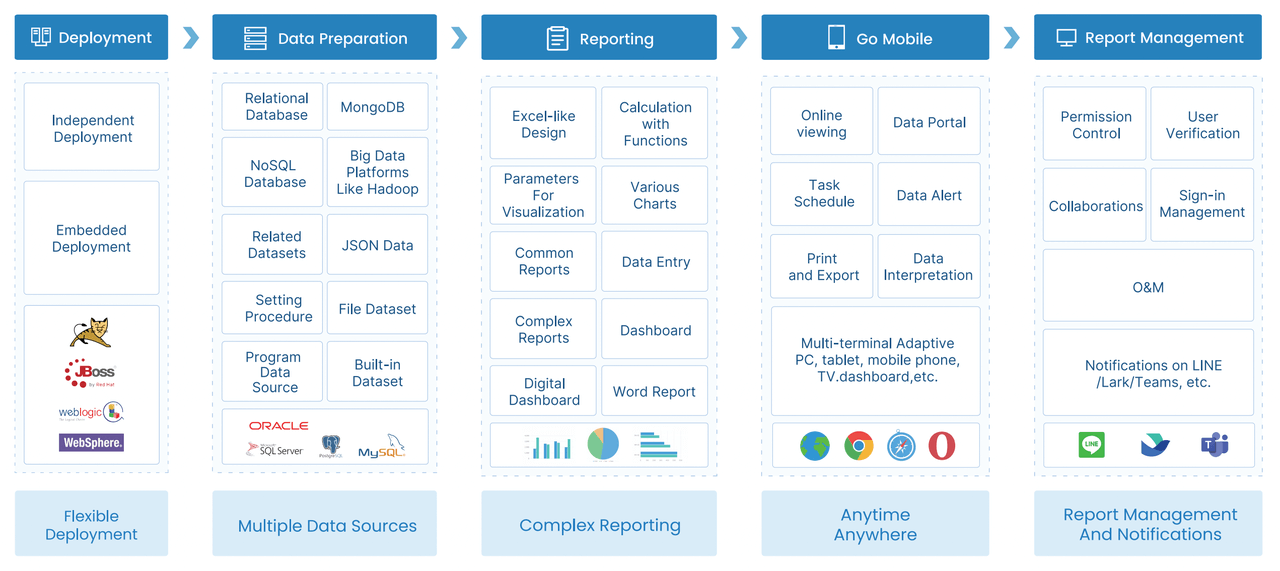
Workflow fit for advisors, operations, and client service teams
Even technically capable software can fail if it does not fit how your teams actually work. Investment reporting usually spans multiple roles, and each one needs something different from the system.
Customization without heavy technical effort
Advisors and client service teams often need flexibility. They may want to tailor outputs for different households, client tiers, or mandates without waiting on developers every time.
Compare vendors on:
- Report template flexibility
- Branding and white-label controls
- Client-specific layouts
- Parameterized reporting
- Ad hoc reporting options
- Multi-format export support
- Ease of modifying tables, charts, and narrative sections
A useful platform should let business users adapt reports without turning every request into an IT project. That does not mean every tool must be no-code, but the reporting layer should be manageable by the people closest to the reporting need.
This is especially important for firms that deliver:
- Quarterly client books
- Relationship summaries
- Portfolio review packs
- Board or investment committee reporting
- Product-level or strategy-level reports
Collaboration and delivery workflows
Recurring reporting cycles depend on more than template design. They require smooth handoffs between operations, advisors, managers, and sometimes compliance reviewers.
Evaluate how the software handles:
- Draft reviews
- Internal comments
- Approval routing
- Permissions by role or team
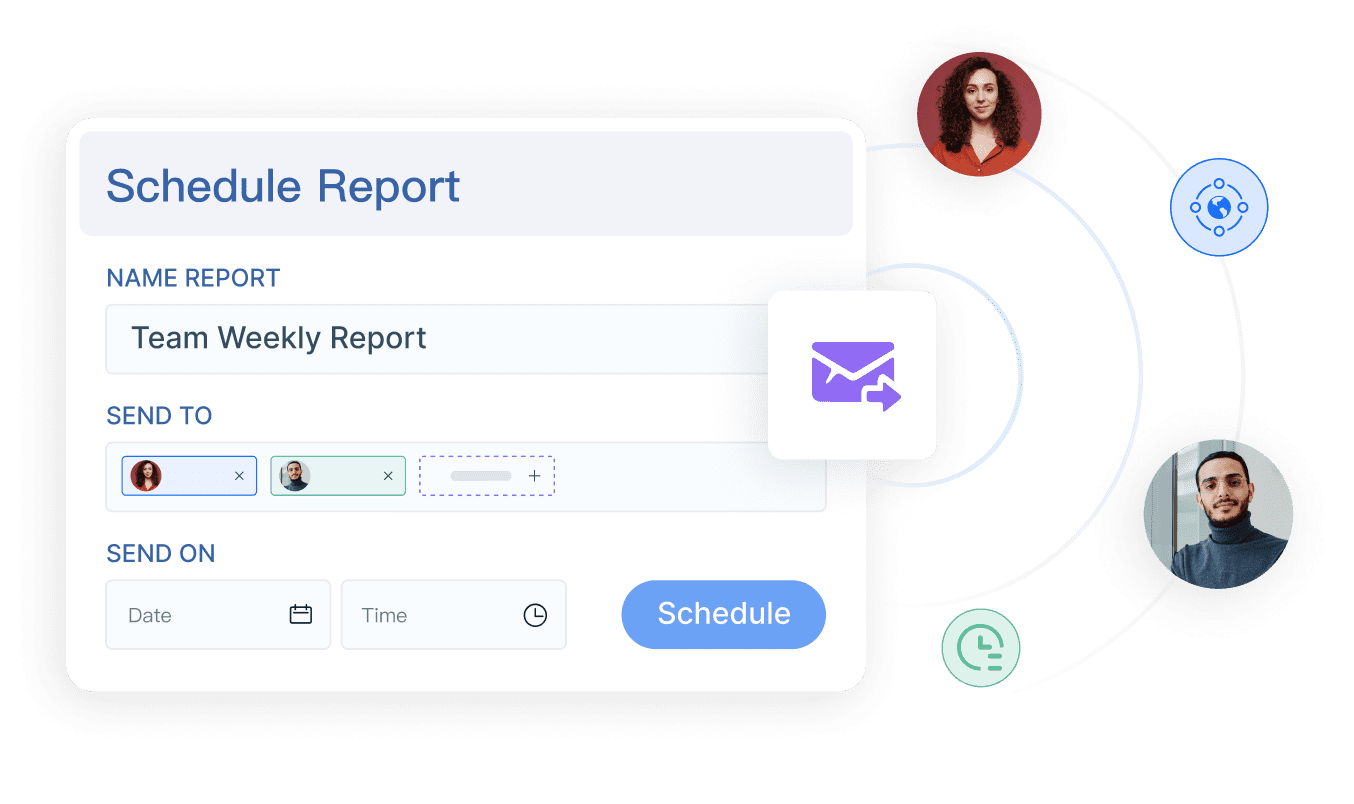
- Scheduled generation
- Batch processing
- Secure file delivery
- Client portal publishing
- Email distribution controls
- Stakeholder sign-off
A platform that reduces bottlenecks in these areas can save significant time during month-end, quarter-end, and client review periods.
The operational question to ask is simple: Does this software shorten the path from validated data to approved client communication?
Compliance, security, and client communication standards
Investment reporting does not happen in a vacuum. Reports are often part of regulated client communications, supervisory processes, and formal recordkeeping obligations.
Regulatory and governance support
When evaluating investment reporting software, look at whether it can support governance practices such as:
- Record retention
- Disclosure management
- Standardized report language
- Supervisory review steps
- Approval documentation
- Consistent client communication templates
- Historical output retrieval
Some firms need formalized controls around who can edit certain disclosures or publish certain reports. Others mainly need to make sure reporting language stays consistent across advisor teams.
In either case, governance support matters because inconsistent reporting is not just inefficient. It can create client communication risk.
Security and access controls
Because investment reports contain sensitive financial and personal information, security should be a front-line evaluation criterion.
Compare platforms on:
- Encryption in transit and at rest
- Role-based access controls
- Single sign-on support
- User provisioning and deprovisioning
- Secure sharing options
- Environment separation
- Vendor security practices
- Administrative controls over report access
Also verify whether permissions can be applied at the level your firm actually needs. For some teams, broad department-level permissions are enough. For others, access must be managed by entity, household, advisor team, geography, or report type.
Strong investment reporting software should help firms protect portfolio and client data without making reporting workflows unworkable.
Scalability, analytics depth, and long-term platform value
A platform that works for 200 client accounts may not work the same way for 20,000 reports, multiple legal entities, or geographically distributed teams.
Support for complex portfolios and growing firms
Scalability in investment reporting has several dimensions. You should test how the software performs across:
- Multi-entity structures
- Household reporting
- Multi-currency views
- Alternative investments
- Private assets
- Large report batch volumes
- Cross-region reporting requirements
- Increasing user counts
Growth often exposes reporting weaknesses that are easy to miss in a polished demo. A vendor may show a clean dashboard, but your real test should involve the most complicated reporting package your firm produces.
Ask vendors to demonstrate:
- Reporting for mixed public and private holdings
- Grouped household structures
- Region-specific formats
- High-volume batch generation
- Complex parameter filtering
- Historical re-runs of prior-period reports
Beyond reporting: analytics and management capabilities
Some platforms are primarily reporting tools. Others combine reporting with portfolio analytics, operational workflows, or broader wealth management functions.
That distinction matters.
You should determine whether your firm benefits more from:
- An all-in-one platform that includes portfolio analytics and related workflows
- A specialized reporting solution designed to sit alongside existing portfolio systems
Evaluate whether the software supports adjacent needs such as:
- Portfolio analysis
- Exposure or allocation summaries
- Billing data preparation
- Management dashboards
- Workflow tracking
- Data entry for internal review processes
An all-in-one platform can reduce system sprawl. But a dedicated reporting layer can sometimes offer stronger formatting control, workflow customization, or enterprise reporting governance.
How to compare vendors and make the final decision
A good buying process turns software demos into measurable evaluation criteria.
A practical scorecard for side-by-side evaluation
Build a weighted scorecard so your team can compare vendors consistently. Common scoring categories include:
| Category | What to Score |
|---|---|
| Usability | Ease of report building, navigation, template updates, training burden |
| Data readiness | Integration flexibility, normalization, reconciliation support |
| Reporting flexibility | Client customization, formatting control, parameter options, export quality |
| Workflow support | Scheduling, approvals, review process, batch delivery |
| Compliance and security | Access controls, auditability, retention support, governance fit |
| Scalability | Complex structures, report volume, multi-currency, growing teams |
| Implementation effort | Data migration complexity, setup time, internal IT involvement |
| Vendor support | Responsiveness, onboarding guidance, product documentation |
| Pricing model | Licensing logic, services cost, hidden operational overhead |
| Roadmap fit | Alignment with your future reporting and platform strategy |
Weight the categories based on your actual operating model. For example:
- A family office may weight complex data aggregation and alternative asset support more heavily
- An RIA may weight client-facing flexibility and recurring delivery workflows higher
- A larger enterprise may place more weight on governance, permissions, and scale
Questions to ask during demos and pilots
Demos should test real scenarios, not just polished slides. Ask vendors to walk through your reporting conditions in detail.
Useful questions include:
- Can you show a report generated from multiple data sources with reconciliation steps?
- How are exceptions flagged and resolved before a report is published?
- Can business users modify templates without developer support?
- What approval and sign-off workflows are available?
- How do you handle batch report scheduling and secure distribution?
- Can prior-period reports be reproduced exactly as delivered?
- How are permissions managed across teams, entities, and client groups?
- What does onboarding typically require from internal operations and IT teams?
- How does the platform support complex structures such as households, alternatives, or multi-currency portfolios?
- What service-level expectations should we have for support and issue resolution?
A pilot checklist should include:
- One recurring client report
- One exception-heavy report
- One high-volume batch workflow
- One approval-based reporting cycle
- One secure delivery test
- One historical re-run for auditability
Practical recommendations before you choose investment reporting software
Based on real reporting projects, here are five practical ways to make a better decision:
-
Map the full reporting workflow before evaluating tools.
Do not evaluate software based only on final output. Document every step from source data to delivery and identify the true bottlenecks. -
Test with your hardest report, not your simplest one.
If a platform handles your most complex household, alternative asset, or multi-entity report well, it will probably handle standard reporting too. -
Separate visualization needs from operational reporting needs.
Dashboards are valuable, but recurring client statements, review packs, and approval-driven reports often require stronger formatting and workflow controls. -
Include compliance and operations in the buying process.
Advisors and investment teams may focus on presentation, while operations and compliance teams usually expose the practical risks. -
Score total cost, not just subscription price.
Manual reconciliation, template change requests, bottlenecks, and implementation overhead can outweigh licensing differences over time.
When a dedicated reporting platform like FineReport is worth considering
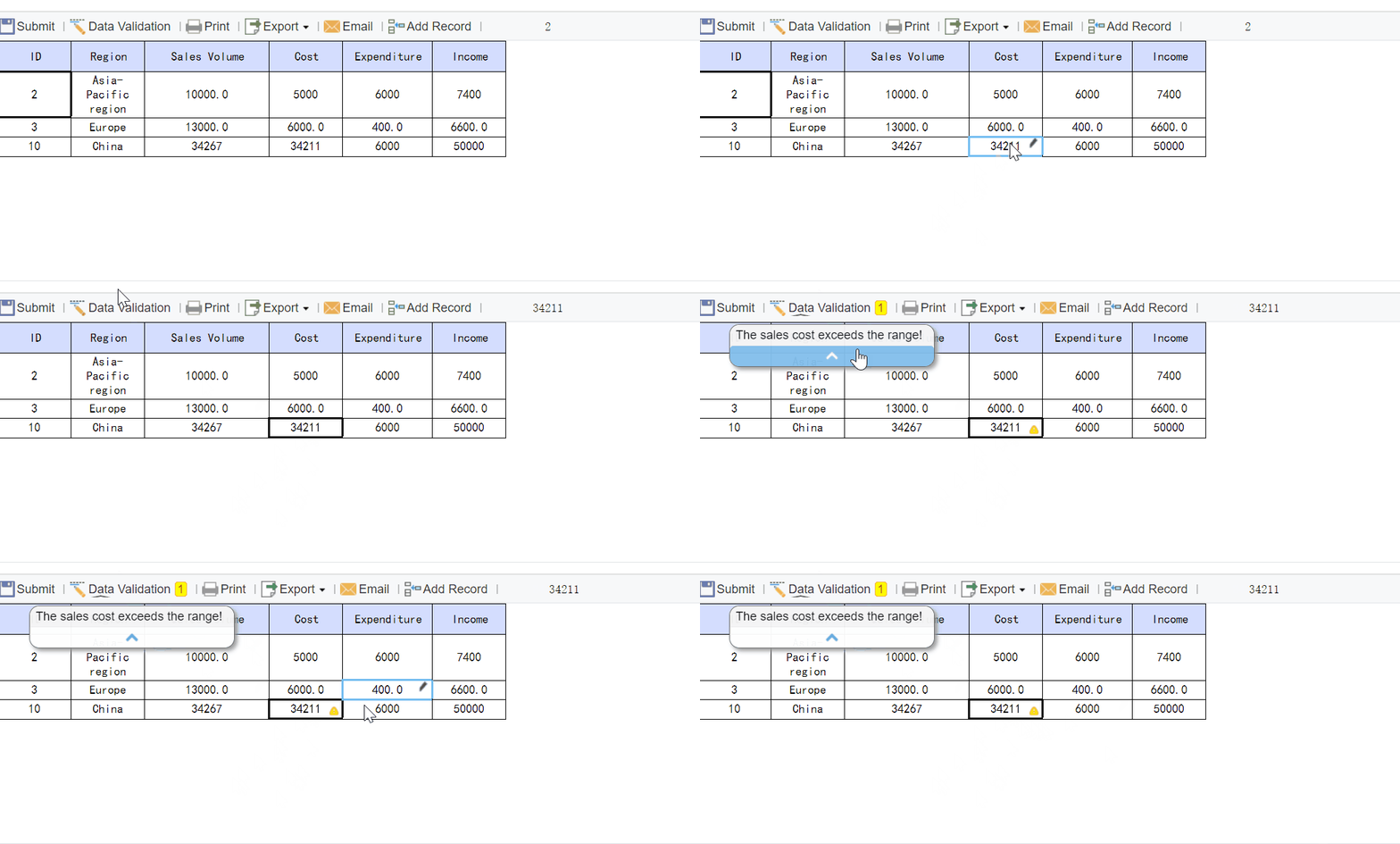
Tools used in wealth management and investment operations often do a strong job with portfolio analysis, dashboards, and consolidated views. But firms with complex reporting workflows may also need a dedicated enterprise reporting platform like FineReport.
That is especially true when your reporting needs include:
- Pixel-perfect client or management reports
- Paginated and printable report output
- Parameterized queries for flexible report generation
- Scheduled and automated report distribution
- Dashboard and detailed report integration
- Secure internal reporting workflows
- Data entry or form-based processes tied to reporting operations
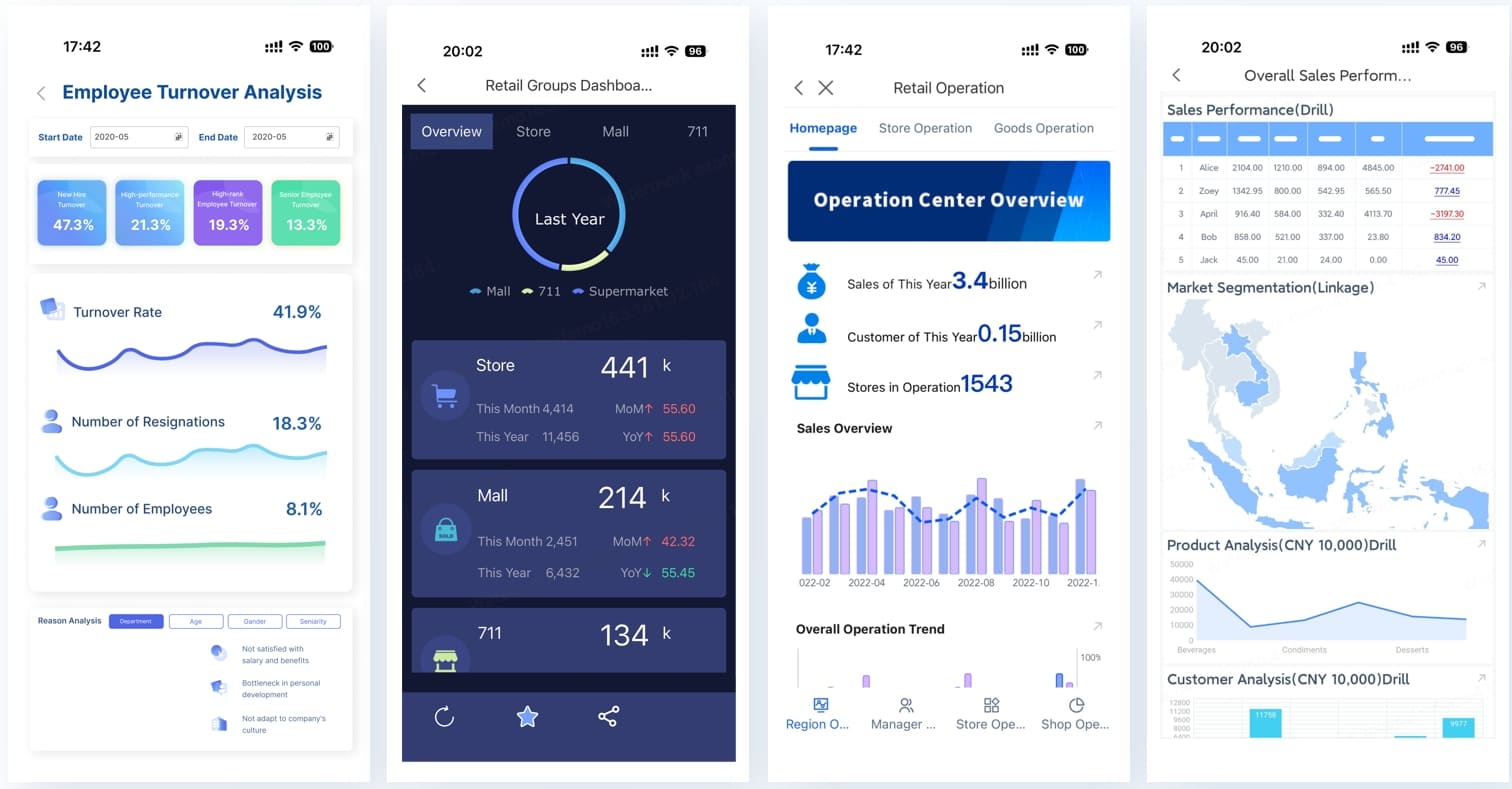
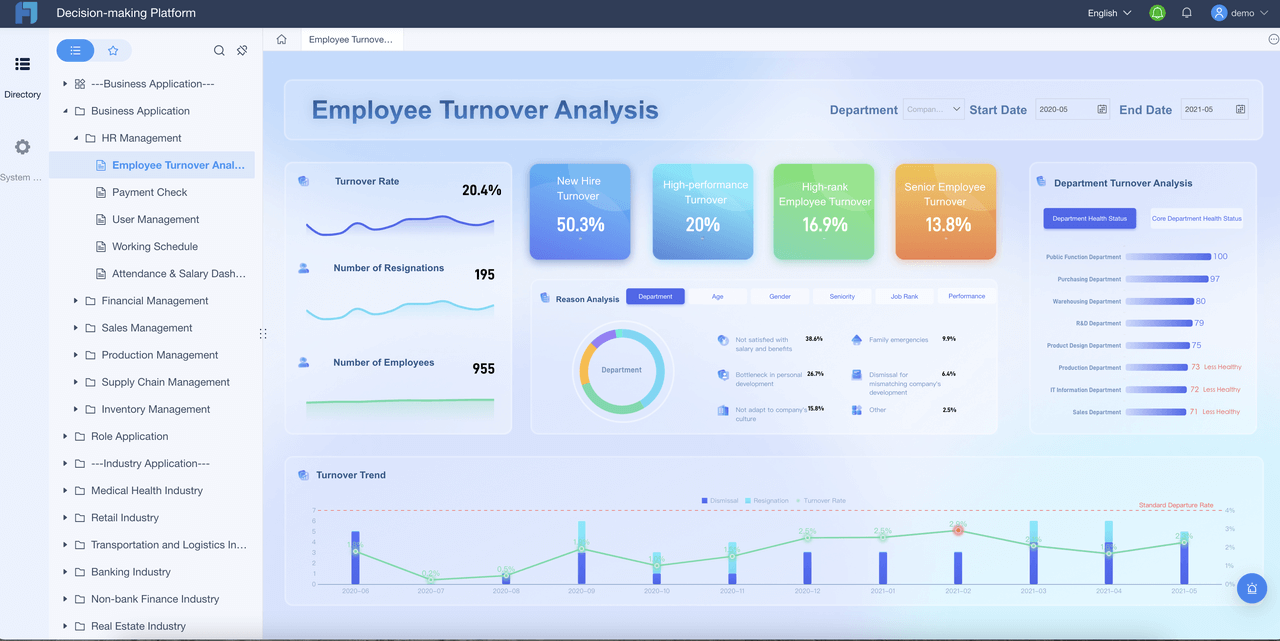
FineReport is positioned as an enterprise reporting and dashboard platform for organizations that need more than simple BI visualization. It is commonly used for structured reporting, operational reporting, dashboard-report integration, scheduled delivery, and form-based workflows. For teams managing recurring report cycles, it can be a practical option where layout control and process consistency matter.
For example, if an investment operations team needs to create highly formatted portfolio review books, exception reports, approval-based internal reports, or scheduled client reporting packages, a reporting-focused platform can add value beyond a standard dashboard tool.

Get Ready-to-Use Dashboard and Report Templates in Fine Gallery
Where FineReport fits in an investment reporting software stack
FineReport is not presented as a portfolio accounting replacement. Instead, it is most relevant when firms need a flexible reporting layer on top of existing data sources and business systems.
Potential fit scenarios include:
- Firms that already have portfolio data but struggle with report production
- Teams that need printable, client-ready, branded reports
- Organizations with approval, scheduling, and distribution requirements
- Operations teams that need parameter-driven reporting across accounts, segments, or periods
- Enterprises that want dashboards and detailed reports in one environment
- Workflows that also require data collection or form entry alongside reporting
Its strengths are especially relevant where report design precision and recurring operational delivery are more important than purely exploratory analytics.
Final thoughts on choosing investment reporting software
The best investment reporting software is not just the one with the best charts. It is the one that helps your firm produce accurate, controlled, client-ready reporting with less manual effort and less operational risk.
As you compare vendors, focus on the nine factors that tend to determine long-term success:
- Data connectivity
- Data normalization and aggregation
- Accuracy controls
- Report customization
- Workflow support
- Compliance and governance fit
- Security and access control
- Scalability for complex portfolios
- Overall platform value over time
If your firm needs more than dashboards—especially if you need structured, repeatable, highly formatted investment reporting—then it may be worth evaluating a dedicated reporting platform alongside portfolio management tools.
FAQs
Focus on data connectivity, reporting accuracy, customization, workflow support, compliance controls, security, scalability, analytics, and total long-term value. The best platform should support the full reporting lifecycle, not just attractive dashboards.