

What is a facility management dashboard? A facility management dashboard is a digital tool that lets you see and manage all important building information in one place. You can track equipment status, monitor energy use, and handle maintenance requests easily.
You use a facility management dashboard to keep your building running smoothly. Many organizations still rely on paper logs and spreadsheets, but more are turning to dashboards to save time and boost productivity.
| Adoption Trend | Description |
|---|---|
| Digital Solutions | More companies now use dashboards for facility management. |
| Manual Systems | Over 70% still use paper logs and spreadsheets. |
| Future Plans | Nearly 30% plan to adopt digital dashboards in the next two years. |
Solutions like FineReport make dashboards simple and accessible for everyone. You do not need special training to get started.
What is a Facility Management Dashboard
Core Purpose and Overview
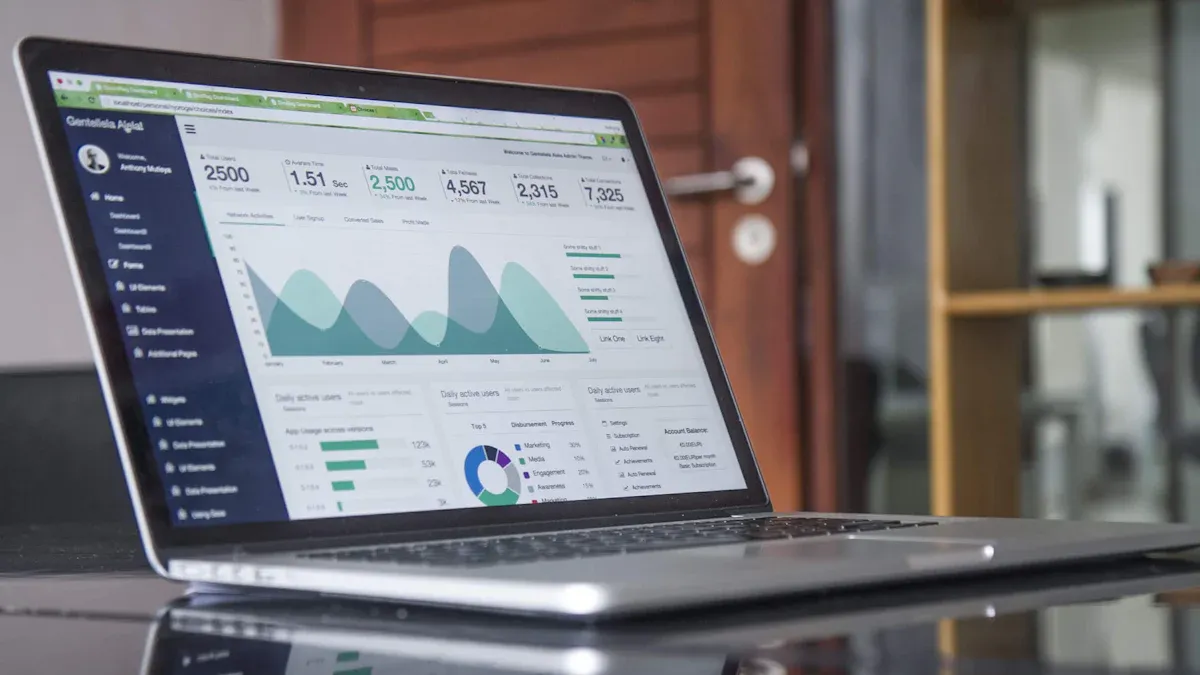
A facility management dashboard is a digital platform that brings together all the important information you need to manage your property or building. You can use it to see real-time updates about your facility, track maintenance tasks, and monitor how well your operations are running. This tool helps you keep everything organized and visible in one place.
When you use a facility management dashboard, you gain several advantages:
- You can track performance in real time. The dashboard updates automatically, so you always see the latest data.
- You make better decisions by using interactive visuals. These visuals help you spot issues and allocate resources where they are needed most.
- You increase accountability. The dashboard shows how each department is performing, which helps resolve problems faster.
- You simplify reporting. All your data comes together in one dashboard, so you do not have to check multiple sources.
- You save time and money. Automated analytics reduce the need for manual tracking.
- You can predict maintenance needs. The dashboard analyzes trends and helps you prevent unexpected breakdowns.
- You can customize and scale the dashboard as your organization grows.
A facility management dashboard consolidates key facility data for easy monitoring. You no longer need to switch between spreadsheets or paper logs. Instead, you get a centralized platform for real-time insights. This setup lets you identify inefficiencies quickly and take action right away. You can also optimize resource allocation because you have a complete view of your facility’s operations. Continuous tracking of safety parameters helps you stay compliant with regulations.
Many organizations face challenges in facility management, such as poor productivity, lack of transparency, and hidden costs. A dashboard addresses these issues by providing real-time visibility into processes, people, and costs. You can spot inefficiencies, track key operations, and identify areas where you can save money. This approach leads to better operational efficiency and improved performance across your property.
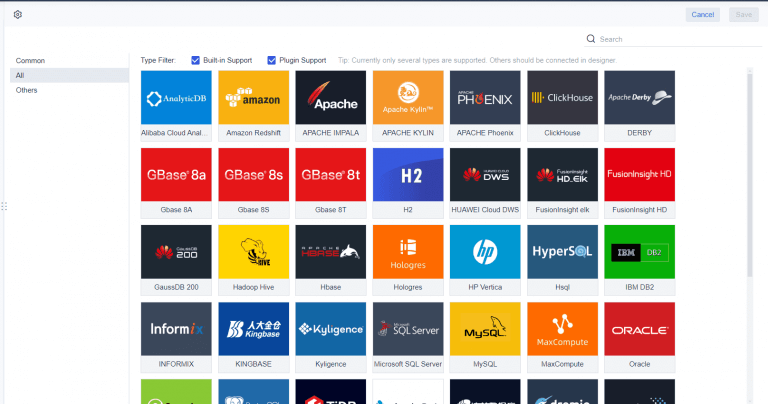
FineReport is an example of a solution that makes dashboards accessible and easy to use. With FineReport, you can connect to different data sources, create interactive dashboards, and manage your facility from any device. This flexibility helps you adapt to changing needs and ensures you always have the information you need at your fingertips.
Key Metrics and KPIs Displayed
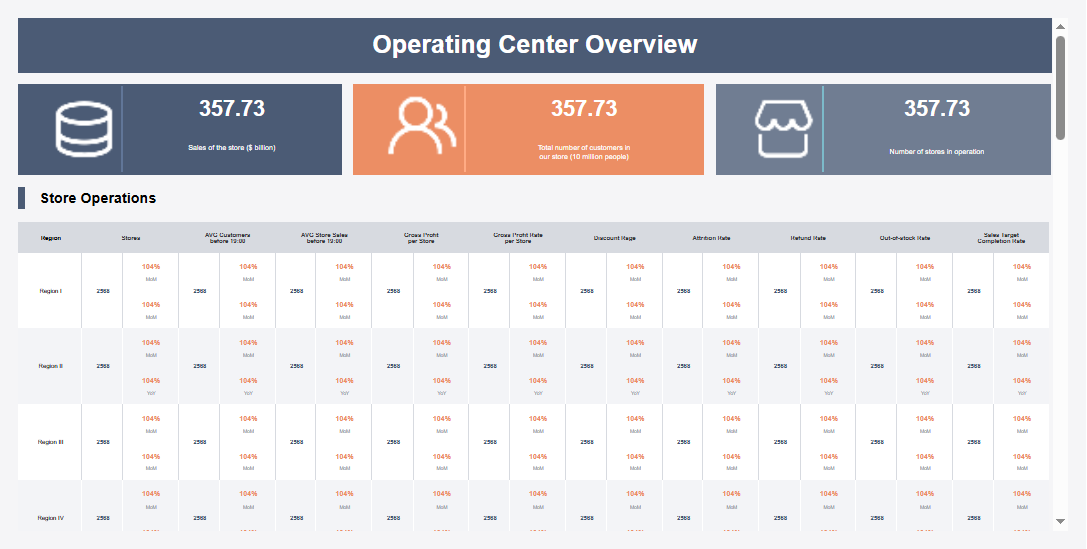
A facility management dashboard displays a wide range of metrics and key performance indicators (KPIs) that help you understand how your facility is performing. These metrics cover everything from customer satisfaction to equipment health and financial performance.
| Category | Key Metrics |
|---|---|
| Customer Satisfaction | Customer satisfaction, work order completion time |
| Maintenance Metrics | Preventive maintenance schedule tracking, MTTR, MTBF, ratio of preventative to demand maintenance |
| Operational Efficiency | Facilities utilization, energy consumption |
| Financial Performance | Utilities expenses, cost per square foot |
| Project Management | Project completion percentage, complaint tracking |
| Equipment Performance | Critical equipment performance, vendor performance review |
You can use these metrics to monitor the health of your facility and make informed decisions. For example, tracking maintenance schedules and mean time to repair (MTTR) helps you reduce downtime. Monitoring energy consumption and cost per square foot allows you to manage expenses and improve efficiency. Keeping an eye on customer satisfaction and work order completion times ensures that your property meets the needs of its users.
A facility management dashboard gives you a clear overview of all these metrics in one place. You can quickly identify trends, spot potential problems, and take action to keep your facility running smoothly. This approach supports better decision-making and helps you achieve your operational goals.
Essential Features of Facility Management Dashboard
A facility management dashboard brings together the most important tools you need to manage your property. You can monitor real-time dashboards, receive alerts, track tasks, and handle maintenance requests—all from one place. These features help you improve operational efficiency and keep your facility running smoothly.
Real-time Dashboards and Alerts
Real-time dashboards give you a live view of your facility operations. You see updates as soon as they happen, which helps you respond quickly to issues. Here’s how real-time dashboards and alerts work:
- You or your team update the system with completed tasks or scanned checkpoints.
- The dashboard monitors compliance with set standards and highlights any deviations.
- When something needs attention, the system sends instant alerts to the right people, showing the issue and its location.
- Every alert is logged for future reference and accountability.
- You can review these logs to track performance and improve your processes.
This approach ensures you never miss important updates. Real-time dashboards help you spot problems early and take action before they grow.
Task Tracking and Maintenance Requests
Facility management dashboards make it easy to track tasks and handle maintenance activities. You can submit requests, assign work, and monitor progress in one place. The table below shows how these features impact your workflow:
| Feature | Impact on Workflow |
|---|---|
| Automated work order system | Streamlines submissions and ensures timely responses, reducing errors and delays. |
| Centralized task management | Enhances accountability and decision-making by providing a single view of all tasks. |
| Performance reporting | Helps you identify bottlenecks and improve efficiency. |
You save time by not switching between different systems. Faster response times and better resource allocation lead to cost savings and improved compliance with maintenance schedules.
Data Entry and Mobile Access with FineReport
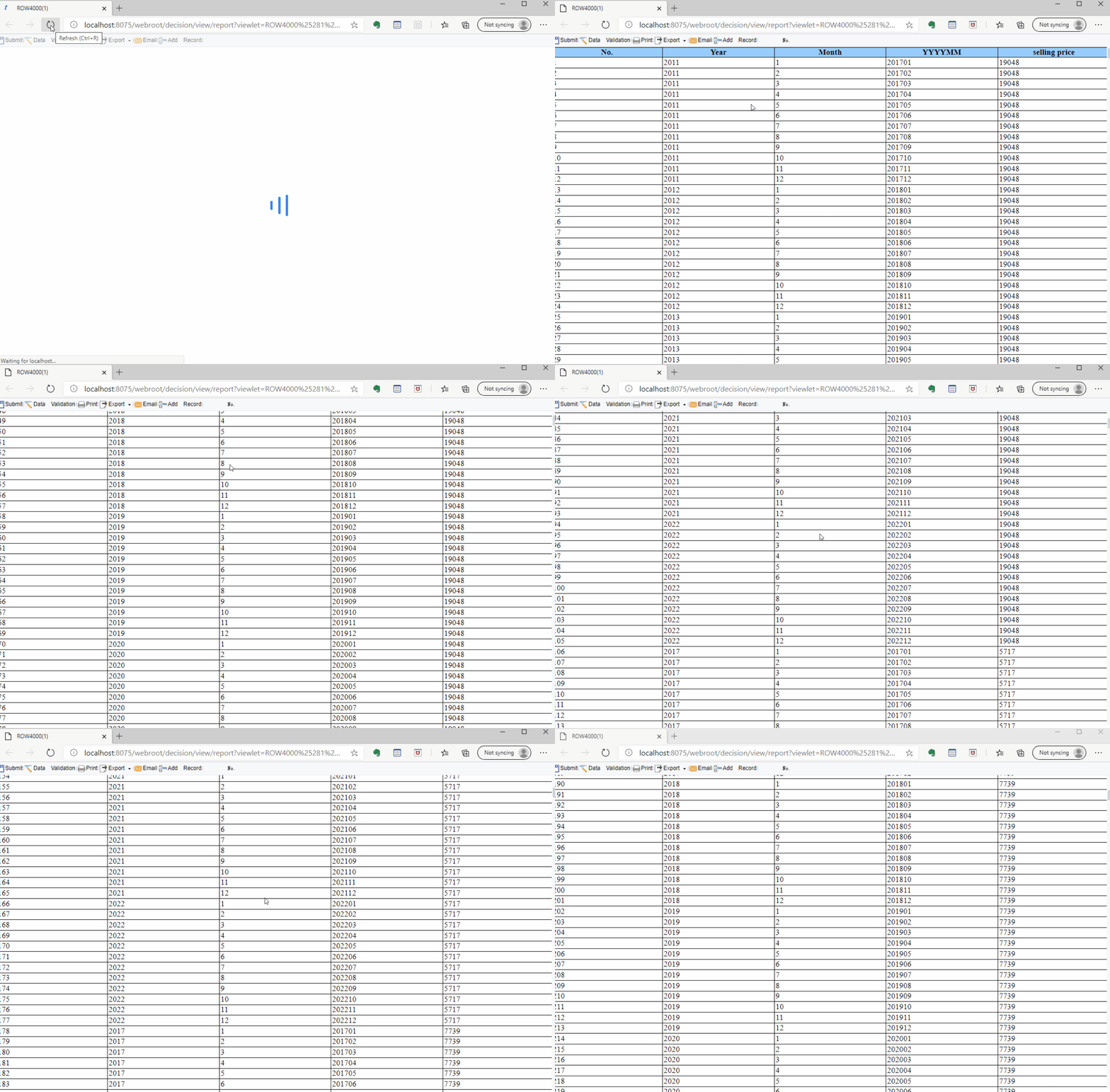
FineReport takes your facility management dashboard to the next level. You can enter data directly into the system using easy-to-use forms. Mobile dashboards let you access real-time information from your phone or tablet, so you stay connected wherever you are. FineReport integrates with other building systems, ensuring seamless data flow and reducing manual entry. This integration supports real-time decision-making and enhances collaboration across departments. With FineReport, you get a flexible, user-friendly dashboard that adapts to your needs and helps you manage your facility more effectively.
How Facility Management Dashboard Works for Everyday Users
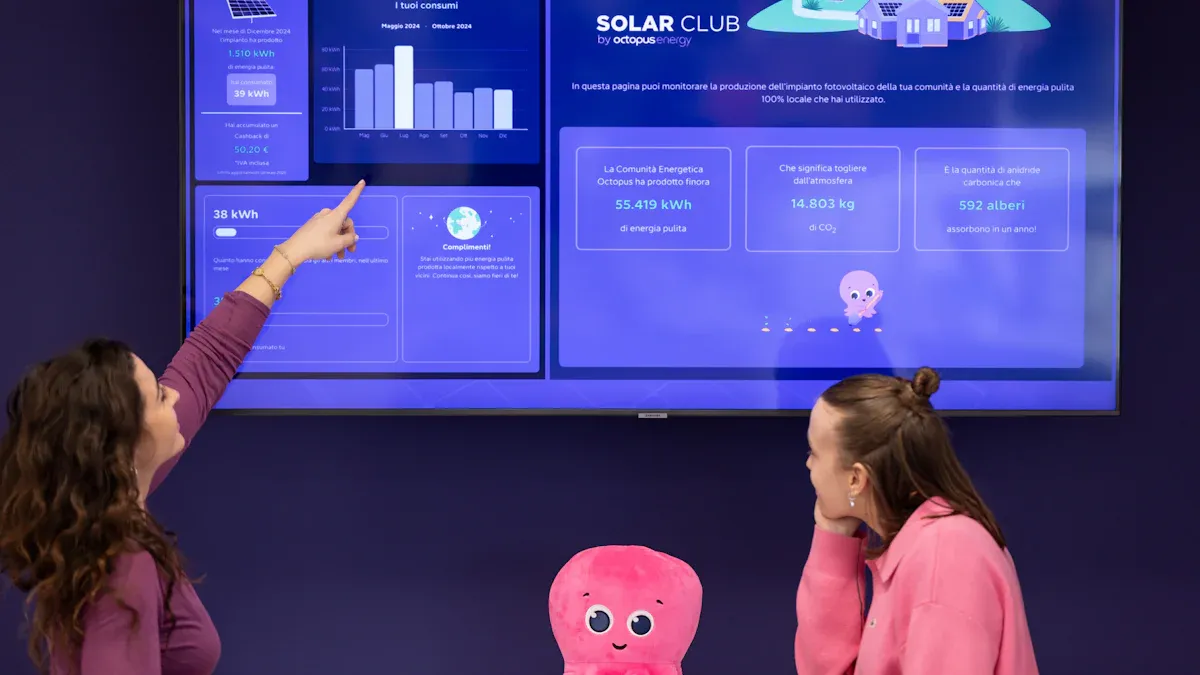
A facility management dashboard gives you a clear and organized way to manage your property. You do not need to be an expert to use it. The dashboard is designed for everyday users, making it easy to log in, navigate, use main functions, and customize your experience. Here’s how you can get started and make the most of your facility management tools.
Logging In and Navigation
You begin by accessing the facility management dashboard through your computer or mobile device. The login process is simple and secure. Once you enter your credentials, you see the main dashboard screen. This screen acts as your command center for all facility operations.
Follow these steps to get started:
- Enter your username and password on the login page.
- Access the support sheet or main dashboard view after logging in.
- Use the navigation menu to move between different pages, such as maintenance activities, equipment status, or energy usage.
- Review key metrics and performance indicators displayed on the dashboard.
- Take action by submitting requests, updating records, or responding to alerts.
The navigation menu is usually on the side or top of the screen. You can quickly switch between sections, such as maintenance requests, cleaning schedules, or team performance. The dashboard layout is intuitive, so you always know where to find the information you need.
FineReport enhances this experience with a user-friendly interface. You can access the dashboard from any device, including your smartphone or tablet. This mobile compatibility means you stay connected to your facility, even when you are on the move.
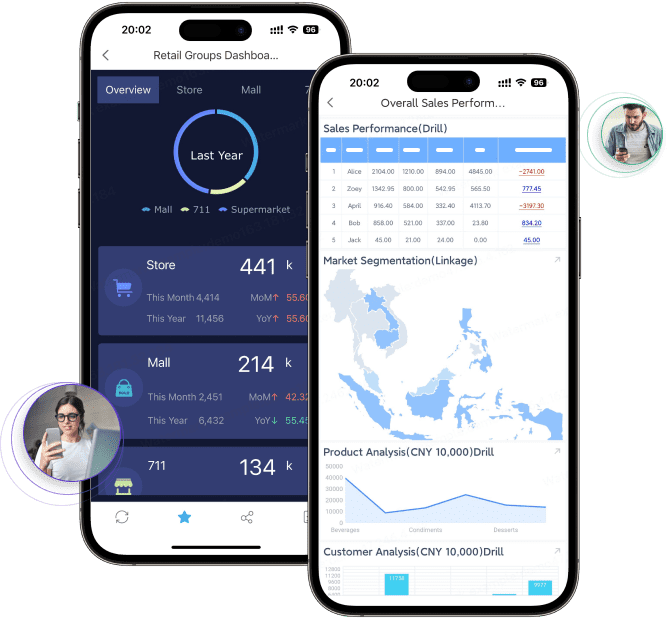
Using Main Functions
The facility management dashboard offers several main functions that help you manage your property efficiently. You can monitor real-time updates, track maintenance activities, and review team performance. Here are some of the most used features:
- Real-time cleaning confirmations and missed tasks by location let you see which areas have been serviced and which need attention.
- Quality metrics allow you to assess the standard of cleaning and maintenance based on manager evaluations.
- Team performance dashboards show you how each team member is contributing and highlight key performance indicators related to cleaning and maintenance.
- Live data helps you identify bottlenecks and areas where performance can improve.
- The dashboard promotes team member recognition by highlighting achievements and contributions.
- Managing team performance becomes easier because you can see all relevant data in one place, streamlining operations and improving collaboration.
You can submit maintenance requests, assign tasks, and monitor progress directly from the dashboard. This centralized approach improves operational efficiency and ensures that all maintenance activities are tracked and completed on time. You also receive alerts for urgent issues, so you can respond quickly and keep your facility running smoothly.
Customizing Your Dashboard
Customization options in the facility management dashboard let you tailor the platform to fit your specific needs. You can choose which metrics to display, set up personalized views, and organize information in a way that makes sense for your role.
- Customization allows you to track performance based on your unique operational goals.
- You can align displayed metrics with your facility management objectives, making decision-making more effective.
- Creating a centralized hub for critical information improves accessibility and usability for everyone on your team.
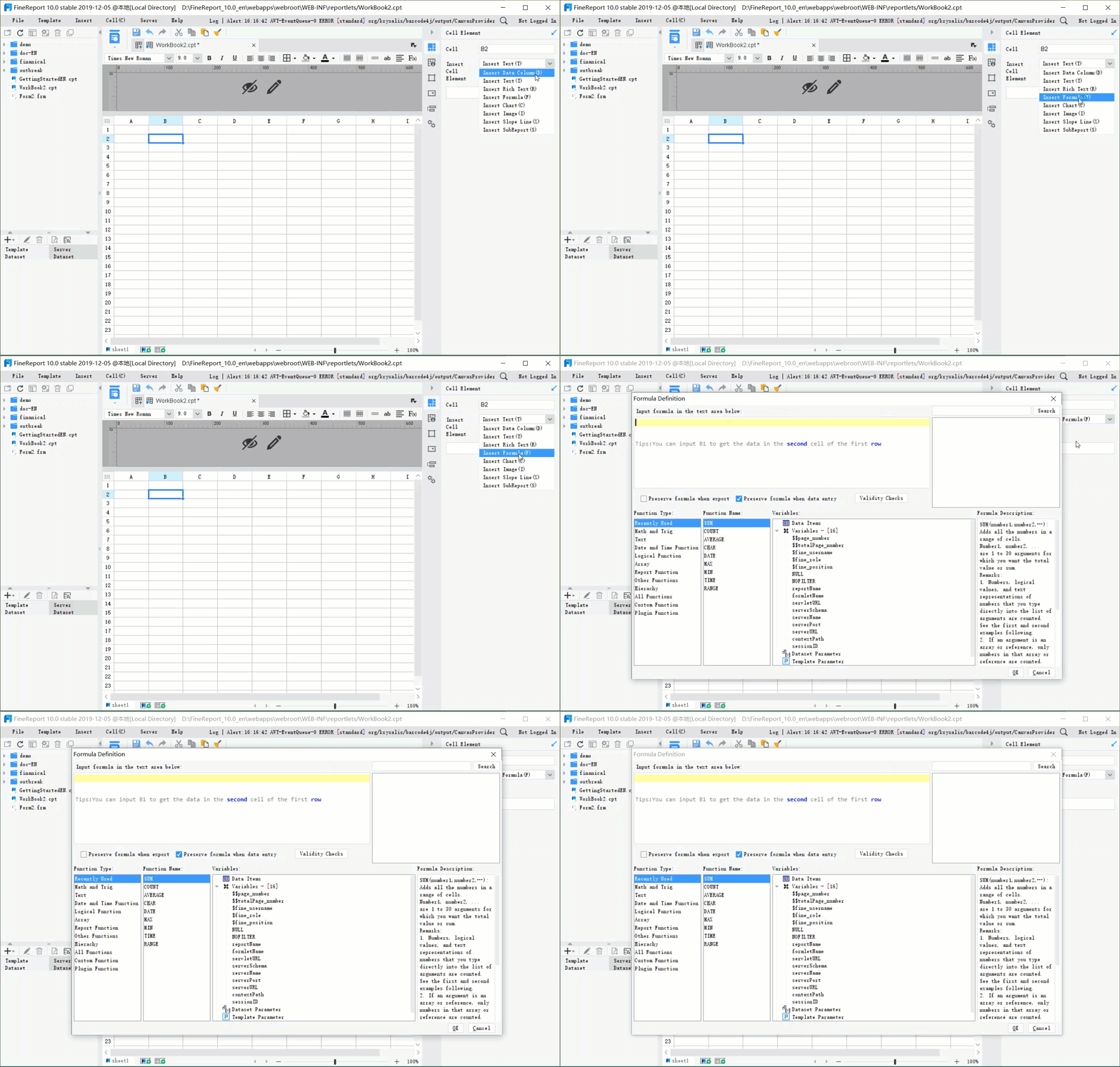
With FineReport, you can easily adjust the dashboard layout using drag-and-drop tools. You can add or remove widgets, change the order of information, and set up alerts for the metrics that matter most to you. This flexibility ensures that your dashboard always supports your daily tasks and long-term goals.
A well-customized dashboard helps you focus on what matters most for your facility. You save time, improve efficiency, and make better decisions because you have the right information at your fingertips.
Benefits of Facility Management Dashboard
Saving Time and Improving Efficiency
You can save significant time and boost efficiency by using a facility management dashboard. Many organizations report measurable improvements after switching from manual processes to real-time dashboards. The table below shows how different industries benefit:
| Organization Type | Time Savings Description | Percentage Saved |
|---|---|---|
| Retail | Reduced manager scheduling time, freeing up hours for customer-focused work | 85% |
| Healthcare | Reduced administrative time, improved staff satisfaction | 70% |
| Hospitality | Decreased schedule creation time, reduced overtime costs | 30% |
| Manufacturing | Reduced schedule-related downtime and labor hours | 40% and 25% |
| Supply Chain | Faster response to staffing shortages through real-time notifications | 60% |
With real-time dashboards, you can automate routine tasks, track maintenance activities, and monitor facility operations without delays. This leads to better resource allocation and fewer errors. FineReport has helped organizations like smart factories and public sector projects achieve these results by providing real-time information and streamlined workflows.
Enhancing Communication and Collaboration
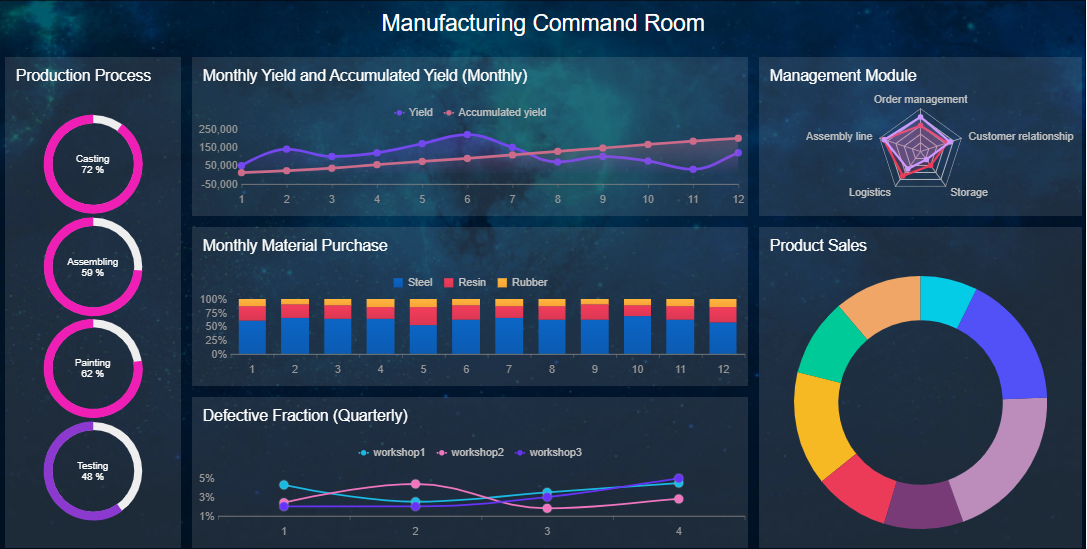
A facility management dashboard improves communication and collaboration across your team. Centralized boards and shared tools keep everyone aligned and reduce miscommunication. Real-time dashboards provide up-to-date information, so your team can prioritize urgent tasks and respond quickly to service requests.
| Feature | Benefit |
|---|---|
| Real-time visibility | Enhances communication with current operational data |
| Task prioritization | Helps teams focus on urgent needs |
| Immediate response capability | Enables quick action on service requests |
- Transparency in operations fosters better communication.
- Shared platforms create opportunities for collaboration and improvement.
You can see how each team member contributes to facility performance, making it easier to coordinate and recognize achievements.
Supporting Informed Decisions with Real-Time Dashboards
Real-time dashboards give you the insights needed for smarter decision-making. You can see work orders, asset conditions, and technician performance as they happen. This allows you to act quickly and prevent issues before they escalate.
- Real-time dashboards enhance operational visibility and streamline operations.
- You can manage property proactively by monitoring key metrics and maintenance.
- Predictive maintenance reduces equipment downtime and costs.
FineReport supports these benefits by offering real-time dashboards that help you track compliance, safety, and efficiency. Organizations like ADPIC and smart factories have used FineReport to improve decision-making and achieve better outcomes in facility management.
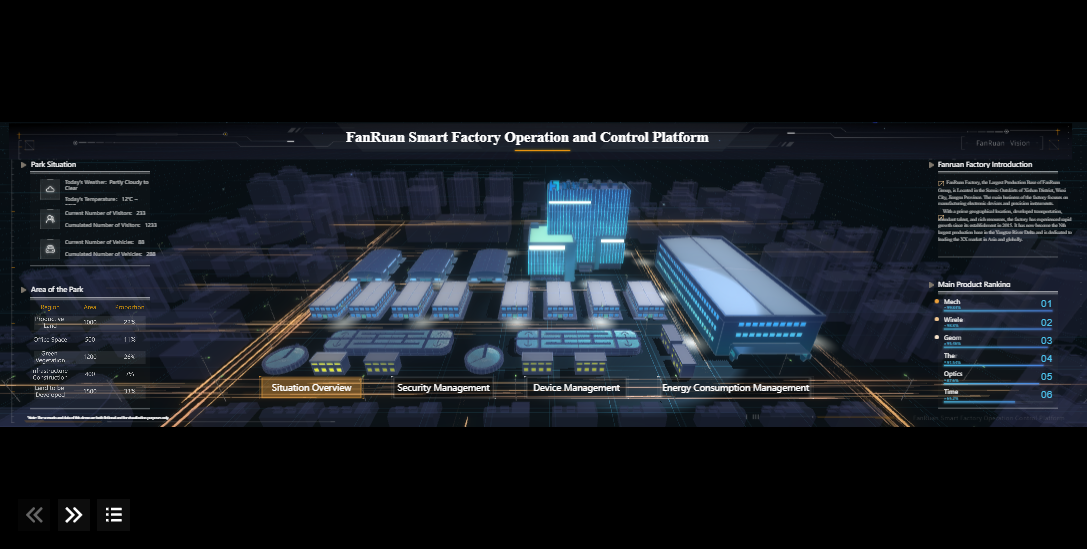
Everyday Scenarios Using Facility Management Dashboards
Facility management dashboards play a vital role in your daily operations. You use them to handle maintenance requests, monitor building status, and respond to alerts. These dashboards help you keep your property running smoothly and improve efficiency across your facility.
Submitting and Tracking Maintenance Requests
You often need to submit and track maintenance requests to keep your facility in top shape. A facility management dashboard lets you:
- Track response times to maintenance requests, which helps minimize disruptions for everyone in the building.
- Use automated work order systems and real-time dashboards to speed up urgent repairs.
- Analyze completion rates versus creation rates, helping you plan and staff more effectively.
- See the number of requests at a glance, making it easier to investigate root causes of recurring issues.
- Monitor team efficiency by tracking how quickly requests are completed.
You can submit a request, watch its progress, and receive updates in real time. This process ensures you never lose sight of important maintenance tasks.
Monitoring Building Status and Alerts
Real-time dashboards give you a clear view of your facility’s status. You can:
- Use dashboards as visual aids for real-time decision-making.
- Align teams and respond quickly to incidents.
- Answer critical questions about service health and performance.
- View infrastructure performance and application status at a glance.
- Centralize metrics for all your building systems.
Customizable dashboards let you choose the most relevant information for your role. You can select widgets and arrange your display to focus on what matters most.
Through centralized dashboards, you track performance metrics, identify issues, and implement solutions in real time without being physically present.
Real-world Examples with FineReport
FineReport brings these scenarios to life. For example, the Abu Dhabi Projects and Infrastructure Centre (ADPIC) uses FineReport to manage government projects. Their team tracks project performance and safety standards using real-time dashboards, improving decision-making and oversight. In smart factories, FineReport enables remote monitoring and predictive maintenance. You can access real-time data from anywhere, customize your dashboard, and ensure your facility operates efficiently. FineReport supports you in managing multiple facilities, helping you maintain high standards and achieve operational goals.
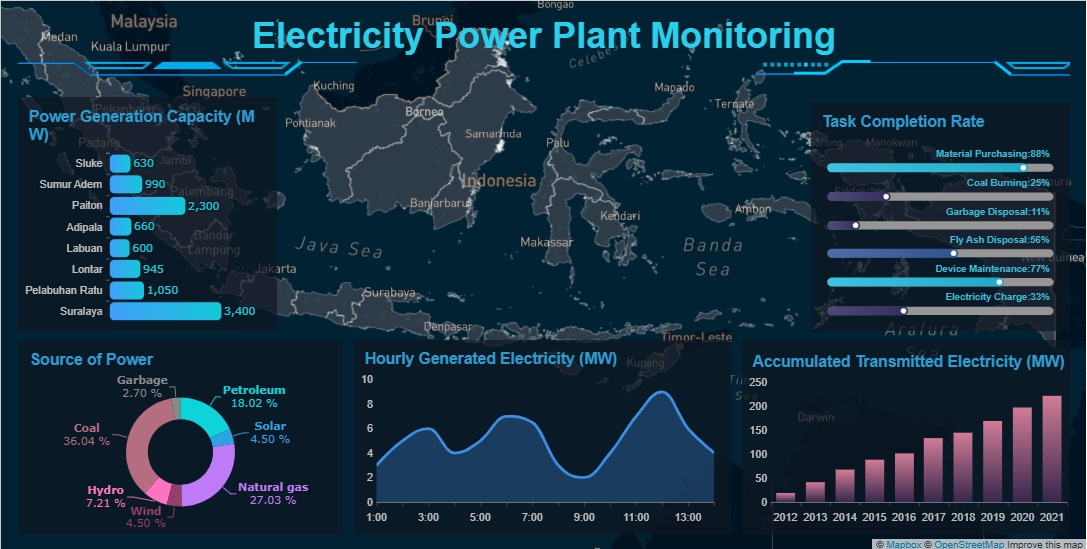
Facility management dashboards give you instant access to critical information about your property. You gain enhanced financial forecasting, improved operational efficiency, and better compliance. You can monitor your facility, predict equipment lifespans, and apply budget dollars wisely. As technology evolves, dashboards will use AI to automate tasks and support proactive management. FineReport helps you simplify daily operations and empowers you to make smarter decisions. Explore these tools to improve your facility management experience.
- Enhanced financial forecasting
- Improved operational efficiency
- Proactive maintenance management

Continue Reading About Facility Management Dashboard
Best Dashboard Apps for Business Insights
What is a Call Center Dashboard and Why Does It Matter
What is a Reporting Dashboard and How Does it Work
What is An Interactive Dashboard and How Does It Work
What is a Call Center Metrics Dashboard and How Does It Work
Frequently asked questions
A facility management dashboard is a digital tool that helps you monitor and manage building operations. You can track maintenance, energy use, and team performance in one place. This dashboard gives you real-time insights for better decision-making.




