

A business expense report is the standard document companies use to record, review, approve, and reimburse business-related spending. If you manage finance operations, oversee employee reimbursements, or need cleaner records for bookkeeping and tax preparation, this process matters because poor expense tracking leads directly to delayed reimbursements, messy month-end close, policy violations, and weak visibility into where money is actually going.
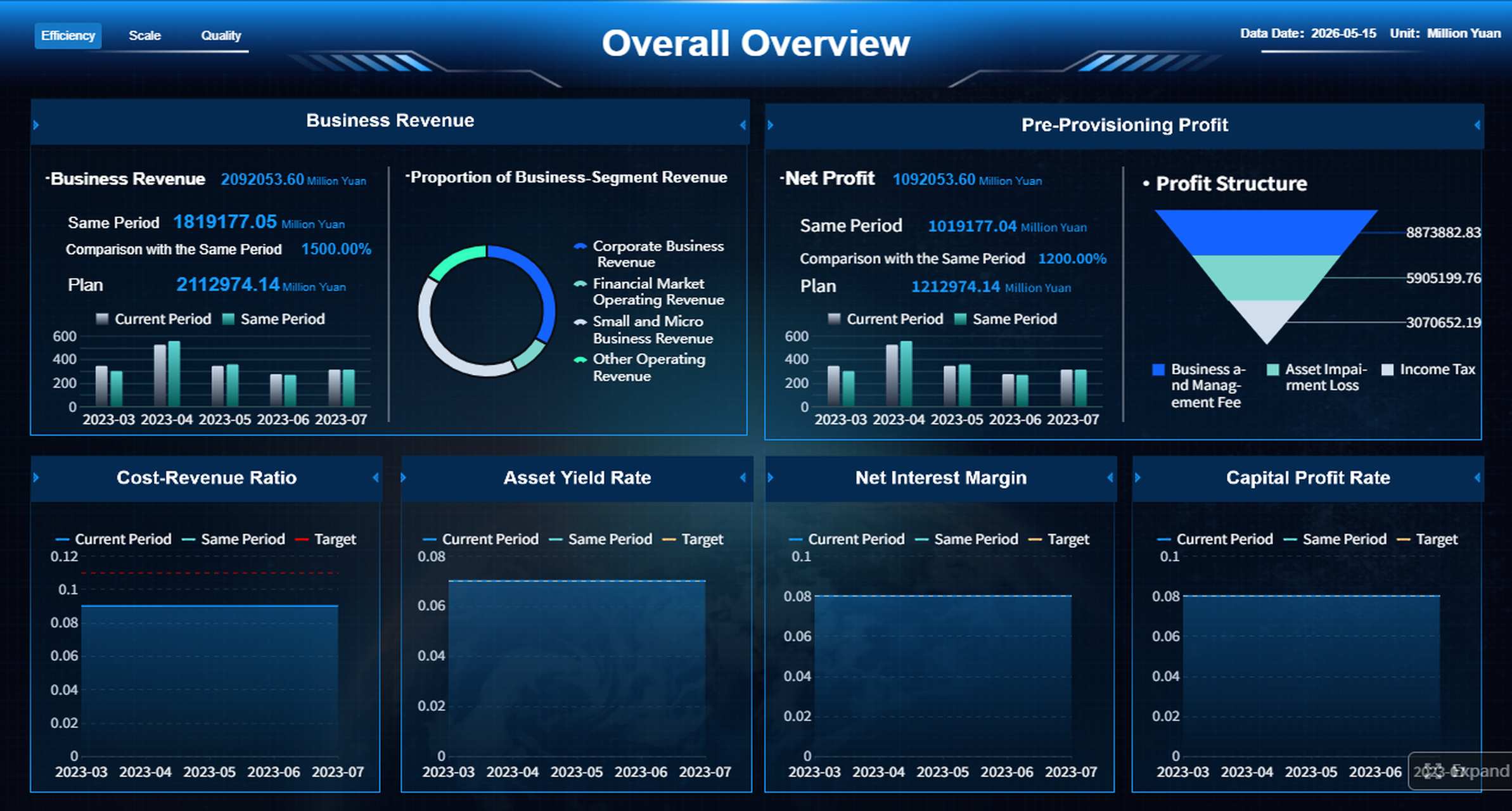
All reports in this article are built with FineReport.
Business expense report basics
A business expense report is a structured record of purchases made for business purposes. It usually includes itemized expenses, dates, vendors, categories, amounts, payment methods, receipts, and approval details. The report may be submitted by an employee requesting reimbursement, by a cardholder reconciling company card transactions, or by a business owner tracking deductible costs.
For most organizations, expense reports are used by:
- Employees paying out of pocket for approved business costs
- Managers reviewing and approving spending
- Finance and accounting teams reconciling records
- Small business owners tracking operational expenses
- Project managers monitoring client or job-related spending
Expense reports matter because they support four critical business functions:
- Reimbursement accuracy: Ensures employees are repaid correctly and on time
- Bookkeeping consistency: Keeps expenses coded to the right accounts and periods
- Tax documentation: Creates a clear record of business-related spending
- Spending control: Makes it easier to monitor trends, outliers, and policy breaches
A simple receipt or invoice is not always enough. Use a business expense report when multiple expenses need to be grouped, reviewed, categorized, and approved as part of a formal process. A single receipt may be sufficient for a one-off bookkeeping record, and an invoice is generally used when a vendor bills the company directly. But when an employee incurs costs on behalf of the company, or when travel and recurring expenses need supporting context, the full report is the right tool.
Key Metrics (KPIs)
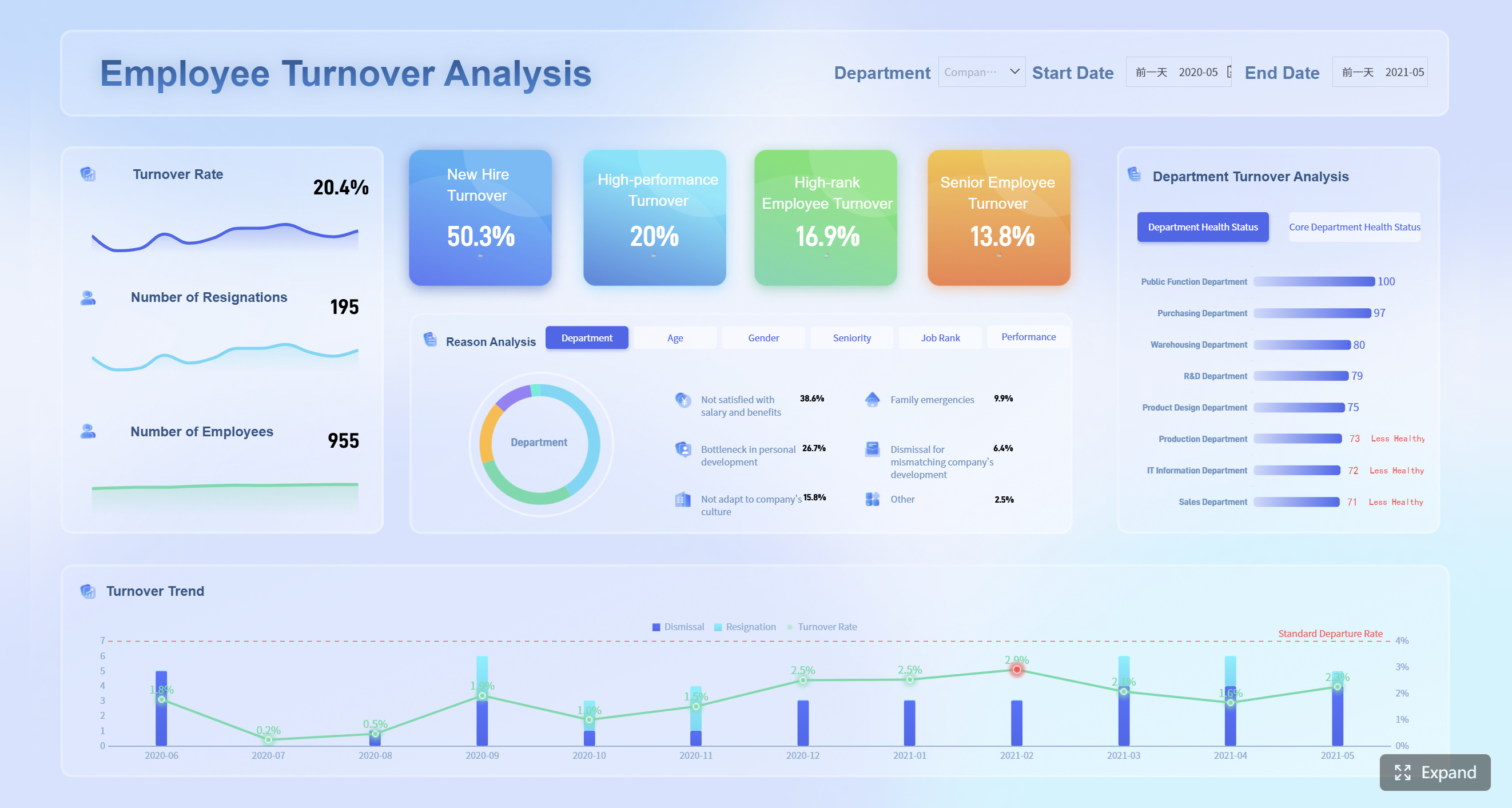
To manage this process well, track these expense reporting KPIs:
- Total Submitted Expenses: The total value of reported expenses in a given period
- Reimbursement Cycle Time: Average time from submission to employee repayment
- Approval Time: Time taken by managers or finance teams to approve reports
- Receipt Compliance Rate: Percentage of expense lines with valid supporting receipts
- Policy Violation Rate: Share of submitted expenses that break company policy
- Duplicate Claim Rate: Frequency of repeated or overlapping submissions
- Category Spend Mix: Distribution of expenses across travel, meals, supplies, and other categories
- Company Card vs. Personal Spend Ratio: Measures how much spending is reimbursed versus centrally paid
- Expense per Employee or Team: Helps identify spending patterns across functions
- Audit Exception Rate: Number of flagged reports requiring correction or escalation
What to include in a business expense report
A useful business expense report should be complete enough for finance review, reimbursement processing, and audit support. If the report lacks context, reviewers waste time chasing missing details and employees wait longer to get paid back.
At a minimum, include:
- Employee or submitter name
- Employee ID, department, or team if applicable
- Reporting period
- Manager or approver name
- Submission date
- Approval status or signatures
For each expense line item, record:
- Date: When the expense occurred
- Vendor: Who was paid
- Category: Travel, meals, lodging, office supplies, etc.
- Amount: Exact spend for the item
- Payment method: Personal card, company card, cash, bank transfer
- Business purpose: Why the expense was necessary
You should also attach supporting records such as:
- Receipts for individual purchases
- Itemized restaurant receipts where required
- Hotel bills
- Airline or rail confirmations
- Mileage logs for personal vehicle use
- Event agendas, client meeting notes, or project references where needed
Common expense categories include:
| Category | Typical Examples |
|---|---|
| Travel | Airfare, train tickets, taxis, rideshare, parking |
| Meals | Client meals, business travel meals, team meals |
| Lodging | Hotels, short-term accommodation for approved travel |
| Office Supplies | Printer ink, stationery, small tools, software subscriptions |
| Client-Related Costs | Hospitality, event tickets, presentation materials |
| Transportation | Mileage, tolls, fuel where policy allows |
| Communications | Internet charges, phone costs tied to business use |
| Training | Conferences, workshops, certifications |
Required details for accurate reporting
Complete records reduce friction. When every line item includes the right fields and each receipt matches the corresponding expense, review time drops, reimbursement speeds up, and accounting entries become more reliable.
The most important rule is simple: every claimed expense should stand on its own. A reviewer should be able to understand what was purchased, when, from whom, why it was necessary, and whether it complies with policy without sending follow-up emails.
This is why itemization matters. Instead of entering “business trip - $685,” break the trip into airfare, hotel, meals, parking, and local transport. This improves:
- Audit readiness
- Budget tracking by category
- Tax record quality
- Error detection
- Approval confidence
When to use a business expense report and what types exist
A business expense report is most useful when the company needs more than proof of purchase. It is designed for review, control, and classification.
Common use cases include:
- Employee reimbursement: Staff pay first, then request repayment
- Company card reconciliation: Cardholders explain and validate transactions
- Travel reporting: Multiple trip-related expenses are grouped in one report
- Project-based spending: Costs are assigned to a client, project, or cost center
- Monthly operating expense review: Teams summarize recurring small business expenses
Not every report looks the same. Different business models need different formats.
Common types of business expense reports
- Individual expense report: Best for occasional employee reimbursement
- Travel expense report: Designed for trips with airfare, lodging, meals, and transport
- Mileage expense report: Focused on distance traveled, dates, routes, and reimbursement rate
- Monthly expense report: Summarizes recurring costs over a fixed reporting period
- Project expense report: Ties spend to a client engagement, job site, or internal initiative
Which format fits your business?
- Solo business or freelancer: A simple monthly or per-project report is usually enough
- Small team: Use a standardized individual report with approval fields and categories
- Growing company: Shift to travel, mileage, card reconciliation, and project-based formats supported by workflow rules
Signs your business needs a formal process
If your company is still relying on emails, photo dumps, or loosely managed spreadsheets, a formal process becomes necessary when these issues appear:
- Repeated out-of-pocket purchases by employees
- Increasing monthly transactions that are hard to track manually
- A need for approval workflows and clearer audit trails
Additional signs include:
- Reimbursement delays causing employee frustration
- Managers applying inconsistent approval standards
- Duplicate submissions or missing receipts
- Difficulty exporting data into accounting systems
- Limited visibility into department or project spending
At this stage, the cost of staying informal is usually higher than the cost of standardizing.
How to create a business expense report step by step
Creating a business expense report is straightforward when the process is consistent. The key is to make the form simple for submitters and reliable for reviewers.
Step 1: Gather receipts and supporting documents
Before filling out the report, collect all related records:
- Receipts
- Invoices
- Travel confirmations
- Mileage logs
- Client or project references
This prevents missing details and reduces revision cycles later.
Step 2: Enter each expense consistently
Create one line per expense and use standard categories. Enter dates in the same format, list the vendor clearly, and write a concise business purpose for each item.
Good example:
- 2026-05-10 | Hilton Downtown | Lodging | $245.00 | Personal Card | Client workshop overnight stay
Weak example:
- Hotel | $245
Step 3: Review totals and check compliance
Before submitting, verify:
- Totals match receipts
- Categories are correct
- No personal expenses are included
- Required receipts are attached
- Policy limits are respected
Step 4: Submit for approval
Send the report through the proper channel, whether that is a spreadsheet workflow, shared form, finance platform, or BI-enabled reporting portal. Approval data should be captured and traceable.
Step 5: Store approved reports for accounting and tax use
Once approved, archive reports in a searchable structure by employee, month, department, or project. This saves time during month-end close, budget review, and tax preparation.
Common mistakes to avoid when making a business expense report
Even strong teams make the same few errors repeatedly. These are the most common:
- Missing receipts or unclear business purpose
- Mixing personal and business expenses
- Using inconsistent categories or duplicate entries
- Waiting too long to submit reports
As a consultant, I recommend these operating best practices:
- Set category definitions once and train everyone on them. Do not let each team invent its own naming rules.
- Require itemized documentation at the point of submission. Missing receipts should be the exception, not the norm.
- Use approval thresholds. Low-value routine claims may need one approver; larger or unusual claims should route to finance.
- Create a submission deadline. Weekly or monthly cadence is better than ad hoc reporting.
- Audit samples regularly. Random checks uncover process gaps before they become systemic issues.
Templates, tools, and practical resources
Most companies start with one of three options: spreadsheet, PDF, or software-based expense reporting.
Comparing report options
| Option | Best For | Strengths | Limitations |
|---|---|---|---|
| Spreadsheet | Freelancers, small teams | Flexible, low cost, easy to customize | Manual review, version issues, weak controls |
| PDF Form | Fixed-format submissions | Clean presentation, simple sharing | Harder to analyze, limited automation |
| Software-Based Tool | Growing businesses | Workflow, audit trail, automation, reporting | Setup effort, licensing cost |
A useful business expense report template should include:
- Employee and reporting period fields
- Approval section
- Predefined expense categories
- Date, vendor, amount, and payment method columns
- Business purpose field
- Auto-total calculations
- Receipt attachment instructions
- Reimbursement summary
- Notes or exception field
For small businesses, free downloadable templates can be a practical starting point. The best ones are simple enough for everyday use but structured enough to support approvals and accounting export.
Choosing the right template for your business
Choose based on complexity, not just headcount.
- Simple templates for freelancers and very small teams: Use a one-page monthly or per-project layout with basic categories and total formulas
- More detailed formats for travel-heavy businesses or multi-step approvals: Include mileage, lodging, meal caps, approval routing, and receipt status
- When to move from a free template to automated expense management software: Move when manual review causes delays, transaction volume climbs, or finance needs stronger control and reporting
A useful rule of thumb: if your team is spending more time cleaning expense data than analyzing it, you have outgrown the template stage.
Best practices for keeping your business expense report simple
Simplicity does not mean being loose. The best expense reporting processes are easy for employees and strict enough for finance.
Here are the core best practices:
- Set a submission policy with deadlines, receipt rules, and approval steps
- Standardize categories so reports are easier to review and export to accounting tools
- Encourage timely submissions to improve cash flow visibility and reimbursements
- Review reports regularly to spot policy issues, unusual spending, or process gaps
To strengthen execution, I advise enterprises and growing teams to operationalize these habits:
1. Create one policy and one workflow
Document what is reimbursable, what documentation is required, and who approves what. If people rely on tribal knowledge, inconsistency is guaranteed.
2. Standardize data fields across all departments
A business expense report should capture the same core data whether it comes from sales, operations, HR, or field services. Standardization is what makes enterprise-wide reporting possible.
3. Monitor exception trends, not just totals
High spend is not always the real problem. Often the real issue is late reporting, low receipt compliance, repeated category misuse, or weak manager review.
4. Make finance reporting visual
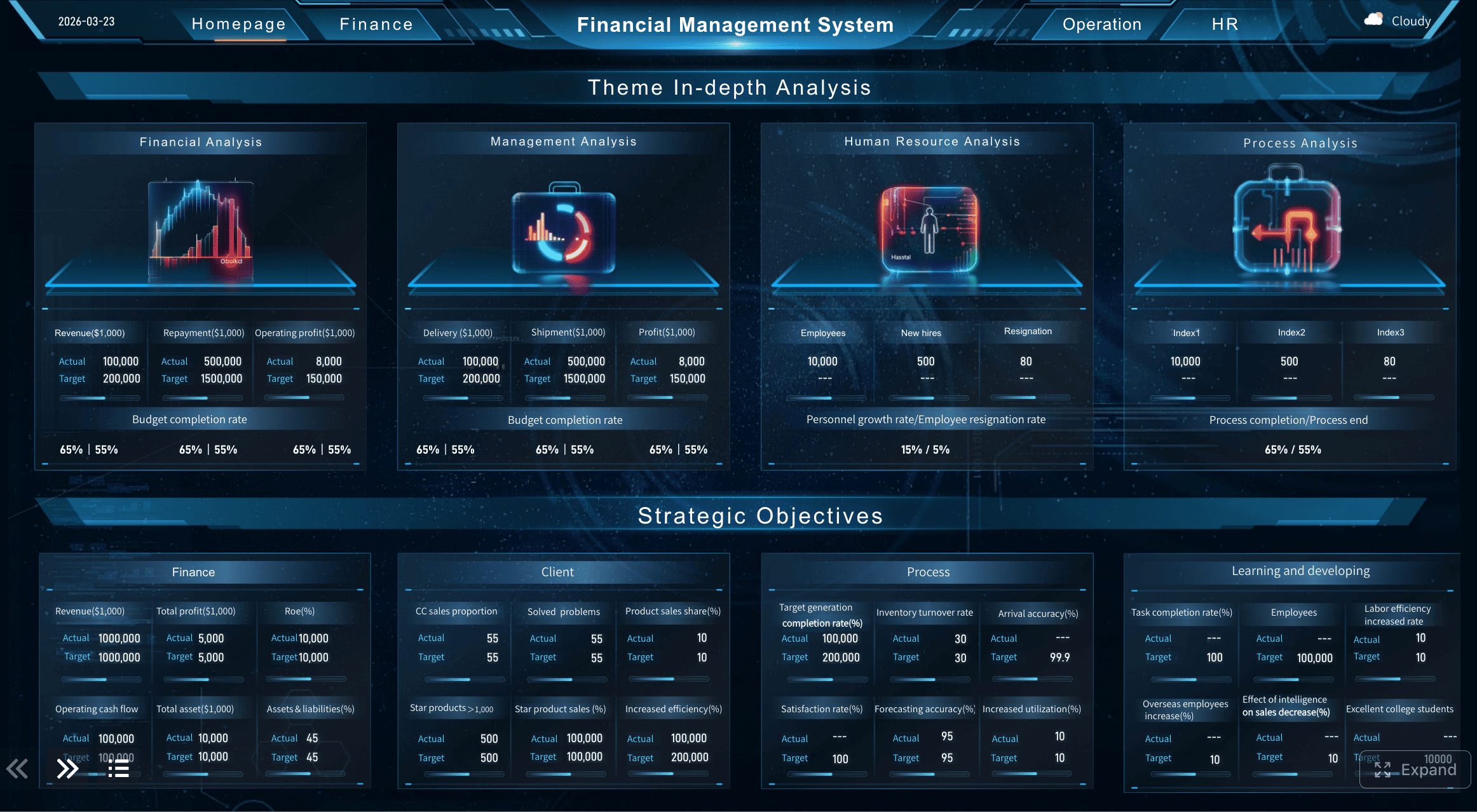
Operational leaders respond faster when they can see spending by team, project, category, and policy status in one dashboard instead of reading rows in a spreadsheet.

Build a smarter business expense reporting process with FineReport
Building this manually is complex; use FineReport to utilize ready-made templates and automate this entire workflow.
For enterprise teams, expense reporting is not just a form. It is a cross-functional process involving employees, managers, finance, accounting, and leadership reporting. Trying to manage that through disconnected spreadsheets and email approvals creates avoidable risk.
FineReport helps you build a better system by enabling you to:
- Create standardized business expense report templates
- Design approval workflows with clear handoffs
- Visualize KPIs like reimbursement time and receipt compliance
- Consolidate expense data across departments and projects
- Build dashboards for finance teams and decision-makers
- Reduce manual reporting and improve audit readiness
 Get Ready-to-Use Dashboard Templates in Fine Gallery
If your organization is growing, this is where reporting maturity starts to matter. Finance leaders need speed, control, and visibility. Managers need easier approvals. Employees need faster reimbursement. FineReport helps connect all three.
FAQs
A business expense report is used to document company-related spending so it can be reviewed, approved, reimbursed, and recorded properly. It also supports bookkeeping, policy compliance, and tax preparation.




