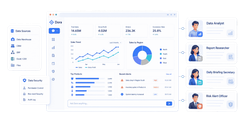
Revenue reporting software helps finance teams track, analyze, and distribute revenue data across monthly close, forecasting, board reporting, and audit preparation. If you are searching for revenue reporting software, you are likely trying to solve one of these problems:
- Revenue data lives across ERP, CRM, billing, and spreadsheets
- Monthly reporting takes too long and is hard to trust
- Deferred and recognized revenue are difficult to reconcile
- Audit trails and approval controls are weak
- Dashboards exist, but finance still lacks structured, recurring reports
For finance leaders, controllers, RevOps teams, and SaaS operators, the right tool is not just about charts. It is about reporting depth, compliance support, automation, and operational reliability.
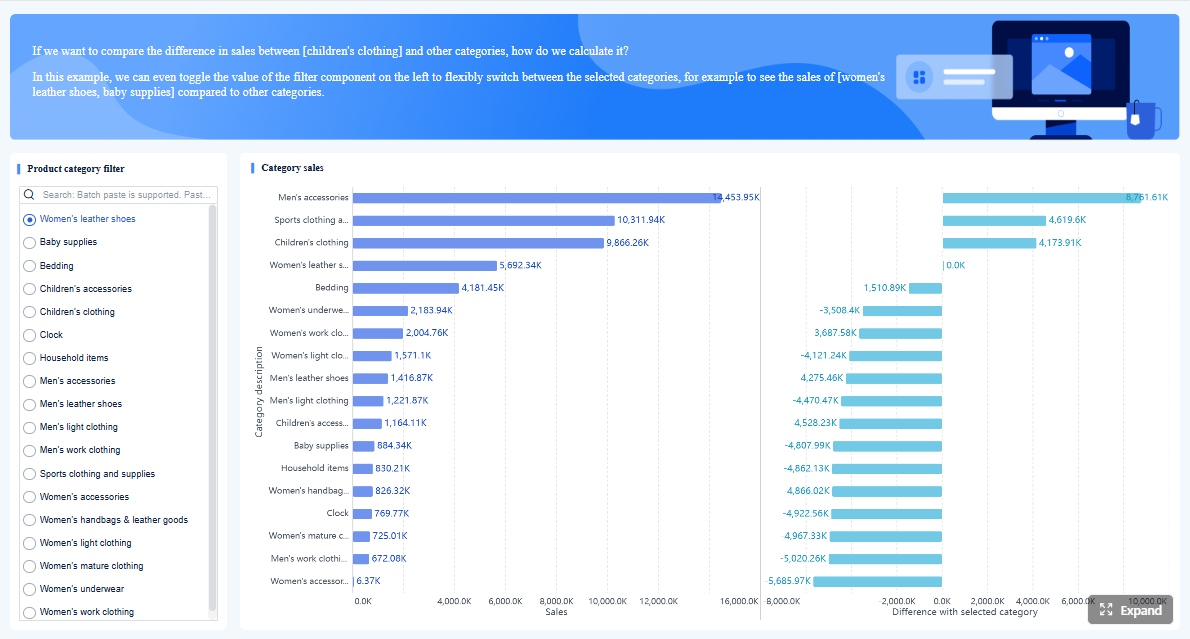 Click To Try The Dashboard
Key Elements of Good Revenue Reporting Software
- Clear revenue visibility: Show recognized, deferred, billed, and forecasted revenue in one view.
- Reliable drill-down: Let finance teams trace summary numbers back to contracts, customers, products, or entities.
- Compliance support: Support reporting aligned with ASC 606 and IFRS 15 workflows, audit trails, and controls.
- Flexible report design: Provide both dashboards and structured finance reports for board packs, close, and audit review.
- Automation: Schedule recurring reports, refresh data automatically, and reduce spreadsheet handoffs.
- Integration readiness: Connect with ERP, CRM, billing, and subscription systems to reduce reconciliation effort.
Best Revenue Reporting Software for Finance Teams in 2026
Finance teams evaluating revenue reporting software usually care about four things: reporting depth, compliance readiness, integrations, and automation. That is exactly how this comparison is structured.
What finance teams need from modern revenue reporting software
Modern finance reporting goes beyond a simple revenue dashboard. Teams often need:
- Monthly and quarterly revenue reports
- Segment views by product, customer, geography, or business unit
- Deferred revenue and rollforward reporting
- Drill-through from summary KPIs to transaction detail
- Scheduled distribution to finance, executives, and auditors
- Printable and board-ready report layouts
- Governance over who can see, edit, approve, and distribute reports
For subscription, usage-based, and multi-entity businesses, those needs become even more important.
How this comparison evaluates reporting depth, compliance, integrations, and automation
This guide compares 7 tools using these criteria:
- Reporting depth: dashboards, structured reports, exports, drill-down, custom layouts
- Compliance support: ASC 606, IFRS 15 alignment, audit visibility, approval controls
- Integrations: ERP, CRM, billing, and finance system connectivity
- Automation: scheduled reports, workflows, refreshes, and distribution
- Scalability: fit for growing B2B SaaS, AI, and multi-entity finance teams
Quick snapshot of the 7 tools compared
The tools covered in this article are:
- FineReport
- Maxio
- NetSuite Revenue Management
- Sage Intacct
- Workday Revenue Management
- Zuora
- BillingPlatform
These are not all direct substitutes. Some are broader ERP or billing platforms. Others are stronger in revenue recognition. FineReport is different in that it focuses on enterprise reporting and operational reporting workflows, which matters when finance teams need better report output and distribution across systems.
What Is Revenue Reporting and Why It Matters for Finance Teams
Revenue reporting is the process of documenting, analyzing, and presenting revenue performance across a period. It helps finance teams understand what was earned, what is deferred, how performance is trending, and whether reported numbers are supportable during close and audit review.
Core functions of revenue reporting in forecasting, close, and audit readiness
Revenue reporting typically supports:
- Monthly close: reconciling recognized and deferred revenue
- Forecasting: modeling expected revenue by period, segment, or contract base
- Management reporting: communicating top-line performance and changes
- Audit readiness: maintaining traceability, approvals, and support for revenue balances
- Operational decision-making: spotting renewal risks, product trends, or segment changes
In many companies, revenue reporting is where accounting, billing, sales operations, and FP&A intersect.
The difference between revenue reporting, revenue recognition, and broader revenue management
These terms are related, but not identical:
- Revenue reporting is about presenting and analyzing revenue data
- Revenue recognition is the accounting process of recording revenue when it is earned under applicable standards
- Revenue management is broader and can include pricing, billing, contracts, subscriptions, collections, and forecasting
A finance team may need all three. But not every organization needs a full revenue lifecycle platform. Some mainly need better reporting across existing systems.
Common pain points with spreadsheets and disconnected systems
Finance teams often outgrow spreadsheet-based revenue reporting because:
- Different systems produce inconsistent numbers
- Manual exports slow down monthly close
- Drill-back to source transactions is limited
- Version control becomes difficult
- Recurring reports must be rebuilt every month
- Audit support requires too much manual evidence gathering
That is why many teams look for software that combines automation, governance, and better report delivery.
How We Compared the 7 Tools
Reporting depth and analytics
Strong revenue reporting software should do more than display a single dashboard. Finance teams often need:
- Revenue waterfalls and rollforwards
- Segment reporting by customer, product, or region
- Drill-down to invoice, contract, or journal detail
- Export flexibility for Excel, PDF, and stakeholder packs
- Dashboards for leadership plus formatted reports for accounting and audit use
Some tools excel at subscription metrics. Others are stronger at formal financial reporting. FineReport is particularly relevant where teams need highly formatted, pixel-perfect, and paginated reporting in addition to dashboard views.
Compliance and revenue recognition support
For companies handling deferred revenue, subscription contracts, bundled offerings, or usage-based billing, compliance support matters. Key areas include:
- ASC 606 and IFRS 15 alignment
- Audit trails
- Approval and workflow controls
- Revenue schedule transparency
- Support for recognized vs deferred reporting
A reporting platform is not automatically a recognition engine. That distinction matters. Tools like Maxio, Zuora, NetSuite, and Workday are often evaluated for recognition workflows. FineReport is more relevant when a company already has finance systems in place but needs better reporting, workflow visibility, and distribution.
Automation, integrations, and scalability
The most useful finance tools reduce manual work. Important evaluation points include:
- ERP and CRM integration options
- Billing and subscription data connectivity
- Automated refresh and recurring distribution
- Role-based access and governance
- Scalability across entities, departments, and business units
7 Best Revenue Reporting Software Tools Compared
Tool-by-tool comparison table
Quick Comparison Table
| Tool | Best for | Dashboarding | Pixel-perfect reporting | Paginated reports | Revenue recognition support | Scheduling and distribution | Enterprise deployment | Ease of use | Recommended users |
|---|---|---|---|---|---|---|---|---|---|
| FineReport | Finance teams needing governed dashboards plus structured enterprise reports | Strong | Strong | Strong | Works alongside existing finance systems | Strong | Strong | Moderate | Finance, IT, reporting teams |
| Maxio | B2B SaaS revenue recognition and subscription reporting | Strong | Limited | Moderate | Strong | Moderate | Moderate | Moderate | SaaS finance teams |
| NetSuite Revenue Management | Companies already using NetSuite ERP | Strong | Moderate | Moderate | Strong | Strong | Strong | Moderate | Mid-market to enterprise finance |
| Sage Intacct | Compliance-oriented finance teams wanting faster close workflows | Strong | Moderate | Moderate | Strong | Strong | Strong | Moderate | Growing finance teams |
| Workday Revenue Management | Global enterprises managing end-to-end revenue lifecycle | Strong | Moderate | Moderate | Strong | Strong | Strong | Moderate to complex | Enterprise finance organizations |
| Zuora | High-volume subscription businesses | Strong | Limited to moderate | Moderate | Strong | Strong | Strong | Moderate to complex | Subscription and billing-heavy teams |
| BillingPlatform | Complex billing and monetization environments | Strong | Moderate | Moderate | Strong | Strong | Strong | Complex | Enterprise billing and finance teams |
Strengths and trade-offs of each option
1. FineReport
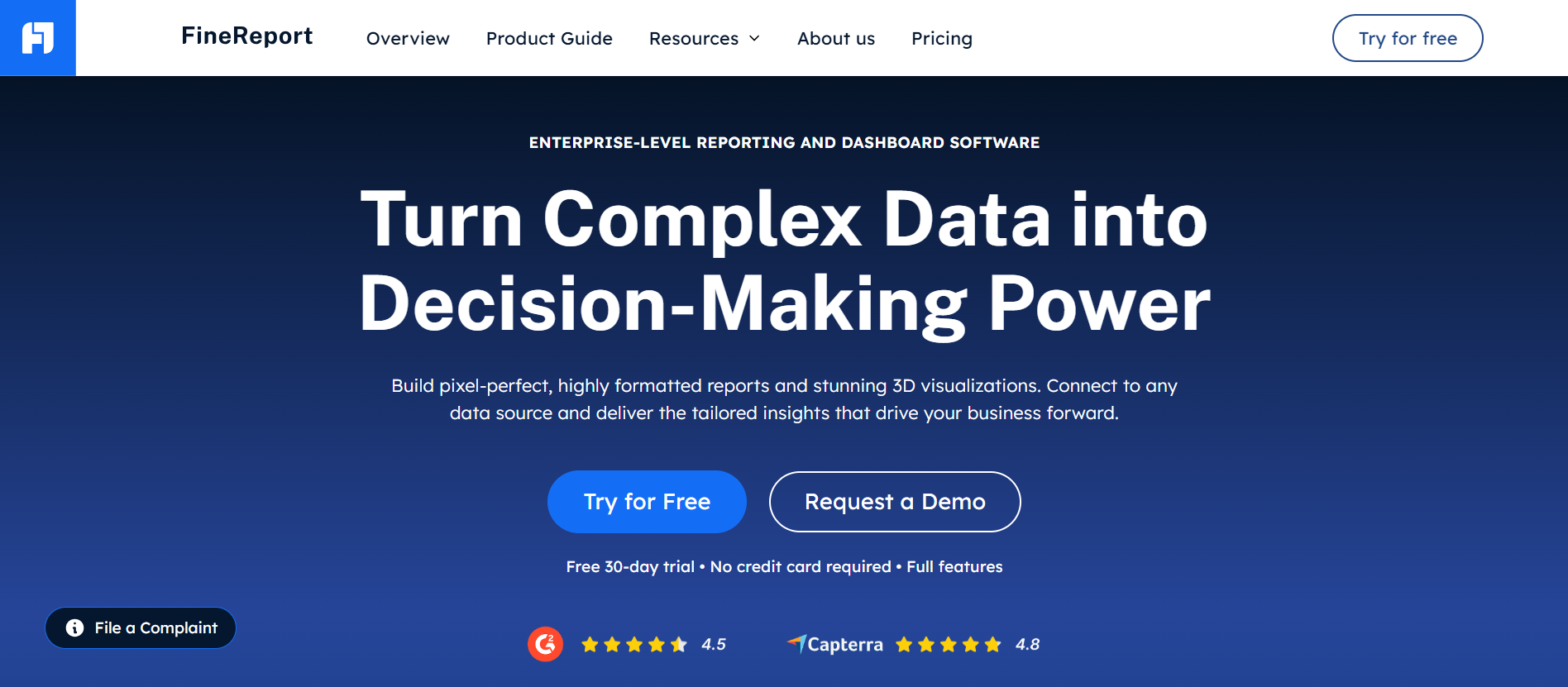
FineReport is an enterprise reporting and dashboard platform designed for teams that need more than visual analytics. It is especially useful when finance departments require:
- Pixel-perfect financial reports
- Paginated and printable output
- Parameter queries for period, entity, region, or product
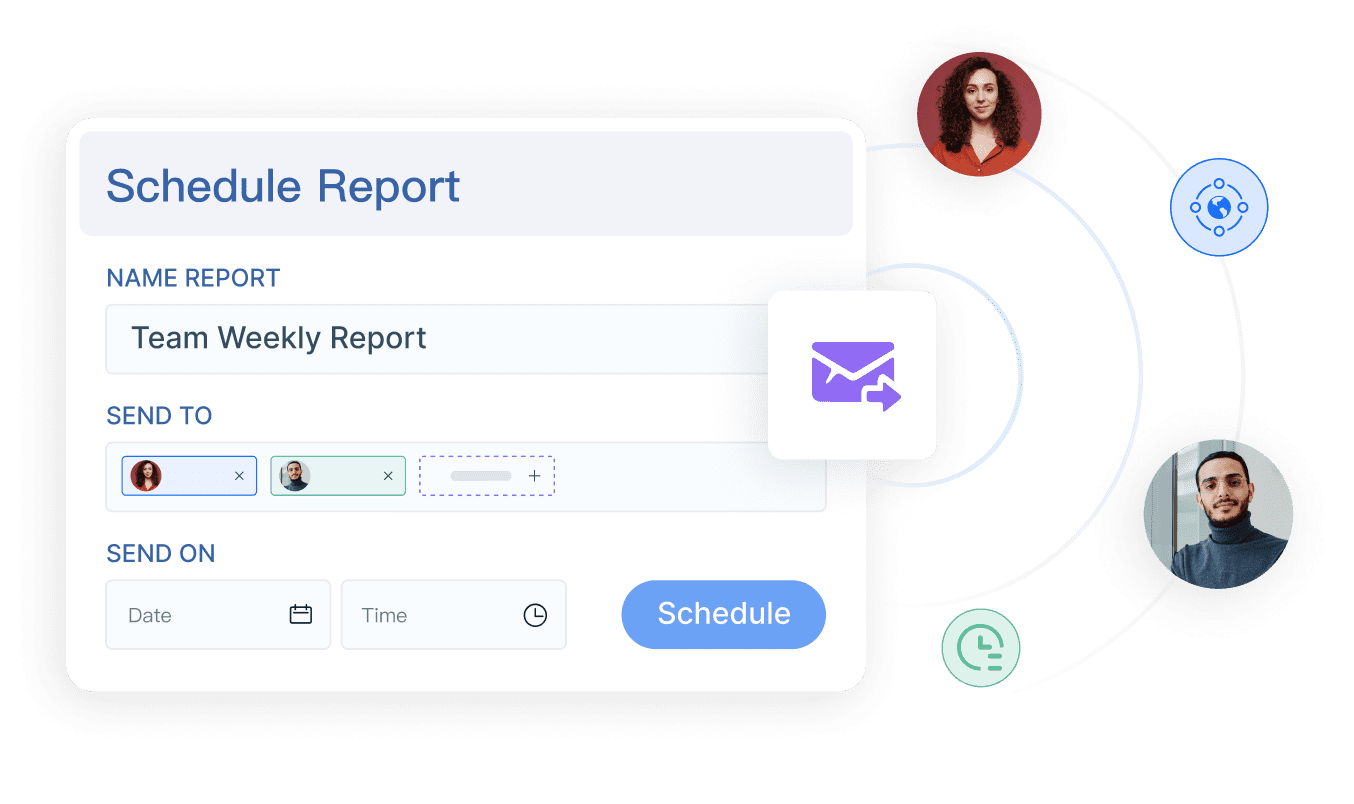
- Scheduled report distribution
- Dashboard and detailed report integration
- Data entry forms and workflow-based reporting scenarios
This makes it relevant for revenue reporting when finance data comes from ERP, CRM, billing, and operational systems but the reporting layer is fragmented.
Where it stands out
- Flexible report design for finance-ready layouts
- Strong support for recurring, scheduled, and printable reporting
- Useful for operational and management reporting beyond revenue alone
- Can combine dashboards with drill-down structured reports
Trade-offs
- Not a native revenue recognition engine
- Requires planning around data model and system integration
- Best fit when teams need a dedicated reporting layer rather than an all-in-one billing platform
2. Maxio
 Maxio is widely associated with B2B SaaS billing, subscription operations, and revenue recognition. It is a common fit for SaaS finance teams dealing with recurring revenue, contract changes, and revenue schedules.
Where it stands out
- Strong alignment with SaaS revenue recognition workflows
- Useful subscription and metrics reporting
- Supports visibility into customer, contract, and transaction-level revenue detail
Trade-offs
- More specialized toward subscription businesses
- Reporting needs outside SaaS finance may require additional tooling
- Implementation depth may vary based on billing and contract complexity
3. NetSuite Revenue Management
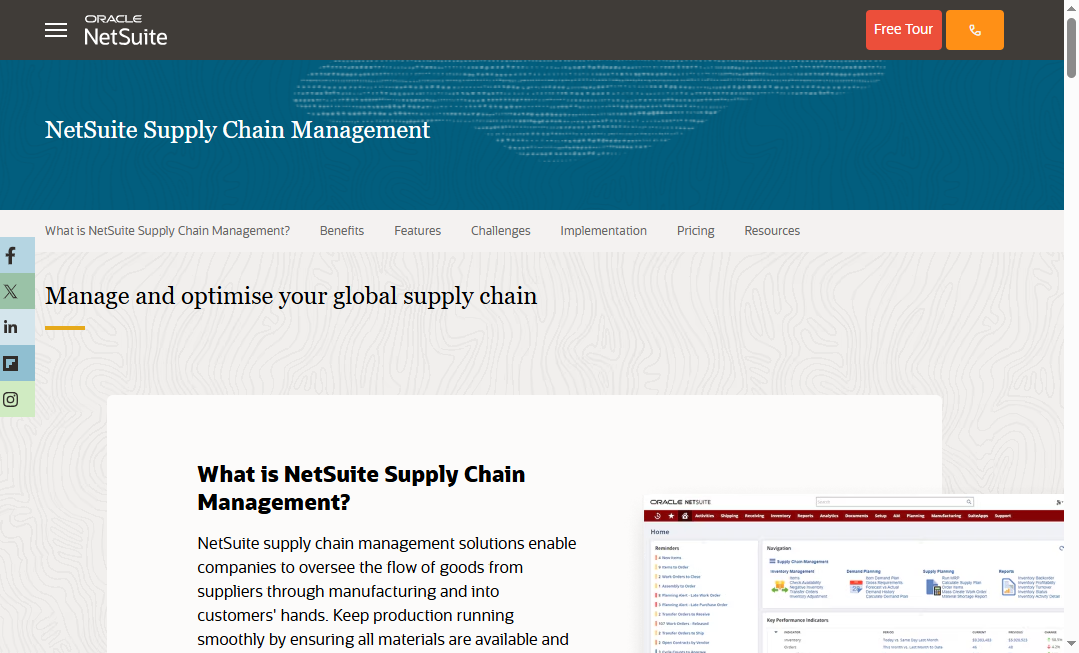 NetSuite Revenue Management is a common choice for businesses already operating on NetSuite ERP. It supports revenue recognition workflows within a broader financial management environment.
Where it stands out
- Embedded within a widely used ERP ecosystem
- Useful for multi-subsidiary and multi-standard environments
- Good fit where finance wants revenue processes close to the general ledger
Trade-offs
- Often strongest for existing NetSuite users
- Can require module investment and implementation effort
- Report formatting flexibility may not meet every board or operational reporting need without customization
4. Sage Intacct
 Sage Intacct is often chosen by finance teams seeking stronger accounting automation and revenue handling than basic accounting tools can provide.
Where it stands out
- Recognized for finance-focused workflows
- Supports compliance-oriented processes and reporting controls
- Helpful for teams trying to speed up close and reduce manual work
Trade-offs
- May still require complementary reporting layers for highly customized output
- Best fit depends on accounting environment and entity complexity
5. Workday Revenue Management
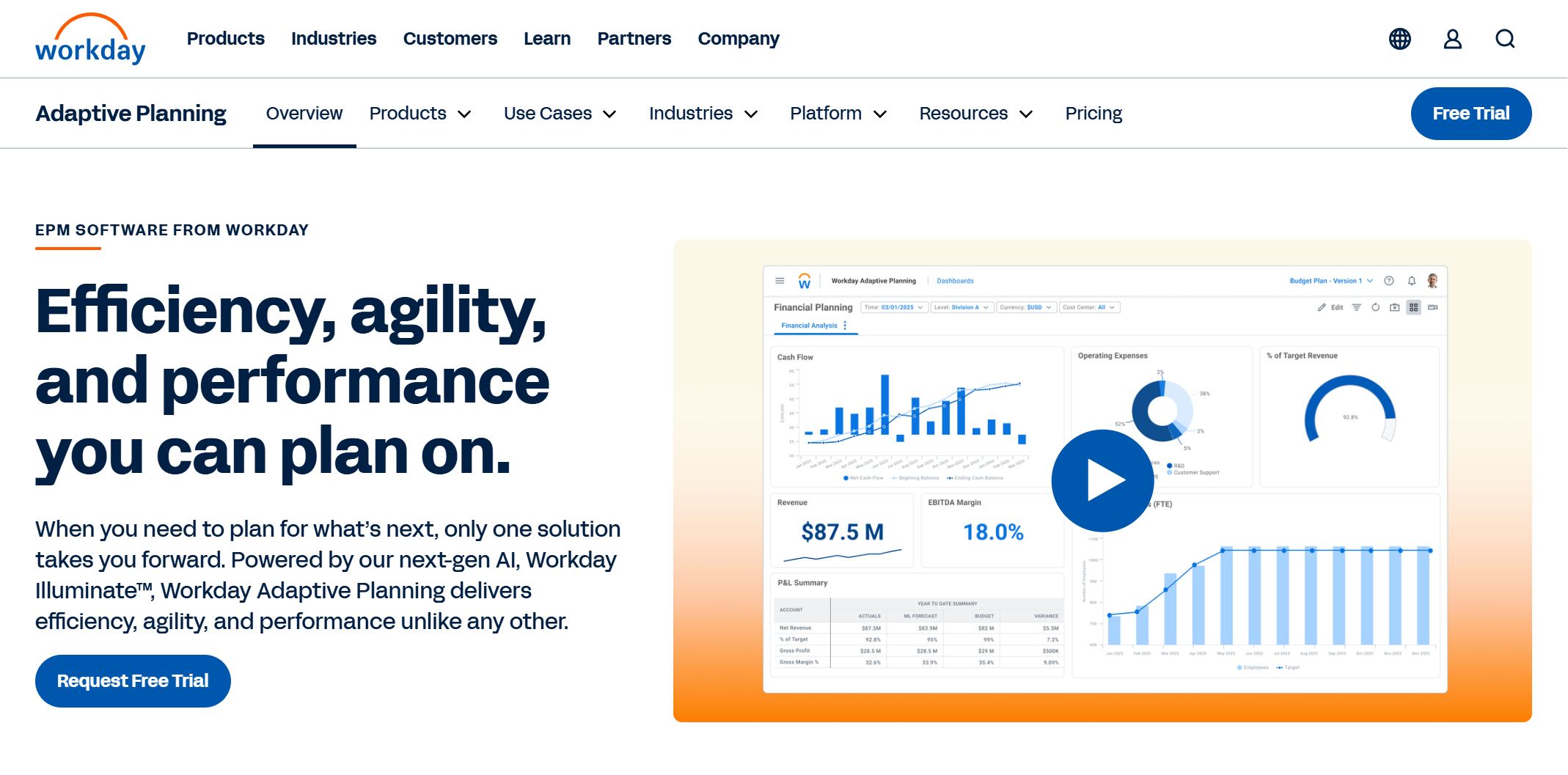 Workday Revenue Management serves larger organizations managing the revenue lifecycle in a broad enterprise framework.
Where it stands out
- Built for complex enterprise finance environments
- Supports revenue lifecycle visibility across contracts, billing, and recognition
- Strong fit for global and multi-entity organizations
Trade-offs
- More complex than smaller teams may need
- Implementation and ownership usually require broader enterprise alignment
6. Zuora
 Zuora is well known in subscription billing and recurring revenue operations. It is often evaluated by companies with evolving billing models and high transaction volume.
Where it stands out
- Strong for subscription and recurring billing scenarios
- Supports recognition workflows tied to billing complexity
- Useful for businesses with contract modifications and usage pricing
Trade-offs
- Broader scope can increase implementation complexity
- Organizations focused primarily on finance reporting may need to assess whether they need the full platform breadth
7. BillingPlatform
 BillingPlatform is built for complex monetization and billing environments, with revenue recognition capabilities and reporting visibility tied closely to billing operations.
Where it stands out
- Strong for sophisticated pricing, billing, and recognition scenarios
- Relevant for enterprises managing varied revenue streams
- Supports rollforward and waterfall-style reporting needs
Trade-offs
- Can be more than a finance team needs if the main problem is reporting output
- Better suited to organizations with advanced billing transformation initiatives
Best choices by company stage and use case
For startups and smaller finance teams
- Sage Intacct may be a practical fit if finance wants stronger accounting workflows
- Maxio can be suitable for B2B SaaS with recurring revenue complexity
For mid-market finance teams
- NetSuite Revenue Management is a common option for scaling ERP-centric organizations
- FineReport is a strong fit when the issue is fragmented reporting across multiple systems
For enterprise finance teams
- Workday and BillingPlatform fit broader lifecycle and enterprise complexity
- FineReport is useful as a dedicated enterprise reporting layer for finance, operations, and executive reporting
For high-volume subscription businesses
- Zuora and Maxio are often strong candidates
- FineReport can complement these systems when formal, governed, cross-functional reporting becomes a bottleneck
How to Choose the Right Software for Your Finance Team
Must-have features before you buy
Before selecting revenue reporting software, make sure it can support these basics:
- Accurate recognized and deferred revenue reporting
- Audit-ready traceability
- Flexible report layouts and exports
- Scheduled refresh and distribution
- Role-based permissions and governance
- Integration with ERP, CRM, billing, or data warehouse environments
If your team reports to executives, auditors, and department leaders, dashboarding alone is usually not enough.
Questions to ask during demos and trials
Use demos to test real finance workflows, not just product tours. Ask:
- How quickly can we build monthly revenue packs?
- Can users drill from summary revenue to customer or contract detail?
- How are deferred and recognized revenue views handled?
- What approvals, logs, or audit trails exist?
- How much integration work is required?
- Can reports be scheduled automatically in PDF or Excel?
- Can finance own reporting logic without constant developer support?
When to choose reporting-focused vs revenue recognition-focused platforms
Choose a revenue recognition-focused platform when your biggest problem is applying accounting rules across contracts, obligations, and amendments.
Choose a reporting-focused platform when:
- your recognition logic already exists in ERP or billing systems,
- but reporting is slow, fragmented, or hard to distribute,
- and finance needs more flexible, board-ready, and operational reporting.
In many organizations, the best answer is a combination: a recognition system for accounting logic, plus a reporting platform for enterprise-wide output.
Practical Recommendations for Finance Teams
- Map your current reporting workflow before evaluating tools. Know which reports are manual, who owns them, and where data breaks.
- Separate accounting logic from reporting presentation. A tool may be excellent at revenue recognition but weak at executive reporting, or vice versa.
- Test one real close-cycle report during the trial. Do not rely on generic demos.
- Evaluate scheduled distribution early. Finance teams save substantial time when recurring reports no longer depend on manual exports.
- Plan for cross-functional visibility. Revenue data is used by finance, RevOps, management, and audit stakeholders, so governance matters.
Final Verdict: Which Revenue Reporting Software Is Best in 2026?
There is no single answer for every finance team. The best choice depends on whether your core challenge is compliance logic, subscription complexity, or reporting execution.
Best overall option
For teams that need strong enterprise reporting across finance systems, FineReport is a compelling option. It is especially useful when finance needs structured reports, printable outputs, parameterized queries, and recurring report delivery on top of existing ERP or billing data.
Best for compliance-heavy teams
NetSuite Revenue Management, Sage Intacct, and Workday are all relevant for compliance-oriented finance environments, especially when revenue recognition must stay close to core financial operations.
Best for automation and fast-growing SaaS businesses
Maxio and Zuora stand out for subscription and recurring revenue environments where contract changes, billing complexity, and recognition automation are central.
Best value for smaller finance teams
Sage Intacct may be a sensible path for smaller or growing teams that need stronger financial controls without moving immediately into a broader enterprise stack.
When FineReport Is a Good Fit for Revenue Reporting
Tools like Maxio, Zuora, NetSuite, and Workday are widely used for billing, ERP, and revenue recognition workflows, but teams with complex reporting needs may also need a dedicated enterprise reporting platform like FineReport.
FineReport is a good fit when your finance team needs to:
- Build pixel-perfect monthly and quarterly revenue reports
- Deliver paginated board, audit, and management reports
- Add parameter queries for entity, product, period, or customer views
- Combine dashboards and detailed reports in one reporting environment
- Automate scheduled distribution across finance and leadership teams
- Support data entry or approval workflows tied to finance operations
- Standardize revenue reporting across subsidiaries, departments, or regions
That matters because many finance teams do not struggle with raw data alone. They struggle with the last mile: turning revenue data into consistent, governed, reusable reports.

Get Ready-to-Use Dashboard and Report Templates in Fine Gallery
If your organization already has revenue data in place but still relies on spreadsheet stitching, manual exports, and inconsistent report formats, FineReport can help close that gap with a more reliable enterprise reporting layer.
FAQs
Revenue reporting software focuses on analyzing, presenting, and distributing revenue data, while revenue recognition software centers on applying accounting rules to determine when revenue is earned. Some platforms combine both, but many finance teams choose based on whether their bigger need is compliance automation or better cross-system reporting.