Looking for the best retail analytics software to boost your business? Here are the top 10 platforms you need to know:
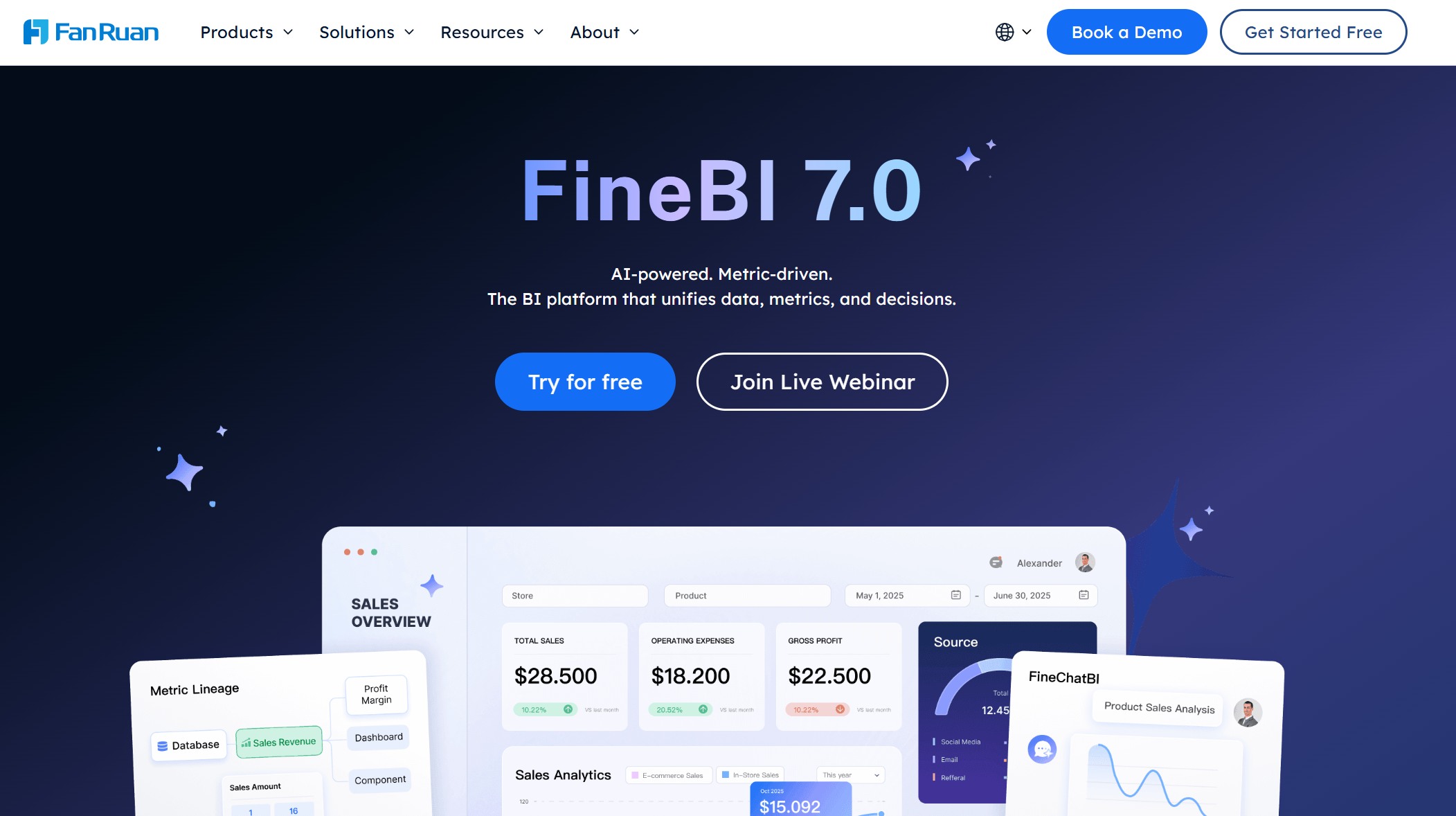
FineBI
Shopify POS Analytics
T.M.A.S. Retail Analytics
LEAFIO AI Retail Platform
Crisp Data Platform
SPS Commerce Analytics
BOARD Retail Analytics
Sisense Retail Analytics
Bedrock Analytics
ThoughtSpot Retail Solution
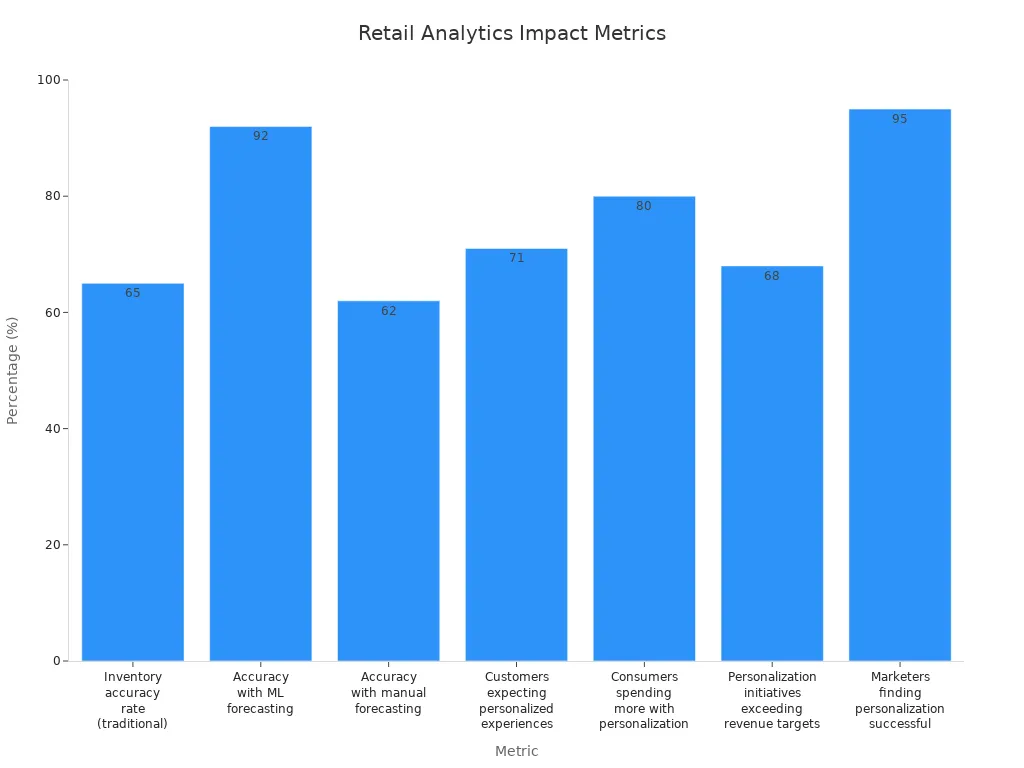
You want software with strong features, easy setup, scalability, seamless integration, and great support. Retail analytics software helps you optimize inventory, personalize experiences for customers, and drive sales. Take a look at the chart below to see how analytics improve accuracy and revenue for customers.
FineBI stand out for helping customers turn data into real growth. With the right retail analytics software, you can improve inventory management, get better insights on customers, and reduce costs. Customers expect personalized experiences, and the right software helps you deliver just that.
What Is Retail Analytics Software?
Definition and Core Functions
Retail analytics software helps you make sense of all the data your business collects. You use it to track sales, understand customers, and manage inventory. This software pulls information from different sources and turns it into insights you can act on. You get a clear picture of what’s happening in your stores, online channels, and supply chain.
Here are some core functions you’ll find in retail analytics software:
Consumer analytics lets you see what your customers like and how they shop. You can spot trends and adjust your marketing.
Inventory management tracks stock levels and demand. You avoid running out of popular items and keep cash flow healthy.
Merchandising analysis shows which products perform best. You learn what drives sales and which promotions work.
Sales forecasting uses past data to predict future sales. You plan better and reduce the risk of stockouts.
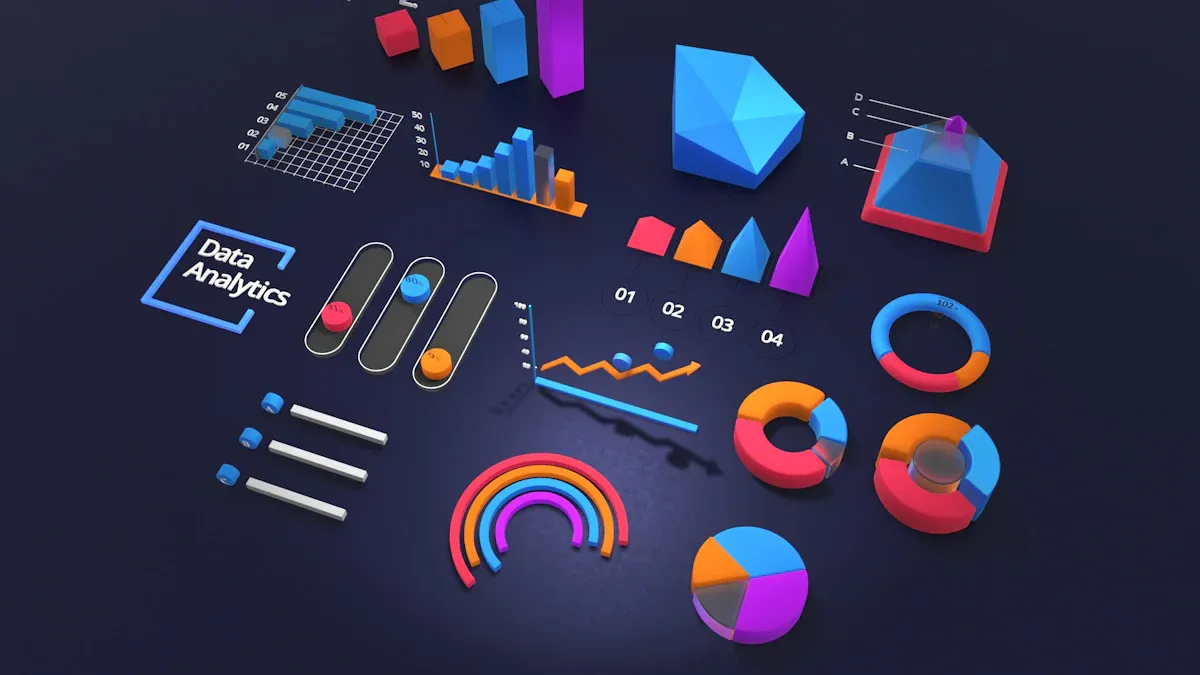
Data visualization transforms numbers into charts and graphs. You understand complex information quickly.
Retail analytics software gives you tools to dig into your data and find answers fast. You don’t need to be a data scientist to use it. The software makes analysis simple and accessible for everyone on your team.
Why Retail Data Analytics Matters
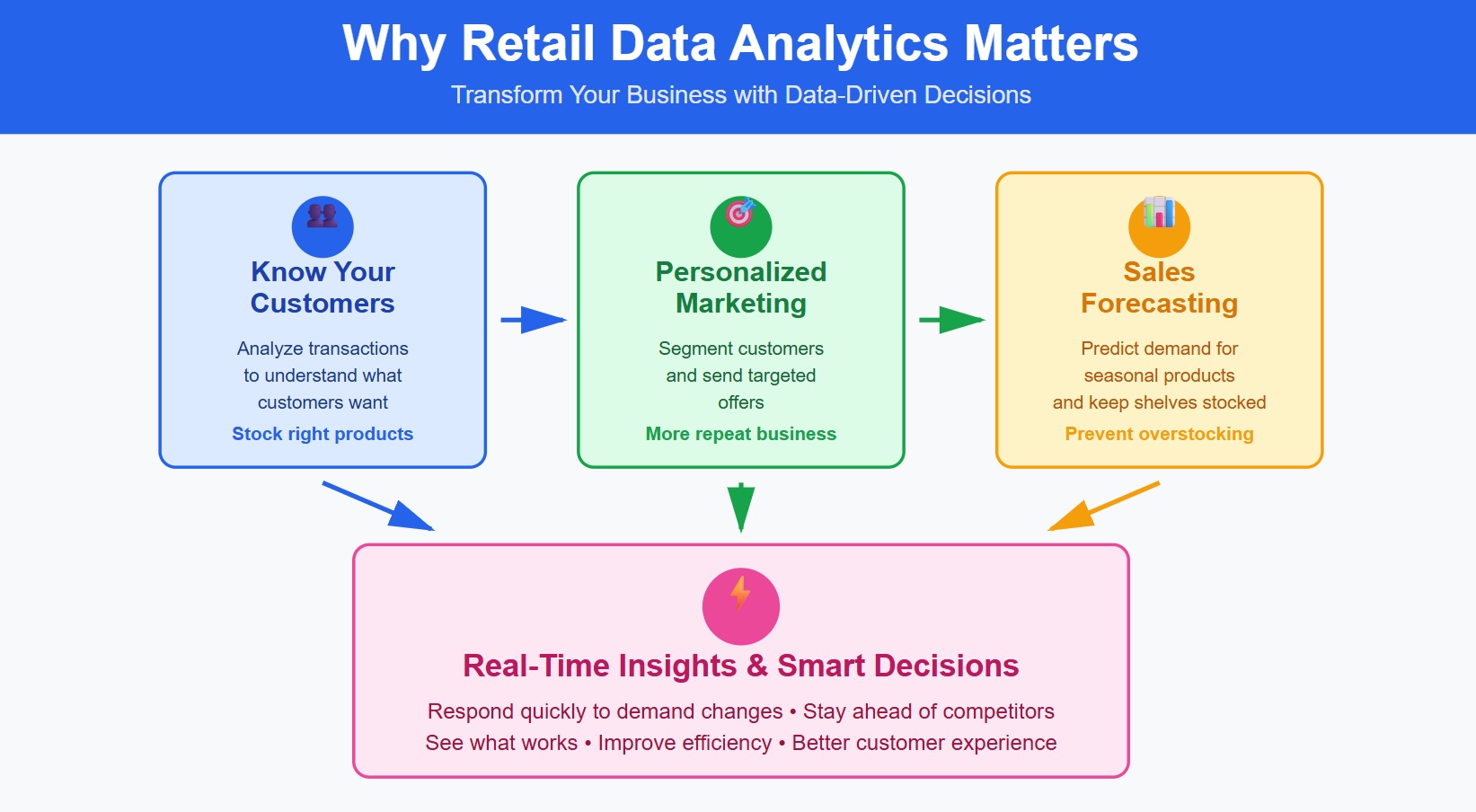
Retail data analytics changes how you run your business. You get to know your customers better and offer products they actually want. When you analyze transactions, you spot items that don’t sell well and adjust your inventory. This means you stock the right products and avoid wasting money.
Personalized marketing becomes easier with retail data analytics. You segment customers and send them offers that match their interests. This leads to happier shoppers and more repeat business.
Retail analytics software helps you forecast sales patterns. You know when to order seasonal products and keep shelves stocked. Effective inventory management saves you money by preventing overstocking.
Tip: Retail analytics software gives you real-time insights. You respond quickly to changes in demand and stay ahead of competitors.
Retail data analytics helps you make smarter decisions every day. You see what’s working and what needs improvement. Your business becomes more efficient, and your customers get a better experience.
How Retail Analytics Platforms Benefit Retailers
Key Features of Retail Analytics Software
When you use retail analytics software, you unlock powerful tools that drive growth and optimization. These platforms help you see the big picture and dig into details. You get actionable insights that guide your decisions every day.
Here’s a quick look at the features you’ll find in top retail analytics platforms:
Key Feature
Description
Customizable Dashboards
Create interactive dashboards for sales, inventory, and customer metrics.
Data Integration
Connect all your retail tools for unified analysis.
Predictive Analytics
Forecast demand and trends to plan better.
Sales and Revenue Tracking
Track sales by region, product, and customer segment for performance tracking.
Real-Time Reporting
Get up-to-date metrics and respond fast to changes.
Cross-Channel Analysis
Combine online and offline data for a complete view.
Retail analytics software makes it easy to monitor performance tracking and spot opportunities for optimization. You can use retail marketing analytics to understand what drives growth and improve your strategies.
Tip: Custom dashboards and predictive analytics help you turn raw data into actionable insights for every department.
Solving Retail Challenges with Data Analytics
Retailers face many challenges. Data analytics software helps you overcome these obstacles and reach new levels of growth. You can break down data silos, manage complex information, and get real-time insights that keep you ahead.
Here are some common challenges and how retail analytics platforms solve them:
Challenge
Description
Data Complexity
Handle data from inventory, POS, and more with easy integration.
Integration Issues
Connect siloed systems for seamless optimization.
Real-time Insights
Make quick decisions with instant data updates.
You also deal with data integration challenges from multiple channels, scalability issues as your business grows, and security requirements. Retail analytics software gives you the tools to manage these problems. You get actionable insights that help you optimize inventory, personalize customer experiences, and boost retail marketing analytics.
Many leading retailers have seen big results. Walmart uses predictive analytics to reduce out-of-stock items and save $1 billion. Sephora drives over 80% of sales with personalized recommendations and better inventory optimization. Amazon increases conversion rates by up to 30% and improves efficiency with data analytics software.
When you use retail analytics platforms, you set your business up for growth. You make smarter decisions, improve performance tracking, and deliver better experiences for your customers.
Criteria for Choosing a Retail Analytics Solution
Must-Have Features
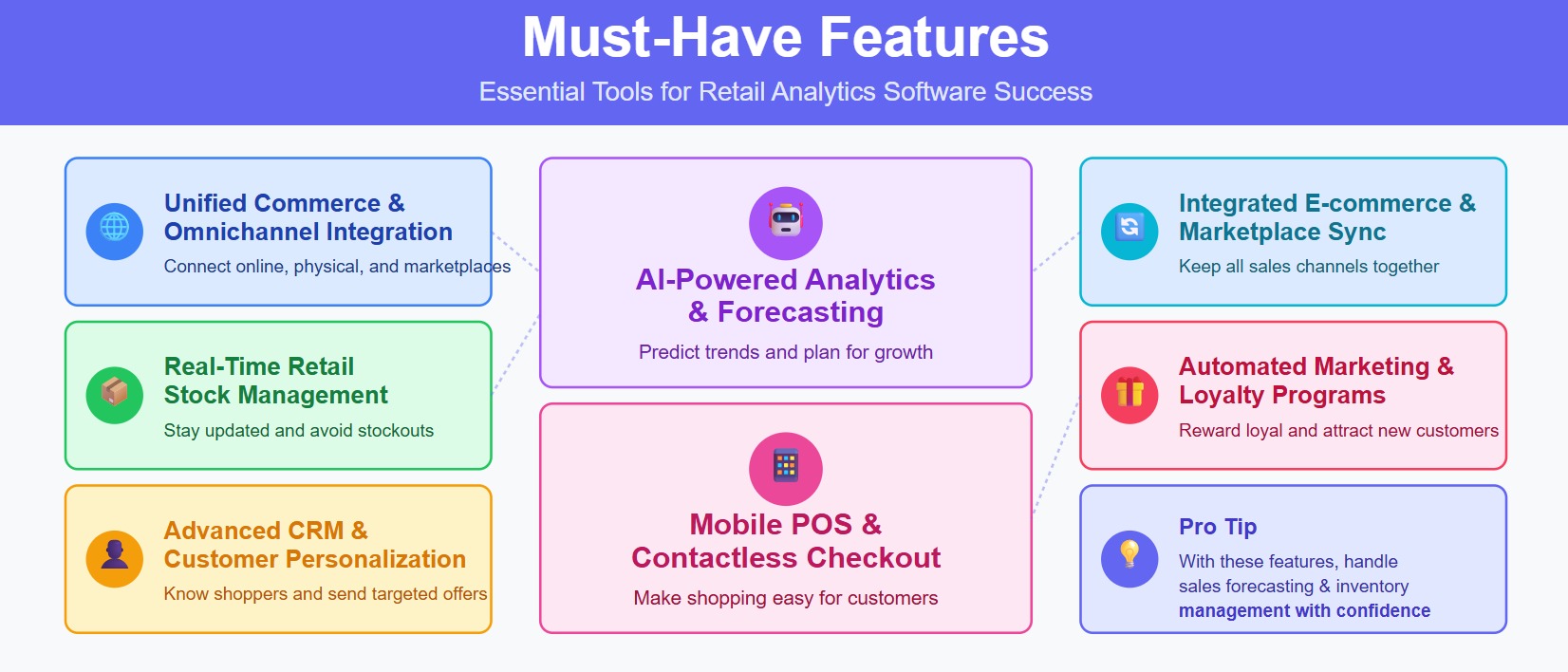
When you start looking for retail analytics software, you want features that make your life easier and help your business grow. The right platform gives you tools to manage inventory, understand customers, and boost sales forecasting. Here are the must-have features you should look for:
Unified commerce and omnichannel integration. You need a system that connects your online store, physical locations, and marketplaces.
Real-time retail stock management. Stay updated on inventory levels and avoid running out of popular products.
Advanced CRM and customer personalization. Get to know your shoppers and send them offers they actually want.
AI-powered analytics and forecasting. Use smart tools to predict trends and plan for retail growth.
Mobile POS and contactless checkout. Make shopping easy for customers in-store.
Integrated e-commerce and marketplace sync. Keep all your sales channels working together.
Automated marketing and loyalty programs. Reward loyal customers and attract new ones.
Tip: If your retail analytics software includes these features, you can handle sales forecasting and inventory management with confidence.
Evaluation Factors
Choosing the best retail analytics solution means thinking about more than just features. You want a platform that fits your business now and in the future. Here are the top factors to consider:
Scalability. Make sure your software can grow as your business expands. You don’t want to switch platforms every time you open a new store or add a sales channel.
Intelligence. Look for automated insights and clear key performance indicators. The right tool helps you spot trends and make smart decisions fast.
Usability. Your team should find the software easy to use, whether they’re data experts or just starting out.
Integration. Efficient data management is key. Your retail analytics software should connect with your existing apps and unify analytics across your organization.
Implementation. Fast onboarding and pre-built integrations save you time and money.
Here’s a quick table to help you compare:
Factor
Why It Matters
Scalability
Supports retail growth and new business needs
Integration
Unifies data and connects with your systems
Support
Helps your team solve problems quickly
Pricing
Adapts to your budget and business changes
Industry Fit
Matches your retail goals and challenges
If you keep these factors in mind, you’ll find retail analytics software that drives sales forecasting and supports your retail growth for years to come.
10 Best Retail Analytics Software Platforms
1.FineBI
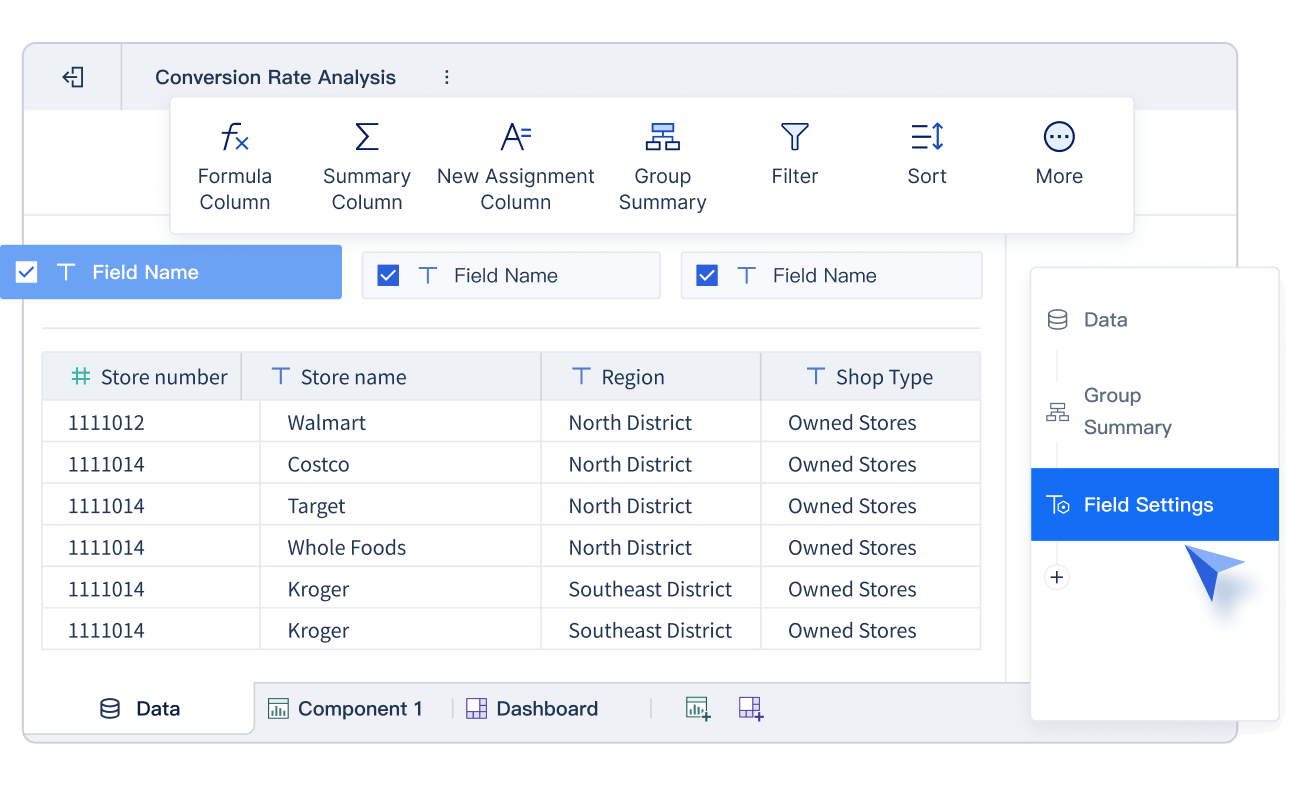
You want a retail analytics software that’s easy to use and powerful enough for your whole team. FineBI stands out as one of the best retail analytics tools because it combines a user-friendly interface with advanced analytics solutions. You can connect data from multiple sources, build dashboards, and get retail insights without needing to write complex code. FineBI helps you track retail performance, analyze sales, and understand customer insights in real time.
Retailers who want to unify data from stores, e-commerce, and supply chain
Teams looking for advanced sales analysis and consumer insights
Businesses that need retail data analytics solutions for growth
Tip: FineBI helps you turn raw data into actionable retail insights, making it one of the best retail analytics choices for any retailer.
2.Shopify POS Analytics
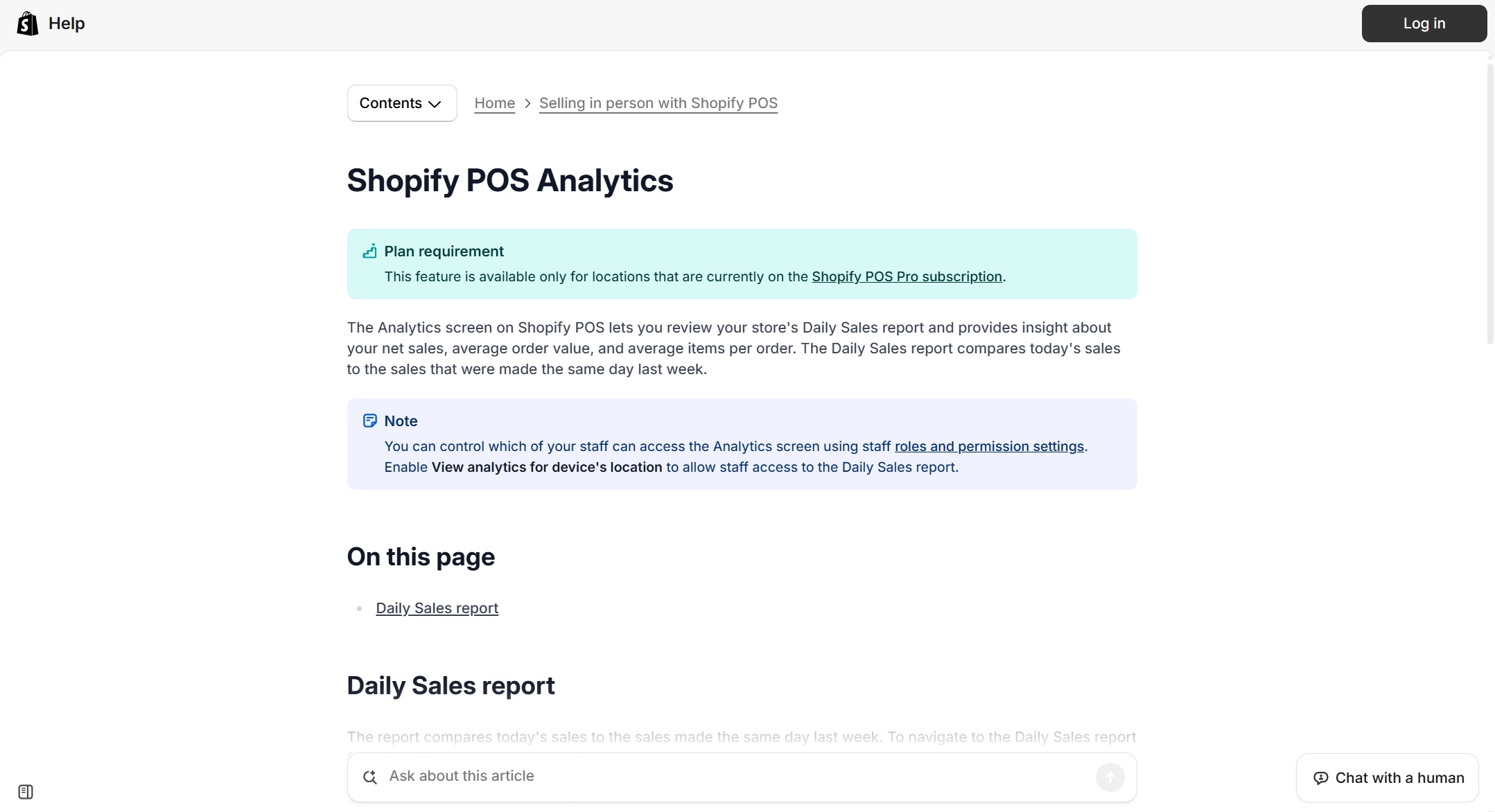
If you run a store using Shopify, their POS Analytics gives you a simple way to track sales and manage inventory. This retail analytics software comes with your Shopify plan, so you don’t pay extra for basic features. You get detailed reports by time period, unlimited POS user accounts, and integrated inventory management.
Small retailers who want easy setup and basic analytics tools
Pop-up shops and mobile businesses
Stores that need integrated inventory management
Note: Shopify POS Analytics works best for small businesses that want simple retail analytics solutions without extra costs.
3.T.M.A.S. Retail Analytics
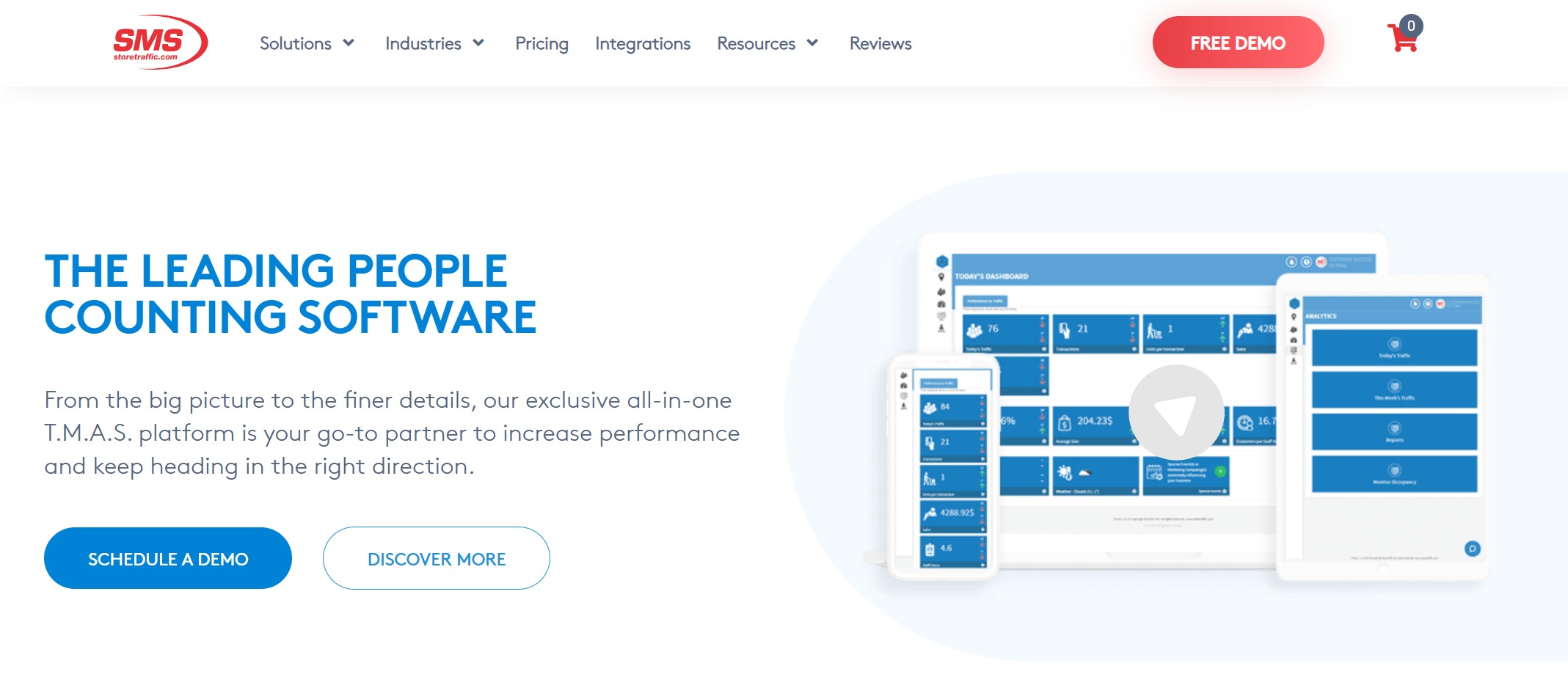
You need a platform that tackles inventory optimization and sales forecasting. T.M.A.S. Retail Analytics uses advanced analytics and AI-driven solutions to give you real-time data reporting. You can forecast sales by analyzing historical data and expected demand. The platform also manages multi-location coordination and seasonal changes, so you stay ahead.
Real-time data reporting with advanced analytics tools
Predictive analytics for accurate sales forecasting
Unique architecture for multi-location and seasonal management
Pros:
Strong focus on inventory optimization
AI-powered forecasting
Handles complex retail operations
Ideal Use Cases:
Retailers with multiple locations
Businesses needing advanced analytics solutions for inventory and sales
Stores facing seasonal demand changes
4.LEAFIO AI Retail Platform
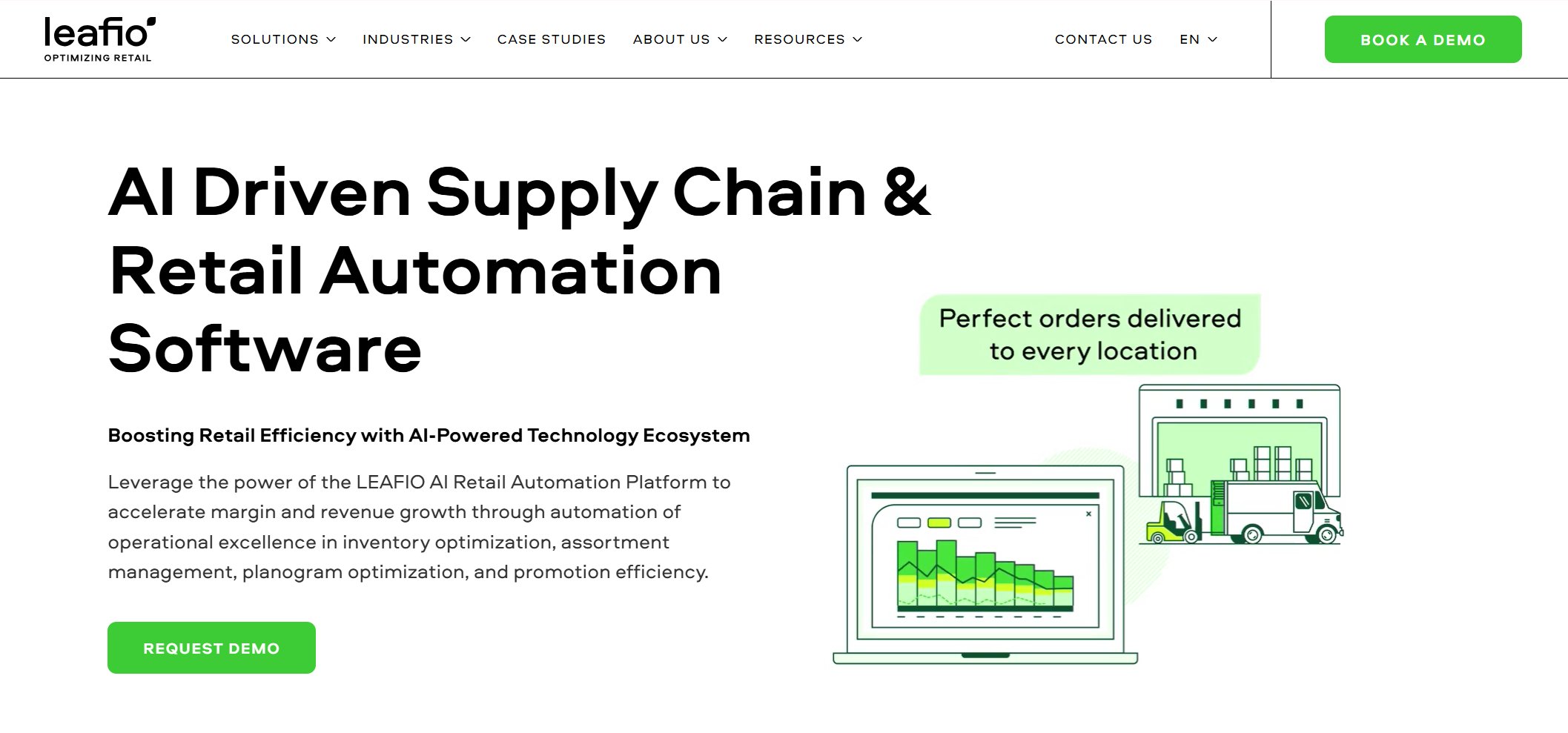
LEAFIO AI Retail Platform gives you a modular system that you can customize for your business. You get AI-driven inventory optimization, demand forecasting, and planogram automation. The platform uses real sales data to optimize shelf space and reduce stock issues. The LEAFIO SuperApp connects your central office with store staff, making task management and data access easy.
Businesses looking for retail analytics software with AI features
Stores needing better inventory and shelf management
5.Crisp Data Platform
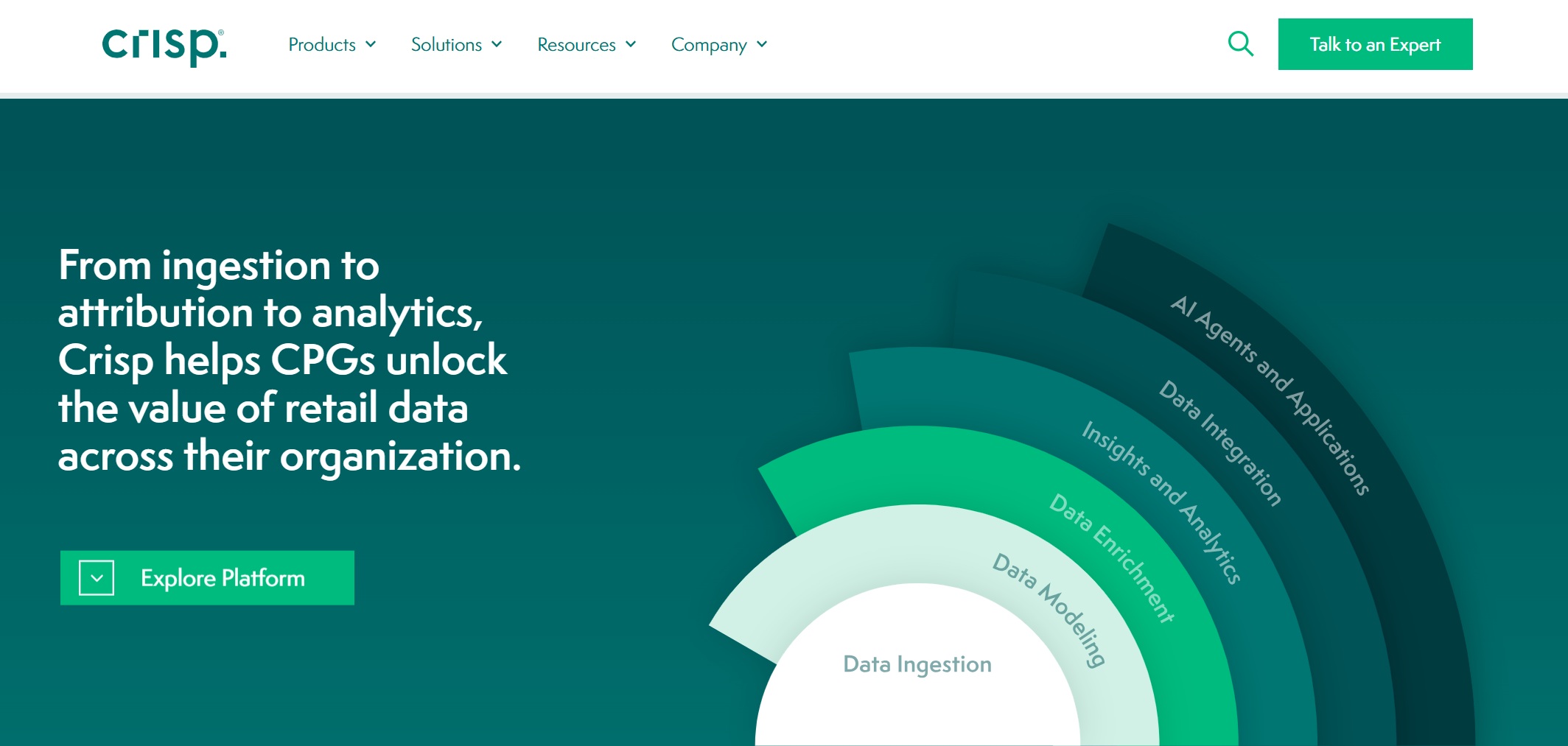
Crisp Data Platform helps you turn raw retail data into actionable insights. You get automatic data ingestion from over 40 retailers and distributors. The platform integrates, structures, and delivers retail data seamlessly. You can automate planograms, forecast demand, and generate perfect orders for every SKU and store. Crisp also offers AI-ready Jupyter Notebooks for advanced analytics.
Crisp pulls in data from many sources automatically.
Data Integration
The platform structures and delivers data for easy analysis.
Retail Analytics
You get fast, flexible analytics tools for retail insights.
Space Planning
Automate planograms and optimize shelf space.
Forecasting and Order Automation
Predict demand and automate orders for every SKU and store.
AI Blueprints
Use AI-ready notebooks for advanced analytics solutions.
Unified Data Solutions
Standardizes data naming for consistent reporting.
Pros:
Fast data integration
Automated analytics tools
Supports advanced analytics for data scientists
Ideal Use Cases:
Retailers with complex supply chains
Businesses needing unified retail data solutions
Teams focused on space planning and order automation
6.SPS Commerce Analytics
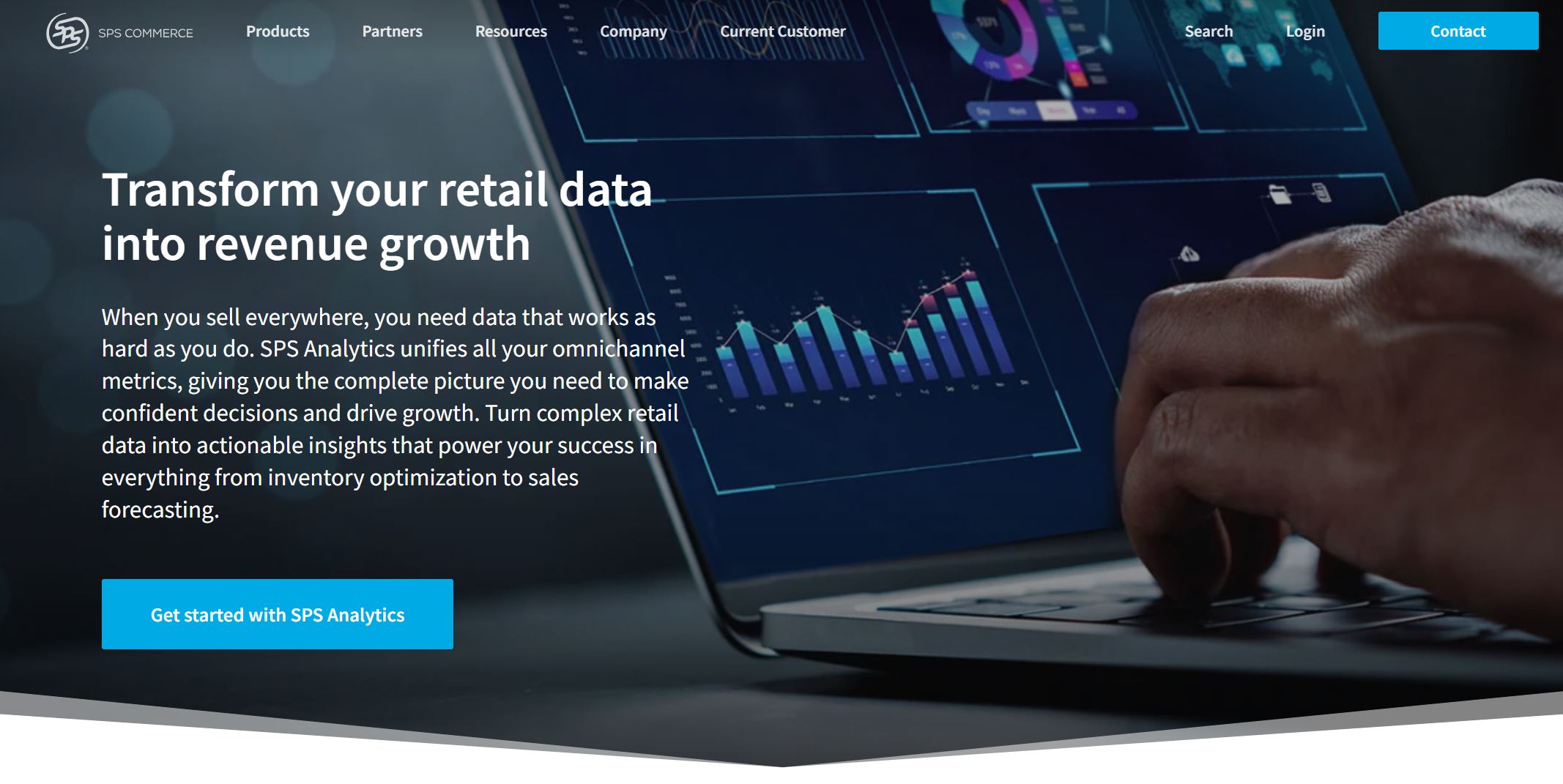
SPS Commerce Analytics gives you a single source of truth for all your sales and inventory data. You can combine information from different trading partners and make better decisions faster. The platform helps you optimize inventory, build strategic relationships, and spot trends quickly. You get customizable dashboards and scheduled reports for timely insights.
Combines sales and inventory data from all partners.
Informed Decision Making
Accurate data for faster decisions.
Inventory Optimization
Helps you meet demand with the right stock levels.
Strategic Relationships
Builds better connections with buyers.
Data Normalization
Ensures consistent and accurate data.
Customizable Dashboards
Pre-built dashboards for easy analysis.
Trend Analysis
Quickly spot trends and evaluate product performance.
Scheduled Reports
Get reports sent to you on schedule.
Pros:
Strong multi-channel support
Improves supply chain visibility
Easy-to-use dashboards
Ideal Use Cases:
Retailers with multiple trading partners
Businesses needing supply chain analytics tools
Teams focused on inventory and trend analysis
7.BOARD Retail Analytics
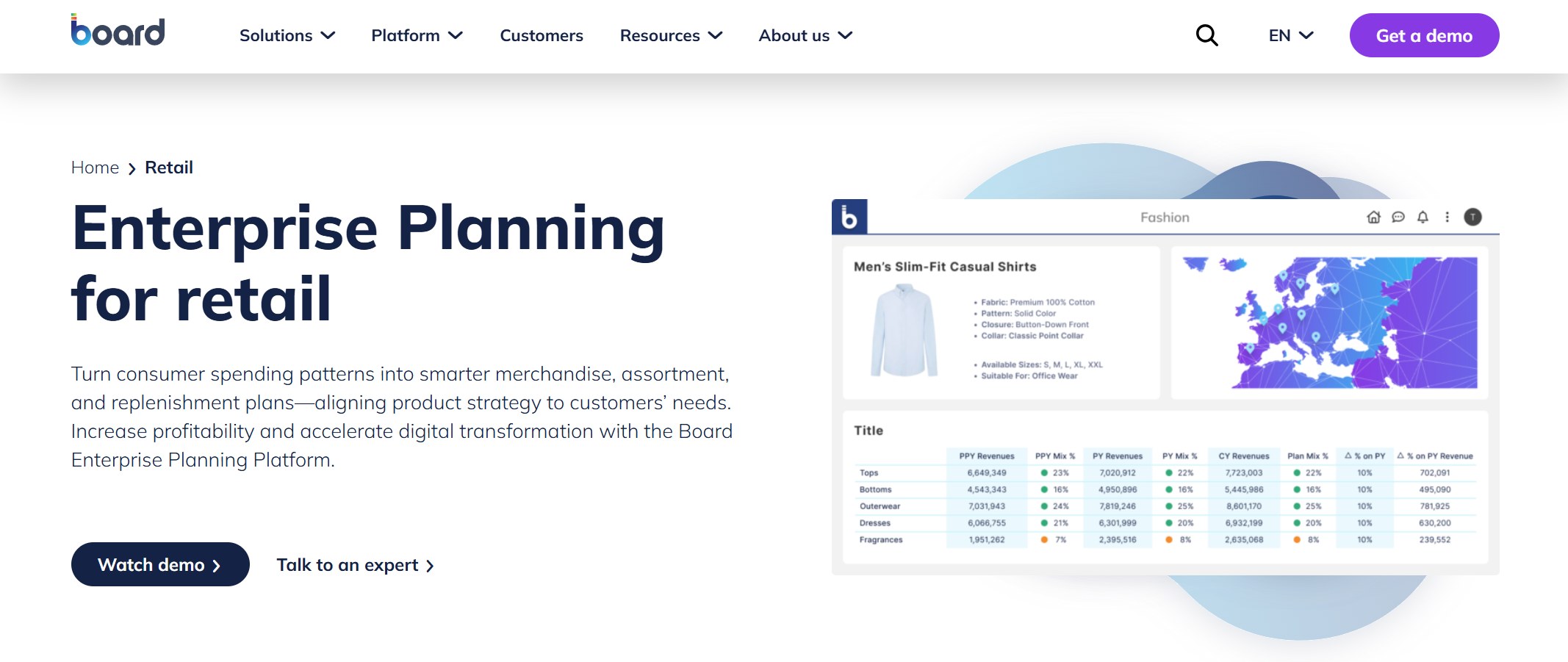
BOARD Retail Analytics is built for large enterprises that want to optimize pricing, improve margins, and make data-driven decisions. You get a single source of truth across departments, better customer satisfaction, and resilient supply chains. The platform tracks marketing campaign performance and helps you optimize inventory.
Optimize pricing and improve margins with data-driven insights.
Data-driven decision making
Use data to inform inventory, marketing, and pricing decisions.
Clarity across multiple departments
Align departments with a single source of truth.
Improved customer satisfaction
Make sure the right products are available and support customers better.
Knowledge of operations
Give employees insights into sales and inventory patterns.
More resilient supply chains
Use supply chain data to adapt to trends.
Improved marketing campaign performance
Track marketing effectiveness with sales data.
Inventory optimization
Ensure optimal stock levels and product availability.
Pros:
Enterprise-grade analytics tools
Strong collaboration features
Supports complex retail operations
Ideal Use Cases:
Large retail enterprises
Businesses needing advanced analytics solutions for multiple departments
Teams focused on pricing, inventory, and marketing
8.Sisense Retail Analytics
Sisense Retail Analytics gives you AI-powered dashboards and predictive insights. You can personalize marketing, forecast sales, and optimize inventory across locations. The platform auto-segments customers and helps you understand their behavior for better targeting.
Transform retail performance and customer loyalty.
Predictive Insights
Use AI to anticipate demand and manage inventory.
Customer Behavior Understanding
Personalize marketing with deep insights.
Sales Forecasting
Analyze historical data for better planning.
Customer Segmentation
Auto-segment customers for targeted marketing.
Inventory Optimization
Allocate inventory based on demand and popularity.
Pros:
Advanced AI features
Customizable dashboards
Strong customer insights
Ideal Use Cases:
Retailers wanting to personalize marketing
Businesses needing predictive analytics tools
Teams focused on inventory and sales forecasting
9.Bedrock Analytics
Bedrock Analytics helps you analyze product performance and manage categories. You get transparency into which products drive growth, sales decomposition, and AI-powered category reviews. The platform lets you identify sales declines, use custom segments, and access automated executive summaries.
Analyze distribution, velocity, promotion, and merchandising
AI and machine learning
Detect threats and create reviews quickly
Identify the cause of sales declines
Leverage custom segments for product categories
Access automated executive summaries using AI
Pros:
Fast product performance analysis
AI-powered category management
Automated reporting
Ideal Use Cases:
Retailers needing advanced sales analysis
Businesses focused on category management
Teams wanting quick, actionable retail insights
10.ThoughtSpot Retail Solution
ThoughtSpot Retail Solution gives you self-service analytics for fast data analysis. You can detect trends and anomalies with AI, create interactive Liveboards, and get real-time reporting. The platform connects directly to cloud data, so you always have up-to-date information. ThoughtSpot is designed for all users, so you don’t need much training to get started.
Teams focused on customer insights and sales trends
Tip: ThoughtSpot makes retail data analytics solutions accessible for everyone, helping you spot trends and act fast.
You have plenty of choices when it comes to the best retail analytics. Each platform offers unique features, so you can find the right fit for your business. Whether you need advanced analytics solutions, easy-to-use dashboards, or powerful retail data solutions, these platforms help you unlock consumer insights and improve retail performance.
Retail Analytics Platforms Comparison Table
Feature Overview
You want to know what sets each retail analytics software apart. Here’s a table that shows the main features, strengths, and weaknesses of popular platforms. This helps you compare options quickly.
Platform
Key Features
Pros
Cons
Oracle Retail
Demand forecasting, Inventory optimization, Pricing optimization, POS, Omnichannel support
Easy integration, Advanced analytics, Comprehensive feature set
High implementation cost, Time-consuming setup
Infor Retail Analytics
Machine learning analytics, Demand and supply planning, Governance tools
Efficient data processing, Strong performance, Easy reporting
User interface needs improvement, Occasional performance issues
Some features require coding, Slow support response
Tip: Comparing features side by side helps you spot which retail analytics software fits your needs best.
Pricing and Scalability
Pricing and scalability matter when you choose a platform. You want a solution that grows with your business and fits your budget. Here’s a quick look at how some platforms stack up:
Platform
Pricing Model
Scalability Options
Marketbasket.io
Free trial, monthly/yearly billing
Designed for small to medium-sized businesses
Glew.io
Quote-based, free trial, subscription
Suitable for various business sizes
Daasity
Quote-based
Not specified
Some platforms offer free trials so you can test before you commit. Others use subscription models that scale with your business size. You get flexibility to choose what works for you.
Integration Capabilities
Integration is key for retail analytics software. You want your platform to connect with your POS and ERP systems. This makes your data flow smoothly and keeps everything in sync.
Platform
Integration Capabilities
Dynamics 365
Robust ERP functionalities with POS integration
NetSuite
Native or third-party POS system integration
SAP for Retail
Offers robust functionalities with integration
Kensium POS
Native integration with Acumatica and Sage ERPs
When your software integrates well, you save time and avoid manual data entry. You get a complete view of your business in one place.
Note: Strong integration means you can focus on insights, not on fixing data problems.
How to Select the Right Retail Analytics Software
Assessing Your Retail Data Needs
Choosing the right retail analytics software starts with understanding what your business really needs. You want to make data-driven decisions, so take these steps before you pick a platform:
Review your current setup. Look at your sales, inventory, and customer data. Find out where you struggle most.
List your top challenges. Maybe you have trouble tracking inventory or understanding customer habits.
Shortlist providers that match your main requirements. Focus on those that solve your biggest problems.
Try demos. See how each platform works with your data and team.
Think about long-term partnerships. Pick a provider that supports your growth and aligns with your goals.
Tip: Taking time to assess your needs helps you avoid costly mistakes and sets you up for success.
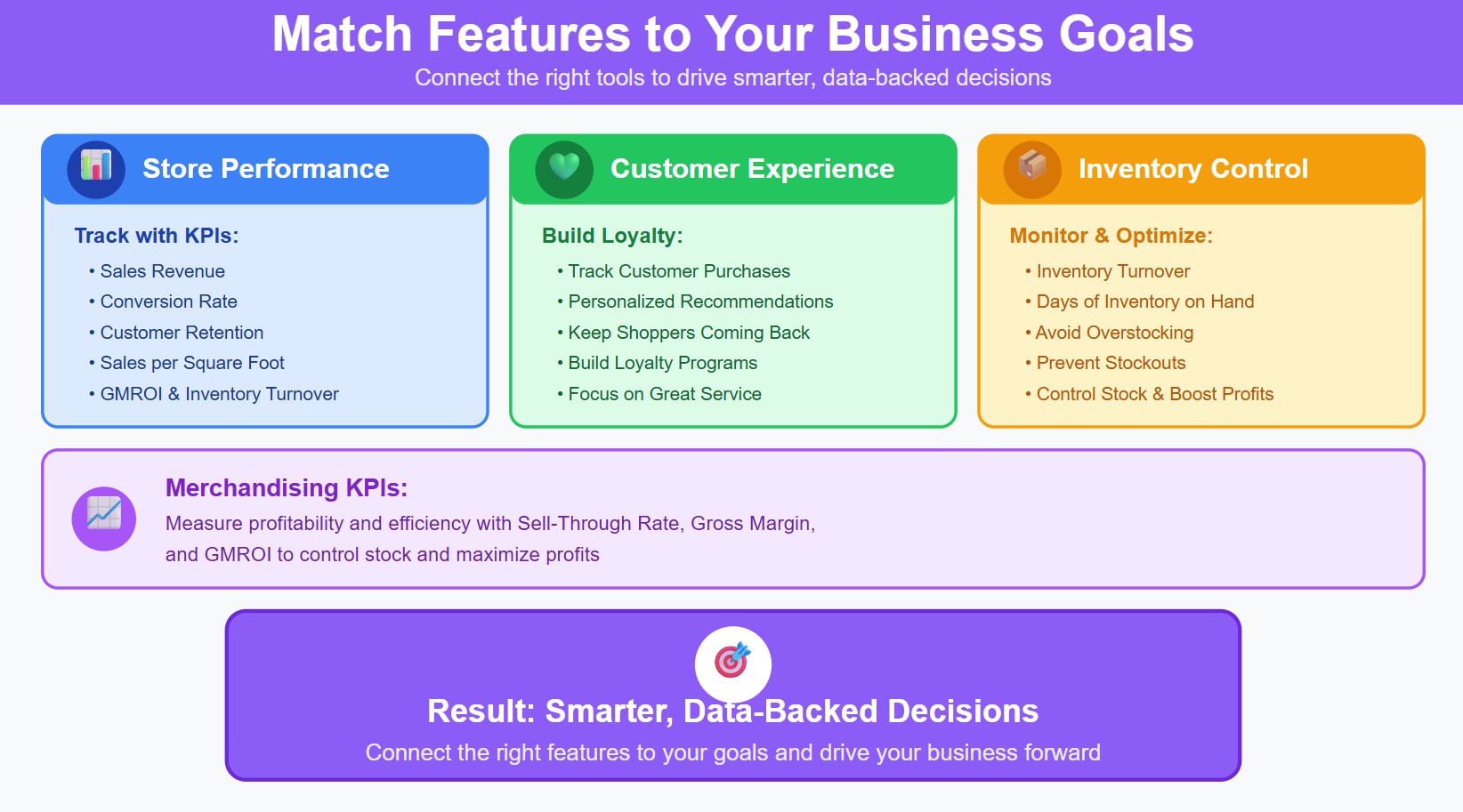
Matching Platform Features to Goals
You want software that fits your business goals. Start by matching platform features to what you want to achieve:
Track store performance with KPIs like sales revenue, conversion rate, and customer retention.
Use sales per square foot, GMROI, and inventory turnover to measure profitability and efficiency.
Monitor merchandising KPIs such as sell-through rate and gross margin to control stock and boost profits.
Track customer purchases and offer personalized recommendations to keep shoppers coming back.
Build loyalty programs and focus on great service to improve retention.
Watch inventory turnover and days of inventory on hand to avoid overstocking or running out.
When you connect the right features to your goals, you make smarter, data-backed decisions that drive your business forward.
Implementation and Support Tips
Getting started with retail analytics software is easier when you follow best practices. Here’s a table with tips to help you succeed:
Best Practice
Description
Data Centralization
Bring all your data together for a clear view of your business.
Advanced Analytics
Use analytics to learn about customer behavior and improve inventory management.
Personalization
Tailor shopping experiences to boost customer satisfaction.
Clean Data Foundations
Set up good data collection habits before using advanced tools.
Cross-Functional Teams
Get teams from different areas to work together for better results.
Note: Companies like Target and Nike use predictive modeling and personalization to improve inventory and customer satisfaction. You can do the same by following these steps.
When you focus on your needs, match features to your goals, and follow best practices, you set your business up for data-driven decisions and long-term success.
You want to make smart choices for your retail business. Use the comparison table and selection criteria to find the best analytics platform for your needs. Try demos, talk with your team, and look for AI-powered tools that help you adapt quickly. FanRuan FineBI stands out because you can explore data on your own, track KPIs, and spot trends without coding. Here are some expert tips:
Integrate AI analytics into daily operations
Simplify data exploration for everyone
Invest in tools that support teamwork and fast decisions
Key Takeaway
Description
Harnessing Big Data
Use analytics to improve decisions and engagement
AI and ML Integration
Optimize inventory and supply chain management
Product Trial
FineReport
Pixel-perfect reports · Interactive dashboards · Easy data entry · Digital twins
Smarter product, pricing, and inventory management across retail sectors.
FAQ
What is retail analytics software?
You use retail analytics software to turn your sales, inventory, and customer data into clear insights. This helps you make smarter decisions, spot trends, and improve your store’s performance.
How does retail analytics software help my business?
You get real-time reports, better inventory control, and a deeper understanding of your customers. This means you can boost sales, reduce waste, and create a better shopping experience.
Can I connect my existing systems to retail analytics software?
Most platforms let you connect POS, ERP, and e-commerce tools. You can bring all your data together for a complete view. Check each platform’s integration list before you choose.
Is retail analytics software hard to use?
You don’t need to be a data expert. Many platforms, like FineBI, use drag-and-drop dashboards and simple menus. You can start exploring data right away.
How do I pick the best retail analytics platform?
Start by listing your needs. Try demos, compare features, and ask about support. Look for easy integration, scalability, and tools that match your business goals.