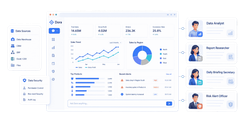
FineReport is an enterprise-grade reporting and dashboard platform that helps teams build real-time, highly customizable project reports from multiple data sources.
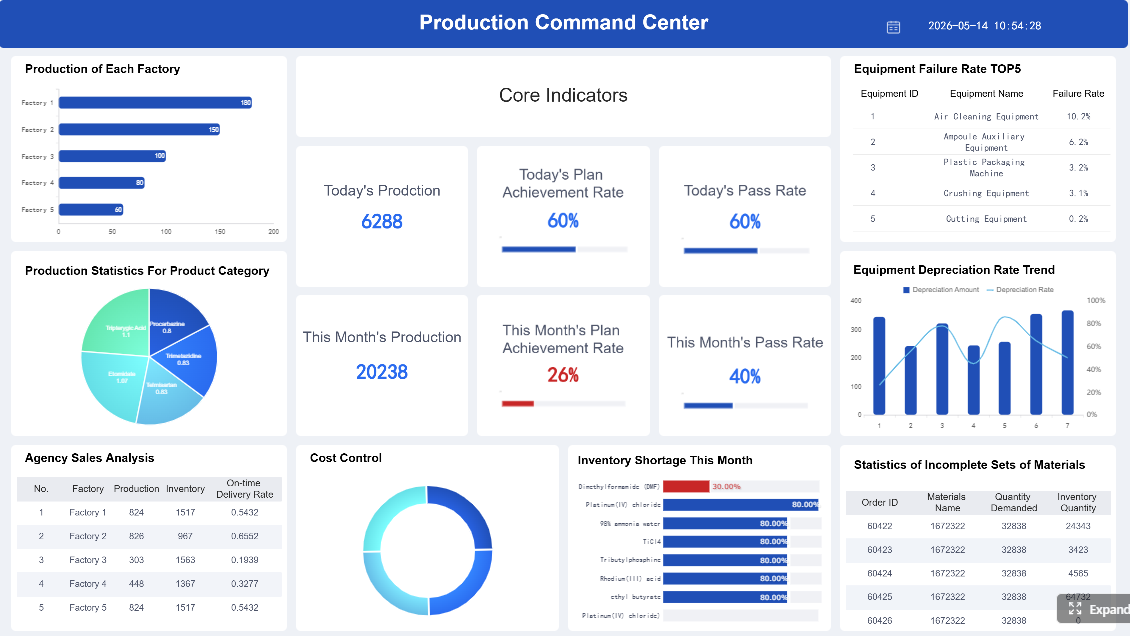 Click To Try The Dashboard
10 best project reporting software tools compared
How the tools were evaluated
This comparison focuses on the factors that matter most when selecting project reporting software in 2026:
- Reporting customization and dashboard quality: Can teams build executive summaries, status dashboards, portfolio views, and drill-down reports without major workarounds?
- Data accuracy, automation, and integrations: Does the tool sync reliably with project, finance, CRM, ERP, or time-tracking systems?
- Collaboration features, learning curve, and total cost of ownership: Is it practical for daily use across project managers, executives, department heads, and field teams?
Quick comparison table
| Tool | Best For | Reporting Strength | Main Limitation |
|---|---|---|---|
| FineReport | Enterprise reporting and BI-driven project visibility | Highly customizable dashboards, pixel-perfect reports, multi-source data integration | More reporting-focused than lightweight task tools |
| Monday.com | Small teams and fast adoption | Easy dashboards, visual status reporting, automations | Advanced reporting can require higher plans |
| Asana | Cross-functional work management | Clean status updates, portfolio reporting, goal alignment | Reporting depth is lighter than BI-oriented platforms |
| Wrike | Mid-size to enterprise PMOs | Strong work analytics, proofing, resource visibility | Interface can feel complex for new users |
| ClickUp | Growing teams wanting all-in-one flexibility | Custom dashboards, workload views, broad feature set | Can become cluttered without governance |
| Smartsheet | Operations and spreadsheet-oriented teams | Familiar report building, portfolio summaries, automation | UX is less modern than some competitors |
| Jira + Atlassian Analytics | Software and IT teams | Deep issue and sprint reporting, strong engineering visibility | Less natural for non-technical teams |
| Procore | Construction and field reporting | Field updates, budget tracking, document control | Best value mainly for construction workflows |
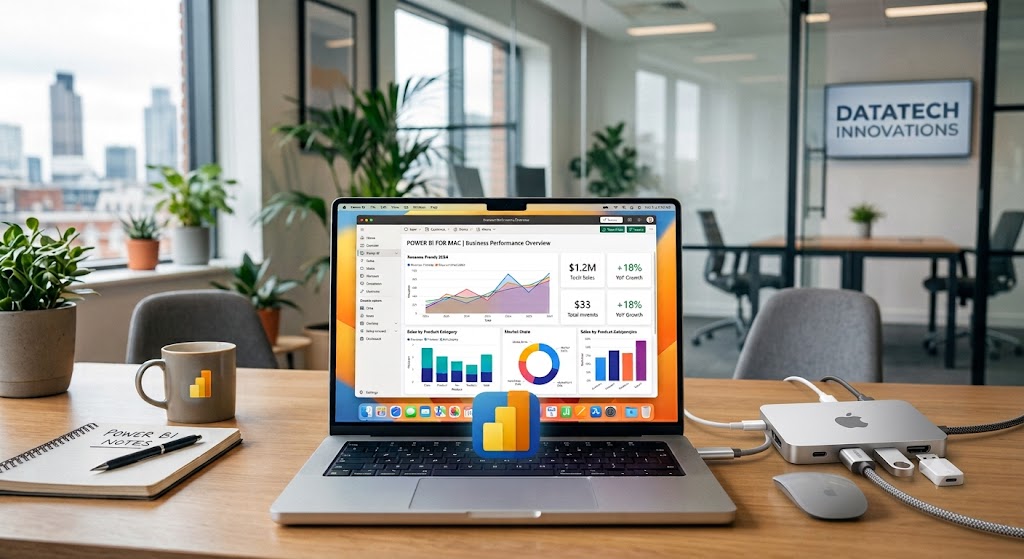
| Microsoft Project / Power BI | Enterprise Microsoft environments | Strong portfolio and BI reporting potential | Setup and reporting design may require expertise |
| OpenProject | Open-source and self-hosted needs | Solid project tracking, time/cost reporting, data sovereignty | More setup and maintenance effort |
The 10 tools at a glance
Here is a quick snapshot of each tool’s standout value, strongest advantage, and ideal fit.
- FineReport: Best for organizations that need advanced, executive-ready project reporting across multiple systems.
- Monday.com: Best for teams that want visually simple reporting and fast onboarding.
- Asana: Best for cross-functional teams that prioritize usability and clean status communication.
- Wrike: Best for PMOs and service teams that need robust reporting with workflow depth.
- ClickUp: Best for teams that want customizable dashboards inside an all-in-one workspace.
- Smartsheet: Best for operational teams comfortable with spreadsheet-style project tracking.
- Jira + Atlassian Analytics: Best for software delivery teams needing sprint, issue, and engineering reporting.
- Procore: Best for construction companies managing field reports, budgets, and compliance workflows.
- Microsoft Project / Power BI: Best for enterprises already invested in Microsoft’s ecosystem.
- OpenProject: Best open-source option for teams that want control, self-hosting, and flexibility.
Why project reporting software matters in 2026
Modern organizations no longer need static weekly status decks alone. They need project reporting software that can deliver real-time visibility, connect multiple workstreams, and present executive-ready summaries without manual spreadsheet consolidation.
Teams now expect reporting tools to support:
- Real-time project visibility across tasks, milestones, budgets, risks, and resources
- Cross-project dashboards for PMOs, department leaders, and executives
- Automated status reporting that reduces manual updates
- Role-based views so leaders, clients, and contributors each see relevant information
- Presentation-ready outputs for board meetings, client reviews, and internal governance
Common reporting pain points are also getting harder to ignore. Agencies struggle to combine utilization, deadlines, and client status. Product teams need roadmap and sprint reporting in one place. IT organizations want incident, delivery, and capacity visibility. Operations teams need recurring summaries that pull from several business systems. Construction teams need field updates, cost tracking, and documentation tied together.
The tools in this guide were compared using six practical criteria:
- Reporting depth
- Ease of use
- Integrations
- Automation
- Pricing
- Scalability
In-depth reviews: features, pros, cons, and best use cases
Best all-around tools for most teams
1. FineReport
One-sentence overview: FineReport is a powerful reporting and dashboard platform for teams that need highly customizable, real-time project reporting across departments and systems.
Key Features
- Drag-and-drop dashboard and report designer
- Pixel-perfect scheduled reports for executives and clients
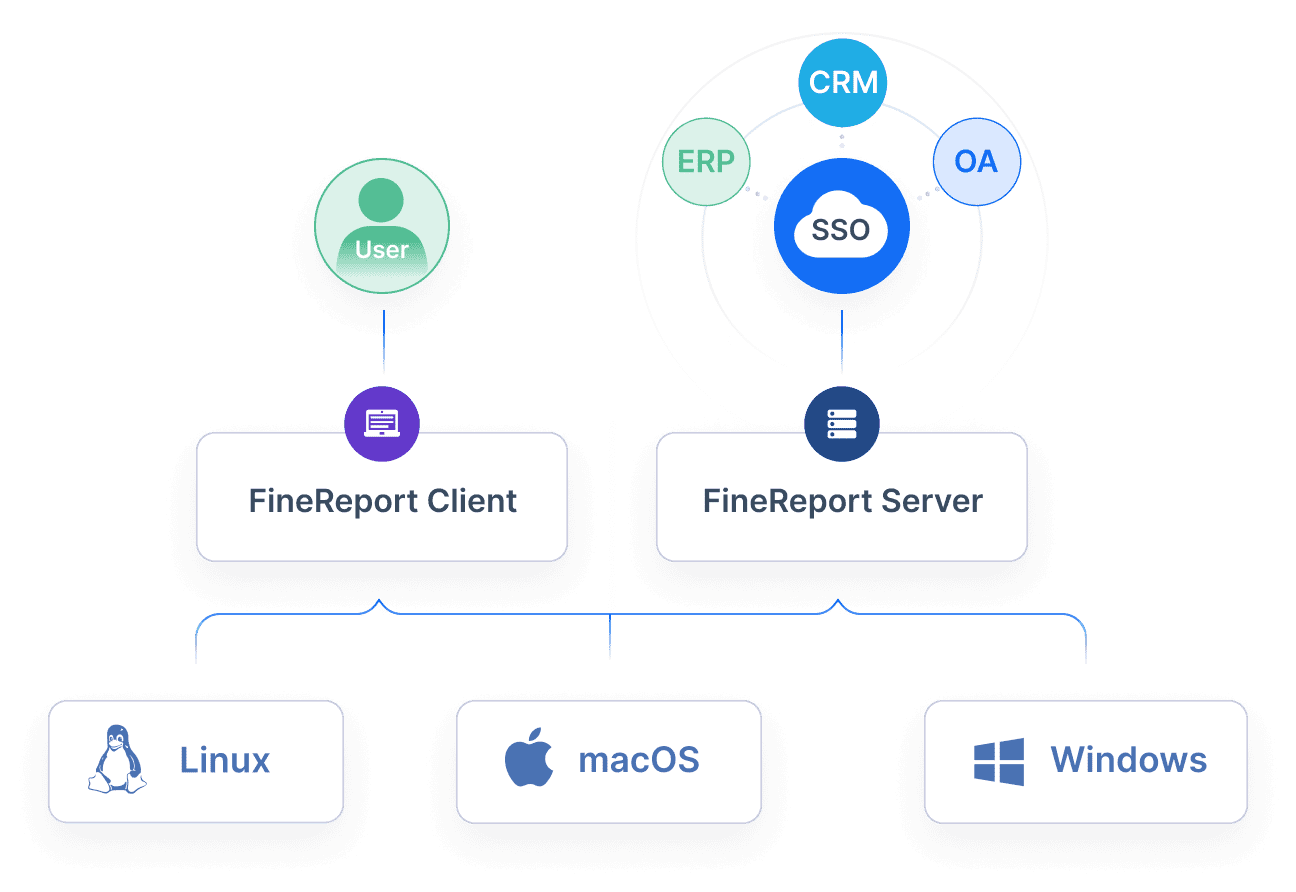
- Integration with databases, ERP, CRM, and project systems
- Real-time data refresh for live status visibility
- Drill-down analysis for project, portfolio, budget, and resource metrics
- Strong permission controls for enterprise reporting governance
- Mobile-friendly dashboards
Pros & Cons
Pros
- Excellent for complex reporting requirements
- More flexible than many built-in project management dashboards
- Suitable for executive reporting and operational detail in one system
- Strong option for organizations that want to unify project data from multiple sources
- Works especially well when reporting maturity is a priority
Cons
- Not a lightweight task management tool by itself
- Teams may need planning around data models and dashboard design
- More capability than very small teams typically need
Best For (Target user/scenario)
- Enterprises
- PMOs
- Operations teams
- Organizations needing advanced reporting beyond native project tool dashboards
If your main challenge is not task tracking but turning fragmented project data into decision-ready reports, FineReport stands out. It is particularly strong where executives want polished summaries while project managers need drill-down visibility. For companies evaluating project reporting software primarily for reporting sophistication rather than simple task boards, FineReport deserves a place near the top of the shortlist.
2. Monday.com
One-sentence overview: Monday.com is a visual work management platform that makes project reporting accessible for teams that want dashboards quickly without a steep learning curve.
Key Features
- No-code dashboards
- Timeline, workload, and status views
- Automation for recurring updates and alerts
- Multiple project templates
- Basic portfolio reporting
- Integrations with Slack, Teams, Google Workspace, and more
Pros & Cons
Pros
- Easy for non-technical users to adopt
- Strong visual interface for status reporting
- Good fit for small teams and growing businesses
- Flexible enough for marketing, operations, and internal project workflows
Cons
- Advanced reporting can require higher-tier plans
- Less depth than dedicated BI-style reporting tools
- Can become board-heavy without standardization
Best For (Target user/scenario)
- Small businesses
- Startups
- Teams wanting fast setup and visually simple reporting
3. Asana
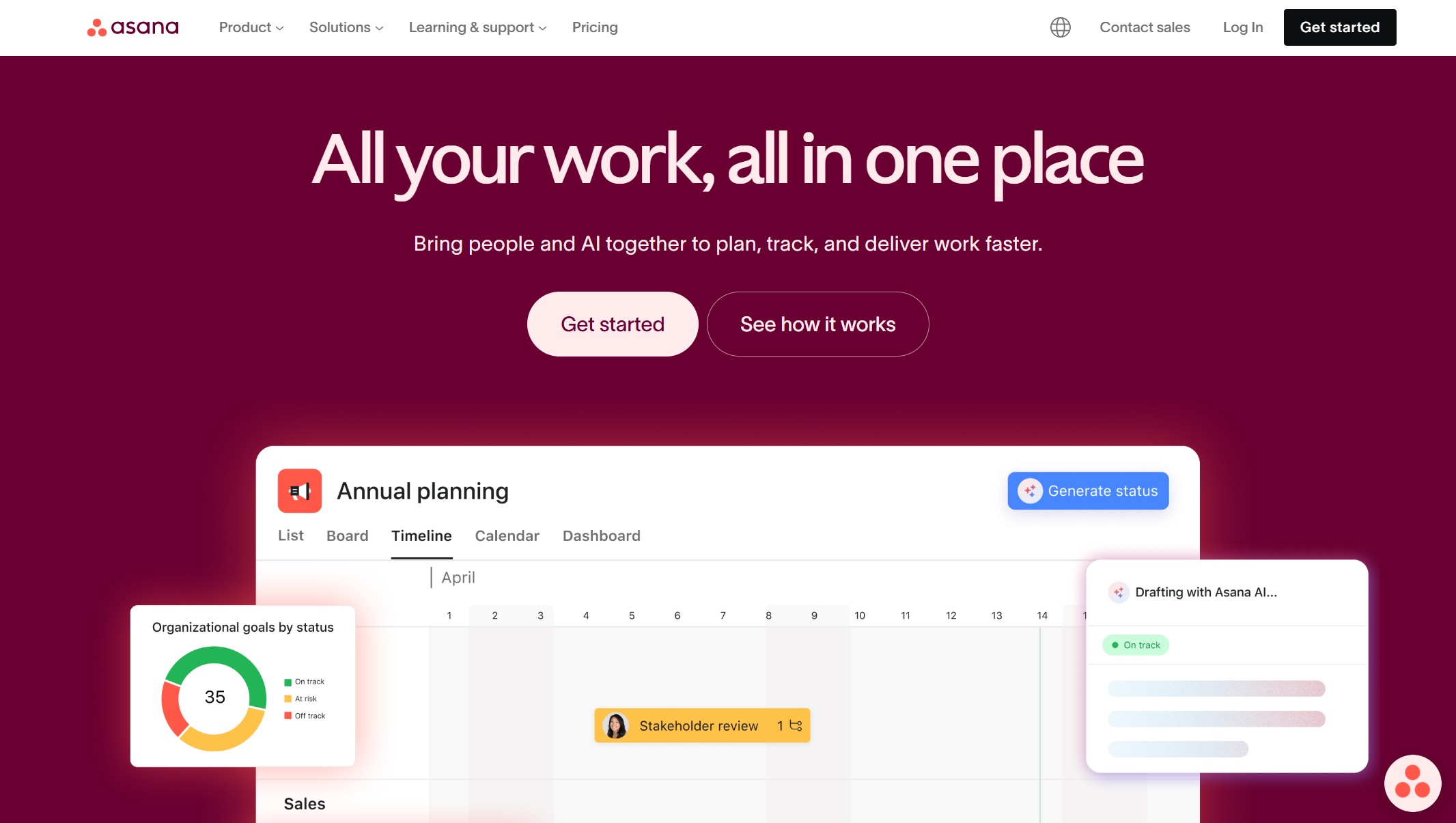
One-sentence overview: Asana is a polished work management platform with clear project status reporting for cross-functional teams.
Key Features
- Project status updates and portfolio views
- Goals and strategic alignment reporting
- Timeline and workload views
- Workflow automation
- Strong task dependencies and collaboration tools
- Integrations with common business apps
Pros & Cons
Pros
- Clean interface with low friction for end users
- Strong for communicating project health to stakeholders
- Good balance of planning, execution, and reporting
- Useful for marketing, product, and business operations teams
Cons
- Dashboard customization is not as deep as enterprise reporting tools
- Some reporting capabilities are gated by plan tier
- Less ideal for highly regulated or heavily data-driven reporting environments
Best For (Target user/scenario)
- Cross-functional teams
- Product and marketing organizations
- Companies prioritizing usability and adoption
4. ClickUp
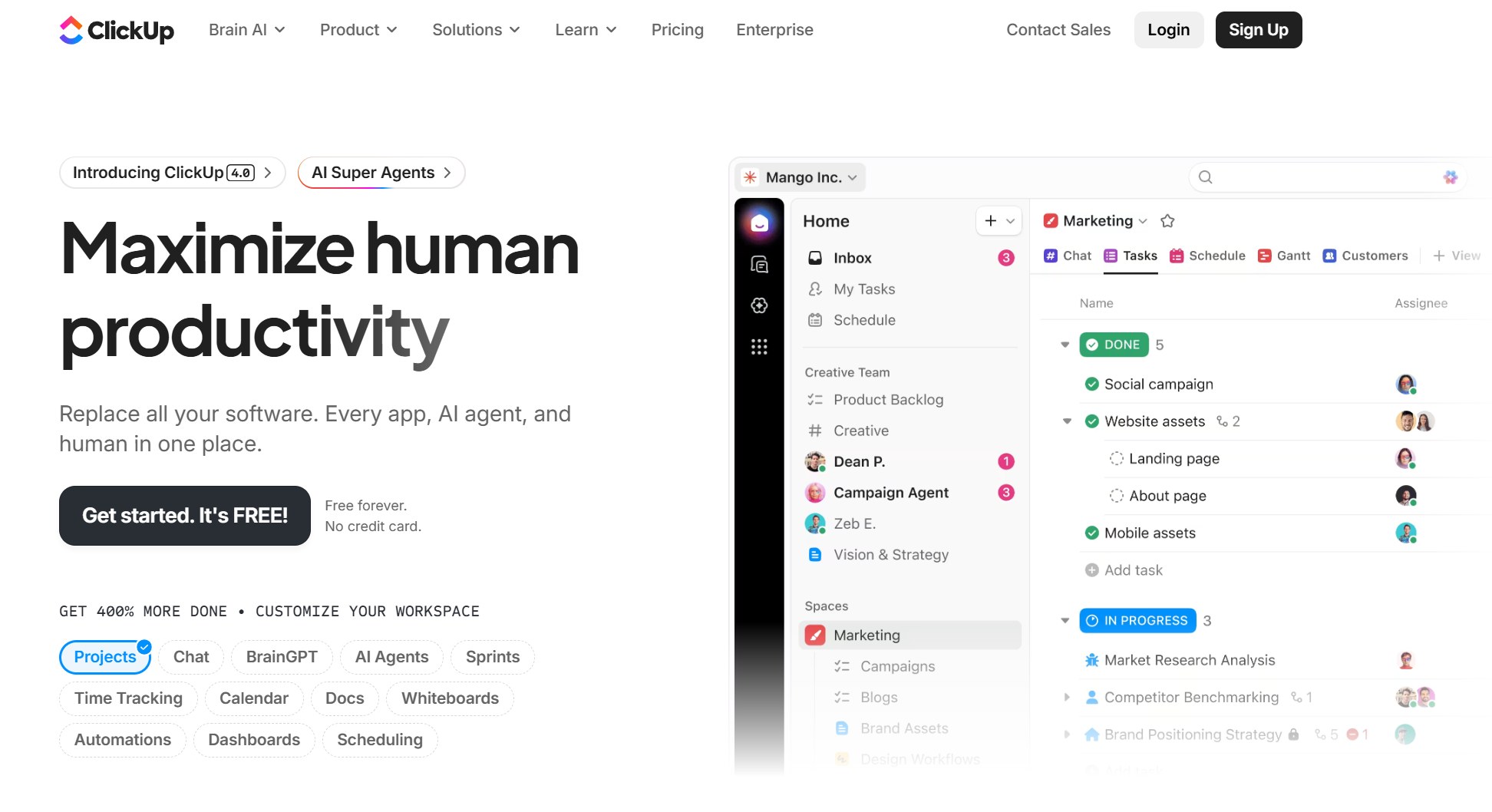
One-sentence overview: ClickUp combines project management, docs, dashboards, and custom views in a highly flexible all-in-one platform.
Key Features
- Custom dashboards and widgets
- Task, list, board, Gantt, and calendar views
- Goal tracking and workload reporting
- Time tracking
- Broad automation capabilities
- Docs and embedded collaboration tools
Pros & Cons
Pros
- Very flexible for different reporting styles
- Good value for teams wanting many capabilities in one tool
- Can support both simple and fairly advanced reporting needs
- Useful for agencies and fast-scaling teams
Cons
- Interface can feel busy
- Requires governance to stay organized at scale
- Reporting quality depends heavily on setup discipline
Best For (Target user/scenario)
- Growing teams
- Agencies
- Teams wanting customizable reporting inside a single workspace
5. Smartsheet
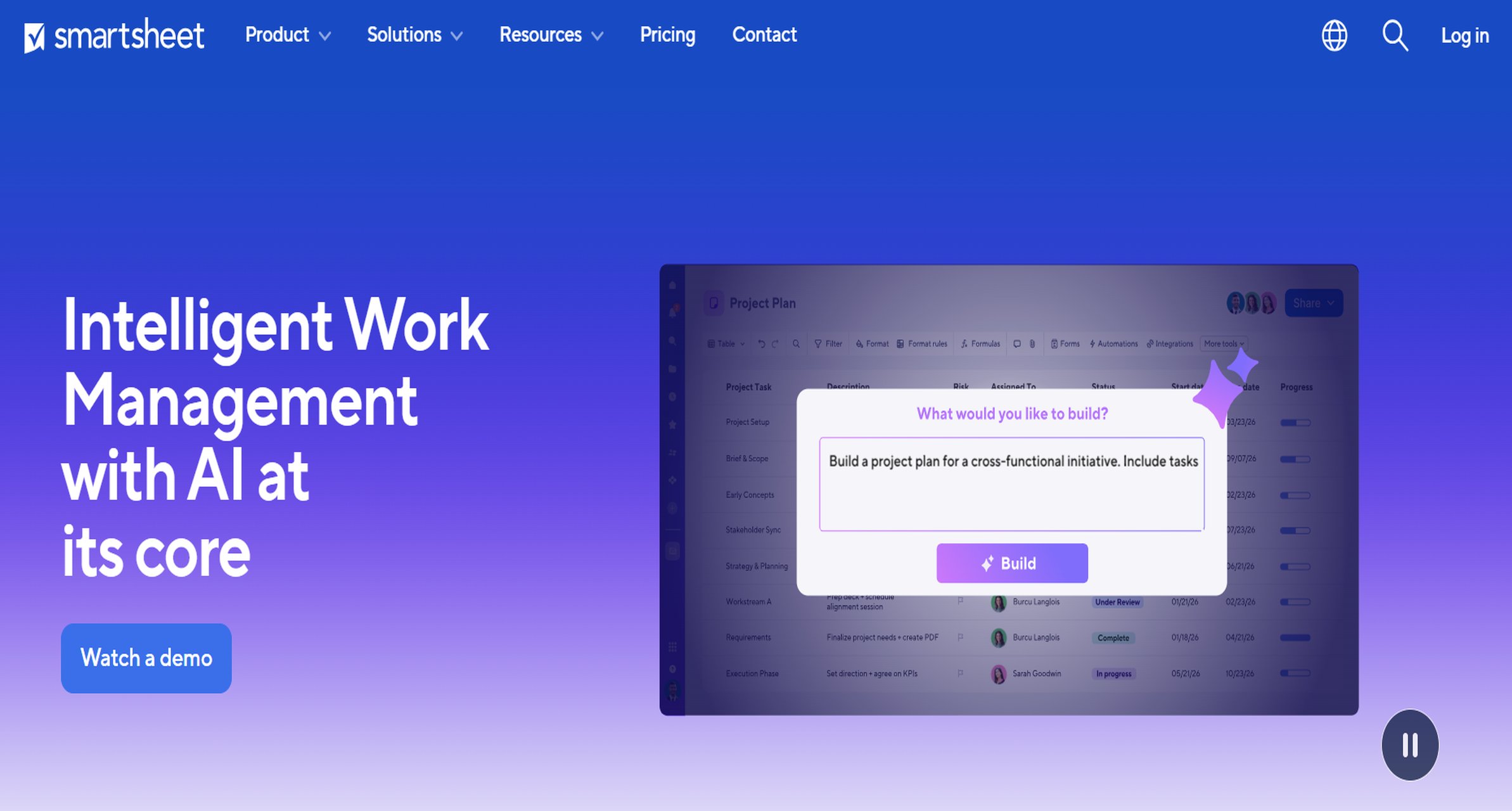
One-sentence overview: Smartsheet is a spreadsheet-style work management platform with strong reporting for teams that prefer grid-based project control.
Key Features
- Report builders across sheets and projects
- Dashboards and portfolio summaries
- Workflow automation
- Resource management options
- Form-based data collection
- Integration support for business systems
Pros & Cons
Pros
- Familiar model for Excel-oriented users
- Strong for operational reporting and repeatable workflows
- Useful for PMOs that manage many standardized project templates
- Good support for structured data collection
Cons
- User experience can feel less intuitive than newer visual tools
- Dashboard aesthetics are functional more than elegant
- Advanced governance may require admin maturity
Best For (Target user/scenario)
- Operations teams
- PMOs
- Organizations that already work heavily in spreadsheets
Best specialized tools for enterprise, construction, and regulated workflows
6. Wrike
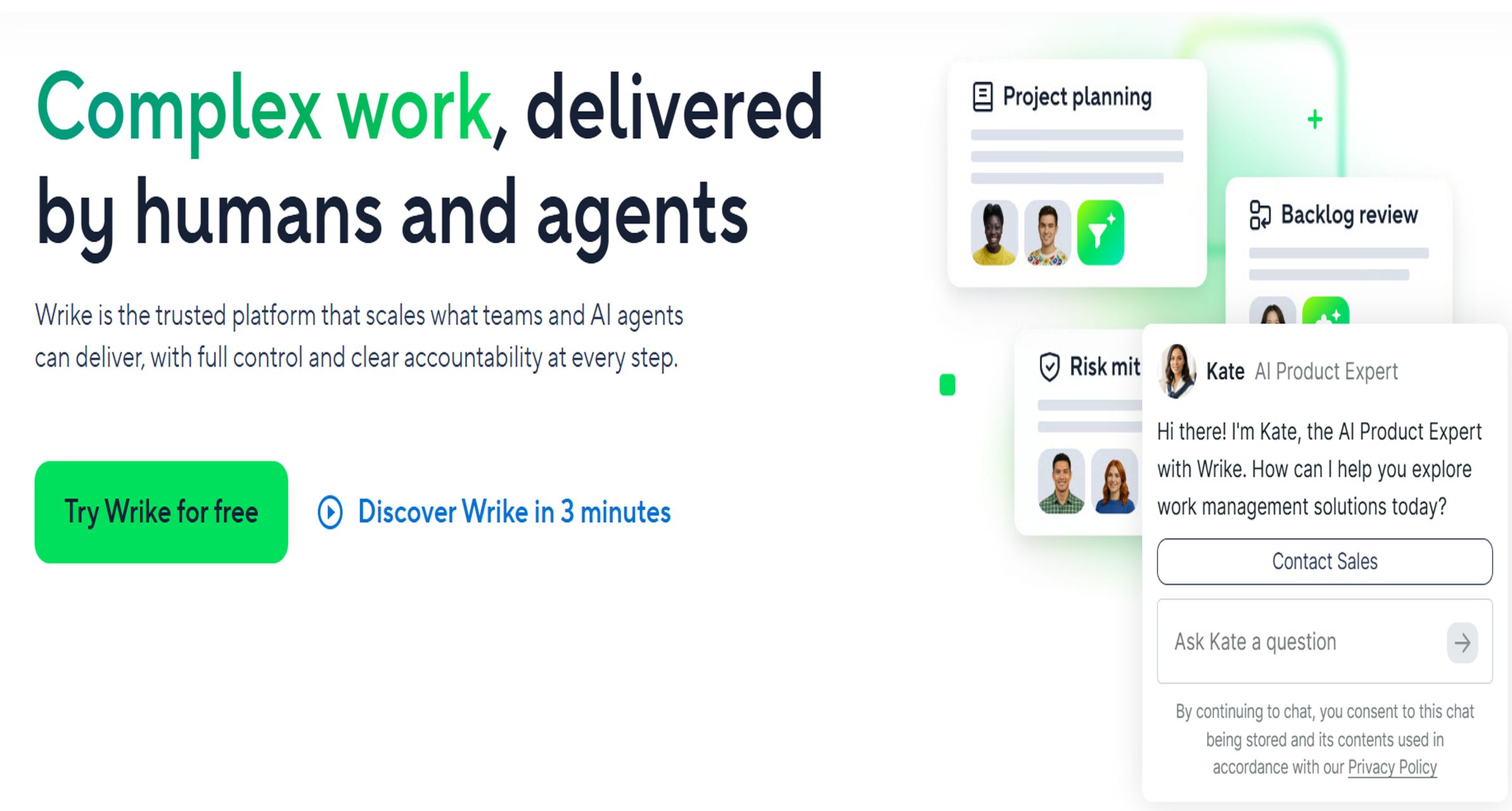
One-sentence overview: Wrike is a mature work management platform designed for teams that need stronger reporting, resource visibility, and workflow control.
Key Features
- Custom dashboards and analytics
- Resource and workload management
- Request forms and approval workflows
- Time tracking
- Proofing and collaboration features
- Role-based permissions
Pros & Cons
Pros
- Strong reporting for mid-size and enterprise teams
- Good workflow depth for marketing, PMO, and professional services teams
- Better governance than many lightweight tools
- Supports structured intake and delivery processes
Cons
- Learning curve is higher than more beginner-friendly tools
- Interface can feel dense
- Pricing may be less attractive for smaller teams
Best For (Target user/scenario)
- Mid-size to enterprise teams
- PMOs
- Professional services and marketing operations groups
7. Jira + Atlassian Analytics
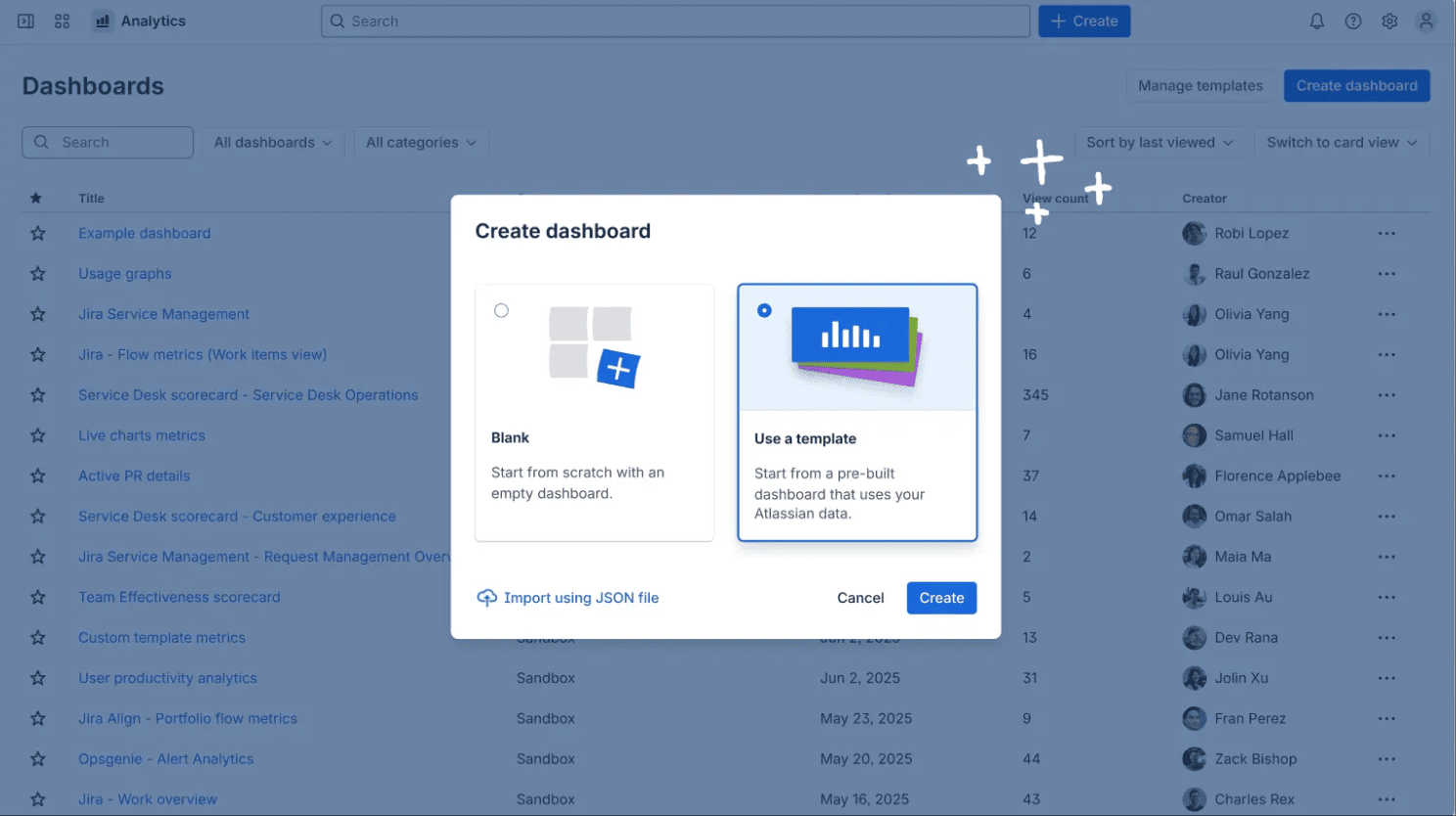
One-sentence overview: Jira paired with Atlassian reporting tools is a strong choice for software and IT teams that need detailed delivery visibility.
Key Features
- Sprint, issue, release, and velocity reporting
- Custom dashboards
- Portfolio and dependency visibility with add-ons
- Integration across Atlassian products
- Advanced analytics for engineering and IT data
- Automation rules for workflow updates
Pros & Cons
Pros
- Excellent for agile software reporting
- Deep workflow traceability
- Strong ecosystem for technical teams
- Supports detailed issue-level analysis
Cons
- Less friendly for business users outside IT
- Reporting often improves significantly only with added products or configuration
- Can be overkill for non-software project environments
Best For (Target user/scenario)
- Software teams
- IT departments
- Engineering organizations needing delivery metrics
8. Procore
One-sentence overview: Procore is a construction management platform built for field reporting, project financials, and documentation control.
Key Features
- Daily logs and field reporting
- Budget and cost tracking
- RFIs, submittals, and document management
- Schedule and progress visibility
- Mobile access for field teams
- Compliance and audit-friendly workflows
Pros & Cons
Pros
- Purpose-built for construction reporting
- Strong field-to-office visibility
- Good for managing costs, updates, and documentation in one environment
- Mobile experience is valuable for on-site teams
Cons
- Narrower fit outside construction
- Can be expensive for smaller firms
- Best results depend on consistent field adoption
Best For (Target user/scenario)
- General contractors
- Construction firms
- Capital project teams needing field and financial reporting
9. Microsoft Project / Power BI
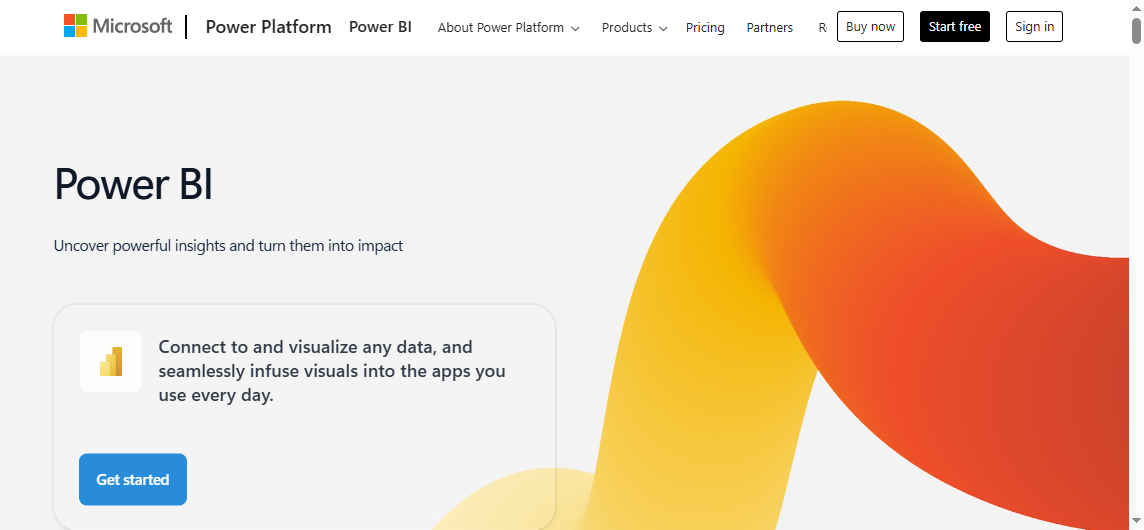
One-sentence overview: Microsoft Project combined with Power BI offers deep reporting potential for enterprises already standardized on Microsoft tools.
Key Features
- Project scheduling and portfolio planning
- Custom BI dashboards
- Data modeling and executive reporting
- Integration with Microsoft 365, Teams, and Azure ecosystem
- Resource and timeline visibility
- Enterprise-grade security and governance
Pros & Cons
Pros
- Powerful reporting when implemented well
- Strong fit for enterprise IT and PMO environments
- Scales well for portfolio reporting
- Good option for organizations already using Microsoft extensively
Cons
- Setup can be more complex than out-of-the-box PM tools
- Dashboard quality depends on Power BI expertise
- Not the fastest path for teams seeking simplicity
Best For (Target user/scenario)
- Enterprises
- PMOs
- Microsoft-centric organizations needing sophisticated reporting
Best open-source and flexible alternatives
10. OpenProject
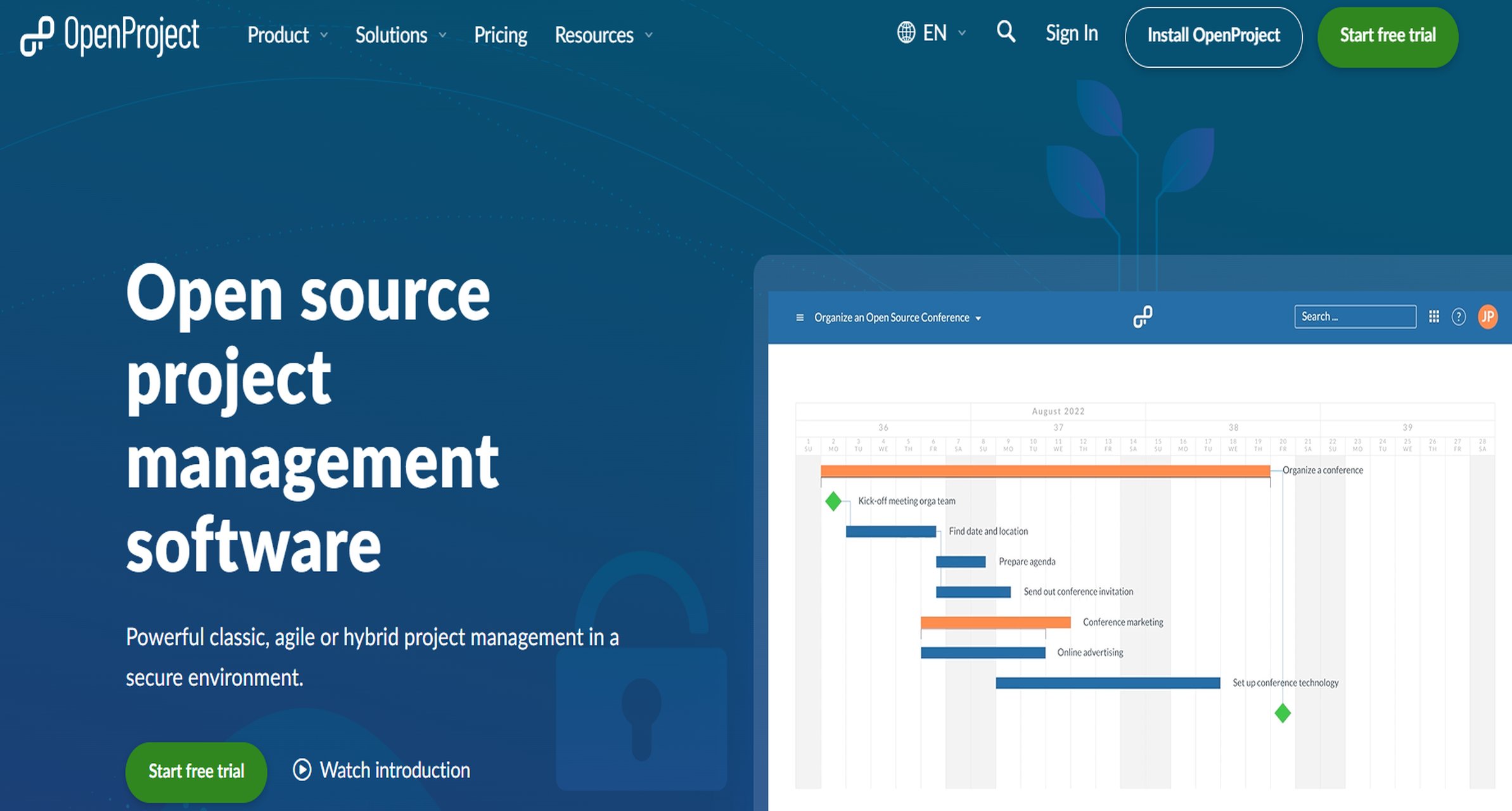
One-sentence overview: OpenProject is an open-source project management platform that offers strong control, self-hosting options, and practical reporting for teams with technical ownership.
Key Features
- Gantt charts and project scheduling
- Agile boards
- Time tracking and cost reporting
- On-premises deployment options
- Open API and customization potential
- Role-based access and data sovereignty support
Pros & Cons
Pros
- Strong open-source alternative
- Good fit for organizations with security or hosting requirements
- Supports classic, agile, and hybrid project management
- Flexible for teams that want more control over infrastructure
Cons
- More setup and maintenance than SaaS tools
- UI is functional rather than highly polished
- Reporting is solid, but not as refined as specialist BI platforms
Best For (Target user/scenario)
- Technical teams
- Public sector and regulated organizations
- Companies wanting self-hosted project reporting software
Pros and cons by use case
Best for startups and small businesses
For startups and smaller companies, the main priorities are usually simplicity, speed, and affordability.
Best choices
- Monday.com for fast setup and visual dashboards
- Asana for clean collaboration and stakeholder updates
- ClickUp for broad functionality at relatively strong value
What works well
- Quick onboarding
- Simple recurring reports
- Lower admin burden
- Easier buy-in from non-technical users
Trade-offs
- Dashboard customization may be limited
- Scaling governance can become messy
- More advanced executive reporting may require extra tools later
Best for cross-functional and enterprise teams
Larger teams usually need portfolio visibility, permission controls, standardization, and better analytics.
Best choices
- FineReport for deep reporting sophistication
- Wrike for workflow-heavy enterprise teams
- Microsoft Project / Power BI for Microsoft-centric PMOs
- Asana for broader business adoption with lighter reporting needs
What works well
- Cross-project and cross-department dashboards
- Stakeholder-specific views
- Better governance and auditability
- More scalable reporting frameworks
Trade-offs
- Longer implementation time
- More admin and training effort
- Costs can rise with user counts and premium reporting tiers
Best for construction, client work, and operational reporting
These teams often need recurring summaries, budget oversight, field updates, and client-facing outputs.
Best choices
- Procore for construction and field reporting
- ClickUp for agencies and client delivery teams
- Smartsheet for operational workflows
- FineReport for polished client or executive reporting across systems
What works well
- Budget and timeline visibility
- Recurring status reports
- Better documentation of progress and risks
- More consistent reporting across many active projects
Trade-offs
- Industry-specific tools may be less flexible outside their niche
- Client-facing reporting can require extra design work
- Multi-system reporting may still require a BI layer
How to choose the right tool for your team
Questions to ask before you buy
Before choosing any project reporting software, clarify what stakeholders actually need to see.
Ask these questions first:
- Which reports are required weekly, monthly, and quarterly?
- Do executives need summaries, or do they expect drill-down detail?
- Do project managers need resource, budget, risk, timeline, or portfolio reporting?
- Will clients or external stakeholders access reports directly?
- How important are integrations with existing project management, finance, CRM, or BI tools?
- Do you need scheduled PDF-style reporting, live dashboards, or both?
- How many departments will contribute data?
A common buying mistake is selecting a tool that is excellent at task management but weak at reporting. If reporting maturity is the core need, a platform like FineReport can be a stronger choice than relying solely on the built-in dashboard layer of a work management tool.
Red flags and deal-breakers
Even popular tools can fail in practice if they have basic reporting limitations.
Watch for these issues:
- Limited dashboard customization that prevents useful stakeholder views
- Weak data syncing across tools leading to conflicting numbers
- Poor permission controls or auditability in sensitive environments
- Reporting features locked behind expensive tiers
- No practical way to standardize reporting templates
- Manual report creation that consumes PM time every week
If a vendor demo shows attractive charts but cannot easily answer how data stays accurate, how permissions work, and how reports scale across projects, treat that as a warning sign.
Final recommendations
If you need a shortlist based on buying priorities, these are the strongest picks:
- Best choice if you want fast adoption: Monday.com
- Best choice if you need deep reporting sophistication: FineReport
- Best choice if you need industry-specific workflows: Procore
- Best choice if you want maximum flexibility on a tighter budget: OpenProject
For most organizations, the best project reporting software is not necessarily the tool with the most features. It is the one that gives decision-makers accurate, timely, and usable visibility without creating extra reporting work for the project team. If your organization already has project systems in place but struggles to produce executive-ready reporting, FineReport is one of the strongest options to evaluate first.
FAQs
Project reporting software helps teams track progress, budgets, risks, resources, and deadlines in one place. It turns project data into dashboards and reports that support status updates and executive decision-making.