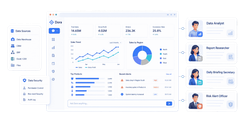
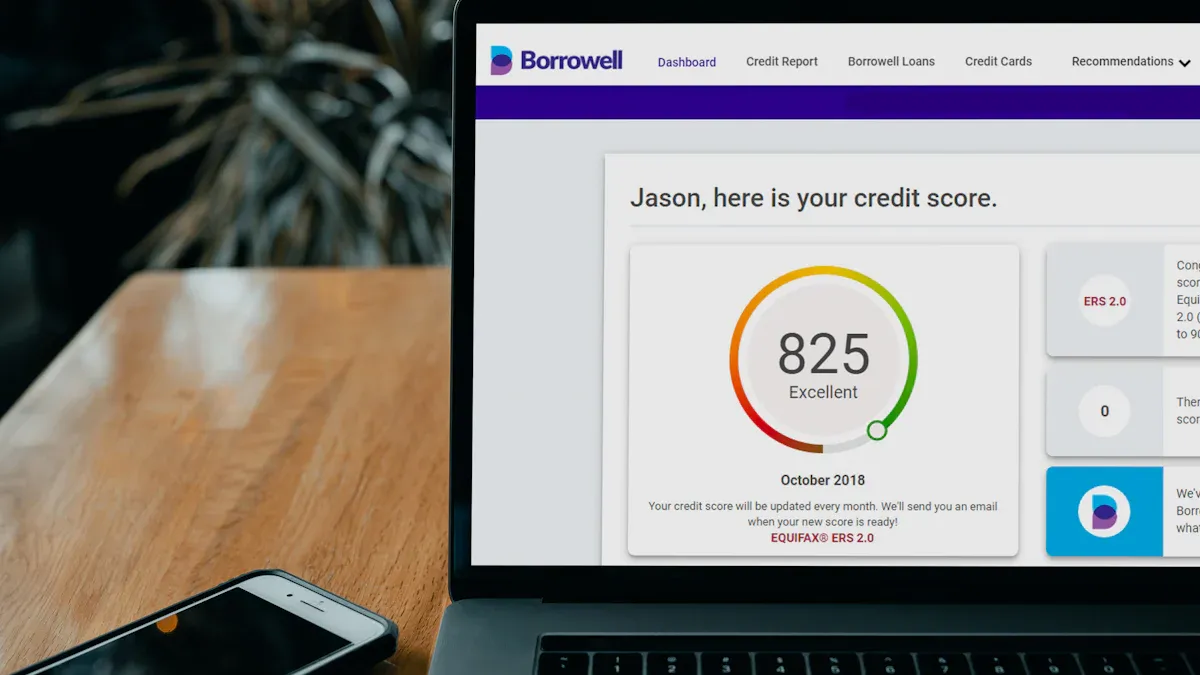
A ppc reporting platform is software that pulls paid media data into one place so agencies can build, automate, and deliver client-ready performance reports without stitching everything together manually.
11 Best PPC Reporting Platforms for Agencies in 2026
1. FineReport
 Website: https://www.fanruan.com/en/finereport
Best for agencies that need fast client-ready dashboards
FineReport is a reporting and dashboard platform that helps agencies turn PPC data into polished, client-facing dashboards with strong customization and enterprise-grade reporting flexibility.
- One-sentence overview: FineReport is best suited to agencies that want highly customizable dashboards, branded reporting, and flexible data presentation across PPC and broader marketing datasets.
- Key Features:
- Interactive dashboards with drill-down views
- Pixel-level report design for tailored client layouts
- Strong scheduling and automated report distribution
- Support for multi-source data integration
- Role-based permissions for internal teams and clients
- On-premise and enterprise deployment options
- Pros & Cons:
- Pros:
- Very flexible dashboard and report design
- Useful for agencies serving clients with different reporting expectations
- Strong fit for teams that need both operational and executive reporting
- Good scalability for larger agencies or multi-team environments
- Cons:
- Not a PPC-only tool, so setup may take longer than plug-and-play agency platforms
- May be more feature-rich than necessary for very small agencies
- Some teams may need technical support during implementation
- Pros:
- Best For (Target user/scenario):
- Agencies that need fast client-ready dashboards but also want deep control over report structure, branding, and data visibility.
- Pricing:
- Pricing is typically custom based on deployment and business needs; agencies should expect a sales-led process for full implementation.
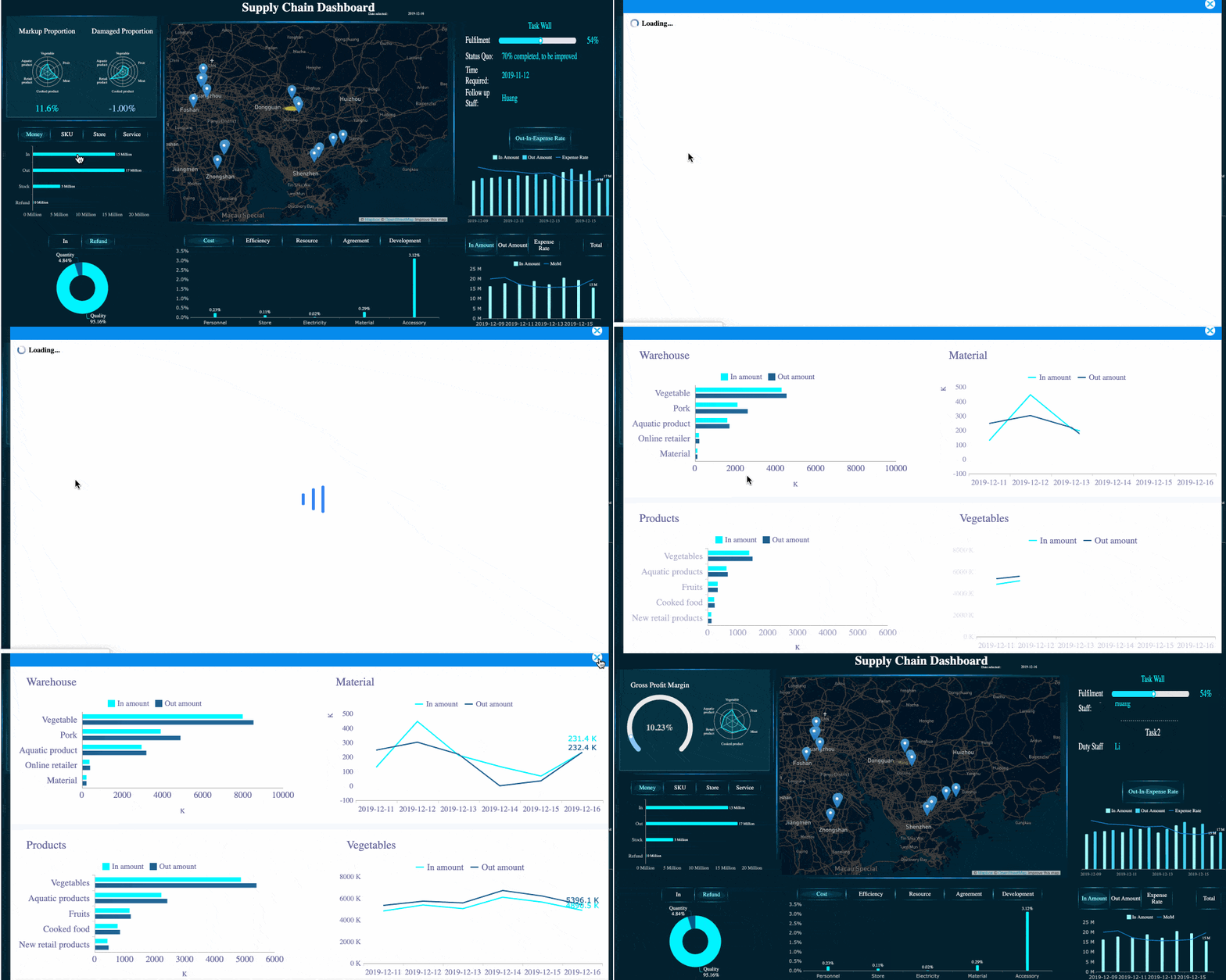 FineReport's Drill-down Capability
2. Swydo
 Website: https://www.swydo.com/
Best for teams focused on report automation and recurring delivery
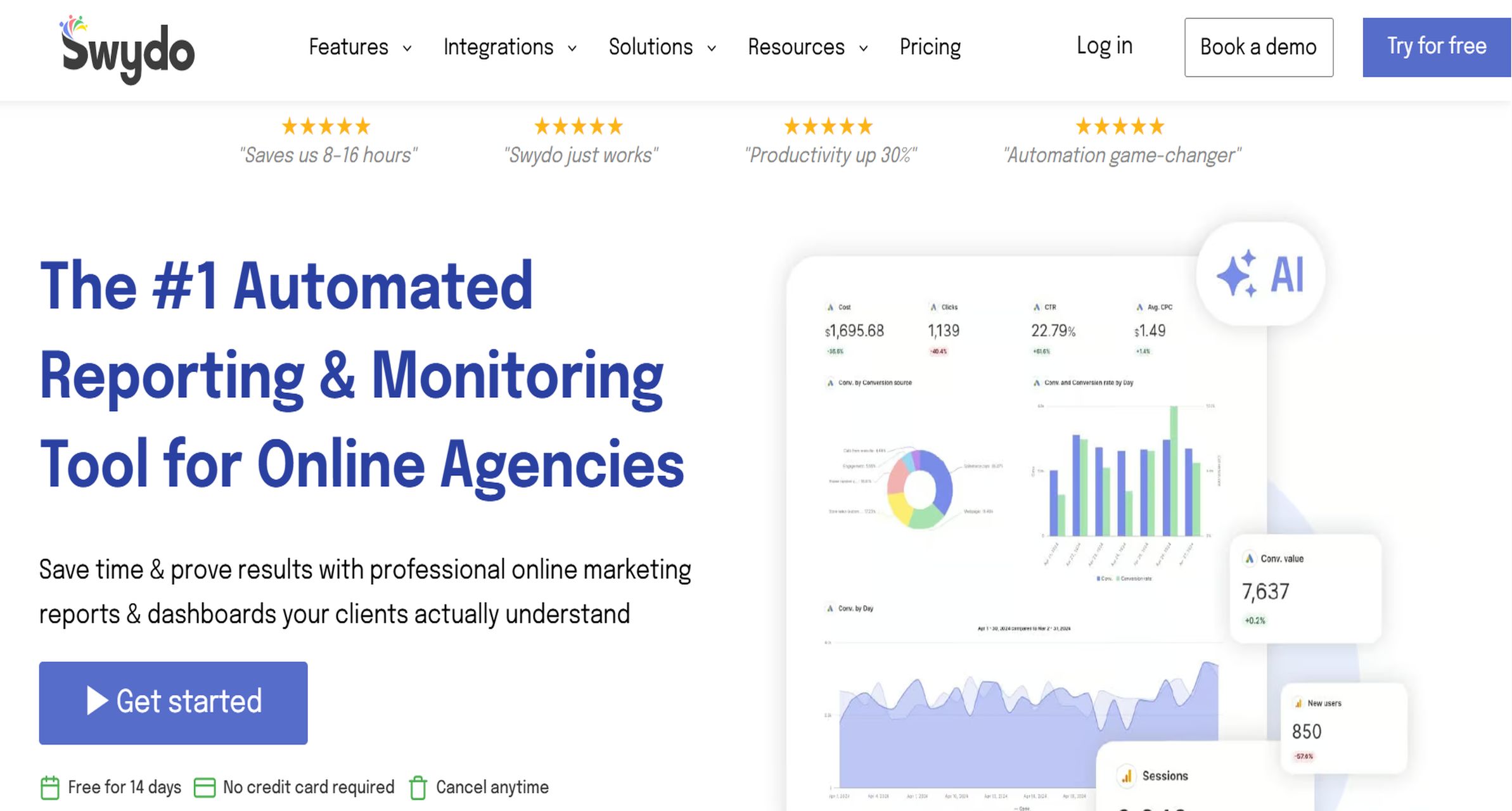
Swydo is a dedicated agency reporting tool built around scheduled reports, templates, and streamlined recurring reporting workflows.
- One-sentence overview: Swydo focuses on helping agencies automate repetitive PPC reporting work with standardized templates and scheduled client delivery.
- Key Features:
- Automated scheduled reporting
- White-label PPC reports
- Template-based dashboard creation
- Goal tracking and KPI monitoring
- Integrations for Google Ads, Microsoft Ads, Meta Ads, GA4, and more
- Report sharing via links and PDFs
- Pros & Cons:
- Pros:
- Strong automation for monthly and weekly reporting cycles
- Easy to replicate reporting setups across multiple clients
- White-label capabilities are agency-friendly
- Good fit for lean account teams
- Cons:
- Pricing can rise as data sources grow
- Dashboard visuals are functional but less premium than some competitors
- Advanced custom analysis is more limited than BI-style platforms
- Pros:
- Best For (Target user/scenario):
- Agencies that produce recurring PPC reports at scale and want to reduce manual formatting and distribution work.
- Pricing:
- Typically starts with a base subscription and increases based on connected data sources, making it important to model future costs before scaling.
3. AgencyAnalytics
 Website: https://agencyanalytics.com/
Best for agencies managing paid ads across several channels
AgencyAnalytics is a multi-channel reporting platform designed for agencies that need PPC reporting alongside SEO, web analytics, call tracking, and broader marketing visibility.
- One-sentence overview: AgencyAnalytics is a strong choice for agencies that want one reporting system for PPC plus adjacent channels without piecing together multiple tools.
- Key Features:
- Large integration library for PPC, SEO, call tracking, and analytics
- White-label dashboards and client portals
- Drag-and-drop report builder
- Automated report scheduling
- Cross-channel dashboards for Google Ads, Microsoft Ads, Meta, GA4, and more
- Client management workflows for agency accounts
- Pros & Cons:
- Pros:
- Broad integration coverage for full-service agencies
- Easy for account managers to use without technical support
- Client portal is useful for always-on visibility
- Good balance of usability and reporting depth
- Cons:
- Per-client pricing can become expensive as agency count grows
- Some advanced customization features are tier-gated
- Not as flexible as a full BI platform for complex data modeling
- Pros:
- Best For (Target user/scenario):
- Agencies managing paid ads across several channels and needing a unified reporting layer for PPC and related marketing services.
- Pricing:
- Commonly uses client-based pricing tiers, which look affordable early on but can climb quickly for growing agencies.
4. Reporting Ninja
 Website: https://www.reportingninja.com/
Best for agencies that want advanced PPC reporting and deeper performance analysis
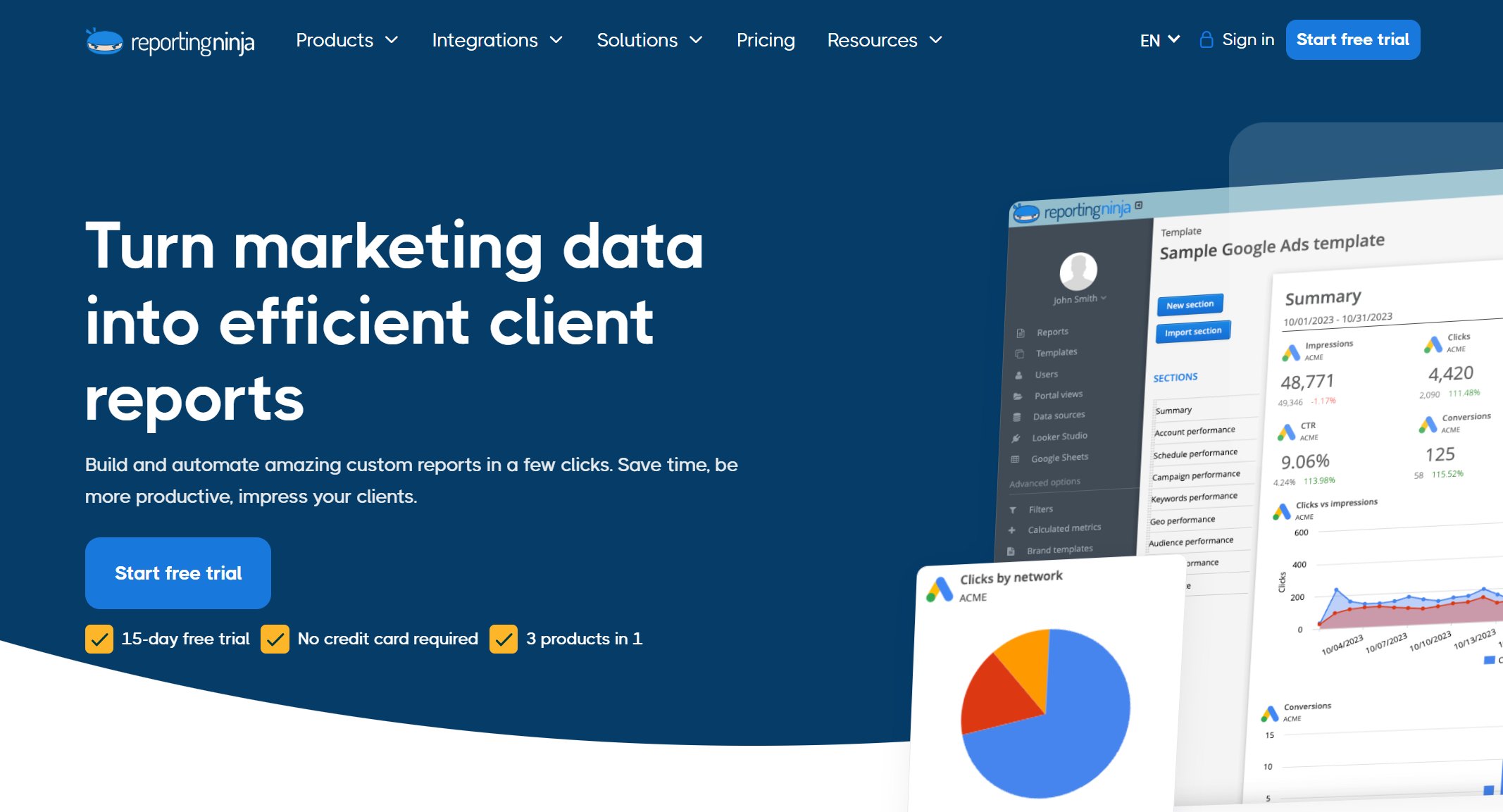
Reporting Ninja offers strong cross-channel reporting, white-label delivery, and flexible ways to use data across dashboards, Looker Studio, Sheets, and APIs.
- One-sentence overview: Reporting Ninja is a good fit for agencies that want more than basic scheduled reports and need stronger control over PPC data workflows and presentation.
- Key Features:
- PPC reporting templates and white-label dashboards
- Integrations with Google Ads, Microsoft Ads, Meta, GA4, LinkedIn Ads, and more
- Looker Studio and Google Sheets connectivity
- Scheduled report delivery and client portal options
- ROI and ROAS visualizations
- API and broader data access options on suitable plans
- Pros & Cons:
- Pros:
- Flexible delivery options for different reporting workflows
- Helpful for agencies that want both quick reports and more advanced custom builds
- Strong white-label capabilities
- Useful for agencies with mixed client reporting requirements
- Cons:
- Some value comes from features that require more setup than simpler tools
- Teams seeking extreme simplicity may prefer lighter platforms
- Advanced use cases may still need operational ownership
- Pros:
- Best For (Target user/scenario):
- Agencies that want advanced PPC reporting, deeper performance analysis, and the flexibility to work across multiple reporting environments.
- Pricing:
- Usually starts at a relatively accessible level, but actual cost depends on report volume, users, and delivery needs.
5. Whatagraph
 Website: https://whatagraph.com/
Whatagraph is a visually polished reporting platform known for client-friendly dashboards and strong cross-channel reporting experiences.
- One-sentence overview: Whatagraph emphasizes clean presentation and consolidated marketing reporting for agencies that care about how data is communicated.
- Key Features:
- Multi-channel dashboard builder
- Automated reporting workflows
- White-label reports and portals
- Template library for paid media and marketing reports
- Broad marketing data integrations
- Visualized summaries for client communication
- Pros & Cons:
- Pros:
- Very strong visual reporting quality
- Good for agencies presenting to non-technical stakeholders
- Supports broader marketing reporting beyond PPC
- Solid automation features
- Cons:
- Higher pricing than some mid-market alternatives
- Some agencies may pay for broader marketing features they do not use
- Advanced customization can still be less flexible than BI-first tools
- Pros:
- Best For (Target user/scenario):
- Agencies that prioritize polished visuals and executive-friendly PPC reporting across channels.
- Pricing:
- Pricing generally starts higher than budget tools and often scales by workspace, users, or feature tier.
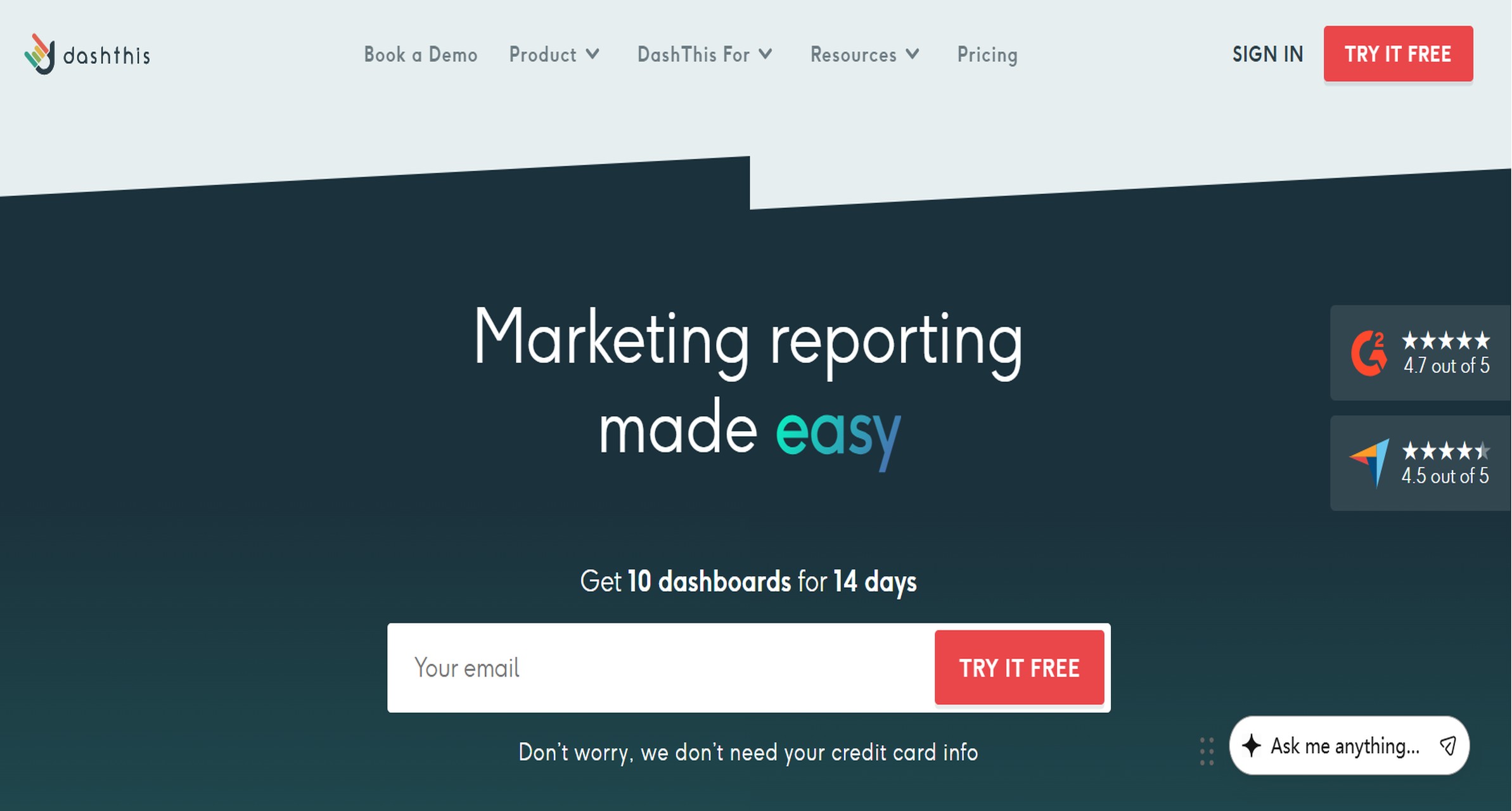
6. DashThis
 Website: https://dashthis.com/
DashThis is a straightforward reporting platform that helps agencies create dashboards quickly with minimal training.
- One-sentence overview: DashThis is designed for teams that want simple setup, ready-made templates, and efficient report sharing without a heavy implementation process.
- Key Features:
- Prebuilt PPC report templates
- White-label dashboards
- Scheduled email reporting
- Drag-and-drop widgets
- Integrations with key ad and analytics platforms
- Simple dashboard sharing links
- Pros & Cons:
- Pros:
- Fast onboarding
- Easy for small teams and freelancers
- Attractive default dashboard layouts
- Minimal maintenance once set up
- Cons:
- Less analytical depth than more advanced platforms
- Custom data modeling is limited
- Can feel restrictive for agencies with highly complex reporting requirements
- Pros:
- Best For (Target user/scenario):
- Small agencies or consultants who need a clean, easy-to-maintain ppc reporting platform.
- Pricing:
- Typically dashboard-based, so the number of client dashboards directly affects cost as the agency grows.
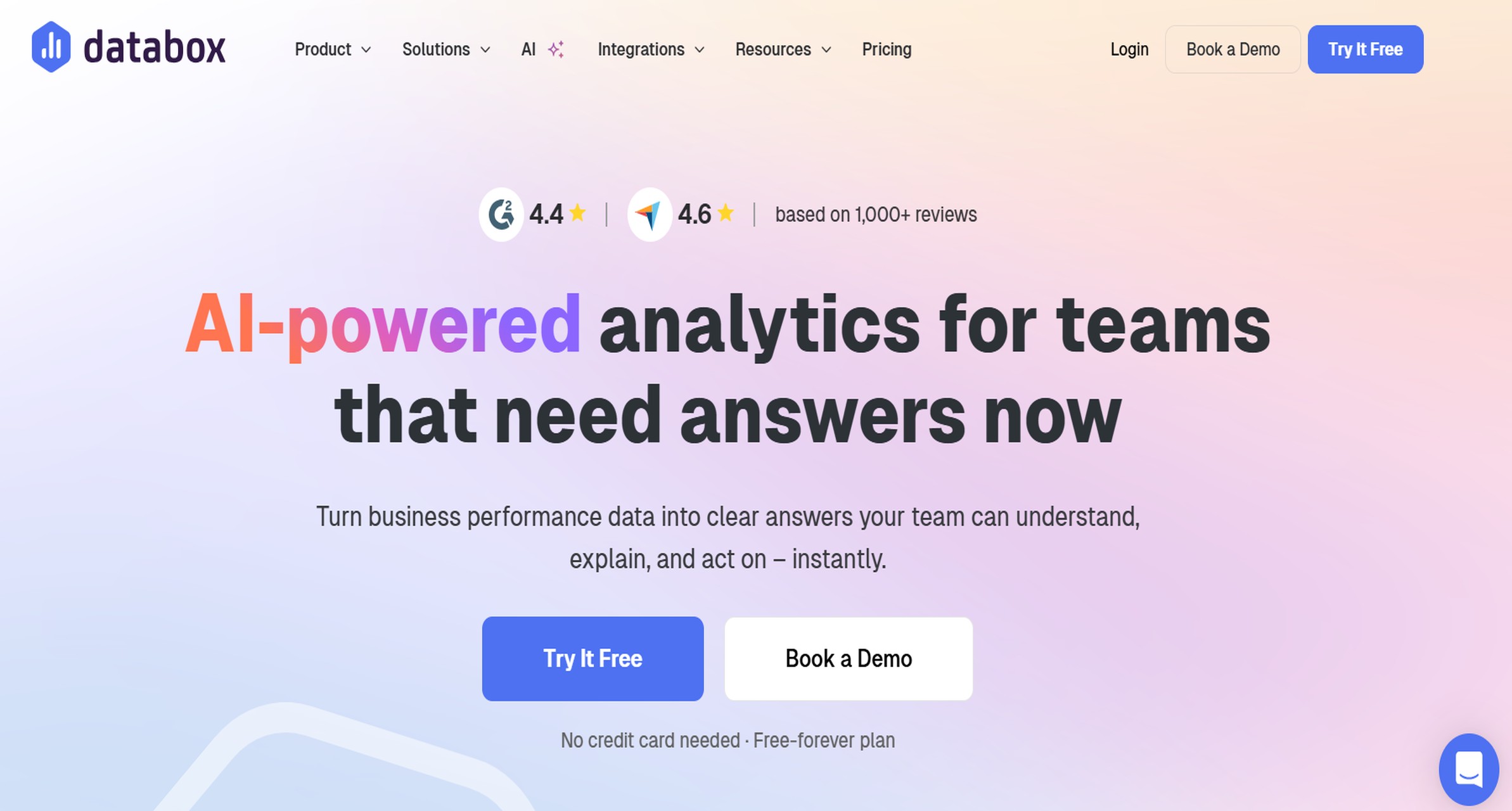
7. Databox
 Website: https://databox.com/
Databox combines KPI tracking, dashboards, alerts, and benchmark-style reporting for agencies that want always-on visibility.
- One-sentence overview: Databox works well for agencies that want live PPC performance dashboards rather than only static monthly reports.
- Key Features:
- Live KPI dashboards
- Alerts and scorecards
- Goal tracking
- Cross-platform integrations
- Mobile-friendly reporting
- Template library for paid media metrics
- Pros & Cons:
- Pros:
- Strong real-time monitoring
- Useful alerting for fast-moving campaigns
- Good dashboard usability
- Supports executive snapshots well
- Cons:
- Reporting workflows may need more structure for traditional agency client delivery
- Lower tiers can be restrictive in data or feature limits
- Customization depth can vary by plan
- Pros:
- Best For (Target user/scenario):
- Agencies that want live dashboards and KPI visibility for internal teams and proactive client management.
- Pricing:
- Usually tiered by features, users, and data allowances; costs rise when more advanced usage is needed.
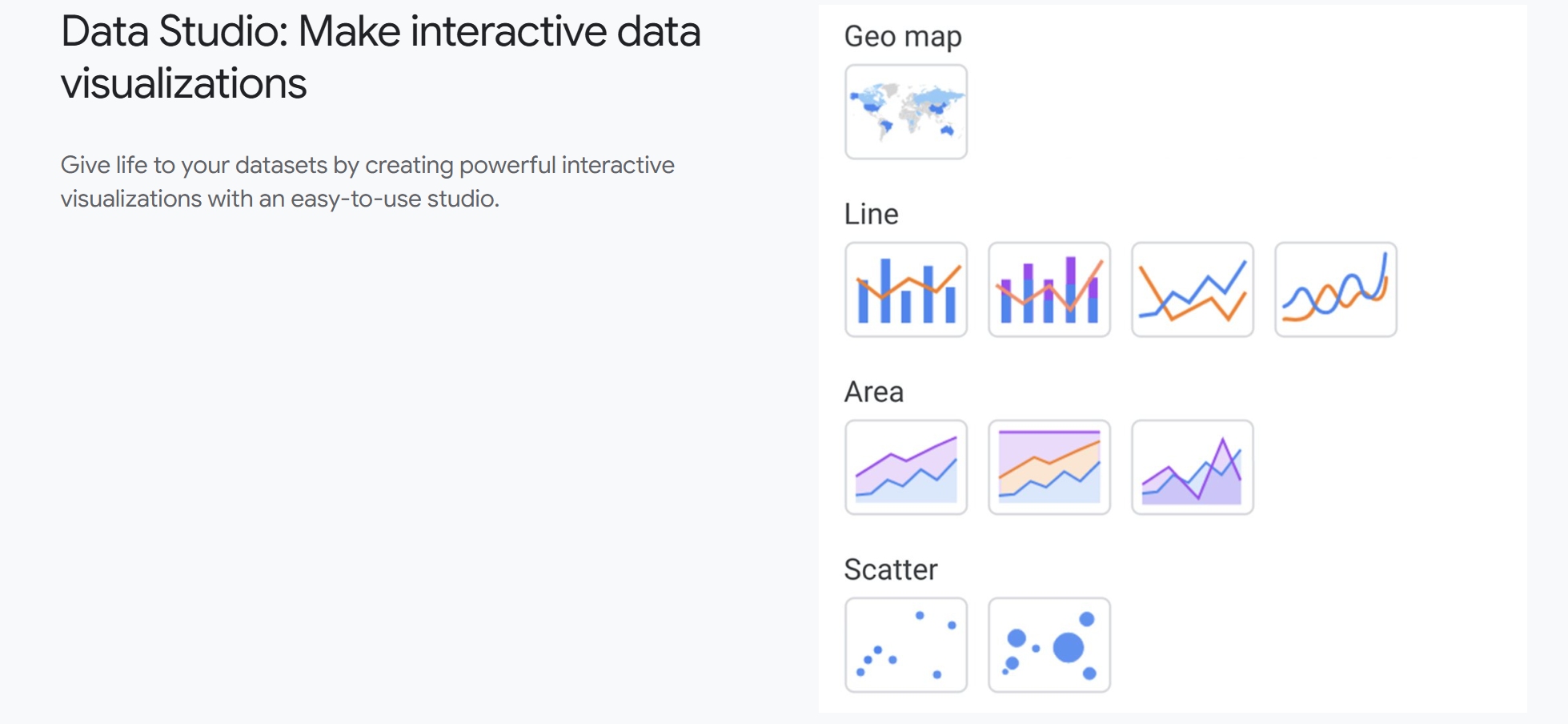
8. Looker Studio
 Website: https://cloud.google.com/data-studio
Looker Studio is Google’s dashboarding tool and remains a common option for agencies willing to build and maintain reports themselves.
- One-sentence overview: Looker Studio is best for agencies that want low software cost and are comfortable handling report setup, templates, and connector management internally.
- Key Features:
- Custom dashboard creation
- Native integration with Google products
- Shareable live reports
- Flexible visual configuration
- Broad ecosystem through third-party connectors
- Blended data support
- Pros & Cons:
- Pros:
- Low direct platform cost
- Highly flexible for custom dashboards
- Familiar environment for many marketers
- Strong for Google-centric reporting stacks
- Cons:
- Often requires paid connectors for full PPC coverage
- Maintenance burden is higher than managed platforms
- White-labeling and client experience are less agency-ready out of the box
- Pros:
- Best For (Target user/scenario):
- Agencies with in-house reporting expertise that want custom builds and lower software spend.
- Pricing:
- Core usage can be free, but total cost often rises through connectors, internal labor, and maintenance time.
9. Supermetrics
 Website: https://supermetrics.com/
Supermetrics is a data pipeline and connector platform often used by agencies to move PPC data into Looker Studio, Sheets, Excel, or warehouses.
- One-sentence overview: Supermetrics is ideal for agencies that want to control where PPC data goes rather than rely on a fixed reporting interface.
- Key Features:
- Large connector library
- Data extraction to Looker Studio, Sheets, Excel, and warehouses
- Scheduled data refreshes
- Cross-channel data access
- Custom reporting workflows
- Suitable for more advanced reporting operations
- Pros & Cons:
- Pros:
- Excellent for data portability
- Strong integration coverage
- Flexible reporting stack design
- Useful for agencies with analysts or operations teams
- Cons:
- Not a complete reporting experience by itself for most agencies
- Requires other tools for dashboard presentation
- Costs can increase with destination types and connector needs
- Pros:
- Best For (Target user/scenario):
- Agencies that want to build a custom reporting stack around Looker Studio, Sheets, or warehouse-based reporting.
- Pricing:
- Pricing varies by destination, connector package, and usage scope; agencies should evaluate total stack cost, not connector cost alone.
10. Funnel
 Website: https://funnel.io/
Funnel is a marketing data platform built for data consolidation, normalization, and routing into BI or reporting environments.
- One-sentence overview: Funnel is best for agencies that need structured cross-channel data pipelines and more control over data cleanliness before reporting.
- Key Features:
- Extensive marketing integrations
- Data normalization and mapping
- Warehouse and BI exports
- Cross-channel data organization
- Useful for advanced attribution and enterprise reporting workflows
- Governance for large-scale data operations
- Pros & Cons:
- Pros:
- Very strong data consolidation capabilities
- Helpful for agencies with complex naming and channel structures
- Good fit for advanced analytics environments
- Scales well for larger operations
- Cons:
- More infrastructure-oriented than dashboard-first tools
- Can be excessive for small agencies
- Pricing is often out of range for smaller teams
- Pros:
- Best For (Target user/scenario):
- Larger agencies or performance teams that need clean PPC data pipelines before visualization and analysis.
- Pricing:
- Commonly custom-priced, with cost reflecting data volume, destinations, and enterprise requirements.
11. NinjaCat
 Website: https://www.ninjacat.io/
NinjaCat is an agency-focused platform known for polished reporting, call tracking connections, and enterprise-style client management.
- One-sentence overview: NinjaCat is aimed at agencies that need premium reporting presentation, broader campaign visibility, and support for more complex client reporting environments.
- Key Features:
- White-label dashboards and reports
- PPC and marketing integrations
- Call tracking support
- Client portals
- Scheduled reporting and performance views
- Broader attribution and campaign monitoring features
- Pros & Cons:
- Pros:
- Strong design and presentation quality
- Useful for higher-touch client accounts
- Good fit for agencies that need more than simple PPC snapshots
- Supports lead-gen reporting scenarios well
- Cons:
- Expensive compared with many alternatives
- Can be overbuilt for smaller agencies
- Implementation may require more commitment
- Pros:
- Best For (Target user/scenario):
- Mid-size to larger agencies serving clients that expect premium reporting and broader performance visibility.
- Pricing:
- Generally positioned at the higher end of the market, often with custom or sales-led pricing.
What Makes a Great PPC Reporting Platform for Agencies in 2026
A great ppc reporting platform for agencies in 2026 needs to do more than assemble charts. It must reduce reporting time, improve client communication, and support the operational reality of multi-platform paid media management.
Must-have capabilities agencies need from a modern ppc reporting platform
The baseline has changed. Agencies now expect a reporting tool to handle:
- Native or reliable integrations with major ad channels
- Cross-channel dashboards that unify campaign performance
- White-label delivery for client-facing reports
- Scheduled report automation
- Flexible templates for different client types
- Custom metrics and calculated fields
- User permissions and client portals where needed
- Reasonable performance with larger data volumes
If a tool cannot cover Google Ads, Microsoft Ads, Meta Ads, and GA4 cleanly, it is already behind for many agency use cases.
How reporting needs change with multi-channel campaigns, client expectations, and automation workflows
Agency reporting has become more complex for three reasons.
First, campaigns are more distributed. A single client may run Google Search, Performance Max, Microsoft Ads, Meta retargeting, LinkedIn lead gen, and call tracking. Reporting across those sources is no longer optional.
Second, clients expect context, not just numbers. They want to know what changed, why it matters, and what happens next. A platform should help agencies present trend visibility, segment performance, and business outcomes clearly.
Third, automation is now operationally necessary. Agencies cannot scale if account managers still export data, format slides, and rewrite summary comments manually every month. The right platform should remove repetitive tasks without reducing reporting quality.
Criteria used to compare tools fairly
To evaluate each ppc reporting platform fairly, focus on these criteria:
- Integrations: Coverage for ad platforms, analytics, and call tracking
- Dashboards: Quality, flexibility, and readability of client-facing reports
- White-labeling: Branding, domains, emails, and portal experience
- Pricing: Whether costs scale by client, seat, dashboard, source, or usage
- Scalability: Suitability for small shops, growing agencies, and enterprise teams
- Support: Onboarding help, response quality, and implementation guidance
Side-by-Side Comparison of PPC Reporting Platforms: Features, Pricing, and Real Trade-Offs
Dashboard and automation capabilities
Not every platform reduces manual work equally.
Strongest for fast dashboard deployment:
- FineReport
- DashThis
- Whatagraph
Strongest for recurring automated delivery:
- Swydo
- AgencyAnalytics
- Reporting Ninja
Strongest for flexible custom reporting workflows:
- FineReport
- Looker Studio
- Supermetrics plus a visualization layer
- Funnel plus BI tools
If your agency sends weekly or monthly reports to dozens of clients, the biggest time saver is usually a mix of:
- reusable templates
- bulk scheduling
- white-label delivery
- minimal report maintenance after setup
On that front, Swydo, AgencyAnalytics, and DashThis are especially efficient. FineReport is more powerful, but setup tends to be more involved.
Cross-channel tracking and data integrations
For agencies managing PPC across several platforms, integration depth matters more than headline design.
Best cross-channel coverage for agencies:
- AgencyAnalytics
- Reporting Ninja
- Whatagraph
- Funnel
- Supermetrics
Best for Google-centric teams:
- Looker Studio
- DashThis
- FineReport, when paired with the right data sources
- Swydo
Best for complex data operations:
- Funnel
- Supermetrics
- FineReport
At a minimum, agencies should verify support for:
- Google Ads
- Microsoft Ads
- Meta Ads
- GA4
- call tracking tools such as CallRail or similar sources
A common issue: some platforms support a source through third-party connectors rather than deep native integrations. That can be fine, but it often affects cost, refresh reliability, and troubleshooting speed.
Pricing models and agency scalability
Pricing structure matters as much as starting price.
Common models include:
- Seat-based: You pay by user count
- Client-based: Cost rises with each client account
- Usage-based: Pricing depends on dashboards, data sources, or queries
- Custom enterprise pricing: Often based on volume and support needs
Here is where agencies get caught off guard:
- A low-cost client-based tool becomes expensive once you pass 10 to 20 clients
- A source-based platform becomes costly when clients use several channels
- A “free” tool becomes expensive when connector fees and labor are added
- Enterprise-grade data platforms may require additional BI software on top
Most predictable for small agencies:
- DashThis
- Swydo, if client stacks are simple
- Looker Studio, if internal labor is ignored
Often more expensive as complexity grows:
- AgencyAnalytics
- Supermetrics
- Funnel
- NinjaCat
Best long-term fit for agencies with complex reporting needs:
- FineReport
- Reporting Ninja
- Funnel
Ease of use, support, and implementation time
Ease of use differs sharply by product type.
Easiest for lean teams:
- DashThis
- Swydo
- AgencyAnalytics
Moderate setup with more flexibility:
- Reporting Ninja
- Whatagraph
- Databox
Heavier implementation but stronger control:
- FineReport
- Supermetrics
- Funnel
- Looker Studio for custom setups
Lean agencies with limited operations support usually do best with a tool that works well out of the box. Larger agencies with analysts or data operations teams can extract more value from platforms that require upfront setup.
How to Choose the Right PPC Reporting Platform for Your Agency
Match the tool to your agency model
The best ppc reporting platform depends on how your agency works.
Boutique agencies
- Need fast setup
- Prefer predictable pricing
- Usually benefit from DashThis, Swydo, or AgencyAnalytics
- May use Looker Studio if they have reporting expertise in-house
Performance marketing shops
- Need deeper PPC visibility
- Often care about segmentation, attribution, and operational dashboards
- Usually fit Reporting Ninja, FineReport, Databox, or Funnel-backed setups
Full-service agencies
- Need PPC reporting plus SEO, analytics, and broader marketing reporting
- Often fit AgencyAnalytics or Whatagraph
- May graduate to FineReport or Funnel when complexity rises
Client count also matters. An agency with 6 clients can tolerate some manual customization. An agency with 40 clients needs strong templates, automation, and pricing that does not spike every quarter.
Reporting frequency matters too:
- Monthly only: More platforms will work
- Weekly plus monthly: Automation becomes critical
- Always-on dashboards: Portal and live data quality matter much more
Questions to ask before committing
Before you choose a platform, ask these questions:
What integrations are native versus connector-based?
Native integrations are often easier to maintain. Connector-based setups can work well, but may add cost and complexity.
How flexible are dashboards for different client types?
A local lead-gen client and a national ecommerce brand should not be forced into the same reporting layout.
What reporting tasks still require manual work?
Some tools automate data pulling but still leave commentary, formatting, QA, or client-specific edits to your team.
How predictable is pricing over the next 12 months?
Model cost based on:
- expected new clients
- new ad channels
- extra users
- dashboard count
- white-label or premium support add-ons
This is where promoting a scalable option like FineReport makes practical sense for agencies that expect reporting needs to become more customized over time, not less.
Final Verdict: Which PPC Reporting Platform Is Best for Different Agency Needs?
There is no single best ppc reporting platform for every agency, but there are clear best-fit choices based on workflow.
Best overall for customizable agency dashboards:
- FineReport
Best for agencies that want fast client-ready dashboards with deeper control over layout, branding, permissions, and reporting scalability.
Best for reporting automation and recurring delivery:
- Swydo
A strong option for agencies that want efficient scheduled reporting and repeatable templates.
Best for full-service agencies managing multiple channels:
- AgencyAnalytics
Best when PPC reporting needs to sit alongside SEO, analytics, and client portal access.
Best for advanced PPC reporting flexibility:
- Reporting Ninja
A solid fit for agencies that want stronger reporting depth and more ways to work with their data.
Best for presentation quality:
- Whatagraph
Ideal when visual polish is central to the client experience.
Best for simple setup:
- DashThis
Works well for small teams that need quick wins and low complexity.
Best for live KPI visibility:
- Databox
Useful for agencies that manage campaigns actively and need ongoing performance monitoring.
Best low-software-cost custom path:
- Looker Studio
A workable choice if your team can handle setup and maintenance.
Best for custom data pipelines:
- Supermetrics and Funnel
Best for agencies with advanced reporting operations and more complex data architecture.
Best premium agency reporting environment:
- NinjaCat
Most appropriate for larger agencies with bigger budgets and high-touch client expectations.
If you want the shortlist based on practical trade-offs:
- Choose FineReport if customization and dashboard control matter most.
- Choose Swydo if recurring PPC report automation is your main problem.
- Choose AgencyAnalytics if you need a broader agency reporting stack.
- Choose Reporting Ninja if you want more flexible PPC analysis without moving fully into enterprise BI.
For many agencies in 2026, the winning choice is not the tool with the longest feature list. It is the platform that cuts reporting time, fits your delivery model, and keeps costs predictable as you grow.
FAQs
A PPC reporting platform pulls data from ad channels into one place so agencies can create dashboards, automate reporting, and share client-ready performance updates without manual spreadsheet work.