If you are searching for payroll reporting software, you are probably not just looking for a way to run payroll. You are trying to answer practical questions like these:
- Can I quickly pull payroll summaries for owners or managers?
- Will my accountant get the detail needed for reconciliation and tax prep?
- Does the system produce year-end and tax-related documents reliably?
- Can HR, finance, and operations access the right payroll data without creating confusion or risk?
For SMBs, payroll reporting software sits at the intersection of payroll processing, compliance, and day-to-day decision-making. A good platform should help you review wages, taxes, deductions, benefits, labor allocation, and audit records without turning every report request into a manual project.
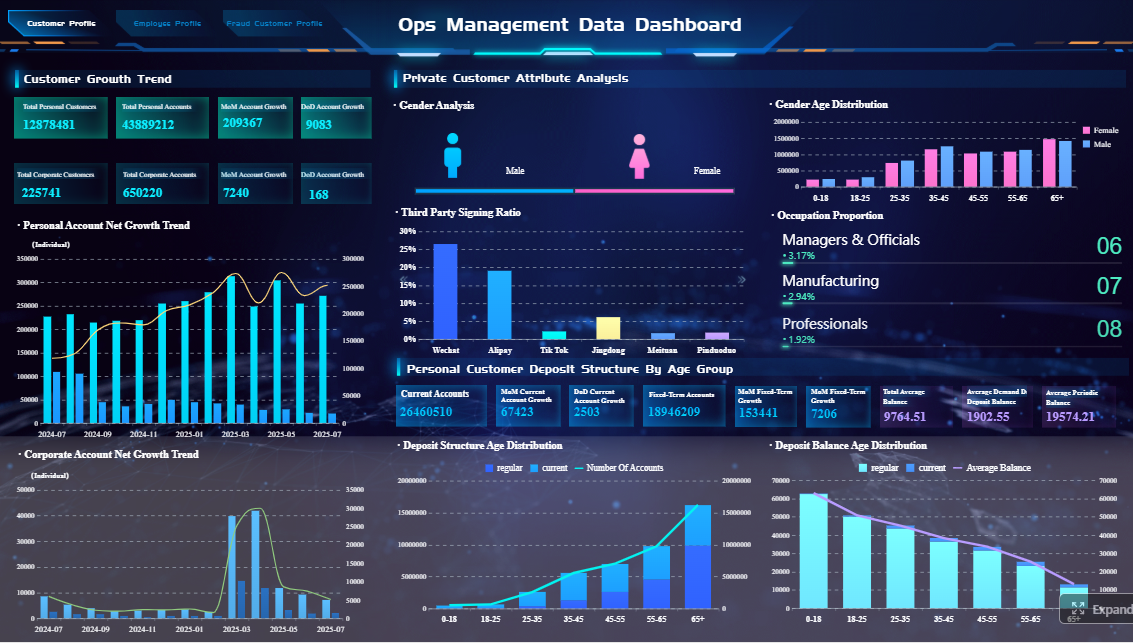 Click To Try The Dashboard
Quick Comparison Table
| Tool | Best for | Reporting depth | Compliance outputs | Ease of use | Recommended users |
|---|---|---|---|---|---|
| QuickBooks Payroll | SMBs wanting payroll and bookkeeping together | Good standard reporting tied to accounting records | Strong core tax documents and payroll records | Easy for existing QuickBooks users | Owners, bookkeepers, accountants |
| Gusto | SMBs prioritizing automation and simple workflows | Good employee and benefits reporting | Solid access to common compliance documents | Very approachable | Small teams, startups, people ops |
| ADP RUN | Growing SMBs with more complex payroll needs | Strong reporting breadth and admin controls | Strong payroll tax and compliance support | More robust, can take longer to learn | Growing businesses, multi-state teams |
| Paychex Flex | Businesses wanting service flexibility and support | Good standard reporting, varies by package | Strong compliance assistance | Generally manageable with support | SMBs wanting advisory help |
| OnPay | Budget-conscious SMBs | Solid core payroll reporting | Good tax reporting for core SMB needs | Straightforward | Small businesses needing value |
| Rippling | SMBs connecting payroll with HR and IT | Broad cross-system reporting potential | Good compliance support within broader workflows | Powerful but may feel broader than needed | Fast-growing, systems-oriented teams |
| Patriot Payroll | Very small businesses seeking simplicity | Basic but useful payroll reports | Core tax and year-end outputs | Easy to navigate | Microbusinesses, owner-operated firms |
What to look for in payroll reporting software for SMBs
The best payroll reporting software for an SMB is not always the one with the most features. It is the one that makes your most important payroll tasks easier, faster, and safer.
Define the reports your business relies on most
Start with the reports you actually use every pay period, month, quarter, and year. For most SMBs, that usually includes:
- Payroll summaries by pay period
- Employee earnings reports
- Tax filings and payment records
- Deduction and benefits reports
- Overtime or labor cost breakdowns
- Department, location, or job costing views
- Year-end wage and tax forms
If you run a simple payroll with one location, standard reports may be enough. If you operate across departments, projects, or states, report filtering and segmentation become much more important.
Check exports, custom report tools, scheduling, and role-based access
Many payroll issues are not calculation problems. They are reporting workflow problems.
Look for software that supports:
- Export formats such as CSV, Excel, or PDF
- Report filters by date, employee, team, location, or pay type
- Some level of report customization
- Scheduled delivery for recurring reports
- Role-based access for owners, HR, managers, and accountants
Even if your business is small today, these controls matter when reporting requests start coming from multiple people.
Review compliance outputs carefully
Payroll reporting is closely tied to compliance. SMBs should evaluate whether the platform helps produce or organize:
- Year-end forms
- Tax payment records
- Filing confirmations
- Garnishment records
- Audit trails
- State-specific reporting support where relevant
This area is especially important if you have a lean internal team. When tax season or an audit arrives, you want records that are easy to retrieve and explain.
Consider usability in everyday reporting
A feature-rich platform is not necessarily easy to use. Pay attention to:
- Setup time
- Navigation clarity
- Dashboard readability
- Search and report discovery
- Integration with accounting tools
- How quickly a non-expert can locate the right report
The best payroll reporting software for SMBs should reduce dependence on one “expert user” who has to pull every report for everyone else.
How we compared the 7 options
This comparison focuses on the practical needs SMBs typically have when evaluating payroll reporting software.
Reporting depth
We looked at:
- Variety of standard reports
- Filter options
- Support for custom fields or customized views
- Department or multi-location visibility
- Export flexibility
Compliance outputs
We considered whether each tool supports or organizes:
- Tax forms
- Filing support
- Year-end documents
- Alerts and confirmations
- Documentation useful for audits or accountant handoff
Ease of use
We reviewed:
- Onboarding experience
- Navigation and dashboard clarity
- Automation
- Day-to-day reporting workflow
- How easy it is to find and share the right report
SMB fit
We also considered broader fit factors, including:
- Pricing transparency
- Scalability
- Customer support approach
- Compatibility with accounting workflows
7 payroll software options compared
1. QuickBooks Payroll
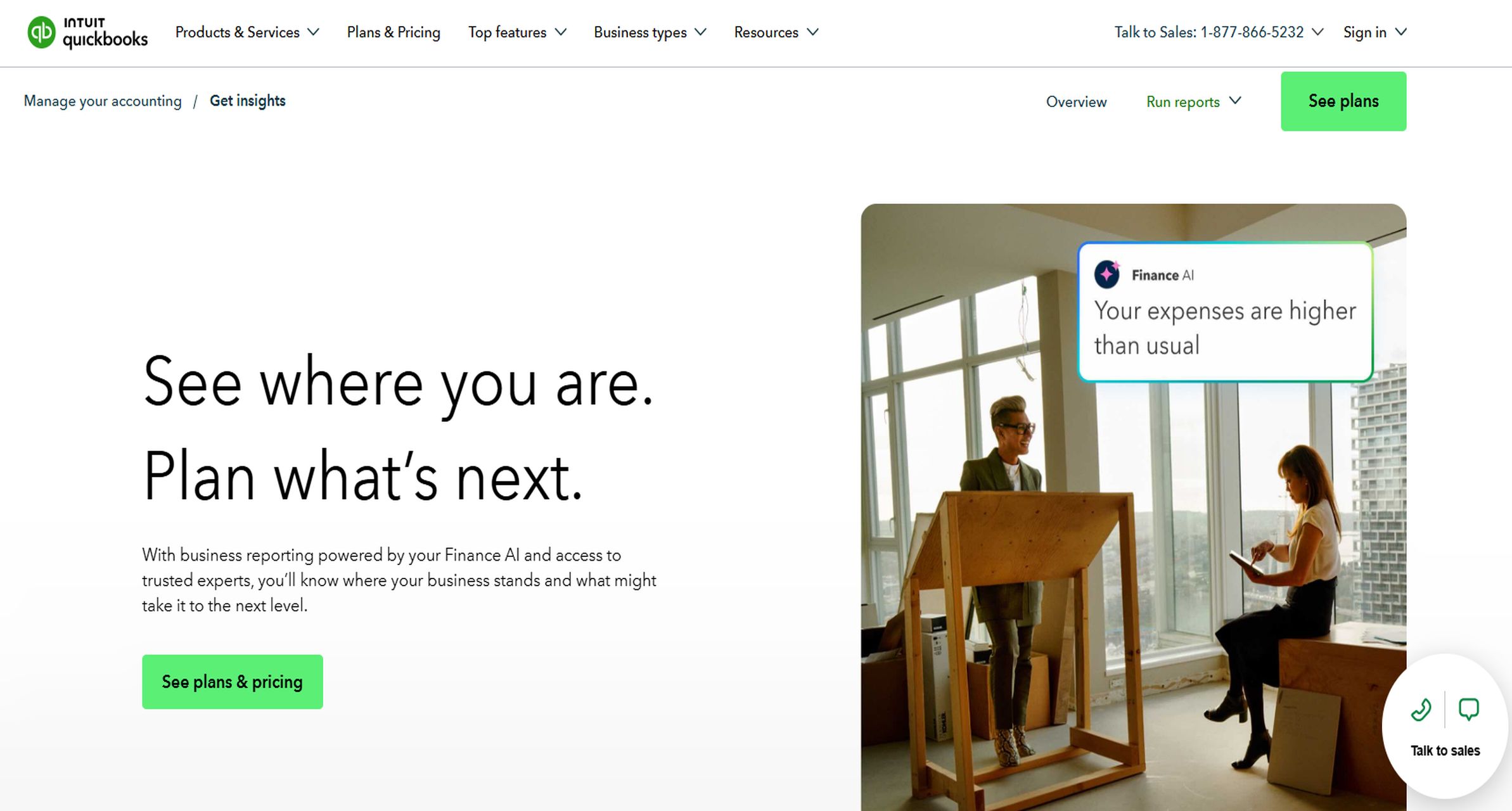 QuickBooks Payroll is often a practical choice for small businesses that want payroll and bookkeeping in one environment. Its strongest advantage is workflow alignment: payroll data can be easier to connect with accounting records, making reconciliation and accountant collaboration more straightforward.
From a reporting perspective, QuickBooks Payroll is typically a good fit for SMBs that need:
- Payroll summaries
- Employee pay history
- Tax document access
- Reports tied to bookkeeping records
- Exportable data for accountant review
Its limitations usually show up when a business wants more specialized or highly customized payroll reporting. Depending on the plan, reporting depth and flexibility may be more limited than what a growing or more operationally complex company expects.
Best for: Small businesses already using QuickBooks for accounting
Watch for: Plan-based feature differences and limited advanced customization
2. Gusto
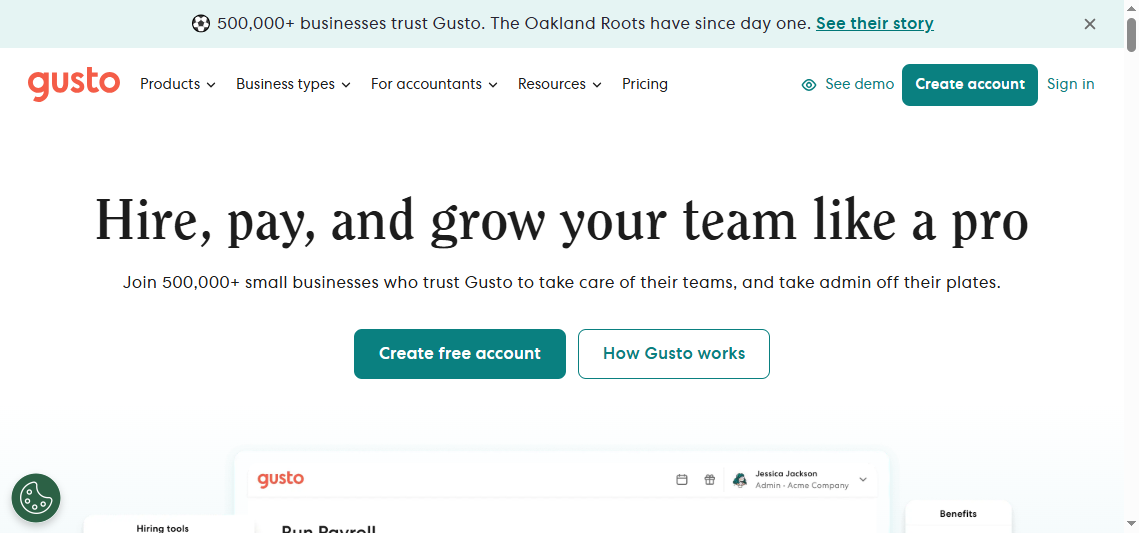
Gusto is popular with small teams because it tends to make payroll reporting feel approachable. For SMBs that want a cleaner user experience and less administrative friction, that matters.
Its reporting strengths generally include:
- Employee-level payroll detail
- Benefits and deductions visibility
- Standard payroll reports
- Straightforward access to common compliance documents
Gusto is often a strong option for teams that value simplicity over deep reporting complexity. The tradeoff is that businesses needing broader analytics, more customized operational reporting, or more layered controls may eventually want more.
Best for: Teams prioritizing automation and ease of use
Watch for: Fewer advanced analytics and customization options than more complex platforms
3. ADP RUN
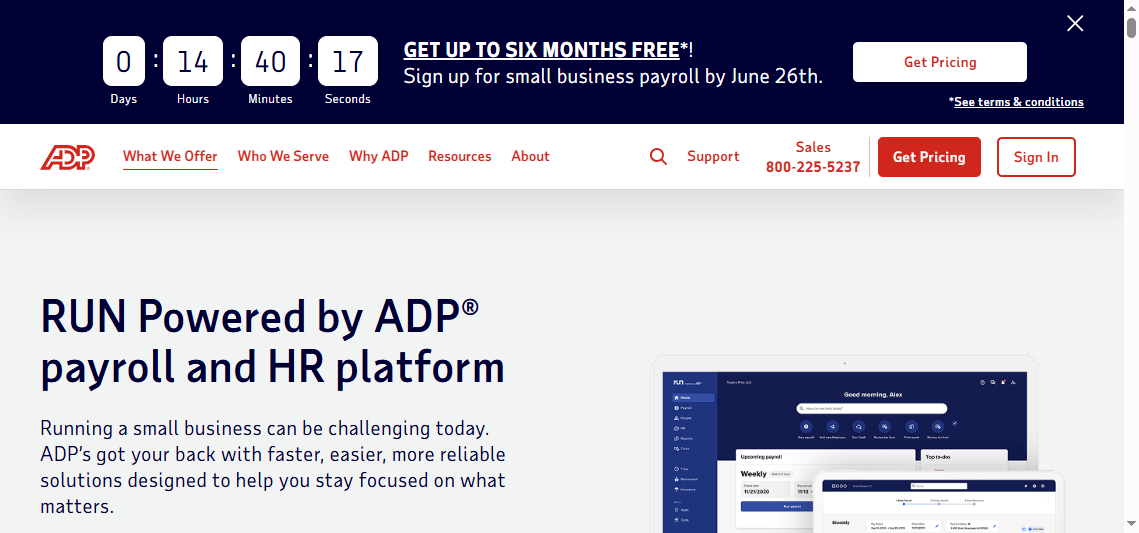 ADP RUN is commonly considered by SMBs expecting more complex payroll, compliance, or workforce management needs over time. It is often attractive to growing businesses because it offers a broader payroll and HR support model than simpler entry-level tools.
Its reporting strengths generally include:
- Broad payroll and tax reporting
- Scalable admin controls
- Support for more complex workforce scenarios
- Stronger compliance-oriented workflows
ADP RUN can make sense for SMBs with multi-state exposure, more employees, or more formal internal controls. The main consideration is that smaller teams may find it more complex than they need at the beginning, and pricing can be less straightforward than some simpler alternatives.
Best for: Growing SMBs with increasing compliance complexity
Watch for: More involved setup and package complexity
4. Paychex Flex
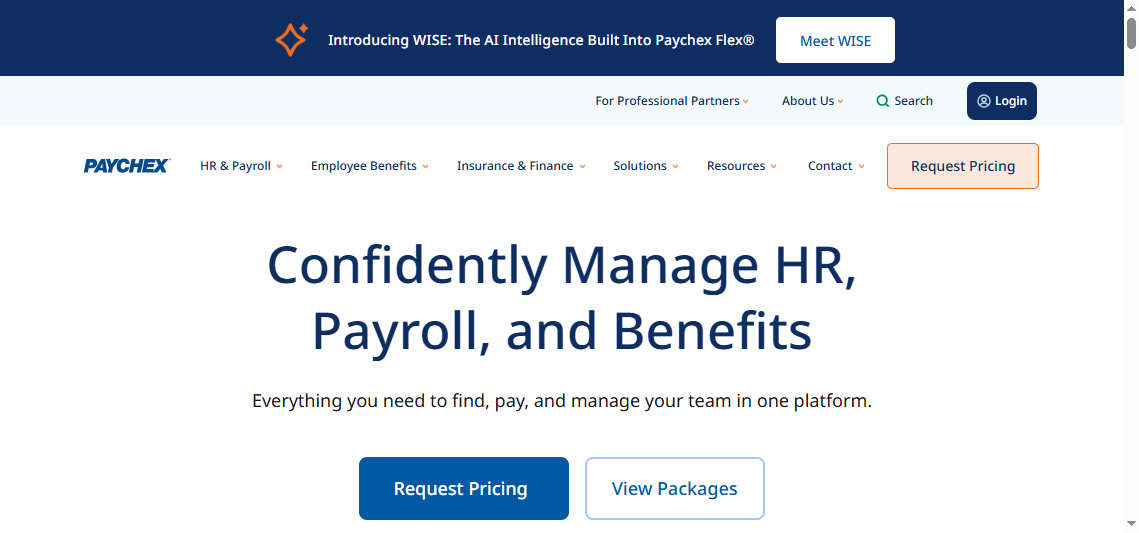 Paychex Flex appeals to businesses that want payroll software plus advisory or service support. For SMBs that prefer not to manage everything independently, that service model can be a real advantage.
Reporting strengths usually include:
- Standard payroll reports
- Tax-related reporting support
- HR-related reporting through broader service options or add-ons
- Useful support for recurring payroll administration
Paychex Flex can be a good fit for businesses that want flexibility in how much service they receive. The main tradeoff is that reporting features may vary by package, so SMBs should confirm which reports and compliance outputs are included in their tier.
Best for: Businesses wanting flexible service and support
Watch for: Reporting capabilities may depend on package level
5. OnPay
 OnPay is often shortlisted by budget-conscious SMBs that still want solid payroll and tax reporting. It is usually seen as a practical, straightforward tool rather than a deeply layered platform.
Typical strengths include:
- Core payroll reports
- Tax reporting support
- Straightforward setup
- Good value for smaller teams
For simple payroll reporting needs, OnPay often covers the essentials well. The main limitation is that businesses wanting richer dashboards, more advanced filtering, or broader customization may outgrow it as complexity increases.
Best for: Cost-conscious SMBs needing strong payroll basics
Watch for: More limited dashboarding and customization than larger platforms
6. Rippling
 Rippling stands out because payroll can be connected to broader HR and IT workflows. For SMBs that want employee data, onboarding, and payroll processes to work together in a more unified way, that can be very appealing.
Reporting strengths may include:
- Cross-system reporting possibilities
- Workflow automation tied to employee data
- Operational efficiency across HR and payroll processes
- Broader visibility beyond payroll alone
The tradeoff is scope. If your only goal is simple payroll reporting, Rippling may feel broader than necessary. But for a growing company building a connected people operations stack, it can be worth considering.
Best for: SMBs wanting payroll linked with HR and IT workflows
Watch for: Added platform breadth may be unnecessary for payroll-only needs
7. Patriot Payroll
 Patriot Payroll is often attractive to very small businesses that want low-cost payroll processing and basic reporting without much complexity. It is generally designed for usability and practicality rather than deep reporting sophistication.
Typical strengths include:
- Basic payroll reports
- Accessible exports
- Easy navigation
- Simpler setup for owners and bookkeepers
Patriot Payroll is a reasonable fit for small businesses that mainly need standard payroll records and straightforward reporting. The compromise is that businesses needing more advanced reporting, broader integrations, or more complex analysis may eventually need a step up.
Best for: Very small businesses seeking simplicity and affordability
Watch for: Fewer advanced reporting and integration capabilities
Side-by-side comparison: reporting depth, compliance outputs, and ease of use
Reporting depth
Reporting depth matters most when payroll becomes more than a pay-run task. If you need to understand labor costs by department, reconcile payroll to accounting, or prepare detailed handoffs for accountants, standard canned reports may not be enough.
| Tool | Report variety | Filters and views | Customization | Department/job/location visibility | Export flexibility |
|---|---|---|---|---|---|
| QuickBooks Payroll | Good for core SMB reporting | Good for common payroll periods and employee views | Moderate | Better when tied to accounting structure | Good |
| Gusto | Good for standard SMB needs | Simple and user-friendly | Limited to moderate | Adequate for common SMB use cases | Good |
| ADP RUN | Strong | Strong | Moderate to strong | Better suited to growing complexity | Good |
| Paychex Flex | Good | Moderate to strong | Varies by package | Good in broader service context | Good |
| OnPay | Solid core set | Moderate | Limited to moderate | Suitable for smaller teams | Good |
| Rippling | Broad potential | Strong | Stronger in connected workflows | Strong for cross-system use cases | Good |
| Patriot Payroll | Basic but useful | Basic to moderate | Limited | Best for simpler structures | Good |
In practice:
- QuickBooks Payroll is strong when payroll reporting needs to align with bookkeeping.
- Gusto is easy for standard employee and payroll reporting.
- ADP RUN and Rippling are better suited to businesses with more complex scaling needs.
- Patriot Payroll and OnPay work well when standard reports are enough.
Compliance outputs
For many SMBs, compliance reporting is the real stress test. It is not enough to run payroll accurately; you need usable records when tax deadlines, year-end filings, accountant reviews, or audits appear.
| Tool | Tax forms | Filing support | Year-end documents | Garnishment/records support | Audit-readiness |
|---|---|---|---|---|---|
| QuickBooks Payroll | Strong core support | Good | Good | Moderate | Good for SMB workflows |
| Gusto | Good | Good | Good | Moderate | Good for standard SMB needs |
| ADP RUN | Strong | Strong | Strong | Stronger than many SMB-focused tools | Strong |
| Paychex Flex | Strong | Strong | Strong | Good | Strong |
| OnPay | Good | Good | Good | Moderate | Good |
| Rippling | Good | Good | Good | Good | Good, especially in connected workflows |
| Patriot Payroll | Core support available | Good for small business basics | Good | Basic to moderate | Adequate for simple needs |
If compliance risk is your top concern, ADP RUN and Paychex Flex are often appealing because they are oriented toward broader payroll administration and support. Simpler tools may still be enough for very small businesses with uncomplicated payroll structures.
Ease of use
Ease of use should not be treated as a soft factor. It directly affects reporting quality. If users cannot find the right reports quickly, they export raw data, create side spreadsheets, and increase the chance of errors.
| Tool | Setup experience | Dashboard clarity | Report discovery | Scheduling/automation | Support experience |
|---|---|---|---|---|---|
| QuickBooks Payroll | Easy for QuickBooks users | Clear | Easy | Good | Familiar for accounting users |
| Gusto | Very approachable | Clear | Easy | Good | Strong SMB usability focus |
| ADP RUN | More involved | Functional and robust | Good once configured | Strong | Often better for growing teams with support needs |
| Paychex Flex | Moderate | Good | Good | Good | Service-oriented |
| OnPay | Straightforward | Simple | Easy | Moderate | Good for smaller teams |
| Rippling | More involved | Modern and broad | Good | Strong | Best for teams comfortable with wider platform scope |
| Patriot Payroll | Simple | Clear | Easy | Basic to moderate | Accessible for very small businesses |

How to choose the best fit for your business
Choosing payroll reporting software is easier when you start with your reporting use case rather than the vendor brand.
Choose based on your reporting use case
If you mainly need owner-friendly summaries, prioritize:
- Clean dashboards
- Standard payroll summaries
- Easy exports
- Fast report access
If your accountant needs deeper detail, prioritize:
- Custom report options
- Better filters
- Payroll-to-accounting alignment
- Export flexibility
If compliance is your biggest concern, prioritize:
- Tax documentation
- Filing support
- Year-end records
- Audit trails and confirmations
Match the platform to your stage of growth
Very small teams often do best with simpler, lower-cost tools that provide strong standard reports without heavy setup.
Growing businesses usually benefit from:
- More scalable controls
- Better reporting structure
- Broader integrations
- Stronger compliance support
- More granular views by department, role, or location
The key is not buying ahead too aggressively. A broader platform can be helpful, but it can also add unnecessary complexity if your payroll environment is still simple.
Final recommendation framework
Shortlist the tools that match these four variables:
- Reporting complexity — basic summaries or multi-dimensional payroll analysis
- Compliance exposure — simple local payroll or more layered tax requirements
- Budget — low-cost essentials or room for broader functionality
- Internal admin capacity — self-service simplicity or a more structured system with support
Then test each option against your most important real-world tasks:
- Run a payroll summary
- Export data for your accountant
- Retrieve tax and year-end documents
- Filter payroll by department or employee group
- Check how easily another team member can find the same information
Practical recommendations before you decide
Here are five practical ways to evaluate payroll reporting software like an experienced reporting consultant would:
-
Start with your recurring report list.
Do not evaluate software based only on homepage features. Build a shortlist of the reports you need every week, month, quarter, and year. -
Test both summary and detail reporting.
Many tools look good at the summary level but become less efficient when you need employee-level detail, deduction history, or labor splits. -
Check compliance workflows, not just compliance claims.
Ask how easily you can retrieve filing confirmations, year-end records, and audit-supporting documentation. -
Evaluate who can access what.
Payroll reporting often involves owners, HR, finance, and accountants. Role-based access and clean exports are essential for reducing reporting friction. -
Think beyond dashboards.
Payroll data is often used in printable reports, recurring scheduled distributions, finance packages, and operational reviews. If your business needs those outputs, confirm the platform supports them well.
When payroll software reporting is not enough
Many SMB payroll platforms are designed first for payroll processing and second for reporting. That is usually fine for standard payroll summaries, tax documents, and employee-level exports.
But some businesses eventually outgrow built-in payroll reporting when they need to:
- Combine payroll data with finance, operations, or ERP data
- Produce highly formatted management reports
- Create pixel-perfect printable reports
- Schedule recurring report distribution to different stakeholders
- Build parameterized reports for locations, departments, or periods
- Support internal approval or data-entry workflows around payroll-related processes
This is where a dedicated reporting platform can become useful alongside payroll software.
Where FineReport fits for payroll and operational reporting
Tools like QuickBooks Payroll, Gusto, ADP RUN, and Paychex Flex are widely used for payroll processing and core reporting. But teams with more complex reporting workflows may also need a dedicated enterprise reporting platform like FineReport.
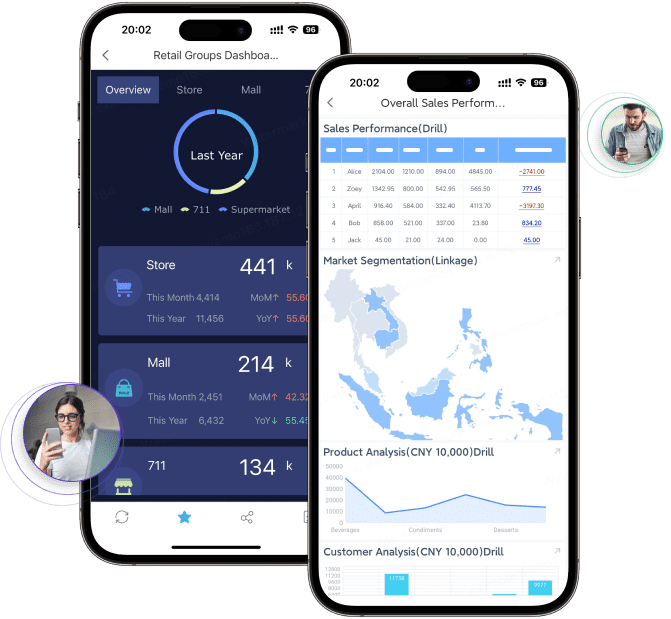
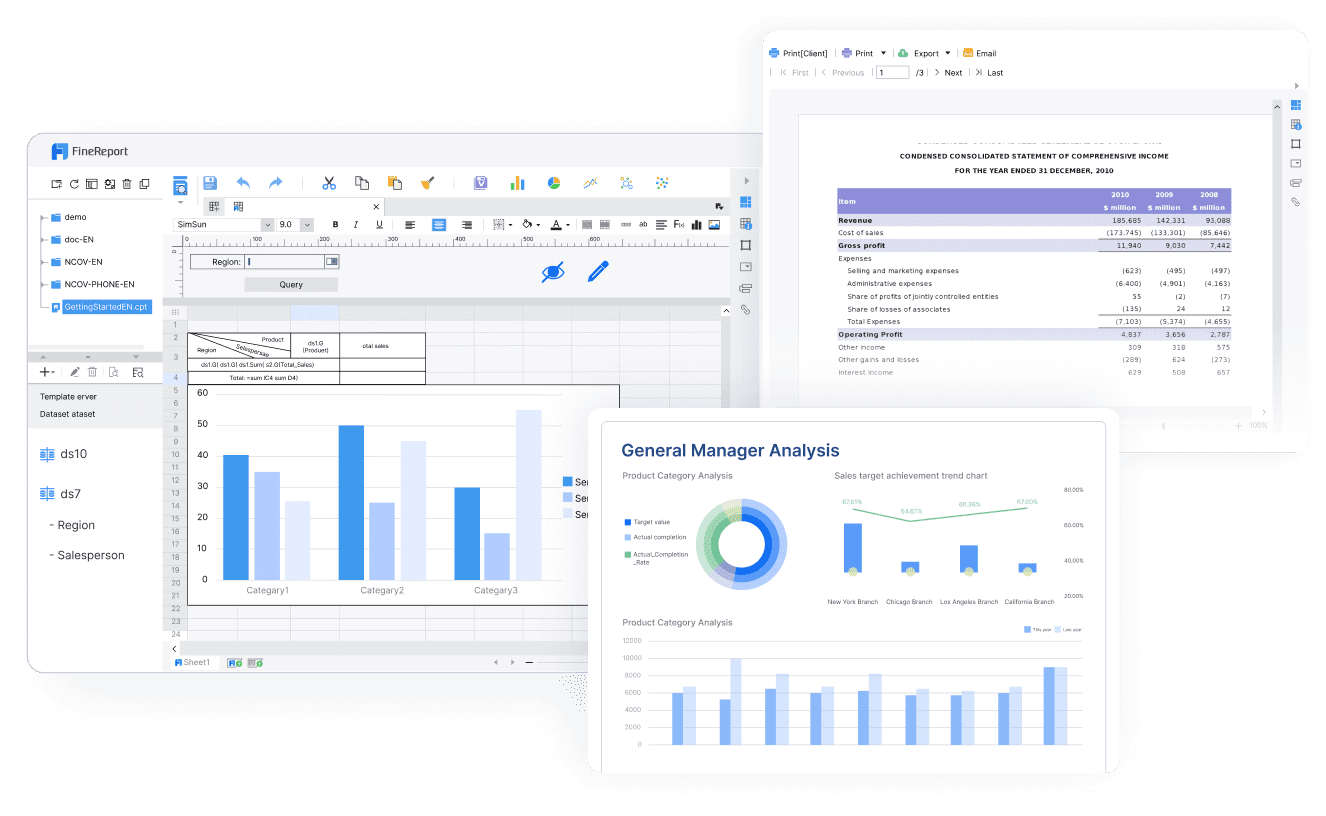
FineReport is not a payroll processor. It is a reporting and dashboard platform used to build structured business reports, dashboards, printable documents, and data entry workflows. That makes it relevant when payroll data needs to be presented, distributed, or governed more carefully across the business.
For payroll and related SMB reporting needs, FineReport can be useful when you need:
- Pixel-perfect report design for formal payroll packs, finance summaries, or management reporting
- Paginated and printable reports for recurring internal or audit-facing documents
- Parameter queries so users can filter by date range, department, branch, entity, or employee group
- Scheduled report distribution for finance leaders, HR teams, or external accountants
- Dashboards and reports together so executives see KPIs while analysts still access detailed tables
- Data entry forms and workflows when payroll-adjacent processes require input, review, or correction
- Enterprise reporting governance for controlled access and standardized report delivery
This is especially relevant for organizations that already have payroll software but need stronger reporting across payroll, finance, HR, and operations.

Get Ready-to-Use Dashboard and Report Templates in Fine Gallery
Final thoughts
The best payroll reporting software for your SMB depends on what you need the reporting to do.
- Choose QuickBooks Payroll if accounting alignment matters most.
- Choose Gusto if simplicity and usability are the priority.
- Choose ADP RUN if you expect more complex compliance and growth needs.
- Choose Paychex Flex if service support is important.
- Choose OnPay if you want strong basics at a practical price point.
- Choose Rippling if payroll is part of a broader HR and IT workflow strategy.
- Choose Patriot Payroll if you run a very small business and want affordable simplicity.
And if your team needs more than standard payroll-system reports, especially formal, scheduled, printable, or cross-functional reporting, FineReport is worth considering as a dedicated reporting layer.
FAQs
Payroll reporting software helps SMBs track wages, taxes, deductions, benefits, and labor costs in a structured way. It also makes it easier to share payroll records with owners, managers, and accountants.