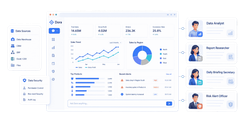
Healthcare reporting software helps hospitals, clinics, and multi-site practices turn data from EHRs, billing systems, quality tools, and operational systems into usable reports and dashboards. If you are searching for the best healthcare reporting software, you are likely trying to solve a practical problem: how to get reliable clinical, financial, compliance, and operational visibility without depending on spreadsheets and manual exports.
For healthcare leaders, this is rarely just a dashboard question. Finance teams need reimbursement and denial visibility. Operations teams need staffing, throughput, and site performance tracking. Quality and safety teams need audit trails, incident follow-up, and standardized reporting. Care management teams need population-level visibility across fragmented systems. That is why choosing healthcare reporting software requires more than comparing chart libraries or dashboard templates.
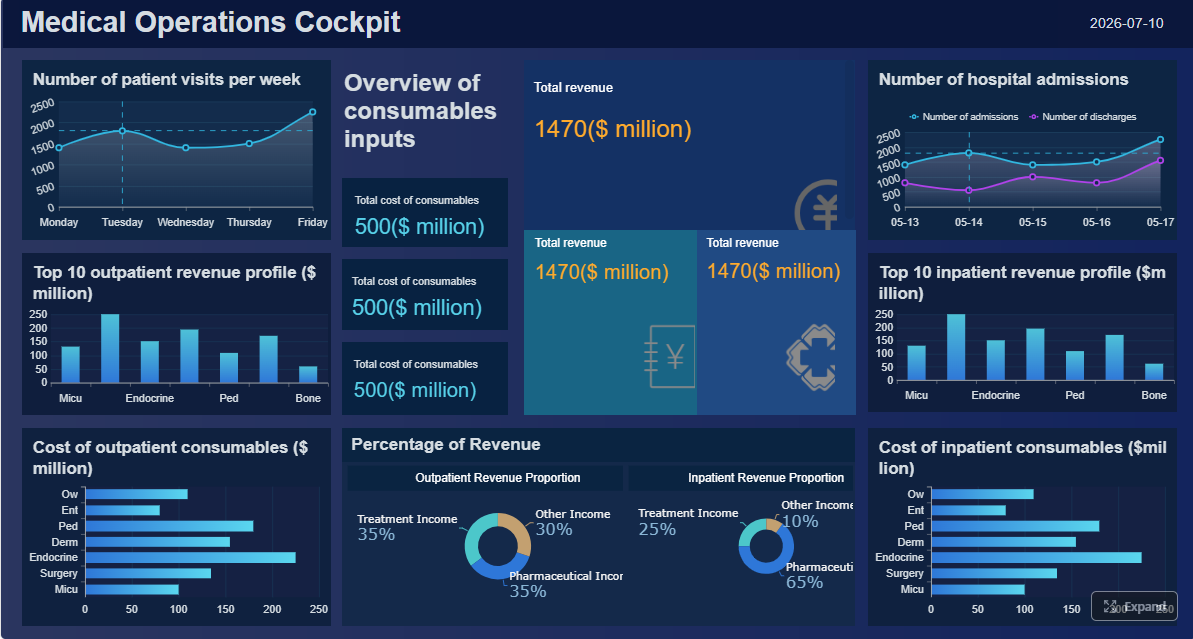 Click To Try The Dashboard
Quick Comparison Table
| Tool category | Best for | Dashboarding | Pixel-perfect reporting | Paginated reports | Data entry/forms | Scheduling and distribution | Enterprise deployment | Recommended users |
|---|---|---|---|---|---|---|---|---|
| Enterprise EHR reporting platforms | Clinical reporting tied closely to patient records and workflows | Moderate to strong | Limited to moderate, depends on platform | Moderate | Limited | Strong for internal reporting workflows | Strong in large health systems | Hospitals already standardized on a major EHR |
| Claims and revenue cycle reporting tools | Denials, reimbursements, payer trends, billing performance | Moderate | Moderate | Strong for financial summaries | Limited | Strong | Moderate to strong | Finance and revenue cycle teams |
| Dashboard and BI solutions for healthcare analytics | Cross-department analytics and executive visibility | Strong | Often limited compared with dedicated reporting tools | Varies by product | Usually limited | Moderate to strong | Strong with governance setup | Analysts, operations leaders, executives |
| Care management and population health reporting tools | Risk stratification, care gaps, utilization, outcomes | Moderate to strong | Limited | Limited to moderate | Workflow-oriented rather than report-centric | Moderate | Strong for targeted programs | Care management and value-based care teams |
| Incident and patient safety reporting systems | Event capture, root cause analysis, compliance workflows | Limited to moderate | Moderate for case documentation | Moderate | Strong | Strong | Moderate to strong | Quality, compliance, and risk teams |
| Specialty and departmental reporting tools | Lab, imaging, pharmacy, and department-specific visibility | Moderate | Moderate to strong | Strong | Limited to moderate | Strong within department workflows | Moderate | Department managers and service line leaders |
| Custom reporting and data warehouse approaches | Highly tailored reporting across many systems | Strong, if well designed | Strong with the right reporting layer | Strong | Possible with the right platform | Strong | Strong but resource-intensive | Large organizations with IT and analytics maturity |
Best healthcare reporting software for hospitals and clinics in 2026
Healthcare organizations in 2026 are evaluating reporting software in a more operational way than they did a few years ago. The question is not just whether a tool can visualize data. It is whether the tool can support recurring healthcare decisions across clinical, financial, regulatory, and administrative workflows.
What healthcare teams need from reporting tools today
Most healthcare teams need five things from reporting software:
- Interoperability across systems: Data often lives in EHRs, practice management systems, claims platforms, lab systems, spreadsheets, and departmental tools.
- Role-based reporting: Executives, finance, care teams, and department managers need different levels of detail.
- Auditability and governance: Healthcare reporting must support secure access, controlled distribution, and traceable report logic.
- Operational usability: Reports need to be printable, schedulable, filterable, and easy to distribute.
- A mix of dashboards and structured reports: A dashboard may show trends, but finance packets, quality summaries, board reports, and payer reviews often require paginated output.
For hospitals, reporting software is often expected to support enterprise-wide visibility. For clinics and group practices, speed of deployment and simplicity may matter more, especially when resources are limited.
How hospitals, specialty clinics, and multi-site practices evaluate reporting platforms
Different healthcare organizations evaluate tools differently:
- Hospitals and health systems usually prioritize integration, scale, governance, and cross-facility consistency.
- Specialty clinics often care more about service-line metrics, scheduling efficiency, reimbursement patterns, and provider productivity.
- Multi-site practices need normalized reporting across locations, with filters for site, specialty, provider, and payer.
A common mistake is choosing a tool based only on one team’s needs. An analytics platform that works well for executive dashboards may not fully support finance packets, compliance documentation, or scheduled operational reports.
Snapshot of the 7 tool categories compared in this guide
This guide compares seven broad categories of healthcare reporting software rather than treating every vendor as interchangeable. That is important because a revenue cycle analytics tool solves a different problem than an incident reporting system or a general BI platform.
The goal is to help you identify which type of healthcare reporting software fits your organization’s priorities before you shortlist vendors.
How we compared healthcare reporting software
Healthcare reporting software should be evaluated on how well it supports everyday decision-making, not just how impressive a demo dashboard looks.
Core criteria: interoperability, dashboard depth, claims visibility, compliance support, and ease of use
We used five core criteria in this comparison:
- Interoperability: Can the tool connect to healthcare data sources and reduce manual exports?
- Dashboard depth: Does it support role-based, actionable dashboards, not just static charts?
- Claims visibility: Can finance and revenue teams monitor denials, reimbursements, payer performance, and billing bottlenecks?
- Compliance support: Does it help teams maintain auditability, controlled access, and structured reporting processes?
- Ease of use: Can report consumers and report builders use it without constant IT intervention?
These criteria matter because healthcare reporting often sits between technical integration work and front-line operational decisions.
What matters most for hospitals versus outpatient clinics
For hospitals and health systems, the key issues are usually:
- enterprise governance
- cross-system reporting
- facility comparisons
- standardized executive and departmental reporting
- performance at scale
For outpatient clinics and growing practices, the priorities are often:
- fast deployment
- practical finance and operations reporting
- lower admin overhead
- easier customization
- reporting that works without a large internal analytics team
In other words, the “right” healthcare reporting software depends heavily on organizational complexity.
Key buying questions for finance, operations, quality, and care management teams
When evaluating healthcare reporting software, different teams should ask different questions.
Finance teams should ask:
- Can we track denial trends, reimbursement delays, payer mix, and collections clearly?
- Can reports be scheduled and distributed to leaders automatically?
- Can we combine billing and operational context in one report?
Operations teams should ask:
- Can we monitor throughput, staffing, appointment utilization, and discharge or turnaround times?
- Can managers drill down from enterprise KPIs to site- or unit-level detail?
Quality and risk teams should ask:
- Does the tool support structured, audit-ready reporting?
- Can we track incidents, corrective actions, and trend patterns over time?
Care management teams should ask:
- Can we identify risk segments, care gaps, and utilization patterns across patient populations?
- Can the reporting environment support longitudinal views rather than isolated snapshots?
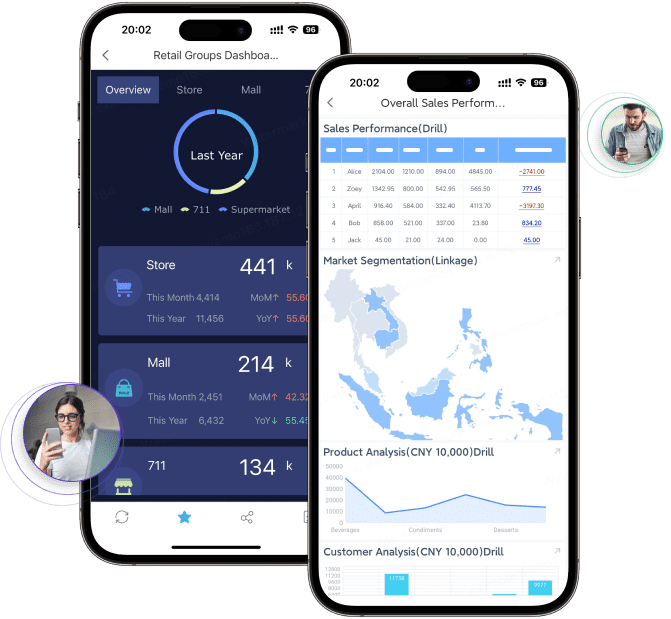
7 types of healthcare reporting tools compared
Enterprise EHR reporting platforms
Enterprise EHR reporting platforms are best for organizations that want reporting closely tied to clinical workflows and patient records. These platforms are often the default choice in large health systems because they sit near the source of clinical data.
Strengths
- Close alignment with patient records and care workflows
- Strong support for standard clinical and operational reporting
- Useful for organizations already standardized on a large EHR platform
- Often appropriate for point-of-care or department-level reporting tied to documentation workflows
Limitations
- Cross-system reporting can be harder if important data sits outside the EHR
- Visualization flexibility may be narrower than in dedicated BI platforms
- Highly customized enterprise reporting may require specialized internal expertise
Ideal use cases for large health systems
- Clinical quality reporting
- Patient census and throughput monitoring
- Departmental utilization reporting
- Compliance and operational reports tied to EHR activity
EHR reporting platforms are often a necessary part of the healthcare reporting stack, but they may not be sufficient on their own for finance-heavy, multi-source, or highly formatted reporting needs.
Claims and revenue cycle reporting tools
Claims and revenue cycle reporting tools are best for tracking denials, reimbursement trends, payer performance, and billing bottlenecks. They are especially relevant for CFOs, revenue cycle leaders, and practice administrators.
Strengths
- Focused visibility into claims lifecycle performance
- Better support for denial analysis and payer trend tracking
- Useful for identifying revenue leakage and reimbursement delays
- Often tailored to billing and collections teams
Limitations
- Usually narrower in scope than enterprise reporting platforms
- May not provide broad operational or clinical context
- Often need to be paired with other tools for full organizational visibility
Where these tools fit alongside broader operational reporting
These tools work well when an organization needs deep financial reporting but still relies on other systems for clinical, quality, and executive reporting. In many healthcare environments, claims reporting is not a replacement for enterprise healthcare reporting software. It is one specialized layer in a larger reporting ecosystem.
Dashboard and BI solutions for healthcare analytics
Dashboard and BI solutions are best for executive dashboards, service line performance, and cross-department visibility. This category includes general-purpose analytics and visualization platforms used to connect multiple systems and surface trends across the organization.
Strengths
- Strong dashboarding and visual exploration
- Good for combining data from multiple sources
- Useful for executive and management reporting across departments
- Often flexible for service line and multi-site comparisons
Limitations
- Setup and governance can become complex
- Self-service freedom can lead to metric inconsistency if governance is weak
- Some BI tools are stronger at dashboards than at formatted, printable, or paginated reports
Common tradeoffs between flexibility, setup complexity, and governance
BI tools give healthcare teams flexibility, but that flexibility requires discipline. A hospital may build strong executive dashboards with a BI platform while still struggling with board-ready report packs, print formatting, parameterized operational reports, or finance documents that need exact layout control.
That tradeoff matters because healthcare reporting is not only about exploration. It is also about recurring, standardized communication.
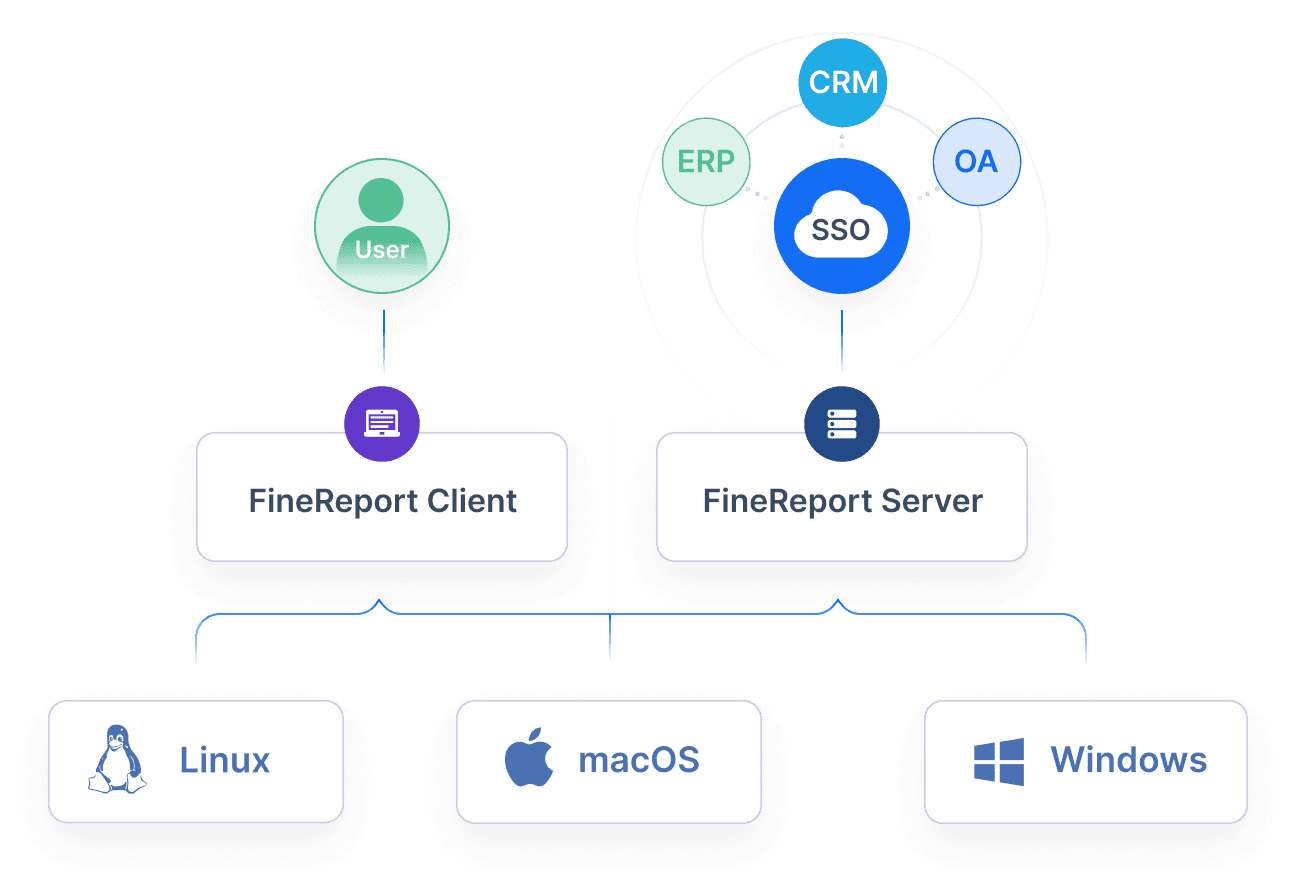
Care management and population health reporting tools
Care management and population health reporting tools are best for risk stratification, care gaps, utilization trends, and outcome monitoring. They add value when organizations need to support proactive intervention rather than just retrospective reporting.
Strengths
- Strong fit for patient cohorts and longitudinal analysis
- Useful for risk segmentation and outreach prioritization
- Helps monitor care gaps, utilization, and program effectiveness
- Supports value-based care and population-level performance tracking
Limitations
- Often focused on targeted care management workflows rather than enterprise reporting
- May not replace finance, operational, or highly formatted reporting tools
- Sometimes require mature data integration to be effective
When these tools add value beyond standard clinical reporting
These tools add value when healthcare organizations need more than encounter-level visibility. If your teams need to prioritize high-risk patients, measure intervention performance, or track utilization across a population, standard EHR reports may not be enough.
Incident and patient safety reporting systems
Incident and patient safety reporting systems are best for tracking safety events, compliance issues, root causes, and corrective actions. These tools matter for quality, compliance, and risk management teams.
Strengths
- Structured workflows for event capture and review
- Better tracking of follow-up steps and accountability
- Useful for trend analysis by location, severity, department, or event type
- Supports a stronger compliance and safety process
Limitations
- Usually not built for broad executive or enterprise analytics
- Dashboard depth may be limited outside safety workflows
- Often need to feed summary data into broader reporting environments
What quality and risk teams should look for in incident workflows
Quality and risk teams should look for:
- configurable forms
- severity classification
- escalation routing
- status tracking
- trend reporting
- audit-ready case documentation
Incident systems are important, but they are usually one component of the broader healthcare reporting software landscape.
Specialty and departmental reporting tools
Specialty and departmental reporting tools are best for labs, imaging, pharmacy, and other departments with unique reporting needs.
Strengths
- Deep operational detail for specific departments
- Better fit for unique workflow measures and turnaround metrics
- Useful for managers who need more than enterprise averages
Limitations
- Narrow scope
- May create silos if not integrated into broader reporting
- Not a substitute for enterprise-wide governance and standardization
How these tools support deeper operational visibility without replacing enterprise reporting
Departmental tools can be very useful for local decision-making. A lab leader may need specimen turnaround reports, while imaging may need modality utilization and backlog monitoring. These reports are valuable, but they work best when enterprise reporting software can consolidate summary views across departments.
Custom reporting and data warehouse approaches
Custom reporting and data warehouse approaches are best for organizations that need highly tailored reporting across multiple systems.
Strengths
- High flexibility
- Better fit for multi-source enterprise reporting
- Can support custom metric definitions, historical analysis, and advanced governance
- Good foundation for combining clinical, financial, and operational data
Limitations
- Higher implementation effort
- Requires internal IT, data engineering, or analytics support
- Time-to-value can be longer than with more packaged tools
Pros and cons of building a more flexible analytics layer
A data warehouse approach gives healthcare organizations control, but it also introduces complexity. The most successful teams usually pair a data foundation with a reporting layer that can serve both dashboards and structured operational reports. Without that reporting layer, users may end up with data access but weak report delivery.
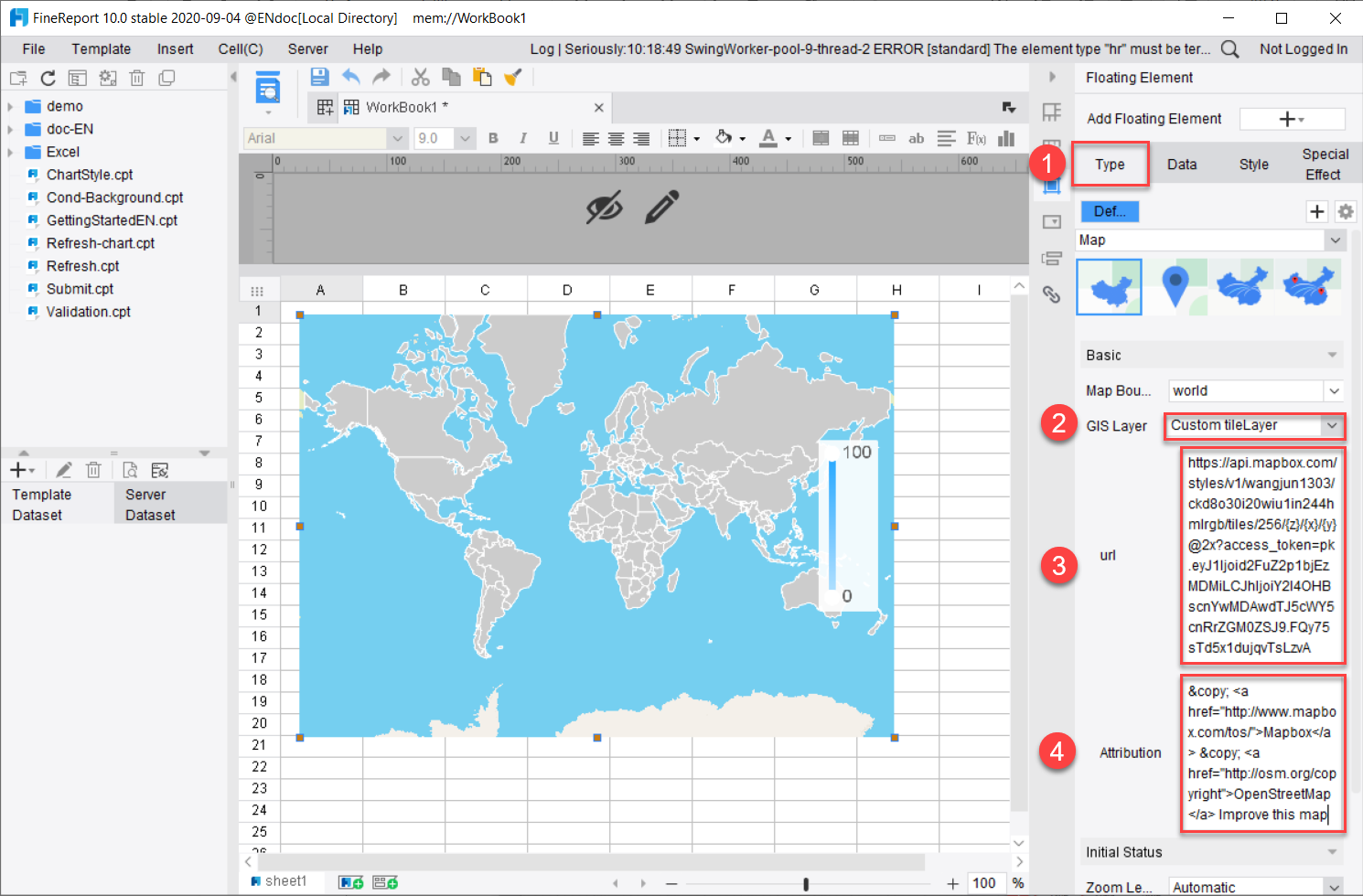
Pros and cons of each tool type
No single healthcare reporting software category wins in every situation. The right fit depends on organizational size, data complexity, and reporting maturity.
Best options for large hospitals and health systems
Large hospitals and health systems usually benefit most from a combination of:
- Enterprise EHR reporting platforms for clinical workflow reporting
- Dashboard and BI solutions for executive and cross-department visibility
- Custom reporting and data warehouse approaches for multi-system governance and standardized reporting
- Incident and specialty systems where specific workflows require dedicated tools
This combination works best in complex environments because it balances source-system depth with enterprise consistency.
Best options for clinics and growing practices
Clinics and growing practices often need simpler combinations, such as:
- Claims and revenue cycle reporting tools for financial control
- Dashboard and BI solutions for practical operational visibility
- EHR reporting for day-to-day clinical activity
- Departmental or specialty tools only when a particular workflow justifies them
Smaller organizations usually benefit from tools that reduce manual reporting work quickly without requiring a large internal analytics team.
Common tradeoffs to expect
Cost versus customization
More customized environments can deliver better-fit reporting, but they usually require more setup and maintenance. Simpler tools may go live faster but may not meet advanced formatting or cross-system needs later.
Real-time visibility versus implementation effort
Real-time or near-real-time reporting is attractive, but it is rarely free from integration work. The more systems you need to unify, the more implementation discipline matters.
Department-level detail versus enterprise-wide consistency
Department leaders often want highly specific metrics. Executives want enterprise standardization. Strong healthcare reporting software should help organizations do both without creating conflicting definitions.
How to choose the right fit for your organization
Choosing healthcare reporting software starts with business priorities, not product demos.
Questions to ask before shortlisting vendors
Before you shortlist vendors, ask:
- Which teams will rely on the reports most often?
- What data sources must be included from day one?
- Do we mainly need dashboards, structured reports, or both?
- How important are scheduled distribution, printable reports, and executive report packs?
- How much internal IT and analytics support is available?
- Will we need department-specific views as well as enterprise governance?
- How critical are forms, write-back workflows, or process-driven reporting tasks?
These questions help prevent a common problem: buying a dashboard tool when the organization really needs a reporting platform.
Red flags that signal a poor fit
Watch for these warning signs:
- limited interoperability
- weak audit trails
- heavy dependence on spreadsheet exports
- poor support for role-based distribution
- no practical way to standardize metrics across departments
- reporting that looks strong in demos but weak in recurring operational use
- inability to support printable, board-ready, or paginated reporting where needed
Final recommendation framework
A practical recommendation framework is simple:
- Choose enterprise EHR reporting when clinical workflow alignment is the top priority.
- Choose claims and revenue tools when denial management and reimbursement visibility drive the business case.
- Choose dashboard and BI tools when cross-functional visibility and data exploration matter most.
- Choose care management tools when population health and intervention workflows are central.
- Choose incident systems when safety and compliance workflows need structure.
- Choose specialty tools when a department has unique reporting demands.
- Choose custom reporting and data warehouse approaches when enterprise-wide, multi-system reporting is the real goal.
Practical recommendations for evaluating healthcare reporting software
Based on common healthcare reporting projects, these recommendations can help you make a stronger decision:
- Separate dashboard needs from reporting needs. Executive dashboards are useful, but finance packets, board reports, compliance summaries, and operational documents often need more structured reporting capabilities.
- Start with the most critical decisions, not the most available data. Focus first on where reporting delays hurt care, reimbursement, or operations.
- Map your source systems early. Many healthcare reporting failures come from underestimating how fragmented the data landscape is.
- Test report distribution, not just report design. A report that looks good in a demo may still fail if it cannot be scheduled, filtered, secured, and delivered reliably.
- Plan for governance from the start. Definitions for occupancy, denial rate, care gap closure, or turnaround time should be standardized before self-service reporting expands.
When FineReport is a good fit for healthcare reporting software
Tools like Tableau and Power BI are widely used for visualization and BI analysis, but teams with complex reporting workflows may also need a dedicated enterprise reporting platform like FineReport.
FineReport is especially relevant when a healthcare organization needs more than dashboarding alone. Based on its positioning as an enterprise reporting and dashboard platform, FineReport is well suited for teams that need:
- Pixel-perfect report design for structured healthcare documents, financial summaries, and management packs
- Paginated and printable reports for recurring operational and executive reporting
- Parameter queries so users can filter by facility, provider, department, payer, date range, or service line
- Scheduled reporting and automated distribution for recurring stakeholder updates
- Dashboard and report integration so leaders can move from KPI views into detailed structured reports
- Data entry and form-based workflows where reporting connects with operational input processes
- Enterprise reporting governance across departments and sites
In healthcare, this matters because many organizations do not just need a visual analytics layer. They need a practical reporting environment that supports daily operations, finance reviews, compliance reporting, and leadership communication in a controlled format.
For example, a hospital might use dashboards to monitor high-level KPIs, but still need printable monthly management reports, payer performance summaries, department operating reports, and exception reports distributed on a schedule. A growing clinic group may need consistent site-level reporting with filters for location, physician, specialty, and payer, plus export-ready reports for meetings and audits.

Get Ready-to-Use Dashboard and Report Templates in Fine Gallery
FineReport is not necessarily the first choice for every healthcare analytics use case. If a team only wants lightweight ad hoc visualization, a general BI tool may be enough. But if the requirement includes formatted reports, scheduling, parameterized queries, operational forms, and enterprise-wide report standardization, FineReport becomes a practical option to evaluate.
Final thoughts
The best healthcare reporting software for hospitals and clinics in 2026 depends less on brand familiarity and more on whether the tool matches your reporting reality.
If your organization mainly needs clinical reporting tied to patient records, EHR-native reporting may lead. If finance visibility is the urgent issue, claims and revenue tools may create the fastest value. If leaders need enterprise-wide trend visibility, dashboard and BI platforms can help. And if your teams need a more complete reporting workflow with printable reports, scheduling, parameterized queries, and dashboard-to-report integration, an enterprise reporting platform like FineReport is worth considering.
The most successful healthcare organizations do not choose software based only on visualization. They choose based on whether the platform supports better clinical, financial, and operational decisions at scale.
FAQs
Healthcare reporting software helps organizations combine data from EHRs, billing systems, quality tools, and operational platforms into dashboards, scheduled reports, and printable summaries. It is used to track clinical performance, revenue cycle trends, compliance needs, and day-to-day operations.