If you are searching for ecommerce data analytics software, you are probably trying to solve a practical problem: how to turn store, marketing, customer, and retail channel data into decisions that improve revenue, margin, retention, and operational efficiency.
For DTC brands, marketplace sellers, omnichannel retailers, and agencies, the challenge is rarely a lack of data. It is usually one of these:
- Too many disconnected tools
- Unclear attribution across channels
- Weak visibility into repeat purchase behavior
- Limited insight into inventory, marketplace, and retail performance
- Dashboards that look good but do not help teams act
This guide compares 10 ecommerce analytics tools by use case, not just by feature count. That matters because the right tool for a Shopify startup is often very different from the right tool for an enterprise retail team with marketplace feeds, POS data, warehouse systems, and scheduled reporting requirements.
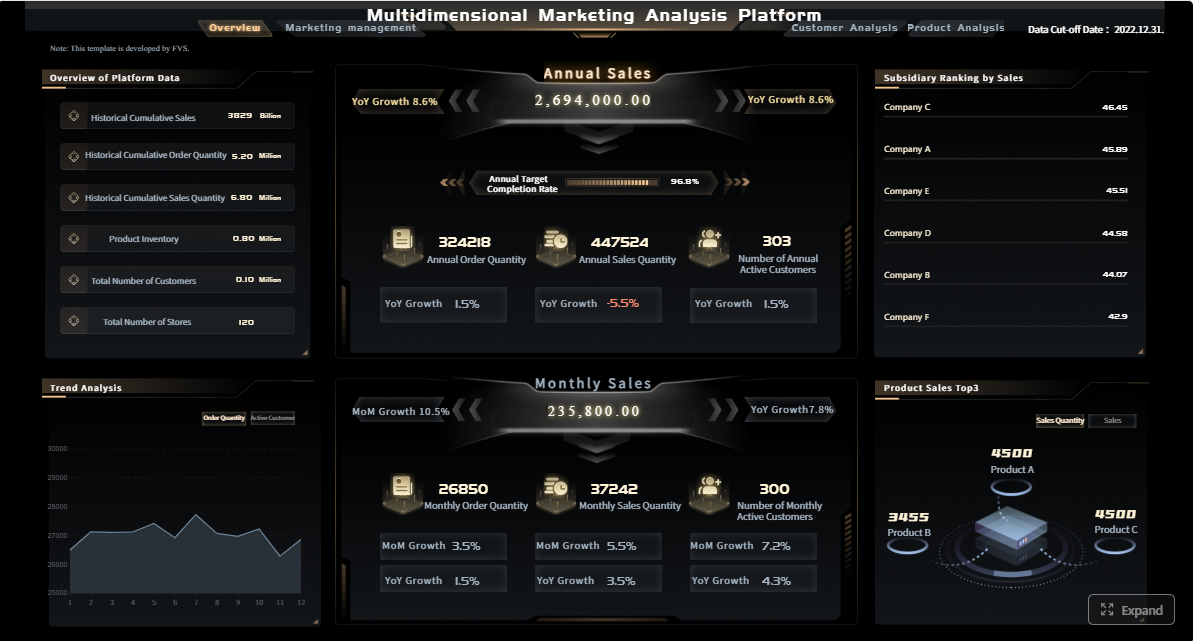 Click To Try The Dashboard
Best ecommerce data analytics software in 2026 at a glance
This comparison is for:
- DTC brands that want clearer sales and marketing visibility
- Marketplace sellers managing Amazon, Walmart, Shopify, and retail partner data
- Omnichannel retailers combining ecommerce, POS, inventory, and supply chain reporting
- Agencies building recurring client dashboards and performance reports
We compared all 9 tools across the criteria that matter most in ecommerce:
- Data sources and integrations
- Dashboarding and reporting
- Attribution
- Forecasting
- Customer insights and behavior analysis
- Automation and scheduled delivery
- Pricing expectations and total cost
Quick Comparison Table
| Tool | Best for | Dashboarding | Buyer behavior analysis | Marketplace / multichannel | Scheduled reporting | Enterprise reporting depth | Pricing expectation |
|---|---|---|---|---|---|---|---|
| Triple Whale | Shopify-first performance reporting | Strong | Moderate | Limited to moderate | Moderate | Moderate | Mid to high |
| Google Analytics 4 | Free web and ecommerce analytics | Strong | Moderate | Limited | Basic to moderate | Limited | Free |
| Looker | Advanced BI and data modeling | Strong | Moderate | Strong with warehouse setup | Strong | Strong | Enterprise/custom |
| Mixpanel | Funnel, retention, and cohort analysis | Strong | Strong | Limited | Moderate | Moderate | Free tier + paid |
| Hotjar | UX behavior and on-site friction | Basic | Strong visual UX insights | Limited | Basic | Limited | Low to mid |
| Matomo | Privacy-focused analytics | Moderate | Moderate | Limited | Moderate | Moderate | Free self-hosted + paid cloud |
| Adobe Analytics | Enterprise customer journey analysis | Strong | Strong | Strong | Strong | Strong | Enterprise/custom |
| Supermetrics | Data pipeline and reporting workflows | Depends on BI layer | Limited | Strong for marketing data | Strong | Moderate | Mid |
| DataHawk | Marketplace and retail analytics | Moderate | Limited | Strong | Moderate | Moderate | Mid to high |
| FineReport | Operational ecommerce and enterprise reporting | Strong | Moderate | Strong with integrated data | Strong | Strong | Custom / business case dependent |
The short version:
- Best for startups: GA4 or Hotjar, depending on whether you need traffic metrics or UX insight
- Best for scaling brands: Triple Whale or Mixpanel
- Best for enterprise retail: Looker, Adobe Analytics, or FineReport
- Best for marketplaces: DataHawk
- Best for buyer behavior analysis: Mixpanel or Hotjar
The best way to use this guide is to start with your primary use case. Do not chase the longest feature list if your real need is simply better attribution, stronger cohort analysis, or more reliable cross-channel reporting.
What ecommerce analytics is and how to choose the right tool
Ecommerce analytics is the practice of collecting, analyzing, and presenting data from your online store and connected channels to answer business questions such as:
- Which channels drive profitable customers?
- Why are shoppers dropping off before purchase?
- Which products increase margin and repeat purchases?
- How is CAC changing by campaign, market, or channel?
- Which customer segments are most valuable over time?
- Where are inventory, fulfillment, or return issues affecting growth?
A simple definition of ecommerce analytics and the business questions it should answer
A good ecommerce analytics system should help you answer questions in five areas:
- Acquisition: Where customers come from and what it costs
- Conversion: What helps or hurts purchase completion
- Retention: Who returns, repurchases, or churns
- Merchandising: Which products, bundles, and categories perform best
- Operations: How inventory, shipping, refunds, and supply chain affect outcomes
The difference between basic reporting, BI, product analytics, and retail-focused intelligence platforms
These categories are often mixed together, but they serve different jobs.
Basic reporting
Basic reporting tools focus on standard dashboards and KPI summaries. They are useful for quick visibility into revenue, orders, traffic, and campaign performance.
Best for:
- Smaller stores
- Teams needing fast setup
- Weekly or monthly reviews
BI platforms
Business intelligence tools combine data from many systems and allow more flexible analysis, custom dashboards, and enterprise reporting.
Best for:
- Finance and operations teams
- Omnichannel retail organizations
- Businesses with data warehouses or multiple source systems
Product analytics
Product analytics tools focus on events, funnels, user paths, cohorts, and retention behavior.
Best for:
- Conversion optimization teams
- Growth teams
- Stores with complex customer journeys
Retail-focused intelligence platforms
These tools are built for ecommerce and retail use cases such as marketplace performance, inventory analysis, retail partner reporting, and omnichannel sales visibility.
Best for:
- Sellers on Amazon and Walmart
- Consumer brands with retail distribution
- Teams balancing ecommerce and supply chain decisions
Core evaluation criteria: integrations, data freshness, identity resolution, ease of use, customization, and total cost
When comparing ecommerce data analytics software, use these six filters:
1. Integrations
Can the platform connect to your store, ad platforms, CRM, email tools, POS, and warehouse?
2. Data freshness
Do you need near-real-time monitoring, or is daily refresh enough?
3. Identity resolution
Can the tool help connect anonymous visitors, known customers, and repeat buyers across touchpoints?
4. Ease of use
Who will maintain it: founders, marketers, analysts, or IT?
5. Customization
Can you tailor dashboards, KPIs, reports, and filters to your business model?
6. Total cost
Look beyond subscription price. Include:
- Implementation time
- Consultant support
- Data engineering work
- Training
- Ongoing maintenance
Common mistakes to avoid when comparing free and paid options
Common buying mistakes include:
- Choosing a free tool that cannot scale to cross-channel analysis
- Overbuying enterprise software before the team has clear analytics processes
- Confusing web analytics with full ecommerce business intelligence
- Ignoring scheduled reporting and operational reporting needs
- Underestimating the work required to clean and unify data
A free analytics tool can be enough for basic visibility. But if your teams need investor reporting, marketplace performance rollups, regional sales packs, operational reporting, or printable scheduled reports, the cheapest option often becomes expensive later.
9 tools compared by use case
Best for all-in-one ecommerce performance reporting
These tools suit merchants who want sales, marketing, and customer KPIs in one place.
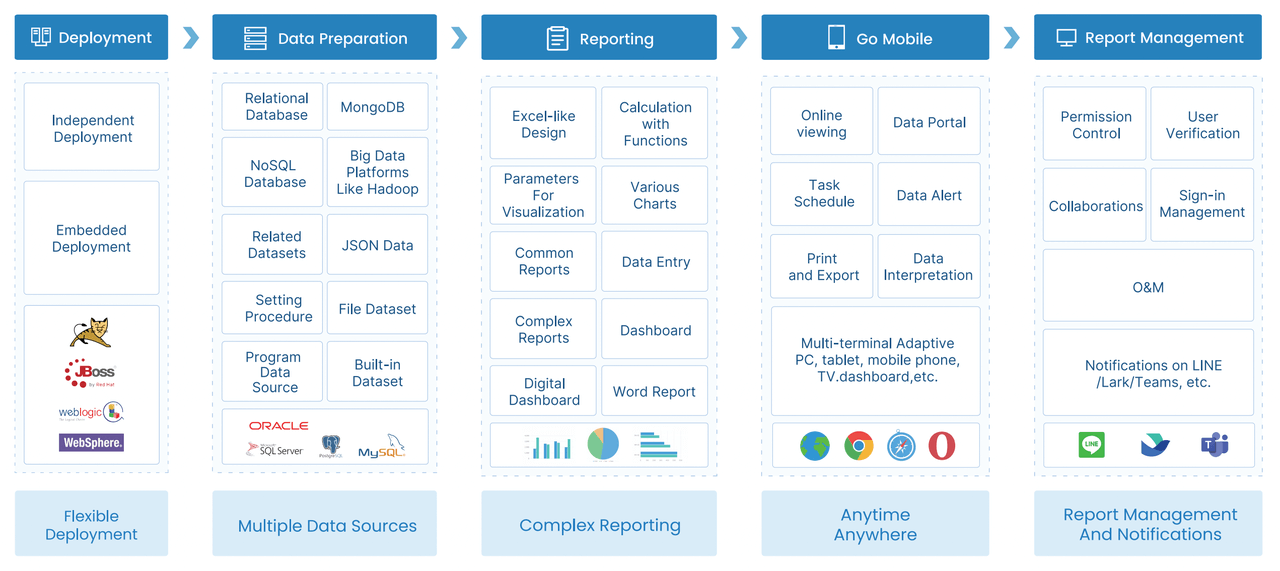
1. FineReport
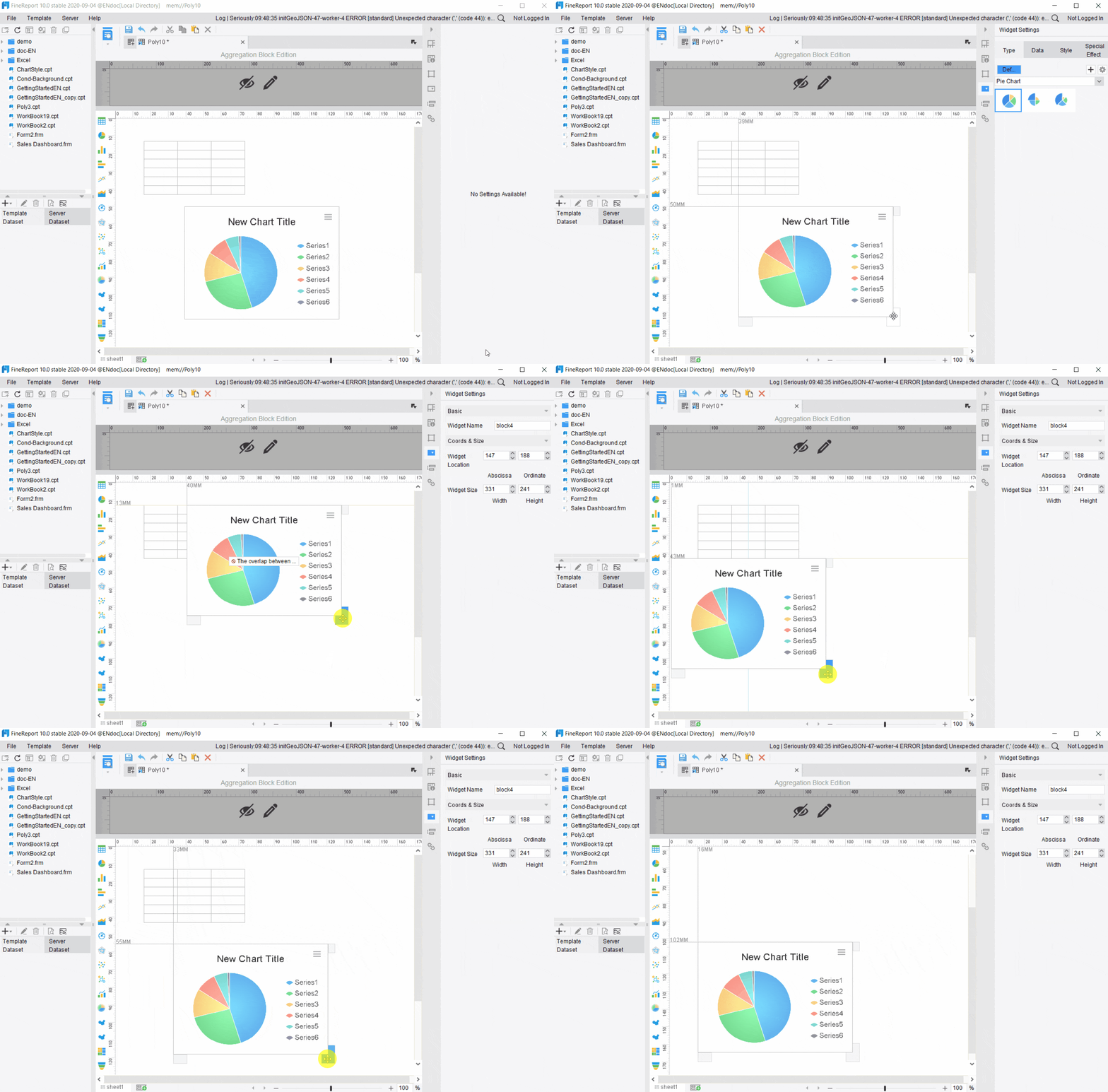
 FineReport is a strong fit when ecommerce reporting needs go beyond dashboards into structured business reporting, scheduled distribution, parameterized analysis, and operational workflows.
Strengths
- Supports dashboard and report integration
- Well suited to pixel-perfect, paginated, and printable reporting
- Useful for finance, operations, logistics, and management packs
- Supports parameter queries and scheduled report distribution
- Can support form-based workflows and data entry scenarios where reporting and action need to connect
Limitations
- Not positioned as a pure product analytics tool
- Best value appears when teams need formal reporting, recurring reporting operations, or enterprise governance
Ideal team size
- Mid-sized to enterprise reporting teams
- Retail and ecommerce organizations with operational complexity
Pricing expectations
- Custom, depending on deployment and scope
2. Triple Whale
Triple Whale is popular with Shopify-centric brands that want a unified view of store performance, attribution, and marketing efficiency.
Strengths
- Ecommerce-focused setup
- Strong performance dashboarding
- Useful for media buying visibility and blended performance views
Limitations
- Best suited to brands in its core ecommerce ecosystem
- Not designed as a full enterprise reporting platform
- May be less flexible for nonstandard operational reporting
Ideal team size
- Small to mid-sized growth teams
- DTC brands with active paid acquisition
Pricing expectations
- Mid to high, depending on plan and use
3. Looker
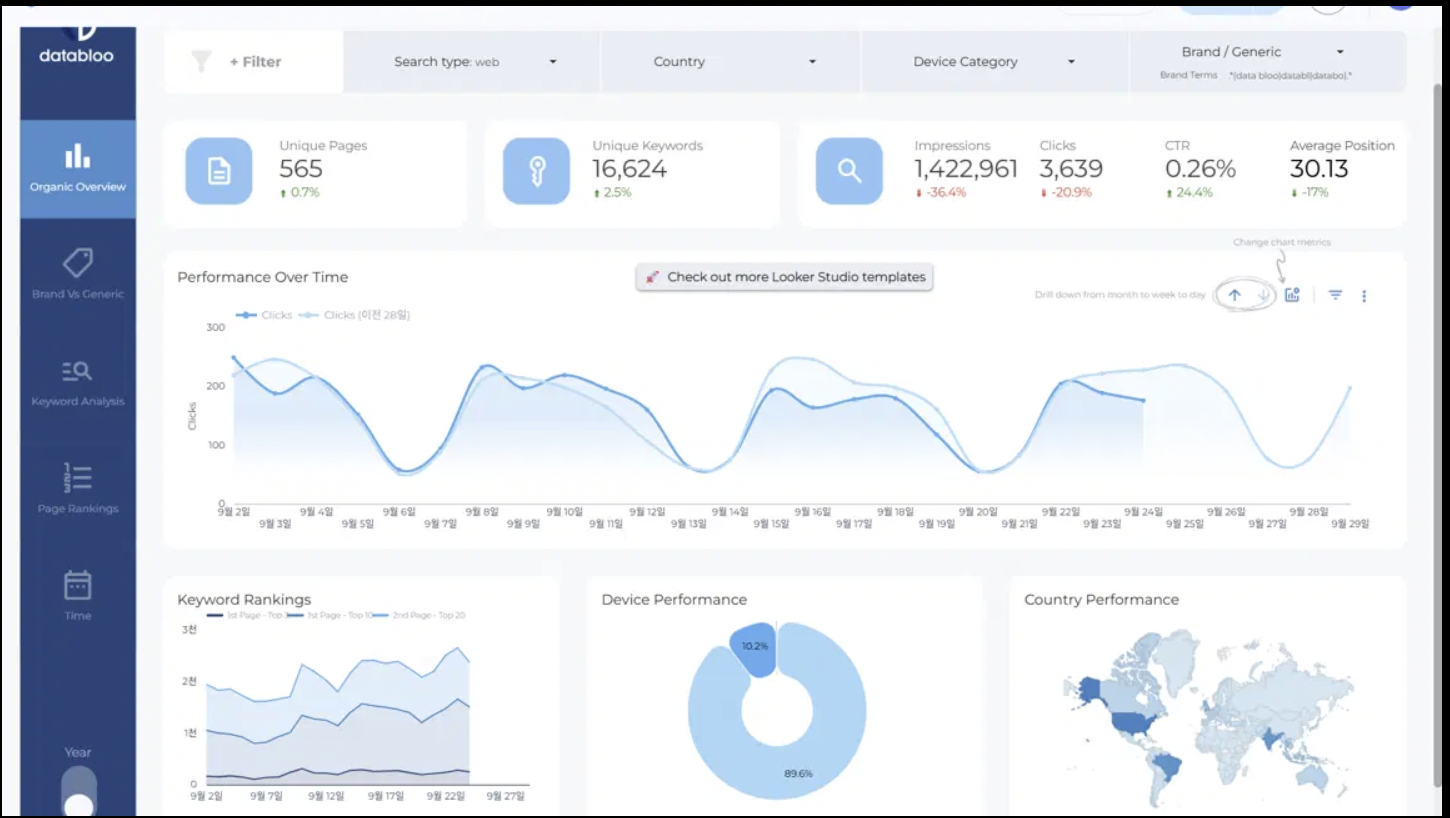 Looker fits businesses that want a more robust BI layer on top of ecommerce and warehouse data.
Strengths
- Strong modeling and semantic consistency
- Flexible dashboards for cross-functional analysis
- Good fit for mature analytics teams
Limitations
- Requires more technical ownership
- Setup can be heavier than ecommerce-native tools
- Not the simplest option for quick wins
Ideal team size
- Mid-market to enterprise teams
- Businesses with data resources
Pricing expectations
- Enterprise/custom
Best for decoding buyer behaviour and customer journeys
These tools are best for teams focused on retention, funnel analysis, cohort tracking, and conversion blockers.
4. Mixpanel
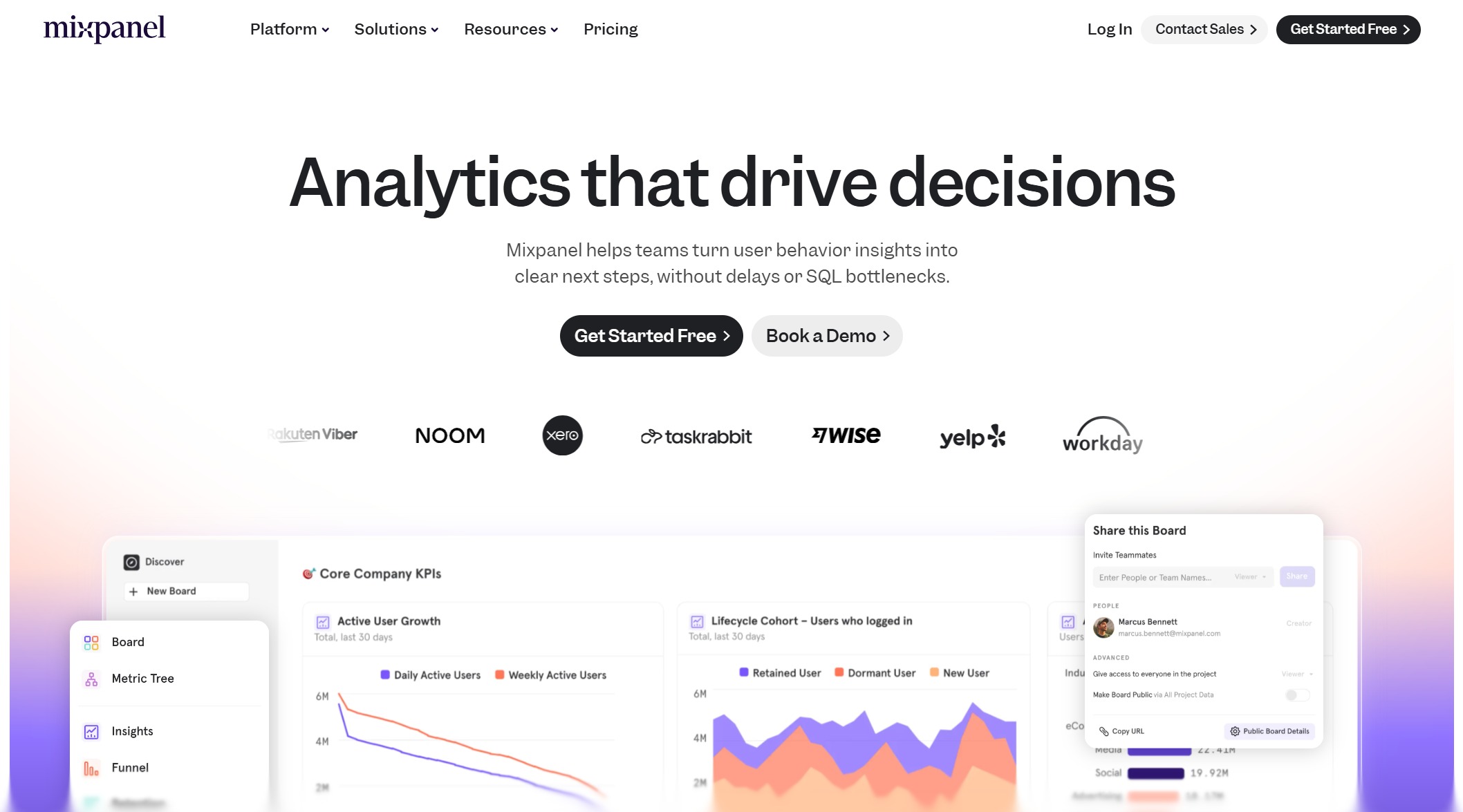 Mixpanel is a strong option for event-based ecommerce analysis.
Strengths
- Funnel and cohort analysis
- Retention tracking
- Event-based user journey visibility
- Good for growth and product-led experimentation
Limitations
- Less focused on full business reporting
- Operational or finance reporting may require another tool
- Can become more complex as tracking grows
Ideal team size
- Growth, product, and lifecycle marketing teams
Pricing expectations
- Free tier available; paid plans scale with usage
5. Hotjar
 Hotjar helps teams understand what shoppers are doing visually.
Strengths
- Heatmaps
- Session recordings
- Feedback widgets and surveys
- Fast way to identify friction in product or checkout pages
Limitations
- Not a full ecommerce BI tool
- Limited for revenue modeling or cross-channel reporting
- Best used alongside another analytics platform
Ideal team size
- UX, CRO, and small ecommerce teams
Pricing expectations
- Low to mid
6. Adobe Analytics
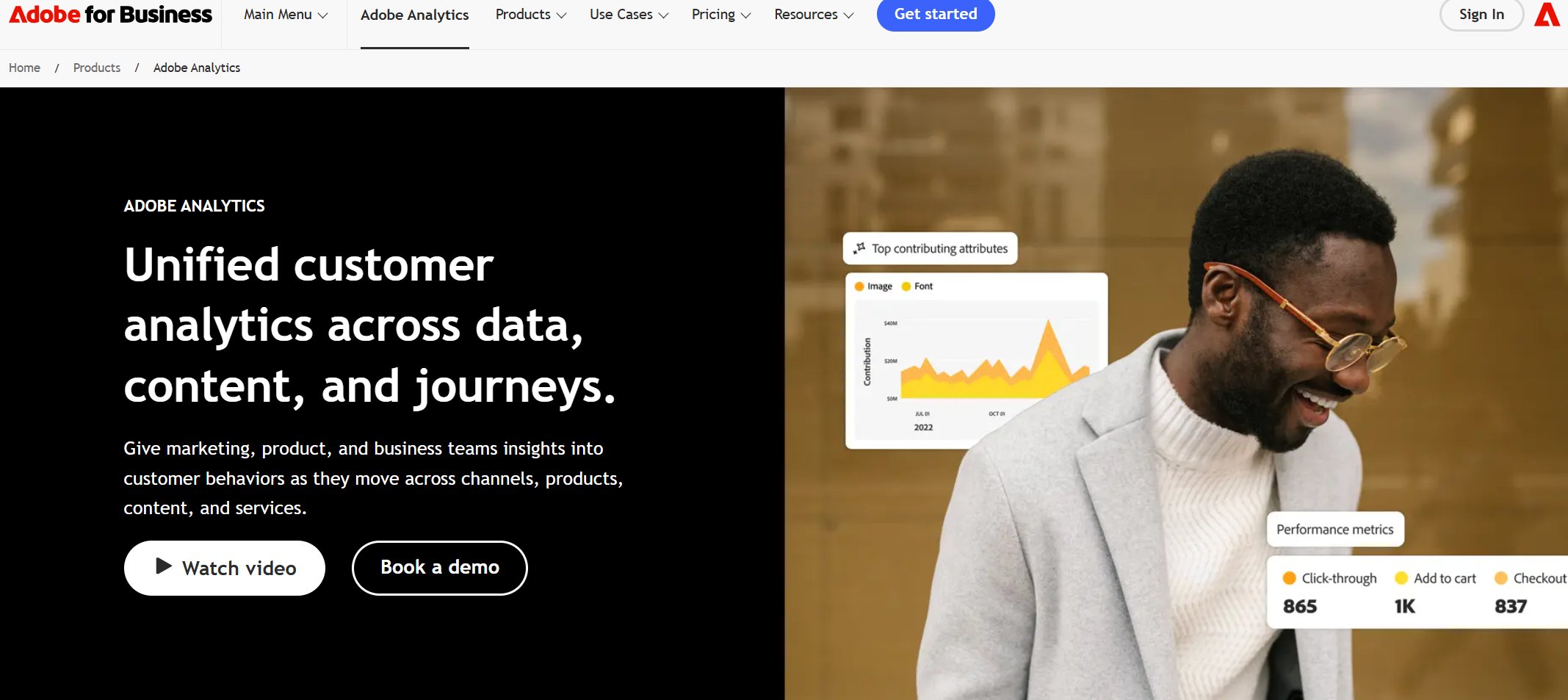 Adobe Analytics suits larger organizations needing advanced customer journey analysis and segmentation.
Strengths
- Deep behavioral and journey analysis
- Advanced segmentation
- Broad enterprise suitability
- Often relevant for teams already in the Adobe ecosystem
Limitations
- Higher complexity
- Higher cost
- Requires analytical maturity to use well
Ideal team size
- Enterprise digital and analytics teams
Pricing expectations
- Enterprise/custom
Best for marketplaces and multichannel sellers
These tools are best for brands selling across Amazon, Walmart, Shopify, and retail partners.
7. DataHawk
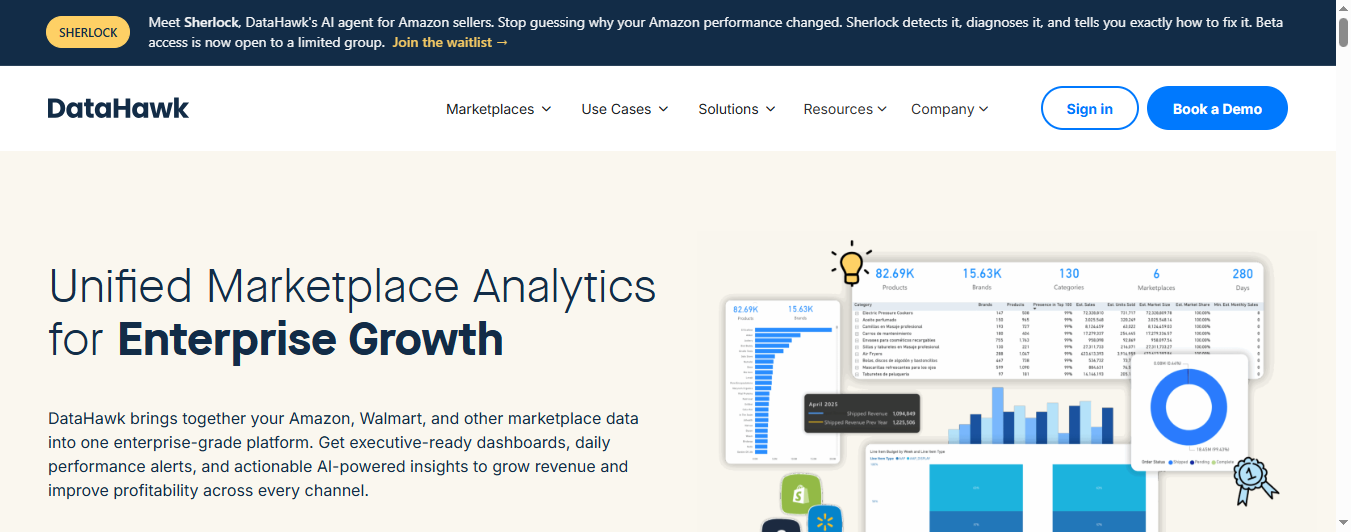 DataHawk is widely associated with marketplace and retail analytics use cases.
Strengths
- Strong marketplace visibility
- Useful for monitoring retail and multichannel performance
- Relevant for brands balancing direct and marketplace sales
Limitations
- Less broad as a general BI platform
- May need to be paired with another reporting stack for executive or finance use
Ideal team size
- Marketplace teams
- Brands with Amazon-heavy revenue mix
Pricing expectations
- Mid to high
8. Supermetrics
 Supermetrics is more of a data pipeline layer than a standalone analytics destination, but it is valuable for pulling channel data into sheets, dashboards, or BI environments.
Strengths
- Wide connector coverage for marketing sources
- Useful for recurring reporting workflows
- Good bridge between ad platforms and BI tools
Limitations
- Depends on where you visualize and analyze the data
- Limited as a complete ecommerce decision platform on its own
Ideal team size
- Agencies
- Lean performance marketing teams
- Businesses with spreadsheet or BI-based workflows
Pricing expectations
- Mid
9. Google Analytics 4
 GA4 remains a common starting point for ecommerce analytics.
Strengths
- Free entry point
- Broad adoption
- Useful for traffic, event, and conversion tracking
- Works well with Google’s ecosystem
Limitations
- Not a full business reporting platform
- Can be difficult for non-specialists to interpret
- Ecommerce teams often need other tools for operational reporting, profitability analysis, or customer reporting
Ideal team size
- Startups
- Small ecommerce teams
- Brands beginning analytics maturity
Pricing expectations
- Free, with enterprise options available separately
Side-by-side comparison: features, pros, cons, and pricing
Integrations and data coverage
The best ecommerce data analytics software should cover these data classes:
- Ecommerce platforms: Shopify, WooCommerce, BigCommerce, Magento, and similar
- Ad channels: Google Ads, Meta, TikTok, Amazon Ads
- Email and lifecycle: Klaviyo and other ESPs
- CRM and customer systems
- POS and retail systems
- Warehouse, ERP, and inventory systems
Best broad integration approaches
- Looker for warehouse-centered stacks
- Supermetrics for marketing data movement
- FineReport for enterprise reporting on top of integrated business data
- Adobe Analytics for advanced digital and enterprise environments
Best lightweight coverage
- GA4
- Hotjar
- Triple Whale for core ecommerce performance use cases
Analysis depth and automation
Analysis depth matters because not all tools answer the same questions.
Dashboard flexibility
- Strong: Looker, Adobe Analytics, FineReport
- Moderate to strong: Triple Whale, Mixpanel
- Basic to moderate: GA4, Hotjar, Matomo
Segmentation and behavioral analysis
- Strong: Mixpanel, Adobe Analytics
- Moderate: GA4, Matomo
- Visual UX insight: Hotjar
Anomaly detection and forecasting
Some enterprise and BI tools support more advanced forecasting or analytical extensions, but availability varies by implementation and data model. If forecasting is central to your use case, validate it in a live product demo rather than assuming it is built in.
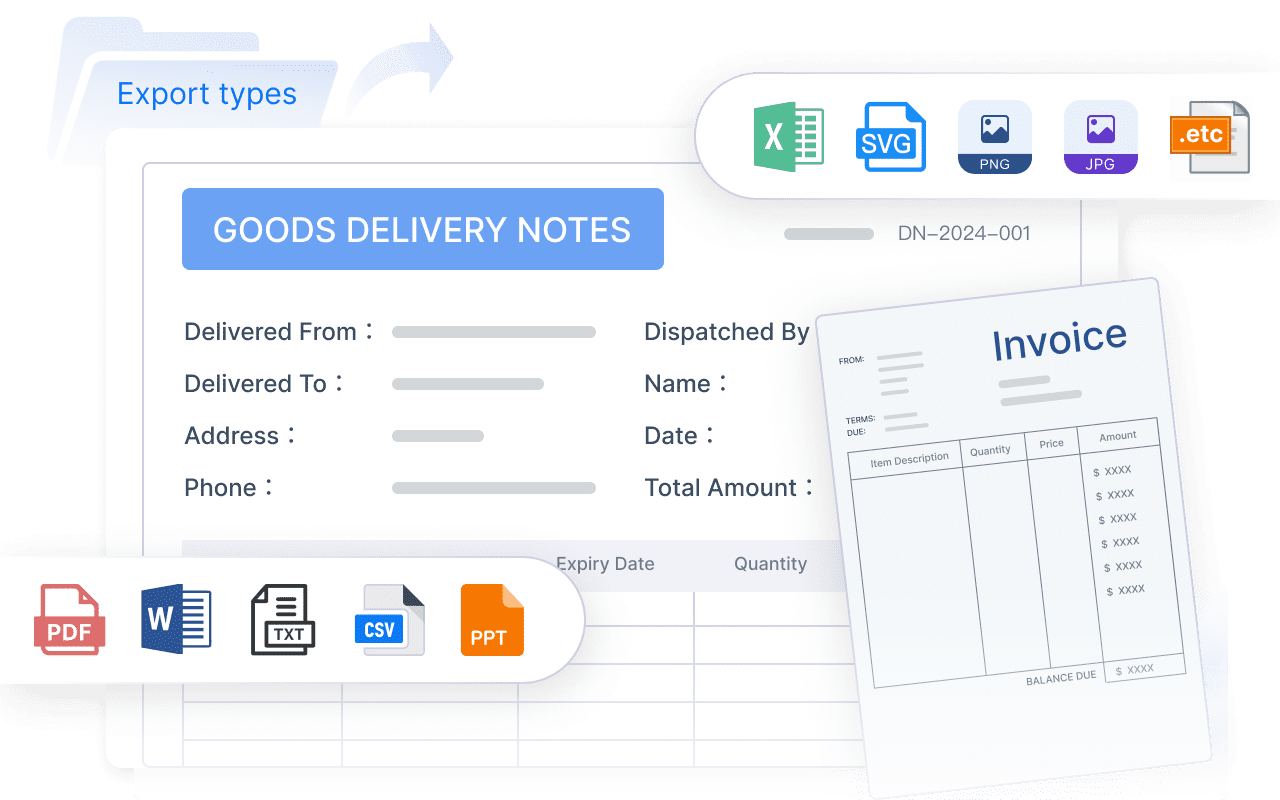
Scheduled reporting
This is where many ecommerce teams discover a gap. Dashboards are useful, but executives, finance teams, operations teams, and retail partners often still need recurring reports.
- Strong: FineReport, Looker
- Moderate: Supermetrics-based workflows, Adobe Analytics
- Basic to moderate: GA4, Triple Whale, Mixpanel
Usability and support
Setup time
- Fastest: GA4, Hotjar, Triple Whale
- Moderate: Mixpanel, Matomo, Supermetrics
- Longer: Looker, Adobe Analytics, FineReport in enterprise scenarios
Learning curve
- Lower: Hotjar, Triple Whale
- Moderate: GA4, Mixpanel, Matomo
- Higher: Looker, Adobe Analytics, FineReport for advanced enterprise use cases
Documentation and managed services
This is often overlooked. Ask:
- Is implementation mostly self-serve?
- Will your team need partner support?
- Is there a reporting consultant or internal BI owner required?
For agencies and lean teams, a tool with quick setup may beat a more powerful system that no one can maintain.
Pricing and total value
Pricing should be evaluated in context.
Entry cost
- Lowest: GA4, Matomo self-hosted, Hotjar starter plans
- Mid-range: Mixpanel, Supermetrics, Triple Whale
- Enterprise/custom: Looker, Adobe Analytics, FineReport
Hidden implementation fees
Watch for:
- Event tracking setup
- Connector costs
- Data warehouse spend
- Consultant or agency fees
- Additional seats
- Premium support
Scaling costs
Some tools get expensive as:
- Traffic increases
- Event volume grows
- More brands or stores are added
- More users need access
- More custom reporting is required
ROI considerations
The best value tool is not always the cheapest. It is the one that helps your team make better decisions consistently without creating reporting bottlenecks.
Which tool is best for your business stage
Best choice for new brands that need quick wins and simple reporting
For early-stage brands, Google Analytics 4 is usually the practical starting point. Pair it with Hotjar if you need quick visibility into user friction and checkout behavior.
Choose this route if you need:
- Fast setup
- Basic acquisition and conversion visibility
- Minimal upfront cost
Best choice for growth-stage teams optimizing CAC, LTV, and repeat purchase rate
For growth-stage teams, Triple Whale and Mixpanel are often the strongest options depending on the core question.
- Choose Triple Whale if you need unified performance reporting and attribution-oriented ecommerce visibility.
- Choose Mixpanel if you need stronger funnel, cohort, and retention analysis.
Best choice for enterprise ecommerce and retail organizations with complex data stacks
For enterprise teams, the strongest fit depends on the type of complexity:
- Looker for warehouse-led BI
- Adobe Analytics for advanced journey analysis in large digital ecosystems
- FineReport for enterprise reporting, printable reports, scheduled delivery, parameter-driven analysis, and operational reporting across functions
This distinction matters. Many enterprise ecommerce organizations need both analytical dashboards and formal business reports. Dashboards alone may not satisfy finance reviews, regional operating packs, inventory control reporting, or management reporting cycles.
Best choice for teams asking for practical resources and a clear next step before switching tools
If you are not ready to replace your analytics stack immediately, shortlist tools by the problem you need to solve first:
- Better buyer behavior visibility: Mixpanel or Hotjar
- Better all-in-one DTC visibility: Triple Whale
- Better marketplace analysis: DataHawk
- Better enterprise reporting and operational reporting: FineReport
- Better broad BI modeling: Looker
Practical recommendations before you choose
Here are five recommendations from a reporting and analytics strategy perspective.
1. Choose based on the decision, not the dashboard
Start with the question:
- Do you need to improve ad efficiency?
- Reduce checkout friction?
- Understand repeat buyers?
- Standardize weekly business reporting?
- Combine ecommerce and retail operations data?
The right tool follows the decision.
2. Separate behavioral analytics from business reporting
A funnel analysis tool and an executive reporting platform are not the same thing. Many ecommerce teams need both.
3. Validate scheduled reporting needs early
If leadership, finance, or operations rely on recurring reports, test report scheduling, access control, printable formats, and parameterized filtering before purchase.
4. Check how easily the tool handles multichannel complexity
A tool may work well for one Shopify store but struggle when you add:
- Amazon
- Walmart
- POS
- ERP
- warehouse data
- regional entities
5. Plan for adoption, not just implementation
The best ecommerce data analytics software is the one your teams actually use. Favor clarity, consistency, and reporting workflows that match how stakeholders consume information.
When FineReport is a good fit for ecommerce analytics
Tools like Tableau, Power BI, Looker, GA4, and Mixpanel are widely used for visualization and analysis, but teams with complex reporting workflows may also need a dedicated enterprise reporting platform like FineReport.
FineReport is especially relevant when your ecommerce analytics requirements include more than exploratory dashboards, such as:
- Pixel-perfect report design for board packs, finance statements, and formal operating reports
- Paginated and printable reports for management reviews and operational distribution
- Parameter queries for filtering by store, brand, channel, region, date, or category
- Scheduled reporting and automated distribution to recurring stakeholder groups
- Dashboard and report integration so users can move from KPI views to detailed reports
- Data entry and form-based workflows when teams need to submit or update operational information
- Enterprise reporting governance across departments and business units
For ecommerce and retail organizations, this can be useful in scenarios such as:
- Weekly executive sales and margin packs
- Channel and marketplace performance reporting
- Inventory and fulfillment exception reports
- Finance and reconciliation reporting
- Regional operating reviews
- Sales, logistics, and management dashboards tied to printable detail reports

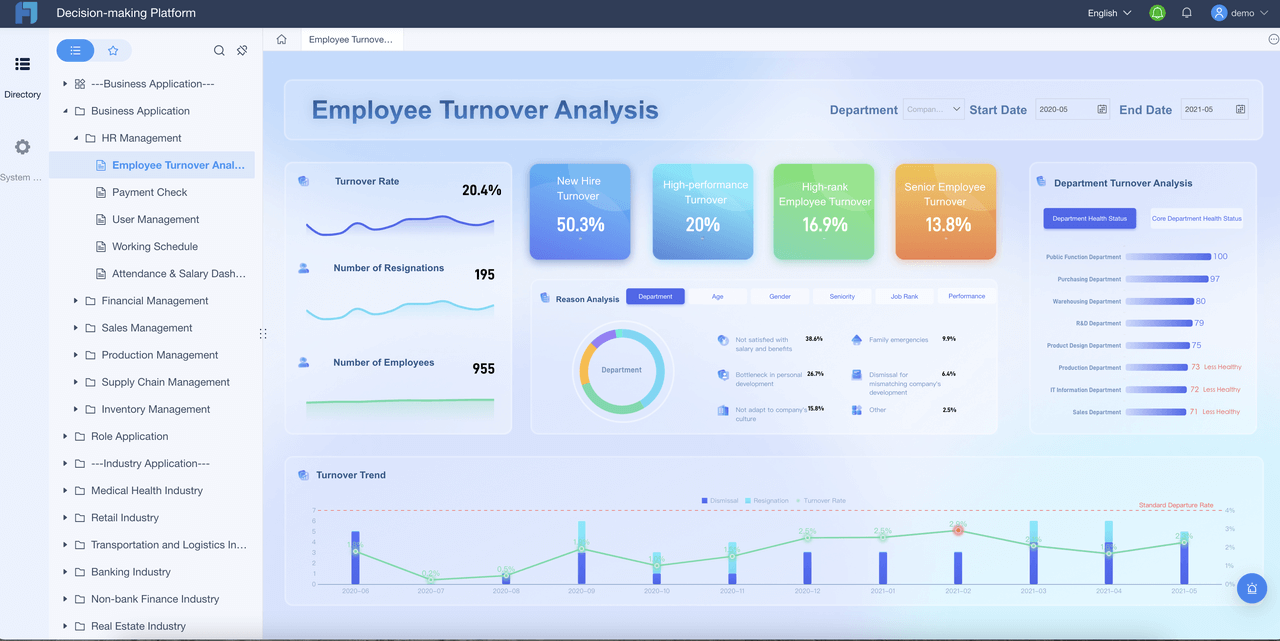
Get Ready-to-Use Dashboard and Report Templates in Fine Gallery
A practical way to think about FineReport is this: if your ecommerce team needs dashboards plus formal reporting operations, it is worth evaluating. It is not a replacement for every specialized analytics tool, but it can be a strong fit where reporting quality, scheduled delivery, cross-functional reporting, and operational governance matter.
Final verdict and shortlist recommendations
There is no single best ecommerce data analytics software for every business. The right choice depends on what you are trying to improve.
The top pick overall and who should choose it
Triple Whale is a strong overall pick for many scaling DTC brands that want unified ecommerce performance visibility without a heavy BI build.
Choose it if you want:
- Fast time to value
- Ecommerce-focused performance reporting
- Marketing and store KPI visibility in one place
The best alternative if buyer behavior analysis is the priority
Mixpanel is the best alternative when behavior, funnel analysis, cohort tracking, and retention are the main priorities.
Choose it if you want:
- Event-based analysis
- Customer journey visibility
- Better understanding of repeat purchase and drop-off patterns
The best option for marketplace analytics and retail data complexity
DataHawk is a strong fit for marketplace-focused teams.
FineReport is a strong fit when that marketplace complexity also needs to be operationalized into structured enterprise reporting.
Choose FineReport if you need:
- Multichannel reporting across business functions
- Scheduled and parameterized reports
- Dashboard-to-report workflows
- Formal management, finance, or operations reporting
The best value choice among free and paid tools
Google Analytics 4 remains the best value starting point for basic ecommerce analytics. Add Hotjar if you need UX insight without major extra cost.
If your business is growing beyond simple dashboards and needs more controlled, enterprise-ready reporting, FineReport is worth adding to the shortlist.
FAQs
Ecommerce data analytics software helps businesses combine store, marketing, customer, and operational data to understand performance and make better decisions. Teams use it to track revenue, conversion, retention, attribution, inventory, and channel profitability.