
AWS Data Pipeline helps you manage data processing and movement across AWS services.It leverages data automation to streamline the transfer and transformation of data, ensuring seamless workflows across systems.You can easily integrate data from various sources, eliminating silos and enhancing analytics reliability. AWS Data Pipeline works with services like Amazon S3 and Amazon RDS, making data handling efficient. Its serverless nature means you focus on tasks without worrying about infrastructure. FineDataLink offers a modern alternative for real-time data integration. For analytics, FineBI empowers users with insightful visualizations and data-driven decisions.

What is AWS Data Pipeline?
AWS Data Pipeline is a web service that enables data automation by orchestrating and automating the movement and transformation of data across various AWS services and on-premises data sources. It simplifies creating complex data workflows and ETL (Extract, Transform, Load) tasks without needing manual scripting or custom code. With AWS Data Pipeline, you can schedule, manage, and monitor data-driven workflows, making it easier to integrate and process data across various systems.
Imagine you have data scattered across different locations. AWS Data Pipeline acts like a conductor, ensuring your data moves smoothly from one place to another. It handles everything from data movement and transformation to backups and automating analytics tasks. This service ensures that tasks depend on the successful completion of preceding tasks, making your data workflows reliable and efficient.
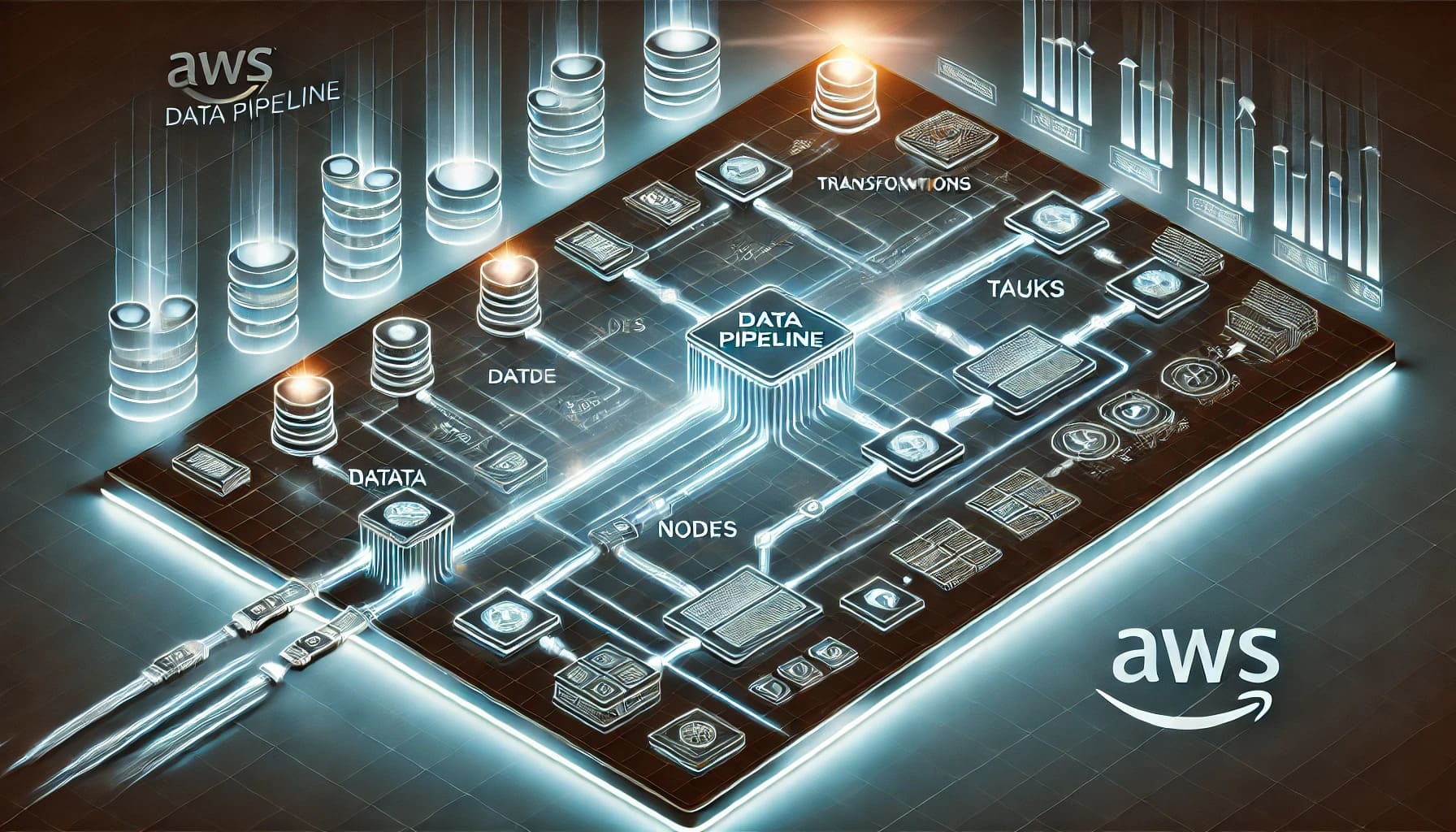
Important Update: AWS Data Pipeline Is in Maintenance Mode
As documented in official AWS references, AWS Data Pipeline is in maintenance mode with the following implications:
| Aspect | Status |
| New customer onboarding | Not available. New AWS accounts cannot create pipelines. |
| Existing customers | Can continue using existing pipelines without interruption. |
| New features | No new functionality planned. |
| Regional expansion | No new region deployments. |
| Security patches | Critical security fixes only. |
| Recommended action | Plan migration to AWS Glue, Step Functions, Amazon MWAA, or third-party alternatives. |
What this means for your organization:
- If you are a new AWS user or starting a new data project: Do not adopt AWS Data Pipeline. Choose a supported alternative from the comparison below.
- If you are an existing user: Your pipelines continue to function, but you face increasing risk—no feature updates, limited support escalation paths, and eventual deprecation. Begin evaluating migration targets now.
- If you are integrating non-AWS sources: AWS Data Pipeline was never designed for this. Consider an enterprise data integration platform regardless of migration timeline.
AWS provides migration guidance in its documentation. Teams should assess pipeline complexity, data source diversity, and operational requirements before selecting a target platform.
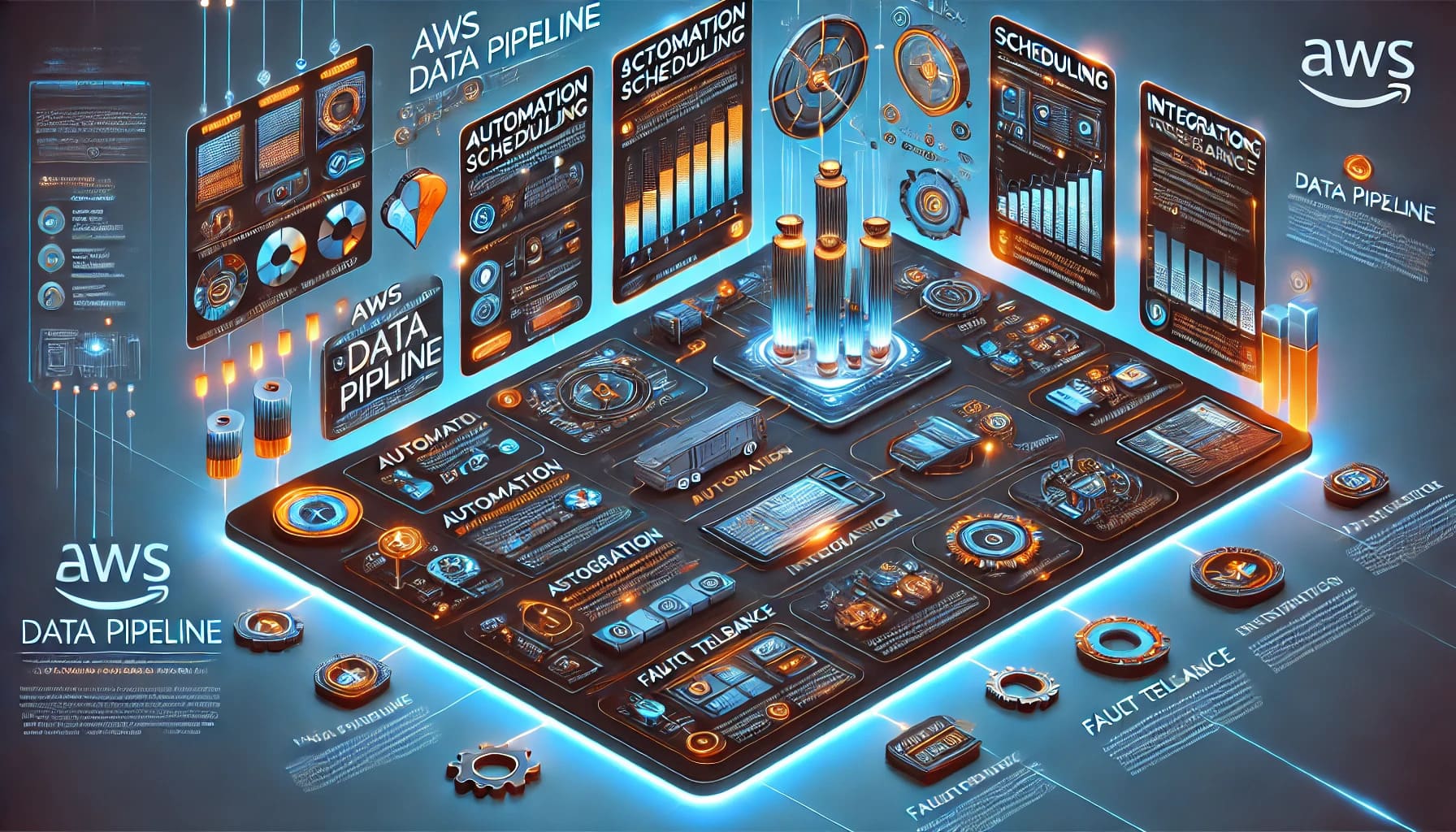
What AWS Data Pipeline Was Commonly Used For
Understanding legacy use cases helps map them to appropriate replacements:
| Legacy Use Case | Modern Equivalent |
| Batch ETL between S3 and Redshift | AWS Glue ETL jobs or FineDataLink sync tasks |
| Scheduled data exports from RDS to S3 | AWS Step Functions + Lambda or FineDataLink scheduled pipelines |
| EMR cluster orchestration for data processing | Amazon MWAA (Airflow) or AWS Glue workflows |
| Cross-region S3 replication with transformation | AWS Step Functions + S3 Batch Operations or FineDataLink |
| On-premises to AWS data transfer | AWS DMS, Storage Gateway, or FineDataLink hybrid connectors |
| Simple dependency-managed batch workflows | AWS Step Functions state machines |
Not every legacy use case maps cleanly to a single replacement. Complex multi-source, hybrid-cloud scenarios often require combining AWS-native orchestration with dedicated data integration tooling.
AWS Data Pipeline Core Components
When you dive into the AWS Data Pipeline, understanding its core components and architecture is crucial. These elements work together to ensure your data flows smoothly and efficiently.
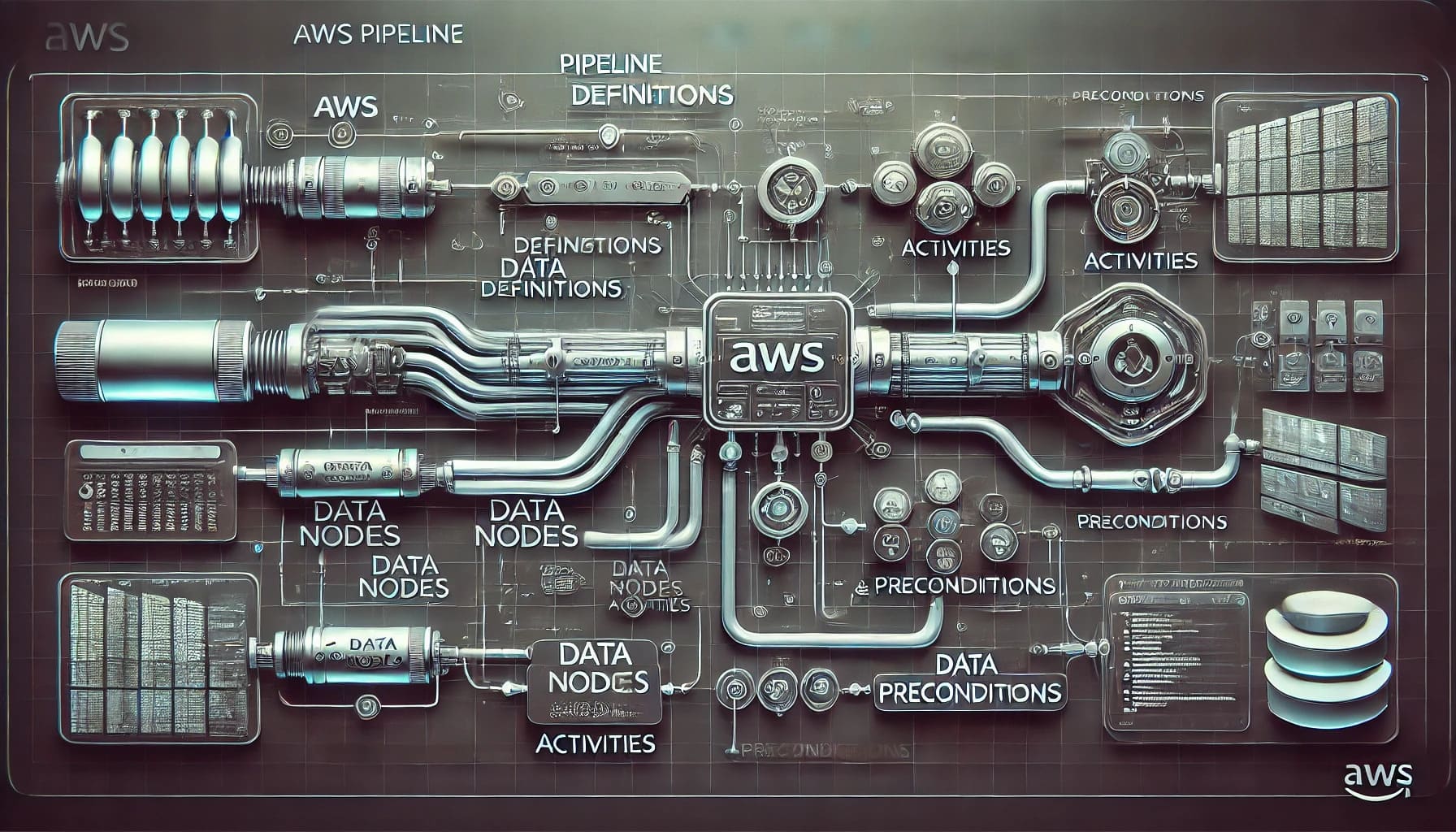
Pipeline Definition
The pipeline definition acts as the blueprint for your data workflows. It specifies how your business logic should interact with the AWS Data Pipeline. Think of it as a detailed plan that outlines every step your data will take. This definition includes various components like data nodes, activities, and preconditions. By clearly defining these elements, you ensure that your data processes run without a hitch.
Data Nodes
Data nodes serve as the starting and ending points for your data within the pipeline. They represent the locations where your data resides or where it needs to go. You can think of them as the addresses for your data. AWS Data Pipeline supports several types of data nodes, such as:
- SQLDataNode: For SQL databases.
- DynamoDBDataNode: For Amazon DynamoDB.
- RedshiftDataNode: For Amazon Redshift.
- S3DataNode: For Amazon S3.
These nodes allow you to extract data from various sources and load it into destinations like data lakes or warehouses. This flexibility ensures that your data can be easily accessed and transformed as needed.
Activities
Activities are the actions that occur within the AWS Data Pipeline. They perform tasks like executing SQL queries, transforming data, or moving it from one source to another. You can schedule these activities to run at specific times or intervals, ensuring your data is always current. Activities also depend on preconditions, which must be met before they execute. For example, if you want to move data from Amazon S3, the precondition might be checking if the data is available there. Once the precondition is satisfied, the activity proceeds.
By understanding these core components, you can effectively design and manage your data workflows using AWS Data Pipeline. This service provides a robust framework for automating data movement and transformation, allowing you to focus on deriving insights from your data.
Preconditions
Before you dive into the activities of AWS Data Pipeline, you need to understand the concept of preconditions. These are the conditions that must be met before any activity can start. Think of them as checkpoints that ensure everything is in place before the pipeline moves forward.
- Data Availability: One common precondition is checking if the data is available at the source. For instance, if you're planning to move data from Amazon S3, you first need to verify that the data exists there. This step prevents errors and ensures that your pipeline doesn't run into issues due to missing data.
- Resource Readiness: Another important precondition involves ensuring that the necessary compute resources, like Amazon EC2 or EMR clusters, are ready and available. Without these resources, your data processing tasks might not execute as planned.
- Dependency Checks: Sometimes, activities depend on the completion of other tasks. You need to set preconditions to check if these dependencies are resolved. This ensures a smooth flow of operations within your AWS Data Pipeline.
- Time Constraints: You might also have time-based preconditions. These ensure that activities only start at specific times or after certain intervals. This is particularly useful for tasks that need to run during off-peak hours to optimize resource usage.
By setting these preconditions, you create a robust framework for your data workflows. They act as safeguards, ensuring that each step in your AWS Data Pipeline is executed under the right conditions. This approach not only improves data reliability but also helps maintain the integrity of your data processes.

AWS Data Pipeline Alternatives
AWS Glue
AWS Glue is a serverless ETL service with an integrated data catalog. It supports visual ETL authoring, Spark/Python scripts, and native integration with S3, Redshift, Athena, and Lake Formation.
Best for: Serverless ETL workloads entirely within AWS; teams wanting managed infrastructure with catalog-driven discovery.
Limitations: Primarily AWS-centric. Connecting to non-AWS databases, ERP systems, or on-premises sources requires additional configuration or complementary tools. Less suited for real-time synchronization or API-based data services.
AWS Step Functions
Step Functions is a low-code workflow orchestration service supporting 200+ AWS service integrations via state machines. It excels at coordinating complex, event-driven workflows beyond pure data movement.
Best for: Orchestrating multi-service AWS workflows where data movement is one step among many (e.g., ingest → validate → notify → archive).
Limitations: Not a data integration platform. Lacks built-in ETL transformations, schema mapping, or data quality validation. Requires pairing with Lambda, Glue, or external tools for actual data processing.
Amazon MWAA / Apache Airflow
Amazon Managed Workflows for Apache Airflow (MWAA) provides a managed Airflow environment for Python-based DAG orchestration. Open-source Airflow offers the same capabilities self-hosted.
Best for: Teams with Python expertise needing flexible, code-defined pipelines with extensive operator ecosystems and community support.
Limitations: Higher technical barrier. Requires DAG development, dependency management, and operational monitoring expertise. Self-hosted Airflow adds infrastructure overhead; MWAA reduces it but increases cost.
FineDataLink
FineDataLink is an enterprise data integration platform supporting ETL/ELT workflows, real-time synchronization, API data services, and multi-source connectivity across cloud, on-premises, and hybrid environments.
Best for: Enterprise data integration spanning databases, APIs, ERP, CRM, cloud platforms, and on-premises systems. Low-code visual design accelerates pipeline development for business data integration, BI preparation, and AI-ready data foundations.
Strengths: Visual pipeline builder, broad connector library, real-time sync capabilities, built-in data quality validation, and scheduled execution. Complements AWS-native services when data sources extend beyond the AWS ecosystem.
Explore FineDataLink for enterprise data integration →
AWS Data Pipeline vs AWS Glue vs Airflow vs FineDataLink
| Tool | Best for | Strength | Limitation |
| AWS Data Pipeline | Existing AWS Data Pipeline workloads | Legacy AWS workflow automation | Maintenance mode; not available to new customers |
| AWS Glue | Serverless ETL on AWS | Strong AWS-native ETL and data catalog | Mainly AWS-centered; limited non-AWS connectivity |
| AWS Step Functions | Workflow orchestration | Broad AWS service orchestration (200+ services) | Not a data integration platform; requires paired services |
| Amazon MWAA / Airflow | Python-based workflow orchestration | Flexible DAG-based pipelines; large operator ecosystem | More technical setup; higher expertise requirement |
| FineDataLink | Enterprise data integration and synchronization | Low-code ETL/ELT; multi-source; real-time sync; hybrid | Best when goal is business data integration, not only AWS-native orchestration |
Selection guidance:
- Pure AWS ETL, serverless preferred: AWS Glue.
- Complex multi-service orchestration within AWS: Step Functions (+ Glue/Lambda for data processing).
- Code-first pipelines with Python expertise: MWAA or self-hosted Airflow.
- Multi-source enterprise integration (AWS + non-AWS + on-prem): FineDataLink.
- Hybrid approach: Combine AWS Glue/Step Functions for AWS-native workloads with FineDataLink for cross-platform synchronization and non-AWS source integration.
When to Choose FineDataLink
FineDataLink is the stronger choice when your data integration requirements extend beyond AWS-native orchestration:
- Heterogeneous data sources. You need to connect AWS services alongside on-premises databases, SaaS applications (Salesforce, SAP, Oracle), REST APIs, and file systems. AWS-native tools handle AWS well but struggle outside the ecosystem.
- Real-time or near-real-time synchronization. Batch-only ETL is insufficient. FineDataLink supports CDC (change data capture) and streaming sync for operational analytics and dashboard freshness.
- Low-code acceleration. Your team needs to deliver pipelines faster than Python DAG development allows. Visual design with pre-built connectors reduces development cycles.
- Data quality at the pipeline level. Built-in validation, profiling, and alerting catch issues before they reach downstream dashboards or AI models.
- BI and AI data preparation. Pipelines feed directly into FineBI dashboards or governed datasets for AI analysis, creating an integrated data-to-insight chain.
- Hybrid cloud architecture. Data lives across AWS, Azure, GCP, and on-premises. FineDataLink's connector breadth spans environments without requiring separate tooling per cloud.
For teams whose workloads are entirely within AWS and who have strong engineering capacity, AWS Glue or MWAA may suffice. For enterprises treating data integration as a cross-platform business capability—not just an AWS infrastructure task—FineDataLink provides broader coverage with lower operational overhead.
"FineDataLink offers a modern and scalable data integration solution that addresses challenges such as data silos, complex data formats, and manual processes."
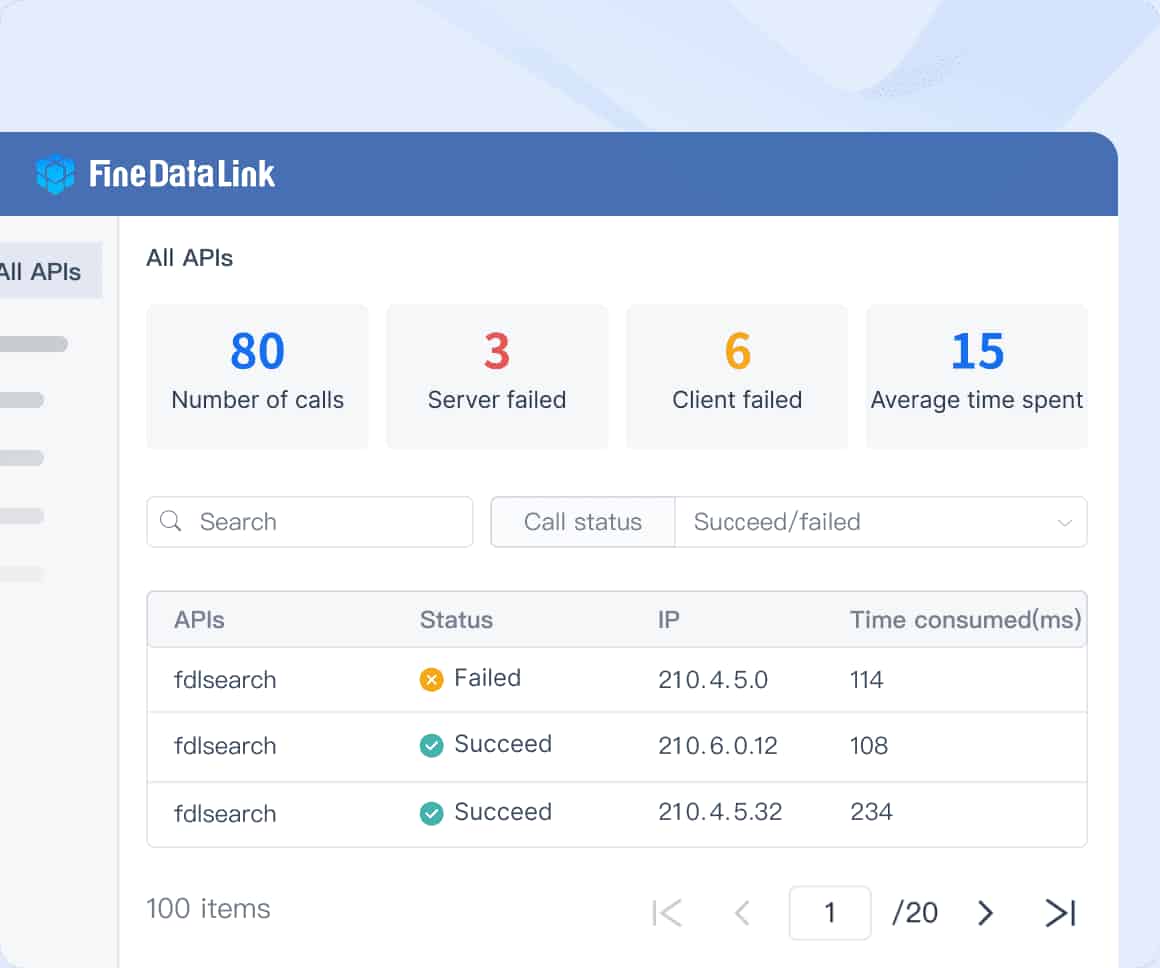
From Data Pipelines to AI Data Agent
Once data pipelines are stable and trusted, Dora can help business users ask questions, summarize changes, and follow up on insights based on governed business data. FineDataLink builds the data flow; Dora helps turn that governed data into AI-assisted analysis.
Dora operates on top of dashboards and reports powered by reliable pipelines. It does not replace data integration—it depends on it. When FineDataLink ensures data is current, consistent, and accessible, Dora can reliably answer natural-language questions, detect anomalous KPI movements, and generate role-based briefings grounded in actual business data.
The sequence matters: governed pipelines first, trusted dashboards second, AI-assisted analysis third. Skipping the foundation produces unreliable AI outputs.
Continue Reading about Data Pipeline
Mastering Data Pipeline: Your Comprehensive Guide
Frequently asked questions
AWS Data Pipeline is a web service that helps you automate the movement and transformation of data across different AWS services and on-premises data sources. It simplifies the creation of complex data workflows, making it easier to manage and process large amounts of data without manual intervention.