A white label reporting tool is software that lets you deliver dashboards, reports, or analytics experiences under your own brand instead of the vendor’s. If you are a marketing agency, consultancy, SaaS company, or product team, you are likely trying to solve one of these problems:
- Show client or customer data without exposing a third-party vendor
- Deliver recurring reports at scale without manual formatting
- Embed analytics into a product or portal with a branded experience
- Manage multiple tenants, clients, or accounts efficiently
- Balance visual branding with real reporting, governance, and scalability needs
In practice, buyers are not just comparing logos and color themes. They are evaluating whether a platform can support client-facing analytics workflows, automated delivery, multi-client administration, embedded access, and in some cases more structured operational reporting than a dashboard tool alone can provide.
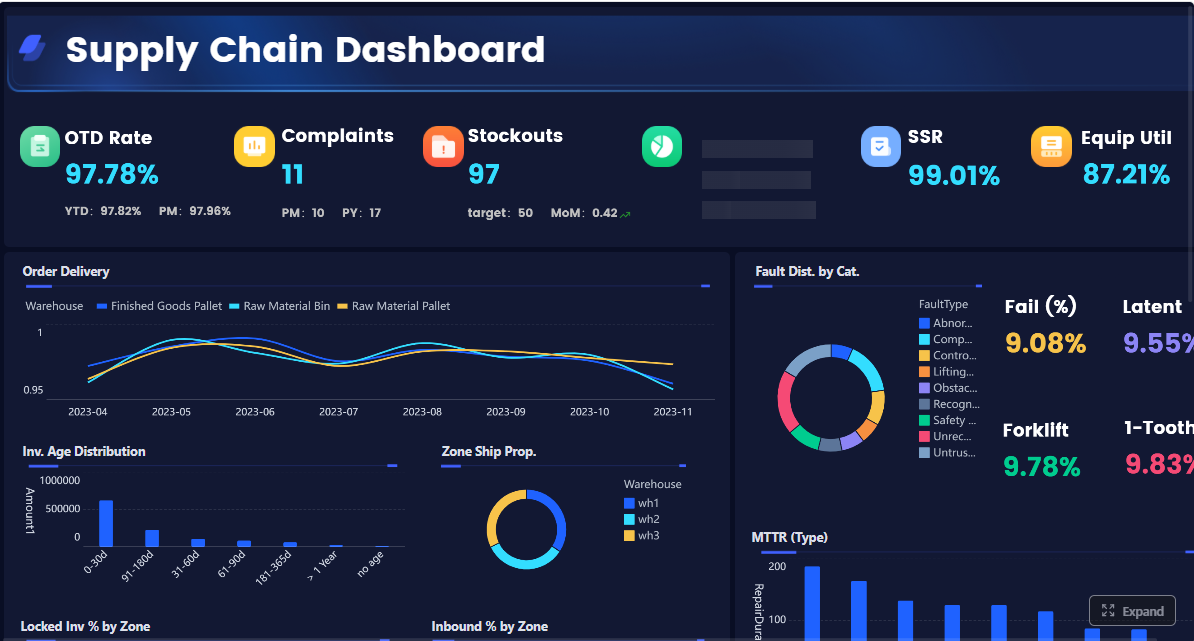 Click To Try The Dashboard
Quick Comparison Table
The table below gives a balanced view of seven commonly considered white label reporting tool options for agencies and SaaS teams.
| Tool | Best for | Dashboarding | Pixel-perfect reporting | Paginated reports | Data entry/forms | Scheduling and distribution | Enterprise deployment | Ease of use | Recommended users |
|---|---|---|---|---|---|---|---|---|---|
| AgencyAnalytics | Marketing agencies with recurring client reporting | Strong for agency KPI dashboards | Limited for highly formatted reporting | Basic exported reporting | No major forms workflow focus | Strong scheduled client reporting | Moderate | Easy | Agencies managing SEO, PPC, and marketing clients |
| DashThis | Fast setup for agency dashboards | Strong | Limited | Limited | No | Strong email/PDF sharing | Moderate | Very easy | Small to mid-sized agencies that want speed |
| Whatagraph | Multi-channel marketing reporting | Strong | Moderate | Moderate | No | Strong | Moderate | Easy to moderate | Agencies needing cross-platform marketing visibility |
| Databox | KPI monitoring and branded dashboard delivery | Strong | Limited | Limited | No | Strong alerts and scheduled sharing | Moderate | Easy | Agencies and SaaS teams focused on KPI visibility |
| Looker Studio | Low-cost branded reporting with Google ecosystem ties | Good | Limited | Limited | No | Basic sharing | Light to moderate | Easy | Teams with simple dashboard needs and technical flexibility |
| Zoho Analytics | White-label BI for SMB and SaaS scenarios | Strong | Moderate | Moderate | Limited | Good | Moderate | Moderate | SMBs, SaaS teams, and embedded analytics buyers |
| FineReport | Enterprise reporting, embedded analytics, operational reporting | Strong dashboards plus report integration | Strong | Strong | Strong | Strong automated reporting and distribution | Strong | Moderate | Teams needing branded dashboards plus structured reports, forms, and scalable reporting workflows |
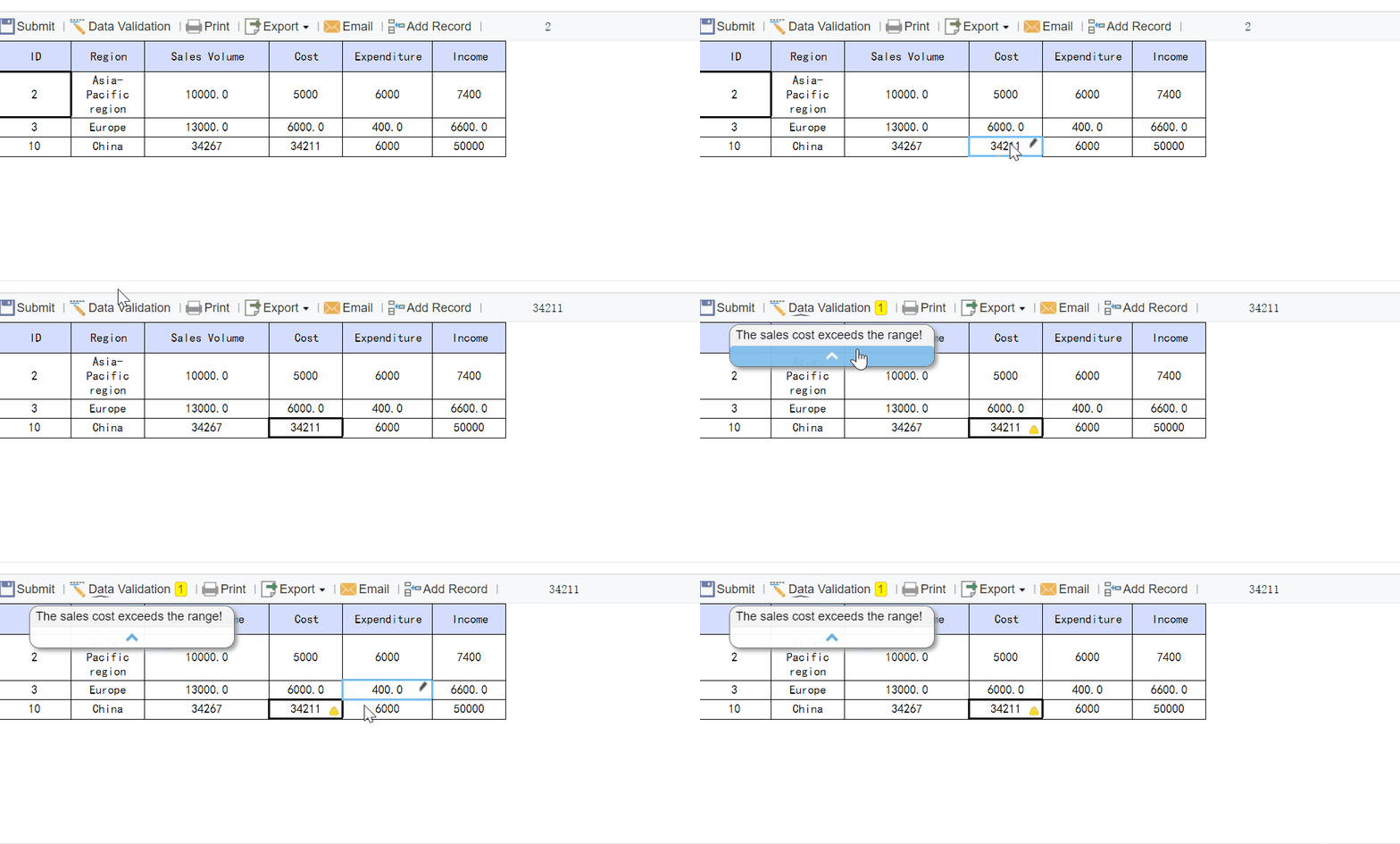
What a white label reporting tool actually does
White-label reporting means you use a reporting or analytics platform, but your clients or end users experience it as part of your service or product. That can be simple branding, or it can go much deeper into product delivery.
For agencies, the usual goal is to provide recurring client reports that look native to the agency brand. For SaaS teams, the goal is often to give customers in-app analytics, embedded dashboards, or a separate branded analytics portal without building a full BI layer from scratch.
A white label reporting tool typically helps you do four things:
- Brand the experience
- Automate reporting delivery
- Control access by client, account, or tenant
- Present dashboards or reports in a customer-facing way
Define white-label reporting in practical terms for agencies, SaaS teams, and client-facing analytics workflows
For an agency, white-label reporting usually means:
- Adding your logo, colors, and brand style
- Sharing reports from your own domain or subdomain
- Sending scheduled PDFs or links from your own email identity
- Giving clients dashboard access without visible vendor branding
- Reusing templates across many accounts
For a SaaS company, white-label reporting often means:
- Embedding analytics inside the product
- Matching the application UI closely
- Supporting account-based permissions and tenant isolation
- Letting customers self-serve insights without leaving the product
- Scaling branded analytics across many end users
Clarify how branded dashboards, scheduled reports, client portals, and domain customization differ
These terms are related, but not identical.
Branded dashboards
These are live, interactive dashboards where the vendor branding is reduced or removed and replaced with your own design elements.
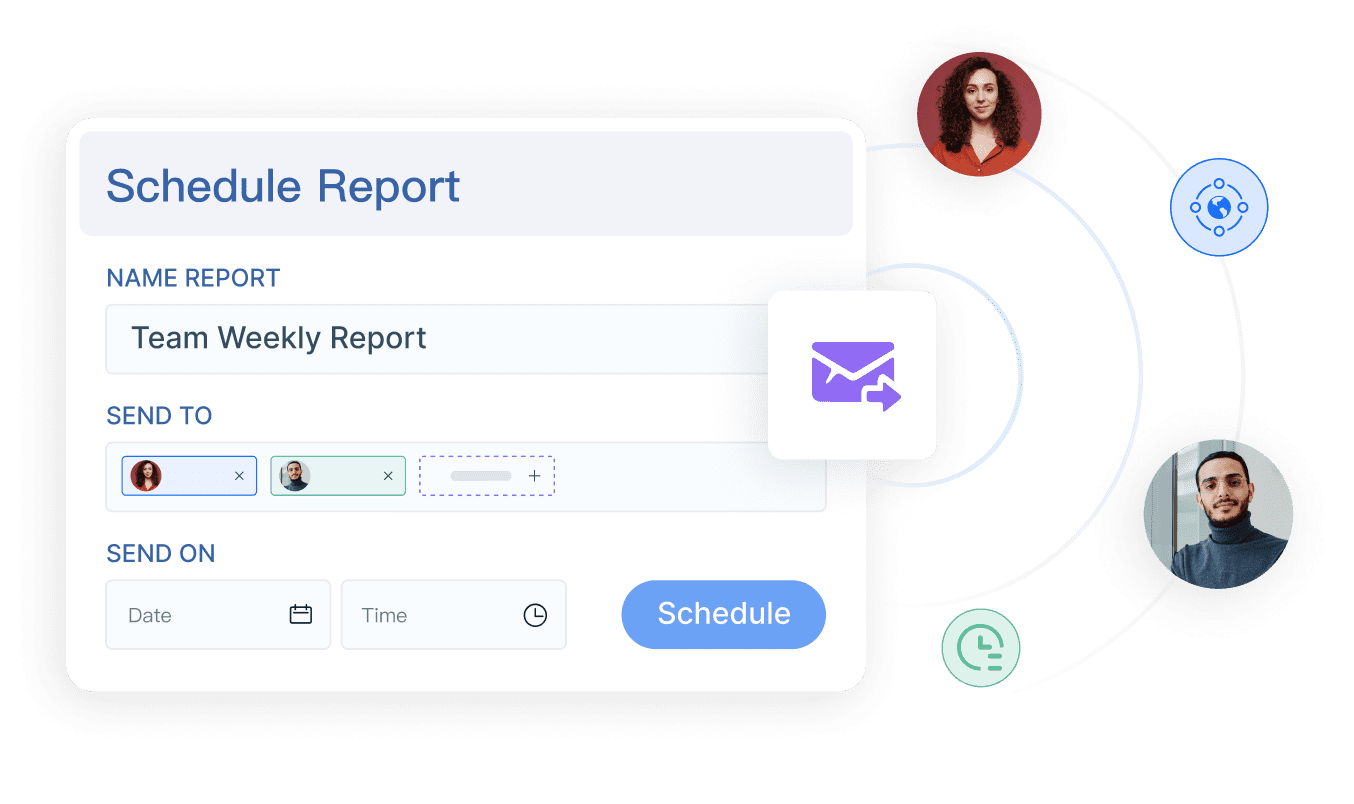
Scheduled reports
These are automated exports or recurring emails, often in PDF or link form, sent weekly or monthly to stakeholders or clients.
Client portals
These give users a login-based place to view dashboards, reports, and sometimes files or comments. This matters when you want clients to self-serve, not just receive email attachments.
Domain customization
This means users access analytics via a branded URL such as reports.yourcompany.com rather than a vendor-owned domain. This is often an important trust and product-experience requirement.
Explain where these tools sit between dashboard software, BI platforms, and reporting automation products
A white label reporting tool can sit in one of three broad categories:
- Dashboard-first tools focused on KPI visibility and easy sharing
- BI platforms that support more advanced modeling, embedded analytics, and exploration
- Reporting platforms built for highly formatted, operational, printable, or scheduled reporting
This distinction matters. Many buyers start by asking for white-label dashboards, but later realize they also need:
- Printable client statements
- Scheduled operational reports
- Parameter queries
- Multi-page exports
- Forms or write-back workflows
- Tighter governance across departments or tenants
That is often when a dashboard-only product stops being enough.
The 7 options compared at a glance
How each platform serves agencies vs. SaaS teams
Here is how the seven options generally align with the two main buyer groups.
1. FineReport
 FineReport is best understood as an enterprise reporting and analytics platform rather than a marketing-only reporting tool. It is relevant when buyers need branded dashboards, embedded analytics, scheduled reports, and also more structured outputs such as paginated reports, printable forms, parameterized reports, and operational workflows.
Better fit for: SaaS teams, enterprise application teams, operations-heavy environments, finance and management reporting
Less ideal for: teams that only need simple plug-and-play marketing dashboards with minimal customization
2. AgencyAnalytics
 AgencyAnalytics is primarily agency-oriented. It is designed around marketing integrations, recurring client reporting, and account-level delivery. It is a natural fit when your reporting workflow is heavily centered on campaign performance and client communication.
Better fit for: digital marketing agencies, SEO agencies, PPC reporting teams
Less ideal for: SaaS teams needing deeply embedded product analytics or highly custom reporting logic
3. DashThis
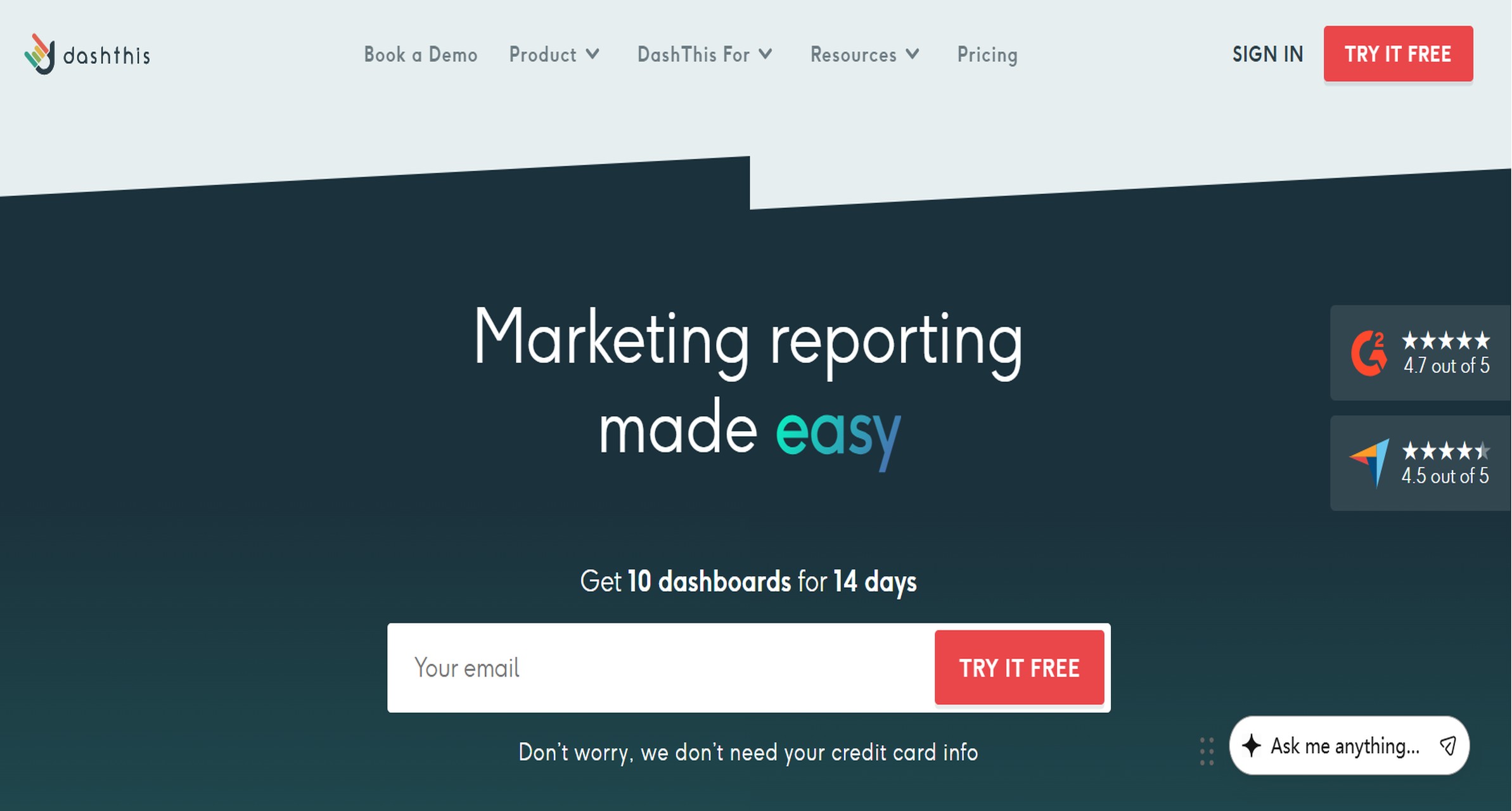 DashThis emphasizes quick setup and easy dashboard reuse. It is often attractive to agencies that want polished, fast-to-launch client reporting without building a complex BI layer.
Better fit for: agencies with standardized KPI packages
Less ideal for: organizations that need deep modeling, application embedding, or enterprise reporting controls
4. Whatagraph
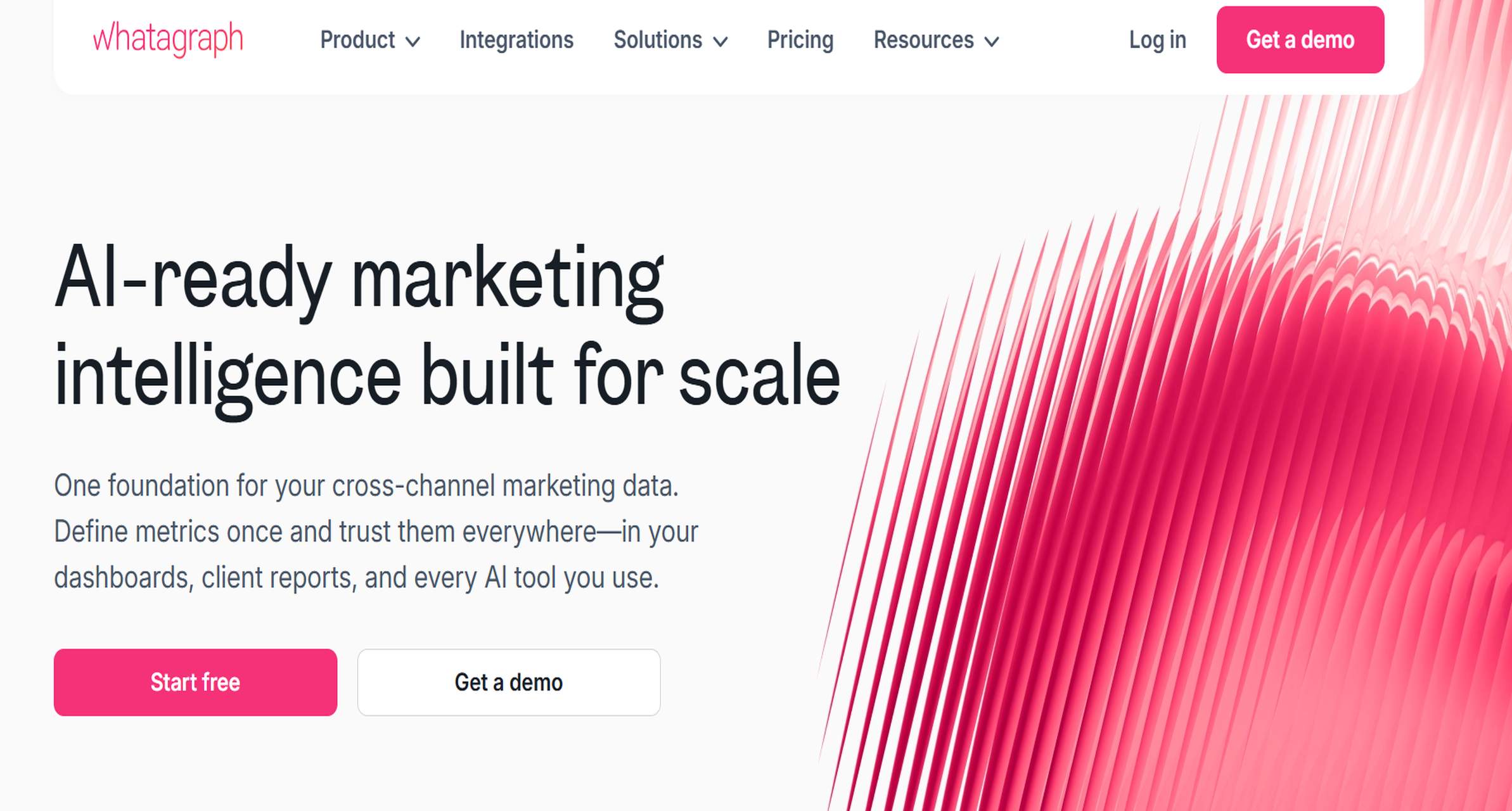 Whatagraph is usually considered by agencies that need multi-channel performance reporting and visually polished client deliverables. It tends to appeal to teams that want both dashboards and recurring reports for marketing data.
Better fit for: performance marketing agencies, cross-channel reporting teams
Less ideal for: operational reporting or more document-style enterprise reporting
5. Databox
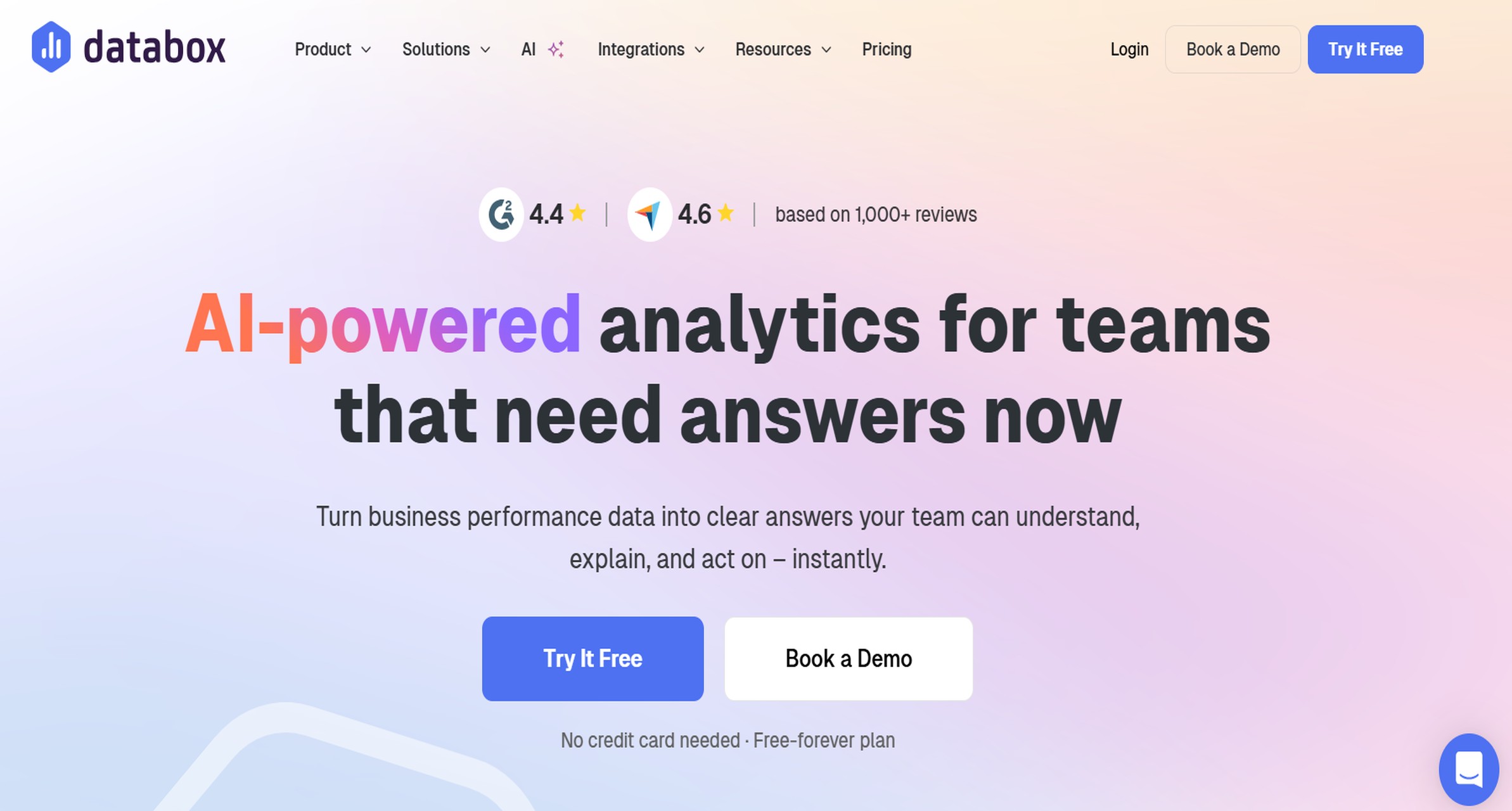 Databox is centered on KPI tracking, dashboards, and sharing. It can serve both agencies and SaaS teams, especially when the reporting experience is more about performance monitoring than highly structured reporting.
Better fit for: KPI-focused teams, client-facing scorecards, lightweight white-label experiences
Less ideal for: document-heavy reporting requirements
6. Looker Studio
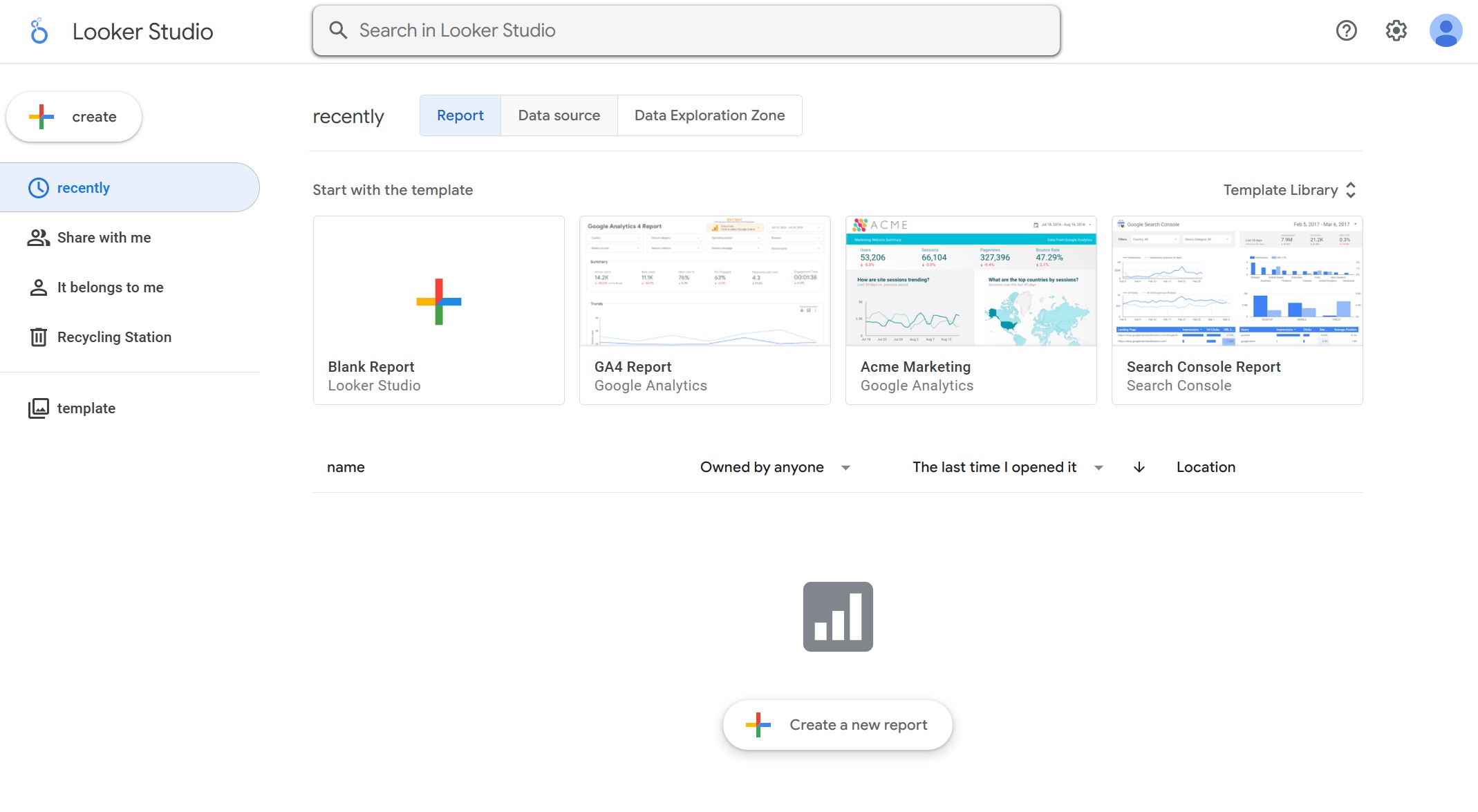 Looker Studio is often chosen because of accessibility and low entry cost. Some teams use it for branded client dashboards, especially in Google-centric environments. But white-label expectations need to be checked carefully against actual product delivery requirements.
Better fit for: budget-conscious teams, lightweight reporting, internal-to-client sharing
Less ideal for: robust white-labeled portals, stronger governance, or more advanced embedded UX needs
7. Zoho Analytics
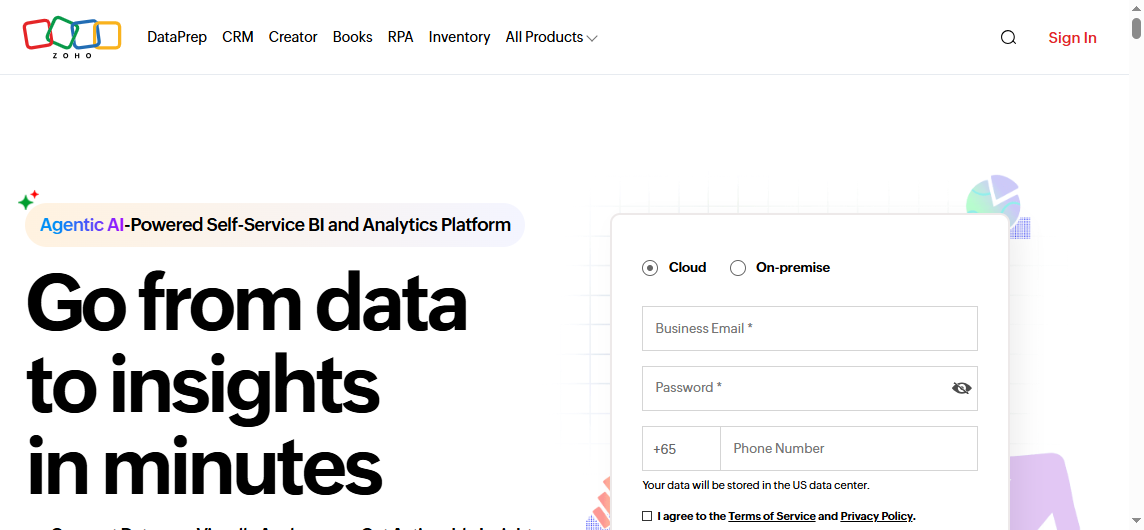 Zoho Analytics sits closer to BI than agency-only reporting products. It can be relevant for SMBs and SaaS vendors looking for a white-label BI layer with broader analytics capability than simple dashboard tools.
Better fit for: SMB software vendors, teams wanting rebrandable BI capabilities
Less ideal for: buyers who need very specialized enterprise operational reporting layouts
Strengths, trade-offs, and pricing considerations
Each white label reporting tool tends to optimize for a different combination of speed, flexibility, and reporting depth.
AgencyAnalytics
- Strengths: strong agency workflow alignment, recurring reporting, familiar marketing integrations
- Trade-offs: more specialized around agency use cases than broader embedded BI
- Pricing consideration: often scales with client accounts, tiers, or add-ons
DashThis
- Strengths: simple setup, reusable templates, client-friendly dashboards
- Trade-offs: less depth for advanced BI modeling or non-marketing reporting
- Pricing consideration: often easier to understand than enterprise BI pricing, but costs can still rise with scale
Whatagraph
- Strengths: polished marketing reports, cross-channel visibility
- Trade-offs: may not cover more advanced enterprise reporting needs
- Pricing consideration: can move up quickly as usage and features expand
Databox
- Strengths: real-time KPI orientation, straightforward branded dashboards
- Trade-offs: less suited to highly formatted and paginated reporting
- Pricing consideration: buyers should inspect white-label add-ons and feature gating carefully
Looker Studio
- Strengths: accessible, flexible for lighter reporting, broad familiarity
- Trade-offs: often requires more technical effort and may not satisfy full white-label or enterprise delivery expectations
- Pricing consideration: low entry cost, but maintenance and customization effort can become the hidden cost
Zoho Analytics
- Strengths: white-label BI positioning, broader analytics scope than agency-only tools
- Trade-offs: requires evaluation for product UX fit, governance, and advanced reporting needs
- Pricing consideration: can be attractive for SMB buyers, but total cost depends on users, embedding, and scale
FineReport
- Strengths: strong report design, dashboards plus reports, parameter queries, scheduling, data entry forms, enterprise deployment support
- Trade-offs: more platform-oriented than lightweight dashboard tools, so implementation planning matters
- Pricing consideration: should be evaluated as a reporting platform investment, especially when replacing multiple tools or manual workflows
Branding and delivery capabilities
When buyers compare white label reporting tools, branding is only one layer. Delivery controls matter just as much.
Common branding and delivery capabilities to evaluate include:
- Logo and theme customization
- Custom domains or subdomains
- Branded login experience
- Vendor branding removal
- White-labeled email delivery
- PDF export quality
- Live dashboard sharing
- Access controls by client or workspace
- Embedded access inside your app or portal
A simple dashboard product may support logo changes and shared links but still fall short on custom domain support, export quality, or tenant-level control. By contrast, more complete BI or reporting platforms may support a deeper delivery model, especially for SaaS and enterprise use cases.

Evaluation criteria buyers should use before purchasing
Many teams buy a white label reporting tool by focusing too much on visual branding and not enough on how reporting will operate six months later. A better evaluation starts with workflows, scale, and maintenance.
Data integrations and modeling flexibility
A reporting experience is only as good as the data behind it.
Assess these questions:
- Which native connectors are available?
- Can the platform connect to databases, warehouses, or APIs?
- Does it support custom data ingestion?
- How well can it blend or model data across sources?
- Are transformations handled in-platform, upstream, or manually?
- Can report logic be standardized and reused?
Agency-focused tools often do well with common marketing connectors. BI platforms tend to offer broader modeling flexibility. Enterprise reporting tools are especially valuable when you need reports built from structured operational or transactional systems, not just ad platforms.
If your use case includes finance, operations, inventory, HR, or project workflows, look beyond connector count alone. You may need stronger control over report layout, business logic, and print-ready output.
Multi-client management and scalability
This is one of the biggest decision points for agencies and SaaS teams alike.
Key areas to examine:
- Workspace or tenant structure
- Role-based permissions
- Account hierarchies
- Dashboard and report cloning
- Template reuse
- Client onboarding speed
- Bulk updates across many accounts
- How easily your team can maintain hundreds of branded deliverables
A tool may look excellent in a demo but become difficult once you are managing 50, 100, or 500 clients or tenants. Ask how reusable assets work in real life, not just whether the feature exists.
Embedded reporting and customer-facing experiences
For SaaS companies, this may be the most important evaluation area.
Review:
- iframe embedding support
- APIs or SDK options
- Single sign-on possibilities
- User-level and tenant-level access control
- Custom navigation or portal integration
- Whether the analytics UX feels native enough for your product
Some tools are easier to share externally than to truly embed elegantly. That distinction matters if analytics is part of your product experience, not just an external dashboard link.
Support, implementation, and long-term maintenance
White-label reporting is not just a software purchase. It becomes part of your delivery model.
Consider:
- Onboarding support
- Documentation quality
- Training resources
- Customer success responsiveness
- Enterprise SLAs if required
- Change management effort
- Admin burden over time
- The technical skill level needed to maintain data pipelines and templates
A low-cost tool that requires constant manual fixes can become more expensive than a platform with better governance and implementation support.
Where each tool fits best
Best fit for marketing agencies
If your main job is recurring client reporting on PPC, SEO, social, email, and web analytics, agency-focused products usually make the most sense.
The strongest options for this profile are often:
- AgencyAnalytics for recurring agency reporting operations
- DashThis for speed and template-driven delivery
- Whatagraph for multi-channel marketing visibility
- Databox for KPI dashboards and ongoing client performance tracking
These tools generally align well when:
- Your metrics mostly come from marketing platforms
- Your clients expect dashboards and monthly reports
- You want fast rollout and low admin friction
- You do not need highly formatted enterprise documents or operational workflows
Best fit for SaaS products and BI-led teams
If you are delivering analytics as part of a software product, your shortlist may look different.
The stronger options here often include:
- Zoho Analytics for broader white-label BI scenarios
- Databox for straightforward branded KPI experiences
- Looker Studio for lightweight and budget-sensitive use cases
- FineReport when embedded analytics must also support structured reports, printable outputs, dashboards, and more complex reporting workflows
These tools are more relevant when:
- You need customer-facing analytics in-app or in a portal
- You need stronger tenant separation and permissions
- You need broader data source support
- You want to combine dashboards with formal reports or operational reporting
When a dashboard tool is not enough
A dashboard tool may be enough if your goals are limited to trend visibility, KPI tracking, and light sharing.
But teams often outgrow dashboard-only software when they need:
- Pixel-perfect layouts
- Board packs or print-ready reports
- Invoices, statements, or formatted business documents
- Parameterized report querying
- Scheduled report bursts to many recipients
- Data entry or write-back forms
- Stronger reporting governance
- A combined dashboard-plus-report environment
This is a common turning point for operations, finance, manufacturing, logistics, and enterprise software teams. They still want a white-labeled experience, but they also need a real reporting platform, not just charts on a screen.
Common buying mistakes and final decision checklist
The most common mistake is choosing a white label reporting tool based only on how easy it is to add a logo.
That matters, but it is rarely the deciding factor after implementation.
Common buying mistakes
1. Confusing branding with product readiness
A branded dashboard is not automatically a strong customer-facing analytics product. You still need permissions, stability, scalability, and good UX.
2. Underestimating maintenance effort
A flexible tool can still create a heavy admin burden if templates, data connections, and client workspaces are hard to maintain.
3. Ignoring export and delivery quality
Many teams discover too late that PDF exports, scheduled reports, or printable layouts are weaker than expected.
4. Overlooking hidden cost drivers
Watch for costs tied to:
- Viewer seats
- Additional clients or campaigns
- Data refresh frequency
- API limits
- White-label add-ons
- Support tiers
- Implementation services
- Embedded analytics licensing
5. Buying for the current use case only
If you may later need embedded reporting, operational reporting, or multi-tenant governance, choose a platform that can grow with you.
Final decision checklist
Before signing a contract, ask these questions:
- Do we need dashboards only, or also formatted reports and exports?
- Will clients or customers log in directly, or just receive scheduled reports?
- Do we need a custom domain and branded login experience?
- How many clients, accounts, or tenants will we manage in one year?
- Can we reuse templates and scale onboarding efficiently?
- What data sources matter most today, and what might matter later?
- Do we need embedding inside a product?
- How important are PDF quality, paginated layouts, and print-ready reports?
- What support level will our team realistically need?
- What is the full cost at scale, not just the entry price?
Practical recommendations before you choose a white label reporting tool
Here are five practical recommendations based on common buyer mistakes and reporting program failures.
1. Start with delivery workflows, not dashboard aesthetics
Map how reports will actually be consumed: live dashboard, embedded view, monthly PDF, executive pack, customer portal, or all of the above.
2. Separate agency reporting needs from product analytics needs
A tool that works well for recurring marketing reports may not be the best fit for embedded SaaS analytics, and vice versa.
3. Test one real multi-client scenario before buying
Do not evaluate on a single demo workspace. Build a pilot with multiple clients or tenants, shared templates, permissions, and scheduled delivery.
4. Evaluate reporting depth, not just white-label polish
If your business needs formal documents, parameterized reports, exports, or operational workflows, verify those early.
5. Price the second year, not just the first month
Include users, viewers, support, implementation, refresh frequency, and the internal effort to maintain the platform.
When FineReport is a good fit
Tools like DashThis, AgencyAnalytics, Databox, and Whatagraph are widely used for client-facing dashboards and marketing reporting. They can be very effective when the main requirement is to automate KPI visibility and present branded analytics externally.
But teams with more complex reporting workflows may also need a dedicated enterprise reporting platform like FineReport.
FineReport is especially relevant when your white label reporting requirement goes beyond dashboard branding and includes:
- Pixel-perfect report design
- Paginated and printable reports
- Parameter queries for user-driven filtering
- Scheduled report generation and automated distribution
- Dashboards and detailed reports in one platform
- Data entry forms and workflow-style reporting
- Embedded reporting for enterprise applications or portals
- Operational reporting across departments or tenants
This makes FineReport a practical option for SaaS platforms, enterprise software teams, and organizations that need both customer-facing analytics and structured business reporting.
For example, an agency might use a dashboard-first tool for marketing KPI summaries. But a SaaS company delivering analytics to customers may need a more complete mix of embedded dashboards, printable reports, filtered account views, and scheduled outputs. Likewise, operations or finance teams may need branded portals plus formal report documents that dashboard tools alone do not handle well.

Get Ready-to-Use Dashboard and Report Templates in Fine Gallery
Final thoughts
The best white label reporting tool depends less on surface branding and more on the kind of reporting experience you are actually delivering.
If you are a marketing agency, a dashboard-first platform may be the right answer. If you are a SaaS company or enterprise team with embedded analytics, customer-facing reporting, or operational reporting needs, you may need a platform with broader reporting depth.
The smartest buyers compare tools across four areas:
- branding
- delivery
- scalability
- reporting depth
If your requirements include branded dashboards, formal reports, scheduling, embedding, and more structured enterprise reporting workflows, FineReport is worth evaluating alongside the more dashboard-centric options.
FAQs
A white label reporting tool lets you present dashboards, reports, or analytics under your own brand instead of the software vendor’s. It is commonly used by agencies and SaaS teams to deliver a more seamless client or customer experience.