Choosing the right ecommerce analytics tools in 2026 can completely change how you run your store. When you use advanced analytics, you unlock insights that help you understand your customers, spot sales trends, and measure what matters most. Here’s why ecommerce analytics matters more than ever:
- Ecommerce now makes up almost 20% of global retail sales, and it’s growing fast.
- Over 80% of businesses already use analytics to drive smarter decisions.
- Ecommerce analytics tools help you see what drives sales and keep your customers coming back.
Here are the top 11 ecommerce analytics tools in 2026:
- FineBI
- Google Analytics 4
- Shopify Analytics
- Adobe Analytics
- Glew.io
- Kissmetrics
- Woopra
- Mixpanel
- Heap Analytics
- Triple Whale
- Polar Analytics
| Metric | Impact on Store Performance |
|---|---|
| Customer Behavior Insights | Helps you understand how shoppers interact with your store. |
| Sales Trends | Shows which products perform best over time. |
| KPIs | Lets you measure and improve your store’s health. |
If you want to boost your ecommerce results, now is the time to rethink your analytics strategy.
Why Ecommerce Analytics Matters
Driving Growth with Data
You want your ecommerce store to grow, right? Data is the secret weapon. When you use ecommerce analytics tools, you get a clear picture of what’s happening in your store. These analytics tools help you spot trends, understand what your customers like, and make smart choices fast.
- Ecommerce analytics let you adapt to changing customer preferences.
- You can find patterns in sales and see what works best for your audience.
- Analytics tools reveal customer insights, so you know how shoppers behave.
- Improving user experience with analytics boosts customer retention and loyalty.
- Segmenting your audience helps you create personalized offers and messages.
Imagine seeing exactly which products fly off the shelves and which ones need a push. You can test new ideas, optimize your marketing, and watch your sales climb. Many top ecommerce brands use dashboards to track everything in real time. They run A/B tests, analyze feedback, and tweak their strategies based on what the data shows. That’s how you stay ahead.
Stores that use ecommerce analytics tools often see big results. One outdoor retailer cut stockouts by 25% and increased online sales by 15% in just six months after switching to unified analytics. Personalization can double your email campaign conversion rates and boost revenue by 40% compared to competitors.
Key Metrics for Ecommerce Success
You need to know which numbers matter most. Ecommerce analytics help you track key performance indicators that predict success. Here are some of the most important metrics:
| Metric | Description |
|---|---|
| Cart Abandonment Rate | Percentage of shoppers who leave without buying. |
| Customer Acquisition Cost | How much you spend to get a new customer. |
| Gross Profit Margin | Difference between sales and product costs. |
| Customer Retention Rate | How many customers come back for more. |
| Net Promoter Score | How likely customers are to recommend your store. |
| Site Traffic | Number of visitors to your site. |
| Bounce Rate | Visitors who leave after one page. |
| Order Fulfillment Time | How quickly you ship orders. |
| Inventory Turnover Rate | How often you sell and replace inventory. |
| Refund and Return Rate | Percentage of orders returned or refunded. |
| Email Open and Click-Through Rates | How well your email campaigns perform. |
Tracking these metrics with ecommerce analytics tools helps you make better decisions. You can see which marketing campaigns work, where you lose customers, and how to improve your site. Customer analytics show you what drives repeat purchases. When you focus on the right data, you build a stronger, more profitable store.
Top Ecommerce Analytics Tools 2026

Choosing the right ecommerce analytics tools can feel overwhelming. You want something that fits your business, your team, and your goals. Here’s how we picked the best analytics tools for 2026:
- Business stage and scale: Some tools work better for startups, others for big brands.
- Technical resources: Think about your team’s skills and how much support you need.
- Strategic goals: Pick a tool that answers your most important business questions.
- Budget: Set a budget, but also look at the return on investment.
Let’s dive into the top 11 ecommerce analytics tools that can help you boost your store’s performance this year.
1. FineBI by FanRuan
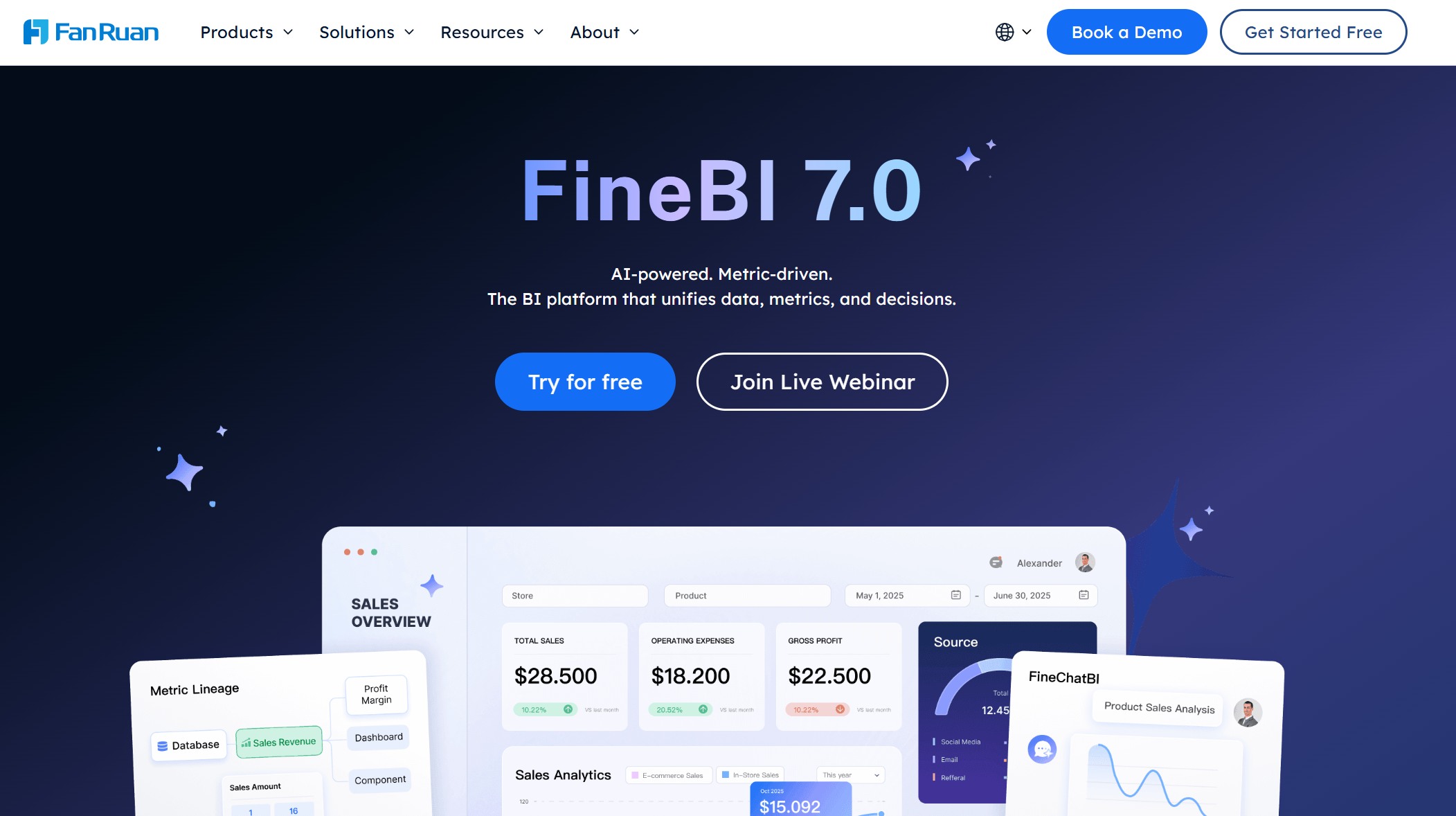
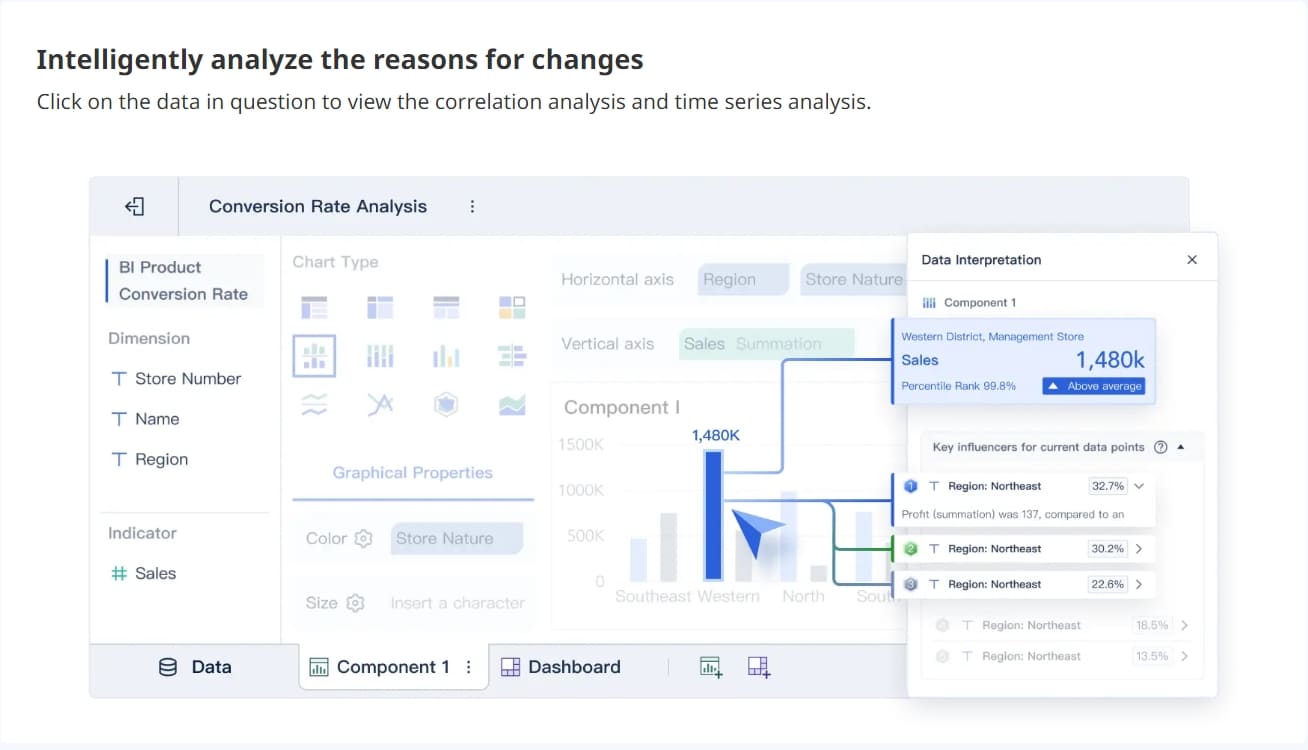
FineBI stands out as a top choice for ecommerce and retail analytics. You can connect data from multiple sources—POS, CRM, ERP, and ecommerce platforms—into one place. FineBI gives you self-service analytics, drag-and-drop dashboards, and real-time insights. You don’t need to code or rely on IT for every report.
Website: https://www.fanruan.com/en/finebi
Key Features:
- Connects to 60+ data sources, including big data and cloud warehouses
- Self-service data preparation and visual analysis
- AI-powered customer analytics and predictive modeling
- Real-time dashboards for sales, inventory, and customer insights
- Enterprise-grade data governance and role-based access control
Pros:
- User-friendly, even for non-technical teams
- Powerful for both small businesses and large enterprises
- Scalable as your ecommerce business grows
- Excellent for personalized reporting and conversion rate optimization
Cons:
- Some advanced features may require initial setup
Why choose it?
FineBI is perfect if you want to unify your ecommerce data and empower your team to make fast, data-driven decisions. Retailers love its ability to break down data silos and deliver actionable insights. You can track ecommerce metrics, spot trends, and improve conversions—all in one platform.

Tip: FineBI is trusted by global brands and has a proven track record in the retail and ecommerce industry. If you want a tool that grows with your business and supports advanced analytics, FineBI is a smart investment.
2. Google Analytics 4
Google Analytics 4 (GA4) remains the most popular choice for ecommerce analytics. You get a powerful, free platform that tracks user behavior, sales, and marketing performance across your website and apps. GA4 uses event-based tracking, so you can see every click, scroll, and purchase.
Website: https://developers.google.com/analytics
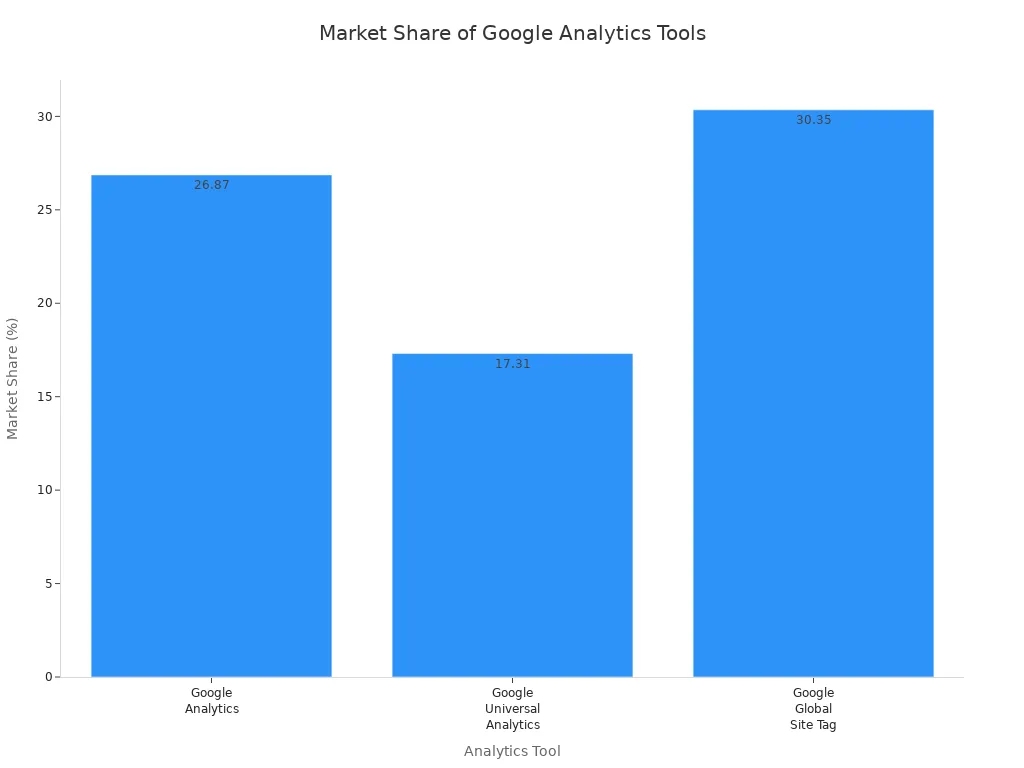
| Tool | Market Share (%) |
|---|---|
| Google Analytics | 26.87 |
| Google Universal Analytics | 17.31 |
| Google Global Site Tag | 30.35 |
Key Features:
- Event-based tracking for detailed ecommerce metrics
- Real-time dashboards and customizable reports
- Integration with Google Ads and other ecommerce software
- Conversion rate tracking and funnel analysis
Pros:
- Free for most users
- Huge community and support
- Works with almost any ecommerce platform
Cons:
- Steep learning curve for beginners
- Some advanced features require technical setup
Why choose it?
You get a reliable, industry-standard tool that covers almost every ecommerce analytics need. If you want to track ecommerce-specific metrics and optimize your store, GA4 is a solid foundation.
3. Shopify Analytics
If you run your store on Shopify, you already have access to Shopify Analytics. This tool gives you a quick overview of your sales, customers, and inventory. You can see which products sell best and how your marketing campaigns perform.
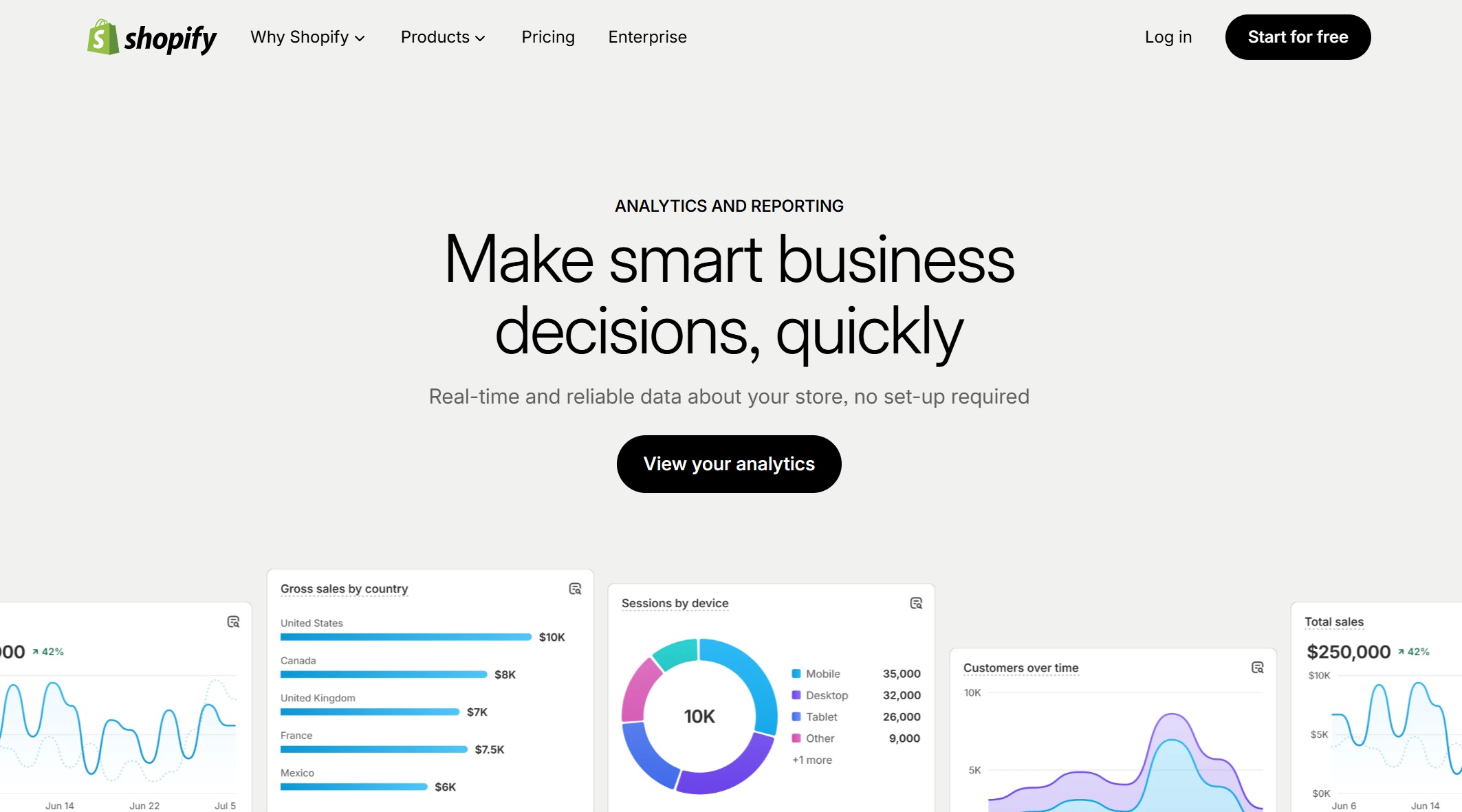
Website: https://www.shopify.com/hk-en/analytics
| Benefits | Drawbacks |
|---|---|
| Various reporting features for tracking sales, customer behavior, inventory, and financial performance. | Limited depth and accuracy of analytics, requiring additional tools for detailed analysis. |
| Customer Reports provide insights into customer base and purchasing patterns. | High-level reports that may not be useful for in-depth analysis. |
| Inventory Reports help monitor inventory levels and product performance. | Issues with tracking and attribution accuracy. |
| Finance Reports summarize financial performance, including profit and loss statements. | Filtering and detailed analysis are better handled by tools like Google Analytics. |
Key Features:
- Built-in ecommerce reporting and dashboards
- Customer reports and product analytics
- Inventory and finance tracking
- Easy integration with Shopify apps
Pros:
- Simple and easy to use
- No extra setup for Shopify users
- Good for basic ecommerce metrics
Cons:
- Limited customization
- Not ideal for deep data analytics
Why choose it?
Shopify Analytics works well if you want quick insights without extra setup. For more advanced analytics, you might want to connect it with other tools.
4. Adobe Analytics
Adobe Analytics is a powerhouse for large ecommerce stores. You get advanced segmentation, predictive analytics, and deep integration with other Adobe products. The platform scales with your business and handles complex data needs.
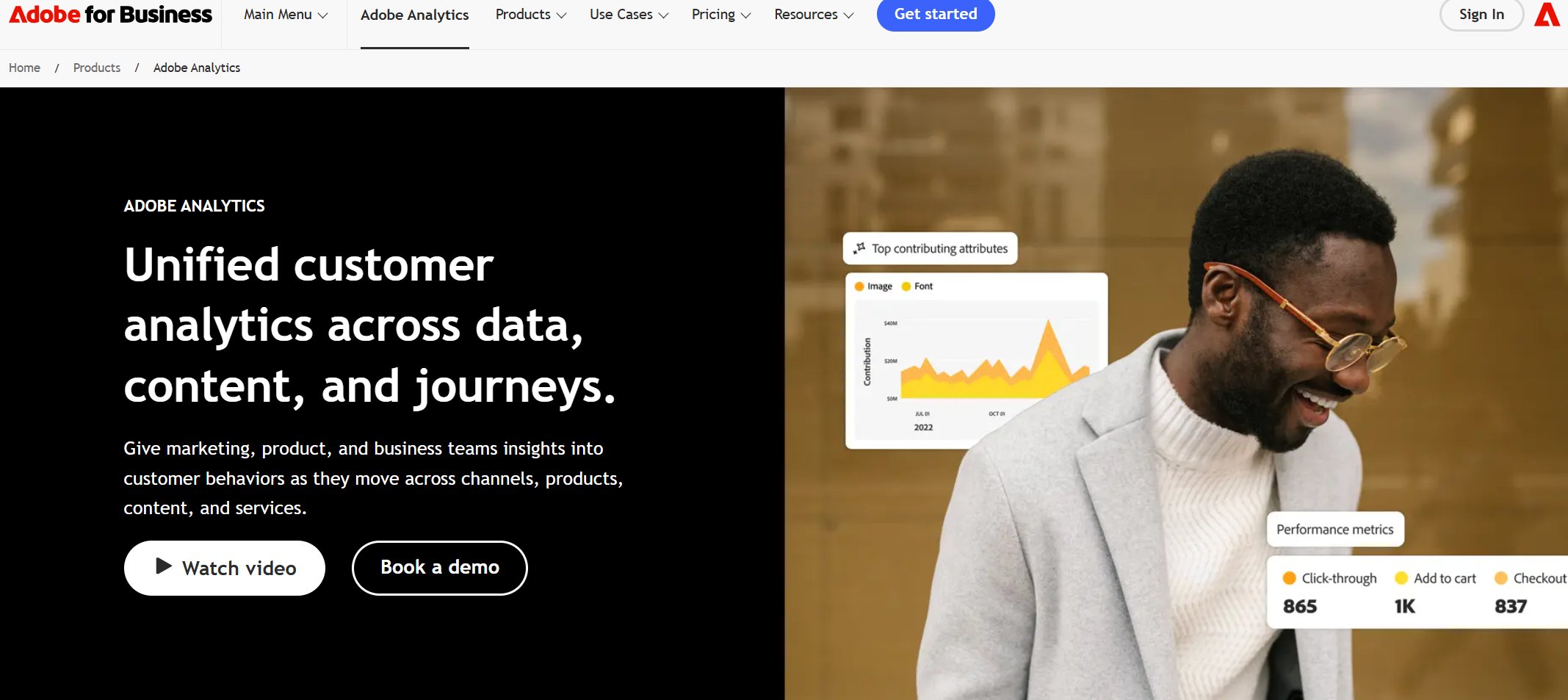
Website: https://business.adobe.com/products/adobe-analytics.html
Key Features:
- Advanced segmentation and customer journey analysis
- Predictive analytics and AI-driven insights
- Seamless integration with Adobe Commerce and third-party apps
- Customizable data dashboards
Pros:
- Scalable for growing ecommerce businesses
- Handles large volumes of data and complex metrics
- Strong API integrations for flexibility
Cons:
- Higher cost than most tools
- Requires technical expertise for setup
Why choose it?
Adobe Analytics is ideal if you run a large ecommerce operation and need robust, customizable analytics tools. You can track every touchpoint and optimize the entire customer journey.
Note: Adobe’s cloud-based architecture means you can grow your product catalog and customer base without worrying about performance.
5. Glew.io
Glew.io is designed specifically for ecommerce analytics. You can connect your store, marketing channels, and ad platforms to get a complete view of your business. Glew.io offers over 150 pre-built KPIs and custom reporting.
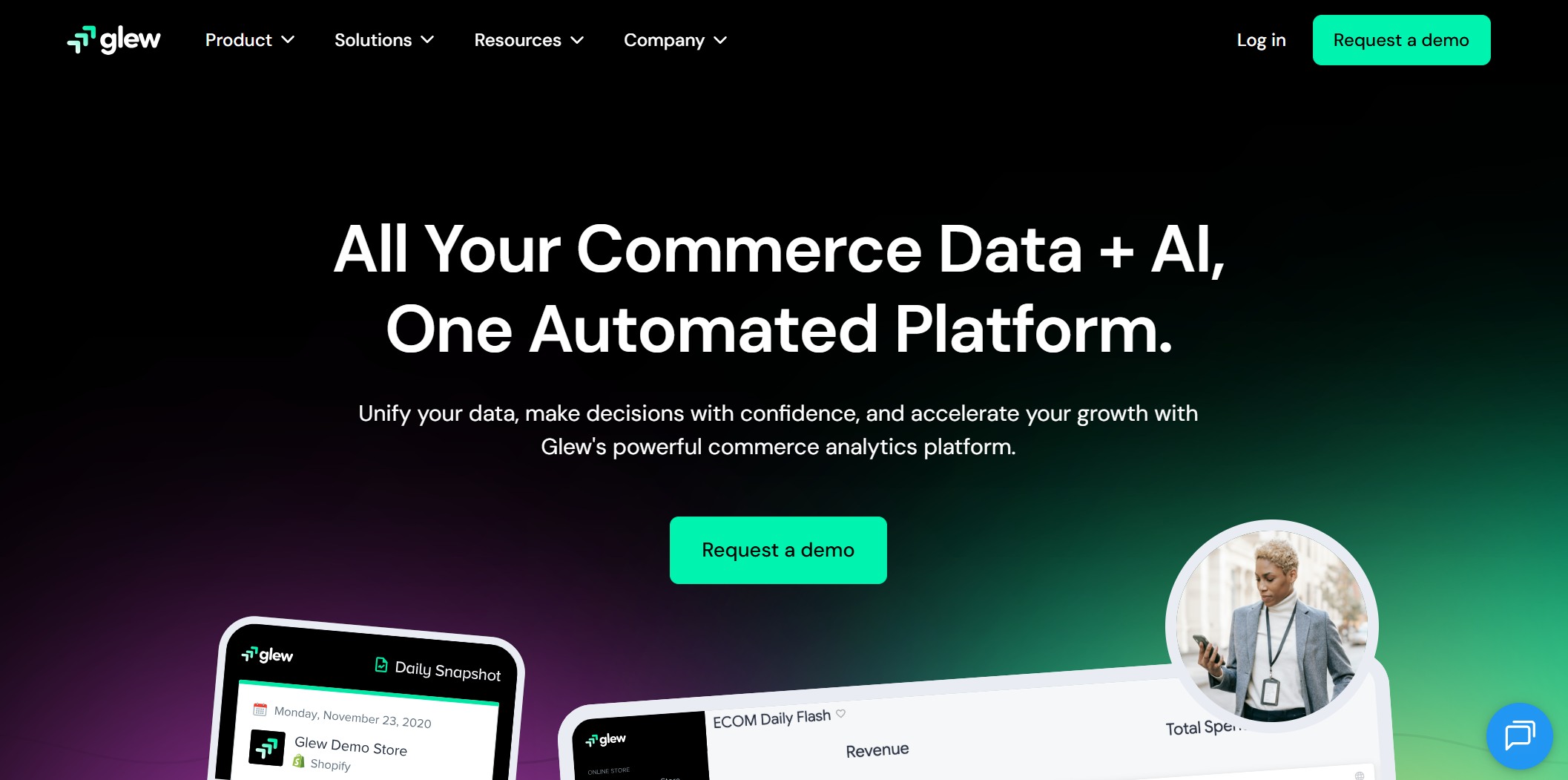
Website: https://www.glew.io/
Key Features:
- Connects to ecommerce platforms, marketing, and ad channels
- 150+ pre-defined ecommerce-specific metrics
- Custom report builder and automation
- User-friendly dashboards
Pros:
- No need for extra connectors or data warehouses
- Fast setup and easy to use
- Great for ecommerce reporting and automation
Cons:
- Some advanced features may require a paid plan
- Limited customization compared to enterprise tools
Why choose it?
Glew.io is perfect if you want a plug-and-play solution for ecommerce analytics. You get actionable insights without technical headaches.
6. Kissmetrics
Kissmetrics focuses on customer analytics and conversion rate tracking. You can follow users through every step of their journey, from first visit to repeat purchase. The platform helps you understand what drives conversions and where you lose customers.
Website: https://www.kissmetrics.io/
| Feature | Benefit |
|---|---|
| Detailed Customer Journey Insights | Actionable Insights for Business Growth |
| Onboarding Process Analysis | Strategic Decision-Making Tools |
| Customer Behavior and Revenue Tracking | Data Analysis and Integration |
Key Features:
- Advanced funnel analysis and conversion tracking
- Cross-device and cross-platform tracking
- Customer segmentation and cohort analysis
- A/B testing for conversion rate optimization
Pros:
- Deep customer insights for ecommerce customers
- Helps you optimize every stage of the funnel
- Great for SaaS and subscription ecommerce models
Cons:
- Can be pricey for small businesses
- Requires setup for full tracking
Why choose it?
Kissmetrics is a top pick if you want to dig into customer analytics and improve conversions. You get clear answers about what works and what needs fixing.
7. Woopra
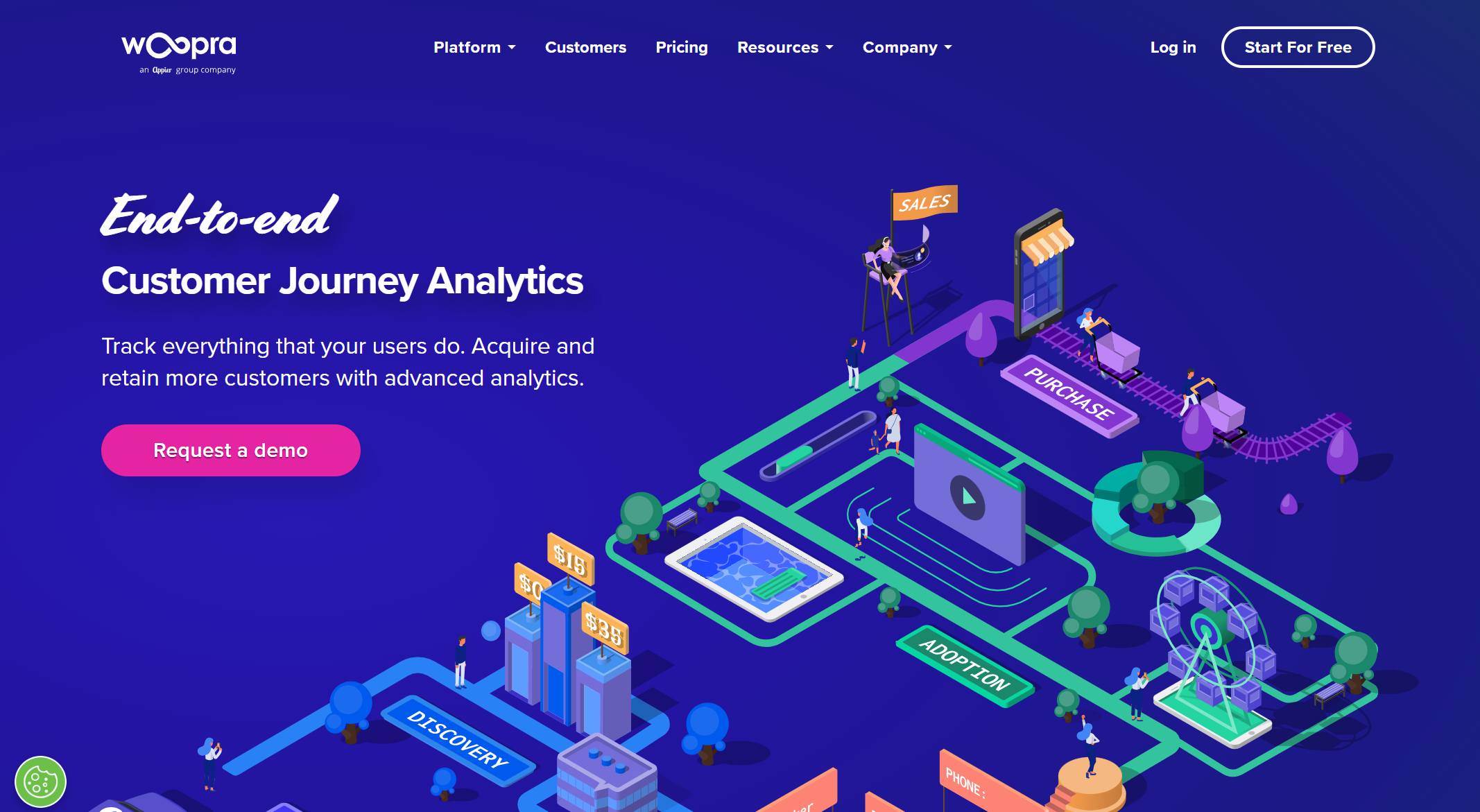
Woopra gives you a complete view of the customer journey. You can track every interaction, from first click to repeat purchase. The platform helps you increase customer lifetime value and loyalty.
Website: https://www.woopra.com/
| Advantage | Description |
|---|---|
| Increase customer lifetime value | Woopra helps in understanding customer behavior to enhance lifetime value. |
| Improve customer loyalty | Insights from Woopra can lead to strategies that boost loyalty. |
| Drive revenue growth | The analytics provided can inform decisions that lead to increased revenue. |
| Measure customer interaction | Fully tracks interactions at every touchpoint for comprehensive analysis. |
| Inform marketing decisions | Data-driven insights help in making better marketing choices. |
| Deeper insights into behavior | Provides a clearer picture of customer interactions beyond feedback. |
Key Features:
- Real-time analytics and segmentation
- Customer journey mapping
- Automated triggers and personalized messaging
- Integration with ecommerce software and CRMs
Pros:
- Tracks every touchpoint for a full customer view
- Helps you personalize marketing and support
- Easy to set up and use
Cons:
- Some features require higher-tier plans
- May be more than you need for very small stores
Why choose it?
Woopra is great if you want to understand your ecommerce customers and build loyalty. You get deep customer insights and can act on them right away.
8. Mixpanel
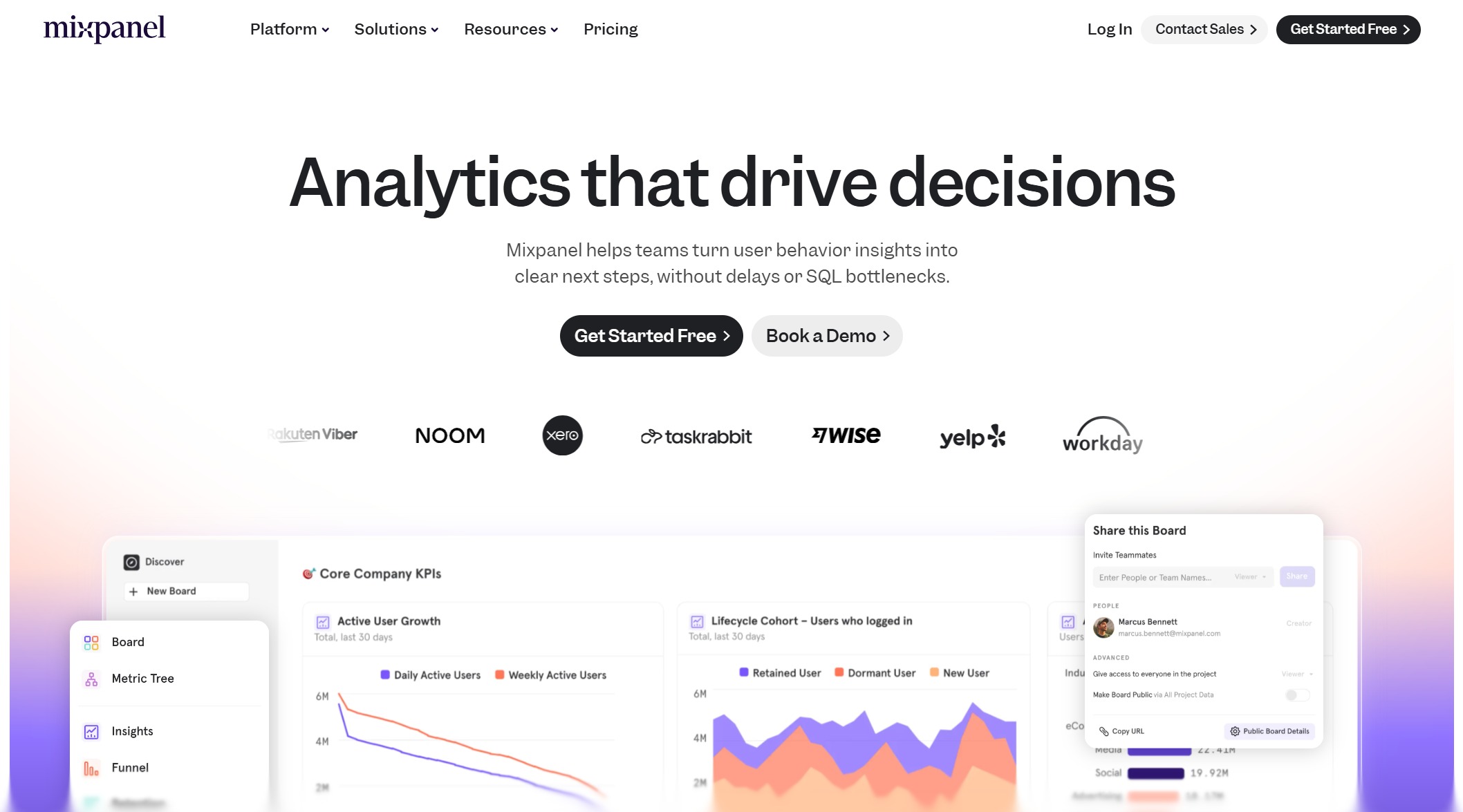
Mixpanel is all about event tracking and user behavior. You can see exactly how people use your site or app, which features they love, and where they drop off. Mixpanel helps you optimize the user experience and boost conversions.
Website: https://mixpanel.com/home/
Key Features:
- Detailed event tracking for purchases, clicks, and more
- Customizable funnel analysis for conversion rate tracking
- User segmentation and cohort analysis
- Real-time dashboards and alerts
Pros:
- Tracks user actions across web and mobile
- Helps you find bottlenecks and improve conversion rates
- Flexible and customizable
Cons:
- Can be complex for beginners
- Some features require technical setup
Why choose it?
Mixpanel is a favorite for ecommerce brands that want to dig into user behavior and optimize every step of the journey.
9. Heap Analytics
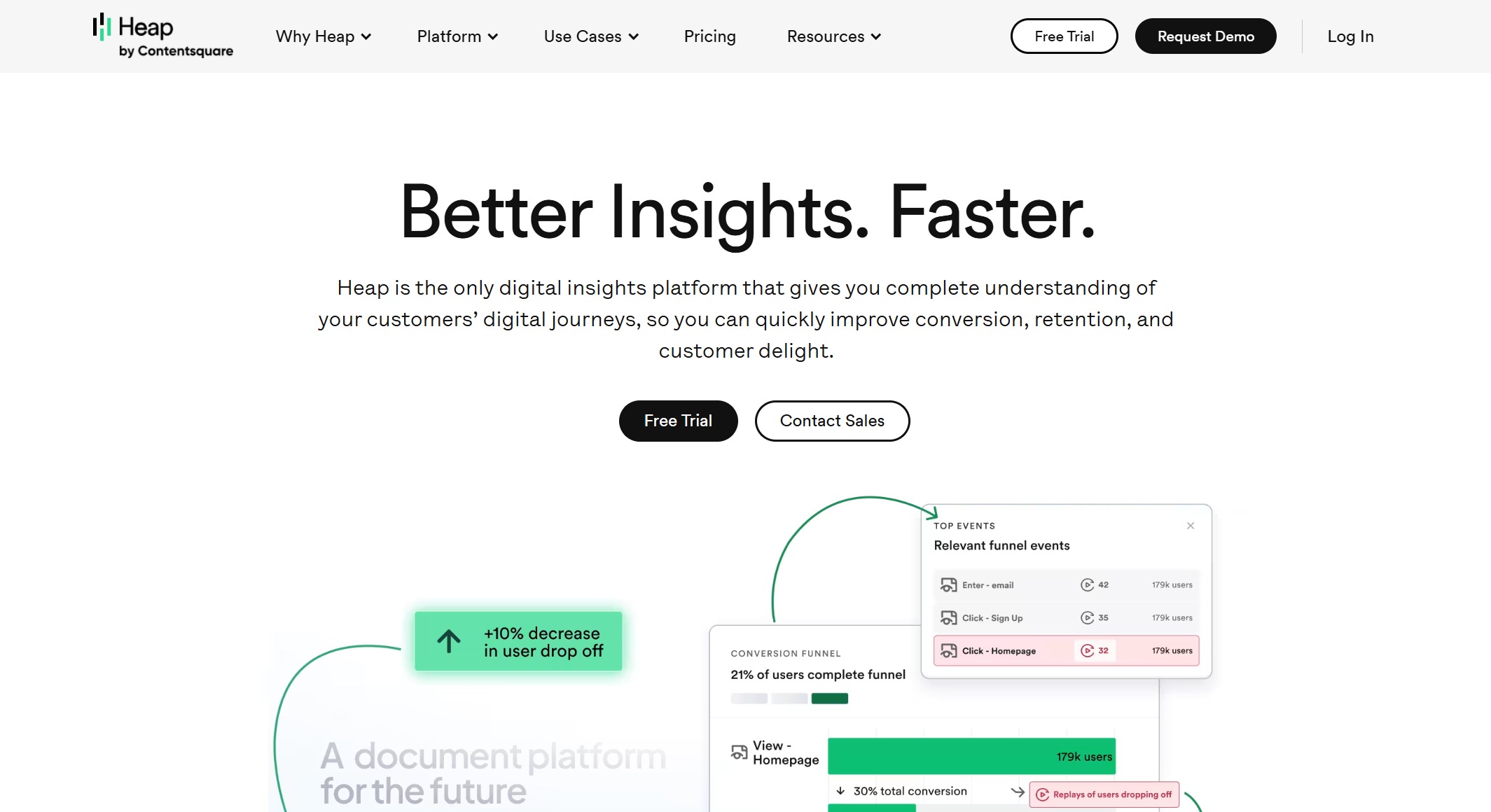
Heap Analytics makes data collection easy. You don’t need to set up events in advance—Heap captures everything automatically. You can retroactively define events, build funnels, and analyze user paths.
Website: https://www.heap.io/
| Feature | Description |
|---|---|
| Automatic Data Capture | Records all events from installation, capturing clicks, scrolls, and form submissions automatically. |
| Codeless Tracking | Allows users to define events retroactively without prior planning, simplifying the analytics setup. |
| Funnel Analysis | Visualizes user progression through conversion funnels, identifying drop-off points for optimization. |
| Path Analysis | Analyzes sequences of user interactions to uncover unexpected flows or friction points. |
| Heatmaps | Displays user engagement hotspots on pages, guiding design changes based on interaction data. |
| Session Replay | Records user sessions to reveal navigation patterns and potential confusion. |
| Real-time Analytics | Monitors user activities live, useful for assessing new feature launches. |
| Segmentation Tools | Filters data by behavior patterns, allowing targeted analysis of specific user groups. |
Key Features:
- Automatic event tracking and codeless setup
- Funnel and path analysis for ecommerce metrics
- Heatmaps and session replays
- Real-time analytics and segmentation
Pros:
- No coding required for most features
- Retroactive event definition saves time
- Great for optimizing user flows
Cons:
- May be overkill for very simple stores
- Some advanced features require a paid plan
Why choose it?
Heap Analytics is perfect if you want to capture everything and analyze it later. You get a full picture of user behavior without extra setup.
10. Triple Whale
Triple Whale focuses on ecommerce performance monitoring. You can track revenue, ad spend, and marketing performance in one place. The platform helps you boost efficiency and spot growth opportunities.
Website: https://www.triplewhale.com/
| Metric | Result |
|---|---|
| New Customer Revenue Increase | 42% within 90 days |
| Klaviyo Flow Revenue Increase | 22% from Sonar Send feature |
| ROAS Increase | 17% from Sonar Optimize |
| Incremental Revenue during BFCM | Over $1.2M |
| Efficiency Increase for BI and Marketing Teams | 30-40% |
| Reporting Time Reduction | 40% for Origin’s team, 70% for Porter Media |
Key Features:
- Unified data dashboards for revenue, ads, and marketing
- Real-time dashboards and alerts
- Attribution modeling and conversion tracking
- Integrates with Shopify, Facebook, Google, and more
Pros:
- Saves time on ecommerce reporting
- Improves team efficiency
- Helps you spot trends and optimize campaigns
Cons:
- Best for stores with multiple marketing channels
- Some features require integration setup
Why choose it?
Triple Whale is a great pick if you want to monitor all your ecommerce metrics in one place and make fast, informed decisions.
11. Polar Analytics
Polar Analytics is known for its ease of use and powerful reporting. You get pre-built dashboards, no-code setup, and marketing attribution—all tailored for ecommerce.
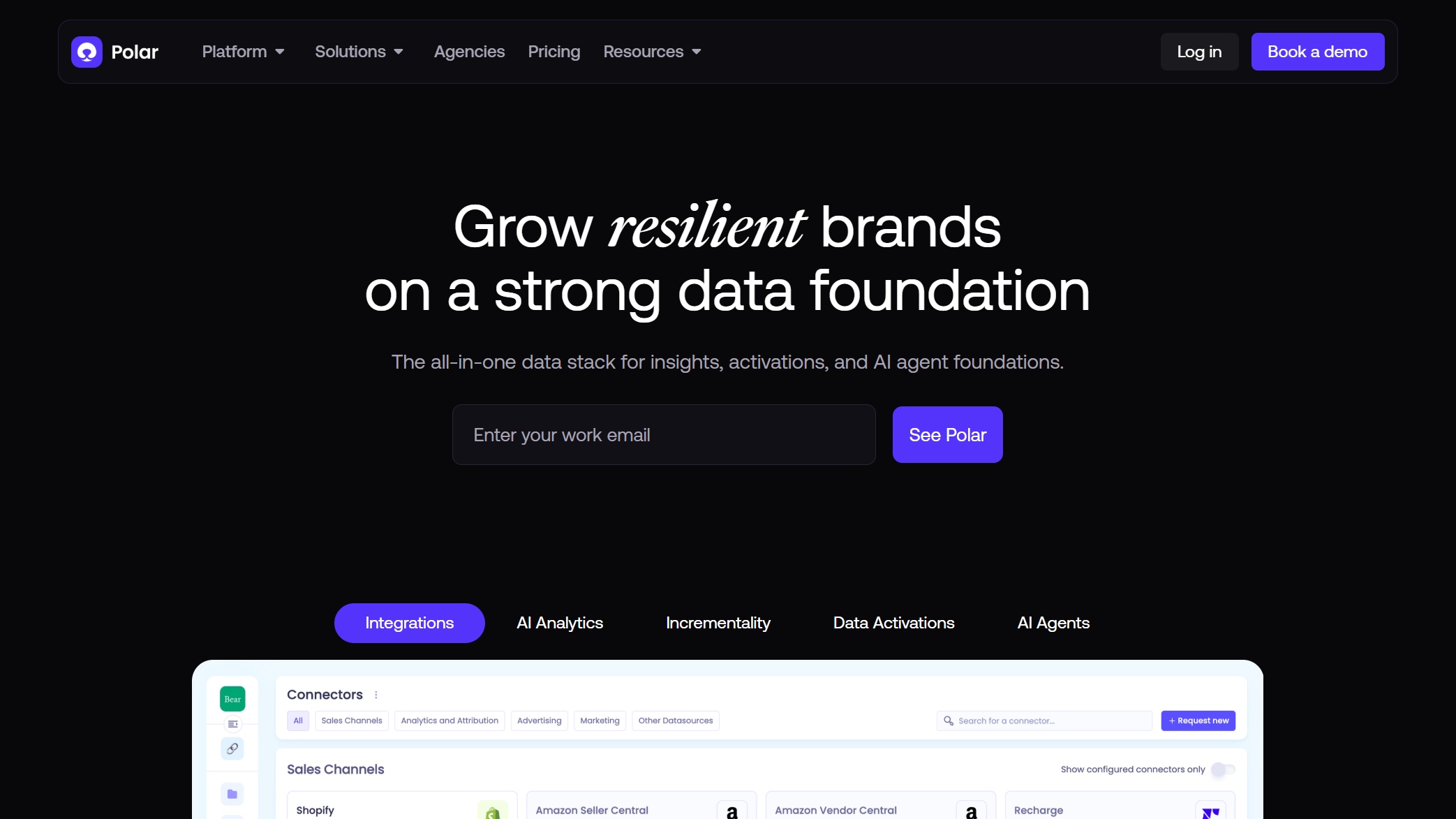
Website: https://www.polaranalytics.com/
Key Features:
- No-code setup with pre-built templates
- Proprietary attribution model for marketing
- Real-time dashboards and ecommerce-specific metrics
- Integrates with major ecommerce platforms
Pros:
- User-friendly, even for beginners
- Fast setup and ready-to-use dashboards
- Great for marketing teams and ecommerce reporting
Cons:
- Some advanced features may require a paid plan
- Limited customization for complex needs
Why choose it?
Polar Analytics is ideal if you want a simple, effective analytics tool that delivers insights fast. You can focus on growing your store, not managing data.
You have a lot of options when it comes to ecommerce analytics tools. The best analytics tools help you understand your customers, track conversions, and make smarter decisions. Whether you want deep customer insights, real-time dashboards, or easy ecommerce reporting, there’s a tool here for every business.
Choosing Ecommerce Analytics Tools
What to Look For
Picking the right analytics for your ecommerce store can feel like a big decision. You want a tool that fits your business now and as you grow. Start by thinking about your goals. Do you want to boost sales, improve customer retention, or just get a better handle on your data? Make sure the analytics platform matches your needs.
Here’s a quick table to help you compare what matters most:
| Factor | Why It Matters |
|---|---|
| Business Objectives | Helps you reach your goals and track what matters for your store. |
| Pricing | Keeps your budget in check and avoids surprise fees. |
| User Interface | Makes it easy for everyone on your team to use the tool. |
| Advanced Analytics | Lets you spot trends and predict what’s next. |
| Integration | Connects with your ecommerce platform, ads, and other tools you use. |
| Mobility | Lets you check your data on the go, even from your phone. |
| Agility & Scalability | Grows with your business and handles more data as you expand. |
| Multiple Data Sources | Combines info from all your systems for a full picture. |
| Customization | Adapts to your unique business needs. |
| Collaboration | Makes it easy to share insights and work as a team. |
| Security | Keeps your store’s data safe and under control. |
You also want to check if the analytics tool connects with your favorite platforms. Look for integrations with Shopify, Amazon, Google Ads, Klaviyo, and more. This way, you get all your data in one place.
Mistakes to Avoid
It’s easy to make mistakes when picking analytics tools, but you can dodge the most common ones. Here are a few things to watch out for:
- Don’t pick a tool just because it’s popular. Make sure it fits your business needs.
- Avoid tracking every metric you see. Focus on the numbers that matter for your store.
- Don’t forget about real-time data. If you wait too long for reports, you might miss out on quick wins.
- Don’t ignore your account setup. A messy structure can lead to confusing or useless data.
- Don’t assume the tool will do all the work. You still need to analyze the data and take action.
- Don’t leave out your business team. Analytics works best when everyone can use it, not just the tech folks.
If you keep these tips in mind, you’ll find analytics that helps you grow your ecommerce business and keeps your team focused on what matters most.
Ecommerce Analytics Tools Comparison
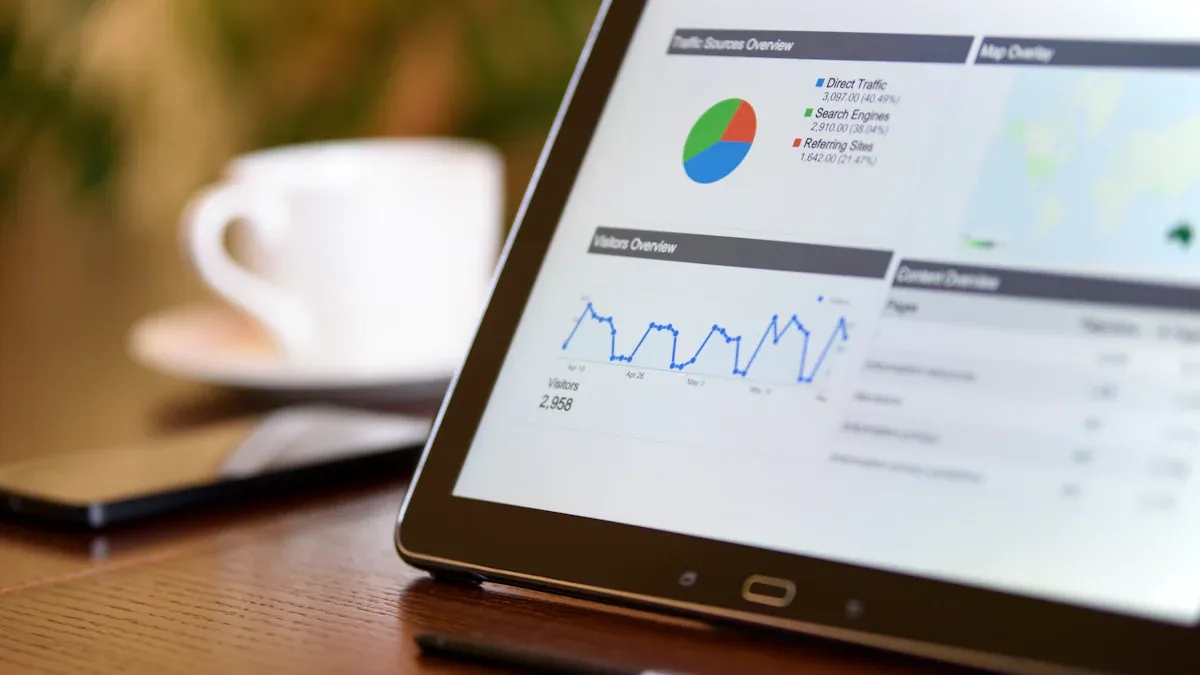
Choosing the right analytics tool can feel tricky, so let’s make it simple. Here’s a quick table to help you see how the top ecommerce analytics tools stack up. You’ll find their best use cases and standout features side by side.
| Tool | Best Use Cases | Key Features | Pricing |
|---|---|---|---|
| FineBI | Retail & ecommerce, unified analytics | Self-service dashboards, 60+ data connectors, AI insights, real-time reporting, data governance | Mid-range |
| Google Analytics | General ecommerce tracking | Event-based tracking, funnel analysis, real-time data, ad integration | Free/Paid |
| Shopify Analytics | Shopify stores, quick insights | Built-in reports, customer/product analytics, inventory tracking | Included w/ plan |
| Adobe Analytics | Large-scale, deep analysis | Advanced segmentation, predictive analytics, Adobe integration | Premium |
| Glew.io | Multi-channel ecommerce | 150+ KPIs, custom reports, marketing/ad data integration | Subscription |
| Kissmetrics | Conversion optimization | Funnel analysis, cohort tracking, A/B testing, customer journey | Subscription |
| Woopra | Customer journey mapping | Real-time analytics, journey mapping, automated triggers | Subscription |
| Mixpanel | Shopper behavior analysis | Event analytics, cohort tracking, session replay, real-time dashboards | Free/Paid |
| Heap Analytics | UX optimization | No-code autocapture, funnel/path analysis, session replay, AI insights | Free/Paid |
| Triple Whale | Performance monitoring | Unified dashboards, ad spend tracking, attribution modeling | Subscription |
| Polar Analytics | Fast setup, marketing teams | No-code setup, pre-built dashboards, marketing attribution | Subscription |
Tip: If you want a tool that grows with your business, FineBI stands out. You can connect all your data sources, build custom dashboards, and get real-time insights without needing to code. FineBI works especially well for retail and ecommerce teams that want to break down data silos and make smarter decisions fast. Many global brands trust FineBI to boost sales, track inventory, and personalize customer experiences. If you need a flexible, scalable analytics platform, FineBI is a top pick.
Which Ecommerce Analytics Tool Is Right for You?
Picking the right analytics tool can feel like a big decision, but you can make it easier by focusing on what matters most for your ecommerce business. Every store is different, so you want a solution that fits your size, industry, and goals. Here’s how you can match the best analytics platform to your needs:
- Scalability and Performance: Make sure the tool can grow with your store and handle busy times.
- Ease of Integration: Choose a platform that connects smoothly with your current systems, so you avoid data silos.
- Variety of Data Visualization: Look for dashboards that turn complex numbers into clear visuals.
- Automated Alerts and Scheduling: Get instant notifications when inventory or spending changes.
- Advanced Analytics Features: Predictive analytics and customer segmentation help you plan for the future.
- Centralized Modeling Layer: Keep your metrics consistent with a single source of truth.
- Self-Serve Interface: Pick a tool that lets anyone on your team explore data, not just the tech experts.
- Cost and Licensing Model: Find a solution that fits your budget and offers flexible pricing.
- Security and Compliance: Protect your ecommerce customers’ data and follow privacy rules.
- Customer Support and Documentation: Good support and clear guides make troubleshooting much easier.
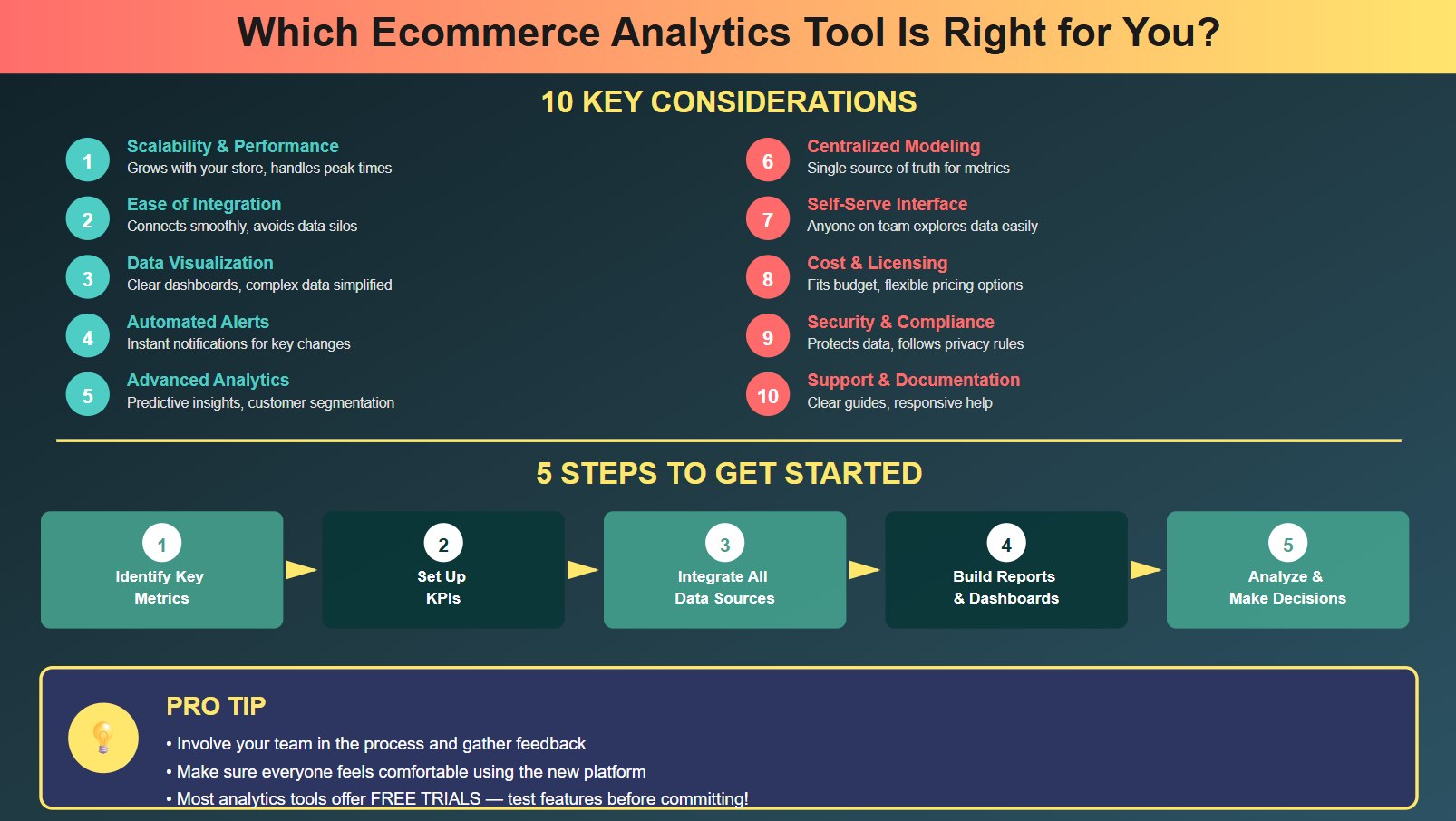
Once you’ve narrowed down your options, take these next steps to get the most from your new analytics tool:
- Identify the metrics that matter most for your ecommerce business.
- Set up your key performance indicators (KPIs) based on your goals.
- Integrate data from all your sources to keep everything consistent.
- Build smart reports and dashboards to visualize your KPIs.
- Use data analytics to uncover trends and make better decisions.
Tip: Involve your team in the process. Ask for feedback and make sure everyone feels comfortable using the new platform. Most analytics tools offer free trials, so you can test features before making a commitment.
Choosing the right analytics tool helps you understand your ecommerce customers, spot new opportunities, and grow your business with confidence.
Ecommerce analytics tools help you unlock growth and make smarter decisions. Just look at how top brands use analytics:
| Brand | Analytics Tool | Impact Description |
|---|---|---|
| Amazon | Recommendation Engine | 35% of sales come from product recommendations. |
| Sephora | Virtual Artist | Online sales jumped 11% and average order value rose. |
| Nike | Member-Led Growth | Digital sales grew by 50% in 2023. |
| Wayfair | 3D Room Planner | Returns dropped 20% with better customer satisfaction. |
Choosing the right tool matters. FineBI by FanRuan stands out because you get:
- Real-time data updates for quick decisions
- Flexible dashboards made for ecommerce
- Mobile access so you can check reports anywhere
- Easy integration with all your data sources
Start exploring these tools and watch your store thrive.
Frequently asked questions
An ecommerce analytics tool helps you track, measure, and understand your online store’s data. You can see what shoppers do, which products sell best, and where you can improve.