

Admin dashboard design inspiration is easy to find. Turning that inspiration into a live, data-connected enterprise dashboard is the hard part. This guide bridges both: concrete admin dashboard design examples organized by use case and visual style, followed by practical guidance on moving from UI mockups to production-grade dashboards with real data, permissions, and automated refresh.
Admin Dashboard Design Examples at a Glance
| Dashboard type | Best for | Key design idea | Example metric |
| Dark mode admin dashboard | Monitoring centers | High contrast, alert-first layout | System status, SLA, incidents |
| Executive KPI dashboard | Management review | One-screen KPI summary | Revenue, margin, growth |
| Operations dashboard | Daily management | Real-time status and exceptions | Orders, capacity, delays |
| Finance dashboard | CFO/finance team | Variance and drill-down | Budget vs actual, cash flow |
| Mobile admin dashboard | Field managers | Compact cards and quick actions | Tasks, approvals, alerts |
Each example below includes design principles, when to use it, and signals that indicate readiness for enterprise-grade implementation.
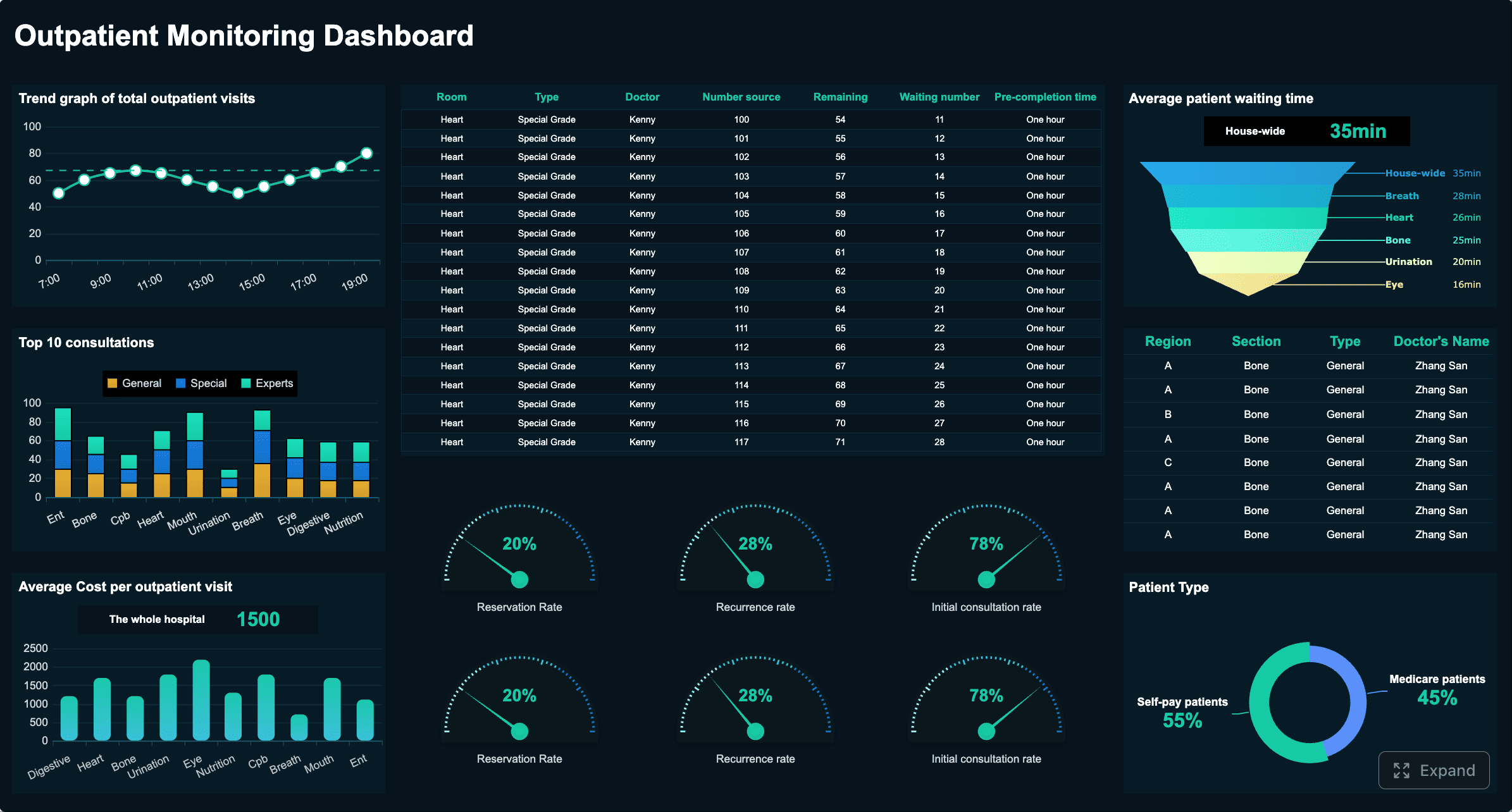
Dark Mode Admin Dashboard Design
Dark mode is not an aesthetic preference — it is a functional requirement for monitoring centers, network operations, overnight shifts, and any environment where screens are viewed for extended periods in low ambient light.
When Dark Mode Is the Right Choice
- Monitoring and NOC environments: Operators watch dashboards for hours; dark backgrounds reduce cumulative eye strain.
- Real-time operations and incident response: Alerts must pop against the background; dark surfaces make color-coded severity instantly scannable.
- Low-light or shift-work settings: Warehouses, factories, hospitals, and 24/7 support centers benefit from reduced glare.
- Data-dense visualization: Charts with many overlapping elements gain clarity when gridlines and labels recede into dark backgrounds.
Dark Mode Design Principles
| Principle | Do | Don't |
| Background hierarchy | Use 2–3 shades of dark gray (#121212, #1E1E1E, #2C2C2C) to separate panels, cards, and modals | Use pure black (#000000) everywhere; it flattens depth and causes smearing on OLED |
| Text contrast | Maintain WCAG AA minimum (4.5:1 for body, 3:1 for large text); prefer off-white (#E0E0E0) over pure white | Use pure white (#FFFFFF) on dark backgrounds; it causes halation and fatigue |
| Alert colors | Reserve red/orange/yellow for genuine anomalies; use muted tones for normal states | Color-code every element; desensitizes operators to real alerts |
| Chart readability | Use saturated but not neon chart colors; add subtle glow or border for distinction against dark | Use low-saturation pastels that disappear against dark backgrounds |
| Spacing and grouping | Increase padding between modules; dark mode compresses perceived whitespace | Crowd elements together; legibility suffers more in dark mode than light |
| Toggle option | Always offer light/dark toggle; respect system preference as default | Force dark mode on all users regardless of context or preference |
Common Dark Mode Mistakes
- Inverting light-mode designs directly: Colors, shadows, and borders that work on white fail on dark. Redesign, don't invert.
- Using color alone to convey status: Add icons, labels, or position cues for accessibility and color-vision deficiency.
- Ignoring ambient lighting variation: A dashboard that looks perfect in a dim NOC may be unreadable in a sunlit office. Test in actual deployment conditions.
- Neglecting print/export: Dark-mode dashboards printed or exported to PDF waste ink and lose legibility. Auto-switch to light theme for export.
Light Mode Admin Dashboard Design
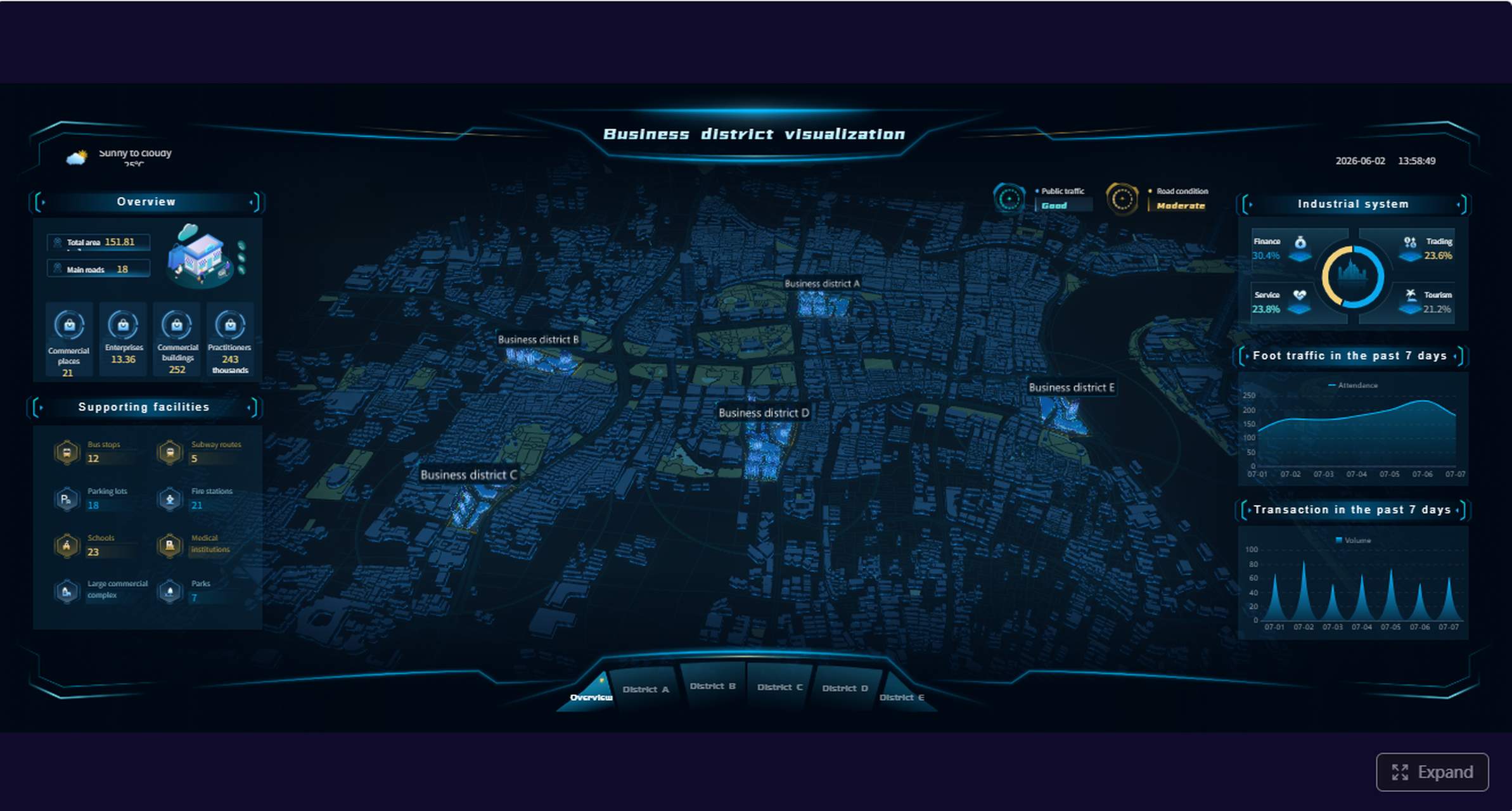
Light mode remains the default for most business admin dashboards used during daytime office hours. Its advantages are familiarity, print compatibility, and lower cognitive load for text-heavy interfaces.
When Light Mode Is the Right Choice
- General business administration: User management, content moderation, approval workflows.
- Text-dense interfaces: Tables, forms, document previews where readability depends on high contrast black-on-white.
- Printed or exported reports: Light backgrounds translate directly to paper and PDF without adaptation.
- Mixed-audience dashboards: When the same dashboard serves executives, analysts, and operators across varying environments.
Light Mode Design Principles
- Whitespace as structure: Use consistent spacing (8px grid) to separate sections. Whitespace reduces cognitive load more effectively than borders or dividers.
- Color with restraint: Limit to 3–5 semantic colors (success, warning, error, info, neutral). Decorative color adds noise without information.
- Typography hierarchy: Establish 3 levels maximum (heading, subheading, body). Size and weight do more work than color for scanning.
- Subtle elevation: Use light shadows or 1px borders to distinguish cards. Avoid heavy drop shadows that create visual clutter.
- Accessible contrast: Maintain WCAG AA standards. Test with grayscale filter to ensure information is not conveyed by color alone.
Executive KPI Admin Dashboard
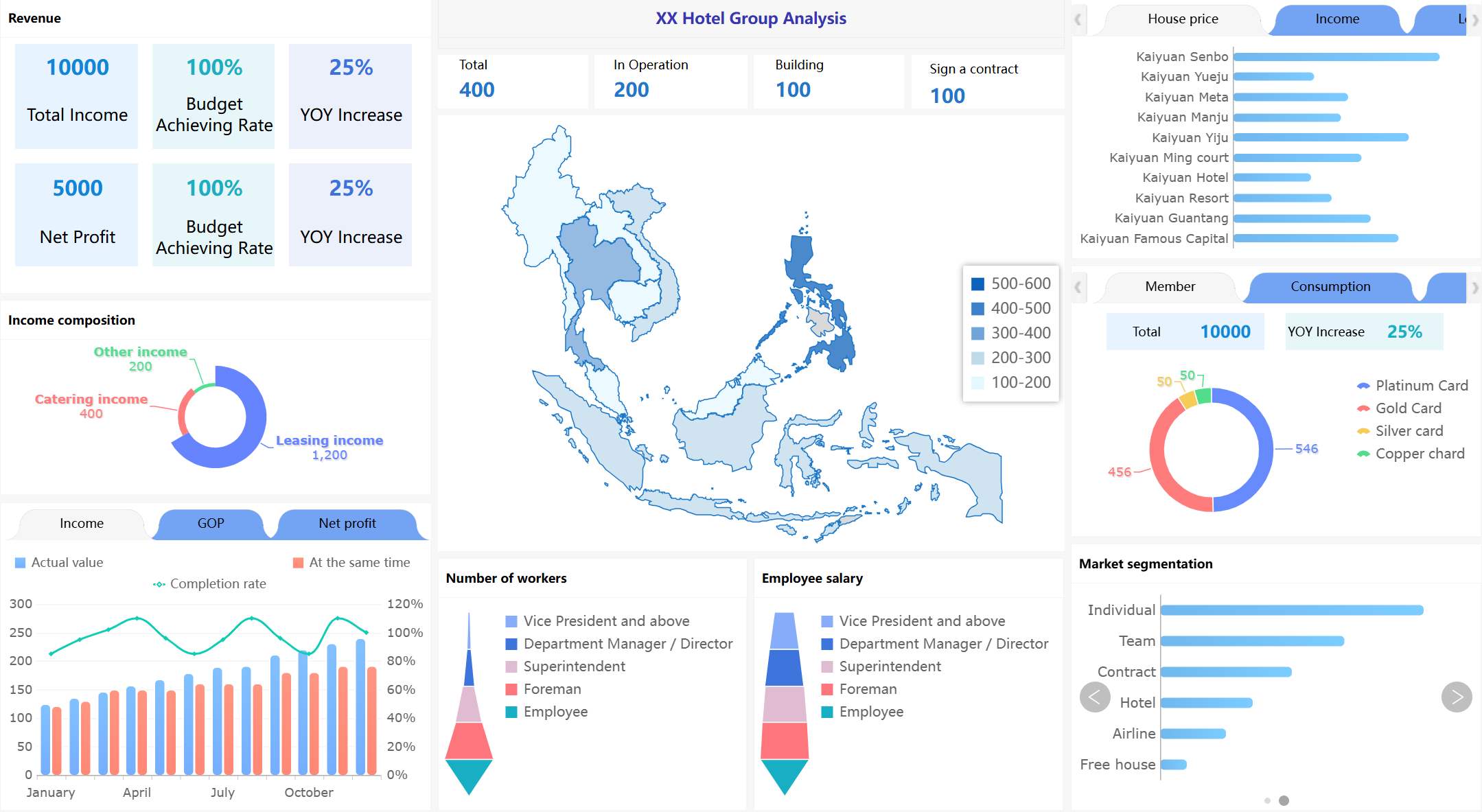
Executive dashboards answer one question: "Are we on track?" They prioritize breadth over depth, summaries over detail, and exceptions over completeness.
Design essentials: Large KPI cards with trend sparklines; single-screen layout requiring no scroll; conditional formatting for variance thresholds; drill-down available but not visible by default.
When this works: Monthly or quarterly management reviews; board reporting; strategic health checks.
When to upgrade: Executives ask follow-up questions that require slicing by dimension; KPI definitions vary across departments; data must reconcile automatically from multiple source systems.
Operations Admin Dashboard
Operations dashboards monitor the pulse of daily business. They emphasize real-time status, exception visibility, and quick triage over historical analysis.
Design essentials: Status grids with color-coded cells; countdown timers for SLAs; sortable/filterable exception lists; compact density for high information volume.
When this works: Shift handovers; daily standups; operational control rooms.
When to upgrade: Multiple data sources must merge in real time; alert routing requires role-based logic; historical pattern detection informs proactive intervention.
Sales Admin Dashboard
Sales admin dashboards serve sales leadership and regional managers who need pipeline visibility, rep performance tracking, and forecasting inputs.
Design essentials: Funnel visualization with stage conversion rates; rep leaderboard with quota attainment bars; geographic or segment filters; trend lines comparing current vs prior period.
When this works: Weekly sales reviews; territory planning; compensation validation.
When to upgrade: CRM data must integrate with ERP for margin analysis; forecasting models require statistical methods beyond visual trends; mobile access needed for field reps.
Finance Admin Dashboard
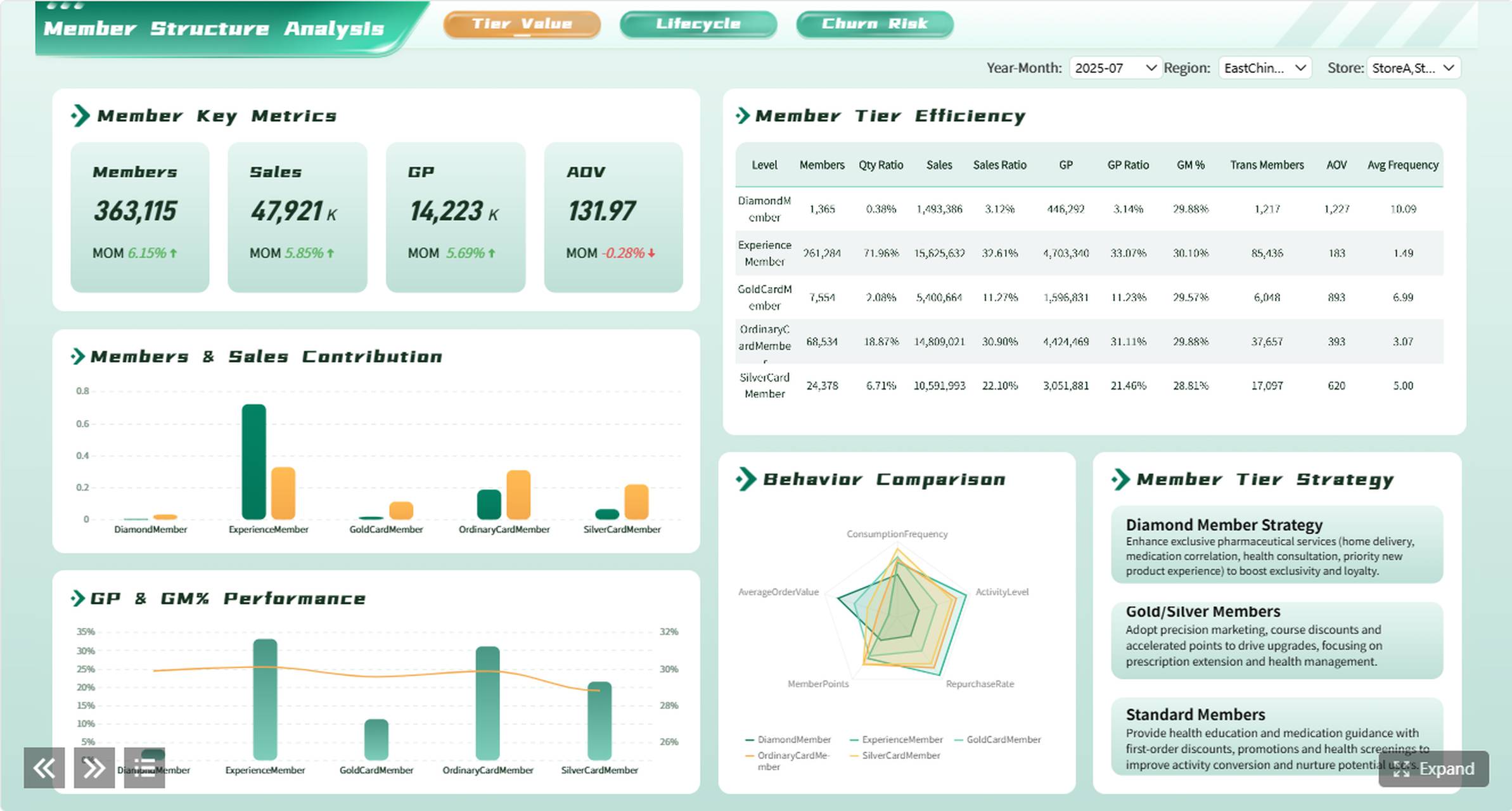
Finance dashboards support FP&A, controllership, and CFO-level oversight. Accuracy, auditability, and drill-through capability matter more than visual flair.
Design essentials: Variance tables with favorable/unfavorable indicators; waterfall charts for P&L bridges; period-over-period comparisons; clickable drill-down to transaction-level detail.
When this works: Month-end close review; budget vs actual monitoring; cash flow forecasting.
When to upgrade: Multi-entity consolidation required; intercompany eliminations must automate; regulatory reporting demands version-controlled audit trails.
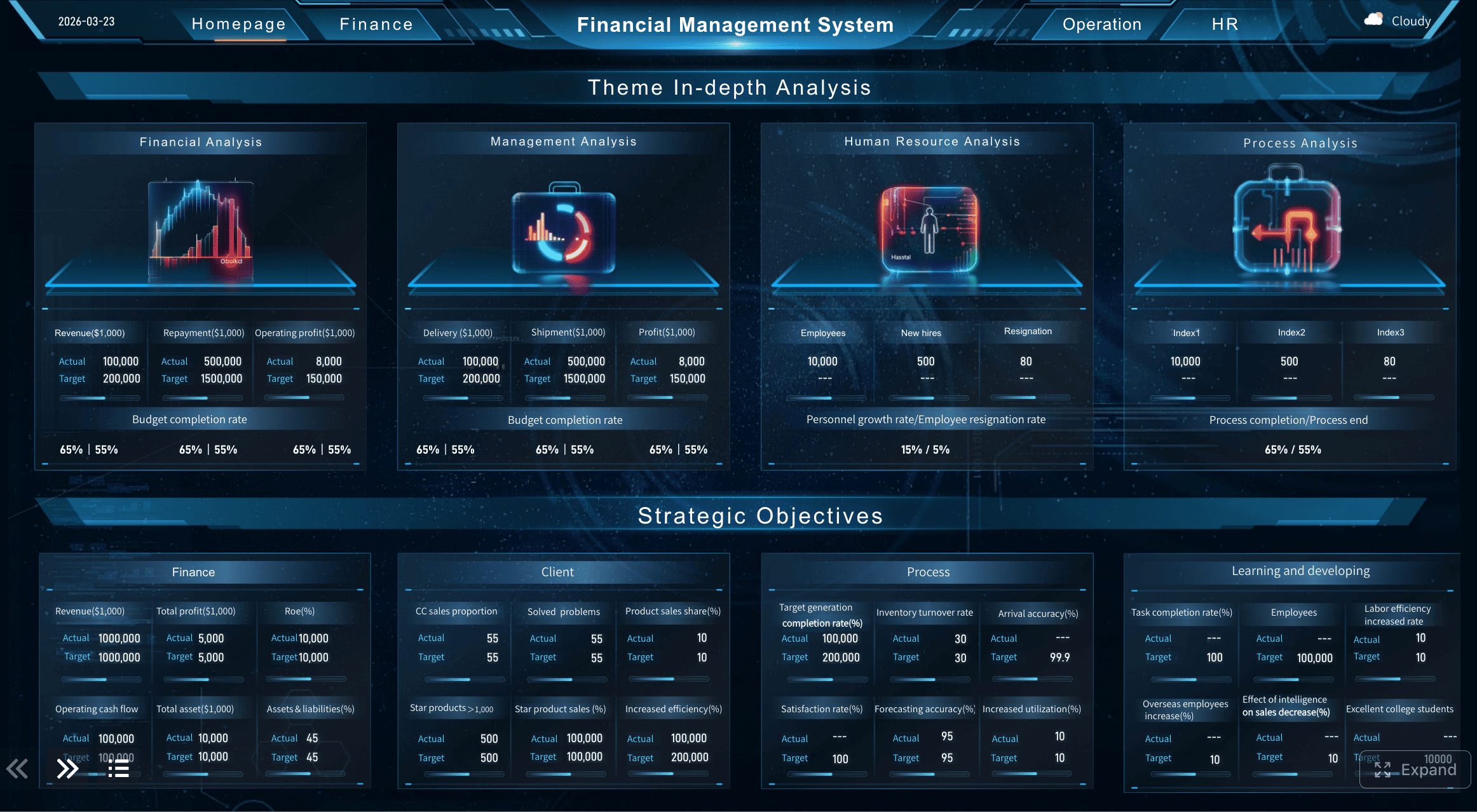
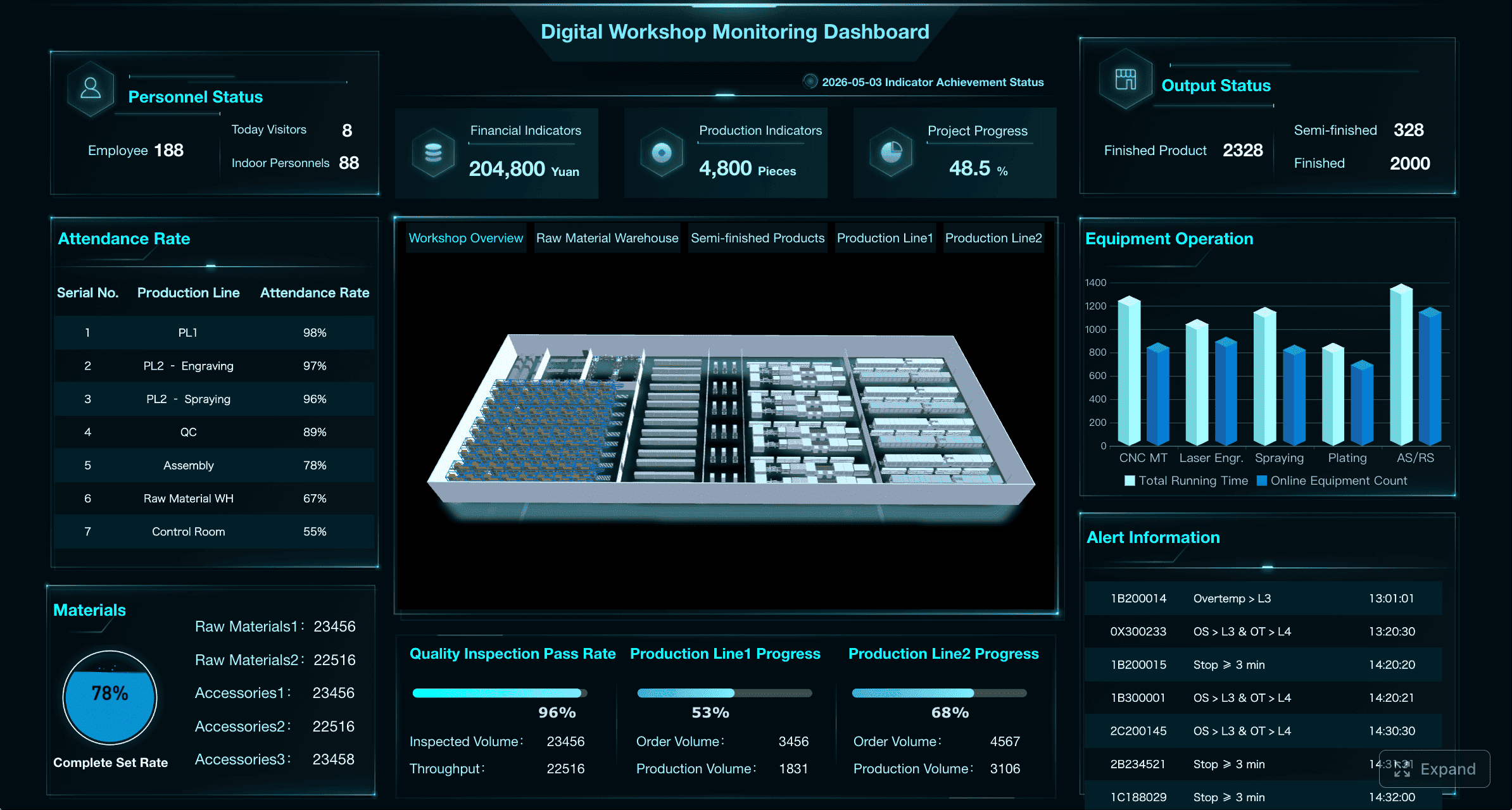
Manufacturing Admin Dashboard
Manufacturing dashboards track production efficiency, equipment health, and quality metrics. They often run on shop-floor displays alongside traditional office screens.
Design essentials: OEE gauges with target overlays; equipment status matrices; defect Pareto charts; shift-comparison views; large fonts for distance readability.
When this works: Production shift reviews; quality standups; maintenance planning.
When to upgrade: Machine sensor data streams require real-time ingestion; cross-line benchmarking needs centralized data; predictive maintenance models integrate with operational dashboards.
Mobile Admin Dashboard
Mobile admin dashboards serve managers and on-call staff who need critical information away from their desks. They are not shrunken desktop dashboards — they are purpose-built for small screens and intermittent attention.
Design essentials: Single-column card layout; thumb-friendly action buttons; push notification integration; offline-capable cached views; simplified navigation (bottom tab bar, not hamburger menu).
When this works: Approval workflows; on-call incident triage; field team check-ins; executive travel.
When to upgrade: Complex filtering or multi-dimensional analysis is needed (redirect to desktop); real-time streaming exceeds mobile bandwidth constraints; security policies restrict sensitive data on personal devices.

What Makes a Good Admin Dashboard?
Beyond specific types, effective admin dashboards share universal design principles:
- Answer a specific question first: Every dashboard should have a primary purpose stated in one sentence. If you cannot articulate it, the dashboard lacks focus.
- Match granularity to audience: Executives need summaries; operators need detail. Do not serve both in the same view without progressive disclosure.
- Prioritize signal over decoration: Remove any element that does not change a decision. Charts without actionable interpretation are wallpaper.
- Design for the worst-case data state: Empty states, error states, loading states, and outlier values. Dashboards that look great with sample data but break with real data fail in production.
- Test with real users early: Observe actual usage, not self-reported preferences. Where users click, what they ignore, and where they get stuck reveal design truth.
- Plan for evolution: Business questions change. Build modular, configurable dashboards rather than pixel-perfect static designs that require full rebuilds when requirements shift.
Admin Dashboard Design Checklist
Use this checklist before approving any admin dashboard design for development:
| Category | Check |
| Purpose | Primary question articulated in one sentence |
| Audience | User roles defined; access levels mapped |
| Data sources | All required sources identified; refresh frequency confirmed |
| Layout | Information hierarchy matches user priority; tested with real data volumes |
| Visual encoding | Color, size, and position convey meaning consistently; accessible contrast verified |
| Interaction | Filters, drill-down, and exports specified; edge cases documented |
| Responsiveness | Behavior defined for desktop, tablet, and mobile breakpoints |
| Performance | Load time target set (<3 seconds); tested with production-scale data |
| Security | Row-level and object-level permissions designed; authentication method confirmed |
| Maintenance | Ownership assigned; update process documented; monitoring configured |
Skipping this checklist is the most common reason dashboard projects stall between design approval and production deployment.
When to Move from UI Mockups to Live Dashboards
UI inspiration is useful for layout, but enterprise admin dashboards also need live data, permissions, scheduled reports, drill-down, mobile access, and multi-source integration. FineReport helps teams turn dashboard design ideas into working business dashboards connected to real enterprise data.
| Use UI templates when... | Use FineReport when... |
| You only need a static mockup | You need a live enterprise dashboard |
| The dashboard is for design review | The dashboard is used by managers daily |
| Data can be pasted manually | Data comes from databases, ERP, CRM, or Excel |
| No permissions are needed | Different roles need different views |
| No refresh is required | Data must refresh automatically |
The transition point is not when the design is "finished." It is when the business requires data freshness, access control, or distribution that static files cannot provide.
How FineReport Helps Build Enterprise Admin Dashboards
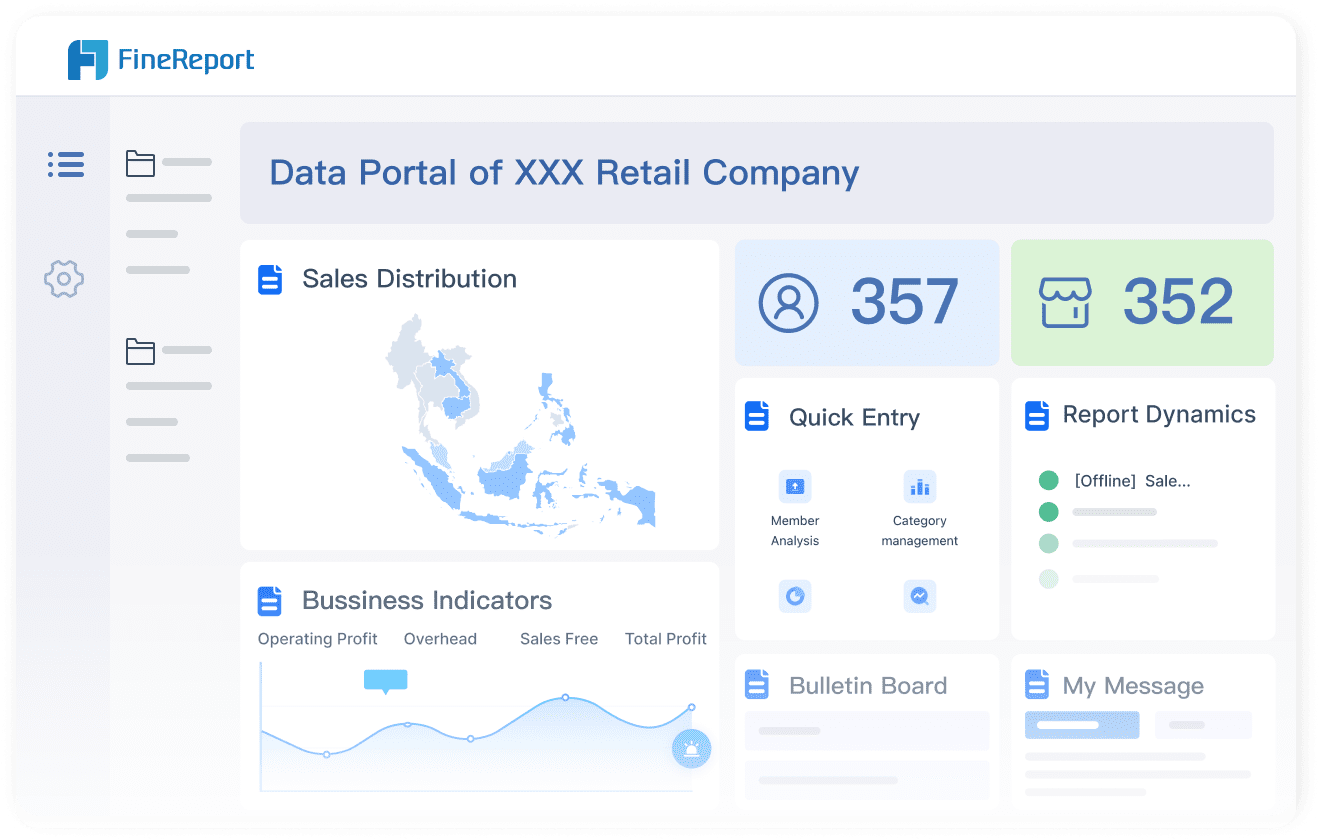
FineReport connects dashboard design to enterprise reality through capabilities that UI tools cannot provide:
- Live data connectivity: Direct connections to databases, APIs, ERP, CRM, and spreadsheets eliminate manual data preparation and ensure dashboards reflect current state.
- Role-based permissions: Row-level and component-level security ensures each user sees only authorized data within the same dashboard template.
Scheduled generation and distribution: Dashboards auto-refresh and distribute via email, portal, or mobile app on configured schedules without manual intervention.
Interactive drill-down: Click-through from summary KPIs to underlying detail records within the same governed environment.
Responsive and mobile-native layouts: Single design adapts to desktop, tablet, and mobile form factors with device-appropriate interaction patterns.
Parameterized templates: One dashboard template serves multiple entities, regions, or time periods through user-selected parameters rather than duplicated files.

How Dora Adds AI Summaries to Dashboard Monitoring
After a FineReport admin dashboard is live, Dora can help managers summarize KPI changes, detect unusual movements, and ask follow-up questions in natural language instead of manually checking every chart.
Dora operates on governed FineReport assets. It does not build dashboards or replace visual monitoring. It accelerates the path from "dashboard viewed" to "insight understood" by providing conversational access to the same trusted data that powers the dashboard.
CXO Dashboards for Public Sector (ADPIC Story)
Managing government projects comes with big challenges. You need to keep everything on track and show the public how resources are used. The Abu Dhabi Projects and Infrastructure Centre (ADPIC) used FineReport to build a CXO dashboard that transformed their operations.
This dashboard design brings together project data, safety metrics, and sustainability goals. Executives see real-time updates on project progress, budget allocations, and quality standards. The dashboard makes it easy to spot delays or risks and respond quickly.
Public-facing dashboards play a huge role in building trust. They let residents see how their government works, where money goes, and how projects move forward. When you use dashboards to share complex data in a visual format, you help everyone understand what’s happening. This kind of data visualization improves transparency and accountability. It also encourages community engagement.
FineReport’s dashboard design for ADPIC shows how you can:
- Consolidate data from multiple sources for a single source of truth
- Visualize KPIs for better executive decision-making
- Communicate progress and challenges to the public
- Promote transparency and trust in government operations
You get a dashboard that supports both internal management and public communication. This is a best practice for any organization that values openness and efficiency.

Continue Reading About Dashboard
What is a Call Center Metrics Dashboard and How Does It Work
How to Build a 3D Dashboard for Business Intelligence
How to Build an Effective Manufacturing KPI Dashboard
How to Launch a Financial Reporting Dashboard with No Code
What is a Digital Marketing Dashboard and Why Does it Matter
Frequently asked questions
An admin dashboard is a centralized interface that consolidates key business metrics, operational status, and management tools into a single view. It enables administrators, managers, and executives to monitor performance, identify exceptions, and make decisions without navigating multiple systems.




