
"Real-time analytics platform" is an overloaded term. Some vendors use it to describe stream processing engines that ingest millions of events per second. Others use it for cloud data warehouses with sub-second query latency. Still others mean self-service BI tools that refresh dashboards every few minutes. All three are legitimate components of a real-time analytics stack, but they solve different problems and serve different users.
This guide evaluates platforms across all three categories — business intelligence, stream processing, and analytical databases/warehouses — using consistent criteria. Rather than ranking fundamentally different tools on a single list, we classify them by architectural role so you can identify which layer your team actually needs.
What Is a Real-Time Analytics Platform?
A real-time analytics platform is any system that enables organizations to derive actionable insights from data with minimal latency between event occurrence and insight availability. "Real-time" spans a spectrum:
| Latency Tier | Definition | Typical Technologies | Business Example |
|---|---|---|---|
| True Streaming | Milliseconds to seconds | Apache Flink, Kinesis, Confluent | Fraud detection, IoT alerting |
| Near-Real-Time | Seconds to minutes | ClickHouse, Pinot, Databricks Streaming | Live dashboards, ad-tech bidding |
| Micro-Batch / Fresh | Minutes to hours | Snowflake, BigQuery, Redshift | Operational reporting, daily KPI monitoring |
| On-Demand Refresh | User-triggered or scheduled (minutes–hours) | FineBI, Tableau, Power BI | Self-service dashboards, executive scorecards |
Most enterprises need multiple tiers. A fraud team needs true streaming. A sales operations team needs micro-batch freshness. An executive team needs on-demand dashboard refresh. Selecting the right platform starts with identifying which tier your use case requires — not chasing the lowest possible latency regardless of cost or complexity.
Real-Time Analytics Platform vs Streaming Engine vs BI Tool
Confusing these categories is the most common cause of failed real-time analytics projects. Each serves a distinct architectural function.
| Dimension | BI / Visualization Tool | Stream Processing Engine | Analytical Database / Warehouse |
|---|---|---|---|
| Primary Function | Visualize, explore, share insights | Ingest, transform, route event streams | Store, index, query large analytical datasets |
| Data Interaction | Query pre-stored or cached data | Process data in motion | Query data at rest |
| Latency Profile | Minutes to user-triggered | Milliseconds to seconds | Seconds to minutes |
| End Users | Business analysts, managers | Data engineers, platform teams | Analysts, data scientists, applications |
| Example Platforms | FineBI, Tableau, Power BI | Apache Flink, Kinesis, Dataflow | ClickHouse, Snowflake, Pinot, Databricks |
| Not Designed For | Raw stream ingestion or ETL | Interactive dashboards or ad-hoc SQL | Sub-millisecond event processing |
Key takeaway: FineBI is a BI and visualization tool. It excels at real-time dashboards and self-service business analytics, but it does not ingest raw event streams or perform stream processing. Evaluating it against Flink or Kinesis on streaming throughput is architecturally meaningless. The comparison table below classifies each platform correctly.
Best Real-Time Analytics Platforms in 2026
We evaluated platforms based on five criteria applicable across categories: latency profile, scalability, ecosystem integration, ease of adoption, and governance maturity. Pricing and setup time are reported qualitatively (Low/Medium/High) because published figures vary by deployment model, region, and contract terms; specific benchmarks without reproducible test conditions have been excluded.
1. FineBI — Best for Real-Time Business Dashboards
 Website: https://www.fanruan.com/en/finebi
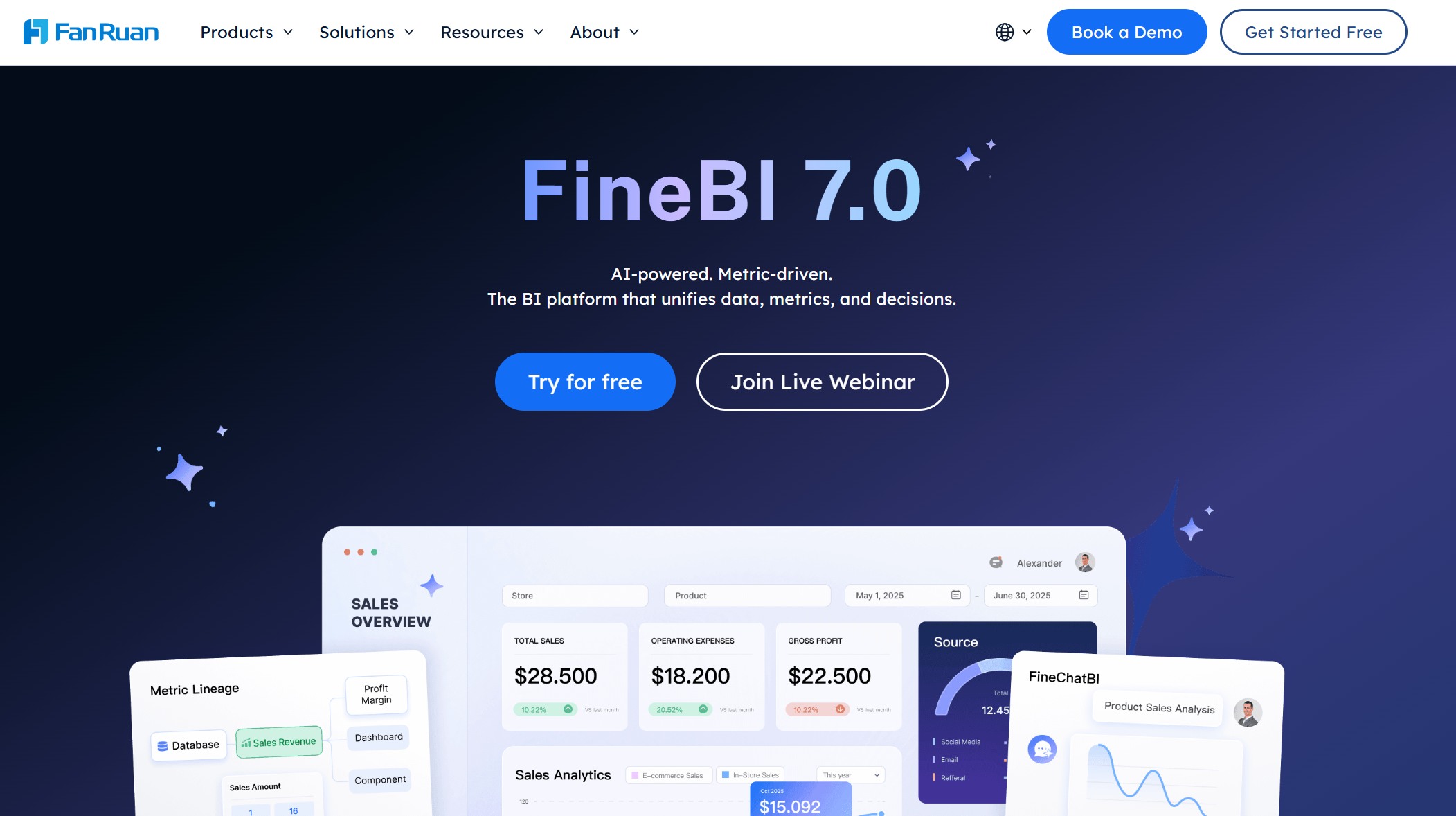
FineBI is best suited for teams that need real-time dashboards, self-service BI, and business-facing analytics. It helps users monitor KPIs, explore data, build visual dashboards, and share insights across departments. FineBI is not a stream processing engine like Flink or Kinesis; it works better as the analytics and visualization layer on top of trusted, frequently updated data.
| Strengths | Considerations |
|---|---|
| Self-service drag-and-drop dashboard building | Requires upstream data pipeline for true freshness |
| 30+ native data source connectors | Not a streaming ingestion or processing engine |
| Enterprise permission model and row-level security | Advanced transformations may require FineDataLink |
| Mobile-native responsive dashboards | Large-scale aggregation depends on backend engine |
Best for: Real-time business dashboards and self-service analytics
2. AWS Managed Service for Apache Flink — Best for True Stream Processing
 Website: https://aws.amazon.com/managed-service-apache-flink/
AWS's managed Flink service provides stateful stream processing with exactly-once semantics, event-time windowing, and checkpoint-based fault tolerance. It integrates natively with Kinesis, MSK, S3, and DynamoDB, making it the default choice for AWS-native streaming architectures.
| Strengths | Considerations |
|---|---|
| True millisecond-latency stream processing | Significant learning curve (Flink API / SQL) |
| Fully managed scaling and checkpointing | AWS ecosystem lock-in |
| Native integration with Kinesis, MSK, S3 | Cost scales with parallelism and state size |
Best for: AWS-native teams building fraud detection, real-time ETL, or IoT event processing pipelines.
3. ClickHouse Cloud — Best for High-Speed Analytical Queries
 Website: https://clickhouse.com/
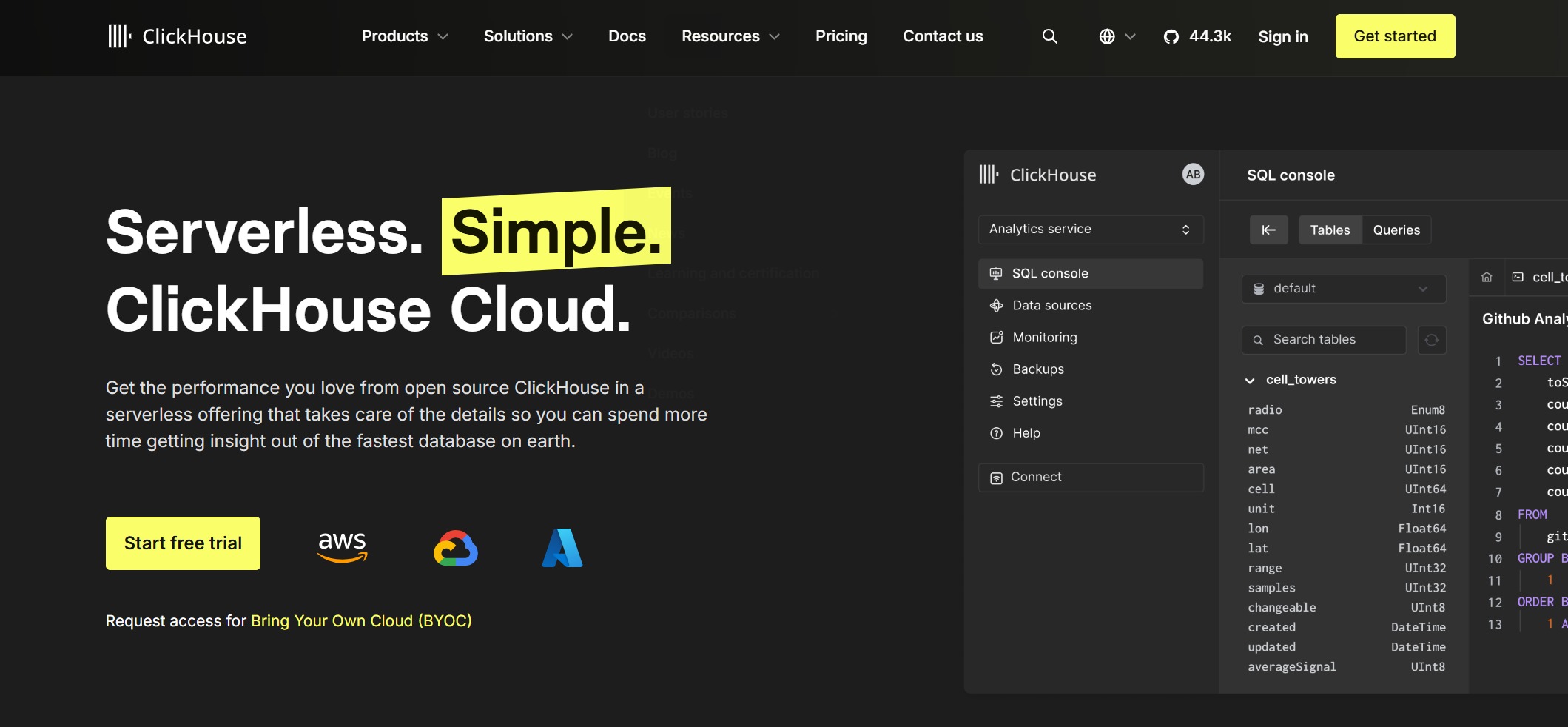
ClickHouse is a columnar database optimized for sub-second analytical queries on billions of rows. Its compression ratios and scan performance make it ideal for observability, ad-tech, and log analytics where query speed matters more than complex joins.
| Strengths | Considerations |
|---|---|
| Sub-second queries on billion-row datasets | Join performance weaker than full MPP warehouses |
| High compression reduces storage cost | Smaller third-party BI/tooling ecosystem |
| Real-time ingestion via MergeTree engine | Requires tuning expertise for optimal performance |
Best for: Observability, log analytics, ad-tech, and any workload prioritizing scan speed over relational complexity.
4. Confluent (Apache Kafka) — Best for Event Streaming Infrastructure
 Website: https://www.confluent.io/
Confluent provides enterprise-grade Apache Kafka as a managed service, plus Flink-based stream processing, schema registry, and Iceberg table integration. It serves as the central nervous system for event-driven architectures rather than an end-user analytics tool.
| Strengths | Considerations |
|---|---|
| Industry-standard event streaming backbone | Kafka operational complexity (mitigated by managed service) |
| Schema Registry + Tableflow for governed streaming | Not a BI or visualization tool |
| Multi-cloud deployment | Cost scales with throughput and retention |
Best for: Organizations building event-driven architectures requiring durable, scalable, governed streaming infrastructure.
5. Apache Pinot (StarTree) — Best for Low-Latency OLAP on Streaming Data
 Website: https://startree.ai/
Pinot is designed for user-facing analytical queries on fresh data with single-digit millisecond p99 latency. StarTree's managed offering adds pre-aggregation indexes and operational support. Commonly used for real-time dashboards embedded in product UIs.
| Strengths | Considerations |
|---|---|
| Single-digit ms p99 on streaming data | Narrower ecosystem than Snowflake/Databricks |
| Pre-aggregation indexes for instant queries | Operational expertise required for self-hosted |
| Upsert and deduplication support | Less suited for complex multi-table joins |
Best for: User-facing real-time analytics, product-embedded dashboards, and low-latency OLAP on streaming sources.
6. Databricks — Best for Unified Batch, Streaming, and AI
 Website: https://www.databricks.com/
Databricks combines lakehouse storage (Delta Lake), Spark-based batch/stream processing, and ML/AI tooling in one platform. Unity Catalog provides cross-workload governance. Its strength is unifying data engineering, analytics, and AI on shared open-format storage.
| Strengths | Considerations |
|---|---|
| Unified batch + streaming + ML on open formats | Steeper learning curve for non-Spark users |
| Unity Catalog for cross-workload governance | SQL warehouse maturity still evolving |
| Strong AI/ML integration | Cost optimization requires active cluster management |
Best for: Organizations with significant ML/AI workloads wanting unified batch, streaming, and analytics on open table formats.
7. Amazon Kinesis — Best for AWS-Native Stream Ingestion
 Website: https://aws.amazon.com/kinesis/
Kinesis provides managed stream ingestion (Data Streams), serverless stream processing (Kinesis Data Analytics), and delivery to downstream stores (Firehose). It is the entry point for most AWS streaming architectures, often feeding Flink or Redshift.
| Strengths | Considerations |
|---|---|
| Fully managed ingestion with auto-scaling | Shard-based capacity planning required |
| Native integration with AWS analytics stack | Limited standalone analytics capability |
| Firehose delivers to S3/Redshift/OpenSearch | Costs scale linearly with throughput |
Best for: AWS-native stream ingestion as part of a broader streaming architecture.
8. Snowflake — Best for Cloud Data Warehouse with Streaming Support
 Website: https://www.snowflake.com/en/
Snowflake separates storage and compute, supports multi-cloud deployment, and offers Snowpipe Streaming for near-real-time ingestion. While not a true streaming engine, its combination of warehouse capabilities and streaming ingestion covers most operational analytics needs.
| Strengths | Considerations |
|---|---|
| Independent storage/compute scaling | Credit-based pricing requires governance |
| Snowpipe Streaming for near-real-time ingestion | Not a substitute for true stream processing |
| Secure data sharing across accounts | Semi-structured handling less flexible than Databricks |
Best for: Multi-cloud enterprises needing a primary warehouse with near-real-time ingestion and secure data sharing.
9. Google Cloud Dataflow — Best for GCP-Native Unified Batch and Streaming
 Website: https://cloud.google.com/products/dataflow
Dataflow is Google Cloud's fully managed service for Apache Beam pipelines, supporting both batch and streaming in a unified programming model. It integrates natively with Pub/Sub, BigQuery, and Vertex AI.
| Strengths | Considerations |
|---|---|
| Unified batch/streaming via Apache Beam | Beam programming model has learning curve |
| Auto-scaling and managed infrastructure | GCP ecosystem dependency |
| Native Pub/Sub + BigQuery integration | Fewer third-party connectors than Flink/Kafka |
Best for: GCP-native teams wanting unified batch and streaming processing with auto-scaling.
10. FineDataLink — Best for Real-Time Data Integration and Synchronization
 Website: https://www.fanruan.com/en/finedatalink
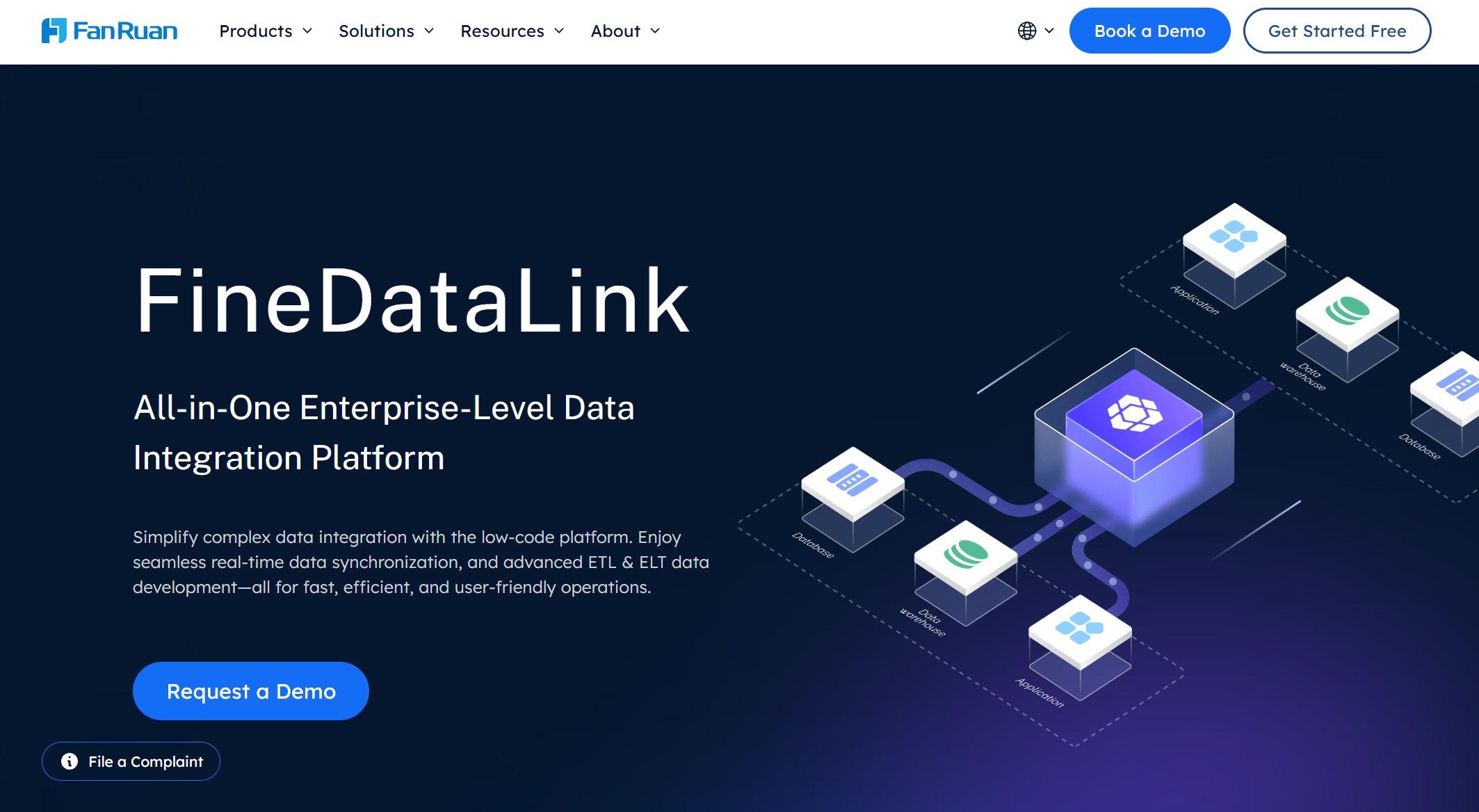
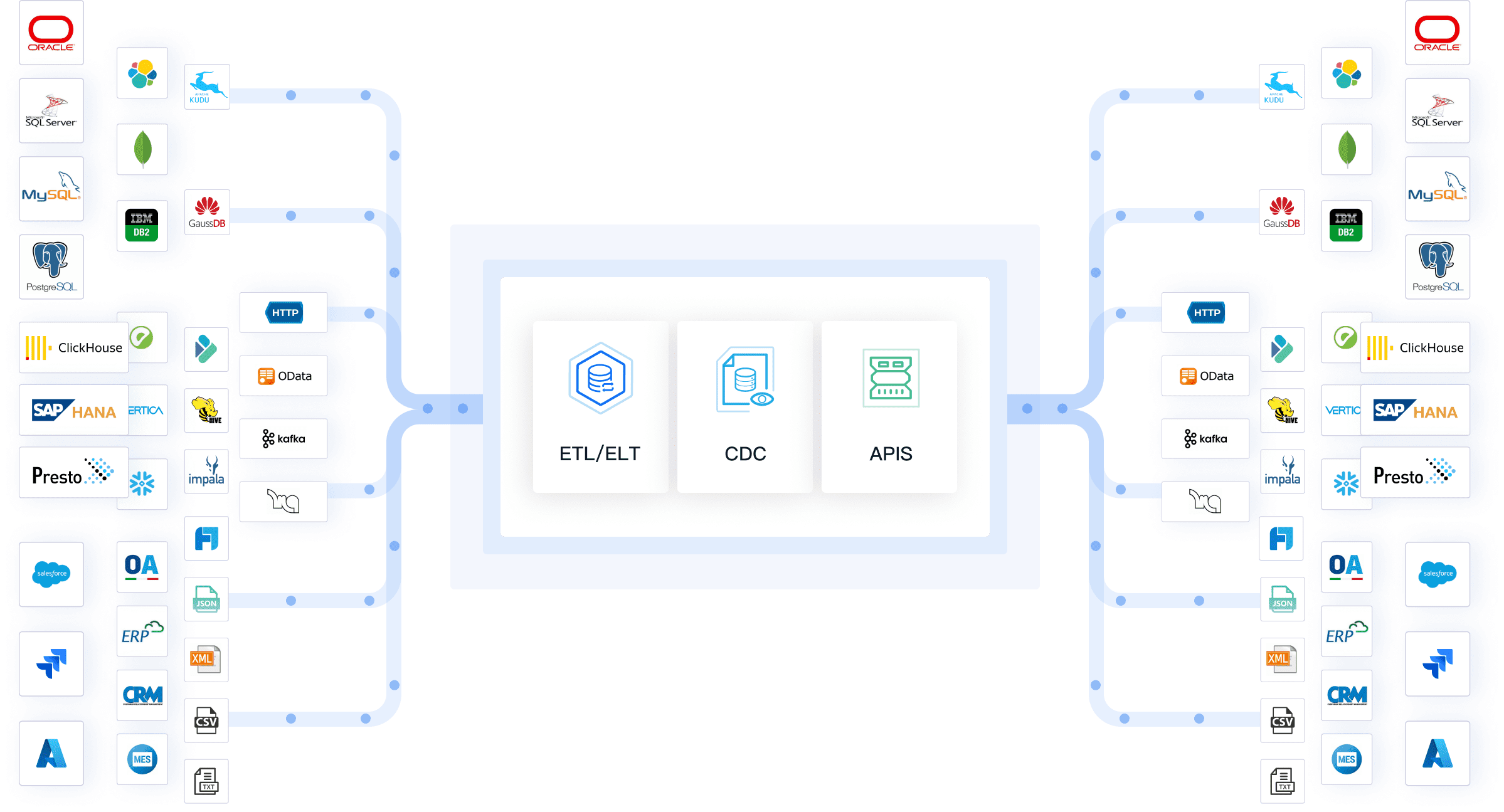
FineDataLink is a data integration platform that connects ERP, CRM, databases, APIs, spreadsheets, and SaaS applications, then transforms and synchronizes data into warehouses, BI tools, and downstream analytics layers. It is not an analytics engine itself; it ensures that analytics platforms always operate on fresh, consistent, trusted data.
| Strengths | Considerations |
|---|---|
| 100+ native connectors across enterprise systems | Not an analytics or visualization platform |
| CDC-based real-time synchronization | Pipeline design requires initial setup investment |
| Visual low-code interface reduces engineering dependency | Governance depends on configured rules and monitoring |
| Built-in data quality checks and error handling | Complements, does not replace, warehouse or BI tools |
Best for: Real-time data integration and synchronization — connecting disparate sources and delivering trusted data to warehouses, BI tools, and AI workflows.
| Platform | Best For |
|---|---|
| FineBI | Real-time business dashboards and self-service analytics |
| Apache Flink / AWS Managed Service for Apache Flink | Stream processing |
| ClickHouse Cloud | Event streaming and Kafka-based pipelines |
| Apache Pinot / StarTree | User-facing analytics at low latency |
| Databricks | Lakehouse + AI/ML analytics |
| Amazon Kinesis | AWS-native streaming data |
| Snowflake | Cloud warehouse with near-real-time analytics |
| Google Cloud Dataflow | Serverless stream and batch processing |
| FineDataLink | Real-time data integration and synchronization |
Real-Time Analytics Platforms Comparison Table
| Category | What It Does | Examples |
|---|---|---|
| Real-time BI / dashboard | Turns fresh data into dashboards and business insights | FineBI |
| Stream processing | Processes event streams with low latency | Flink, Kinesis, Dataflow |
| Real-time database / OLAP | Supports fast analytical queries | ClickHouse, Pinot |
| Data streaming platform | Moves and governs event data | Confluent |
| Warehouse / lakehouse | Stores and analyzes large-scale data | Snowflake, Databricks |
How to Choose the Right Real-Time Analytics Platform
- Define your latency requirement first. True streaming (ms) costs significantly more than micro-batch (minutes). If your use case tolerates 5-minute freshness, do not pay for millisecond infrastructure.
- Identify the architectural layer you're missing. Most failures come from buying a BI tool expecting stream processing, or deploying Flink expecting dashboards. Map your gap to the correct category before evaluating vendors.
- Assess existing cloud commitment. AWS-native teams should evaluate Flink/Kinesis before Confluent. GCP teams should evaluate Dataflow before Flink. Multi-cloud requirements favor Snowflake or Databricks.
- Budget for the full stack, not one tool. Real-time analytics requires ingestion + processing + storage + visualization. A single platform rarely covers all layers. Budget for integration tooling (e.g., FineDataLink) alongside your primary platform.
- Evaluate governance early. Row-level security, audit logging, lineage, and compliance certifications vary significantly. Retrofitting governance after deployment is far more expensive than designing it in.
- Test with representative data, not vendor benchmarks. Published performance numbers reflect specific test conditions. Run your own evaluation with your actual schema, volume, and query patterns before committing.
Best Platform by Use Case
| Use Case | Recommended Platform(s) | Why |
|---|---|---|
| Executive / operational dashboards | FineBI | Self-service, 30+ connectors, enterprise permissions |
| Fraud detection / real-time alerting | AWS Flink, Confluent + Flink | True streaming, stateful processing, exactly-once semantics |
| Log / observability analytics | ClickHouse | Sub-second scans on billions of rows, high compression |
| Product-embedded real-time analytics | Apache Pinot (StarTree) | Single-digit ms p99, upsert support, pre-aggregation |
| Unified data + AI platform | Databricks | Open formats, Unity Catalog, native ML/AI |
| Multi-cloud enterprise warehouse | Snowflake | Storage/compute separation, secure data sharing, Snowpipe Streaming |
| GCP-native streaming | Google Cloud Dataflow | Beam unified model, auto-scaling, Pub/Sub integration |
| Non-technical data preparation | Mammoth Analytics | No-code interface, fast setup |
| Event-driven architecture backbone | Confluent | Kafka + Schema Registry + Tableflow, multi-cloud |
How FineBI Supports Real-Time Business Analytics
For real-time analytics to work, dashboards need fresh and reliable data. FineDataLink can connect ERP, CRM, databases, APIs, and other business systems, then synchronize and transform data for downstream analytics.
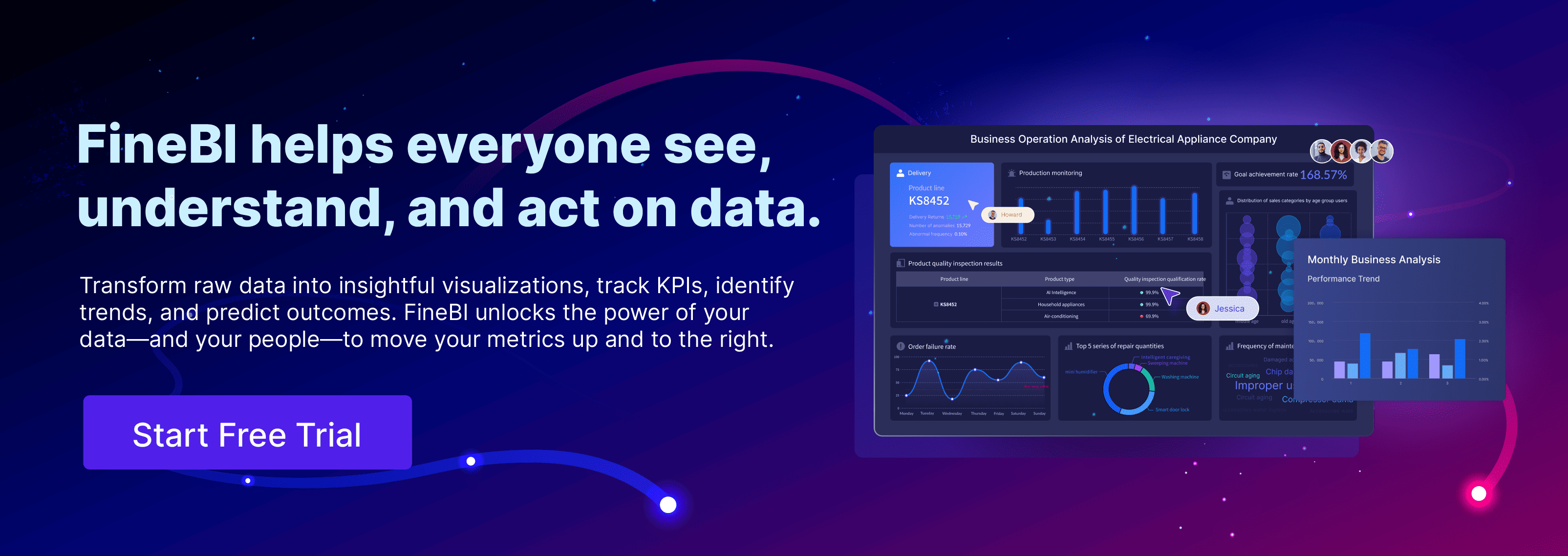
FineBI consumes this prepared data and enables business users to build interactive dashboards, monitor KPIs, explore trends, and share insights across departments — without writing SQL or waiting on engineering. Its Spider Engine provides real-time data preview during exploration, and its enterprise permission model ensures users see only authorized data.
FineBI is not a replacement for stream processing or analytical databases. It is the business-facing layer that makes real-time data accessible to the people who need to act on it.
How FineDataLink and Dora Extend Real-Time Analytics
After the data is available in FineBI, Dora can help business users ask follow-up questions, summarize changes, detect anomalies, and receive daily or weekly insight briefings.
The complete real-time analytics stack looks like this:
| Layer | Role | Example Tools |
|---|---|---|
| Source Systems | Generate business and operational data | ERP, CRM, IoT, APIs |
| Integration & Sync Layer | Connect, transform, synchronize | FineDataLink |
| Storage / Processing Layer | Store, index, process analytical data | Snowflake, ClickHouse, Flink |
| BI / Visualization Layer | Dashboard, explore, share | FineBI |
| AI Insight Layer | Summarize, brief, answer follow-ups | Dora |
Each layer solves a distinct problem. FineDataLink ensures data freshness and quality. FineBI makes it visually accessible. Dora makes it conversationally actionable. None replaces the others; together they form a complete real-time analytics value chain.
Frequently asked questions
Real-time analytics lets you see and act on data as soon as it arrives. You get instant insights, so you can make decisions quickly and stay ahead of changes.