

An open source KPI dashboard is a self-hosted or customizable dashboard environment used to track key performance indicators across business, product, operations, or technical teams without relying entirely on proprietary BI licensing. If you are searching for one, you are probably trying to answer a practical question: Which open source dashboard tool gives my team the right balance of flexibility, usability, cost, and long-term maintainability?
That question matters because KPI dashboards are not all built for the same job. Some tools are excellent for real-time operational metrics and infrastructure monitoring. Others are better for business reporting, SQL analysis, or executive dashboards. And while open source can reduce license costs, it can also increase the burden of setup, governance, support, and internal administration.
This guide compares seven relevant tools for 2026, with a focus on the most commonly shortlisted names: Grafana, Metabase, Apache Superset, and Redash, plus several additional contenders worth evaluating depending on your use case.
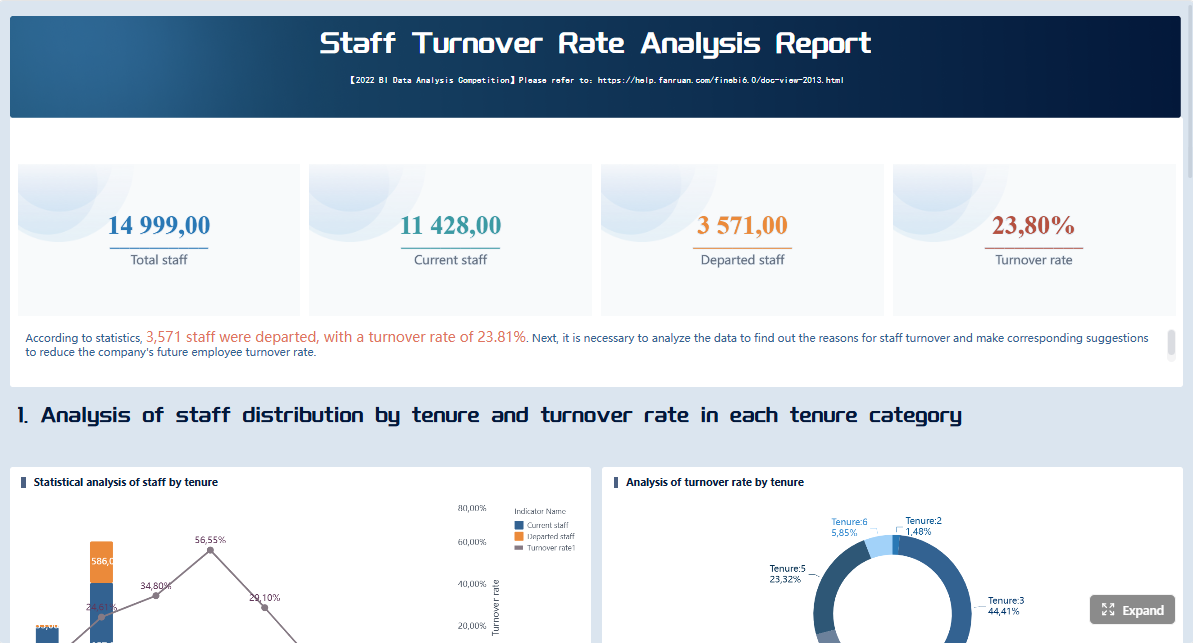 Click To Try The Dashboard
Open source KPI dashboard tools at a glance
An open source KPI dashboard usually makes sense when your team wants one or more of the following:
- More control over hosting and deployment
- Lower licensing costs at scale
- Greater extensibility for custom workflows
- SQL-first or developer-friendly dashboarding
- The ability to adapt the platform to internal data environments
It tends to be most attractive for engineering-led teams, startups, internal analytics teams, and organizations with strong technical ownership. It may be less ideal when business users need highly polished, governed, low-maintenance reporting with minimal internal support.
Quick Comparison Table
| Tool | Best for | Dashboarding | Pixel-perfect reporting | Paginated reports | Data entry/forms | Scheduling and distribution | Enterprise deployment | Ease of use | Recommended users |
|---|---|---|---|---|---|---|---|---|---|
| Grafana | Real-time monitoring and operational metrics | Strong | Limited | Limited | No | Strong alerting, moderate sharing | Strong with technical admin | Medium | DevOps, SRE, ops, product analytics teams |
| Metabase | Self-service business dashboards | Strong | Limited | Limited | No | Basic scheduling and sharing | Moderate | High | Business users, startups, analysts |
| Apache Superset | Flexible open source BI at scale | Strong | Limited | Limited | No | Moderate | Strong but admin-heavy | Medium-Low | Data teams, analytics engineering, larger orgs |
| Redash | SQL-based querying and lightweight dashboards | Moderate | Limited | Limited | No | Basic scheduling | Moderate | Medium | SQL-savvy analysts, small data teams |
| Lightdash | dbt-centered analytics workflows | Strong | Limited | Limited | No | Moderate | Good for modern data stacks | Medium | dbt teams, analytics engineers |
| Evidence | Code-first analytics and embedded data storytelling | Moderate | Limited | Limited | No | Moderate | Good for developer-led workflows | Medium | Developers, data product teams |
| Kibana | Elasticsearch-centric operational analytics | Strong for logs/events | Limited | Limited | No | Moderate alerting and sharing | Strong in Elastic environments | Medium | Security, log analytics, observability teams |
This comparison is intentionally balanced. None of these tools is the right answer for every KPI program. The best option depends on whether your dashboards are primarily for live monitoring, self-service business analysis, SQL exploration, embedded analytics, or governed enterprise reporting.
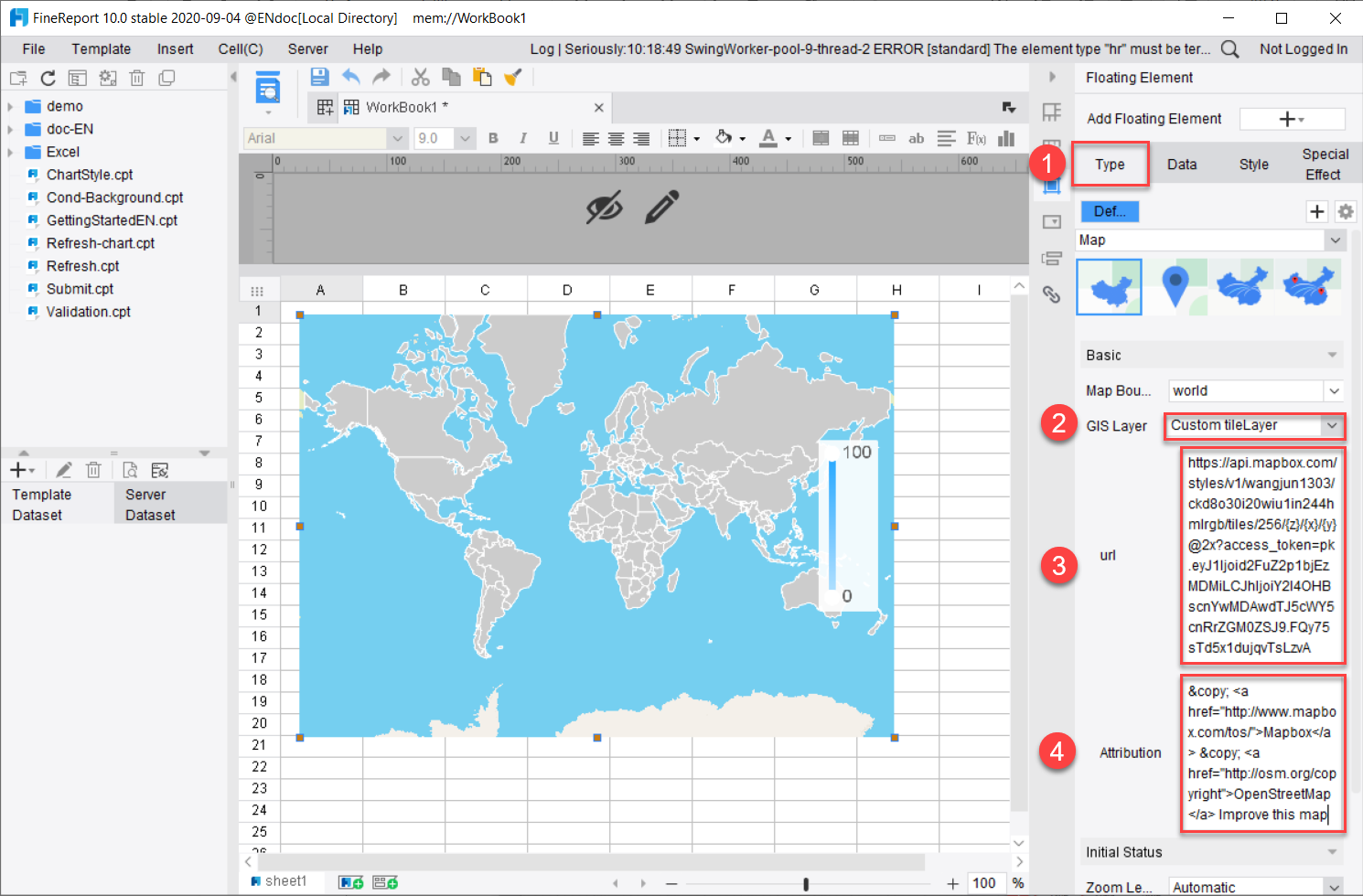
The 7 tools covered in this comparison and the selection criteria for 2026
The seven tools in this guide were chosen because they appear repeatedly in open source dashboard shortlists and represent different dashboarding styles:
- Grafana
- Metabase
- Apache Superset
- Redash
- Lightdash
- Evidence
- Kibana
Some are broader BI platforms, while others are more specialized. That distinction matters. A team tracking service uptime and API latency has different needs from a finance team tracking margin, forecast variance, and monthly performance.
Quick view of who each tool is best for
- Engineering teams: Grafana, Kibana
- Business users: Metabase
- Startups: Metabase, Redash
- Data-heavy organizations: Superset, Lightdash
- Developer-led embedded experiences: Evidence
- SQL-centric collaboration: Redash, Superset
How we compared the 7 tools
Choosing an open source KPI dashboard is not just about chart variety. In real projects, teams succeed or fail based on how the platform fits their data skills, governance requirements, and reporting habits.
Evaluation criteria that matter in real KPI reporting
Ease of setup and maintenance
Open source tools differ sharply in operational overhead.
- Metabase is generally one of the easiest to get running.
- Grafana is straightforward for technical teams, especially in containerized environments.
- Superset is more flexible, but usually requires more setup and admin effort.
- Redash is relatively lightweight, but its long-term modernization pace is an important consideration.
- Lightdash and Evidence are easier to appreciate if you already have a modern data stack.
- Kibana works best when your data already lives in the Elastic ecosystem.
The hidden cost is often not installation, but ongoing ownership: user provisioning, upgrades, permissions, data modeling, dashboard quality control, and support.
Data source support and query flexibility
A KPI dashboard is only as useful as the data it can reliably access.
Look at:
- Native connectors
- SQL support
- Semantic or modeling layers
- API extensibility
- Multi-source dashboard capability
Some tools shine with SQL databases. Others are optimized for time-series, logs, or modern warehouse environments.
Visualization quality and dashboard customization
A good KPI dashboard should help users see exceptions, trends, targets, and changes quickly. That means evaluating:
- Chart variety
- Layout flexibility
- Drill-down support
- Filters and parameter controls
- The ability to build role-specific dashboards
Visualization depth is not the same as reporting depth. Some tools create interactive dashboards well but are weaker for structured, print-ready, recurring reports.
User permissions, sharing, and collaboration
For real KPI reporting, access control matters. Ask whether the tool supports:
- Team and role-based permissions
- Dashboard sharing
- Embedded access
- Row-level or object-level controls
- Controlled collaboration across departments
This is especially important if your KPI dashboards move beyond internal analyst use and into wider business consumption.
Alerting, embedding, and automation
Dashboards are more useful when they trigger action.
Important capabilities include:
- Threshold alerts
- Scheduled delivery
- Embedding into portals or applications
- Snapshot sharing
- Subscription workflows
Grafana is especially strong in alert-driven operational use cases. Business teams may care more about scheduled summaries and governed distribution.
Community activity, documentation, and long-term viability
With open source tools, community health matters almost as much as product features. Before committing, check:
- Release cadence
- Contributor activity
- Documentation quality
- Ecosystem maturity
- Clarity of roadmap and maintenance
A tool can be attractive in a proof of concept but risky if momentum is slowing.
What to check before choosing a dashboard platform
Whether your team needs self-service analytics or developer-led dashboarding
This is often the most important question.
- If non-technical users need to build and edit dashboards, Metabase is often easier.
- If your team prefers SQL and engineering control, Superset, Redash, or Lightdash may fit better.
- If the goal is observability and real-time monitoring, Grafana is usually the stronger candidate.
Hosting model, security requirements, and scalability expectations
Open source does not automatically mean simpler governance. You should define:
- Where the tool will be hosted
- Who manages updates and patches
- How authentication works
- What data access controls are required
- How many users and dashboards you expect in 12 to 24 months
Total cost beyond licensing, including setup, training, and administration
Open source can reduce subscription spend, but total cost includes:
- Infrastructure
- Deployment time
- Engineering support
- User training
- Dashboard maintenance
- Governance and administration
Teams often underestimate the internal cost of keeping dashboards trustworthy and useful over time.
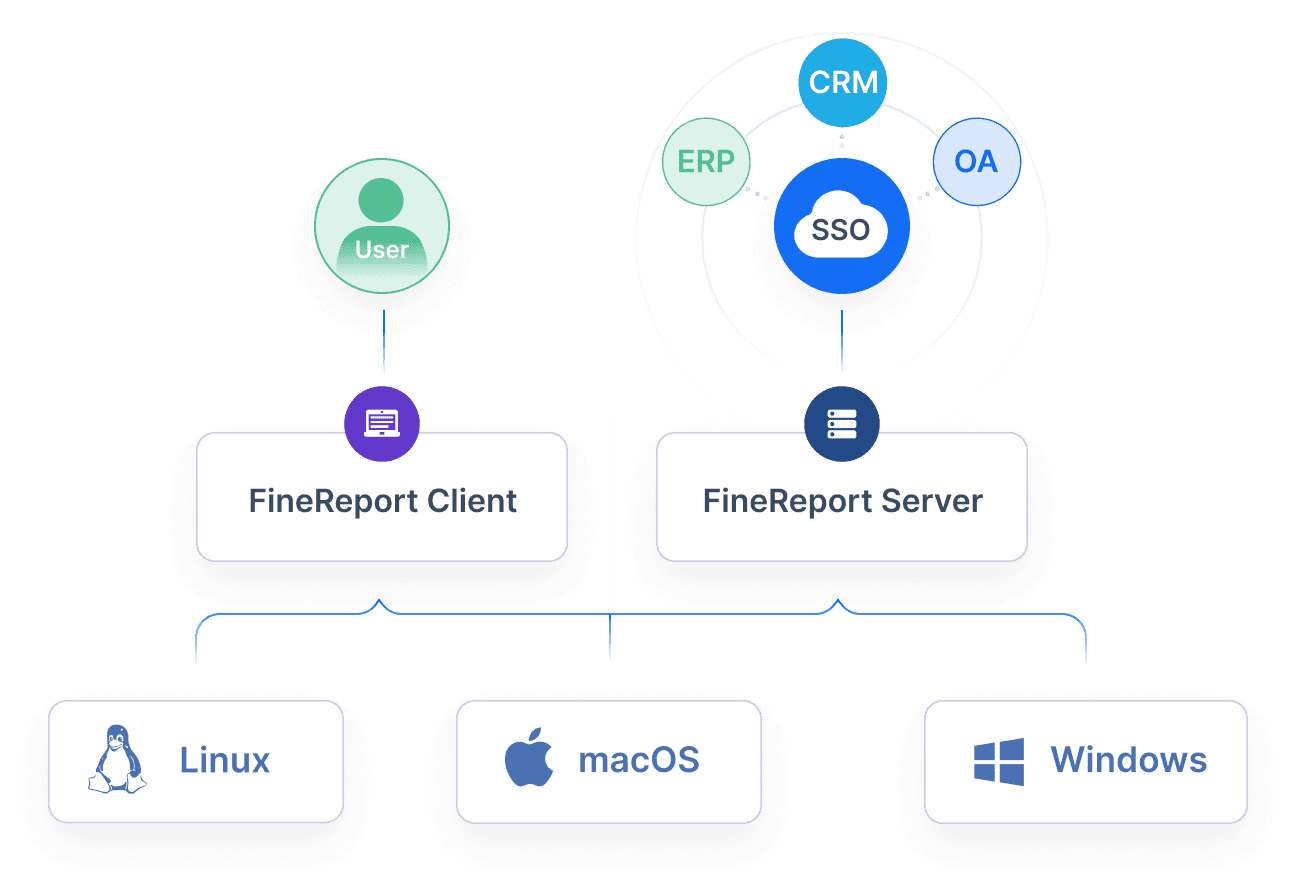
Grafana vs Metabase vs Superset vs Redash vs the other contenders
Grafana
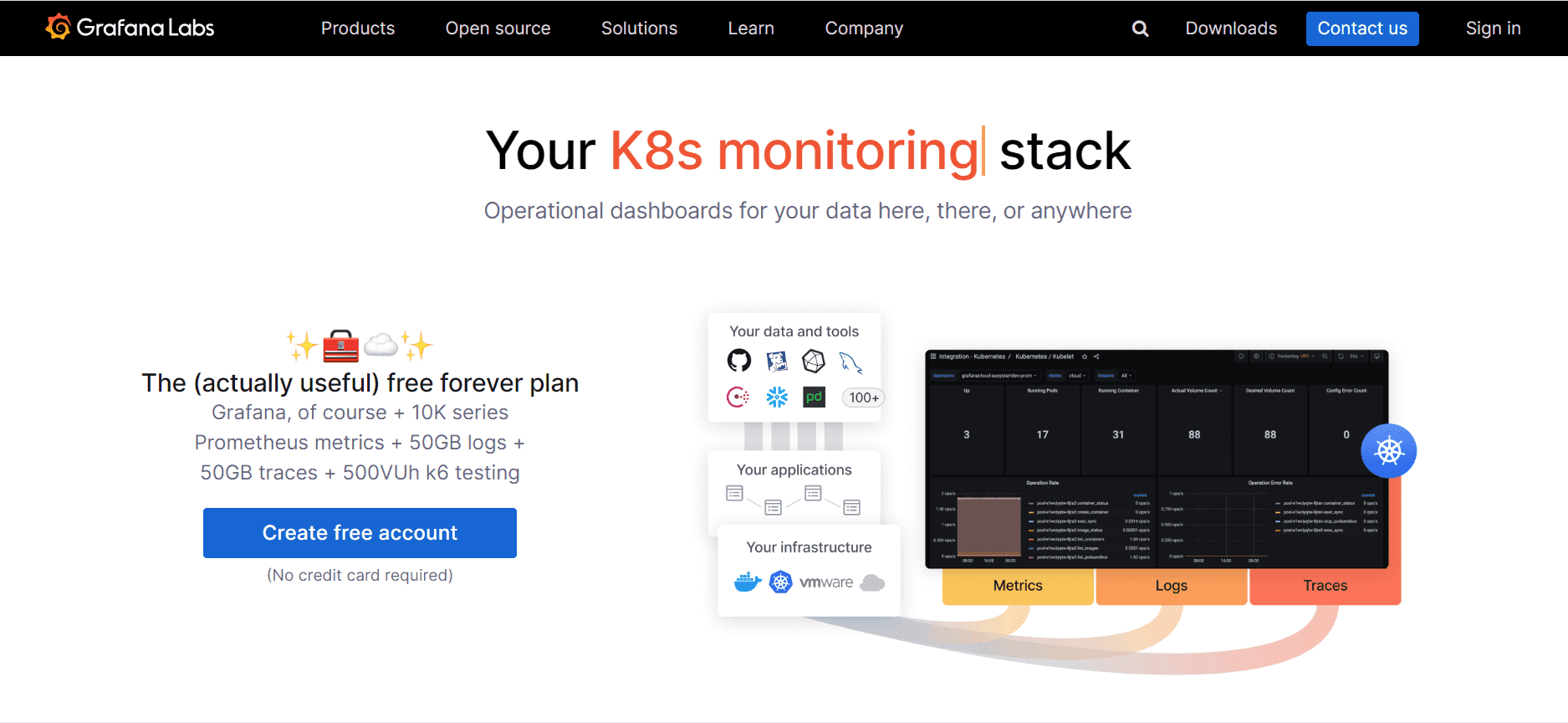 Grafana is one of the most widely used open source dashboard platforms for infrastructure, operational metrics, observability, and real-time monitoring. If your KPI dashboard needs to show fast-changing metrics, time-series trends, uptime, latency, error rates, or service health, Grafana is often the first tool considered.
Best for infrastructure, operational metrics, and real-time monitoring
Grafana is especially strong when KPIs are live and operational, such as:
- API response time
- System uptime
- Queue depth
- Throughput
- Production line monitoring
- Sensor or IoT metrics
- Incident-oriented dashboards
Strengths in alerting, plugin ecosystem, and time-series visualization
Common advantages include:
- Strong support for time-series data
- Broad plugin and connector ecosystem
- Flexible panel-based dashboards
- Alerting capabilities for metric thresholds and incidents
- Strong fit for technical operations environments
Trade-offs for business KPI storytelling and non-technical users
Grafana can certainly display business KPIs, but it is not always the easiest choice for executive or business-facing storytelling. Common trade-offs include:
- More technical setup and administration
- Less intuitive for casual business users
- Not primarily designed for formal business reporting workflows
- Limited support for structured, print-oriented reporting needs
Metabase
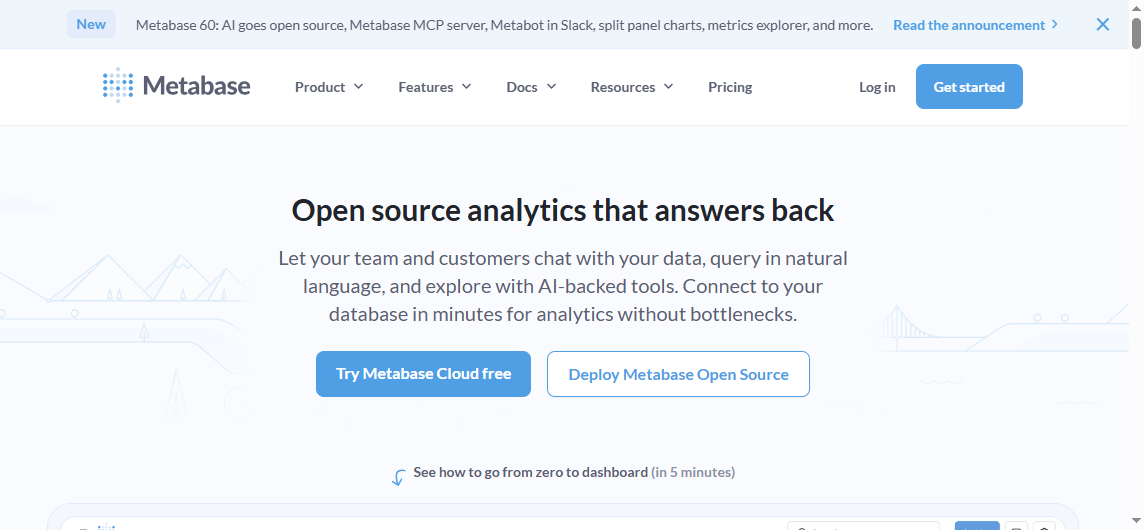 Metabase is often shortlisted by teams that want fast self-service dashboards without a heavy technical learning curve. It is widely appreciated for being approachable and relatively quick to launch.
Best for teams that want fast self-service dashboards with a gentle learning curve
Metabase is a strong fit for:
- Startups
- Small business analytics teams
- Department dashboards
- Teams with mixed technical ability
- Organizations that want dashboards running quickly
Strengths in usability, query builder, and everyday business reporting
Key reasons teams like Metabase include:
- Simple and clean interface
- Friendly query builder for non-SQL users
- Fast dashboard creation
- Good support for routine business metrics
- Easier adoption by non-technical stakeholders
This makes it well suited for dashboards around sales, marketing, customer success, and general operational KPIs.
Trade-offs in advanced customization and highly complex analytics workflows
Metabase can feel limiting when teams need:
- Deeply customized dashboard behavior
- Very advanced analytics workflows
- Complex semantic modeling
- Heavily engineered multi-layer governance
- Rich developer extensibility compared with more technical platforms
For many organizations, that is an acceptable trade-off in exchange for speed and simplicity.
Apache Superset
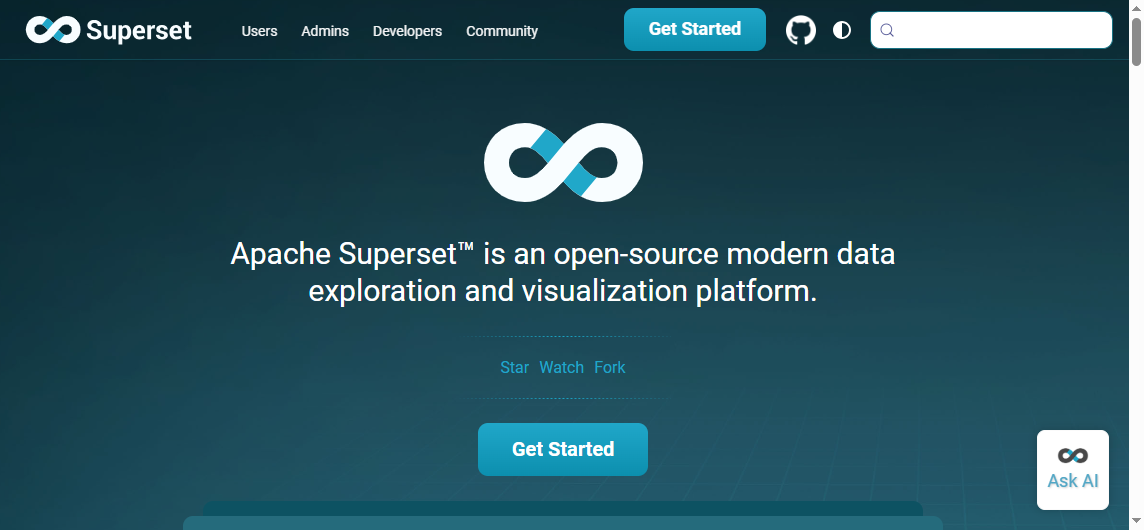 Apache Superset is often viewed as one of the most capable open source BI and dashboarding platforms for organizations that need flexibility, scale, and SQL-centric exploration.
Best for organizations needing flexible open source data visualization and dashboarding at scale
Superset is attractive when you need:
- Broad chart variety
- Warehouse-based analytics
- SQL exploration
- More advanced dashboarding flexibility
- Open source BI with room to scale
Strengths in SQL-centric exploration, chart variety, and extensibility
Its strengths usually include:
- Strong SQL orientation
- Broad visualization options
- Extensible architecture
- Good fit for analytics teams
- Suitable for larger and more complex data environments
Trade-offs in setup complexity and admin overhead
The main caution with Superset is operational complexity. Compared with simpler tools, it often requires:
- More setup work
- More tuning and administration
- Stronger technical ownership
- More deliberate governance to support wider business adoption
Superset can be powerful, but it is rarely the lightest-weight option.
Redash
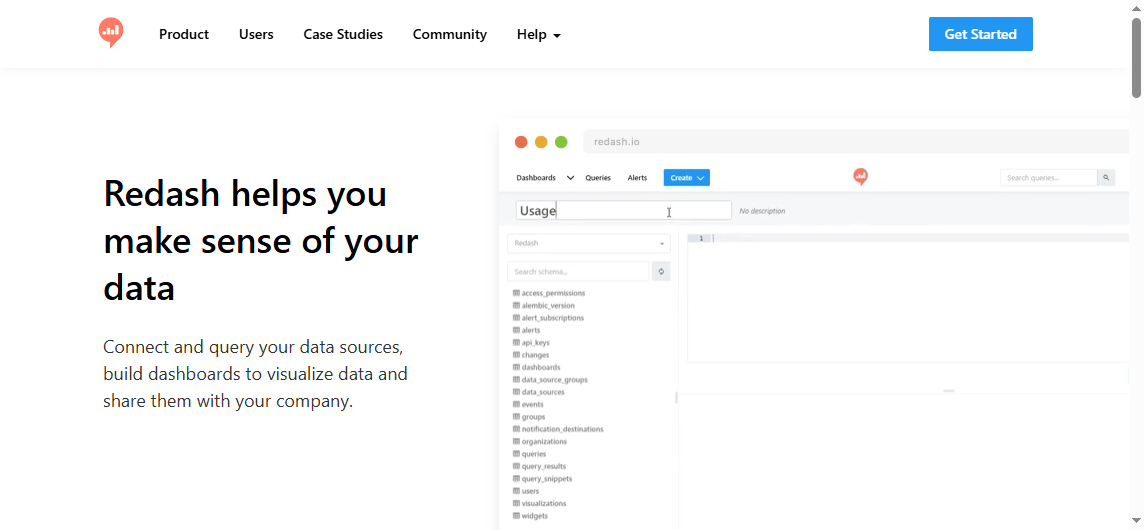
Redash became popular for a straightforward reason: it makes SQL querying and dashboard sharing relatively simple for teams that prefer lightweight analytics tooling.
Best for SQL-savvy teams that want lightweight dashboarding and query sharing
Redash fits best when your team wants:
- Direct SQL-based analysis
- Quick visualizations
- Shared query workflows
- Lightweight internal dashboards
- Multi-source access without a heavy BI footprint
Strengths in simplicity, collaborative querying, and multi-source access
Redash is often appreciated for:
- A simple query-first workflow
- Easy sharing of SQL and dashboard outputs
- Practical dashboarding for analyst-led teams
- Relatively low friction for small internal use cases
Trade-offs in modernization pace and broader BI depth
Compared with more actively evolving platforms, Redash may feel less future-facing for some buyers. It can also be less suitable when teams need:
- Rich self-service analytics
- Broader enterprise BI governance
- More modern dashboard design flexibility
- Complex business-facing deployment standards
That does not make it irrelevant. It just means teams should evaluate it carefully for long-term fit.
Other notable tools in this category
Beyond the four most compared tools, three additional options deserve attention in 2026.
Lightdash
Lightdash is especially relevant for teams that already use dbt and want a dashboard layer aligned to a modern analytics engineering workflow. It is less universal than Metabase or Grafana, but very relevant in warehouse-first environments.
Best fit:
- dbt-centric teams
- Analytics engineering workflows
- Organizations that want metrics defined closer to transformation logic
Evidence
Evidence is a good option for code-first analytics and embedded storytelling. It is less about drag-and-drop dashboarding for broad business users and more about creating tailored, developer-controlled analytical experiences.
Best fit:
- Developer teams
- Embedded analytics projects
- Analytics-as-code workflows
Kibana
Kibana remains relevant for organizations already invested in Elasticsearch and focused on logs, events, security analysis, and operational analytics. It is useful, but not as general-purpose for KPI dashboarding across business functions.
Best fit:
- Elastic-centric environments
- Log analytics
- Security and event monitoring
- Operational search-driven dashboards
Where simpler KPI dashboard app templates or niche tools may fit better than full BI platforms
Not every team needs a full BI environment. In some cases, simpler tools or templates are enough for:
- TV dashboards
- Single-team scoreboards
- Basic KPI displays
- Public internal wallboards
- One-domain operational tracking
If your use case is narrow and low-risk, a lighter tool may be easier to maintain than a broad BI platform.
Best open source KPI solutions in 2026 by use case
Best for startups and small teams
For startups and smaller teams, the biggest priorities are usually:
- Fast setup
- Low maintenance
- Usable dashboards without a large BI team
- Affordable scaling
Best fit: Metabase
Runner-up: Redash
Metabase is usually the stronger option when business users want to build and consume dashboards quickly. Redash can work well when the team is more SQL-driven and wants a lighter workflow.
Best for product, operations, and engineering dashboards
For live metrics, technical observability, and operational alerting, the requirements are different. You need:
- Real-time updates
- Time-series visualization
- Alerting
- Technical integrations
- Fast incident visibility
Best fit: Grafana
Runner-up: Kibana for Elastic-specific environments
Grafana is the clearest choice when the dashboard is part of an operational workflow, not just a management summary.
Best for business intelligence and cross-functional reporting
When KPI dashboards are used by executives, analysts, and non-technical stakeholders, usability and broad business readability matter more.
Best fit: Metabase for simplicity
Runner-up: Apache Superset for flexibility and scale
Metabase wins on accessibility. Superset wins when organizations need more depth and can support the complexity.
Best for customization and embedded analytics
If your goal is not just internal dashboards but tailored, productized, or embedded analytical experiences, developer control becomes more important.
Best fit: Evidence
Runner-up: Superset or Lightdash depending on stack and team model
These tools are stronger when a technical team is actively shaping the end-user experience.
Pros, cons, and final recommendation
Pros and cons summary table
| Tool | Pros | Cons | Ideal team fit |
|---|---|---|---|
| Grafana | Excellent for real-time KPIs, strong alerting, broad integrations | Less intuitive for non-technical business users, weaker for formal reporting | DevOps, ops, engineering, live metrics teams |
| Metabase | Easy to use, fast to deploy, good for self-service dashboards | Less flexible for highly complex analytics or advanced customization | Startups, SMBs, business teams, general analytics |
| Apache Superset | Powerful, extensible, broad visualization options | Higher setup complexity, more admin overhead | Larger data teams, technical BI environments |
| Redash | Simple SQL workflow, lightweight, practical for analysts | Narrower BI depth, long-term fit should be evaluated carefully | SQL-savvy teams, internal analytics users |
| Lightdash | Good fit for dbt workflows, modern analytics stack alignment | Best value mainly if dbt is central to your stack | Analytics engineers, warehouse-first teams |
| Evidence | Strong for code-first and embedded analytics | Less oriented to broad non-technical self-service | Developers, embedded analytics teams |
| Kibana | Strong for Elastic-based operational and event analytics | Less universal for broad business KPI dashboarding | Security, observability, Elastic users |
How to choose the right dashboard for your team
A practical way to choose is to start with your reporting model, not the software brand.
Match the tool to your data skills, KPI complexity, and reporting cadence
Use these questions:
-
Who builds the dashboards?
Business users, analysts, or developers? -
What type of KPIs are you tracking?
Real-time operational metrics, business performance, or SQL analysis? -
How often are dashboards consumed?
Live monitoring, weekly reviews, monthly executive meetings? -
Do you need alerting or formal reporting?
Dashboards alone may not be enough. -
How much admin overhead can your team absorb?
Open source savings disappear if upkeep becomes a bottleneck.
Common mistakes to avoid when comparing open source dashboards
- Choosing based only on license cost
- Ignoring governance and permissions
- Overvaluing chart count and undervaluing usability
- Assuming dashboards replace structured operational reports
- Underestimating support and maintenance effort
Actionable recommendations
-
Separate monitoring dashboards from management reporting.
A tool that works well for live engineering KPIs may not be the best choice for executive reporting. -
Map dashboard ownership before selecting a platform.
If business users need self-service, favor usability. If developers own the stack, flexibility may matter more. -
Test one real KPI workflow, not just sample charts.
Build an actual dashboard with your permissions, filters, refresh needs, and stakeholder audience. -
Evaluate distribution needs early.
Ask whether your users just view dashboards or also need scheduled reports, printable outputs, or embedded portal access. -
Plan for governance from the beginning.
Even small KPI programs become hard to manage when teams create duplicated metrics and inconsistent definitions.
When dashboards are not enough
Open source KPI dashboards are useful, but many organizations eventually discover that dashboards alone do not cover all reporting needs.
That usually happens when teams also need:
- Pixel-perfect reports for finance or operations
- Paginated and printable reports
- Scheduled report distribution
- Parameterized query reports
- Data entry or write-back workflows
- Dashboard and detailed report integration in one platform
- More governed enterprise reporting across departments
This is where the conversation often shifts from pure open source dashboarding to broader reporting architecture.
Where FineReport fits for KPI reporting and enterprise reporting workflows
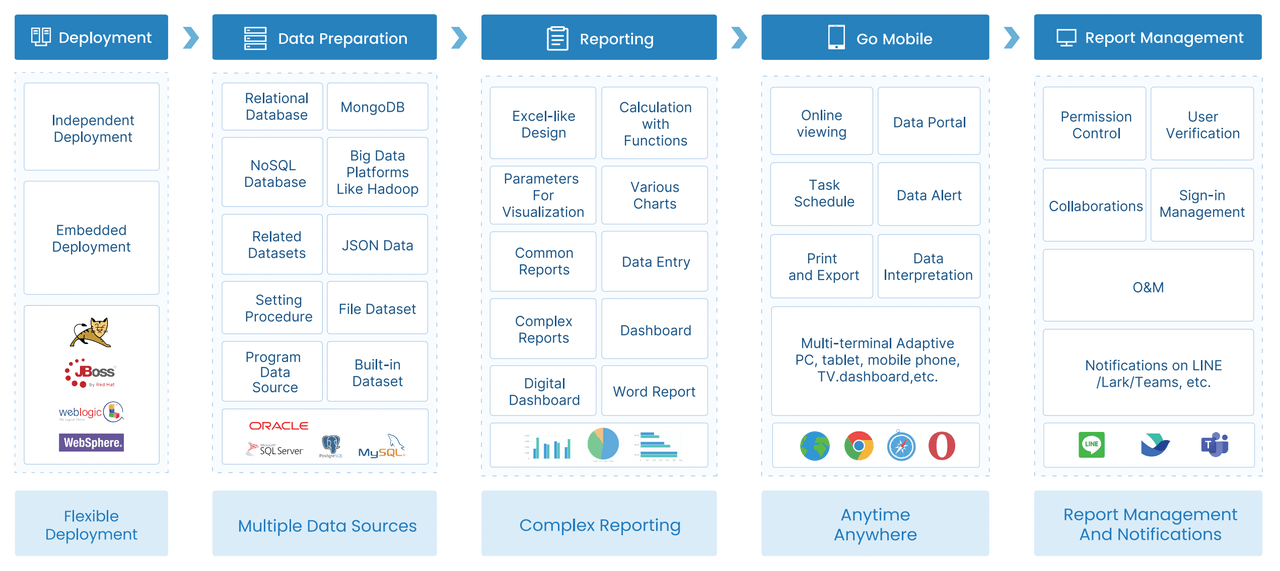
Tools like Grafana, Metabase, Superset, and Redash are widely used for dashboards, visualization, and technical or analyst-led KPI tracking. But teams with complex reporting workflows may also need a dedicated enterprise reporting platform like FineReport.
FineReport is especially relevant when KPI dashboards are only one part of the reporting process and the organization also needs:
- Pixel-perfect report design
- Paginated and printable reports
- Parameter queries
- Scheduled report generation and distribution
- Dashboards integrated with detailed reports
- Data entry forms and form-based workflows
- Enterprise reporting governance across departments
That makes it a practical option for organizations that need not just KPI visibility, but also operational reporting for finance, manufacturing, logistics, sales, and management teams.
For example, an organization may use dashboards for KPI monitoring but still require:
- formal monthly management reports,
- drill-through operational reports,
- printable statements,
- exception reports,
- or workflow-style forms for data collection and approvals.
Those needs are often outside the core strengths of open source dashboard tools.

Get Ready-to-Use Dashboard and Report Templates in Fine Gallery
If your team is comparing open source KPI dashboards primarily for visualization, one of the tools above may be enough. If you are also trying to standardize recurring reports, automate distribution, support parameter-based query reports, or unify dashboards with operational reporting, FineReport is worth evaluating alongside them.
Final verdict
There is no single winner for every open source KPI dashboard use case in 2026.
Which tool wins for ease of use?
Metabase is the strongest choice for teams that want quick adoption, approachable self-service, and lower setup friction.
Which tool wins for flexibility?
Apache Superset offers the broadest open source BI flexibility in this group, especially for technical teams willing to manage more complexity.
Which tool wins for real-time operational KPI visibility?
Grafana remains the leading choice for live metrics, technical observability, and alert-driven dashboards.
Which is the best all-around choice in 2026?
For a broad mix of business KPI dashboard needs, Metabase is often the most practical all-around starting point because it balances usability and speed well. But that answer changes quickly if your needs lean toward observability, heavy SQL exploration, or enterprise reporting workflows.
The best decision is to choose the tool that matches your team skills, KPI style, reporting cadence, and governance needs, not the one with the loudest community buzz.
And if your KPI initiative is expanding beyond dashboards into structured operational reporting, pixel-perfect outputs, or enterprise-wide distribution, it is wise to evaluate a dedicated reporting platform such as FineReport in parallel.
FAQs
There is no single best option for every team. Grafana is strongest for real-time monitoring, Metabase is usually easiest for business users, Superset fits larger analytics-heavy environments, and Redash works best for lightweight SQL-driven dashboards.




