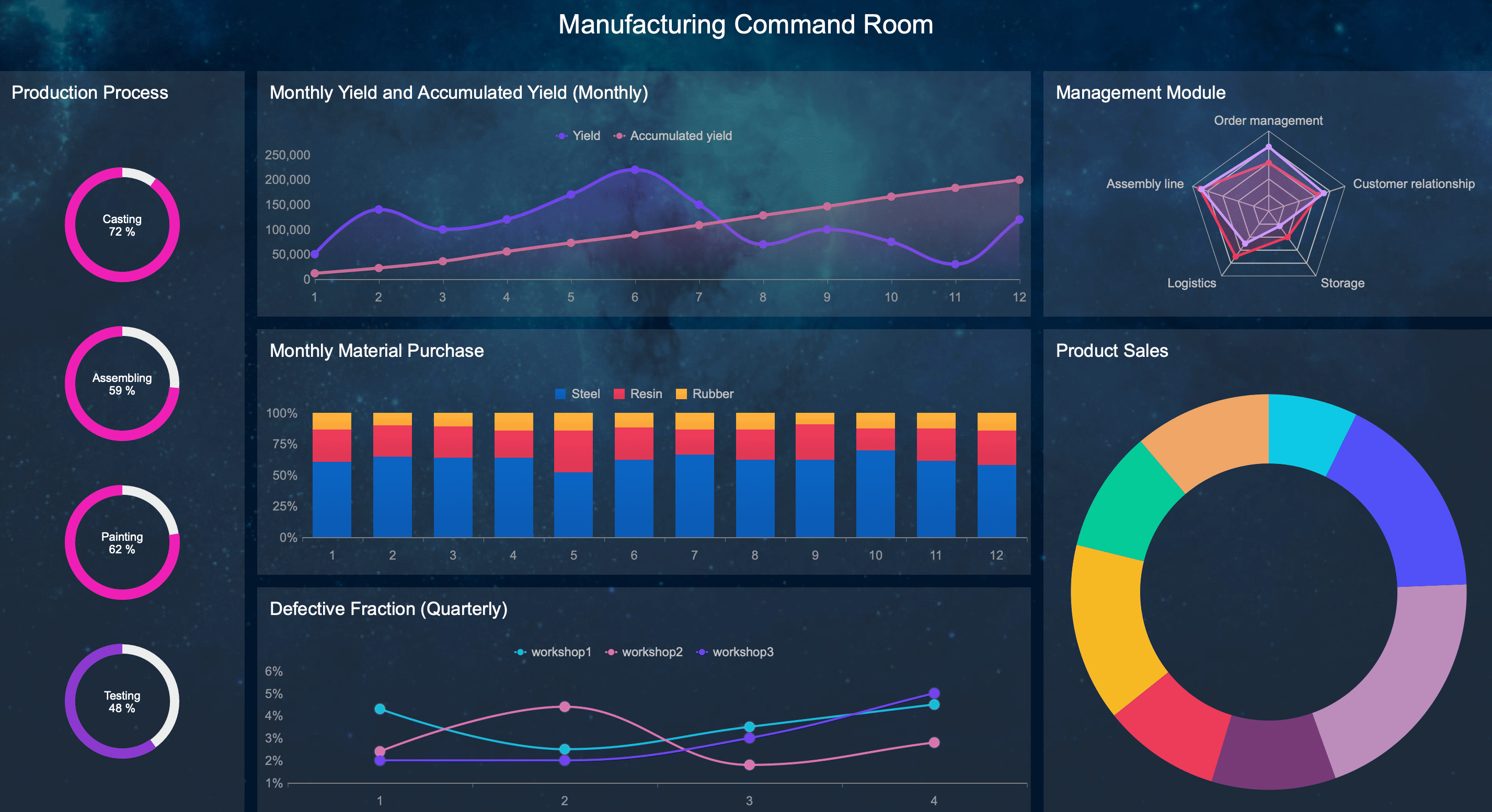
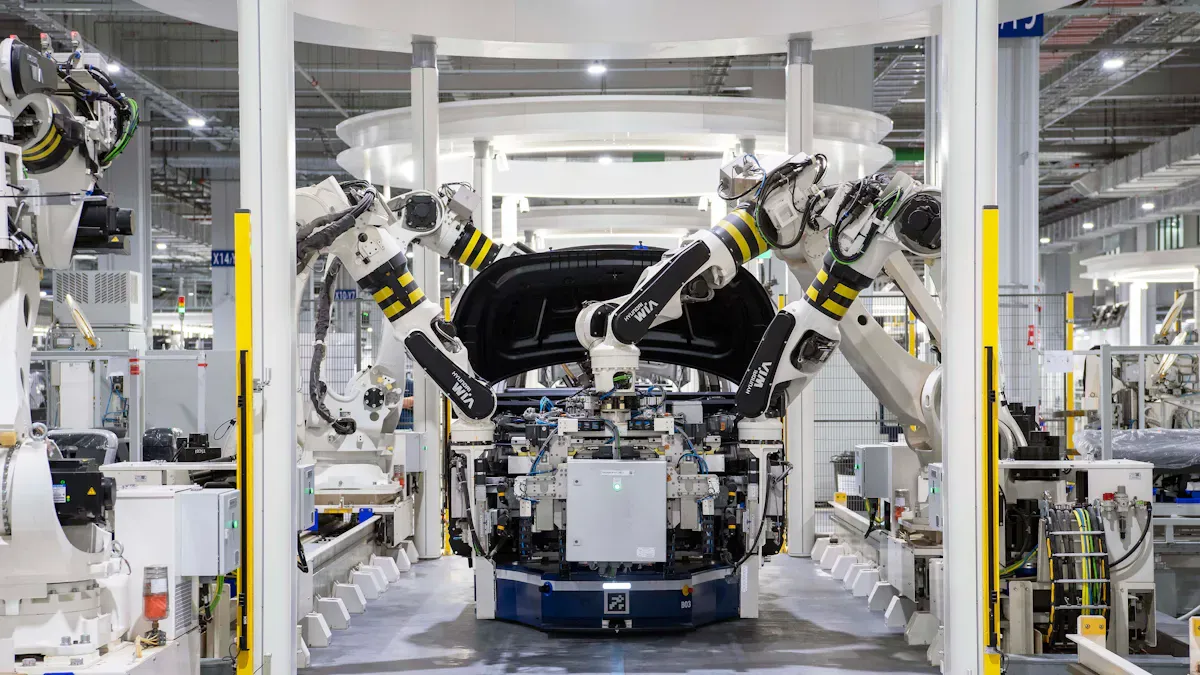
A manufacturing production report dashboard should help plant managers run the floor, not just explain results after the fact. If supervisors still rely on whiteboards, spreadsheets, and verbal updates after your dashboard launch, the problem is rarely the data alone. It is usually because the report was designed for hindsight instead of action. For plant managers, the real business value of a production dashboard is simple: spot risk early, assign ownership fast, and keep output, quality, and delivery on plan shift by shift.
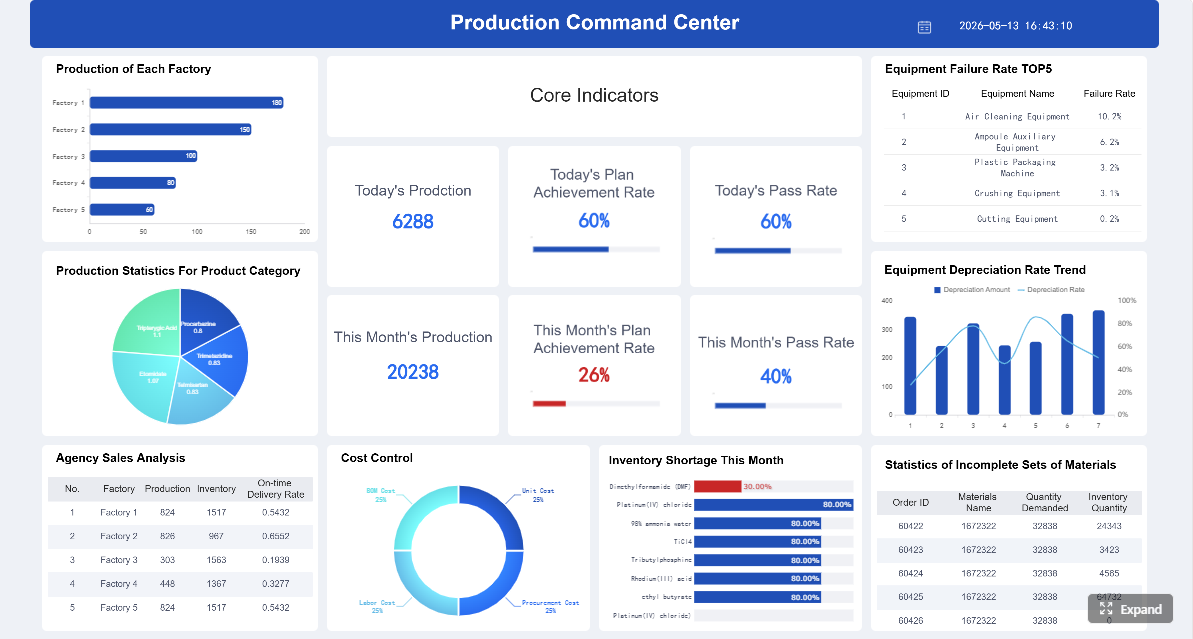 Click To Try The Dashboard
All reports in this article are built with FineReport
Why a manufacturing production report dashboard often fails on the plant floor
Many dashboards fail because they look impressive in a conference room but break down in daily operations. Plant managers do not need a dense analytics portal. They need a manufacturing production report they can read in seconds during a shift handoff, a production meeting, or a floor walk.
Common reasons plant managers stop using dashboards after the rollout
The most common failure pattern is overdesign. Teams cram too many KPIs, charts, and filters into one screen. As a result, users cannot tell what matters now.
Other common issues include:
- Metrics that are too high-level to support line decisions
- Delayed data that arrives after the shift problem has already grown
- Conflicting numbers across ERP, MES, spreadsheets, and manual logs
- Dashboards with no clear owner for updates or follow-up actions
- Interfaces that are unreadable on large production screens or mobile devices
- Color overload that turns every issue into an emergency
When this happens, the dashboard becomes a passive report. People may still open it for meetings, but they stop trusting it as an operating tool.
The difference between a report built for executives and one built for daily operations
An executive dashboard answers broad performance questions: Are we improving? Are margins protected? Are plants meeting strategic targets?
A plant-floor manufacturing production report answers operational questions: Which line is behind? Why did schedule attainment drop this shift? What issue needs escalation before customer delivery is impacted?
That distinction matters. Executives want aggregated summaries and trends over time. Plant managers need immediate variance visibility, drill-down by line or work center, and issue context tied to action.
A useful operational dashboard typically emphasizes:
- Shift-level performance
- Line and work-center exceptions
- Root-cause categories
- Action owners
- Timestamps showing data freshness
How to focus the dashboard on decisions, actions, and accountability
The strongest dashboards are built backward from decisions. Before selecting a single chart, define what the manager must decide when the report turns red.
A practical framework is:
- Decision: What choice does the manager need to make?
- Trigger: What metric or threshold signals action?
- Owner: Who responds first?
- Time window: Must it be handled now, today, or this week?
- Escalation path: When does it move beyond the shift team?
If your manufacturing production report cannot answer those five elements, it is informative but not operational.
Start with the decisions your manufacturing production report must support
A good dashboard begins with the core questions plant managers ask every shift. That is what makes the report usable. Not the chart style. Not the software. The logic.
Define the core questions plant managers need answered every shift
Every shift review should make it easy to answer the following questions:
- Are we on plan, behind, or at risk?
- Which lines, products, or shifts are driving the gap?
- What issues need escalation now versus later review?
Those questions sound basic, but many dashboards fail because they answer them only partially. For example, they may show total output but not identify whether the shortfall came from downtime, changeover loss, labor shortage, or quality fallout.
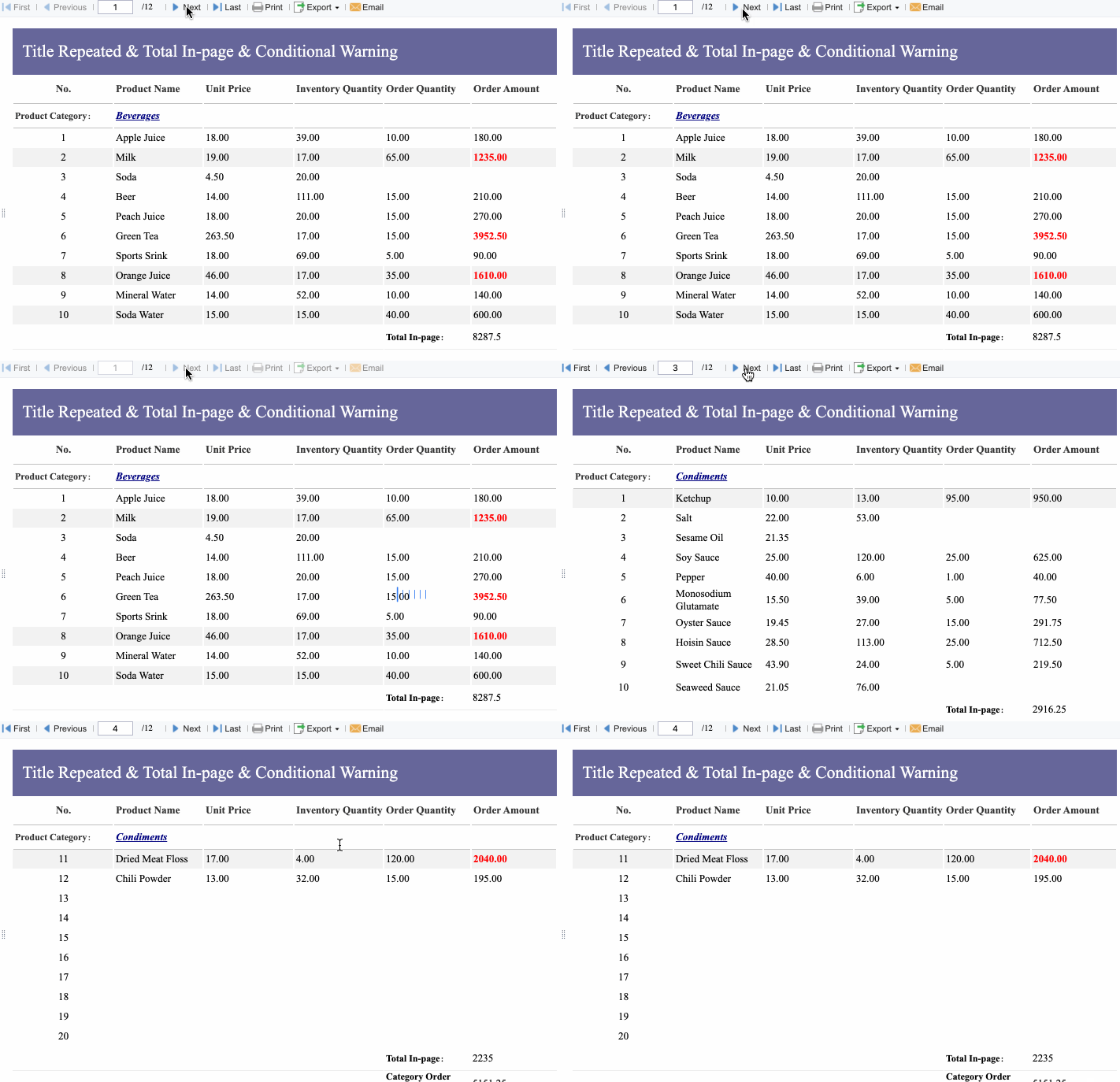
To make these questions actionable, tie each one to a visible workflow:
- If output is below plan, show the biggest loss category
- If one line is underperforming, show product mix and staffing context
- If a quality issue is recurring, show whether it threatens delivery commitments
- If a machine is the bottleneck, make the constraint visible immediately
Choose the essential metrics to include in a production report
The right metrics depend on process type, but most manufacturers need a focused set that balances output, efficiency, quality, and delivery risk.
Key Metrics (KPIs)
- Output: Actual units produced in the selected time period. Shows whether production volume is meeting plan.
- Schedule Attainment: Percentage of planned production completed on time. Indicates adherence to the schedule.
- Downtime: Total lost production time, ideally split into planned and unplanned. Highlights capacity loss and reliability issues.
- Scrap Rate: Percentage of materials or units rejected. Measures waste and process instability.
- Rework: Units or hours spent correcting defects. Reveals hidden productivity and quality loss.
- Labor Efficiency: Actual labor performance against standard or expected output. Helps identify staffing and execution issues.
- Capacity: Maximum available output for a line, work center, or plant over a given period. Establishes production limits.
- Utilization: Percentage of available capacity actually used. Shows whether assets are underused or constrained.
- Constraint Visibility: Real-time identification of the bottleneck resource limiting flow. Essential for prioritizing action.
- First Pass Quality / Yield: Percentage of units produced correctly without rework. Connects quality directly to throughput.
- On-Time Delivery Risk: Early signal showing whether current production performance threatens customer commitments.
- Changeover Time: Time required to switch products or batches. Critical in mixed-model or high-variation environments.
- WIP Status: Work-in-process by stage or line. Helps identify flow imbalance and hidden congestion.
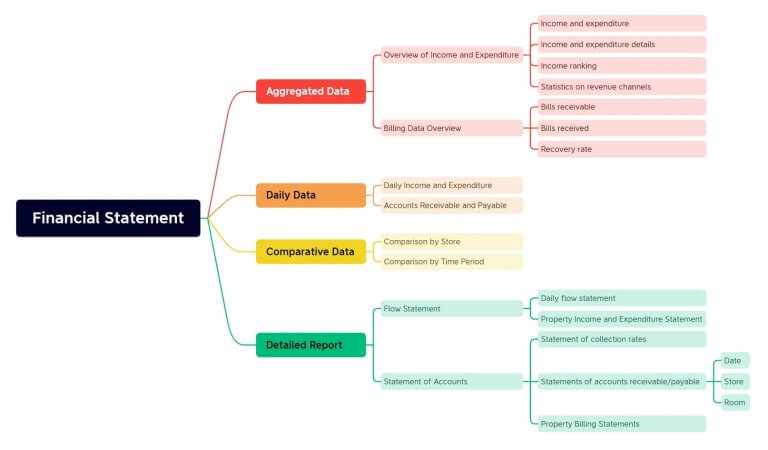
A plant manager does not need all KPIs equally visible at all times. Prioritize them based on the question being asked during the shift.
Set reporting cadence and ownership
Cadence determines whether the dashboard becomes a decision system or just another archive.
What belongs in each layer:
- Real-time views: Output pace, downtime events, machine status, bottleneck alerts, quality exceptions
- Daily reviews: Shift attainment, top losses, scrap, rework, labor performance, issue ownership
- Weekly summaries: Trend analysis, recurring causes, plant-to-plant comparisons, delivery impact, improvement priorities
Ownership is just as important as timing. Every metric should have a clear chain of responsibility:
- Update owner: Who inputs or validates the data?
- Data owner: Who defines the metric and maintains consistency?
- Action owner: Who responds when the metric misses target?
- Review owner: Who closes the loop in daily or weekly meetings?
Without this structure, even a technically strong manufacturing production report loses credibility fast.
Design the dashboard so managers can spot problems in seconds
If users need to study the screen for two minutes before they know what is wrong, the design has failed. A plant-floor dashboard must be glanceable.
Build a simple layout around priorities
The best dashboard layouts follow the operating rhythm of the plant. Lead with what needs attention first.
A practical structure is:
- Exceptions first
Show red or amber conditions immediately at the top. - Trend second
Show whether the issue is getting better or worse. - Supporting detail third
Let users drill down by line, shift, product, or work center.
Group metrics in ways that match plant conversations:
- Safety
- Output
- Quality
- Downtime
- Delivery
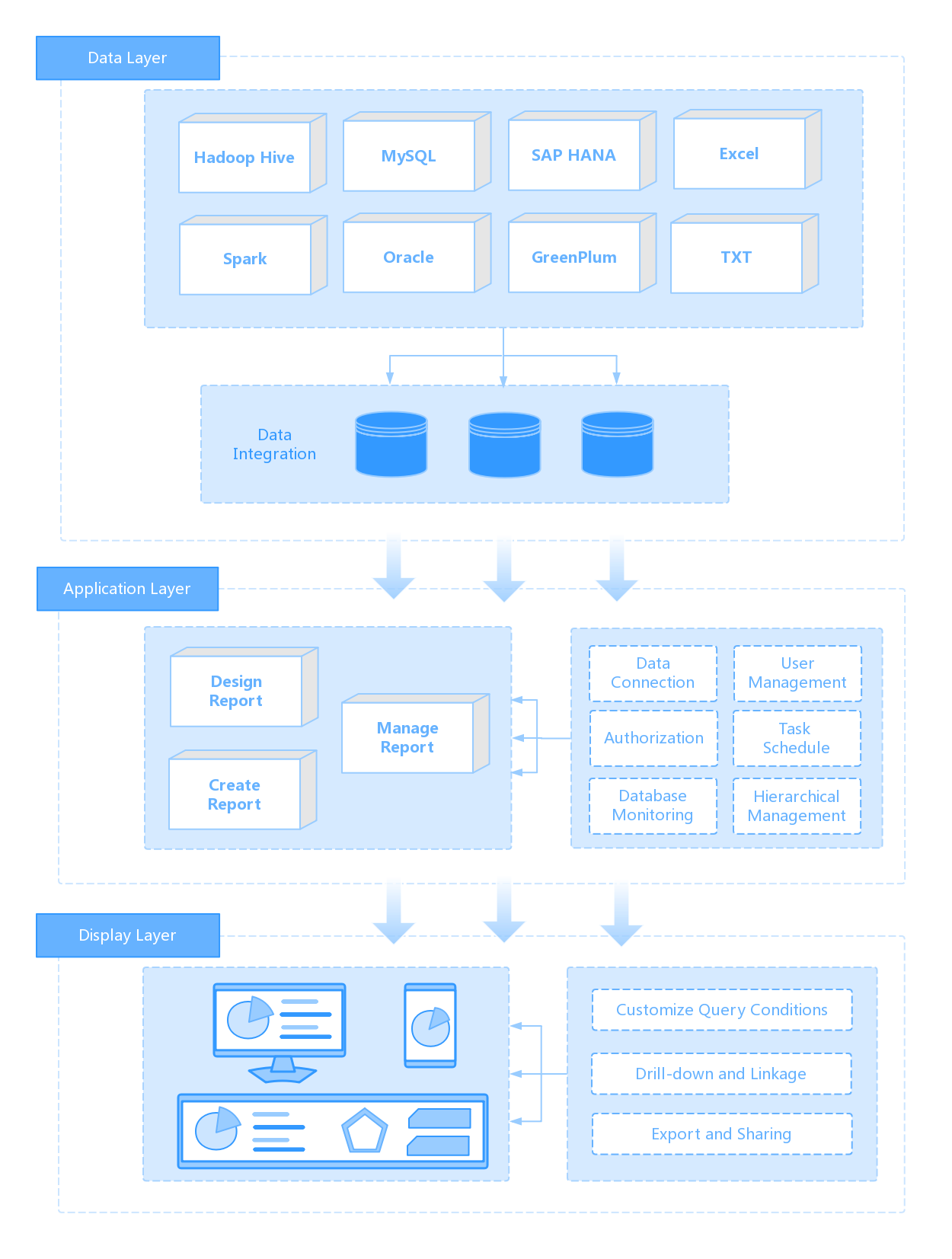
This structure reduces search time and improves meeting discipline. Teams talk about the same problem in the same order every day.
Use visuals that make action obvious
The right chart is the one that reduces ambiguity. In production reporting, clarity beats sophistication.
Use visuals such as:
- Targets vs actuals for output and schedule attainment
- Trend lines for scrap, downtime, and throughput changes
- Variance flags to highlight misses against target
- Drill-down paths from plant to line to machine to event category
- Pareto charts for recurring loss reasons
- Stacked bars for downtime categories across lines or shifts
Consistent color rules are critical. For example:
- Green = on target
- Amber = at risk
- Red = action required
- Gray = unavailable or not applicable
Do not change those meanings from chart to chart. Inconsistent color logic is one of the fastest ways to weaken trust.
Make the dashboard usable in real manufacturing environments
Dashboards are often designed on laptops, then displayed in loud, fast-moving, imperfect factory settings. That is where usability gets tested.
Your manufacturing production report should support:
- Large-screen readability for daily production meetings
- Mobile or tablet access for supervisors on the move
- Fast load times on plant networks
- Clear timestamps showing last refresh
- Shift, line, product, and work-center filters
- Minimal scrolling on the primary operating view
If supervisors cannot use the report during an active shift, they will revert to informal workarounds.
Connect data sources and automate production reporting where possible
You can design the perfect dashboard and still fail if the data foundation is weak. In manufacturing, trust in the numbers is everything.
Pull data from the systems teams already use
Most production reporting environments pull from multiple systems:
- ERP
- MES
- Quality systems
- Maintenance logs
- Spreadsheets
- Manual inputs from operators or supervisors
The goal is not to eliminate every manual process overnight. It is to reduce duplicate entry and establish one version of the truth for critical metrics.
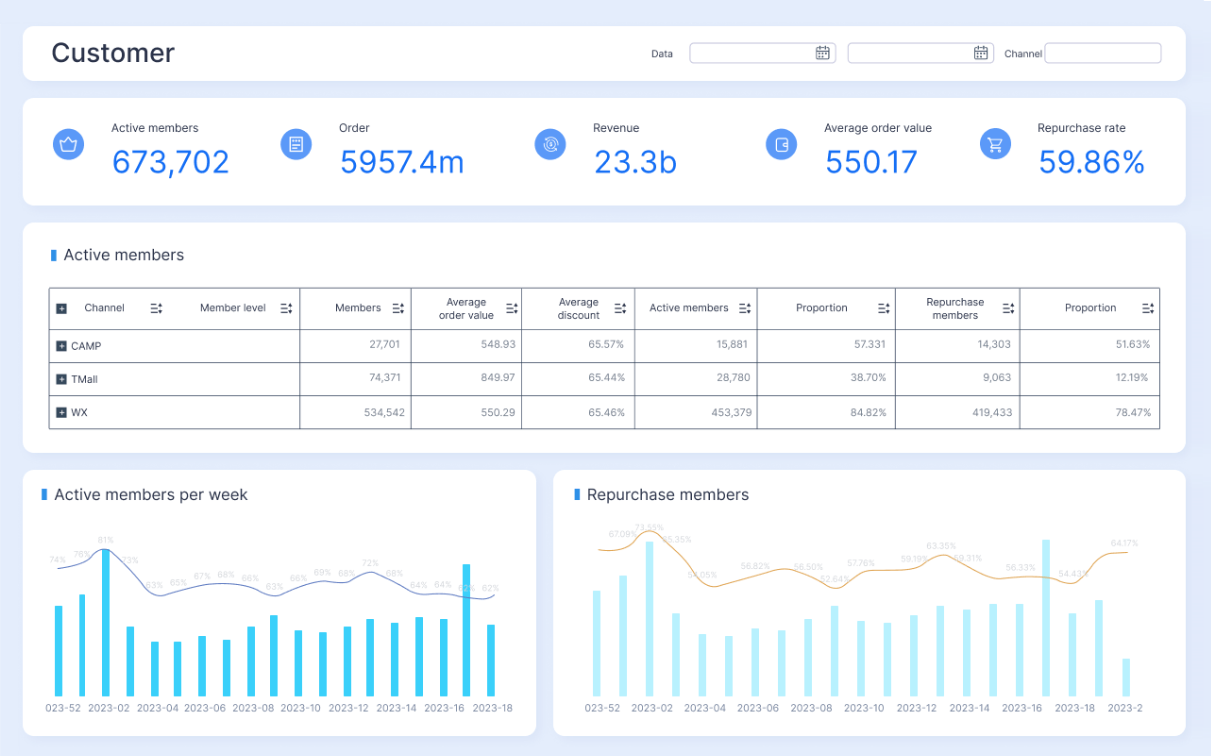
As a consultant, I usually advise teams to map each KPI to its authoritative source before building the dashboard. For example:
- Output from MES or confirmed production transactions
- Schedule from ERP or APS
- Scrap from quality records
- Downtime from machine states plus validated operator reasons
- Labor efficiency from time reporting and routing standards
This prevents endless debate later about whose number is correct.
Improve data quality before expanding the dashboard
Do not scale a bad metric. Standardize definitions first.
At minimum, define:
- What counts as downtime
- What qualifies as scrap versus rework
- How throughput is measured
- When a unit is considered completed
- Which time bucket governs shift attribution
Then add validation checks such as:
- Missing shift records
- Late transaction posting
- Negative or impossible quantities
- Duplicate event entries
- Mismatched timestamps across systems
Without these controls, a larger dashboard only spreads confusion faster.
Show the benefits of automated production reporting
Automation changes production reporting from a lagging summary into an operating system.
Benefits include:
- Faster updates during the shift
- Fewer manual reporting errors
- Less time spent compiling spreadsheets
- More time spent solving root causes
- Better consistency across plants and lines
- Easier comparison across time periods
- Stronger confidence in escalation decisions
For multi-site manufacturers, automation also enables governance. Everyone can review the same definitions, the same cadence, and the same performance structure.
Turn weekly and daily reporting into action, not just visibility
The dashboard is not the finish line. The review process is where value gets captured.
Structure reviews around what changed and why
A daily shift review should focus on immediate control. A weekly manufacturing production report should focus on patterns, priorities, and improvement ownership.
For daily shift reviews, include:
- Output vs plan
- Downtime by major event
- Scrap and rework exceptions
- Labor or staffing issues
- Hot orders and delivery risks
- Escalations needed before next shift
For weekly production reviews, include:
- Trend versus target
- Comparison to prior week and prior period
- Capacity and utilization patterns
- Recurring top loss categories
- Impact on customer service and backlog
- Improvement actions and status
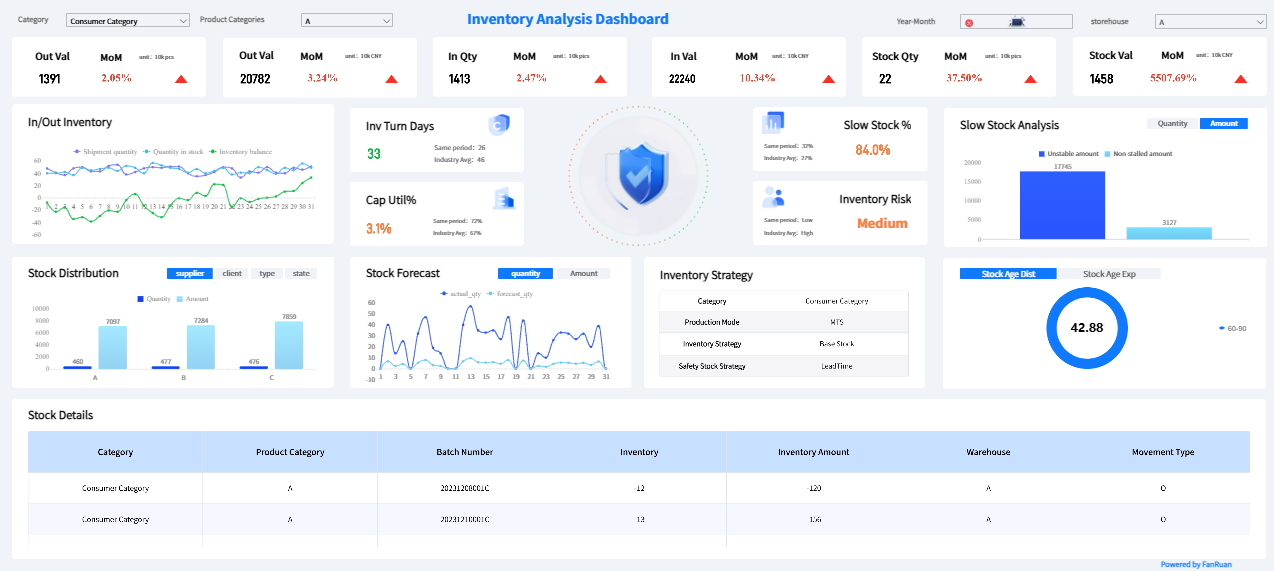
This structure keeps teams from discussing everything every time. Daily meetings solve today. Weekly meetings improve the system.
Add analysis that helps managers respond faster
The strongest dashboards combine metrics with context. Numbers alone rarely explain what action to take.
Useful analysis elements include:
- Root-cause notes tied to major losses
- Recurring issue categories by line or asset
- Escalation triggers when thresholds are crossed
- Follow-up actions with named owners
- Due dates and closure status for open issues
This is where the manufacturing production report becomes a management tool instead of a scoreboard.
Keep improving the dashboard after launch
No dashboard gets everything right in version one. Plants change. Product mix changes. Constraints shift. Reporting should evolve too.
Use a simple improvement cycle:
- Gather feedback from plant managers, supervisors, planners, and quality leads
- Identify which metrics get used and which are ignored
- Retire low-value visuals that add noise
- Add views that support recurring decisions
- Revalidate metric definitions as processes change
4 practical best practices for implementation
Here is the implementation advice I give most often to manufacturers:
-
Pilot with one plant or one value stream first
Do not launch enterprise-wide before proving the dashboard supports real meetings and real actions. -
Lock metric definitions before debating visual design
A beautiful dashboard with disputed numbers will fail faster than a plain one with trusted data. -
Design for the shift meeting, not the analyst desk
Build the first screen for a 30-second scan in a live production environment. -
Attach accountability to every red metric
Every exception should have an owner, expected response, and escalation rule.
Build the manufacturing production report faster with FineReport
Building this manually is complex; use FineReport to utilize ready-made templates and automate this entire workflow. For manufacturers, that means you can connect ERP, MES, quality, maintenance, and spreadsheet inputs into a single reporting framework without forcing plant teams to manage reporting logic by hand.
FineReport is especially useful when you need to:
- Build plant-level and enterprise-level production dashboards
- Standardize KPI definitions across lines or sites
- Automate scheduled and real-time reporting
- Enable drill-down from summary to shift, line, or machine detail
- Deliver dashboards for large screens, desktop, and mobile use
- Reduce spreadsheet dependency in daily and weekly reporting

Get Ready-to-Use Dashboard Templates in Fine Gallery
Instead of spending months stitching together manual extracts, inconsistent calculations, and one-off chart logic, teams can deploy a more reliable manufacturing production report framework with faster time to value.
The biggest advantage is not just dashboard creation. It is operational adoption. When reports are easier to trust, easier to access, and easier to act on, plant managers actually use them.
If your goal is to build a manufacturing production report dashboard that supports shift control, weekly accountability, and continuous improvement, start with the decision process, simplify the design, clean the data, and automate wherever possible. Then use FineReport to scale it.
FAQs
A practical dashboard should show output versus plan, downtime, scrap or rework, schedule attainment, and clear shift or line-level exceptions. It should also show who owns the issue and how fresh the data is.