

An expense report sample is more than a form example. It is a practical reference employees, managers, finance teams, and operations leaders use to submit reimbursements faster, reduce approval delays, and maintain audit-ready records. If your current process leads to missing receipts, inconsistent categories, unclear business purposes, or manual back-and-forth with accounting, a filled-out sample gives your team a repeatable standard they can follow every time.
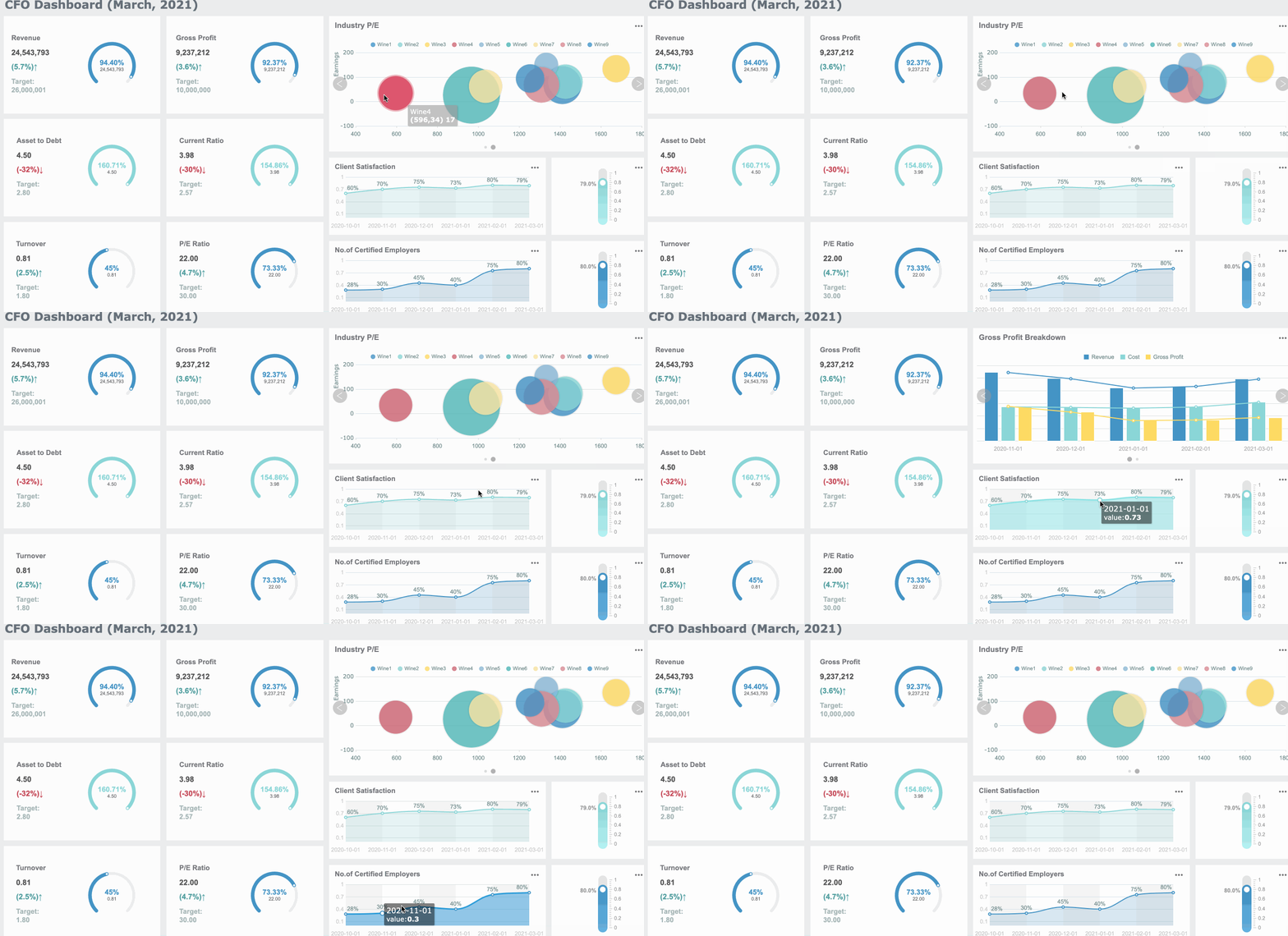
All reports in this article are built with FineReport.
Expense report sample: a filled-out example at a glance
A blank form tells users where to type. A completed expense report sample shows them what “correct” looks like in the real world. That distinction matters because most reimbursement errors happen not from missing columns, but from poor interpretation of what each field should contain.
Below is a realistic filled-out example of a basic business travel expense report.
| Field | Example Entry |
|---|---|
| Employee Name | Jordan Lee |
| Department | Sales |
| Manager | Priya Nair |
| Reporting Period | May 6, 2026 to May 8, 2026 |
| Business Purpose | Client meetings and regional sales presentation in Chicago |
| Project / Cost Center | SALES-MW-204 |
| Date Submitted | May 10, 2026 |
Sample expense lines
| Date | Vendor | Category | Description / Business Purpose | Payment Method | Pre-Tax | Tax | Total |
|---|---|---|---|---|---|---|---|
| May 6, 2026 | Delta Airlines | Airfare | Round-trip flight for client meeting | Personal Card | 420.00 | 0.00 | 420.00 |
| May 6, 2026 | Uber | Ground Transport | Airport to hotel transfer | Personal Card | 38.50 | 3.08 | 41.58 |
| May 6, 2026 | Marriott Downtown | Lodging | 2-night stay for business trip | Corporate Card | 560.00 | 44.80 | 604.80 |
| May 7, 2026 | Green Market Cafe | Meals | Lunch with client team, 3 attendees | Personal Card | 68.00 | 5.44 | 73.44 |
| May 7, 2026 | City Parking | Parking | Parking for client office visit | Cash | 18.00 | 0.00 | 18.00 |
| May 8, 2026 | Office Depot | Office Supplies | Printed presentation materials | Personal Card | 24.00 | 1.92 | 25.92 |
Summary section
| Summary Item | Amount |
|---|---|
| Total Expenses | 1,183.74 |
| Less Corporate Card Charges | 604.80 |
| Less Cash Advance | 0.00 |
| Reimbursable to Employee | 578.94 |
Approval section
| Role | Name | Status | Date |
|---|---|---|---|
| Employee Signature | Jordan Lee | Submitted | May 10, 2026 |
| Manager Approval | Priya Nair | Approved | May 11, 2026 |
| Finance Review | AP Team | Verified | May 12, 2026 |
This filled-out example demonstrates how a proper report connects employee identity, travel purpose, itemized expenses, proof of payment, and approval workflow into one auditable record.
What is included in a typical expense report
Most companies use a standard structure so finance can validate expenses quickly and consistently.
Trip or reporting period details
This section identifies who incurred the cost, when the expense period occurred, and why the spending was business-related. It usually includes employee name, department, manager, reporting range, destination if travel is involved, and a short business purpose statement.
Individual expense lines with dates, vendors, and business purpose
Each row should document one expense clearly enough that another reviewer can understand it without asking follow-up questions. At minimum, include:
- Date of purchase
- Vendor or merchant name
- Expense category
- Description or business reason
- Payment method
- Amount
- Tax, if tracked separately
Totals, reimbursement amount, and supporting receipt notes
The report should also show:
- Expense subtotal by category or date
- Grand total
- Deductions for company card charges or advances
- Net amount owed to the employee
- Receipt reference or attachment note for each line item
The core framework: key metrics in an expense report sample
For enterprise teams, a strong expense process is not just about recording transactions. It is about enforcing policy, accelerating approvals, and making reimbursement data visible across departments.
Key Metrics (KPIs)
- Total Claimed Amount: The full value of all submitted expenses before deductions.
- Reimbursable Amount: The amount actually owed to the employee after subtracting corporate card charges or advances.
- Receipt Attachment Rate: Percentage of line items backed by valid receipts or proof of payment.
- Policy Exception Rate: Share of submitted items that exceed category caps, violate rules, or need manual review.
- Approval Cycle Time: Time from submission to manager and finance approval.
- Category Spend Distribution: Breakdown of spending across meals, lodging, transport, supplies, and miscellaneous costs.
- Mileage Reimbursement Total: Amount calculated from approved miles multiplied by the reimbursement rate.
- Tax-Eligible Expense Value: Portion of expenses that may require separate tax treatment or bookkeeping classification.
- Corporate Card vs Personal Spend Ratio: Comparison of centrally controlled spending against employee-paid claims.
- Rejected or Returned Report Rate: Percentage of reports sent back due to errors, missing details, or missing receipts.
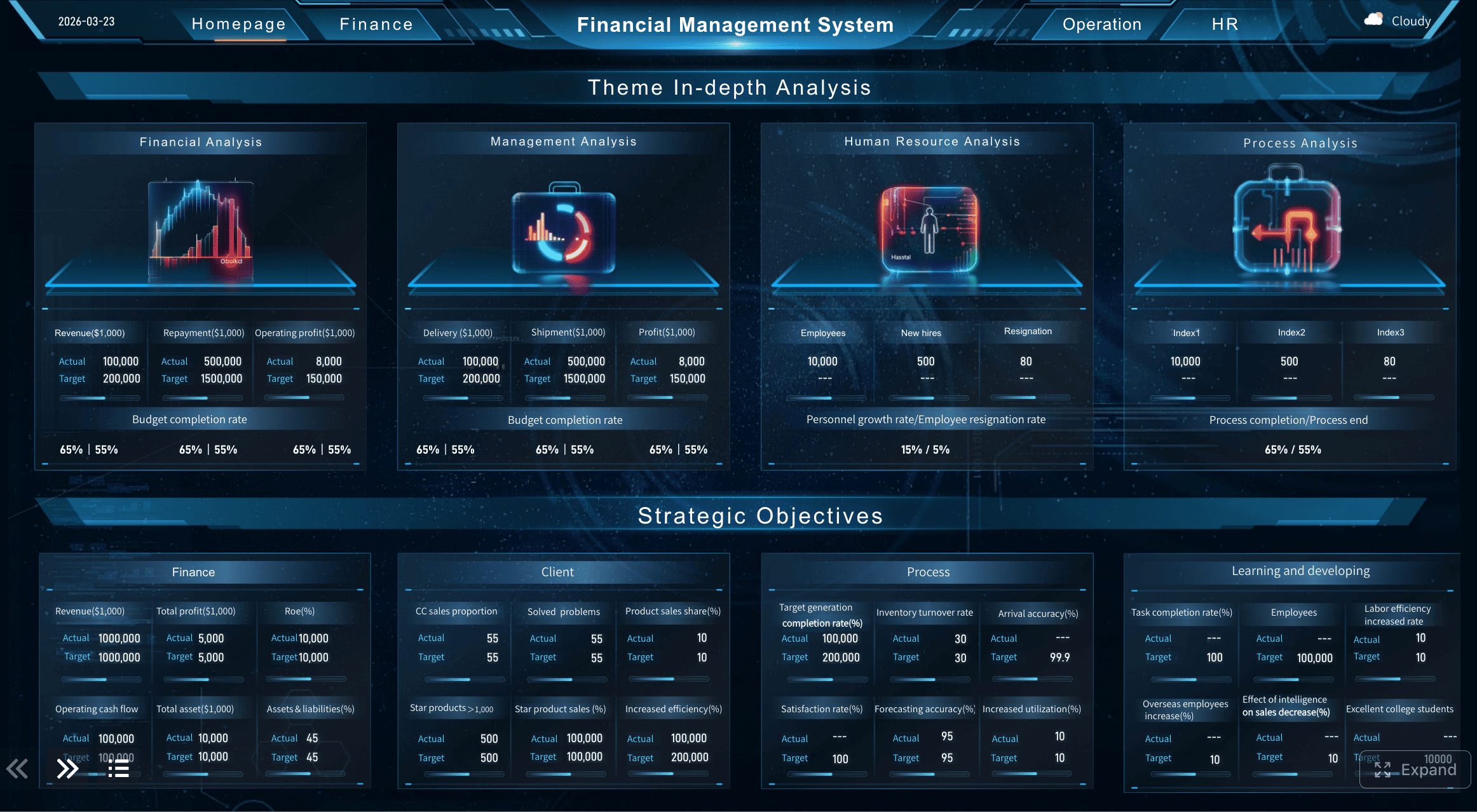
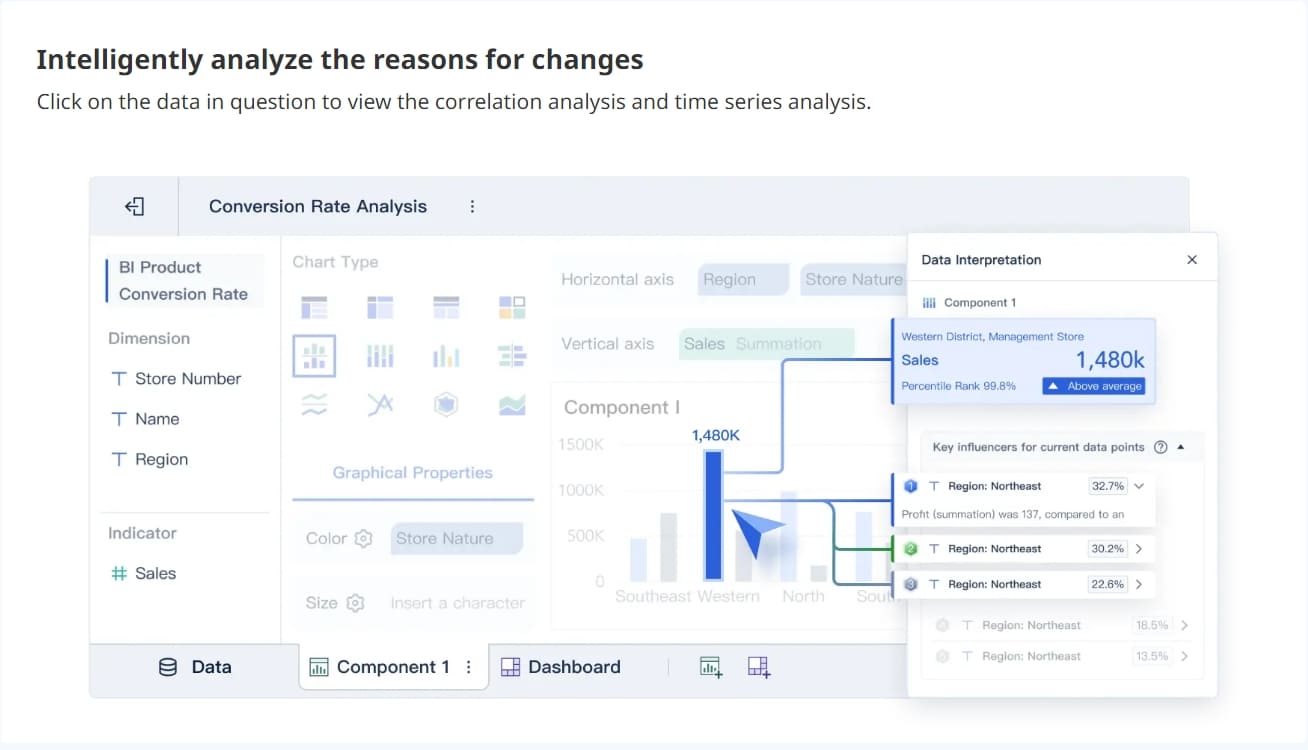
These metrics help finance leaders spot bottlenecks, identify policy drift, and improve reimbursement turnaround.
Line-by-line guide to completing an expense report sample correctly
If employees do not know how to fill out each field precisely, even a good template creates bad data. The goal is to make each entry easy for finance to verify and easy for auditors to trace later.
Employee and trip information
Start with the header fields. These establish ownership, accountability, and business context.
Name, department, manager, reporting period, and business purpose
Enter the employee’s full legal or HR-recorded name, not a nickname. Use the official department name and direct manager responsible for approval. For the reporting period, include exact start and end dates. For business purpose, be specific.
Good example:
- “Client renewal meeting and on-site presentation in Chicago”
Weak example:
- “Business trip”
A vague purpose is one of the fastest ways to trigger a finance follow-up.
When to use project codes, client names, or cost centers
Use these fields when expenses need to be allocated to:
- A billable client
- An internal project
- A department budget
- A branch or region
- A grant or special fund
If your company uses cost centers, the code should match the accounting structure exactly. If billing back to a client, include both the client name and internal project code where possible.
Expense item details
Each line item should tell a complete story: what was bought, where, when, why, and how much it cost.
How to record meals, lodging, transportation, office purchases, and miscellaneous costs
Use consistent categories. A recommended structure looks like this:
| Category | What to Include |
|---|---|
| Meals | Client meals, employee meals during travel, approved team meals |
| Lodging | Hotel charges, approved short-term accommodations |
| Transportation | Airfare, train, taxi, rideshare, rental car, parking, tolls |
| Office Purchases | Supplies, printing, presentation materials, small tools |
| Miscellaneous | Approved items that do not fit standard categories |
For each expense:
- Enter the transaction date from the receipt.
- Use the merchant name exactly as it appears.
- Select the correct expense category.
- Add a short but specific business purpose.
- Record the payment method such as personal card, corporate card, cash, or bank transfer.
- Enter the pre-tax amount, tax, and total, if your template separates them.
What to include in the description so finance teams can verify the claim
A strong description answers any likely reviewer question before it is asked.
Use descriptions like:
- “Lunch with ABC client procurement team after contract review meeting”
- “Hotel stay for annual distributor conference, 2 nights”
- “Parking at client site for product demo setup”
- “Printed sales decks for May 7 presentation”
Avoid descriptions like:
- “Meal”
- “Travel”
- “Supplies”
Totals, receipts, and approval section
This section is where many reports fail. The math may be correct, but reimbursement is still delayed because receipts do not match, totals are inconsistent, or approvals are incomplete.
How to match each line item to a receipt or proof of payment
Best practice is to assign each line a receipt ID or attachment reference.
Example:
- Line 1: Receipt R-001
- Line 2: Receipt R-002
- Line 3: Hotel invoice H-001
Match every expense to:
- Physical receipt
- Digital receipt
- Hotel folio
- Airline booking confirmation
- Credit card proof, where policy allows
- Mileage log, for mileage claims
If a receipt is missing, note the reason and follow your company’s missing-receipt policy.
How approvers review policy compliance, completeness, and math accuracy
Approvers typically check for:
- Valid business purpose
- Approved category
- Reasonable amount within policy
- Correct totals and reimbursement math
- Presence of required receipts
- Correct cost center or project allocation
- Duplicate expense risk
- Corporate card charges excluded from reimbursement
Actionable best practices for using an expense report sample effectively
A good sample should become a working standard, not just a one-time example. Here are the implementation practices I recommend for teams that want fewer rejected reports and faster reimbursement cycles.
1. Standardize categories before employees submit
Do not allow every department to invent its own labels. Define a controlled list for meals, lodging, transportation, office supplies, mileage, and miscellaneous. This improves consistency, reporting, and auditability.
2. Require business purpose on every non-obvious expense
If the transaction is not self-explanatory, add context. This is especially important for client meals, event fees, local transportation, and miscellaneous purchases.
3. Separate corporate card expenses from employee-paid expenses
This prevents double reimbursement and simplifies reconciliation. Ideally, the template should automatically calculate the net amount owed after deducting company-paid transactions.
4. Use receipt tracking and line-item references
Train employees to label receipts in the same sequence as the report. This reduces approval time significantly because finance can verify each row without hunting through attachments.
5. Build a pre-submission review step
Before sending the report to a manager, confirm:
- Dates are correct
- Totals reconcile
- Categories are accurate
- Receipts are attached
- Cost centers are valid
- Policy limits are not exceeded
This one habit alone can eliminate a large share of returned reports.
Free expense report sample you can download and customize
Not every team needs the same format. The right template depends on frequency, reimbursement policy, expense complexity, and approval workflow.
Free downloadable expense report template and how to choose the right one
Here is a practical comparison of common template types:
| Template Type | Best For | Main Advantage | Watch Out For |
|---|---|---|---|
| Simple | Individual employees, low-volume claims | Fast to complete | May lack policy controls |
| Detailed | Finance-heavy environments, audit-sensitive teams | Strong documentation | Can feel complex to users |
| Weekly | Field teams, frequent local travel | Quick reimbursement cycles | More admin volume |
| Monthly | Recurring operational expenses | Easier period tracking | Delayed issue detection |
| Travel | Multi-day trips | Covers airfare, hotel, meals, transport | Needs clear receipt rules |
| Mileage-Focused | Sales reps, technicians, field service | Easy distance reimbursement | Requires rate and route control |
When choosing a template, check whether it includes:
- Automatic formulas
- Category dropdowns
- Receipt tracking fields
- Corporate card deduction section
- Approval lines
- Mileage calculation logic
- Cost center or project code fields
Using an expense report template in Google Drive
A shared Google Drive or Google Sheets setup is useful when teams need collaboration, quick access, and mobile-friendly updates. It works especially well for distributed teams and managers who approve on the go.
Benefits include:
- Real-time editing
- Shared visibility
- Version history
- Easier template rollout
- Mobile receipt uploads
However, cloud-based sheets need controls. Set them up properly:
- Create a locked master template.
- Restrict formula cells from editing.
- Use dropdowns for categories and payment methods.
- Define naming rules for reports and receipt files.
- Limit access by role for privacy and compliance.
Why expense reports matter and how to create an expense report sample from scratch
An expense report is not just paperwork. It is a control document that connects employee reimbursement, bookkeeping accuracy, policy enforcement, and audit readiness.
Expense report meaning and business need
A formal expense report helps businesses:
- Reimburse employees accurately
- Record expenses in the right accounting period
- Enforce policy consistently
- Prepare tax and audit documentation
- Track departmental and project-level spend
- Reduce fraud and duplicate claims
- Improve budget visibility
For employees, complete documentation protects them by showing that the spending was authorized, business-related, and properly submitted. For employers, it creates a defendable financial record.
How to create an expense report step by step
If no template is available, build one using the following structure.
1. Gather receipts and trip details
Collect:
- Receipts
- Travel dates
- Vendor names
- Purpose of each expense
- Payment method used
- Mileage logs if applicable
2. Group expenses by category and date
Organize line items in chronological order. Use clear categories so the reviewer can scan the report quickly.
3. Add notes, totals, and supporting documents
Calculate category subtotals and the grand total. Then subtract any:
- Cash advance
- Corporate card spend
- Non-reimbursable items
Attach proof for each line item.
4. Submit for review and keep a copy for records
Send the completed report through your normal manager and finance approval path. Keep a digital copy with all attachments in case reimbursement status or audit questions arise later.
Common expense report sample mistakes and final review checklist
Even a strong template does not guarantee a strong submission. Most rejected reports fail because of preventable mistakes, not complicated accounting problems.
Expense report examples for different situations
Different scenarios call for different levels of detail.
Single-day travel report
Best for short client visits, local conferences, or same-day regional travel. Usually includes:
- Mileage or train fare
- Parking
- Tolls
- One or two meals
- Event registration if applicable
Multi-day business trip report
Best for overnight travel. Usually includes:
- Airfare or long-distance transport
- Hotel
- Ground transportation
- Daily meals
- Conference or event fees
- Supporting itinerary or meeting notes
Mileage-only reimbursement report
Best for field employees, service technicians, and sales teams. Requires:
- Date
- Start and end locations
- Business purpose
- Miles driven
- Mileage reimbursement rate
- Calculated total
Recurring monthly expense report
Best for remote work stipends, subscriptions, recurring client-related costs, or small business owner tracking. Usually needs:
- Monthly reporting period
- Repeating vendors
- Policy-based limits
- Approval notes for exceptions
Final checklist before submission
Before sending your report, compare it against a reliable expense report sample and confirm the following:
- Employee name, department, and manager are correct
- Reporting period is accurate
- Every line item has a valid date
- Merchant names match receipts
- Categories are correctly assigned
- Business purpose is specific and review-ready
- Pre-tax, tax, and total amounts are accurate
- Mileage calculations use the correct rate
- Corporate card charges are excluded from reimbursement
- All receipts are attached and matched to line items
- Cost center, project code, or client fields are complete
- Policy limits are not exceeded
- Approval lines or workflow steps are complete
- A copy is saved for records
Build a better expense reporting workflow with FineReport
Building this manually is complex; use FineReport to utilize ready-made templates and automate this entire workflow. For enterprise teams, the real challenge is not creating one expense report sample. It is scaling the process across departments, approval layers, reimbursement policies, and audit requirements without creating spreadsheet chaos.
FineReport helps you move from static forms to a controlled reporting system with:
- Ready-made expense report templates
- Automated calculations for totals and reimbursements
- Approval workflow visibility
- Dashboard views for pending, approved, and rejected claims
- Policy exception monitoring
- Receipt-linked reporting
- Department, project, and cost center analysis
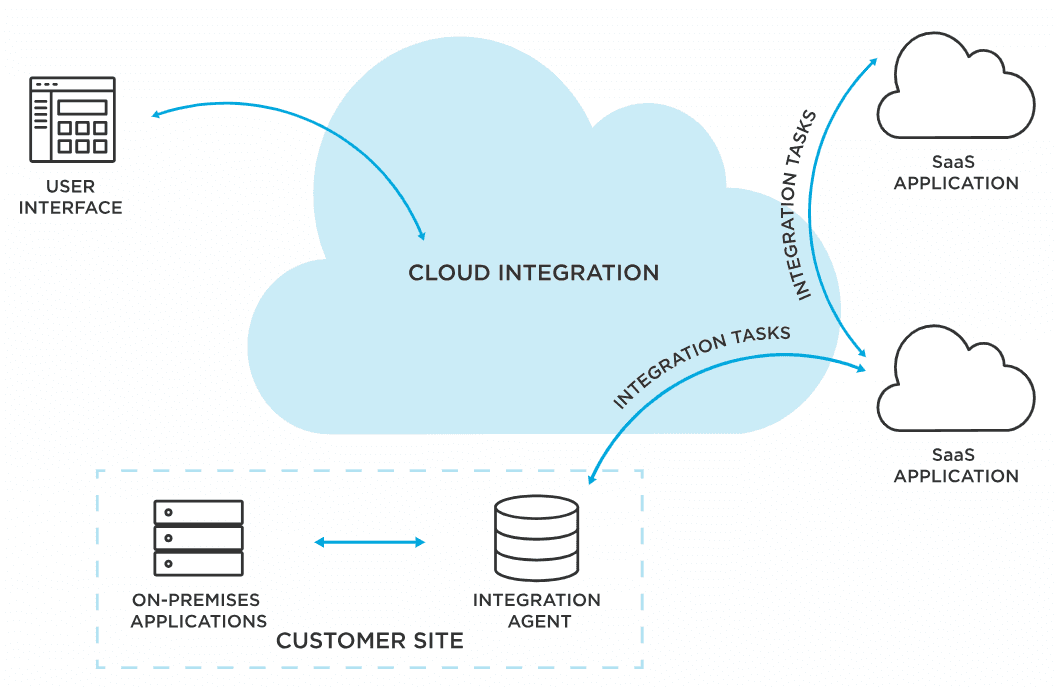
- Cloud-based collaboration and data integration
 Get Ready-to-Use Dashboard Templates in Fine Gallery
Instead of chasing incomplete spreadsheets and manually verifying receipts, your teams can standardize submissions, reduce approval time, and gain real-time insight into expense trends.
FAQs
A useful expense report sample should show employee details, reporting period, business purpose, itemized expense lines, payment method, totals, and approval status. It should also reference receipts or proof of payment for each relevant expense.




