

Project report software is a tool that helps teams turn live project data into stakeholder-ready status reports, dashboards, summaries, and exports with less manual work.
Best project report software for 2026 at a glance
If you are comparing project report software in 2026, the biggest shift is clear: teams now expect reports to be generated from real-time work data, not assembled manually in slides or spreadsheets at the end of the week. Modern buyers are also looking beyond basic task lists. They want portfolio visibility, scheduled reporting, executive summaries, governance controls, and integrations that keep data consistent across tools.
Below is a quick comparison of seven leading options for faster team reporting.
| Tool | Best For | Reporting Speed | Dashboard Quality | Automation | Integrations | Pricing Snapshot |
|---|---|---|---|---|---|---|
| FineReport | PMOs, operations teams, enterprises needing highly customized reporting | High | Excellent | High | Strong | Custom pricing |
| Smartsheet | Cross-functional teams and enterprise operations | High | Strong | Strong | Strong | Paid plans, trial available |
| Zoho Projects | SMBs and growing teams needing built-in project reporting | High | Strong | Moderate to High | Strong in Zoho ecosystem | Affordable paid plans |
| monday.com | Startups, agencies, and collaborative teams | High | Strong | Strong | Strong | Free tier available, paid plans scale by seats |
| Wrike | Agencies, professional services, and structured reporting teams | High | Strong | Strong | Strong | Free tier and paid plans |
| OpenProject | IT teams, public sector, and data-sovereign environments | Moderate | Moderate | Moderate | Moderate | Community edition plus enterprise options |
| Microsoft Project | Large organizations already invested in Microsoft | Moderate to High | Strong with Power BI/Excel | Moderate | Excellent in Microsoft stack | Subscription pricing |
Who each tool is best for
Different categories of teams prioritize different reporting outcomes:
- Startups and small teams: usually need fast setup, simple report templates, and lower-cost plans.
- Agencies and service teams: often need client-facing project reports, time tracking visibility, and recurring exports.
- IT teams and technical departments: care more about portfolio rollups, issue visibility, permissions, and system integration.
- PMOs and enterprise operations: typically require custom dashboards, governance, auditability, and executive-ready summaries across multiple projects.
What changed in 2026 and why reporting expectations are higher
In 2026, the standard for project reporting is no longer “can it create a report?” It is “can it create the right report instantly, across multiple projects, with reliable data?” Buyers increasingly expect:
- Real-time reporting instead of manual end-of-period updates
- Automated summaries for leadership and stakeholders
- Portfolio and cross-project views
- Role-based access and governance
- Multi-format exports such as PDF, Excel, and dashboard sharing
- Flexible integrations with time tracking, finance, communication, and task systems
That is why selecting the right project report software now has a direct impact on reporting speed, decision-making, and stakeholder confidence.
How we compared these project report software tools
Evaluation criteria
To compare these tools fairly, we focused on the features that matter most when teams need to create a project report quickly and accurately.
Reporting capabilities
- Custom dashboards and visual report builders
- Status reports, workload reports, progress summaries, and portfolio views
- Templates for recurring reporting workflows
- Scheduled exports and stakeholder-ready sharing options
- Support for executive summaries and KPI-based reporting
Usability and setup
- Ease of implementation
- Learning curve for project managers and department heads
- Collaboration features for shared reporting workflows
- Ability to keep reporting accurate across multiple projects
Operational fit
- Integrations with project management, time tracking, finance, and communication tools
- Scalability from small team reporting to enterprise portfolio reporting
- Overall value for money relative to reporting depth and flexibility
Who should use this guide
This guide is designed for:
- Team leads who need faster weekly or monthly status reporting
- Project managers who want to create a project report with less manual formatting and copy-pasting
- Operations and PMO leaders comparing project management and reporting software before purchase
- Organizations with multiple stakeholders that need dashboards, exports, and consistent reporting standards
7 best project report software tools compared
1. Tool overview and best-fit use cases
1. FineReport
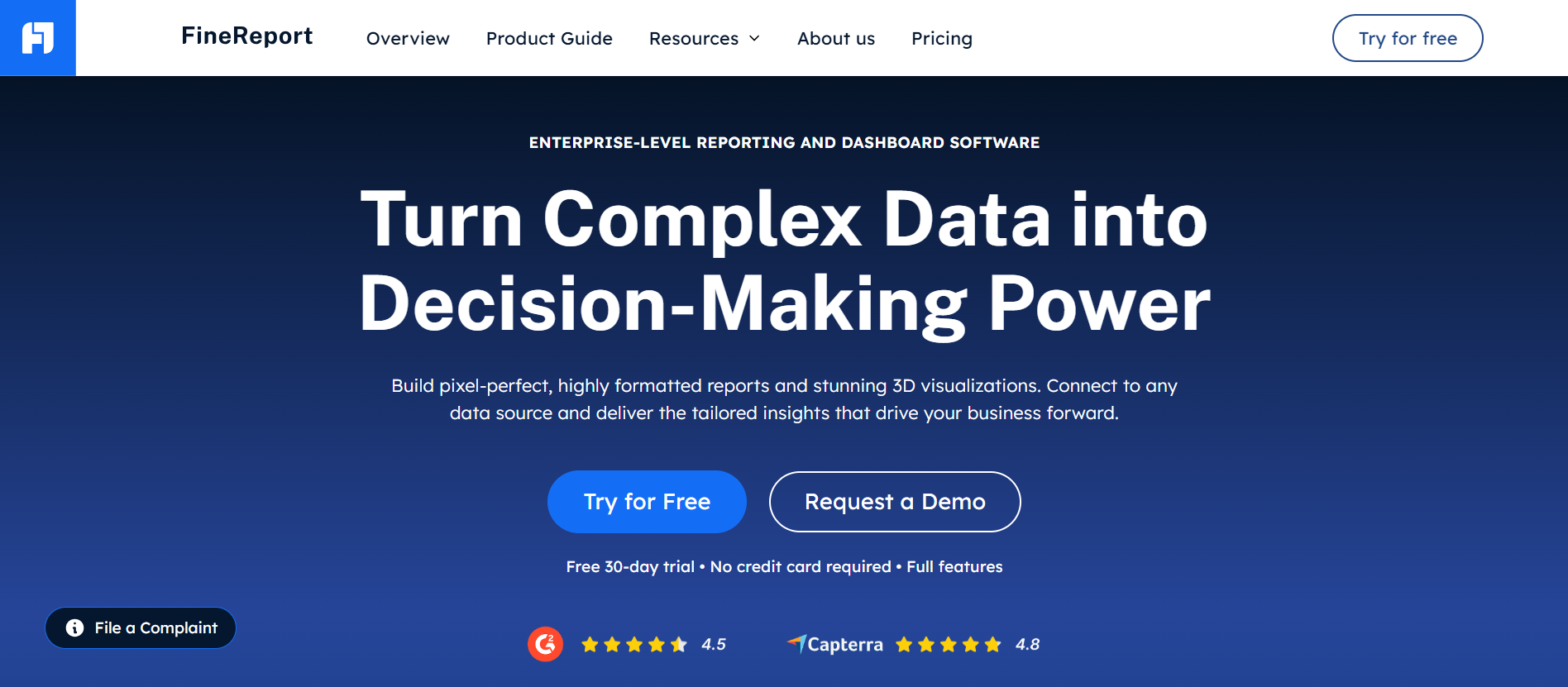
- One-sentence overview: FineReport is a highly customizable reporting and dashboard platform that helps teams build stakeholder-ready project reports, portfolio views, and automated data outputs across complex environments.
- Key Features:
- Pixel-level report design and dashboard customization
- Real-time data connectivity across multiple systems
- Scheduled report distribution and automated exports
- Interactive charts, drill-down analysis, and multi-project reporting
- Role-based permissions and enterprise governance support
- Flexible deployment options for organizations with stricter data requirements
- Pros & Cons:
- Pros: Excellent customization, strong enterprise reporting depth, strong data integration flexibility, well-suited for PMOs and operations teams
- Cons: More powerful than lightweight teams may need, setup can be more involved than simpler task-focused tools
- Best For (Target user/scenario): PMOs, enterprise operations teams, and organizations that need advanced project report software beyond basic built-in project dashboards
FineReport stands out because it is built for teams that need reporting to reflect real business complexity, not just task completion percentages. If your organization pulls project data from multiple systems and needs standardized yet highly tailored outputs, FineReport is one of the strongest options in this list. It is especially effective for executive reporting, portfolio oversight, and operational visibility across departments.
2. Smartsheet
Website: https://www.smartsheet.com/
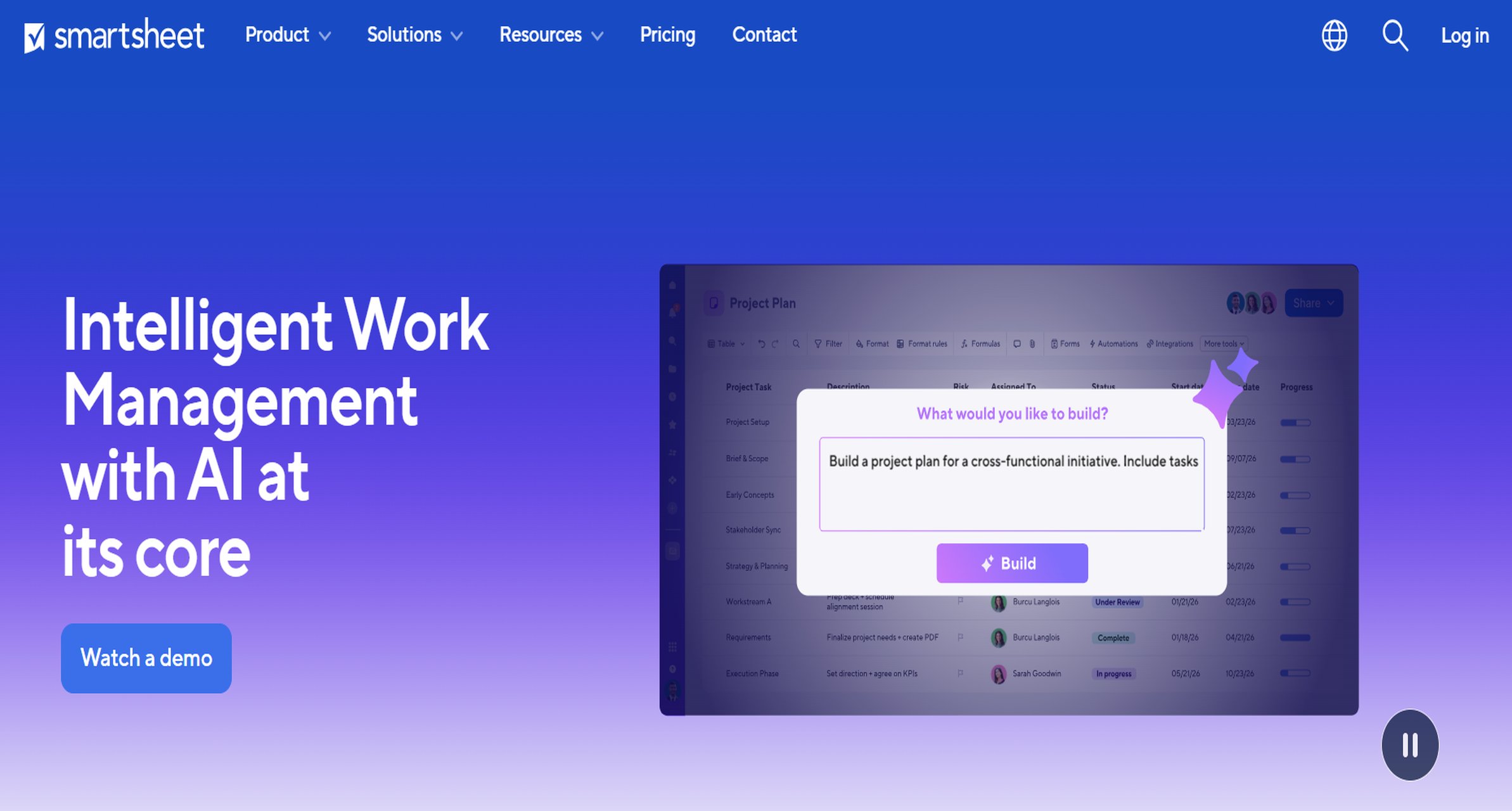
- One-sentence overview: Smartsheet combines spreadsheet-style work management with strong reporting, dashboarding, automation, and portfolio-level visibility.
- Key Features:
- Real-time dashboards and metric widgets
- Automated workflows and scheduled alerts
- Cross-sheet reporting and portfolio rollups
- Gantt, grid, card, and calendar views
- Resource and project tracking
- Enterprise-grade permissions and controls
- Pros & Cons:
- Pros: Strong balance of reporting and work management, good for cross-functional planning, scalable for large teams
- Cons: Can become complex at scale, pricing rises with advanced capabilities
- Best For (Target user/scenario): Growing cross-functional teams, operations departments, and enterprises standardizing reporting across many projects
Smartsheet is a strong option when teams want one platform for work execution and project reporting. It is particularly useful for organizations that need roll-up reporting from multiple projects without moving into a separate BI layer.
3. Zoho Projects
Website: https://www.zoho.com/projects/
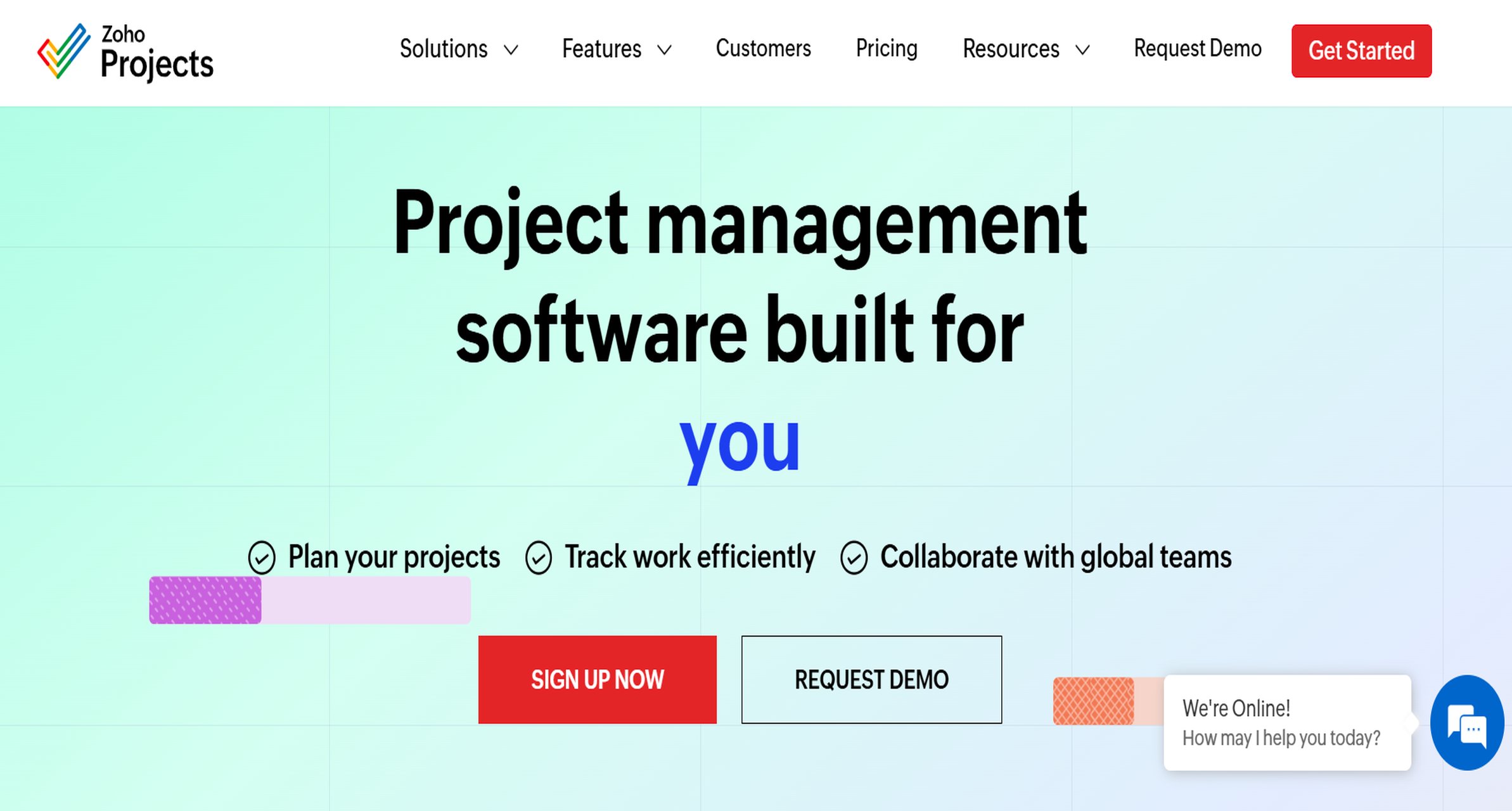
- One-sentence overview: Zoho Projects offers built-in project reporting, dashboards, timesheets, and workload visibility in an affordable package for SMBs and mid-sized teams.
- Key Features:
- Project status, timeline, workload, and timesheet reports
- Custom task and issue reports
- Dashboard views with planned vs. actual insights
- Export and sharing options
- Integrations with broader Zoho apps
- Team collaboration and task tracking features
- Pros & Cons:
- Pros: Good value, broad built-in report set, strong for SMBs, useful if already using the Zoho ecosystem
- Cons: Less flexible than more advanced enterprise reporting platforms, best experience often depends on Zoho stack adoption
- Best For (Target user/scenario): SMBs, agencies, and teams that want quick reporting inside a project management platform
Zoho Projects is practical for teams that want to make a project report quickly without investing in a separate reporting platform. It covers common reporting needs well, especially for task, workload, and timesheet visibility.
4. monday.com
Website: https://monday.com/
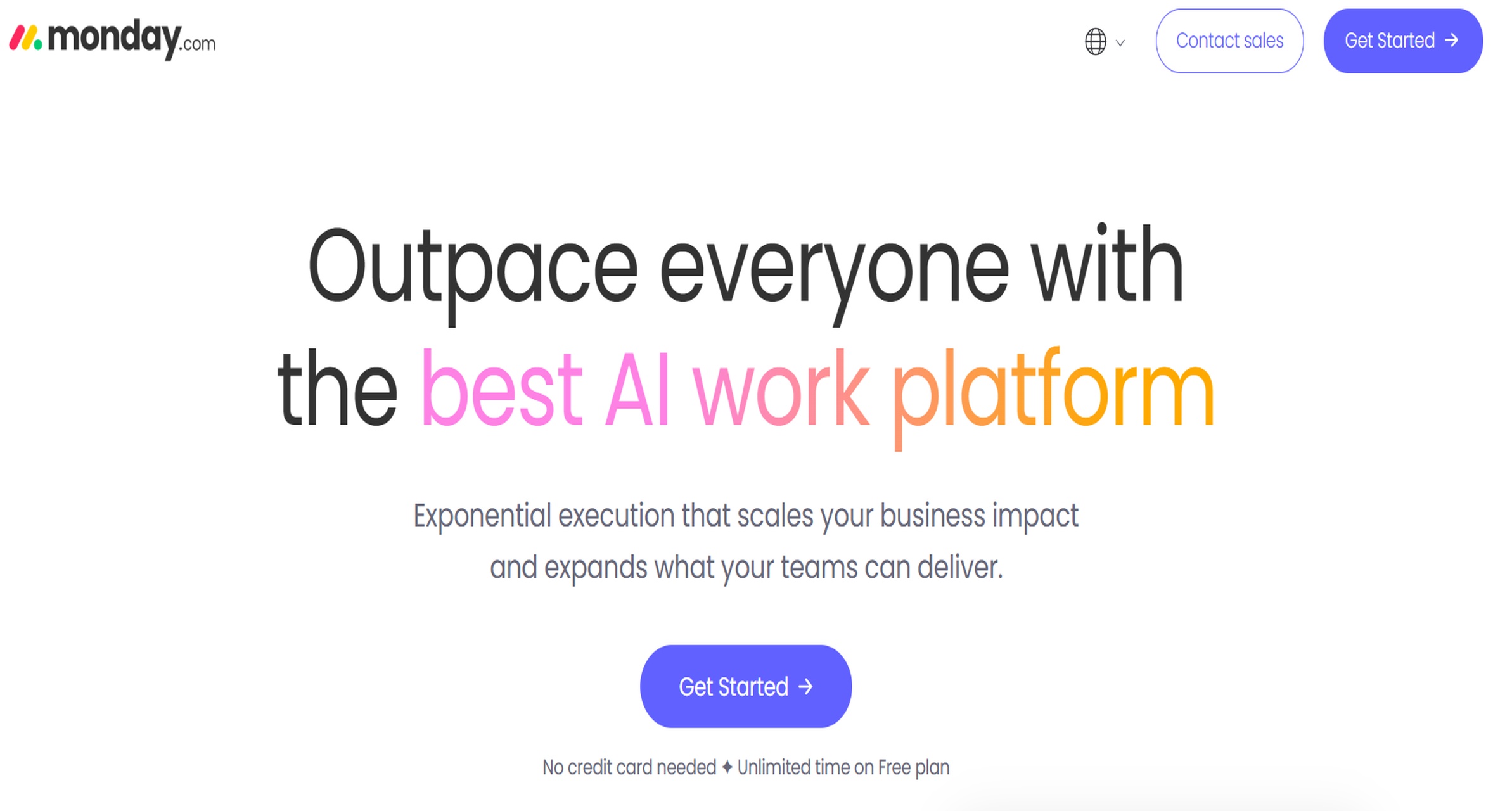
- One-sentence overview: monday.com is a collaborative work platform with easy-to-build dashboards, automations, and reporting views suitable for fast-moving teams.
- Key Features:
- Visual dashboards with customizable widgets
- Automation recipes for status changes and notifications
- Workload, timeline, and progress tracking
- Template-driven reporting setups
- Wide app marketplace and integrations
- Cross-board reporting for broader visibility
- Pros & Cons:
- Pros: Easy to use, fast to deploy, strong collaboration experience, good for visual reporting
- Cons: Advanced reporting can require plan upgrades, some organizations outgrow board-based structures
- Best For (Target user/scenario): Startups, agencies, and collaborative teams that want faster reporting with minimal setup
monday.com works well for teams that prioritize usability and visual clarity. It is often a good fit when the goal is to reduce manual reporting effort without introducing heavy technical complexity.
5. Wrike
Website: https://www.wrike.com/
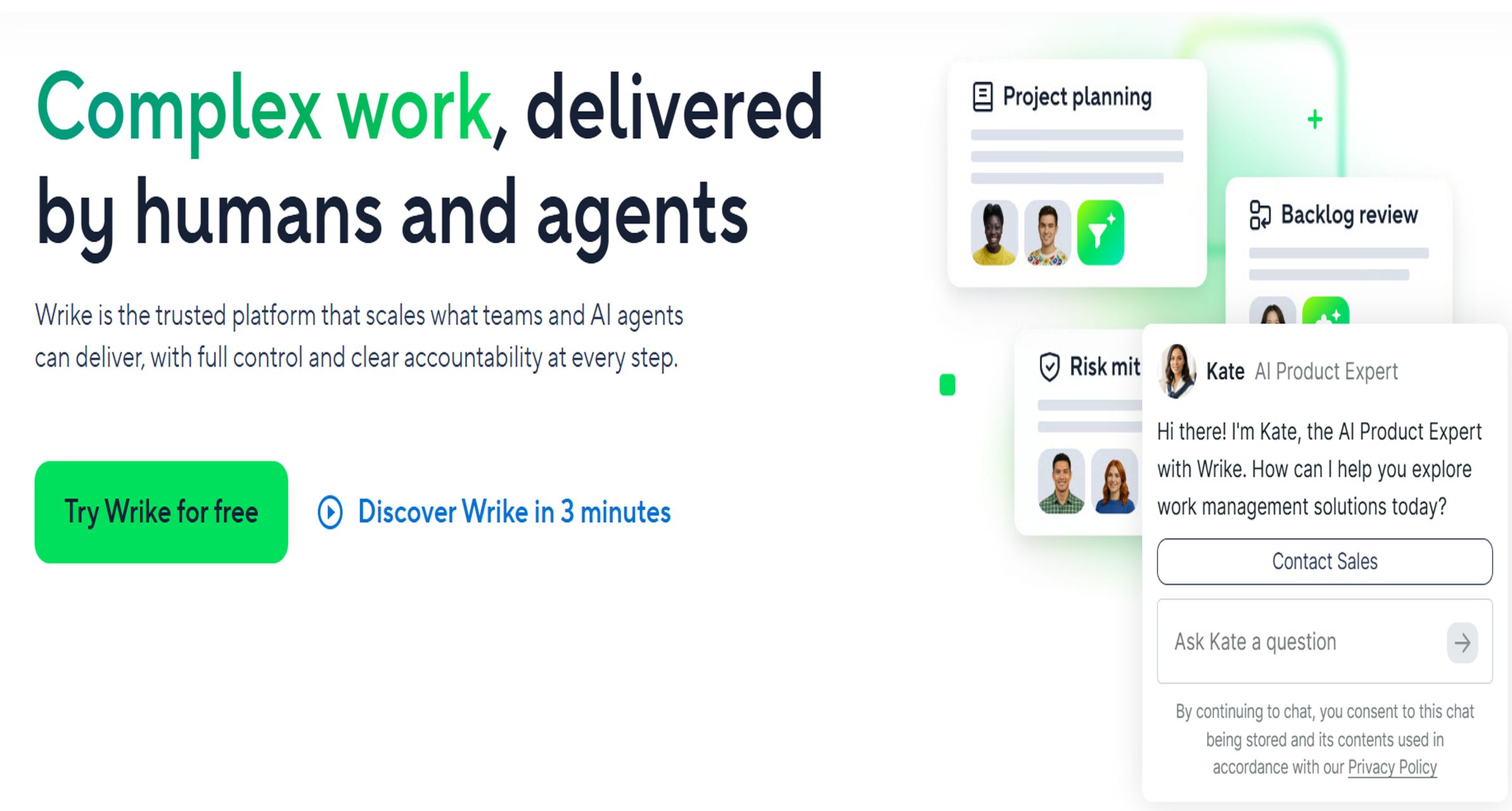
- One-sentence overview: Wrike delivers structured work management with robust reporting, request workflows, and dashboarding for teams managing complex delivery processes.
- Key Features:
- Real-time analytics and dashboards
- Custom report builders
- Time tracking and workload visibility
- Request forms and workflow automation
- Proofing and collaboration features
- Portfolio and resource reporting options
- Pros & Cons:
- Pros: Strong reporting depth, well-suited for service teams, good workflow structure
- Cons: Interface can feel dense for new users, best features often sit in higher plans
- Best For (Target user/scenario): Agencies, marketing teams, professional services teams, and departments needing more formalized reporting workflows
Wrike is especially useful when reporting is closely tied to intake, approvals, capacity, and delivery status. Teams with more process-heavy project environments often find its structure helpful.
6. OpenProject
Website: https://www.openproject.org/
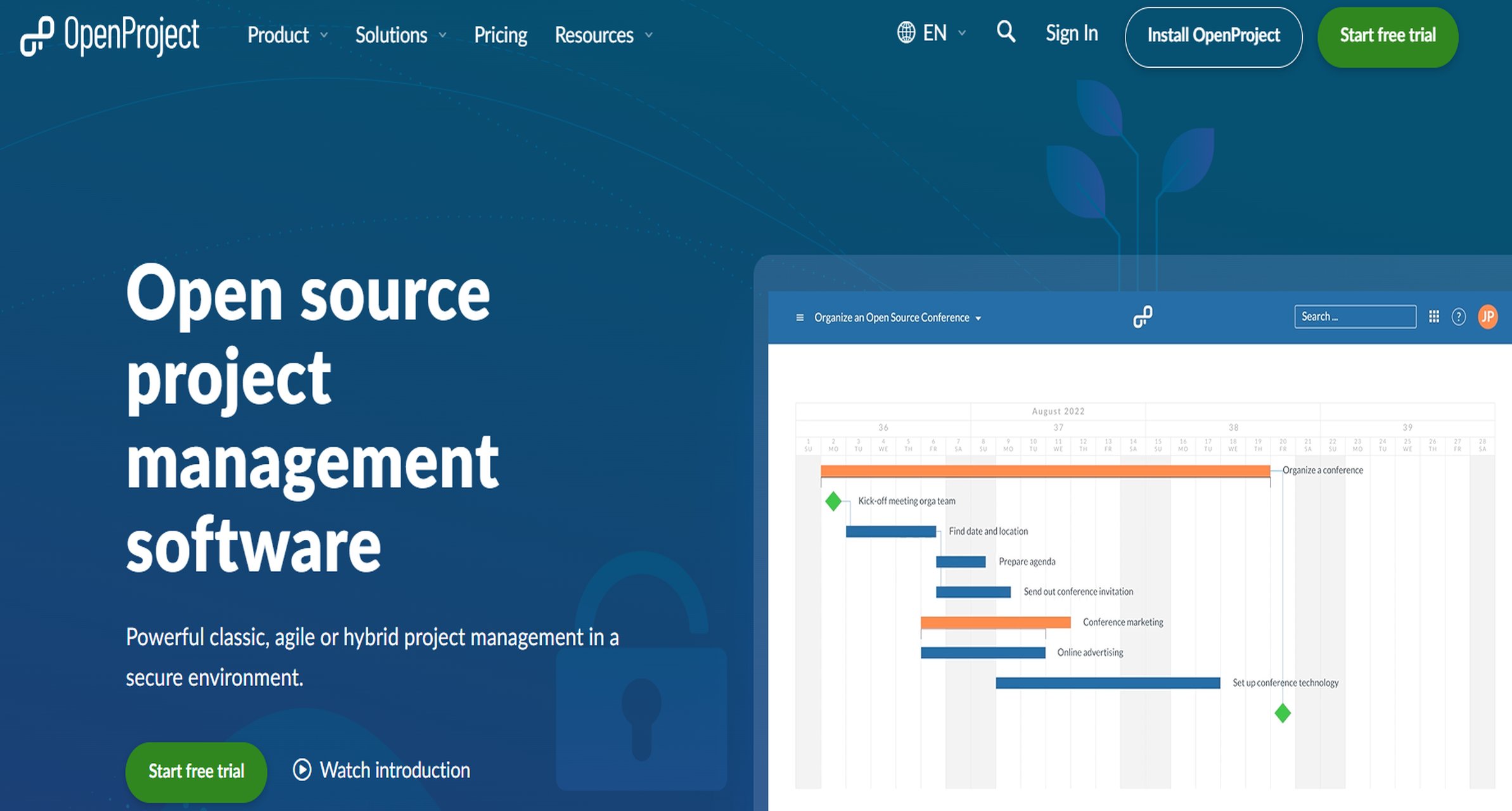
- One-sentence overview: OpenProject is an open-source project management platform with reporting, scheduling, and governance capabilities for teams that prioritize control and data sovereignty.
- Key Features:
- Gantt charts and classic project planning
- Agile boards and hybrid project workflows
- Time tracking, budgeting, and cost reporting
- Self-hosted deployment options
- Team planner and workload visibility
- API access and customization potential
- Pros & Cons:
- Pros: Strong for self-hosted environments, open-source flexibility, good governance and privacy positioning
- Cons: Reporting UX is less polished than some commercial competitors, setup may require technical resources
- Best For (Target user/scenario): IT teams, public sector organizations, and compliance-focused environments needing hosting flexibility
OpenProject is a practical choice for organizations that value ownership, privacy, and deployment control more than highly polished out-of-the-box dashboards.
7. Microsoft Project

- One-sentence overview: Microsoft Project supports formal project planning and reporting, especially for enterprises already using Microsoft 365, Excel, and Power BI.
- Key Features:
- Built-in project reports and report customization
- Export to Excel for offline analysis
- Power BI connectivity for advanced dashboards
- Timeline, task, and progress reporting
- Enterprise scheduling and planning
- Strong integration with Microsoft ecosystem tools
- Pros & Cons:
- Pros: Strong fit for Microsoft-centric organizations, flexible reporting when combined with Excel or Power BI, robust for structured planning
- Cons: Native reporting may feel less modern without add-ons, can be heavier to administer than simpler SaaS tools
- Best For (Target user/scenario): Large enterprises and PMOs already committed to Microsoft tools
Microsoft Project remains relevant for formal project environments, particularly where reporting workflows already depend on Excel and Power BI.
2. Pros, cons, and pricing snapshot
Here is a simplified pricing and fit view to speed up shortlisting.
| Tool | Main Advantage | Main Limitation | Starting Price / Availability |
|---|---|---|---|
| FineReport | Advanced customization and enterprise-grade reporting depth | More setup effort than lightweight tools | Custom pricing |
| Smartsheet | Strong reporting plus work management balance | Cost can rise with advanced use | Paid plans, free trial |
| Zoho Projects | Affordable built-in project reporting | Best for lighter to mid-level complexity | Low-cost paid plans |
| monday.com | Fast deployment and easy dashboards | Advanced reporting may require higher tiers | Free plan plus paid plans |
| Wrike | Good analytics and structured workflows | Learning curve for new teams | Free plan plus paid plans |
| OpenProject | Open-source and self-hosted flexibility | Less polished reporting experience | Free community edition, paid enterprise |
| Microsoft Project | Strong Microsoft ecosystem fit | Best reporting often depends on Excel/Power BI | Subscription pricing |
For buyers prioritizing reporting rather than generic task management, FineReport deserves special attention because it provides a stronger path to tailored executive dashboards, operational reporting, and governed multi-source reporting.
3. Reporting speed and automation
Reporting speed is one of the main reasons teams search for project report software. The best tools reduce or eliminate repetitive reporting tasks through templates, dashboards, and automation.
Fastest tools for generating reports quickly
- FineReport: Excellent for automated recurring reports, scheduled outputs, and prebuilt executive dashboards connected to live data
- Smartsheet: Strong automation and dashboard refreshes for teams already managing work inside the platform
- Zoho Projects: Fast for creating standard project status, timesheet, and workload reports
- monday.com: Very quick setup for visual dashboards and recurring board-based reporting
- Wrike: Strong when teams need structured operational reports tied to workflows and utilization
Which tools help you make a project report in seconds
If your goal is to make a project report in seconds, these capabilities matter most:
- Ready-made report templates
- Auto-generated dashboards from live project data
- Scheduled report delivery
- Cross-project rollups
- AI-assisted or auto-summarized reporting where available
- One-click export to PDF, Excel, or stakeholder sharing links
FineReport is particularly strong when speed must be combined with reporting precision. Instead of manually rebuilding the same stakeholder report every cycle, teams can automate distribution and standardize formatting across departments.
4. Integrations and data visibility
Reporting quality is only as good as the data behind it. That is why integrations are a major differentiator.
Strongest integration ecosystems
- FineReport: Strong for organizations that need to connect project data with ERP, finance, HR, CRM, and operational systems
- Smartsheet: Broad ecosystem support for enterprise workflows
- Zoho Projects: Excellent if you already use Zoho apps
- monday.com: Strong app marketplace and flexible connectors
- Wrike: Solid integrations for agency and operations workflows
- Microsoft Project: Best when tied to Excel, Teams, Power BI, and Microsoft 365
Visibility across time, cost, tasks, and communication
The best project report software should help teams bring together:
- Task progress and milestone status
- Time tracking and utilization
- Resource workload
- Budget or cost signals
- Risk, issue, and delay monitoring
- Team collaboration or stakeholder updates
FineReport performs well here because it is not limited to native project tool data. For organizations where reporting spans delivery systems, financial systems, and operational databases, that flexibility is a major advantage.
Which project report software is best for your team
Best for small teams and startups
Small teams usually need three things: easy setup, low overhead, and reporting templates that do not require specialist admin work.
Top choices:
- monday.com for fast onboarding and simple dashboard reporting
- Zoho Projects for affordable built-in project reporting
- Wrike for teams needing more structure as they grow
If reporting needs are straightforward and budgets are tighter, monday.com and Zoho Projects are often easier entry points than enterprise-focused platforms.
Best for growing cross-functional teams
Cross-functional teams need more than task visibility. They need reporting that supports leadership updates, workload reviews, and shared dashboards across departments.
Top choices:
- Smartsheet for flexible cross-project and operational reporting
- Wrike for process-heavy delivery teams
- FineReport for organizations that need stronger customization and executive-level visibility
Among these, FineReport is especially compelling when teams are outgrowing standard built-in dashboards and need more control over how project data is presented.
Best for enterprise and compliance-heavy environments
Enterprise reporting usually requires permissions, auditability, portfolio views, and standardization across large teams.
Top choices:
- FineReport for advanced customization, governance, and enterprise reporting design
- Microsoft Project for Microsoft-based PMOs
- OpenProject for self-hosted or data-sovereign environments
- Smartsheet for scalable work management plus reporting
For regulated or highly structured organizations, FineReport and OpenProject stand out for different reasons: FineReport for controlled, multi-source reporting sophistication, and OpenProject for deployment control.
Buying tips before you choose a project report software
Features that matter most
When evaluating project report software, prioritize the features that directly impact reporting quality and speed:
- Custom dashboards for different stakeholder groups
- Scheduled reporting for weekly, monthly, and executive updates
- Multiple export formats such as PDF, Excel, and CSV
- Portfolio-level reporting across multiple projects
- Workload and resource visibility
- Real-time refresh from project data
- Permissions and governance
- Templates for repeatable project reports
- Support for both operational detail and executive summaries
A common mistake is selecting a tool with excellent task management but weak reporting flexibility. Reporting is its own requirement set and should be evaluated separately.
Common mistakes to avoid
Before you buy, avoid these frequent errors:
- Choosing based only on task boards or Gantt charts without testing reporting outputs
- Ignoring how much manual work is still required to prepare stakeholder reports
- Underestimating onboarding and data migration complexity
- Failing to check whether the tool supports multi-project or portfolio views
- Overlooking permission controls for sensitive reports
- Assuming integrations are deep enough without validating real data sync behavior
- Not involving report consumers such as executives, clients, or PMO leaders in the selection process
The right tool is not just the one your team likes using day to day. It is the one that consistently produces trusted reports for everyone who depends on project visibility.
Final recommendation framework
Use this simple framework to narrow your shortlist:
Choose a lightweight all-in-one tool if:
- Your team is small or mid-sized
- Reporting is mostly operational rather than executive
- You need quick setup and predictable subscription pricing
- Your data mostly lives inside one platform
Best fits: monday.com, Zoho Projects, Wrike
Choose a scalable work management platform if:
- You need stronger cross-functional reporting
- Multiple teams contribute to shared projects
- Dashboard visibility matters to leadership
- You want automation without building a separate reporting stack
Best fits: Smartsheet, Wrike
Choose a specialized or advanced reporting solution if:
- You need highly customized project reports
- Data comes from multiple systems, not just one project tool
- Executive, PMO, and operational stakeholders need different report formats
- Governance, permissions, and standardization are important
Best fit: FineReport
Choose an ecosystem-driven enterprise option if:
- Your organization is standardized on Microsoft
- You already use Excel, Power BI, and Microsoft 365
- Formal project planning is a core requirement
Best fit: Microsoft Project
Choose a self-hosted option if:
- Data sovereignty or compliance is a top priority
- Your team can support implementation technically
- You prefer open-source flexibility
Best fit: OpenProject
Final verdict
The best project report software for 2026 depends on how complex your reporting needs are, not just how many tasks your team manages.
- If you want the easiest tools for smaller teams, start with monday.com or Zoho Projects.
- If you need a strong balance of work management and reporting depth, Smartsheet and Wrike are reliable choices.
- If you operate in a Microsoft-first environment, Microsoft Project remains a practical option.
- If you need self-hosting and control, OpenProject is worth serious consideration.
But if your priority is faster reporting with deeper customization, stronger data visibility, and enterprise-ready dashboards, FineReport is the top recommendation in this list. It is the strongest choice for organizations that want project reporting to be accurate, automated, and tailored to real stakeholder needs rather than limited by default templates.
FAQs
Project report software helps teams turn live project data into status reports, dashboards, summaries, and exports for stakeholders. It reduces manual work and makes reporting faster, more consistent, and easier to share.




