

FineReport is an enterprise reporting and dashboard platform that helps HR teams turn workforce data from multiple systems into custom reports, interactive dashboards, and large-scale analytics.
Top 10 HR Reporting Software Tools Compared
Side-by-side comparison at a glance
Below is a practical shortlist of the best hr reporting software options for 2026, with emphasis on dashboards, custom reports, and enterprise analytics.
| Tool | Best Fit | Standout Reporting Strength | Likely Limitation | Best For |
|---|---|---|---|---|
| FineReport | Mid-market to enterprise | Highly customizable reports and dashboards across multiple data sources | Requires more setup than lightweight HRIS tools | Enterprise-scale reporting and cross-system HR analytics |
| BambooHR | SMBs | Easy built-in HR reports and straightforward dashboards | Less flexible for advanced analytics or complex data modeling | Quick dashboarding for small HR teams |
| Workday | Enterprise | Deep workforce analytics within a large HCM ecosystem | Higher cost and implementation complexity | Large enterprises needing unified HCM reporting |
| ADP Workforce Now | SMB to enterprise | Strong payroll + HR reporting with broad adoption | Advanced customization can be less intuitive | Teams prioritizing payroll-linked HR reporting |
| UKG Pro | Mid-market to enterprise | Workforce reporting with solid people analytics depth | Can require specialist admin support | Organizations focused on workforce visibility and compliance |
| SAP SuccessFactors | Enterprise, global organizations | Strong global reporting and enterprise analytics | Steeper learning curve and heavier implementation | Multinational HR operations |
| Oracle HCM Cloud | Enterprise | Robust analytics across HR, talent, and workforce planning | Complexity and cost can be high | Enterprises needing broad analytics coverage |
| Power BI | Any size with data skills | Flexible data modeling and visualization for HR analytics | Not an HR system, so data integration is essential | Advanced analytics and BI-led HR reporting |
| Tableau | Mid-market to enterprise | Strong interactive visuals and exploratory analysis | Can be expensive at scale; needs governed data | HR teams wanting deep visualization and drill-downs |
| Visier | Enterprise | Purpose-built people analytics, benchmarking, and workforce insights | More specialized and premium-priced | Strategic HR analytics and executive decision support |
In broad terms:
- Best for quick dashboarding: BambooHR, ADP Workforce Now
- Best for advanced analytics: Power BI, Tableau, Visier
- Best for enterprise-scale reporting: FineReport, Workday, SAP SuccessFactors, Oracle HCM Cloud, UKG Pro
Strengths and trade-offs of each option
1. FineReport

- One-sentence overview: FineReport is a powerful reporting and dashboard platform built for organizations that need highly customized HR reporting across multiple systems.
- Key Features:
- Pixel-perfect report design
- Interactive dashboards for HR KPIs
- Multi-source data integration
- Scheduled report distribution
- Role-based permissions
- Drill-down analysis for enterprise reporting
- Pros & Cons:
- Pros: Excellent customization, strong for complex reporting, works well when HR data lives in multiple platforms, suitable for enterprise governance
- Cons: More implementation effort than basic HRIS reporting, may be more than small businesses need
- Best For: Mid-market and enterprise teams that need custom reports, executive dashboards, and enterprise analytics beyond built-in HRIS limitations
FineReport stands out because it is not confined to a single HR database. If your people data is spread across HRIS, payroll, attendance, performance, and finance systems, it can consolidate that information into one reporting layer. That makes it especially useful for organizations that have outgrown native HRIS reports and need more flexible decision support.
2. BambooHR
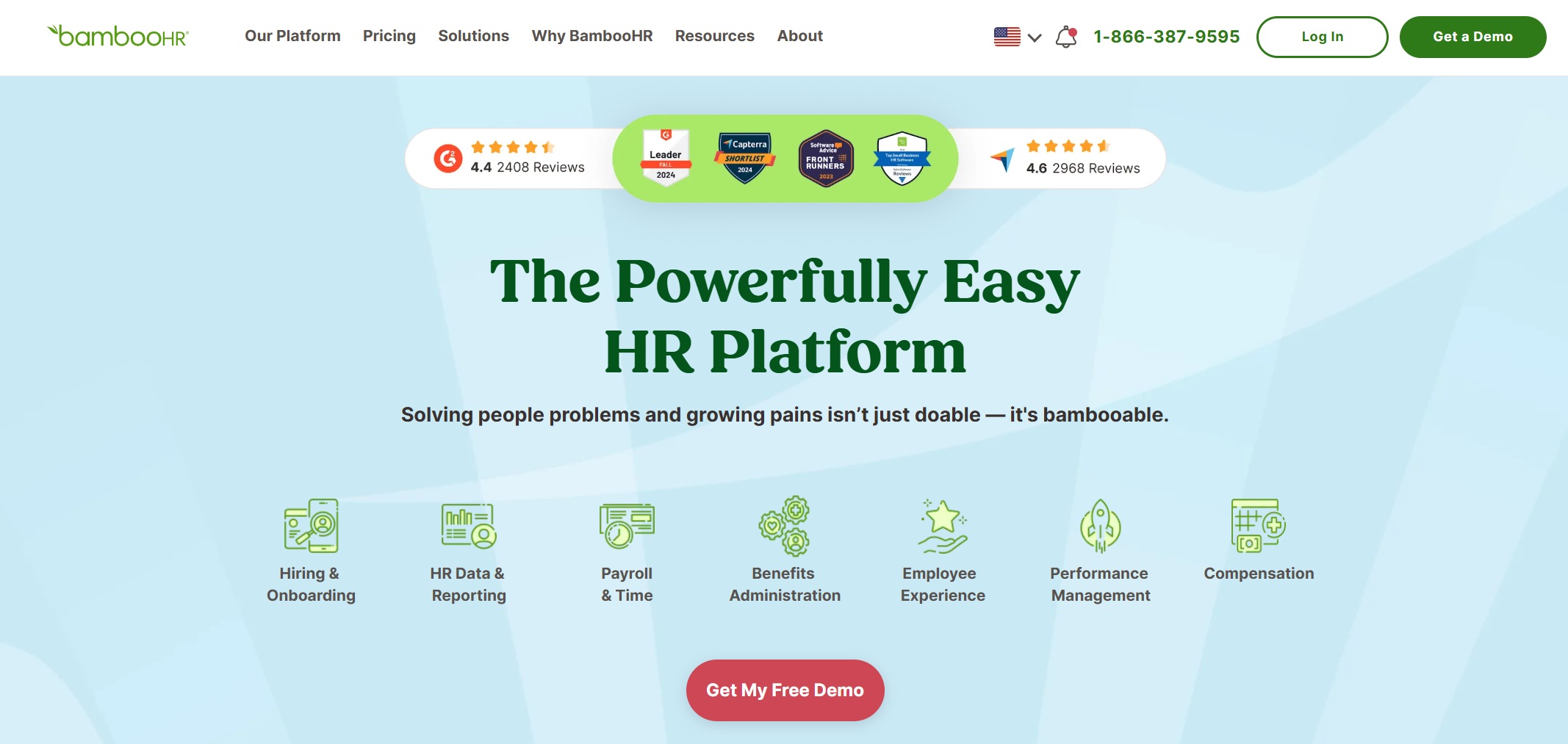
- One-sentence overview: BambooHR offers user-friendly built-in reporting for smaller HR teams that want fast access to core workforce metrics.
- Key Features:
- Prebuilt HR reports
- Standard workforce dashboards
- Employee data exports
- Basic customization
- Simple sharing options
- Pros & Cons:
- Pros: Easy to use, fast to deploy, suitable for non-technical HR users
- Cons: Less capable for enterprise analytics, limited depth for cross-system reporting
- Best For: Small businesses and growing companies that need practical HR dashboards without a heavy implementation
BambooHR is a strong choice when speed and simplicity matter more than analytical depth. It works well for teams that need reporting on headcount, turnover, time off, and employee records, but it is not usually the best fit for complex enterprise reporting requirements.
3. Workday
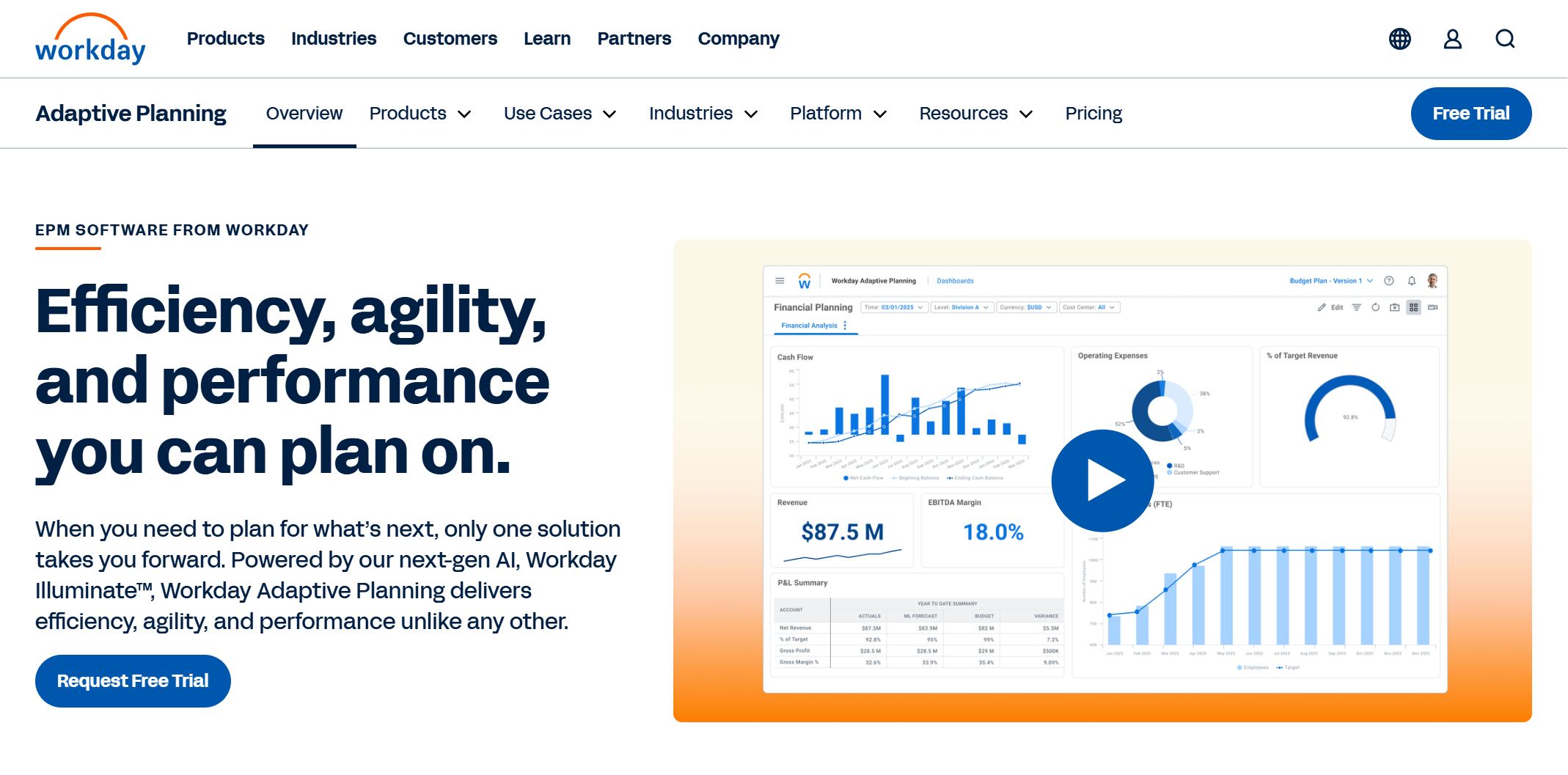
- One-sentence overview: Workday combines enterprise HCM functionality with robust reporting and analytics for large organizations.
- Key Features:
- Embedded workforce reporting
- Configurable dashboards
- Talent and workforce analytics
- Role-based security
- Broad enterprise data model
- Pros & Cons:
- Pros: Strong native reporting inside the Workday ecosystem, enterprise-grade controls, broad HR coverage
- Cons: Expensive, implementation-intensive, not ideal for teams wanting lightweight reporting only
- Best For: Enterprises already standardized on Workday and seeking unified HR reporting at scale
Workday is often most effective when an organization wants reporting tightly integrated with transactions, workflows, and operational HR data. For enterprises, that can reduce reliance on disconnected spreadsheets, though custom analytics may still require specialist resources.
4. ADP Workforce Now
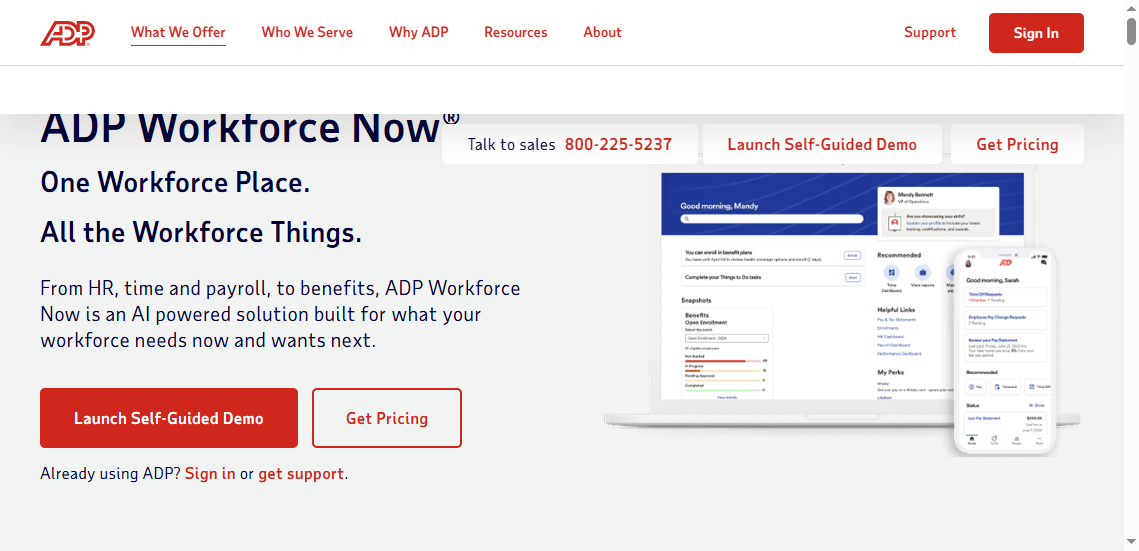
- One-sentence overview: ADP Workforce Now provides HR and payroll reporting with practical dashboards for organizations that need operational visibility.
- Key Features:
- Payroll and workforce reports
- HR metrics dashboards
- Scheduled reporting
- Compliance-oriented outputs
- Standard analytics tools
- Pros & Cons:
- Pros: Strong payroll linkage, broad market presence, useful operational reporting
- Cons: Custom reporting can be less flexible than dedicated BI tools
- Best For: Companies that prioritize payroll-connected HR reporting and standard workforce reporting workflows
ADP is often selected for its operational reliability. It tends to be strongest where HR reporting overlaps with payroll, labor, and workforce administration rather than exploratory analytics.
5. UKG Pro
- One-sentence overview: UKG Pro delivers workforce reporting and people analytics for organizations that need visibility into labor, talent, and compliance data.
- Key Features:
- Workforce dashboards
- HR and payroll analytics
- Compliance reporting
- Configurable data views
- Scheduled report delivery
- Pros & Cons:
- Pros: Solid breadth across workforce data, useful for compliance-heavy organizations, good mid-market to enterprise fit
- Cons: More complex than SMB tools, reporting setup may require experienced admins
- Best For: Mid-sized and enterprise businesses seeking a balance of operational reporting and broader people analytics
UKG Pro is especially relevant for employers with sizable workforces, distributed teams, or labor reporting needs. Its value often increases when HR, payroll, and workforce management data must be analyzed together.
6. SAP SuccessFactors
- One-sentence overview: SAP SuccessFactors is an enterprise HCM suite with global reporting capabilities for complex organizations.
- Key Features:
- Global workforce reporting
- Analytics across talent and core HR
- Enterprise permissions
- Compliance support
- Broad integration options
- Pros & Cons:
- Pros: Strong global and enterprise support, suitable for large-scale governance, broad HR domain coverage
- Cons: Significant implementation effort, steeper learning curve, cost can be substantial
- Best For: Multinational enterprises with mature HR operations and global reporting requirements
SuccessFactors fits organizations that need region-specific reporting, standardized governance, and integration across many HR functions. It is not the lightest tool, but it can handle complexity that smaller platforms cannot.
7. Oracle HCM Cloud
- One-sentence overview: Oracle HCM Cloud offers broad analytics and reporting for enterprises managing complex workforce structures.
- Key Features:
- Workforce dashboards
- Talent and HR analytics
- Enterprise reporting
- Security controls
- Planning-oriented analytics
- Pros & Cons:
- Pros: Comprehensive enterprise scope, strong analytics potential, supports large and complex organizations
- Cons: Costly, implementation can be long, may require specialist technical support
- Best For: Large enterprises that need extensive analytics across HR, talent, and workforce planning
Oracle HCM Cloud is typically chosen by organizations with sophisticated reporting needs and a willingness to invest in platform depth. It is better suited to strategic, enterprise-wide reporting than quick self-serve deployment.
8. Power BI
- One-sentence overview: Power BI is a flexible BI platform that can power advanced HR dashboards and custom reports when connected to workforce data sources.
- Key Features:
- Custom dashboards
- Advanced visualizations
- Data modeling
- Scheduled refreshes
- Drill-down and segmentation
- Pros & Cons:
- Pros: Strong analytics flexibility, cost-effective in many Microsoft environments, excellent for custom metrics
- Cons: Requires data integration and governance, not HR-specific out of the box
- Best For: Teams with analyst support that want advanced HR reporting software capabilities without buying a full HR analytics suite
Power BI is often the best choice when HR reporting depends on combining data from many systems and building a tailored analytics environment. It works particularly well for organizations that already use Microsoft tools and have internal BI capacity.
9. Tableau
- One-sentence overview: Tableau is a leading analytics and visualization platform for HR teams that need rich, interactive workforce reporting.
- Key Features:
- Interactive dashboards
- Visual analytics
- Drill-down exploration
- Broad data connectivity
- Storytelling-focused reporting
- Pros & Cons:
- Pros: Excellent visual quality, strong exploratory analytics, useful for executive presentations
- Cons: Requires clean data and governance, can become expensive at scale
- Best For: Mid-market and enterprise teams that prioritize visual analytics and cross-functional reporting
Tableau is a strong fit when the goal is not just to report metrics, but to surface patterns, trends, and exceptions clearly for decision-makers. It is often used by analytics teams supporting HR rather than standalone HR admins.
10. Visier
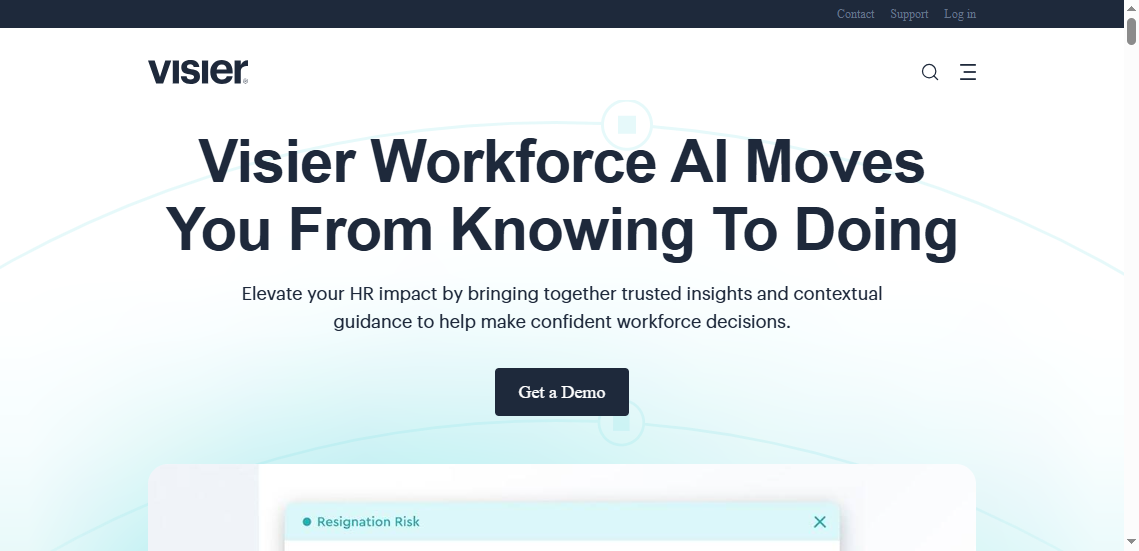
- One-sentence overview: Visier is a specialized people analytics platform designed for enterprise-grade workforce insights and strategic HR decision-making.
- Key Features:
- Prebuilt people analytics models
- Workforce planning insights
- Benchmarking
- Trend analysis
- Executive-ready dashboards
- Pros & Cons:
- Pros: Purpose-built for HR analytics, strong strategic insights, useful for leadership decision support
- Cons: Premium pricing, narrower operational scope than broader HR suites
- Best For: Enterprises focused on strategic workforce analytics, planning, and leadership reporting
Visier is less about routine HR administration and more about high-level workforce intelligence. It is a particularly strong option for organizations where CHROs and HR business partners need analytics tied to planning, retention, and organizational performance.
Best HR Reporting Software for 2026: What Matters Most
Choosing the right hr reporting software starts with understanding what type of reporting problem you are trying to solve. Some teams need faster dashboards. Others need compliance reporting, scheduled exports, or enterprise analytics that combine multiple systems.
The most important use cases usually include:
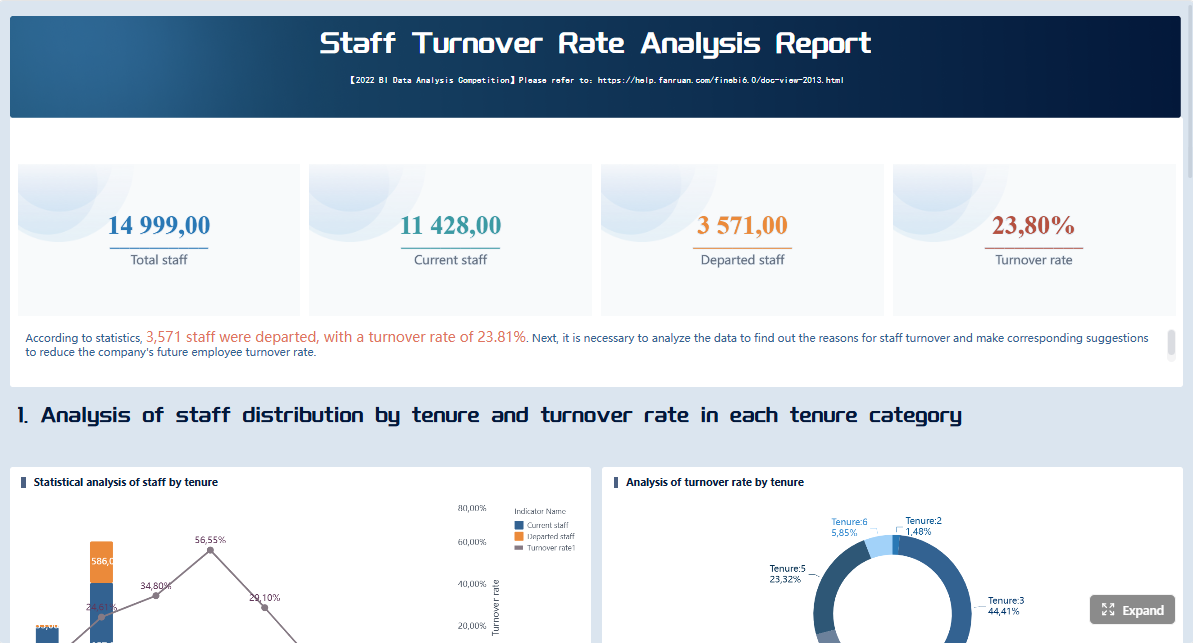
- Executive dashboards: High-level HR KPIs such as headcount, turnover, hiring, absenteeism, and diversity metrics
- Custom reports: Flexible filtering, segmentation, and report design for specific departments, managers, or time periods
- Compliance tracking: Audit-ready reporting for labor requirements, policy monitoring, and workforce documentation
- Workforce planning: Trend analysis for hiring, attrition, skills gaps, and organizational capacity
- Enterprise analytics: Cross-system analysis spanning HRIS, payroll, learning, engagement, and finance data
When comparing tools, focus on these evaluation criteria:
- Data sources: Can the platform connect only to its native HR database, or also to payroll, ATS, ERP, and external systems?
- Report flexibility: Can users build truly custom reports or only modify predefined templates?
- Visualization quality: Are dashboards clear, interactive, and useful for executives and line managers?
- Permissions: Can you control access by role, geography, business unit, or manager hierarchy?
- Automation: Does the software support scheduled delivery, alerts, refreshes, and recurring reporting workflows?
- Total cost of ownership: Look beyond license fees to implementation, training, admin time, and add-on costs
A critical distinction is the difference between built-in HRIS reporting and dedicated analytics platforms.
Built-in HRIS reporting is usually best for standard operational reporting. It is convenient because the data already lives in the system, and common HR metrics are available quickly. But it can be restrictive if you need more advanced visualizations, multi-source reporting, or tailored analytics logic.
Dedicated analytics platforms, including BI and enterprise reporting tools like FineReport, Power BI, Tableau, and Visier, offer more flexibility. They are often better for organizations that need to unify data, customize dashboards heavily, or support leadership reporting at scale.
 Click To Try The Dashboard
Dashboards, Custom Reports, and Analytics Features to Compare
Dashboard usability and instant insights
For many buyers, dashboard quality is the first practical test of any hr reporting software. If leaders cannot open a dashboard and understand the workforce story within seconds, adoption suffers.
What to look for:
- Real-time or near-real-time visibility into workforce changes
- Prebuilt templates for common HR KPIs
- KPI tracking with filters for location, department, manager, and time period
- Self-service access for HR leaders and line managers without relying on analysts
- Interactive drill-downs from summary metrics into employee segments or root causes
BambooHR and ADP Workforce Now perform well for quick operational visibility. Workday, UKG Pro, and SuccessFactors offer broader enterprise coverage. FineReport, Power BI, and Tableau are stronger when dashboard design needs to be more customized or connected to multiple data systems.
For executive use, clarity matters more than feature count. The best dashboards emphasize trend lines, exceptions, comparisons, and action triggers rather than cluttered metrics.
Custom reporting and data flexibility
Custom reporting is where many platforms start to separate. A tool may offer attractive dashboards but still fall short when HR asks for a specific historical report with unique filters, formatting, and scheduled distribution.
Key capabilities to compare:
- Drag-and-drop report builders
- Ad hoc analysis without coding
- Segmentation by role, region, tenure, or performance group
- Scheduled reports sent automatically to stakeholders
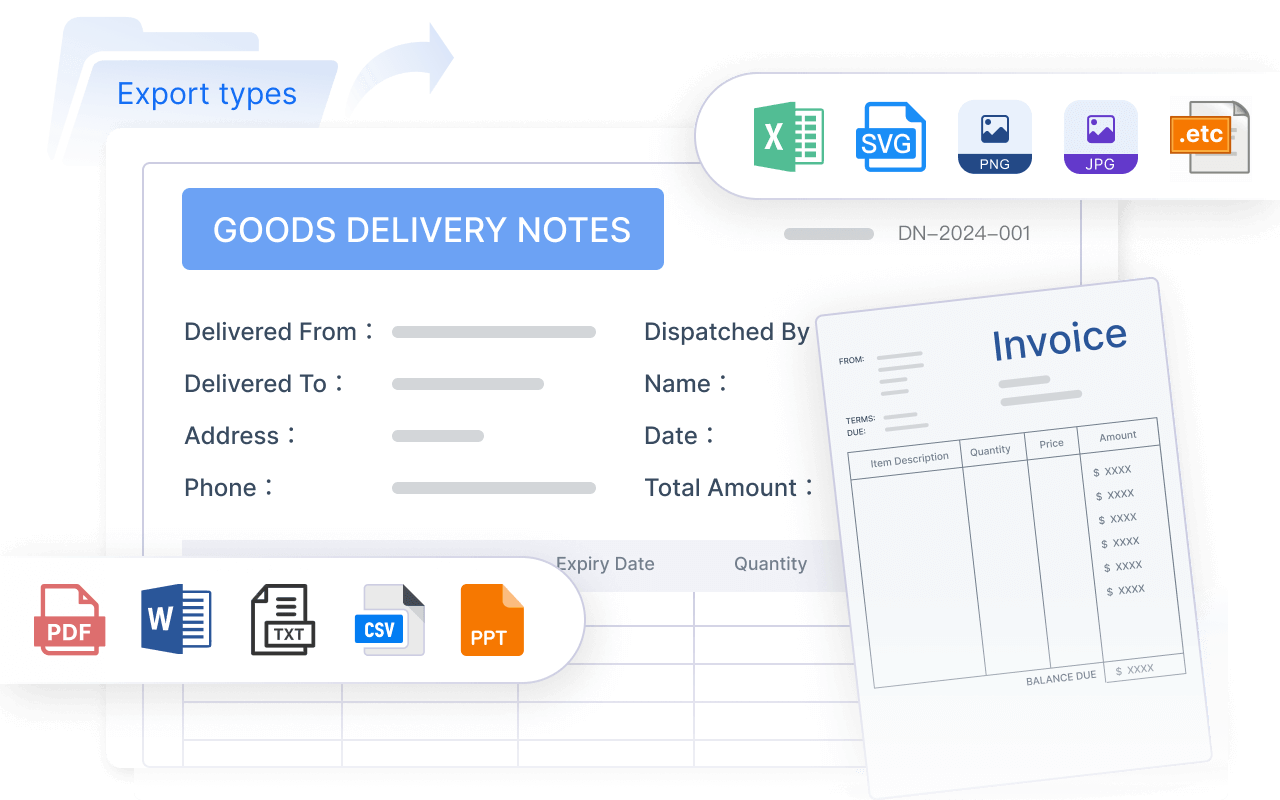
- Export options for Excel, PDF, CSV, or presentation-ready formats
- Historical access to past workforce data
- Cross-system joins across HR, payroll, finance, and talent systems
This is where FineReport deserves serious consideration. Compared with standard HRIS reporting, it offers a much higher degree of report customization and enterprise formatting control, which is useful for organizations that need board-ready reports, compliance documentation, or highly specific management views.
Power BI and Tableau are also strong in data flexibility, though they rely more heavily on internal data preparation and analytics skills. Built-in HR suites can be easier to manage, but they often trade off flexibility for convenience.
Enterprise analytics and actionability
Enterprise analytics goes beyond reporting what happened. It helps explain why it happened, where issues are emerging, and what action leaders should consider next.
Capabilities that matter here include:
- Trend analysis over time
- Forecasting for headcount, hiring, and attrition
- Benchmarking against internal targets or market norms
- Drill-downs from enterprise KPIs to business unit or manager level
- Decision support for workforce planning and organizational change
- Narrative clarity that helps leaders move from insight to action
Visier is especially strong for strategic people analytics. Workday, Oracle HCM Cloud, SAP SuccessFactors, and UKG Pro provide enterprise-scale analytics within larger HCM ecosystems. FineReport is compelling when enterprises need analytics across multiple operational systems rather than only within a single vendor environment.
For large organizations, actionability is often tied to governance. The best tools do not just provide charts; they provide trusted data definitions, secure access, and repeatable reporting processes.
How to Choose the Right Platform for Your Team
Best fit by company size and HR maturity
The right hr reporting software depends heavily on company size, internal analytics maturity, and how fragmented your HR data environment is.
For small businesses:
- Prioritize ease of use
- Look for prebuilt dashboards and reports
- Avoid overbuying enterprise analytics you will not use
- Strong fits often include BambooHR or ADP Workforce Now for standard operational reporting
For mid-market teams:
- Balance usability with customization
- Ensure reporting can grow with the business
- Check whether cross-system reporting will be needed as tools expand
- UKG Pro, ADP Workforce Now, FineReport, and Power BI can be strong options depending on technical capacity
For enterprises:
- Prioritize data governance, permissions, scalability, and integration depth
- Evaluate whether global reporting and compliance support are essential
- Look beyond dashboard design to architecture, security, and support
- FineReport, Workday, SAP SuccessFactors, Oracle HCM Cloud, UKG Pro, and Visier are more suitable for complex environments
HR maturity also matters. If your team is still focused on standard operational metrics, built-in reporting may be enough. If leadership expects predictive insights, cross-functional analysis, and tailored executive dashboards, a dedicated reporting or analytics platform becomes more valuable.
Questions to ask before buying
Before selecting a platform, ask direct questions that reveal real reporting limitations.
Implementation and rollout
- How long will implementation take?
- What internal resources are required?
- Can the vendor support phased deployment?
Integration depth
- Which HR, payroll, ATS, ERP, and finance systems can it connect to?
- Are integrations native, API-based, or dependent on manual imports?
- How often can data refresh?
Security and governance
- What permission controls are available?
- Can access be restricted by role, geography, or reporting line?
- Is there support for audit trails and governance standards?
Admin workload
- How much ongoing maintenance is required?
- Can HR users create reports independently, or will IT or analysts be involved every time?
- How easy is it to update metrics and dashboard logic?
Vendor support
- What onboarding and training are included?
- Is support responsive for reporting issues?
- Are advanced features gated behind extra services or premium tiers?
Watch for these red flags:
- Rigid reporting structures with little room for true customization
- Limited historical data access, which weakens trend analysis
- Expensive add-ons for scheduling, dashboards, permissions, or connectors
- Weak export options that make leadership reporting harder
- Heavy dependence on manual spreadsheets despite claims of automation
A product demo should include your actual use cases, not only generic templates. Ask vendors to show how they would handle an executive dashboard, a compliance report, and a multi-system custom report.

Final Verdict: Which HR Reporting Software Is Best for Different Needs?
There is no single best hr reporting software for every organization, but some tools are clearly stronger for specific priorities.
Best for fast deployment:
- BambooHR for small teams that want simple, built-in HR dashboards quickly
- ADP Workforce Now for organizations needing fast operational reporting tied to payroll
Best for deep customization:
- FineReport for companies that need highly tailored dashboards, custom reports, and multi-system reporting workflows
- Power BI for teams with internal BI skills and a need for flexible data modeling
Best for enterprise analytics:
- Visier for strategic people analytics and executive decision support
- Workday, SAP SuccessFactors, and Oracle HCM Cloud for large enterprises already invested in broad HCM ecosystems
Best for budget-conscious teams:
- BambooHR for smaller organizations with standard reporting needs
- Power BI for businesses already using Microsoft tools and able to manage integrations internally
If your priority is quick dashboarding, shortlist BambooHR, ADP Workforce Now, and UKG Pro.
If your priority is cross-system custom reporting, shortlist FineReport, Power BI, and Tableau.
If your priority is enterprise-scale analytics, shortlist Visier, Workday, SAP SuccessFactors, and Oracle HCM Cloud.
For many growing and enterprise organizations, FineReport is one of the most practical options to evaluate because it bridges the gap between rigid built-in HRIS reports and full-scale analytics programs. It is especially well suited to teams that need to consolidate HR data, build custom management reports, and deliver governed dashboards across the business with more flexibility than standard HR platforms typically allow.
The best next step is to shortlist three tools based on your reporting maturity, request demos using real HR scenarios, and compare not just dashboards, but the full reporting workflow from data integration to executive delivery.
FAQs
HR reporting software helps teams turn employee, payroll, attendance, and performance data into dashboards, reports, and analytics for better decision-making. It is commonly used to track metrics like headcount, turnover, time off, and workforce trends.




