An automated reporting tool helps teams collect data, refresh metrics, generate recurring reports, and deliver updates to stakeholders without rebuilding everything by hand each week or month. If you are comparing options in 2026, you are likely trying to solve one of three problems: reducing manual reporting work, standardizing recurring reports, or improving how insights get distributed across the business.
For BI teams, the challenge is often not just dashboard creation. It is turning raw data into a repeatable workflow that covers data integration, transformation, report design, scheduling, permissions, and stakeholder delivery. For operations, finance, agencies, and enterprise reporting teams, automation also needs to support structured outputs such as printable reports, parameterized queries, scheduled distribution, and sometimes form-based workflows.
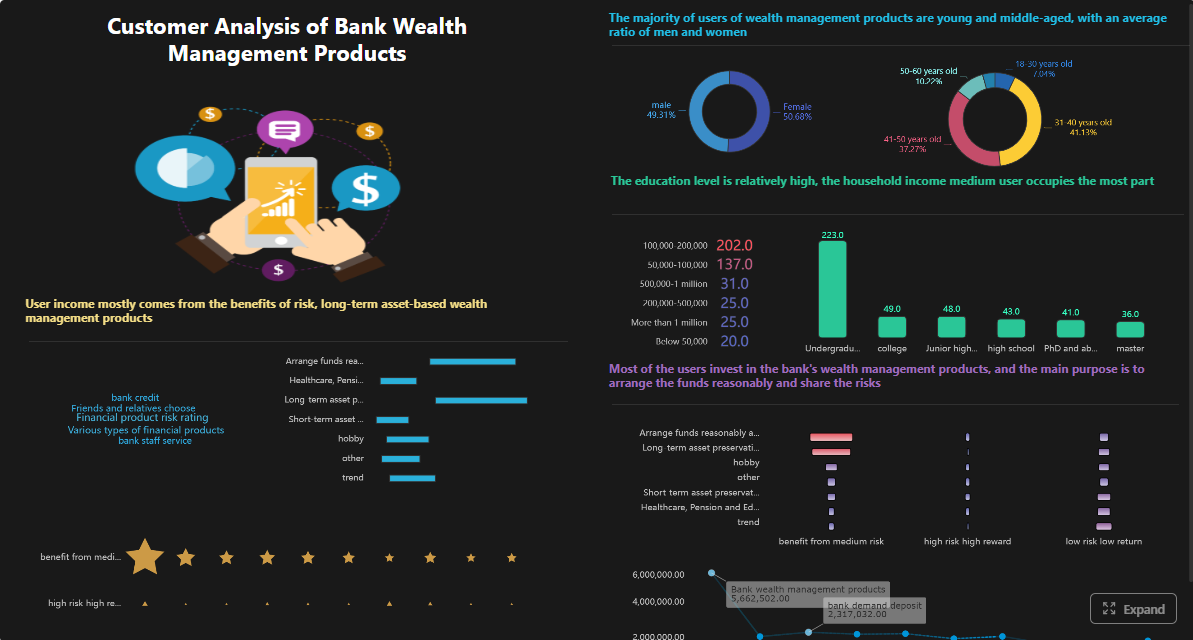 Click To Try The Dashboard
Quick Comparison Table
| Tool | Best for | Dashboarding | Pixel-perfect reporting | Paginated reports | Data entry/forms | Scheduling and distribution | Enterprise deployment | Ease of use | Recommended users |
|---|---|---|---|---|---|---|---|---|---|
| Microsoft Power BI | Microsoft-centric BI and executive dashboards | Strong | Limited for highly formatted reporting | Available via paginated reporting workflow | Limited | Strong with subscriptions and Microsoft ecosystem workflows | Strong | Moderate | BI teams, finance, business analysts |
| Tableau | Interactive analytics and data exploration | Very strong | Limited for formal operational reporting | Limited compared with dedicated report tools | No native focus | Good subscriptions, less focused on complex report workflows | Strong | Moderate | Data teams, analysts, enterprise BI users |
| Looker | Governed metrics and semantic modeling | Strong | Limited | Limited | No native focus | Good scheduled delivery | Strong | Moderate to advanced | Data platform teams, governed analytics teams |
| Qlik Sense | Associative analytics and guided exploration | Strong | Moderate | Moderate | Limited | Good | Strong | Moderate | Mid-size to enterprise analytics teams |
| Domo | All-in-one cloud BI and business visibility | Strong | Moderate | Moderate | Limited | Good | Strong | Moderate | Growing companies needing broad BI coverage |
| Metabase | Fast self-service reporting on a budget | Good | Limited | Limited | No native focus | Basic to moderate | Moderate | Easy | Small BI teams, startups, internal reporting |
| Looker Studio | Lightweight marketing and Google ecosystem reporting | Moderate | Limited | Limited | No native focus | Basic | Moderate | Easy | Marketing teams, small businesses |
| Databox | KPI tracking and recurring business reporting | Good | Limited | Limited | No native focus | Strong for recurring KPI sharing | Moderate | Easy | SMBs, SaaS teams, agencies |
| Rollstack | Report and slide delivery automation from existing BI tools | Limited by source BI tool | Moderate for presentation outputs | Limited | No native focus | Strong | Moderate | Moderate | BI teams, client reporting teams, executives |
| FineReport | Enterprise reporting, dashboards, scheduled reports, and operational workflows | Strong | Strong | Strong | Strong | Strong | Strong | Moderate | Reporting teams, operations, finance, manufacturing, enterprise IT |
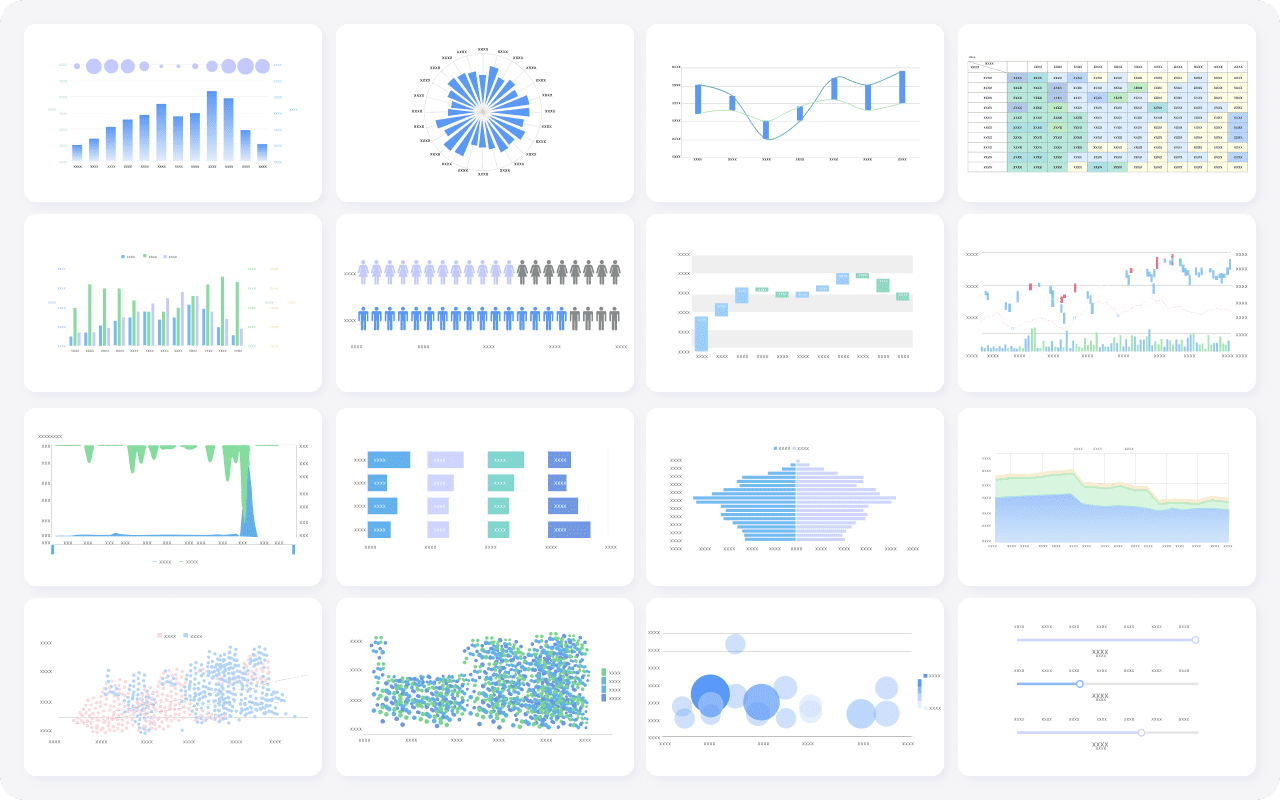
This table is meant as a fast shortlist, not a universal ranking. Some tools are strongest at analytics and dashboards, while others are better for structured recurring reporting or delivery automation. The right choice depends on whether your bottleneck is data modeling, report production, or distribution.
What to look for in an automated reporting tool in 2026
An automated reporting tool should do more than send dashboard screenshots by email. In practice, teams need a platform that reduces manual effort across the full reporting lifecycle.
Define the core jobs first: data collection, transformation, dashboarding, scheduled report generation, and stakeholder delivery
Before comparing vendors, define what you actually need to automate:
- Data collection: Pulling data from cloud apps, databases, warehouses, spreadsheets, or APIs
- Transformation: Cleaning, joining, validating, and standardizing data
- Dashboarding: Monitoring KPIs and trends interactively
- Report generation: Creating recurring board packs, financial summaries, operational reports, or client deliverables
- Stakeholder delivery: Sending the right output to the right audience on schedule
A common buying mistake is choosing a tool that is excellent at one layer but weak at the rest. For example, a BI platform may be strong for exploration but less suited for pixel-perfect monthly reports. A delivery tool may distribute reports well, but it will not fix poor upstream data preparation.
Compare deployment fit for BI teams, operations teams, agencies, and multi-client reporting workflows
Different teams define automation differently:
- BI teams often prioritize governed metrics, reusable models, and ad hoc exploration
- Operations teams care about repeatable, filterable, printable reports tied to business workflows
- Agencies need branded, multi-client, recurring reporting with efficient template reuse
- Enterprise application teams may need embedded reporting, parameter queries, permissions, and scheduling at scale
If your use case spans several of these groups, look for a platform that can support both dashboards and formal report outputs.
Evaluate ease of setup, template flexibility, data source coverage, permissions, and collaboration features
A good automated reporting tool should make recurring work easier, not introduce a new reporting bottleneck. Important evaluation criteria include:
- Breadth of connectors and data source compatibility
- Reusable templates for reports and dashboards
- Role-based access and permission controls
- Support for collaboration and handoff between analysts and business users
- Flexibility in output formats such as PDF, Excel, HTML, slides, or web reports
For enterprise reporting, also consider whether the platform supports parameter queries, scheduled tasks, approval workflows, and departmental standardization.
Check pricing model, scalability, and total cost as reporting volume and user count grow
Pricing can look manageable at pilot stage but become expensive when:
- More users need access
- More reports must be scheduled
- More departments join the platform
- Embedded or external sharing is required
- Higher refresh frequency is needed
Think about total cost beyond licenses. Implementation effort, maintenance burden, template management, and training all affect long-term ROI.
10 best automated reporting tools for 2026 at a glance
Below is a practical list of tools across three categories: BI platforms, report builders, and delivery automation tools.
Quick comparison table of use cases, standout strengths, pricing approach, and best-fit team size
| Tool | Category | Standout strength | Typical use case | Pricing approach | Best-fit team size |
|---|---|---|---|---|---|
| Power BI | BI platform | Microsoft ecosystem integration | Executive dashboards, finance reporting, self-service BI | Per user and capacity-based | SMB to enterprise |
| Tableau | BI platform | Interactive visual analytics | Data exploration, enterprise dashboards | Per user | Mid-size to enterprise |
| Looker | BI platform | Semantic layer and governed metrics | Cross-functional KPI standardization | Enterprise-oriented | Mid-size to enterprise |
| Qlik Sense | BI platform | Associative analysis | Guided exploration and enterprise analytics | Per user / enterprise | Mid-size to enterprise |
| Domo | BI platform | Broad cloud BI coverage | Operational visibility and business monitoring | Subscription | Mid-size to enterprise |
| Metabase | BI platform | Simplicity and quick setup | Internal reporting and lightweight dashboards | Tiered subscription | Small to mid-size |
| Looker Studio | BI platform | Accessible Google-based reporting | Marketing dashboards and lightweight automation | Free / platform-based ecosystem value | Small teams |
| Databox | Reporting platform | KPI scorecards and recurring updates | Sales, marketing, SaaS, agency reporting | Tiered subscription | Small to mid-size |
| Rollstack | Delivery automation | Slide and document automation from BI tools | Board decks, client reports, executive updates | Subscription | Mid-size to enterprise |
| FineReport | Enterprise reporting platform | Pixel-perfect reporting plus dashboards and scheduling | Operational reporting, finance, manufacturing, enterprise reporting | Quote-based / enterprise-oriented | Mid-size to enterprise |
Snapshot of where each option excels: BI analysis, executive reporting, client reporting, embedded analytics, or report distribution automation
- Best for BI analysis: Tableau, Power BI, Looker, Qlik Sense
- Best for executive KPI reporting: Power BI, Domo, Databox
- Best for client reporting: Databox, Rollstack, Looker Studio for simpler cases
- Best for embedded or enterprise reporting: FineReport, Looker in governed environments
- Best for report distribution automation: Rollstack, Power BI subscriptions, FineReport scheduling
Shortlist guidance for buyers who need a fast recommendation before reading full reviews
If you need a fast recommendation:
- Choose Power BI if you are deeply invested in Microsoft
- Choose Tableau if interactive analytics is your top priority
- Choose Looker if governed metrics and semantic consistency matter most
- Choose Databox if you need easy recurring KPI reporting
- Choose Rollstack if dashboards already exist and your real pain is deck delivery
- Choose FineReport if you need automated reporting with structured reports, dashboards, scheduling, printable layouts, and operational workflows in one platform
How modern BI platforms turn automated reporting into a repeatable workflow
Automation works best when reporting is treated as a process, not a one-time output.
Data integration and modeling
The first layer of automation is reliable data flow.
How connectors, warehouse support, and semantic layers reduce manual reporting work
Modern platforms reduce manual effort by connecting directly to operational systems, databases, warehouses, and business apps. Some also provide semantic modeling so teams can define shared business logic once and reuse it across dashboards and reports.
That matters because repeated metric disputes often come from inconsistent definitions, not weak visualization.
Why data quality checks and transformation options matter for reliable recurring reports
Automated reports are only useful when stakeholders trust them. Look for capabilities such as:
- Scheduled refresh
- Data transformation or preparation support
- Validation checks
- Consistent calculated metrics
- Error handling when upstream sources fail
If your reporting process still depends on spreadsheet cleanup before each send, the tool is not truly automating the workflow.
Report building and visualization
Once data is ready, the next question is how efficiently the team can build recurring outputs.
Compare drag-and-drop builders, reusable templates, KPI scorecards, and dashboard-to-report workflows
Different tools emphasize different output styles:
- BI-first platforms focus on dashboards, charts, filters, and exploration
- Report-first tools focus on templates, print-ready layouts, and repeatable report sections
- Hybrid platforms combine dashboards with detailed tabular reports and drill-through pages
For recurring reporting, reusable templates are especially valuable. They help teams standardize branding, layout, and KPI presentation across departments.
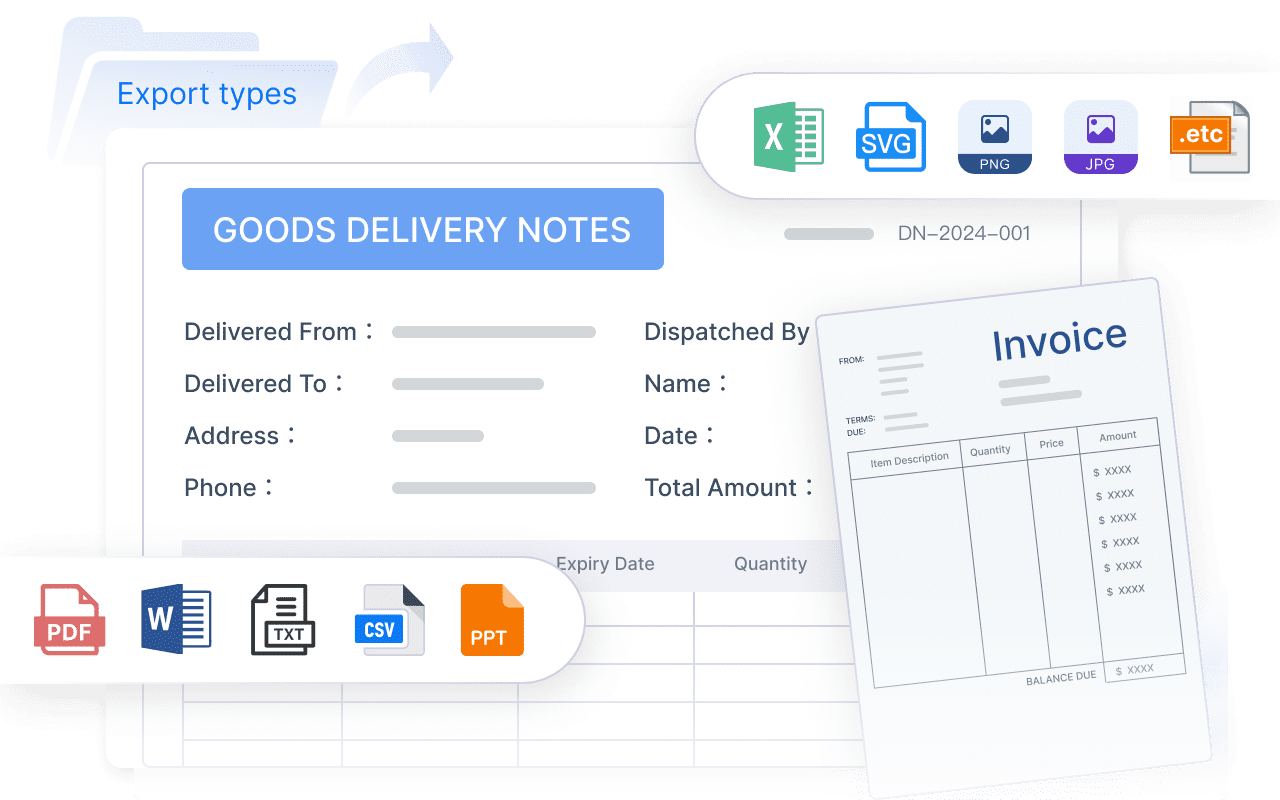
Assess export formats, white-label options, and presentation quality for different audiences
Presentation quality matters more than many teams expect. A dashboard that works for analysts may not work for executives, clients, or frontline managers. Evaluate:
- PDF and Excel export quality
- Print layout control
- White-label or branding support
- Ability to combine charts and tabular detail
- Support for multi-page or paginated reporting
This is one of the biggest differences between traditional BI dashboards and enterprise reporting tools.
Scheduling, alerts, and delivery automation
The final step is making sure the report reaches the right people consistently.
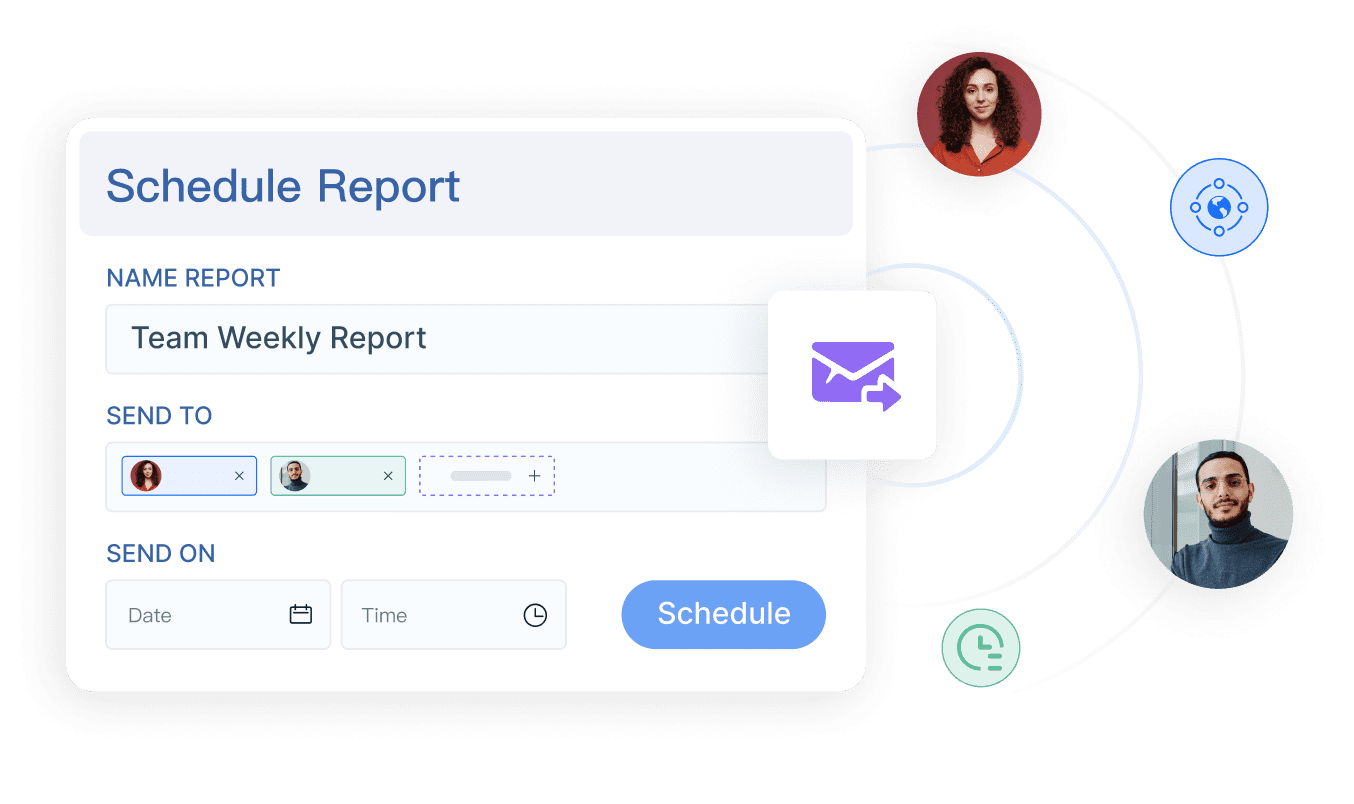
Review email scheduling, Slack or Teams delivery, conditional alerts, burst reporting, and approval flows
Strong automation features may include:
- Scheduled email delivery
- Channel-based delivery through collaboration tools
- Threshold alerts
- Conditional notifications
- Burst distribution by region, manager, or customer
- Approval steps before wider distribution
These become important when one report must be personalized for many recipients.
Explain how distribution automation helps teams send the right report to the right audience at the right time
Distribution is often the least mature part of the stack. Teams may have accurate dashboards but still rely on analysts to:
- Export screenshots
- Build slide decks
- Rename files
- Attach PDFs
- Send stakeholder-specific updates manually
That is where delivery automation or enterprise scheduling can create immediate efficiency gains.
Tool-by-tool comparison: features, pros, cons, and best-fit use cases
BI platforms for analytics-driven reporting
These tools are best for teams that need dashboards, ad hoc analysis, and recurring executive reporting in one platform.
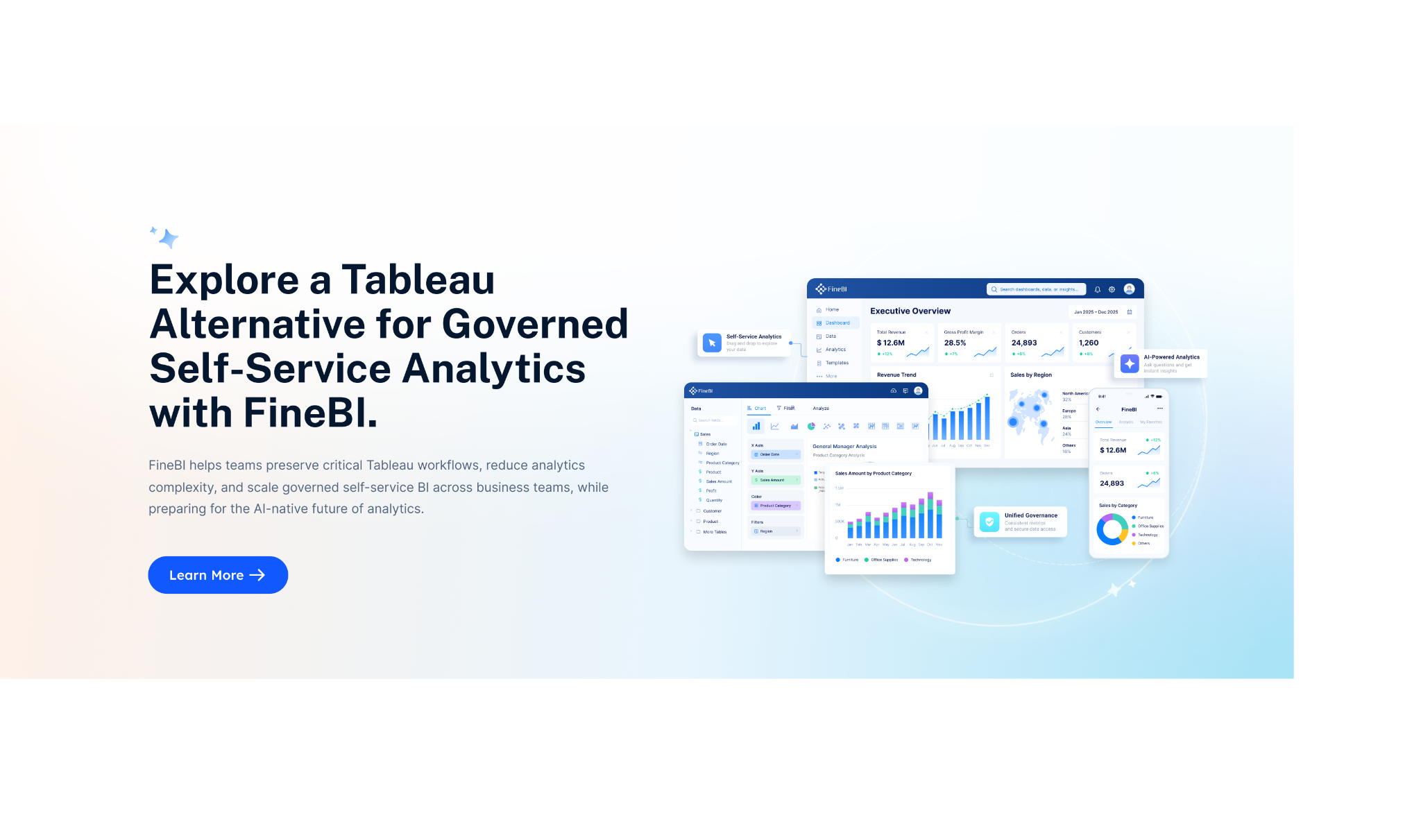
FineReport
 Best fit: Teams that need more than dashboards, especially for enterprise and operational reporting
Pros
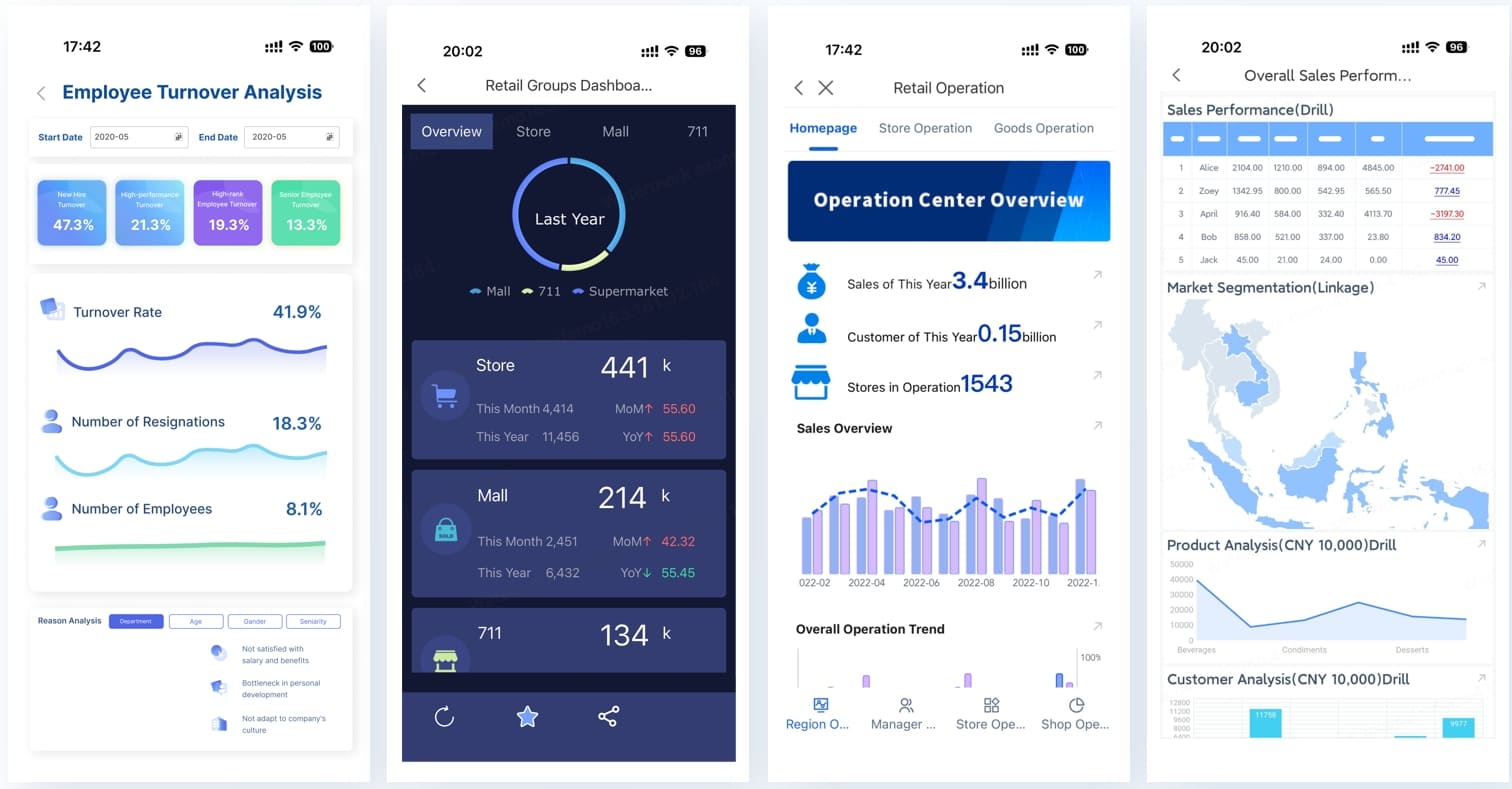
- Supports pixel-perfect report design
- Well suited for paginated and printable reports
- Supports parameter queries for interactive report filtering
- Combines dashboards and structured reports
- Supports scheduled reporting and automated distribution
- Can support data entry forms and workflow-driven scenarios
Cons
- May be more than smaller teams need for lightweight dashboard-only use cases
- Best value appears when reporting requirements are more operational or enterprise-grade
Power BI
 Best fit: Organizations standardized on Microsoft tools
Pros
- Strong integration with Microsoft ecosystem
- Good self-service analytics capabilities
- Mature dashboarding and data modeling options
- Broad enterprise adoption
Cons
- More structured or print-perfect reporting may require additional setup
- Advanced deployment and governance can increase complexity
- Some reporting workflows depend on separate paginated reporting approaches
Tableau
 Best fit: Teams prioritizing interactive visual analysis
Pros
- Strong visual exploration
- Large enterprise footprint
- Effective for analyst-led storytelling and dashboarding
Cons
- Less focused on pixel-perfect operational reporting
- Subscription-based delivery works well for snapshots but may not cover every recurring report workflow
- Formal document-style reporting is not its main strength
Looker
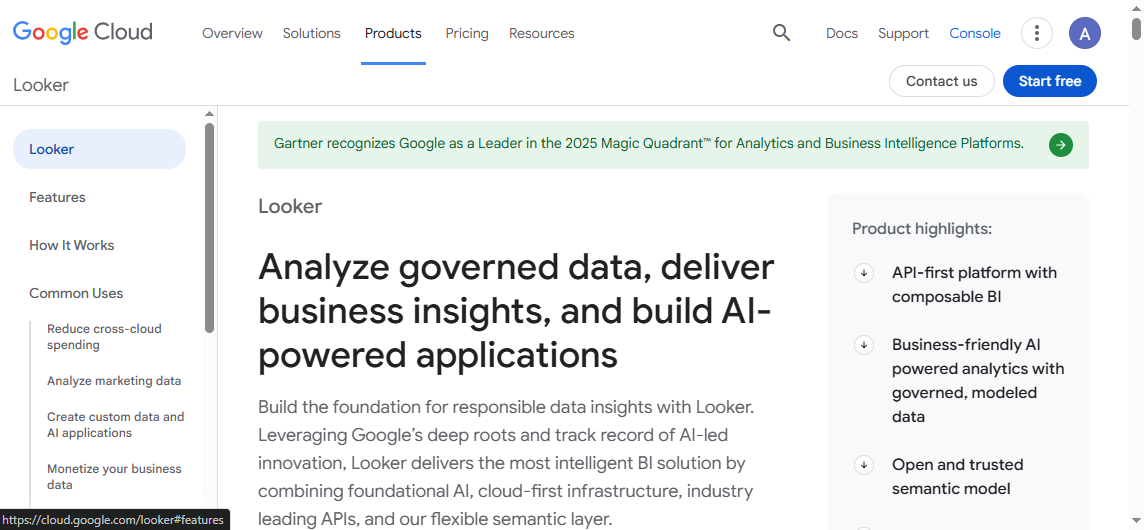 Best fit: Data-mature organizations that need governed metrics
Pros
- Strong semantic modeling
- Good support for centralized metric definitions
- Helpful for scaling KPI consistency across teams
Cons
- Setup can be more technical
- Less oriented toward document-style reporting
- Better suited to governed analytics than print-focused operational outputs
Qlik Sense
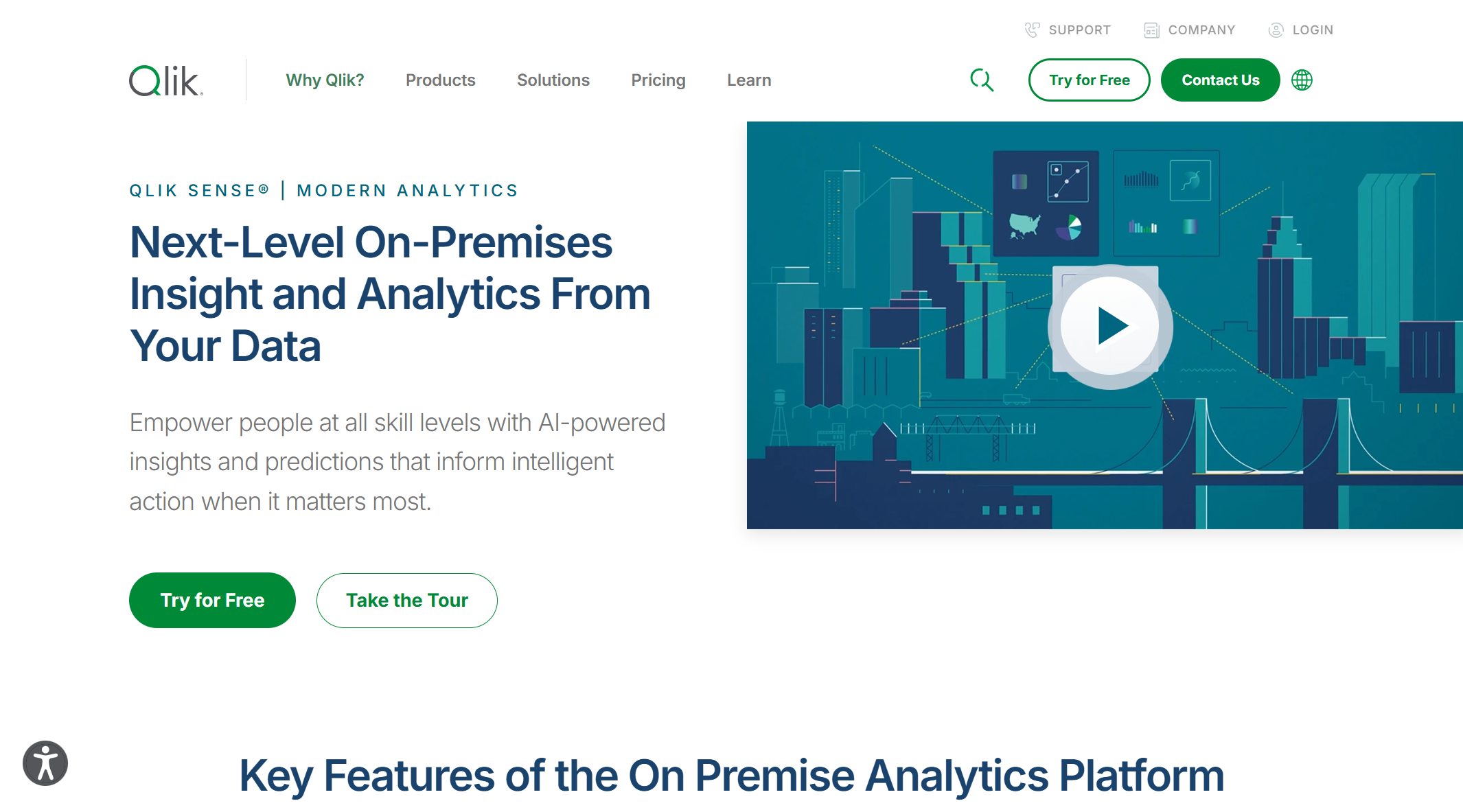 Best fit: Teams wanting associative exploration and guided analytics
Pros
- Strong analytical discovery
- Useful for broad enterprise visibility
- Good balance between dashboarding and analysis
Cons
- Reporting style may need extra consideration depending on audience
- Not always the simplest tool for teams wanting quick templated outputs
Domo
Best fit: Organizations wanting broad cloud BI capabilities in one platform
Pros
- All-in-one positioning
- Strong dashboarding and operational monitoring potential
- Suitable for cross-functional business visibility
Cons
- Cost and rollout considerations may matter as adoption grows
- Reporting output preferences should be validated for formal recurring needs
Report builders for operational and client reporting
These tools are best for teams focused on polished recurring reports, templated outputs, and faster production cycles.
Databox
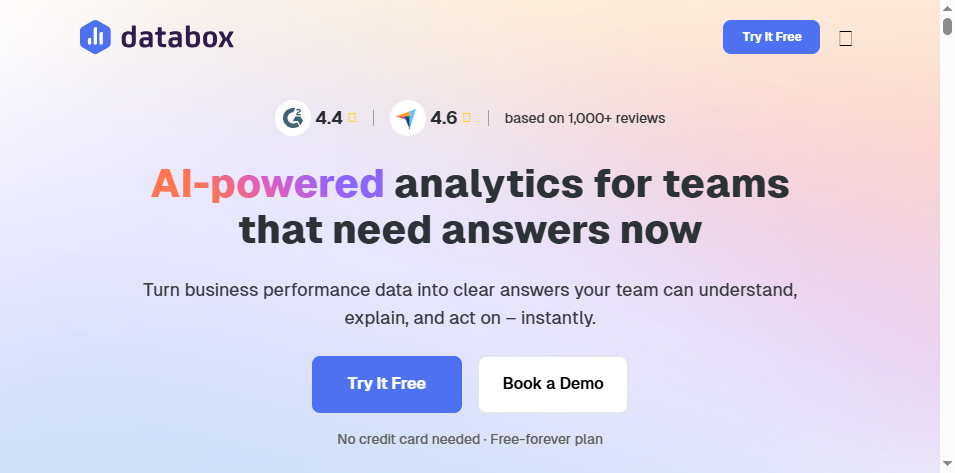 Best fit: SMBs, SaaS teams, and agencies sharing recurring KPI reports
Pros
- Easy KPI monitoring
- Good recurring reporting workflow for business users
- Accessible for less technical teams
Cons
- More limited for highly formatted enterprise reports
- Better for KPI summaries than complex operational documents
Looker Studio
 Best fit: Google-centric teams with lightweight reporting requirements
Pros
- Easy to get started
- Useful for marketing reporting
- Familiar for teams already working in Google ecosystem tools
Cons
- Less suited for highly governed enterprise reporting
- Limited for complex paginated or operational workflows
Metabase
 Best fit: Small internal teams needing simple dashboards and recurring reporting
Pros
- Fast setup
- Relatively easy to use
- Good for lightweight internal analytics
Cons
- Less suitable for sophisticated enterprise reporting workflows
- Output polish and scale requirements should be evaluated carefully
Delivery automation tools for scheduled distribution
These tools are best for organizations that already have dashboards but need better scheduling, routing, and stakeholder delivery.
Rollstack
 Best fit: BI teams that already use Tableau, Power BI, Looker, or similar tools and need recurring slides or presentation outputs
Pros
- Focused on report and deck delivery automation
- Useful for executive and client reporting workflows
- Helps reduce manual copy-paste from BI tools into presentation formats
Cons
- Not a replacement for upstream BI, modeling, or reporting design
- Value depends on already having a reliable source reporting layer
Best automated reporting tools for BI teams: detailed reviews
If you are buying specifically for a BI team, the decision often comes down to how much of the reporting stack you want one platform to cover.
Top picks by team need
Best overall for growing companies
Power BI is often a practical choice for growing organizations that want broad BI capability, especially if Microsoft tools are already in place. It covers dashboarding, self-service analysis, and recurring reporting reasonably well for many teams.
Best for enterprise governance and scale
Looker and Power BI are often strong candidates where governance, shared definitions, and enterprise rollout matter. Tableau also remains a strong option where analytics depth and broad adoption are priorities.
Best for agencies and multi-client reporting
Databox and Rollstack are often worth shortlisting for recurring client communication. Databox is easier for KPI-centric workflows, while Rollstack is relevant when the delivery format is slides or presentations.
Best for teams that prioritize report scheduling and delivery automation
If scheduling and structured delivery are the main pain points, FineReport and Rollstack deserve attention, but for different reasons:
- Rollstack focuses on the last-mile delivery problem for existing BI outputs
- FineReport is more relevant when you need the full reporting layer, including report design, parameter queries, dashboards, scheduling, printable outputs, and enterprise operational reporting
How to choose the right option for your business
Use a simple weighted scorecard across these criteria:
- Report complexity
- Number of recipients
- Need for dashboards vs formal reports
- Data stack maturity
- Internal analytics skills
- Scheduling and delivery requirements
- Governance and permission needs
- Long-term maintenance burden
A team sending five KPI emails a week has very different needs from a finance or operations team producing parameterized reports for hundreds of managers.
FAQs about reporting automation software
What is reporting automation?
Reporting automation is the use of software to collect data, refresh metrics, generate recurring reports, and distribute them on a defined schedule with minimal manual intervention.
It differs from manual reporting because teams do not have to repeatedly export data, update spreadsheets, rebuild charts, format documents, and send reports by hand. In a mature analytics workflow, reporting automation sits between data preparation and business decision-making.
Common uses and benefits
Common uses include:
- Executive KPI reporting
- Sales and marketing performance updates
- Finance and operational reporting
- Client reporting for agencies or service teams
- Departmental dashboards and scheduled reports
Benefits usually include:
- Faster reporting cycles
- Fewer manual errors
- More consistent report formatting
- Better stakeholder communication
- More time for analysis instead of report assembly
When an automated reporting tool is worth the investment
An automated reporting tool is usually worth it when your team shows signs like these:
- Reports rely on repeated exports from multiple systems
- Analysts spend too much time formatting instead of analyzing
- Different departments use inconsistent KPI definitions
- Stakeholders need recurring updates in different formats
- Spreadsheet-based reporting is becoming difficult to maintain
- Dashboard sharing alone is not enough for business workflows
Actionable recommendations for choosing an automated reporting tool
- Map your reporting workflow end to end. Do not evaluate only the dashboard layer. Document where time is spent across data prep, report creation, approvals, and delivery.
- Separate analytics needs from output needs. Some teams need deep exploration, while others need highly formatted recurring reports. One tool does not always do both equally well.
- Test one real reporting scenario. Use an actual monthly finance pack, operations report, or client scorecard during evaluation. Demo dashboards alone can hide workflow limitations.
- Score delivery requirements explicitly. Ask whether the tool supports scheduling, bursting, parameterized delivery, printable outputs, and audience-specific permissions.
- Plan for scale early. Consider how the platform will perform when report count, data sources, and stakeholder groups expand.
When FineReport is a good fit for automated reporting
Tools like Tableau, Power BI, and Looker are widely used for visualization and BI analysis, but teams with complex reporting workflows may also need a dedicated enterprise reporting platform like FineReport.
FineReport is especially relevant when your definition of an automated reporting tool includes more than dashboards. For example:
- You need pixel-perfect reports for finance, operations, or management
- Users expect paginated and printable outputs
- Teams need parameter queries to filter reports by region, date, product, or department
- Reports must be scheduled and distributed automatically
- You want dashboards and detailed reports in one environment
- Business workflows include data entry forms or operational write-back scenarios
- Enterprise IT needs stronger control over permissions, templates, and reporting governance
This makes FineReport a practical option for organizations that operate beyond simple dashboard sharing and need structured reporting at scale.

Get Ready-to-Use Dashboard and Report Templates in Fine Gallery
For teams comparing automation options in 2026, FineReport is not the default answer for every scenario. If you only need lightweight dashboard subscriptions, simpler BI tools may be enough. But if your reporting requirements include formal layouts, recurring operational reporting, scheduling, distribution, and workflow integration, it is worth putting FineReport on the shortlist.
FAQs
An automated reporting tool pulls data from source systems, refreshes metrics, generates reports on a schedule, and delivers them to stakeholders with less manual work. It helps teams standardize recurring reporting and reduce copy-paste workflows.