"AI analytics tool" has become a catch-all term covering everything from conversational agents to AutoML platforms to spreadsheet add-ins. For enterprise teams evaluating these tools in 2026, the challenge is not finding options — it is distinguishing which category solves your actual problem.
This guide compares AI analytics tools across six functional categories: AI Data Agents, BI platforms with AI features, AutoML/predictive analytics, marketing analytics, lightweight personal tools, and data integration. Each serves a distinct role in the analytics stack. Rather than ranking fundamentally different tools on a single list, we classify them by architectural function so you can identify which layer your team needs.
What Is an AI Analytics Tool?
An AI analytics tool is software that applies machine learning, natural language processing, or statistical modeling to help users derive insights from data with less manual effort than traditional analytics workflows.
However, "AI analytics" spans a wide spectrum of capabilities:
| Category | What It Does | Example |
|---|---|---|
| AI Data Agent | Answers questions, summarizes insights, monitors anomalies, sends briefings | Dora |
| BI with AI | Adds AI summaries or Q&A to dashboards | Power BI, Tableau, Looker |
| Predictive analytics / AutoML | Builds forecasting and ML models | DataRobot |
| Conversational analysis + workflow | Multi-turn dialogue, scheduled briefings, anomaly monitoring, follow-up Q&A | Dora |
| Lightweight AI analysis | Helps analyze files or spreadsheets | Julius, Excel with AI |
| Data integration layer | Connects and synchronizes real-time data | FineDataLink |
The right tool depends on whether your bottleneck is accessing insights (natural-language layer), generating insights (automated detection), predicting outcomes (ML models), or preparing data (integration and transformation). No single tool excels at all four.
AI Analytics Tools vs BI Tools vs Data Integration Tools
Confusing these categories leads to misaligned expectations and failed projects. Each serves a distinct architectural function.
| Dimension | AI Data Agent | BI Platform | Data Integration Tool | AutoML / Predictive |
|---|---|---|---|---|
| Primary Function | Natural-language Q&A, summaries, briefings, anomaly alerts | Visual dashboards, self-service exploration, reporting | Connect, transform, synchronize data across systems | Build, train, deploy ML models for forecasting |
| Data Interaction | Conversational; references governed BI assets and reports | Visual drag-and-drop; SQL or semantic model | Pipeline-based ETL/ELT; CDC sync | Dataset upload or API; model training and scoring |
| End Users | Business users, managers, executives | Analysts, power users, departmental teams | Data engineers, platform teams | Data scientists, ML engineers |
| Real-Time Profile | Depends on underlying data freshness | Scheduled refresh or live connection | Real-time CDC or batch sync | Batch predictions or real-time scoring APIs |
| Governance | Inherits permissions from connected BI/data assets | Role-based access, row-level security | Pipeline-level validation, lineage tracking | Model governance, feature store, experiment tracking |
| Example Tools | Dora | FineBI, Tableau, Power BI, Looker | FineDataLink, Fivetran, Airbyte | DataRobot, H2O.ai |
Key takeaway: Dora is an AI Data Agent. It does not replace BI dashboards or data pipelines; it sits on top of governed BI assets and data sources to make insights conversationally accessible. Evaluating it against Tableau on chart customization or against Flink on stream processing is architecturally meaningless.
Best AI Analytics Tools for Real-Time Data
We evaluated tools based on five criteria: functional category fit, real-time data capability, governance maturity, ease of adoption for target users, and ecosystem integration. Pricing is reported qualitatively because published figures vary by deployment model, seat count, and contract terms.
1. Dora — Enterprise AI Data Agent
 Website: https://www.fanruan.com/en/dora
Dora is an enterprise AI Data Agent designed to help business users turn trusted data, dashboards, reports, and knowledge assets into actionable insights. Instead of only showing charts, Dora supports natural-language questions, report and dashboard search, automated summaries, anomaly monitoring, scheduled briefings, and follow-up analysis.
Dora is especially useful for teams that already have BI dashboards, reports, data warehouses, or operational systems, but need a faster way to understand what changed, why it changed, and what to do next.
| Strengths | Considerations |
|---|---|
| Natural-language Q&A over governed BI assets and reports | Requires connected data foundation (FineBI, FineReport, warehouse) |
| Scheduled briefings and anomaly monitoring | Not a standalone BI dashboard builder |
| Multi-turn follow-up analysis with source citations | Output quality depends on underlying data governance |
| Inherits permission model from connected platforms | Newer product; ecosystem integrations expanding |
Best for: Enterprise AI Data Agent — natural-language analysis, summaries, alerts, and daily briefings over trusted business data.
2. DataGPT — Conversational Data Analysis
 Website: https://datagpt.com/
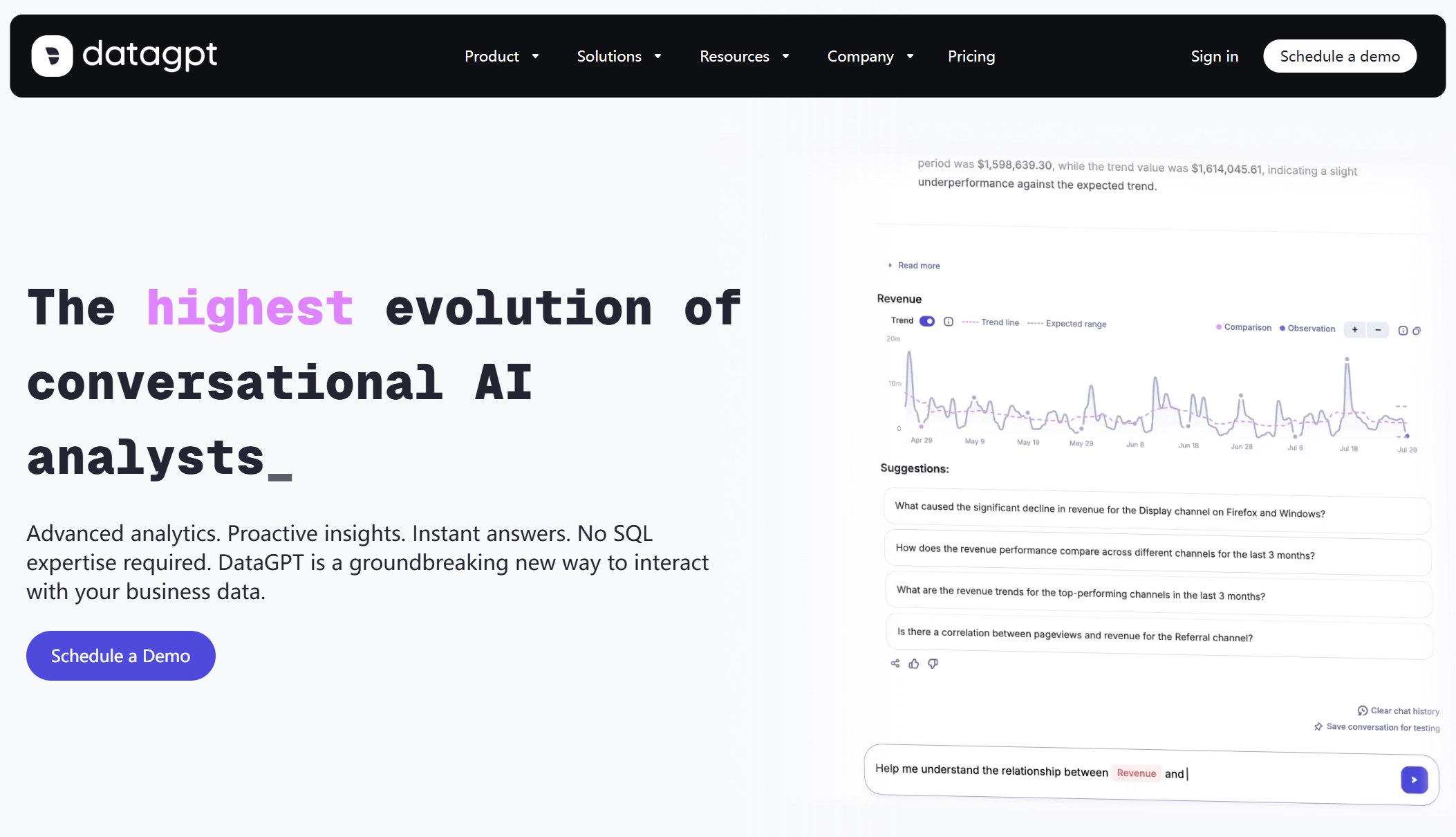
DataGPT provides a conversational interface for exploring datasets and generating charts through natural-language prompts. Users can upload files or connect databases, ask questions in plain English, and receive visualizations and narrative summaries without writing SQL. It lowers the barrier to data exploration for non-technical team members.
| Strengths | Considerations |
|---|---|
| Natural-language data exploration without SQL | Limited enterprise governance and permission controls |
| Quick chart and report generation from prompts | Data source connectivity narrower than enterprise BI platforms |
| Accessible to non-technical users | Less suited for governed, multi-department analytics at scale |
Best for: Conversational data analysis — teams wanting quick NL-driven exploration and visualization without BI platform overhead.
3. ThoughtSpot Sage — Search-Driven Analytics
 Website: https://www.thoughtspot.com/
ThoughtSpot Sage brings AI-powered search to enterprise analytics. Users type natural-language queries against a governed semantic model and receive instant answers with auto-generated visualizations. Its SpotIQ engine autonomously surfaces anomalies, trends, and forecasts without prompting. ThoughtSpot is designed for organizations where self-service search replaces traditional dashboard navigation.
| Strengths | Considerations |
|---|---|
| Search-first analytics with governed semantic layer | Smaller visualization customization vs. Tableau/Power BI |
| SpotIQ auto-surfaces anomalies and forecasts | Learning curve for TML modeling language |
| Live query against cloud data warehouses | Pricing scales with user count and data volume |
Best for: Search-driven analytics — organizations wanting Google-like search over governed enterprise data with autonomous insight detection.
4. Power BI Copilot — Microsoft BI Users
 Website: https://www.microsoft.com/en-us/power-platform/products/power-bi
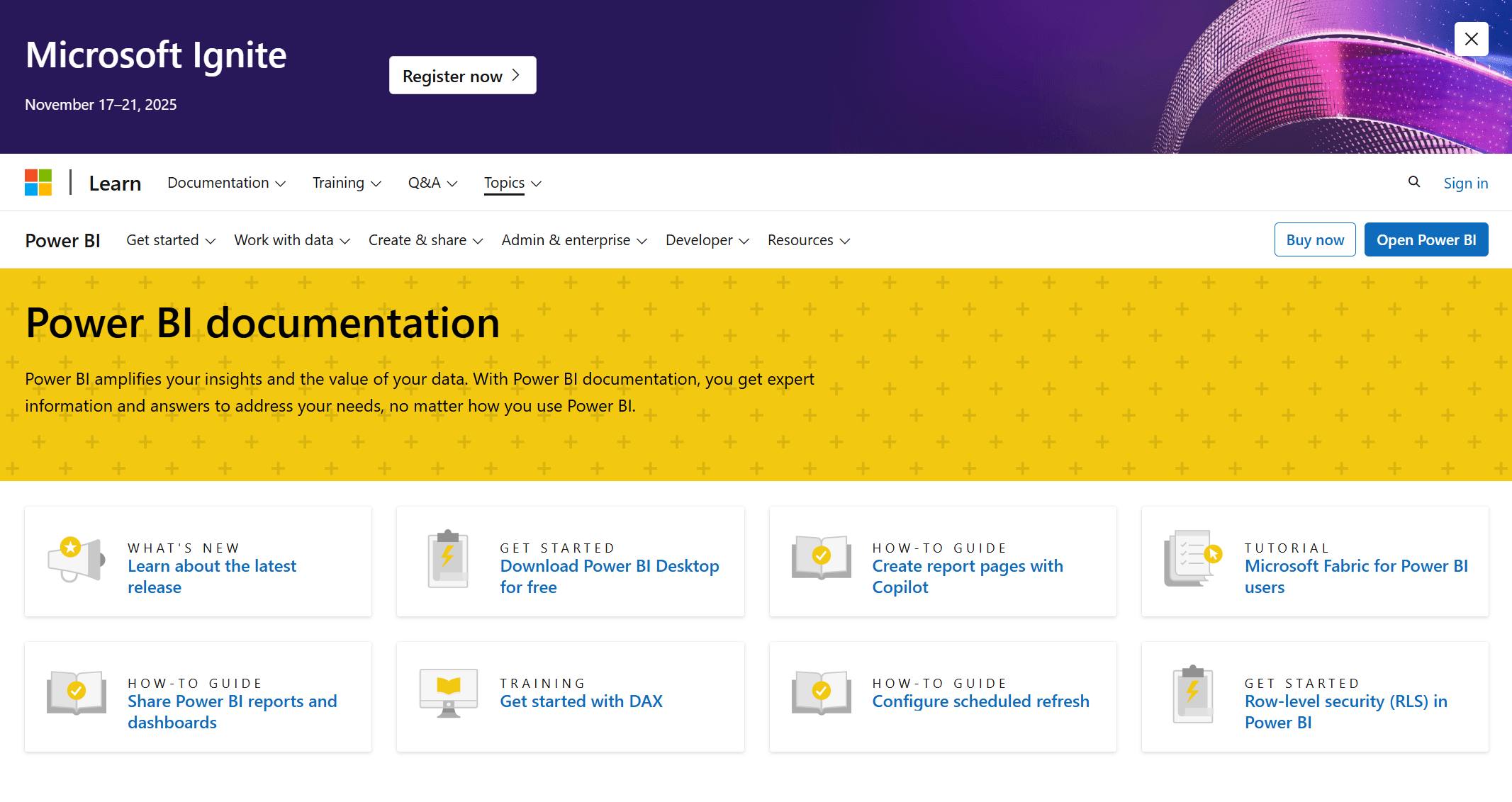
Power BI integrates deeply with Microsoft 365, Azure, and Fabric. Copilot adds natural-language report generation, DAX assistance, and narrative summaries. Its advantage is seamless integration for Microsoft-centric enterprises already invested in Azure data services.
| Strengths | Considerations |
|---|---|
| Deepest Microsoft/Azure/Fabric integration | AI features require premium/Fabric capacity licensing |
| Copilot assists with DAX, report creation, summarization | Cross-cloud portability limited |
| Large community and third-party visual marketplace | Performance tuning required for large datasets |
Best for: Microsoft BI users — unified BI + AI within existing M365/Azure/Fabric investment.
5. Tableau Pulse / Tableau Agent — AI Insights for Tableau Ecosystem
 Website: https://www.tableau.com/products/tableau-pulse
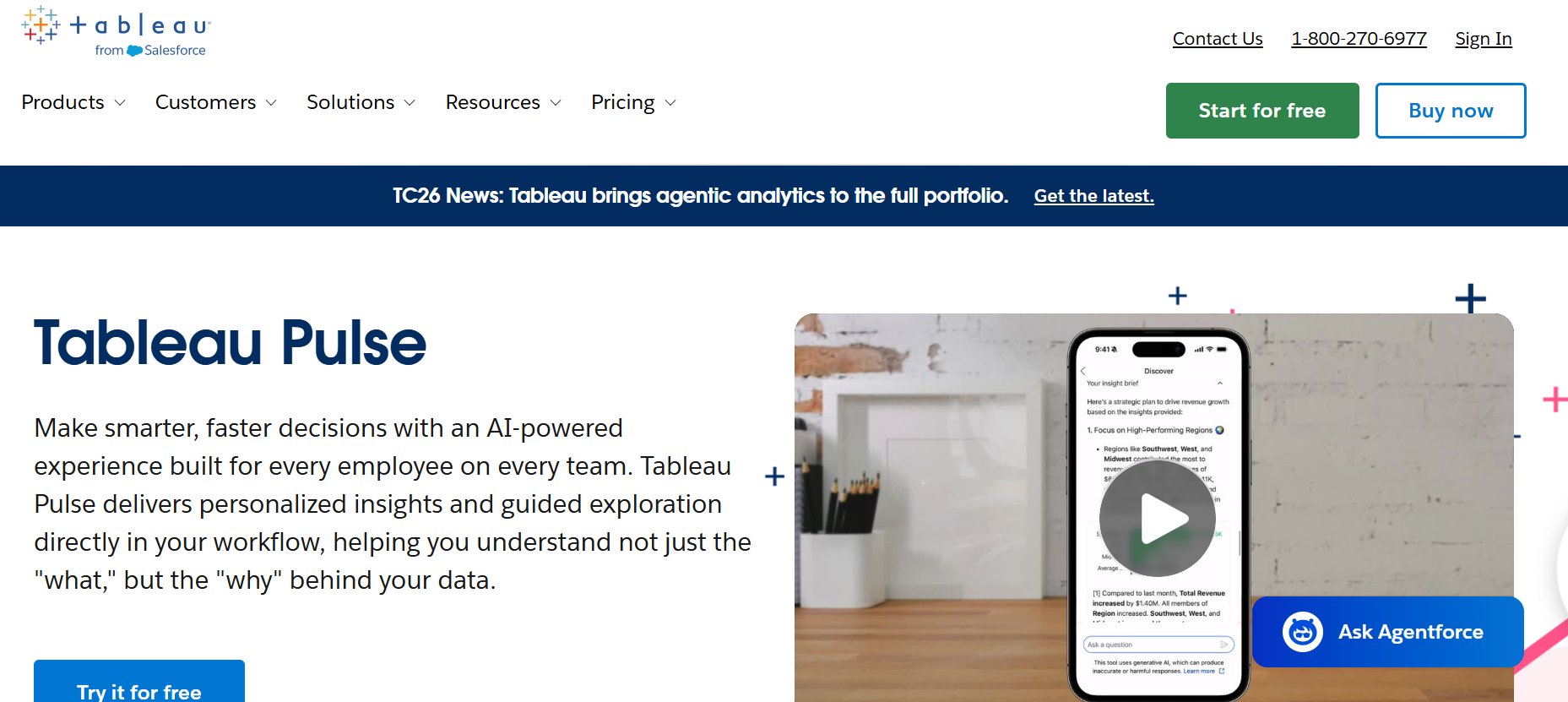
Tableau remains the industry standard for advanced visual analytics. Tableau Pulse adds AI-generated metric summaries and digest emails; Tableau Agent (beta) introduces conversational exploration. Its strength is deep visualization flexibility combined with enterprise governance via Tableau Cloud/Server.
| Strengths | Considerations |
|---|---|
| Most flexible visualization engine in market | Steeper learning curve for complex dashboards |
| Tableau Pulse delivers AI metric digests automatically | AI agent features still maturing vs. dedicated AI agents |
| Strong enterprise governance and embedding | Licensing cost scales with user count |
Best for: AI insights for Tableau ecosystem — organizations already invested in Tableau wanting AI-enhanced metric monitoring and conversational exploration.
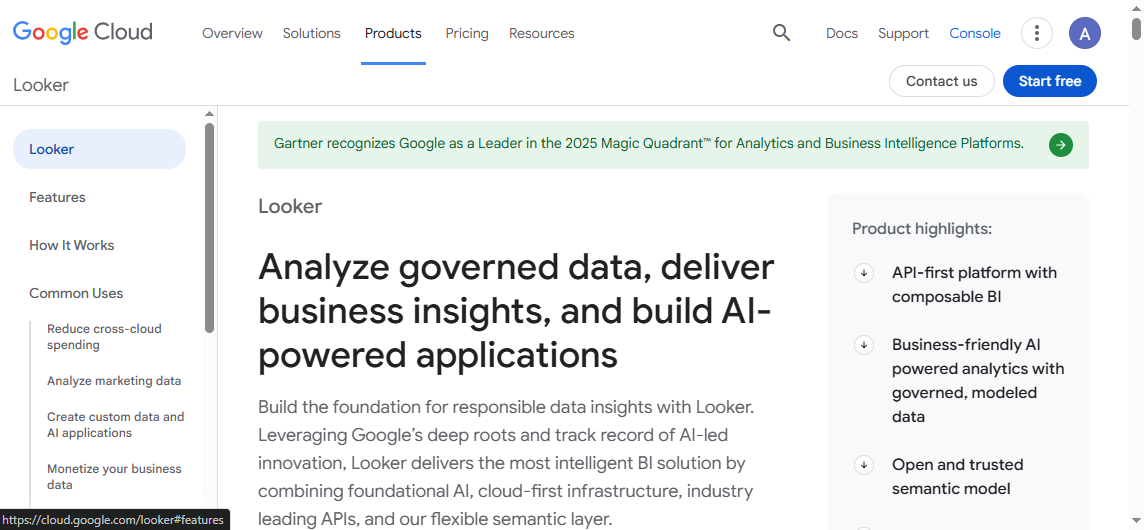
6. Looker / Gemini in Looker — Google Cloud Analytics Teams
 Website: https://lookerstudio.google.com/
Looker's defining feature is LookML, a semantic modeling layer that encodes business logic centrally. Gemini integration adds natural-language exploration and auto-generated insights. Best suited for GCP-native organizations needing governed, scalable analytics with consistent metric definitions.
| Strengths | Considerations |
|---|---|
| Centralized semantic model ensures metric consistency | LookML learning curve for new teams |
| Gemini-powered natural-language exploration | GCP ecosystem dependency |
| Strong embedding and API-first architecture | Less intuitive for non-technical users vs. Tableau/Power BI |
Best for: Google Cloud analytics teams — GCP-native enterprises requiring governed semantic layer with Gemini AI exploration.
7. DataRobot — Predictive Analytics and AutoML
 Website: https://www.datarobot.com/
DataRobot automates ML model selection, training, validation, and deployment. It serves data scientists and ML engineers building predictive models, not business users seeking dashboards or conversational insights. Real-time scoring via REST APIs enables operational integration.
| Strengths | Considerations |
|---|---|
| End-to-end AutoML with model governance | Not a BI or conversational analytics tool |
| Real-time scoring APIs for operational integration | Requires ML expertise to extract full value |
| MLOps for monitoring and retraining | Cost scales with model count and compute |
Best for: Predictive analytics and AutoML — teams building production ML models for forecasting, classification, or anomaly detection.
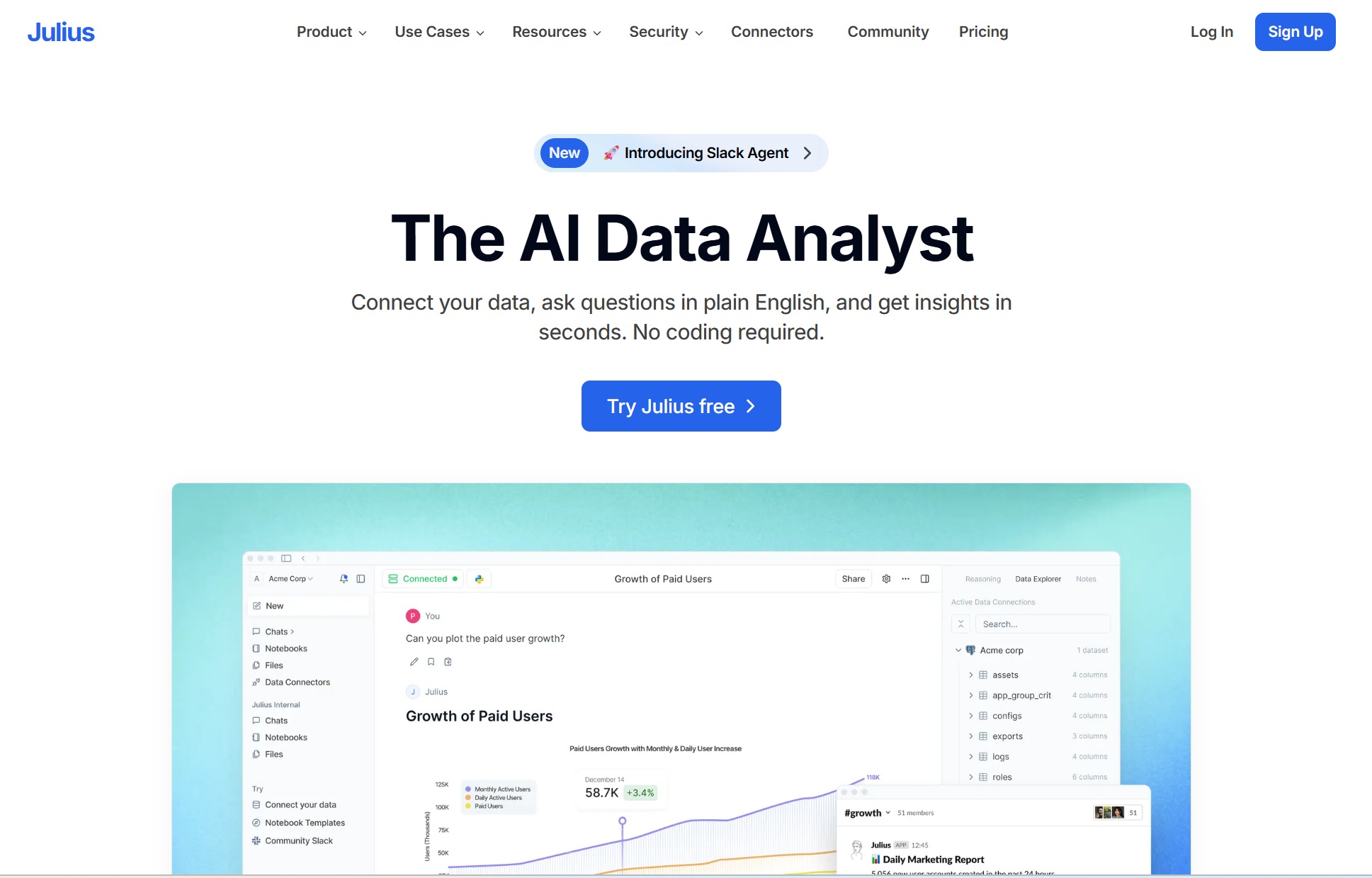
8. Julius — Lightweight Spreadsheet Analysis
 Website: https://julius.ai/
Julius is a consumer-grade AI analytics tool for quick, ad-hoc data exploration. Upload a CSV or spreadsheet, ask questions in natural language, get instant charts and summaries. Zero setup, zero governance, zero enterprise features. Useful for individual analysts prototyping ideas before formalizing in enterprise BI.
| Strengths | Considerations |
|---|---|
| Instant setup; upload spreadsheet and ask questions | No governance, permissions, or data source connectivity |
| Fast for personal exploration and prototyping | Not suitable for production enterprise analytics |
| Low/no cost for basic use | Data leaves local environment; compliance risk |
Best for: Lightweight spreadsheet analysis — individual users needing quick ad-hoc exploration of CSV/Excel files outside enterprise systems.
9. Google Analytics — Marketing Analytics
 Website: https://developers.google.com/analytics
GA4 provides automated insights, anomaly detection, and predictive metrics (purchase probability, churn probability) specifically for web and app analytics. It is a vertical marketing tool, not a general-purpose enterprise analytics platform.
| Strengths | Considerations |
|---|---|
| Purpose-built for web/app marketing analytics | Limited to digital marketing data; not enterprise-wide |
| Automated anomaly detection and predictive metrics | Custom analysis constrained by GA4 schema |
| Free tier sufficient for many SMBs | Data sampling and retention limits on free tier |
Best for: Marketing analytics — digital marketing teams needing automated web/app insights without custom infrastructure.
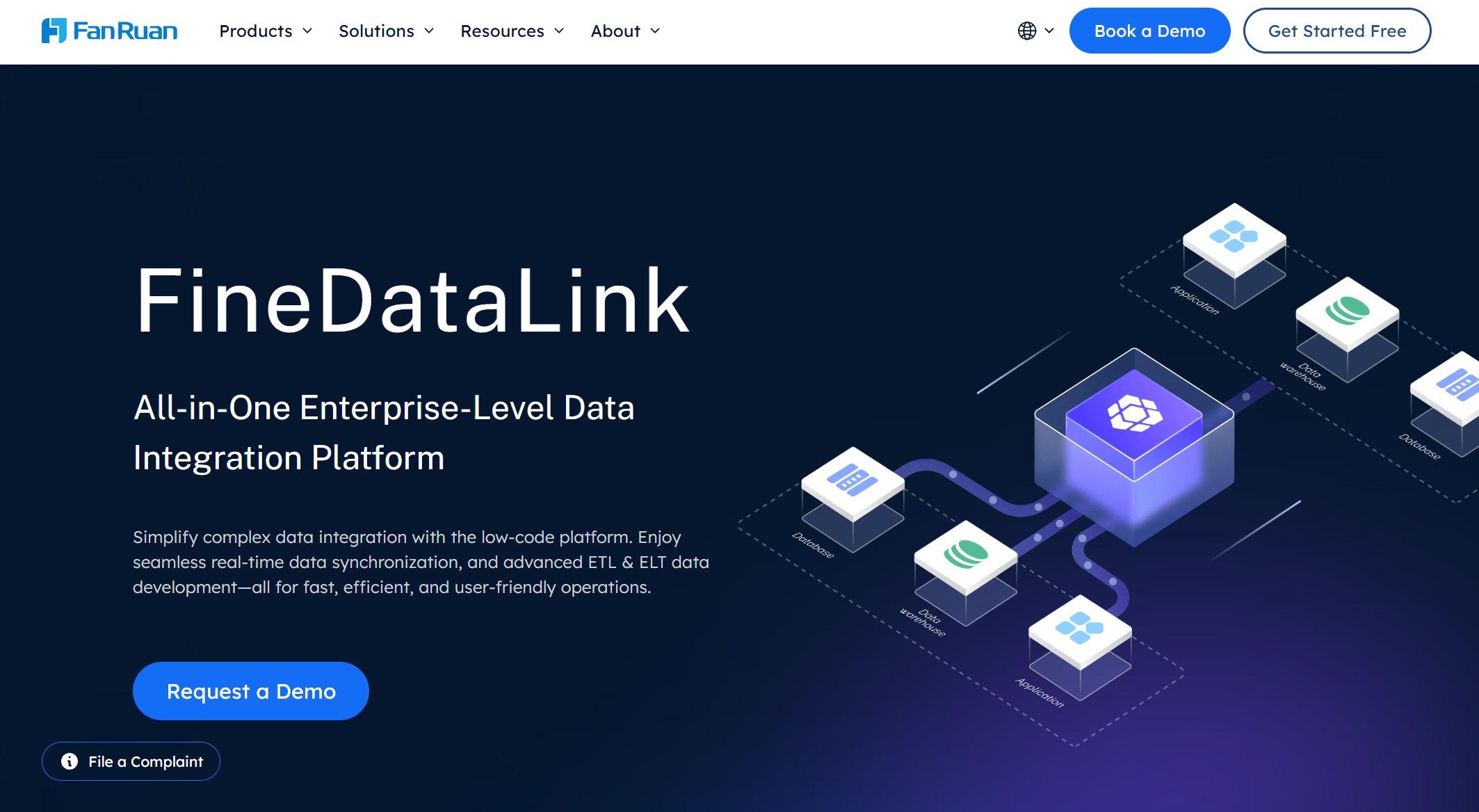
10. FineDataLink — Real-Time Data Integration for AI Analytics
 Website: https://www.fanruan.com/en/finedatalink
FineDataLink is a data integration platform that connects ERP, CRM, databases, APIs, spreadsheets, and SaaS applications, then transforms and synchronizes data into warehouses, BI tools, and downstream AI analytics layers. It is not an analytics engine itself; it ensures that AI analytics tools always operate on fresh, consistent, trusted data.
| Strengths | Considerations |
|---|---|
| 100+ native connectors across enterprise systems | Not an analytics or visualization platform |
| CDC-based real-time synchronization | Pipeline design requires initial setup investment |
| Visual low-code interface reduces engineering dependency | Governance depends on configured rules and monitoring |
| Built-in data quality checks and error handling | Complements, does not replace, BI or AI analytics tools |
Best for: Real-time data integration for AI analytics — connecting disparate sources and delivering trusted, synchronized data to BI platforms, warehouses, and AI agents like Dora.
AI Analytics Tools Comparison Table
| Tool | Category | Real-Time Profile | Best For | Governance | Target User | Cost Level |
|---|---|---|---|---|---|---|
| Dora | AI Data Agent | Governed, connected to live BI/warehouse data | Enterprise AI Data Agent; NL analysis, summaries, alerts, briefings | High (inherits BI permissions) | Business users, managers | Medium |
| DataGPT | Conversational Analytics | Connected DB or file upload | Conversational data analysis | Low–Medium | Non-technical business users | Low–Medium |
| ThoughtSpot Sage | Search-Driven Analytics | Live query against warehouse | Search-driven analytics with autonomous insights | High | Analysts, business users | High |
| Power BI Copilot | BI Platform | Streaming datasets + Copilot | Microsoft BI users | High | Microsoft-centric enterprises | Medium–High |
| Tableau Pulse / Agent | BI Platform | Live connection + Pulse AI digests | AI insights for Tableau ecosystem | High | Tableau users, data viz specialists | High |
| Looker / Gemini | BI Platform | Live query + Gemini exploration | Google Cloud analytics teams | High | GCP enterprises, analytics engineers | High |
| DataRobot | AutoML / Predictive | Real-time scoring APIs | Predictive analytics and AutoML | High (model governance) | Data scientists, ML engineers | High |
| Julius | Lightweight Personal | Ad-hoc file upload | Lightweight spreadsheet analysis | None | Individual users | Low |
| Google Analytics | Marketing Analytics | Near-real-time web/app data | Marketing analytics | Medium (GA4-specific) | Marketers | Low–Medium |
| FineDataLink | Data Integration | CDC real-time sync | Real-time data integration for AI analytics | High (pipeline governance) | Data engineers, platform teams | Medium |
How to Choose the Right AI Analytics Tool
- Identify your bottleneck first. Is the problem accessing insights (need NL Q&A), generating insights (need automated detection), predicting outcomes (need ML), or preparing data (need integration)? Match the bottleneck to the correct category before evaluating vendors.
- Assess your existing data foundation. AI agents like Dora require governed BI assets or warehouse connections. If your data is fragmented or ungoverned, invest in integration (FineDataLink) and BI (FineBI) before adding an AI layer.
- Define real-time requirements honestly. Many teams overestimate real-time needs. If daily refresh suffices for 90% of use cases, optimize for governed batch analytics and add targeted real-time only where latency directly impacts decisions.
- Evaluate governance as a first-class criterion. Row-level security, audit logging, lineage, and permission inheritance vary significantly. Retrofitting governance after deployment is far more expensive than designing it in.
- Test with representative data and queries. Vendor demos showcase ideal scenarios. Evaluate with your actual schema, data volume, and question patterns before committing.
- Budget for the full stack. AI analytics requires data integration + storage + BI + AI agent layers. A single tool rarely covers all. Budget accordingly.
Best Tool by Use Case
| Use Case | Recommended Tool(s) | Why |
|---|---|---|
| Enterprise AI Data Agent (NL Q&A, briefings, alerts) | Dora | Governed NL interface over BI assets; scheduled summaries; anomaly monitoring |
| Conversational data exploration | DataGPT | NL prompts → charts/reports without SQL; accessible to non-technical users |
| Search-driven enterprise analytics | ThoughtSpot Sage | Google-like search over governed data; autonomous anomaly/trend detection |
| Microsoft BI + AI | Power BI Copilot | Deepest Azure/M365/Fabric integration; Copilot-assisted DAX and reporting |
| Tableau ecosystem AI insights | Tableau Pulse / Agent | AI metric digests + conversational exploration within existing Tableau investment |
| GCP-native governed analytics | Looker / Gemini | Centralized semantic layer; Gemini NL exploration; BigQuery native |
| Predictive analytics and AutoML | DataRobot | End-to-end AutoML; real-time scoring APIs; MLOps |
| Lightweight spreadsheet analysis | Julius | Upload CSV/Excel → instant NL charts; zero setup |
| Marketing analytics | Google Analytics | Purpose-built web/app insights; automated anomaly detection |
| Real-time data integration for AI/BI | FineDataLink | 100+ connectors; CDC sync; data quality rules; feeds Dora/BI/warehouse |
How Dora Supports AI Analytics and Real-Time Insights
Dora operates as the conversational intelligence layer on top of your existing analytics stack. It does not ingest raw data or build dashboards; it makes governed BI assets, reports, and knowledge libraries conversationally accessible.
Core capabilities include:
- Natural-language Q&A: Ask "What drove last week's margin decline?" and receive sourced answers grounded in connected reports and dashboards.
- Scheduled briefings: Configure daily or weekly summaries covering pre-defined metrics, delivered to designated recipients at set times.
- Anomaly monitoring: Track key metrics for deviations; receive alerts with contextual explanations when thresholds are breached.
- Follow-up analysis: Multi-turn dialogue allows drilling into initial answers without navigating multiple dashboards.
- Governed access: All interactions respect the permission model of connected BI platforms. Users see only insights derived from authorized data.
 Ask Dora in Natural Language
Dora transforms passive reporting into active insight delivery — reducing the time between data availability and business action.
How FineBI and FineDataLink Support the Analytics Stack
Dora works best when the underlying data is trusted, governed, and up to date. FineDataLink can connect ERP, CRM, databases, APIs, and spreadsheets, then synchronize data for downstream analytics. FineBI can provide dashboards and self-service BI for business teams. Dora sits on top of these trusted data and analytics assets to help users ask questions, summarize changes, detect anomalies, and receive briefings.
| Layer | Role | Example Tools |
|---|---|---|
| Source Systems | Generate business and operational data | ERP, CRM, IoT, APIs, SaaS |
| Integration & Sync | Connect, transform, validate, synchronize | FineDataLink |
| BI / Visualization | Dashboard, explore, share governed insights | FineBI |
| AI Insight Layer | Summarize, brief, answer follow-ups, monitor anomalies | Dora |
Each layer solves a distinct problem. FineDataLink ensures data freshness and quality. FineBI makes it visually accessible. Dora makes it conversationally actionable. None replaces the others; together they form a complete AI analytics value chain.
Frequently asked questions
An AI analytics tool applies machine learning, natural language processing, or statistical modeling to help users derive insights from data with less manual effort. Capabilities range from natural-language querying and automated insight generation to predictive modeling and AI-assisted data preparation. The right tool depends on whether your bottleneck is accessing, generating, predicting, or preparing insights.