Enterprise document management refers to the organized process of storing, managing, and tracking documents across your organization. You use enterprise document management to control information flow, ensure quick access, and protect sensitive data.
This system matters because it improves how you work every day. You reduce wasted time searching for files and strengthen compliance with regulations. In 2024, about 58% of medium-to-large enterprises worldwide adopted enterprise document management systems to streamline operations.
You gain better control over documents, boost productivity, and make informed decisions faster with enterprise document management.
Enterprise Document Management Overview
Definition and Purpose
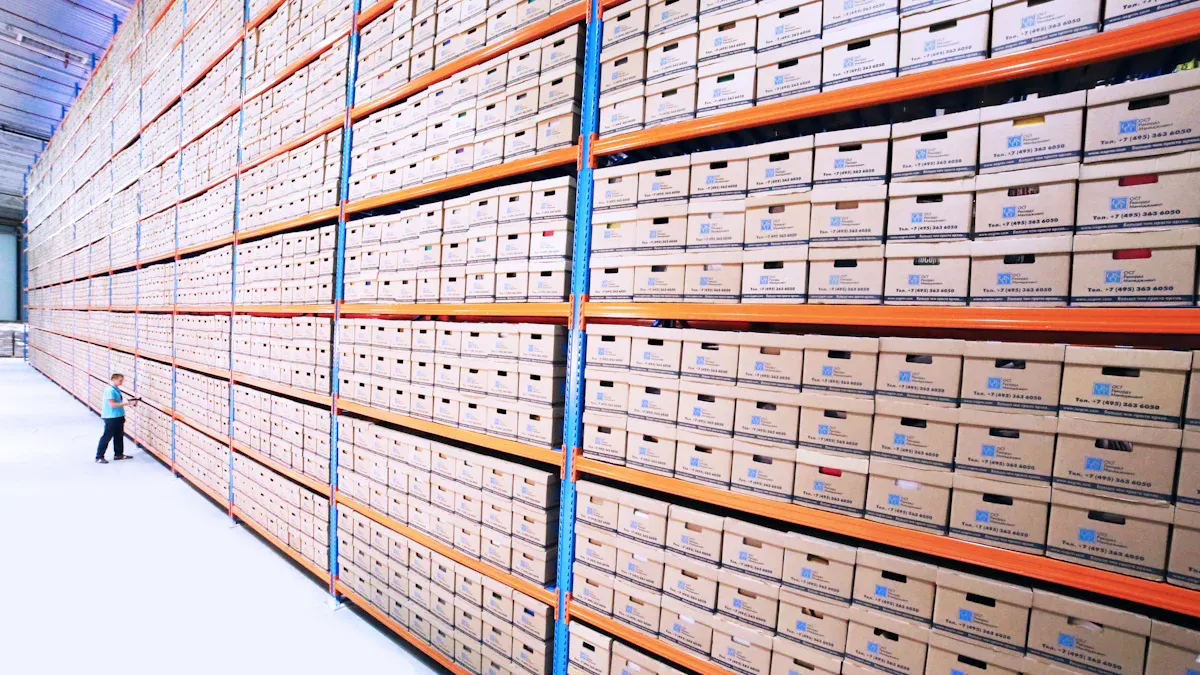
You use enterprise document management to organize, manage, and store all your organization’s documents—both paper and electronic. This approach gives you a structured way to handle information, making it easy to find what you need when you need it. The main goal is to create a reliable system that supports your daily operations and long-term business needs.
Note: Enterprise document management covers more than just digital files. It includes emails, images, and even scanned paper records. You can digitize physical documents to reduce paper use and storage costs.
Here is a table that summarizes the formal definition and scope of enterprise document management:
You gain several benefits when you implement enterprise document management:
- Systematic handling of documents.
- Organization, management, and storage of all records.
- Digitization of physical files to save space and money.
Organizations often set clear objectives for enterprise document management. These objectives help you improve how you work and meet legal requirements. The table below outlines the primary objectives:
How It Differs from Basic Storage
You might wonder how enterprise document management stands apart from basic file storage. Basic storage solutions, like shared network drives or cloud folders, work well for small businesses with limited documents. However, as your organization grows, you face new challenges that basic storage cannot solve.
Here are some key differences:
- Enterprise document management offers document indexing and version control. You can track changes and retrieve previous versions easily.
- Advanced security features, such as encryption and detailed access controls, protect sensitive information. Basic storage usually provides only simple user permissions.
- Enterprise document management helps you meet strict compliance requirements. You can set retention policies, monitor access, and prepare for audits.
- You can automate workflows and integrate with other business systems. Basic storage lacks these capabilities.
- Collaboration improves because you can share documents securely across departments and even with external partners.
Tip: If you rely only on basic storage, you may struggle with governance, compliance, integration, version control, and protecting sensitive data. Archiving and retrieving documents also become more difficult as your document volume increases.
You should also know the difference between document management systems (DMS) and enterprise content management (ECM):
- DMS focuses on managing and storing documents, acting as a digital filing cabinet with enhanced security.
- ECM manages all types of content, including documents, images, and emails. It offers advanced workflow automation and supports collaboration across the organization.
- DMS may provide basic workflow features, while ECM includes robust automation for complex business processes.
- ECM integrates with other enterprise systems, making it suitable for organizations with complex needs.
When you choose enterprise document management, you gain a system that supports your business as it grows. You avoid common pitfalls of basic storage and ensure your information remains secure, accessible, and compliant.
Importance of Enterprise Document Management
Business Efficiency
You experience the true value of enterprise document management when you see how it transforms daily operations. Employees spend less time searching for documents and more time on meaningful work. With a centralized system, you streamline document retrieval, automate workflows, and reduce manual errors. This leads to faster business processes and improved productivity.
- Improved productivity: Staff can focus on value-added activities instead of document handling.
- Reduced operational costs: You eliminate expenses related to paper, storage, and manual processing.
- Faster business processes: Automated approvals and workflows accelerate your operations.
- Enhanced decision making: Quick access to accurate information supports better outcomes.
- Risk mitigation: You reduce compliance penalties and security breaches.
Organizations like the FAA and NASA have reported significant gains. The FAA reduced IT expenses and consolidated systems, while NASA improved collaboration and security across distributed teams. FineReport, a FanRuan solution, helps you achieve similar results by providing real-time dashboards and automated reporting, ensuring you always have the right information at your fingertips.
Compliance and Security
The importance of enterprise document management becomes clear when you consider document security and compliance. You must protect sensitive information and meet regulatory requirements. Enterprise document management systems offer role-based access, encryption, and audit trails to safeguard your data.
You benefit from features like electronic signatures, audit-ready records, and validated workflows. These tools help you maintain compliance and prepare for audits. Document security and compliance also involve mitigating risks such as data breaches, ransomware, and phishing attacks. Enterprise document management systems use encryption, regular backups, and access controls to protect your documents throughout the document lifecycle management process.
Collaboration and Decision-Making
Enterprise document management supports collaboration and smarter decision-making. Distributed teams can access documents from a centralized repository, reducing time spent searching for files. Features like version control, secure sharing, and real-time editing allow you to work together efficiently, even when team members are remote.
FineReport empowers your teams with mobile dashboards and decision-making platforms. You can monitor key metrics, automate report distribution, and ensure everyone has access to the latest data. This approach enhances document lifecycle management and supports informed, timely decisions.
Note: The importance of enterprise document management lies in its ability to boost efficiency, ensure document security and compliance, and foster collaboration. By implementing these systems, you create a foundation for sustainable growth and smarter business operations.
Features of Enterprise Document Management System
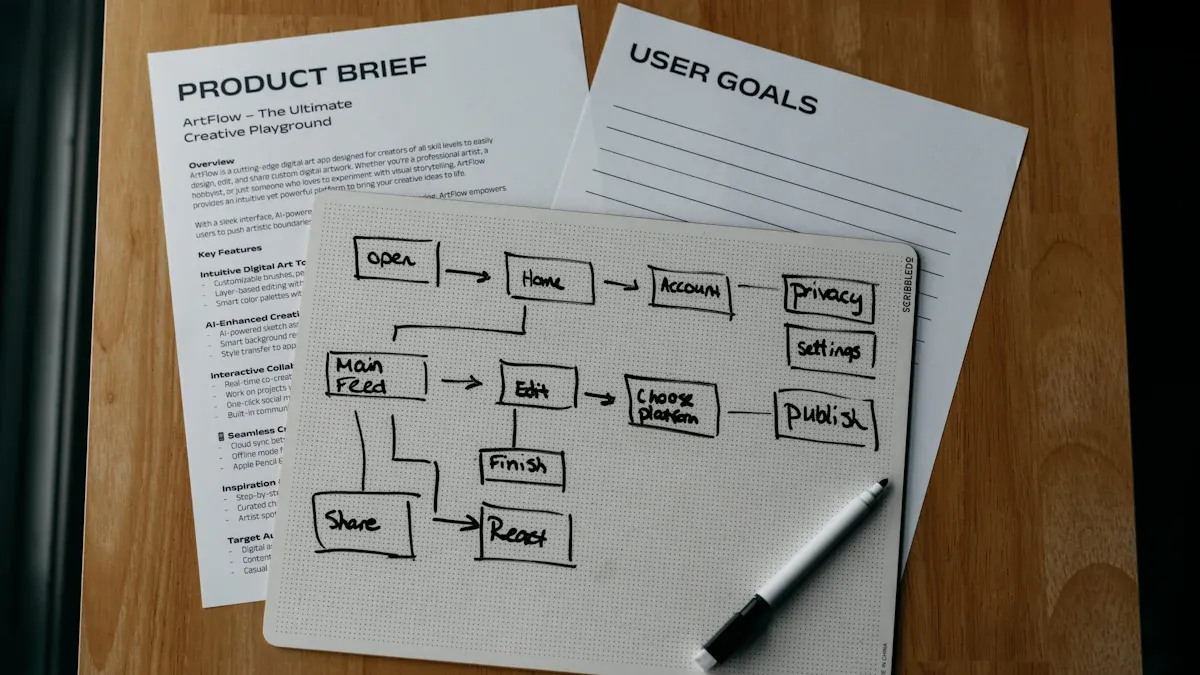
When you evaluate an enterprise document management system, you should focus on the key features that drive efficiency, security, and collaboration. These features help you manage documents at scale and support your organization’s growth.
Centralized Repository
A centralized repository forms the backbone of any enterprise document management system. You store all your documents in one secure location, making it easy to organize, search, and retrieve information. This approach brings several benefits:
- Enhanced collaboration and communication among employees across different locations.
- Robust security and compliance measures to protect sensitive data.
- Streamlined business processes and workflow automation.
- Scalability and flexibility to adapt to organizational growth.
- Integration with other enterprise solutions for improved efficiency.
- Cost savings and return on investment through reduced operational expenses.
- Improved document retrieval and accessibility with powerful search capabilities.
- Disaster recovery and business continuity through reliable backup solutions.
- Environmental sustainability by reducing paper usage.
FineReport’s centralized platform allows you to manage reports, dashboards, and data entry forms in one place. NTT DATA Taiwan used this feature to unify data from ERP, POS, and CRM systems, enabling quick access and better decision-making.
Access Control and Permissions
Access control is one of the key features of an enterprise dms. You can restrict document access to authorized users, protecting sensitive information and ensuring compliance. The table below shows how access control works:
Best practices include role-based permissions, regular audits, and multi-factor authentication. FineReport supports granular permission settings, so you can assign access based on user roles and responsibilities.
Version Control and Audit Trails
Version control and audit trails are essential key features of an enterprise dms. Version control ensures everyone works with the latest document version, tracks changes, and maintains a record of previous versions. This reduces errors and confusion, especially during collaboration.
- Version control ensures all users access the most current document version.
- It tracks changes and maintains an organized record of previous versions.
- Enhances accuracy, accountability, collaboration, and compliance.
- Streamlines workflows and reduces confusion over document revisions.
Audit trails provide a transparent history of actions performed, including logs of user activities and changes made to documents. This helps you ensure accuracy, integrity, and compliance. You can monitor who accessed files and what actions they took, which is vital for accountability.
Workflow Automation
Workflow automation transforms how you manage documents. You automate repetitive tasks, such as approvals and notifications, which saves time and reduces errors. The table below highlights impactful workflow automation features:
FineReport’s workflow automation tools let you schedule report generation, automate data entry, and streamline approvals, helping your team focus on higher-value tasks.

Integration with Document Management Software (FineReport)
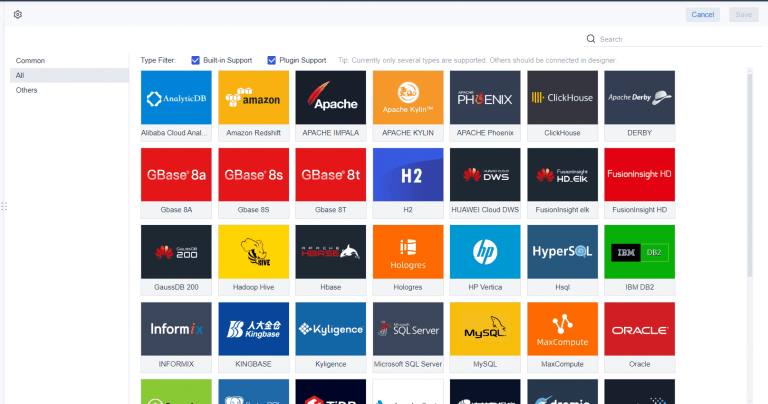
Integration with FineReport enhances your enterprise document management system by connecting multiple data sources and providing interactive dashboards. You gain real-time insights, automate compliance reporting, and improve financial oversight. FineReport’s mobile access and customizable dashboards support better communication and decision-making across your organization.
NTT DATA Taiwan leveraged FineReport to visualize data from various systems, enabling self-service analysis and smarter decisions. This integration helped them overcome data silos and drive digital transformation.
Tip: When you choose an enterprise document management system with these features, you set your organization up for greater efficiency, security, and growth.
How Enterprise Document Management System Works
Document Capture and Indexing
You begin with document capture and indexing, which forms the foundation of any document management system. This process transforms physical and digital documents into organized, searchable assets within your enterprise document management system. Here are the standard steps you follow:
- Scanning: You convert paper documents into digital files using scanners.
- Optical character recognition (OCR): The system extracts text from scanned images, making documents searchable.
- Conversion to digital format: You save documents as TIFFs or searchable PDFs and assign metadata for easy organization.
- Barcode recognition: The system reads barcodes to categorize documents automatically.
- Importing electronic documents: Files from watched folders are processed and indexed.
- Importing emails and attachments: The document management system brings in emails and their attachments for centralized management.
This structured approach ensures you can quickly locate any document when you need it.
Storage and Retrieval
A document management system provides secure storage and fast retrieval of your documents. You benefit from features that make finding information simple and reliable. The table below highlights how these systems ensure accuracy and speed:
With these features, your enterprise document management system supports efficient operations and compliance.
Lifecycle Management
Managing the document lifecycle is essential for maintaining order and compliance in your organization. You use your document management system to guide documents from creation to final disposal. Best practices include:
- Document Collaboration: Multiple users work on the same file, always seeing the latest updates.
- Document Tracking: You monitor each document’s status, whether active, archived, or ready for deletion.
- Approval Workflows: Structured processes ensure the right people review and approve documents.
- Mobile Access: You access and sign documents from any device, supporting remote work.
- Storage Management: The system helps you follow retention policies and reduce physical storage.
You can also automate document management processes, templatize frequently used documents, and implement strict access controls. These practices help you maintain efficiency, security, and compliance throughout the document lifecycle.
Choosing Enterprise Document Management Software
System Types and Deployment
When you select an enterprise document management system, you need to understand the main types and deployment options. Each approach offers unique benefits for your organization.
- Cloud-based systems store documents on remote servers. You pay a subscription fee and avoid large upfront costs. Maintenance and updates happen automatically.
- On-premises systems run on your local servers. You control your data and security. You manage all maintenance and upgrades.
- Hybrid systems combine both cloud and on-premises features. You gain flexibility in managing sensitive data and can transition to the cloud at your own pace.
You should evaluate which deployment model fits your business needs, considering factors like data sensitivity, IT resources, and long-term scalability.
Key Selection Criteria
Choosing the right document management software requires careful consideration of several criteria. The table below summarizes what you should look for:
You should also prioritize integration capabilities, compliance support, and workflow automation when comparing document management solutions.
FineReport for Enterprise Document Management
FineReport stands out among document management software options for its robust features and industry adoption. You benefit from a centralized platform that supports large enterprises, including government and manufacturing sectors. FineReport offers advanced funnel analysis, seamless data import, and integration with multiple systems. You can automate reporting, manage permissions, and access real-time dashboards from any device.
Organizations like NTT DATA Taiwan use FineReport to unify data from ERP, POS, and CRM systems. This approach improves efficiency and supports data-driven decision-making. FineReport’s strengths in communication management and scalability make it a top choice for enterprise document management system needs across various industries.
Tip: When you evaluate document management solutions, consider how FineReport’s specialized features can address your organization’s unique challenges and support long-term growth.
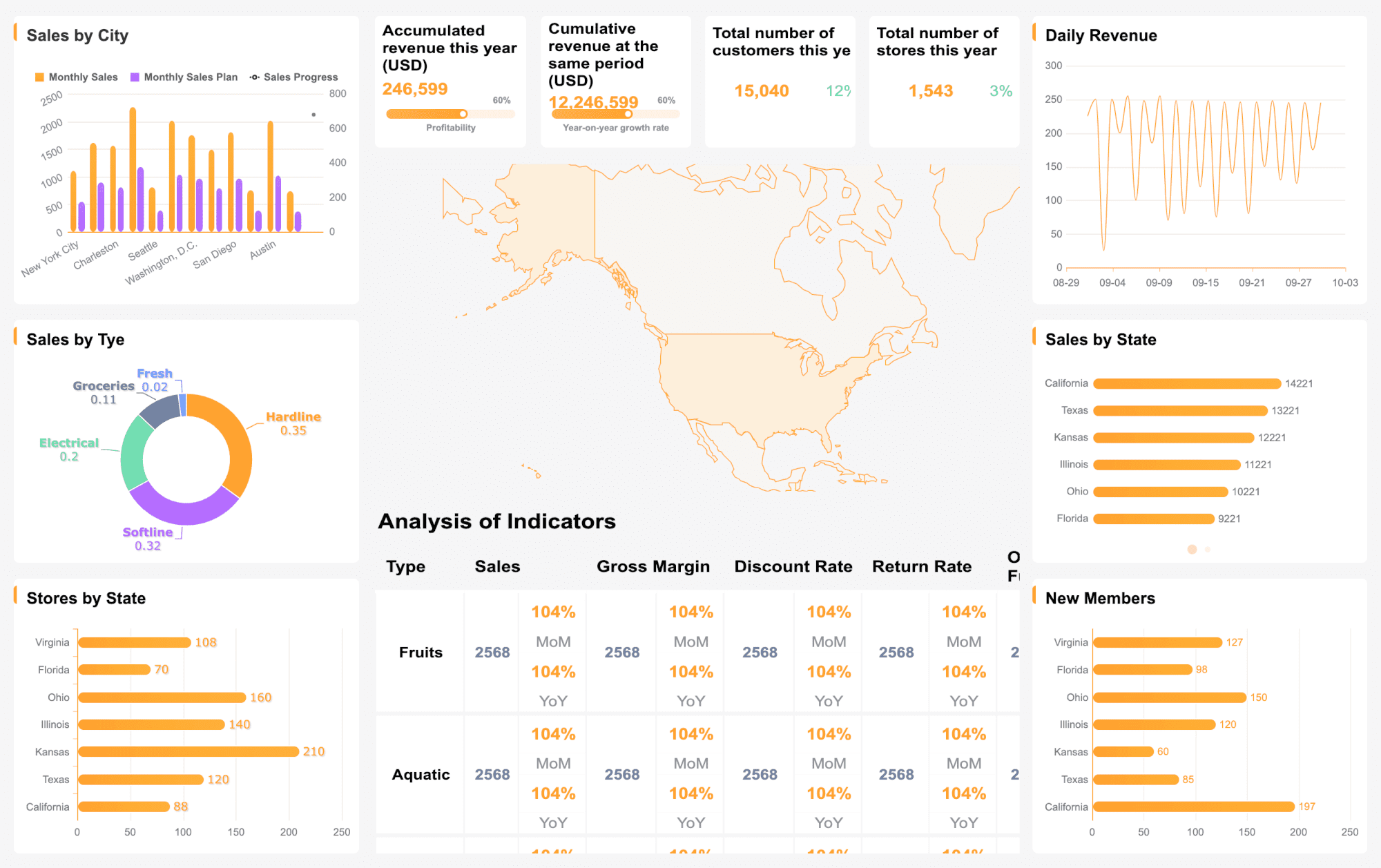
You gain significant advantages when you implement enterprise document management. The system standardizes processes, boosts efficiency, and automates document workflows. FineReport helps you overcome fragmented storage and compliance risks by centralizing files and supporting secure collaboration.
| Benefit --- Description | | Standardization --- Establishes consistent document handling | | Efficiency --- Enhances productivity and reduces wasted time | | Automation --- Streamlines document lifecycle management | | Compliance --- Strengthens security and regulatory adherence | | Centralized Storage --- Simplifies access and retrieval | | Cost Reduction --- Lowers physical storage expenses |
Evaluate your current practices, identify gaps, and consider solutions that fit your needs. You set your organization up for growth and resilience.
FanRuan
https://www.fanruan.com/en/blogFanRuan provides powerful BI solutions across industries with FineReport for flexible reporting, FineBI for self-service analysis, and FineDataLink for data integration. Our all-in-one platform empowers organizations to transform raw data into actionable insights that drive business growth.
FAQ
**What is enterprise document management?**
Enterprise document management is a system you use to organize, store, and track documents across your organization. It helps you control access, improve efficiency, and ensure compliance with regulations.
**How does enterprise document management improve security?**
You protect sensitive information with enterprise document management by using access controls, encryption, and audit trails. These features help you prevent unauthorized access and track document activity.
**Can enterprise document management integrate with other business systems?**
Yes. You can connect enterprise document management systems with ERP, CRM, and other business tools. This integration helps you streamline workflows and ensures data consistency across your organization.
**What types of documents can you manage with enterprise document management?**
You can manage digital files, scanned paper documents, emails, images, and more. Enterprise document management supports a wide range of formats to meet your business needs.
**Is enterprise document management suitable for remote teams?**
Yes. Enterprise document management allows your remote teams to access, share, and collaborate on documents securely from any location. This supports flexible work and improves productivity.