A report assignment example shows you how to organize information, analyze data, and present findings in a clear format. You need a structured approach because it improves the clarity and professionalism of your report. This guide covers the standard report assignment format, a section-by-section structure breakdown, and a complete sample you can adapt for academic or professional use.
What Is a Report Assignment?
A report assignment is a structured document that presents factual information, analysis, and recommendations on a specific topic. Unlike an essay, which argues a thesis, a report organizes content into labeled sections so readers can locate information quickly and make decisions based on evidence.
Report assignments are used in academic courses, professional training programs, and workplace settings. They develop investigative and analytical skills by requiring writers to examine issues objectively, support claims with reliable sources, and present actionable conclusions.
For a broader guide on professional report writing, see our article on how to write a business report.
Report Assignment Format
The table below summarizes what each section of a report assignment should contain and provides a concrete example for reference:
| Section | What to Include | Example |
| Title Page | Report title, course/project name, author, date | Customer Satisfaction Report |
| Executive Summary | Main problem, key findings, recommendation | This report analyzes customer feedback and recommends improving response time. |
| Introduction | Background, purpose, scope | The report examines service quality in Q1. |
| Methodology | Data sources and research method | Survey responses from 150 customers were reviewed. |
| Findings | Main evidence, charts, observations | 42% of respondents mentioned slow support replies. |
| Recommendations | Practical next steps | Add a weekly support dashboard and assign response-time targets. |
| References | Sources used | Survey data, interviews, company records. |
This format works across disciplines. Adjust section names and depth to match your assignment brief, but keep the logical flow: define the problem → explain how you gathered evidence → present findings → recommend action.
Report Assignment Example Structure
Many report assignment structures are similar to those used in professional business reporting environments.
A clear assignment report format helps you organize your ideas and present your findings in a logical way. You need to follow a standardized structure of a report to ensure your work is easy to read and meets academic or business standards. Many organizations and instructors recommend a consistent format of a report because it improves clarity, supports decision-making, and saves time for readers. Below, you will find a sample structure and practical tips for each section. You will also learn how FineReport can help you automate and format these sections for any scenario.
Title Page
The title page is the first impression of your report. You should include the report title, your name, the date, and any relevant course or project information. This section sets the tone and provides essential details for identification.
Tip: FineReport allows you to create customizable templates for title pages, ensuring your assignment report format always looks professional and consistent.
Table of Contents
The table of contents lists all the main sections and page numbers. This feature helps readers quickly find the information they need. For longer reports, a table of contents is essential for navigation.
- FineReport can automatically generate a table of contents based on your headings, saving you time and reducing errors.
Executive Summary
The executive summary gives a brief overview of the entire report. You summarize the main findings, conclusions, and recommendations. Decision-makers often read only this section to understand the key points.
- Research shows that executive summaries break down complex reports into concise, readable formats. They allow busy readers to grasp the main ideas without reading the full document.
- You should keep this section short—usually one page or less—and use clear, formal language.
| Component | Description |
|---|---|
| Findings | Summarize important discoveries and concerns. |
| Conclusions | Present actionable plans and suggestions. |
| Length | Should not exceed one page. |
| Purpose | Help readers digest key information quickly. |
FineReport supports the creation of executive summaries by letting you pull key metrics and visuals directly into this section.
Introduction
The introduction sets the context for your report assignment example. You explain the background, define the problem, and outline the objectives. This section helps readers understand why the report matters.
- You should state the purpose and scope clearly.
- FineReport enables you to embed background data and visuals, making your introduction more engaging.
Methodology
In the methodology section, you describe how you collected and analyzed your data. You explain your research methods, tools, and processes. This section ensures transparency and allows others to replicate your work.
- Best practices suggest you conduct background research, design surveys, and document all steps.
- FineReport can automate data collection and analysis, making it easier to document your process and present results.
Findings and Analysis
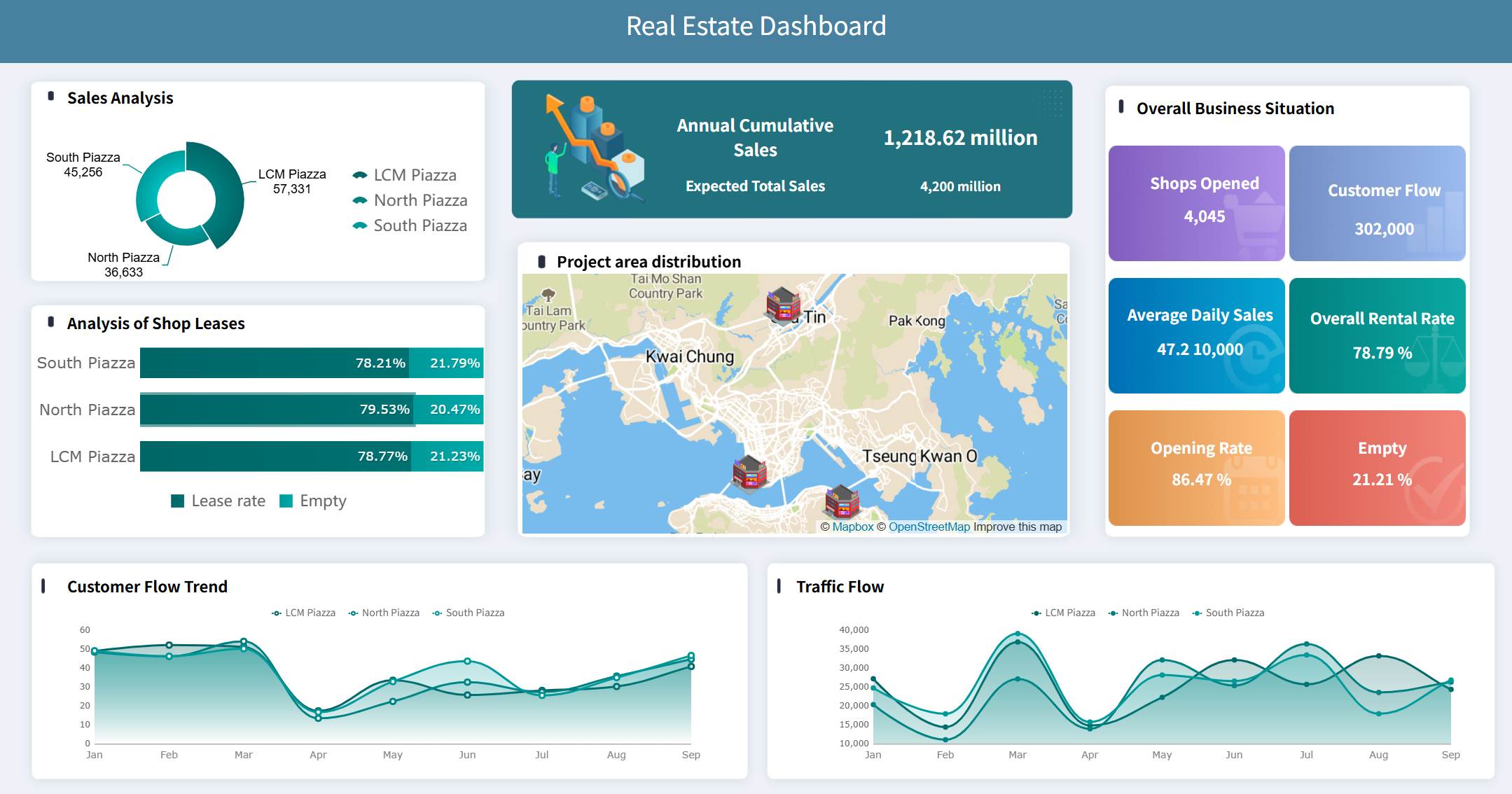
Present your evidence using headings, subheadings, tables, and charts where appropriate. Organize findings thematically rather than chronologically. Each finding should connect directly to the problem defined in the introduction. Separate raw findings from interpretation: state what the data shows, then explain what it means.
Recommendations
Provide specific, actionable next steps based on your findings. Each recommendation should trace back to at least one finding. Prioritize recommendations if there are multiple, and indicate expected outcomes or success metrics where possible. Avoid introducing new evidence in this section.
References
List all sources cited in the report using the citation style specified in your assignment brief (APA, Harvard, MLA, etc.). Every claim that relies on external evidence must have a corresponding reference. Incomplete references undermine credibility and may constitute academic misconduct.
Sample Report Assign Example Outline
You can use a structured outline to guide your report writing and make your project more effective. A clear outline helps you organize your ideas, manage your time, and ensure you cover every requirement. Below is a sample mini-report outline you can adapt for your next project:
- Title Page
Include the project title, your name, date, and any relevant course or organization details. - Table of Contents
List each section and its page number for easy navigation. - Executive Summary
Summarize the main findings, conclusions, and recommendations of your project in a short paragraph. - Introduction
Present the background, purpose, and objectives of your project. State why the topic matters. - Methodology
Describe how you collected and analyzed data for your project. Mention any tools or resources you used. - Main Body
Organize your analysis and findings into logical sections. Use headings and visuals to support your points. - Conclusion
Restate the key results and what they mean for your project. Suggest next steps or recommendations. - References
List all sources you used in your project, following the required citation style. - Appendices
Attach any extra data, charts, or supporting materials.
Tip: Using a structured outline like this helps you stay focused and makes your report easier to read. Many professionals use templates to save time and ensure consistency across projects.
You can also choose a template that fits your project needs. The table below shows different templates and when to use them:
| Template Type | When to Use | Notable Features |
|---|---|---|
| In-depth Case Study Template | For detailed marketing case analysis by managers needing comprehensive data and findings. | Comprehensive structure allowing detailed data presentation, analysis, and discussion for professional reports. |
| Data-Driven Case Study | To highlight measurable outcomes and analytics, ideal for marketers and analysts. | Emphasizes data visualization with graphs, charts, and tables to present complex data clearly and engagingly. |
| Marketing Case Study | To showcase marketing strategies, campaigns, and their results, suited for marketing teams. | Focuses on storytelling aspects, structuring company details, challenges, and solutions with sample data. |
For example, in markrting analysis, FineReport Emphasizes data visualization with graphs, charts, and tables to present complex data clearly and engagingly.
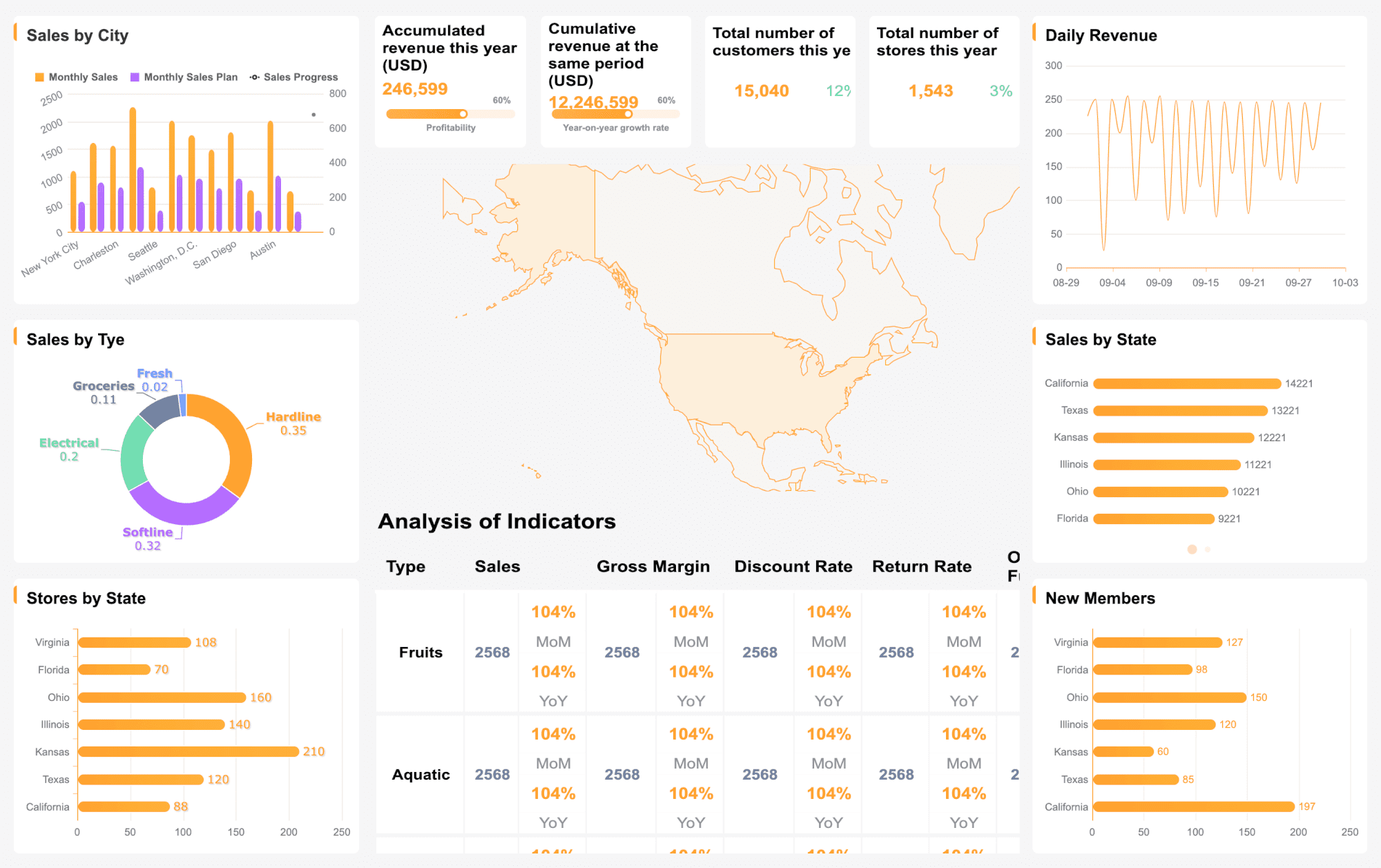
Looking for more inspiration? Explore our FineReport Template Gallery to discover hundreds of interactive, industry-specific report examples and dashboards you can implement instantly.
A strong outline gives your project a clear path from start to finish. You will find it easier to manage your research, draft your report, and present your findings with confidence.
You can create a strong report by following a clear guide and using structured steps. Well-structured conclusions help you:
- Summarize findings so readers understand the main points.
- Explain why your research matters and what it means.
- Use simple language to make your message clear.
- Offer practical recommendations for action.
- Align your report’s sections and reinforce your purpose.
Report Assignment Writing Checklist
Use this checklist before submitting your report:
- Assignment brief requirements are fully addressed
- All required sections are present and in correct order
- Executive summary accurately reflects the full report
- Findings are supported by evidence with proper citations
- Recommendations are specific, actionable, and linked to findings
- Tables and charts are labeled, numbered, and referenced in text
- Formatting is consistent (font, heading levels, spacing, margins)
- References follow the required citation style
- Report has been proofread for grammar, spelling, and clarity
- File naming and submission format match assignment instructions
Common Mistakes to Avoid
| Mistake | Why It Matters | How To Fix It |
| Missing executive summary | Readers cannot quickly grasp your conclusions | Write a 150–300 word summary covering problem, method, findings, and recommendation |
| Mixing findings with opinions | Undermines objectivity and credibility | Present data first, then interpret in a separate paragraph or subsection |
| Vague recommendations | Readers cannot act on "improve communication" | Specify who does what, by when, and how success is measured |
| Inconsistent formatting | Signals carelessness and reduces readability | Use style templates; run a final formatting pass before submission |
| Uncited claims | Risks plagiarism accusations and weakens arguments | Cite every fact, statistic, or idea drawn from external sources |
| Ignoring the assignment brief | Results in missing sections or wrong scope | Cross-check your draft against the brief line by line |
| Writing the executive summary first | Often misaligns with actual findings | Draft it last to ensure accuracy |
From Report Assignments to Automated Business Reporting
Report assignments teach a foundational skill: collect data, analyze findings, and explain recommendations clearly. In business environments, this same workflow repeats weekly, monthly, or quarterly — but the stakes and scale change. Instead of a one-time document for an instructor, teams produce recurring reports for managers and executives, pulling data from multiple systems, and distributing results to stakeholders with different access levels.
At this stage, manual report writing becomes unsustainable. Automated reporting tools like FineReport replace copy-paste workflows with scheduled data refresh, role-based permissions, and centralized distribution. When data lives across ERP, CRM, and accounting systems, data integration ensures reports draw from a single source of truth rather than fragmented exports. And when business users need to explore data independently without waiting for IT, self-service analysis platforms let them build their own dashboards from governed datasets.
The transition is not about abandoning report-writing skills. It is about applying those skills at scale, with automation handling the repetitive parts so analysts can focus on interpretation and recommendations.
How Dora Can Help Business Teams Generate Reports
A report assignment teaches the basic structure of clear reporting: collect data, analyze findings, and explain recommendations. In business settings, the same workflow often becomes repetitive. Teams need to generate weekly reports, summarize performance, monitor risks, and explain changes in data.
Dora, FanRuan's AI Data Agent, can sit on top of trusted business data and help users query complex data, generate reports, monitor risks, and receive daily briefings. This makes it useful for teams that have moved beyond one-time report assignments and need repeatable, AI-assisted business reporting.
| Use a report assignment template when... | Use FineReport when... | Add Dora when... |
| You need a one-time school or training report | You need recurring business reports | You want AI-generated report summaries |
| You manually collect and write findings | Reports pull from databases or systems | Users ask business questions in natural language |
| The audience is a teacher or evaluator | The audience is managers or executives | Teams need proactive risk monitoring |
| The report is static | Reports need scheduling and permissions | You need daily briefings from trusted data |
Dora complements rather than replaces structured reporting. It works best when underlying data is already clean, connected, and governed — typically through FineReport and FineDataLink — so AI-generated insights rest on a reliable foundation.
Click the banner below to try FineReport for free and empower your enterprise to transform data into productivity!

Continue Reading About Report Assignment
Free Daily Report Template – Streamline Reporting Fast
Empower Your Business: Best Financial Reporting Tools 2025
A Beginner’s Guide to Financial Report: Definition, Types, Tools & Templates
Frequently asked questions
You must focus on structure. A clear structure helps you organize your ideas and present findings logically. Readers understand your message better when you use headings, summaries, and visuals.