

A non profit expense report template free resource is most valuable when it helps finance teams, program managers, and operations leaders control spending, document reimbursements, and stay audit-ready without adding administrative friction. In a nonprofit environment, expense reporting is not just about paying people back. It directly affects grant compliance, donor restrictions, month-end close accuracy, and board-level financial transparency. If your staff and volunteers submit expenses in inconsistent formats, your finance team will spend more time chasing receipts, correcting coding errors, and untangling restricted versus unrestricted spending.
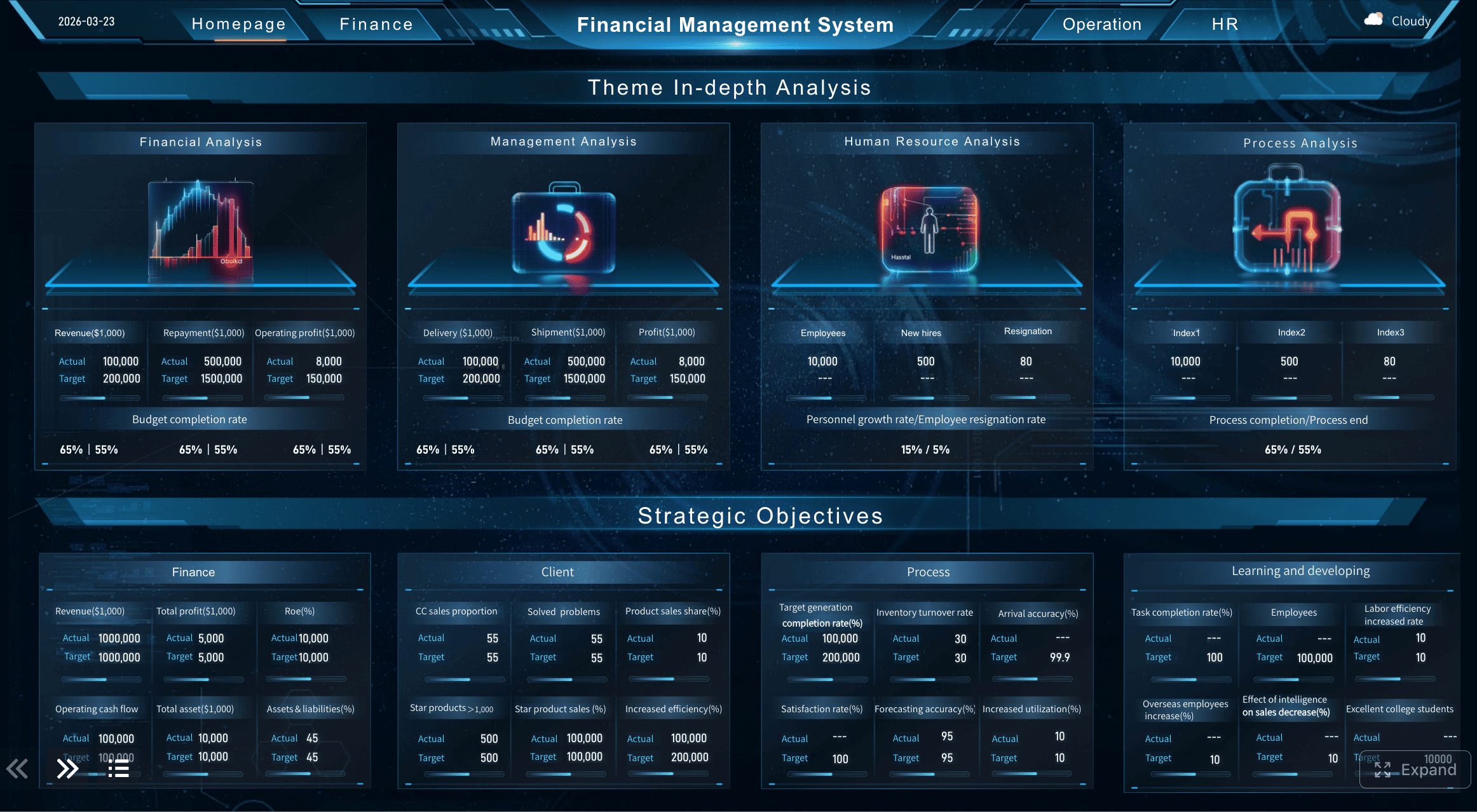
All reports in this article are built with FineReport.
What a Non Profit Expense Report Template Free Should Include
A strong non profit expense report template free download should do more than capture a list of purchases. It should create a repeatable process for documenting who spent the money, why the expense was incurred, which budget or grant should absorb it, and whether the proper supporting documents are attached.
In nonprofit operations, expense reports are commonly used by:
- Employees seeking reimbursement for approved work-related purchases
- Volunteers who incur out-of-pocket costs during events or field activities
- Program managers tracking spending against specific initiatives
- Finance teams validating expenses for accounting, audit, and compliance purposes
- Grant administrators reviewing whether a cost aligns with funding restrictions
A good template should also make timing clear. Most nonprofits require submissions:
- Weekly for high-volume field teams
- Biweekly or monthly for general staff reimbursement
- Immediately after major events or travel
- Before period-end close to support accurate reporting
Consistency matters because nonprofits often manage multiple programs, multiple funding sources, and different approval paths. Without a standard template, two identical expenses can be categorized differently, slowing approvals and weakening reporting reliability.
Key Metrics (KPIs) to Track in a Nonprofit Expense Reporting Process
To make your expense reporting process measurable and manageable, track these core elements:
- Submission Cycle Time: The average time between the expense date and report submission.
- Approval Turnaround Time: How long supervisors or finance teams take to approve reports.
- Missing Receipt Rate: The percentage of expense lines submitted without complete backup documentation.
- Coding Accuracy Rate: The percentage of expenses assigned to the correct category, program, or grant.
- Reimbursement Processing Time: The average number of days from submission to payment.
- Restricted Fund Error Rate: The number of expenses incorrectly charged to grant or donor-restricted funds.
- Expense Volume by Program: Total submitted spending by department, initiative, or event.
- Exception Rate: The share of reports requiring correction, resubmission, or escalation.
Expense Reports vs. Reimbursement Forms vs. Grant Reporting Documents
These terms are often used interchangeably, but they are not the same.
Expense report
An expense report is the primary operational document used to list individual expenses, categorize them, assign funding sources, and route them for approval. It typically contains multiple expense lines and attached receipts.
Reimbursement form
A reimbursement form is often narrower. It may summarize the amount owed back to an employee or volunteer and reference an expense report, but it usually does not provide the same level of detailed line-by-line tracking.
Grant-specific reporting document
A grant reporting document is a compliance-focused tool used to show that expenses charged to a grant meet funder requirements. It may draw from expense reports but often requires additional coding, narrative explanation, or alignment to an approved grant budget.
For most organizations, the expense report is the operational backbone. The reimbursement form and grant report are downstream outputs built from that core data.
Required Fields Every Free Nonprofit Expense Report Template Needs
If you are evaluating a non profit expense report template free option, the test is simple: does it collect enough data to support reimbursement, accounting accuracy, and audit readiness without creating unnecessary complexity?
Organization and submitter details
Every template should begin with clear identifying information. This ensures reports can be routed, approved, and archived correctly.
Required fields include:
- Nonprofit name
- Department, team, or program
- Employee or volunteer name
- Role or title
- Contact information
- Report period
- Employee ID or volunteer ID if applicable
These fields matter because nonprofit expenses often need to be traced back to a specific program area or event. If the report lacks organizational context, finance teams may struggle to allocate expenses correctly.
Expense entry details
This is the core of the template. Each line item should provide enough information for finance review without requiring a separate follow-up email.
Required line-item fields:
- Date of expense
- Vendor or payee
- Expense description
- Expense category
- Funding source
- Payment method
- Amount
- Tax amount if relevant
- Mileage or unit quantity if applicable
- Currency for organizations with international operations
A practical nonprofit template should allow categories such as:
- Program supplies
- Travel
- Meals
- Lodging
- Event expenses
- Training
- Office supplies
- Client support
- Fundraising expenses
- Administrative overhead
Funding source is especially important in a nonprofit setting. Expenses may need to be tied to:
- A specific grant
- A donor-restricted fund
- A program budget
- An event budget
- General operating funds
Approval and documentation section
An expense report is incomplete without evidence and sign-off. This section is what turns a spreadsheet into a controlled process.
Required approval and documentation fields:
- Receipt attached status
- Number of receipts included
- Missing receipt explanation
- Supervisor approval name
- Supervisor approval date
- Finance review status
- Finance reviewer name
- Submission date
- Payment or reimbursement status
This section is where many free templates fall short. If your template only captures the expense list and skips the review trail, it may not support your internal controls or audit requirements.
How to Fill Out the Free Nonprofit Expense Report Template Step by Step
A non profit expense report template free is only useful if people know how to complete it correctly. The goal is accuracy at the point of entry, not rework after submission.
Record each expense accurately
Start by entering one expense per line. Do not combine unrelated purchases into a single total. This is one of the most common reasons expense reports become difficult to review.
Best practices for line-by-line entry:
- Enter the exact transaction date shown on the receipt or statement.
- Use the actual vendor name, not a generic label like “store” or “online purchase.”
- Write a clear business purpose such as “Volunteer training lunch” or “After-school tutoring materials.”
- Match the amount exactly to the receipt.
- Attach the supporting document immediately rather than waiting until the end of the month.
Clear descriptions reduce approval delays. For example:
- Weak: “Supplies”
- Better: “Art supplies for youth summer workshop”
- Weak: “Travel”
- Better: “Round-trip train fare for donor meeting in Boston”
Assign the correct category and funding source
This is where nonprofit expense reporting becomes more complex than standard business reimbursement. The same type of purchase may need to be assigned differently depending on the event, program, or grant that benefited from the expense.
Follow this process:
- Choose the expense category based on your chart of accounts or approved category list.
- Identify the benefiting program or department.
- Assign the correct funding source, such as a grant code, event budget, or unrestricted operating fund.
- Check donor or grant restrictions before submitting.
- Split the expense if needed when one purchase supports multiple programs.
For example, if you purchase educational materials used in both a grant-funded youth program and a general community workshop, you may need to allocate the cost across two funding sources rather than charge the full amount to one.
Review totals before submission
Before sending the report for approval, perform a final review. This step prevents avoidable rejections and finance follow-up.
Use this checklist:
- Confirm all expense lines are complete
- Verify receipt attachments are included
- Check totals and formulas
- Review category and funding assignments
- Complete approval routing fields
- Add explanations for unusual or missing items
- Ensure the report period is correct
A disciplined pre-submission review helps finance teams close the books faster and gives program managers more confidence in budget reporting.
Free Nonprofit Expense Report Template Examples and Common Use Cases
The best non profit expense report template free options support multiple scenarios without forcing staff to create separate forms for each type of spending.
Staff travel and mileage reimbursement
Travel is one of the most common nonprofit reimbursement scenarios. Staff may attend fundraising meetings, program site visits, training events, or grant-related travel. A complete expense report should capture all related costs in one place.
Typical travel line items include:
- Transportation fares
- Airfare
- Hotel charges
- Meals
- Parking
- Tolls
- Mileage reimbursement
- Conference registration fees
A simple example:
| Date | Vendor | Description | Category | Funding Source | Payment Method | Amount |
|---|---|---|---|---|---|---|
| 2026-05-04 | Amtrak | Train to regional donor meeting | Travel | Development Budget | Personal Card | 85.00 |
| 2026-05-04 | Marriott | One-night stay for donor event | Lodging | Development Budget | Personal Card | 189.00 |
| 2026-05-05 | Mileage | 42 miles for local site visits | Mileage | Program Operations | Personal Vehicle | 28.14 |
Program supply purchases
Program expenses often include educational materials, food for outreach events, printed handouts, hygiene kits, or direct client support items. These purchases need clear descriptions because they are often reviewed for mission alignment and budget eligibility.
Examples of program supply entries:
- Books for literacy workshops
- Craft supplies for youth programming
- Printed outreach flyers for a health event
- Food and beverage items for approved client services
- Event setup materials such as name badges and signage
The key is to describe what was purchased and which program benefited. Generic labels make program reporting weaker and audits harder.
Grant-funded expenses
Grant-funded spending requires the highest level of discipline. A free template should make it easy to separate restricted spending from general operating expenses.
Important practices for grant-funded entries:
- Include the grant name or code
- Match the cost to the approved grant budget category
- Add a clear program purpose
- Flag any expense that may need pre-approval
- Keep documentation complete and easy to retrieve
For example, if a federal or foundation grant only permits spending on instructional materials, an expense labeled “Office supplies” may be too vague to pass review. A better entry would be “Math workbooks for grant-funded after-school tutoring cohort.”
Common Mistakes to Avoid When Using a Free Nonprofit Expense Report Template
Even a well-designed non profit expense report template free file will fail if users make avoidable errors. These mistakes create delays, reimbursement disputes, and compliance risk.
Leaving out receipt details or submitting incomplete backup documentation
Missing receipts are one of the fastest ways to delay approvals. Every report should include:
- Legible receipts
- Proof of payment when required
- Notes for missing documents
- Supporting agendas or attendee lists for certain meals or events
If the receipt is incomplete, the approver may not be able to determine whether the expense is allowable.
Using vague descriptions that make audits and approvals harder
Descriptions like “meeting,” “materials,” or “miscellaneous” do not provide enough context. Reviewers need to understand:
- What was purchased
- Why it was needed
- Who or what program benefited
- Whether the cost aligns with policy and funding restrictions
The more specific the description, the easier the approval.
Charging expenses to the wrong program, donor restriction, or grant category
This is a serious problem in nonprofit finance. Miscoding can distort program budgets, create grant compliance issues, and require corrections later.
To reduce risk:
- Use a standardized coding list
- Train staff on fund restrictions
- Require manager review for grant-charged expenses
- Build validation rules into the template or reporting system
Waiting too long to submit reports
Late expense reporting causes operational issues beyond reimbursement delays. It can affect:
- Month-end accrual accuracy
- Budget variance reporting
- Grant drawdown timing
- Forecasting
- Cash planning
A nonprofit should define a clear submission deadline and enforce it consistently.
Tips for Keeping Free Nonprofit Expense Report Template Accurate and Audit-Ready
If you want your expense process to scale, focus on controls and usability together. The right template design should support both.
Create a regular submission schedule for staff and volunteers
Establish a clear cadence such as:
- Within 5 business days after travel
- By the last business day of each month
- Within 48 hours after major fundraising or community events
A standard submission calendar improves close cycles and reduces forgotten expenses.
Standardize categories so reports align with the chart of accounts
Finance teams should not have to reinterpret categories every month. Create a fixed category list that maps directly to your accounting structure.
This helps with:
- Cleaner month-end exports
- Better budget-to-actual analysis
- Faster approval workflows
- More accurate grant and board reporting
Store digital receipts and approvals in one accessible system
Email chains and disconnected folders create unnecessary risk. A centralized system helps staff and finance teams retrieve records quickly during:
- Audit preparation
- Grant monitoring
- Board finance reviews
- Year-end close
Review templates periodically as funding, programs, or compliance needs change
A nonprofit expense template should not remain static for years. Review it whenever:
- New grants are added
- Approval hierarchies change
- Expense policies are updated
- New programs launch
- Reporting requirements become more detailed
Best Practices for Implementation
From a consulting standpoint, these steps deliver the biggest operational improvement:
-
Start with policy alignment
Make sure your template reflects actual reimbursement rules, approval thresholds, and fund restrictions. -
Limit free-text fields where possible
Use dropdowns for categories, departments, and funding sources to reduce coding inconsistency. -
Automate validation checks
Flag missing receipts, incomplete approvals, and uncoded expenses before submission. -
Build one standard process across teams
Avoid separate ad hoc templates for each department unless compliance truly requires it. -
Monitor workflow performance monthly
Track approval speed, exceptions, and reimbursement turnaround so you can improve the process continuously.
Build a Better Nonprofit Expense Reporting Workflow with FineReport
At a basic level, a spreadsheet can function as a non profit expense report template free solution. But once your organization manages multiple programs, restricted grants, approval layers, and growing audit demands, building this manually becomes complex. Version control breaks down. Receipt collection gets messy. Coding errors multiply. Reporting becomes reactive instead of real-time.
Building this manually is complex; use FineReport to utilize ready-made templates and automate this entire workflow.
With FineReport, nonprofits can:
- Create standardized expense report templates for staff and volunteers
- Add required fields for program, grant, and funding source tracking
- Automate approval workflows across supervisors and finance reviewers
- Centralize receipt attachments and submission records
- Monitor reimbursement status and missing documentation in real time
- Build dashboards for expense trends by department, project, and fund
- Reduce manual reconciliation and improve audit readiness
 Get Ready-to-Use Dashboard Templates in Fine Gallery
For nonprofit leaders, the real advantage is not just cleaner forms. It is better operational control. When your expense reporting system is standardized and automated, finance closes faster, program managers see more reliable data, and executives gain better visibility into how funds are being used.
If your current process relies on email attachments, disconnected spreadsheets, and manual approvals, this is the right moment to modernize it.
FAQs
A nonprofit expense report template should capture submitter details, report period, expense dates, vendors, amounts, categories, program or grant coding, approvals, and receipt status. It should also make it easy to distinguish restricted and unrestricted spending.




