
A narrative report is a factual report that explains what happened, why it happened, and what the results or next actions are. It is commonly used in schools, projects, business updates, event summaries, incident reports, and management reporting.
| Section | What to Include |
| Title | Report topic, period, department, or event |
| Background | Why the report is being written |
| Chronology | What happened in order |
| Key Details | People, activities, data, results |
| Analysis | What the events mean |
| Conclusion | Summary, lessons learned, next actions |
Anyone can master the writing process with practice. Tools like FineReport help you organize and present your narrative report with ease.
What Is a Narrative Report?
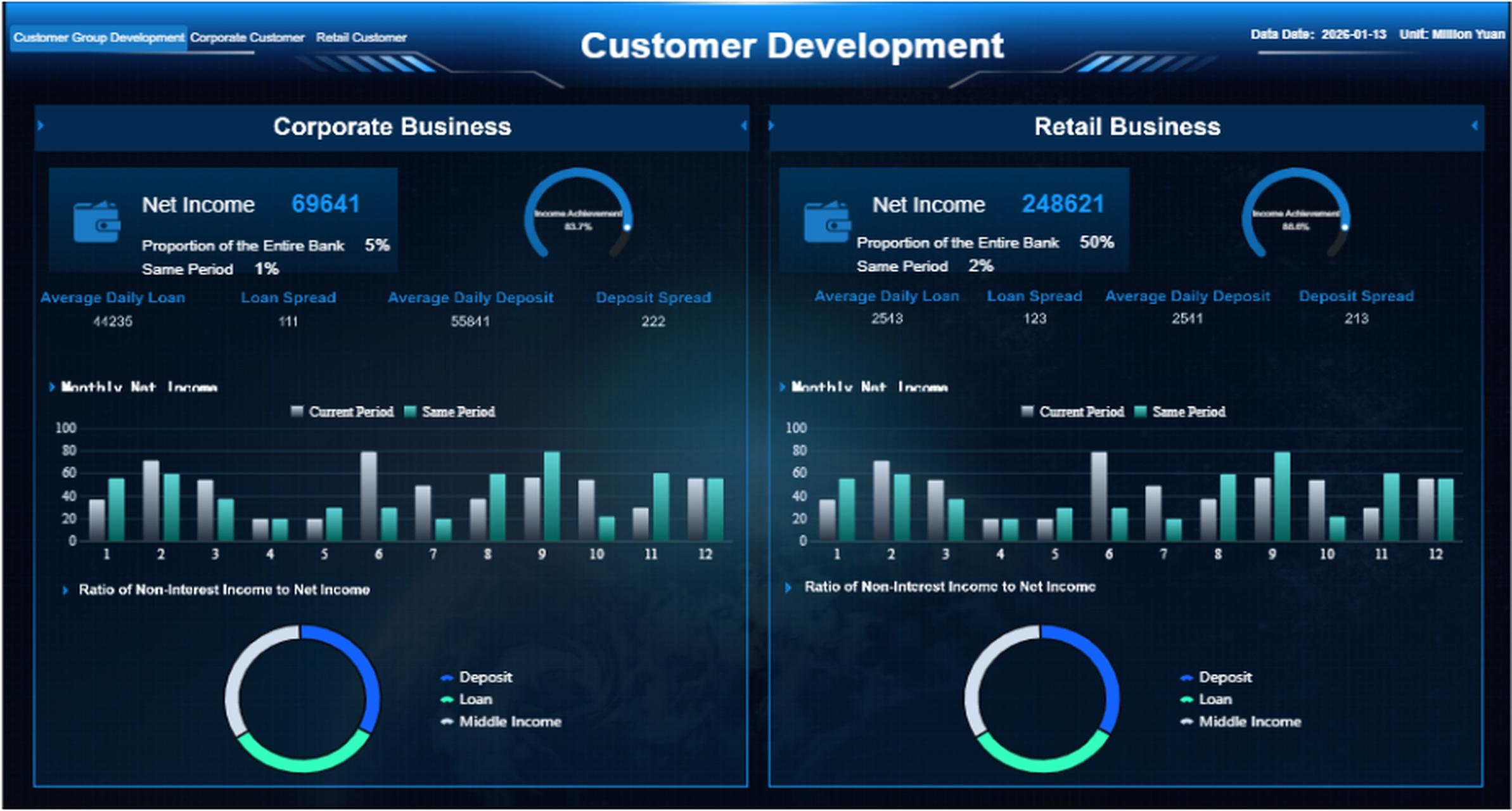
A narrative report presents a structured, factual account of events, activities, or experiences. Its primary function is to inform decision-makers about what occurred and what should happen next, using clear language and logical sequencing.
Narrative reports appear across multiple domains:
- Education: Student activity summaries, internship reflections, lab experiment records
- Business: Project status updates, incident reports, meeting minutes, field visit summaries
- Operations: Daily shift logs, safety incident documentation, equipment maintenance records
- Management: Weekly team briefings, quarterly performance narratives, audit findings
What distinguishes a narrative report from other document types is its combination of chronological storytelling and factual accountability. It tells a story, but every claim must be verifiable, every outcome measurable, and every recommendation traceable to observed evidence.
Narrative Report vs Narrative Essay
These two formats share the word "narrative" but serve fundamentally different purposes. Confusing them is the most common reason narrative reports fail in professional settings.
| Dimension | Narrative Report | Narrative Essay |
| Purpose | Record and explain real events | Tell a personal or creative story |
| Tone | Factual and structured | Personal and expressive |
| Common Use | Business, school, project, event, incident reports | Academic writing, storytelling |
| Output | Summary, findings, recommendations | Reflection, lesson, personal experience |
In short: a narrative report answers "What happened and what do we do now?" A narrative essay answers "How did this experience feel and what does it mean to me?" This article focuses exclusively on the former.
Narrative Report Format
The format below works as a universal starting point. Adjust section names and depth based on your audience and purpose.
Required Sections
- Title Block: Report title, date range, author name, department/team, distribution list.
- Introduction / Background: State the purpose, scope, and context. Answer: Why was this report written? What period or event does it cover? Who requested it?
- Chronological Account: Present events in time order. Each entry should include date/time, participants, location, actions taken, and immediate outcomes. Avoid interpretation at this stage — just record what happened.
- Key Findings / Outcomes: Distill the chronological account into measurable results. Use numbers, percentages, comparisons to targets, or before/after states. This section answers "So what?"
- Analysis: Explain causes, patterns, or anomalies observed in the findings. Reference specific events from the chronological account as evidence. Avoid speculation unsupported by data.
- Recommendations / Next Steps: List concrete actions with assigned owners and deadlines. Each recommendation should trace directly to a finding or analysis point.
- Appendices (if needed): Raw data tables, photographs, system logs, email threads, or referenced documents.
Formatting Standards
| Element | Recommendation |
| Font | Arial, Calibri, or Times New Roman, 11–12pt |
| Spacing | 1.15–1.5 line spacing; 6pt after paragraphs |
| Headings | Bold, numbered (1., 1.1, 1.2), consistent hierarchy |
| Tables/Figures | Numbered sequentially, titled above, sourced below |
| Page Numbers | Bottom right or center, starting from page 2 |
| File Naming | `[Dept]_[ReportType]_[YYYY-MM-DD].docx` |
Consistent formatting reduces cognitive load for readers who review multiple reports weekly. If your organization lacks a standard template, adopt the table in the opening section of this article as your baseline.
How to Write a Narrative Report Step by Step
Step 1: Define Scope and Audience
Before writing anything, answer three questions:
- Who will read this? (Manager, client, auditor, instructor?)
- What decision will they make based on it? (Approve budget, assign resources, close an incident?)
- What time period or event does it cover?
Write these answers at the top of your draft. They anchor every subsequent choice about detail level, tone, and structure.
Step 2: Gather Source Material
Collect all relevant records before drafting: meeting notes, system logs, emails, photos, CRM entries, timesheets, sensor data. A narrative report built from memory alone is unreliable. Create a simple source log:
| Source | Date | Type | Key Content |
| CRM export | 2026-06-30 | Data | 12 customer interactions logged |
| Site visit notes | 2026-06-28 | Handwritten | Equipment malfunction observed at Line B |
| Email thread | 2026-06-25 | Digital | Vendor confirmed delayed shipment |
Step 3: Write the Chronological Account First
Do not start with the introduction. Start with the timeline. List events in order, one per paragraph or bullet, with date, actor, action, and outcome. This becomes the factual spine of your report. Everything else — introduction, analysis, recommendations — derives from this account.
Step 4: Extract Findings and Analysis
Review your chronological account and ask: What patterns emerge? What deviated from expectations? What measurable outcomes matter to the reader? Group related events into findings. Then explain why each finding occurred, citing specific timeline entries as evidence.
Step 5: Draft Recommendations
Each recommendation must link to a finding. Use the format: Action + Owner + Deadline + Expected Outcome. Vague recommendations ("improve communication") undermine the entire report. Specific ones ("Hold 15-min daily standup between Ops and Procurement starting July 7, owned by M. Chen, to reduce handoff delays by 30% within 4 weeks") create accountability.
Step 6: Write the Introduction Last
Now that you know exactly what the report contains, write an introduction that accurately previews it. State the purpose, scope, and key takeaway in 3–5 sentences. Readers should know within 30 seconds whether this report is relevant to them.
Step 7: Review for Objectivity and Completeness
Check every sentence against two criteria:
- Is it verifiable? Can someone confirm this claim using the source material?
- Is it necessary? Does this detail help the reader make the intended decision?
Remove opinions, unsupported assertions, and tangential information. Add missing dates, names, or metrics. Verify that every recommendation traces to a finding, and every finding traces to the chronological account.
Narrative Report Examples and Free Templates
Different industries use narrative reports in different ways. Here are some common examples.
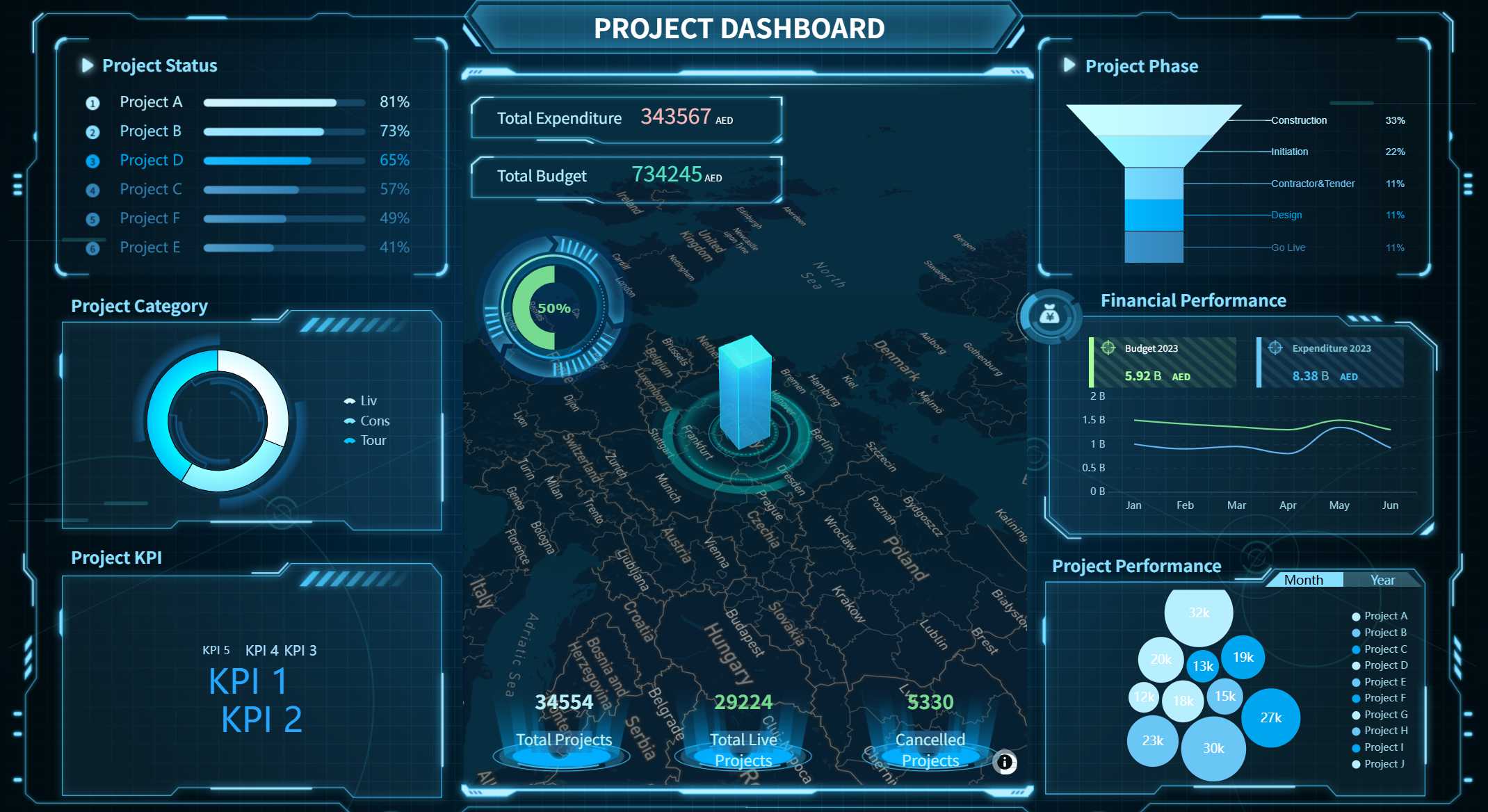
Project Narrative Report
Used by project managers to communicate progress, challenges, milestones, and next steps.
Typical sections:
- Project Overview
- Progress Summary
- Key Achievements
- Risks and Challenges
- Future Actions
Business Narrative Report
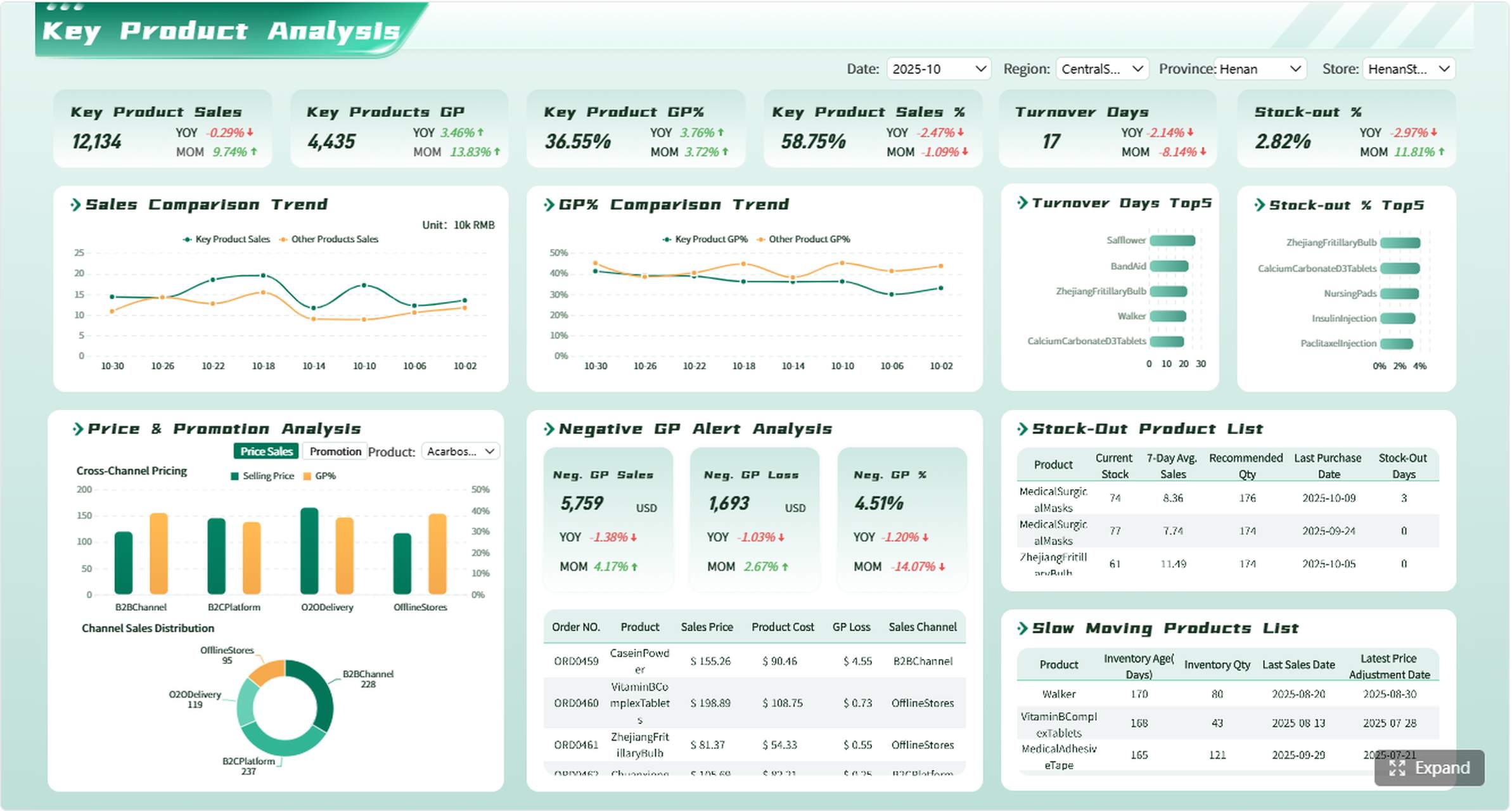
Used by organizations to provide management updates and operational summaries.
Typical sections:
- Executive Summary
- Key Metrics
- Performance Analysis
- Challenges
- Recommendations
Event Narrative Report
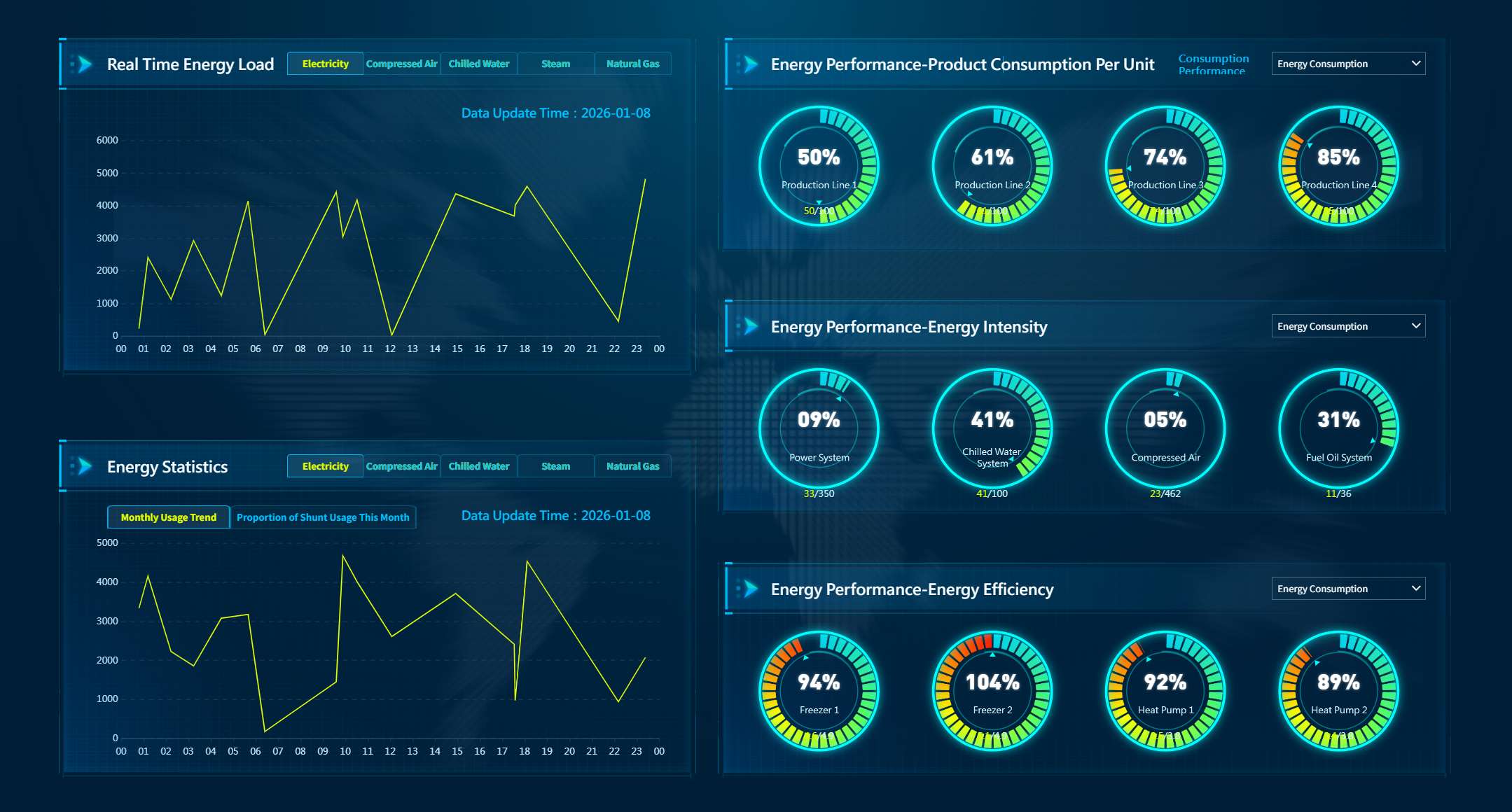
Used after conferences, training sessions, or corporate events.
Typical sections:
- Event Overview
- Attendance Summary
- Activities Conducted
- Outcomes
- Recommendations
Common Mistakes to Avoid
| Mistake | Why It Undermines the Report | Fix |
| Starting with analysis before establishing facts | Readers cannot evaluate conclusions without context | Always write the chronological account first |
| Using vague language ("significant improvement," "many issues") | Unmeasurable claims prevent verification and action | Replace with specific numbers, dates, and names |
| Omitting the "why" | Findings without analysis leave readers guessing | Link every finding to a cause supported by evidence |
| Recommendations without owners or deadlines | Accountability dissolves; nothing gets done | Use Action + Owner + Deadline + Expected Outcome format |
| Mixing opinion with fact | Credibility erodes when readers cannot distinguish observation from interpretation | Separate factual account from analysis; label clearly |
| Overloading with irrelevant detail | Decision-makers skim; buried insights get missed | Apply the "necessary for the decision" filter to every paragraph |
| Inconsistent formatting across reports | Cognitive load increases; comparison becomes difficult | Adopt and enforce a single organizational template |
When to Automate Narrative Reports with FineReport
A simple narrative report can be written manually. But when reports need to be created every day, every week, or across multiple departments, manual writing becomes slow and inconsistent. FineReport helps teams build standardized report templates, connect reports to business data, schedule report generation, control permissions, and export reports in formats such as PDF, Excel, and Word.
This is especially valuable for recurring narrative reports that draw from structured data sources: daily production summaries, weekly sales activity reports, monthly financial narratives, or compliance documentation. Instead of copying data from systems into Word or Excel each cycle, FineReport pulls live data into pre-approved templates and distributes reports automatically to designated recipients.
| Manual Narrative Reporting | FineReport Automated Reporting |
| Copy-paste data from CRM/ERP/DB into template | Direct database/API connection; zero manual entry |
| Rewrite structure each period | Locked template with parameterized date ranges |
| Email attachments individually | Scheduled auto-distribution via email, portal, or mobile |
| No version control or audit trail | Centralized server with change logging |
| Access = file access (all or nothing) | Role-based permissions, row-level security |
| Hours per report cycle | Minutes after initial setup |
FineReport also supports mobile-friendly layouts, so you can view your narrative report on any device. You can collaborate with others by sharing templates and dashboards. This makes it easier to work as a team and present your narrative essay or report in a professional format.

How Dora Helps Summarize Reports
After reports are standardized in FineReport, Dora can help users read and act on them faster. Dora can summarize key changes, answer follow-up questions, highlight anomalies, and generate daily or weekly briefings based on trusted report data.
For example, instead of reading a 12-page weekly operations narrative, a manager can ask Dora: "What were the top 3 deviations from plan this week?" or "Summarize the sales team's pipeline risks mentioned in the latest activity report." Dora returns concise, sourced answers grounded in governed FineReport content — turning static documents into interactive intelligence.
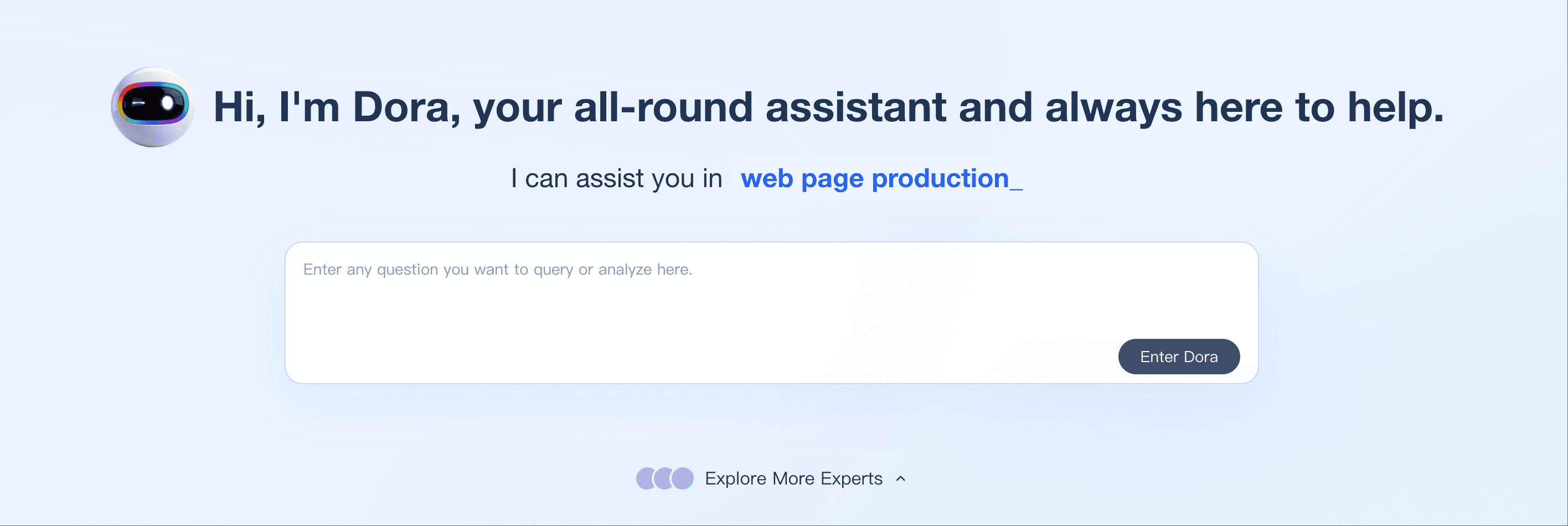
Dora inherits FineReport's permission model, so users only see summaries derived from data they are authorized to access. This makes AI-assisted report consumption safe for regulated and multi-department environments.
Continue Reading About Narrative Report
What Is a Quarterly Report and Why Investors Should Care
How to Use Inventory Report for Better Business Decisions
How to Build a Service Report Template for Your Business
What Is a Research Report and Why Does It Matter
Frequently asked questions
A narrative report is a factual document that describes what happened, why it happened, and what should happen next, presented in chronological order with measurable outcomes and actionable recommendations. It is used in business, education, operations, and management contexts to inform decisions.