

A free expense report template is valuable when you need to control spending, speed up reimbursement, and reduce reporting errors without adding process complexity. For finance teams, operations managers, office admins, and department heads, the real challenge is not just recording expenses. It is making sure every claim is categorized correctly, supported by receipts, approved quickly, and easy to audit later.
What a free expense report template should help you do
A strong free expense report template should do more than provide blank rows and totals. It should create a reliable operating structure for tracking, reviewing, and approving business expenses.
Track spending clearly by category, date, amount, and payment method
At minimum, your template should let users log each expense in a consistent format. That means every line item should answer four questions fast:
- When was the expense incurred?
- What was purchased?
- How much was spent?
- How was it paid?
This structure helps accounting teams reconcile expenses faster and gives managers a clearer view of departmental spending patterns.
Reduce errors when submitting employee or personal expense records
Most reporting delays happen because of missing details, not missing templates. A good template reduces common issues such as:
- duplicate entries
- incorrect reimbursement rates
- missing vendors
- unclear expense descriptions
- incomplete approval information
When fields are standardized, fewer reports get sent back for correction.
Save time with a format that is easy to update, review, and share
The best free expense report template is not always the most detailed one. It is the one people can actually complete quickly and reviewers can process without confusion. Practical templates should be:
- easy to edit
- easy to print
- easy to export
- easy to share with managers or finance
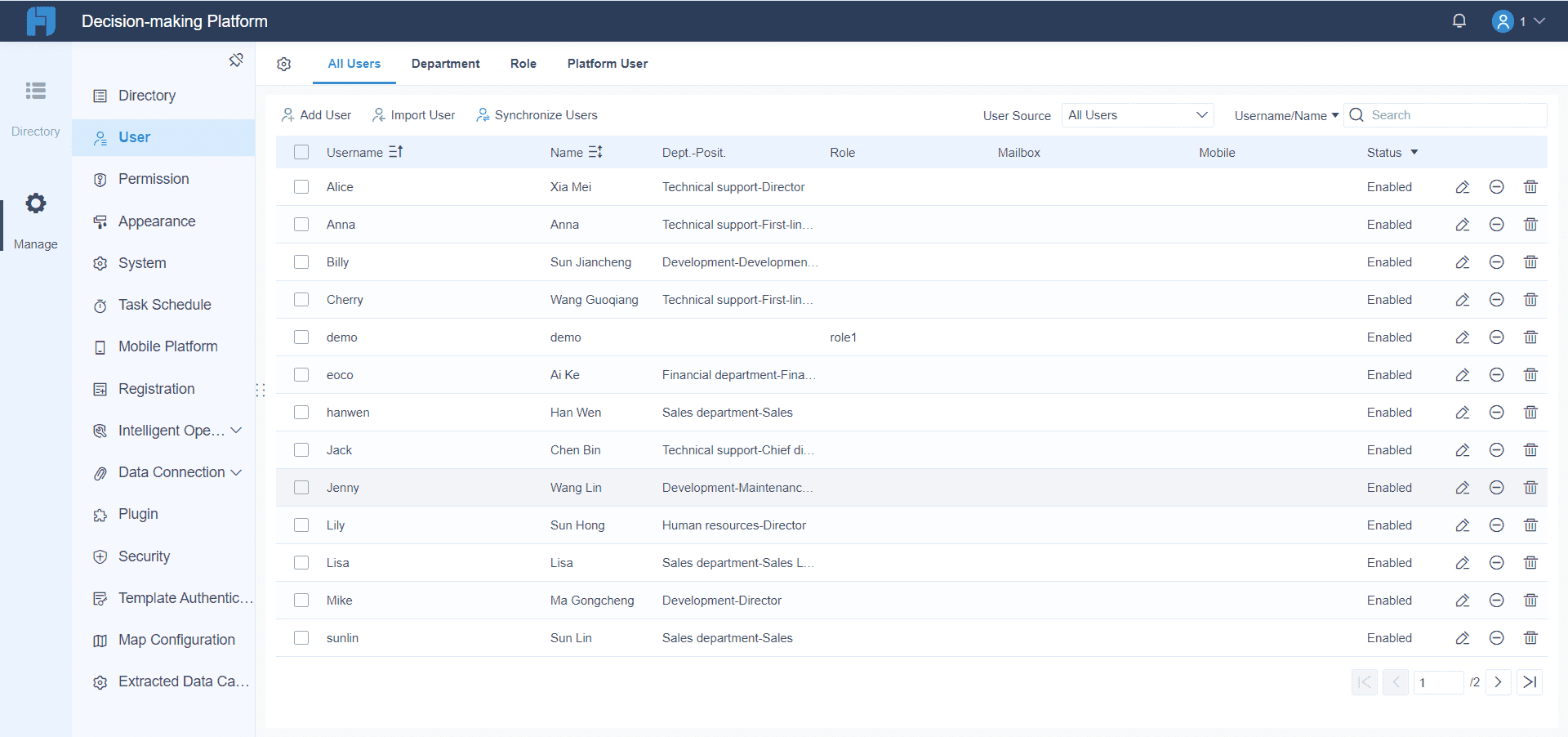
FineReport Templates are easy to share.
For growing teams, this becomes especially important when expense volume increases across locations or functions.
Support documentation such as receipts, mileage logs, and approval notes
Expense reporting is only as defensible as its backup documentation. Your template should leave room for:
- receipt references or attachment prompts
- mileage logs
- business purpose notes
- policy exceptions
- manager sign-off
For organizations that want more control than static spreadsheets allow, FineReport can turn these fields into structured digital forms with validation rules, linked attachments, and approval-ready dashboards.
How to choose the right free expense report template for your needs
Different reporting scenarios require different formats. Choosing the wrong template often creates rework, missing data, or approval bottlenecks.
The core framework: key metrics to include in any expense report template
If you want a template that is actually useful in operations, finance, and compliance workflows, build around these Key Metrics (KPIs) and core elements:
- Total Expense Amount: The full value of all submitted expenses in the report.
- Expense Category Total: Subtotals by travel, meals, lodging, mileage, office supplies, or other defined categories.
- Reimbursable Amount: The amount eligible for repayment after policy checks or deductions.
- Out-of-Pocket Spend: Costs paid personally by the employee and awaiting reimbursement.
- Company-Paid Amount: Expenses already covered by company card, cash advance, or prepaid booking.
- Receipt Completion Rate: Percentage of expense lines with valid supporting documentation.
- Approval Status: Current workflow state, such as draft, submitted, approved, rejected, or paid.
- Mileage Distance: Total business miles or kilometers claimed for reimbursement.
- Mileage Reimbursement Value: Distance multiplied by approved mileage rate.
- Submission Cycle Time: Time between expense date and report submission.
- Approval Turnaround Time: Time between submission and final manager or finance approval.
- Policy Exception Count: Number of entries that violate policy, exceed limits, or require manual review.
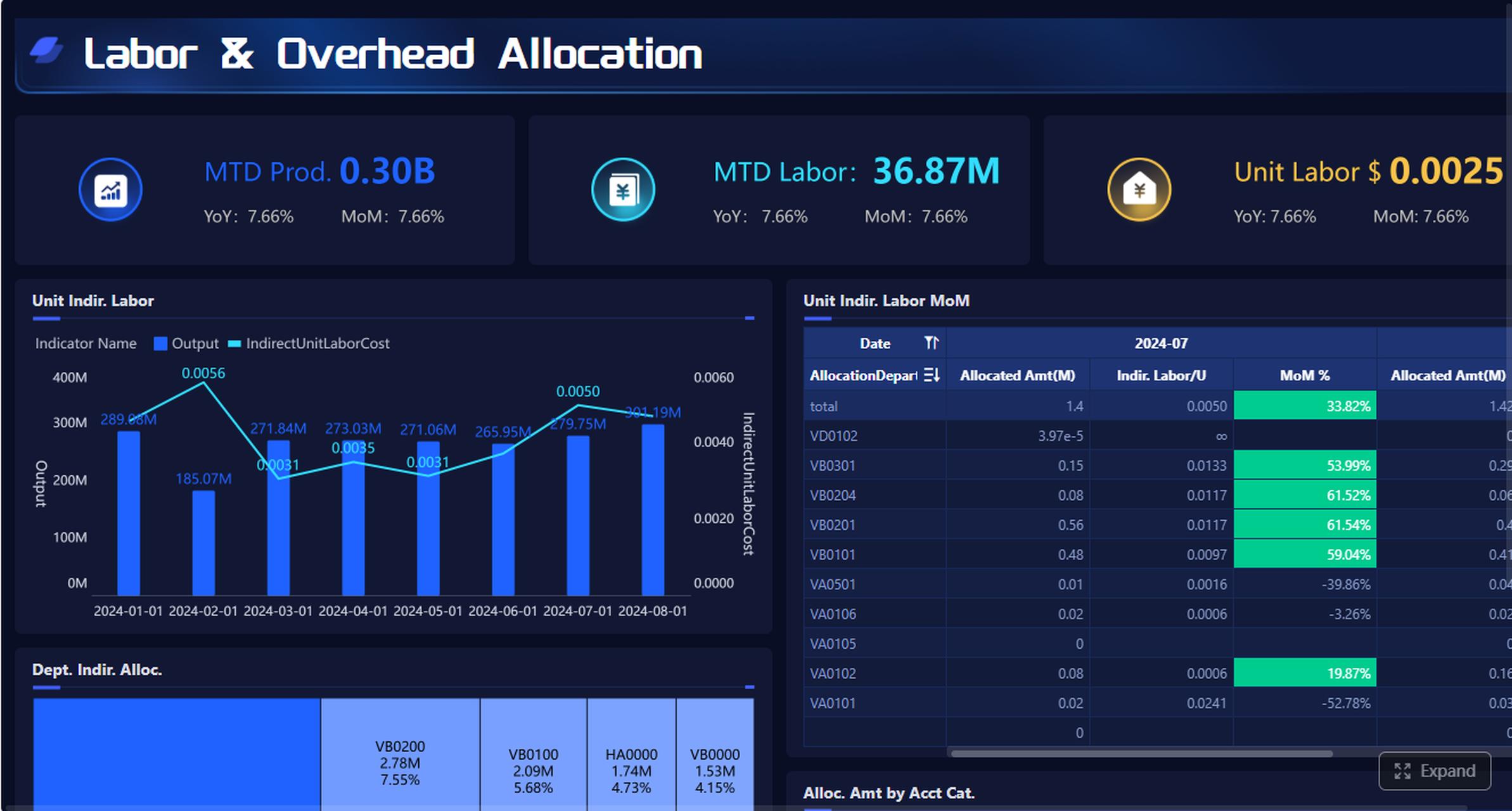
These metrics matter because they turn an expense sheet from a basic form into a management tool. If you later scale into BI or reporting automation, these same fields can feed dashboards, exception alerts, and finance summaries.
Travel expense reports
Travel templates are best when employees need to track trip-related expenses across multiple categories during a business trip.
They work well for:
- airfare
- lodging
- meals
- taxis, rideshare, and public transportation
- parking and tolls
- incidentals
A good travel expense report template should include fields for:
- trip destination
- travel dates
- business purpose
- vendor name
- receipt status
- category totals
This is especially useful when finance teams must match receipts to each transaction and validate that the trip aligns with company policy.
Mileage expense reports
Mileage templates are best for employees or contractors who frequently drive for work and are reimbursed by distance rather than by fuel receipts alone.
Useful fields include:
- travel date
- starting point
- destination
- trip purpose
- total miles driven
- mileage reimbursement rate
- reimbursable total
Mileage reports are often used by:
- field sales teams
- service technicians
- consultants
- regional managers
- delivery or site-inspection staff
If this is a recurring process, FineReport can help centralize mileage submissions into one dashboard while automatically calculating reimbursement based on approved rates.
Monthly expense reports
Monthly templates are best for recurring expense tracking over a fixed period. They are useful for teams, freelancers, and departments that need an ongoing view of spending.
They help with:
- spotting category trends
- monitoring budget overruns
- reviewing month-end totals
- comparing periods over time
A monthly format is often better than a trip-based format when spending is continuous rather than event-driven.
Reimbursement expense reports
Reimbursement templates are best when employees pay out of pocket and need formal repayment approval.
These templates should capture:
- employee name
- claim details
- policy notes
- reimbursement total
- manager approval
- payment status
This type is especially important in companies where finance needs a clean audit trail from submission to payout.
Key sections to look for in a free expense report template
Not all templates are equally usable. The strongest ones include both required fields and quality-control prompts.
Core fields every report should include
Every expense report template should include the following core fields:
- employee or submitter name
- department
- reporting period
- report ID
- expense date
- vendor
- category
- description
- amount
- tax
- payment method
- reimbursement total
- approval details
These fields create the baseline structure needed for accounting, manager review, and reporting consistency.
Supporting details that improve accuracy
Supporting details often make the difference between a smooth approval and a rejected submission. Look for templates with:
- receipt attachment prompts
- missing-receipt notes
- mileage rate fields
- distance calculation fields
- trip purpose fields
- category subtotals
- grand totals
- policy reminders
For enterprises, this is where spreadsheet-based templates start to show limitations. FineReport can convert these supporting fields into governed forms, reducing manual review effort and improving compliance visibility.
Where to find and use downloadable free expense report template
Once you know the type you need, the next decision is format.
Editable and printable formats
Most users choose between spreadsheet, PDF, and print-friendly versions.
Here is a simple comparison:
| Format | Best for | Strengths | Watch-outs |
|---|---|---|---|
| Excel / Spreadsheet | Frequent editing and calculations | Flexible, formula-based, easy to customize | Formulas can break, version control issues |
| Google Sheets | Shared review and collaboration | Cloud access, live updates, easy sharing | Permissions must be managed carefully |
| Standardized submission | Clean layout, hard to alter accidentally | Less flexible for edits | |
| Print-friendly form | Manual field use or offline submission | Simple for field staff or approvals | Slower processing, harder to analyze |
Choose the format that fits your actual workflow, not just what is easiest to download.
Cloud-based sharing and collaboration
A cloud-based expense report template is useful when reports pass through several reviewers or need centralized access. Google Drive is common for this, but shared templates should be controlled carefully.
Best practices include:
- protect formula cells
- limit edit access
- separate raw templates from submitted files
- standardize file naming
- maintain receipt folders consistently
If multiple departments are submitting expenses at scale, a reporting platform like FineReport provides better control than uncontrolled shared spreadsheets.
How to fill out an free expense report template correctly
Even the best template fails if users enter poor data. A disciplined completion process keeps reimbursement cycles fast and defensible.
Step-by-step completion process
Here is the most practical way to complete a free expense report template correctly:
-
Gather all supporting documents first
Collect receipts, trip records, mileage logs, card statements, and any policy guidance before you start. -
Enter expenses in date order
Chronological entry makes review easier and helps match receipts without confusion. -
Assign each item to the correct category
Do not lump everything into miscellaneous. Proper categorization improves accounting and budget analysis. -
Check rates, totals, and reimbursement logic
Verify taxes, mileage calculations, subtotals, and any prepaid or company-card deductions. -
Complete approval and business purpose details
Before submission, confirm that manager names, approval notes, and business context are clearly recorded.
Common mistakes to avoid
The most common reporting problems are easy to prevent:
- mixing personal and business expenses in one report
- leaving out business purpose
- missing receipts
- writing vague descriptions
- selecting the wrong reporting period
- using an outdated reimbursement rate
- forgetting to subtract company-paid charges
These mistakes slow down reimbursement and increase finance review time.
Actionable best practices for implementing expense templates at scale
If you are managing expense reporting for a team or department, do not stop at downloading a template. Implementation quality determines whether the process stays efficient as volume grows.
1. Standardize by scenario, not by one-size-fits-all form
Use separate templates for:
- travel
- mileage
- monthly tracking
- reimbursement requests
This reduces confusion and makes each form easier to complete correctly.
2. Define policy rules inside the template
Add reminders for:
- receipt requirements
- approval thresholds
- mileage rates
- non-reimbursable categories
- submission deadlines
When policy lives inside the form, you prevent errors before review begins.
3. Automate calculations wherever possible
Use formulas for:
- category subtotals
- grand totals
- mileage reimbursement
- advance deductions
- tax calculations
Manual arithmetic is one of the most common failure points in expense reporting.
4. Build a review workflow, not just a file
Make it clear who does what:
- employee submits
- manager reviews
- finance validates
- payroll or AP reimburses
A template without a defined workflow still creates approval delays.
5. Plan for reporting and audit visibility early
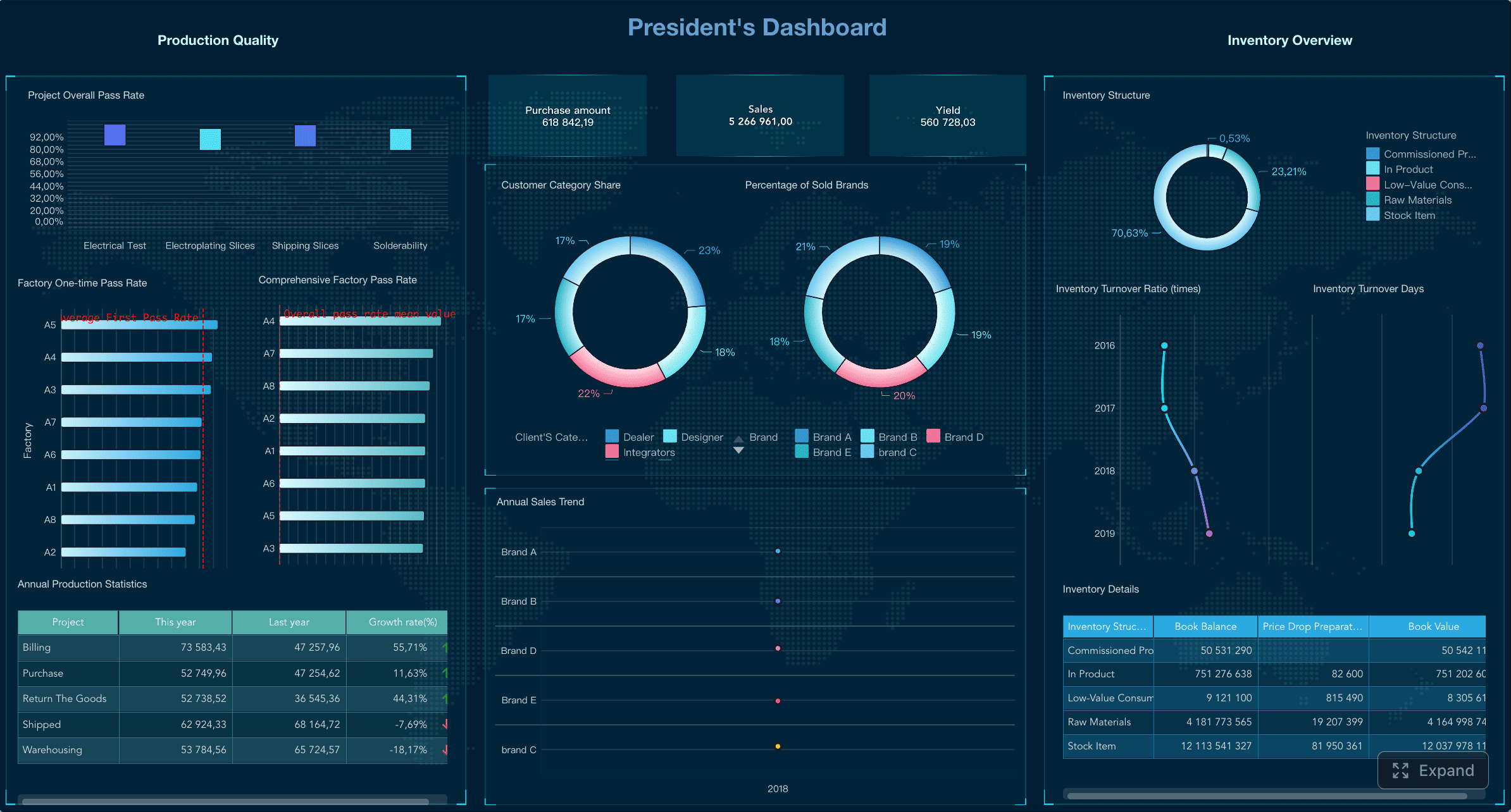
If expense data matters for budgeting, compliance, or executive reporting, structure your template so it can be summarized later. Better yet, use a reporting platform that can collect, validate, and visualize expense data in one place.
How to compare free expense report templates before choosing one
Before adopting any free expense report template, test it against the workflow you actually run.
Use this checklist:
- Does it match your reporting frequency?
- Does it support your main expense types?
- Is the approval flow clear?
- Is it easy to edit without breaking formulas?
- Can it be printed cleanly?
- Can it be exported and shared easily?
- Does it include enough detail for compliance?
- Can finance review it quickly without follow-up?
You should also keep multiple reliable versions on hand for different use cases:
- travel expense reports
- mileage expense reports
- monthly expense reports
- reimbursement expense reports
That approach is more practical than forcing every scenario into one generic sheet.
Final recommendation
The right free expense report template should help you capture accurate data, speed up approvals, and support reimbursement without creating extra admin work. For simple needs, a clean spreadsheet or printable form may be enough. But once you need stronger control, shared visibility, and better reporting, upgrading from a static template to a governed reporting solution becomes the smarter operational choice.
FineReport is especially useful when you want to turn expense reporting into a structured digital process with dashboards, approval tracking, and clearer expense analytics across teams.
 Get Ready-to-Use Dashboard Templates in Fine Gallery
FAQs
A travel expense report tracks multiple trip costs such as airfare, lodging, meals, and transport, while a mileage expense report focuses on distance-driven reimbursement for business use of a personal or company vehicle.




