

Expense report management is the discipline of capturing, reviewing, approving, reimbursing, and analyzing employee business expenses in a controlled, auditable way. For finance leaders, operations directors, and accounting teams, the business value is immediate: tighter policy compliance, faster reimbursements, cleaner general ledger data, and better visibility into how money is actually being spent across teams, vendors, and projects.
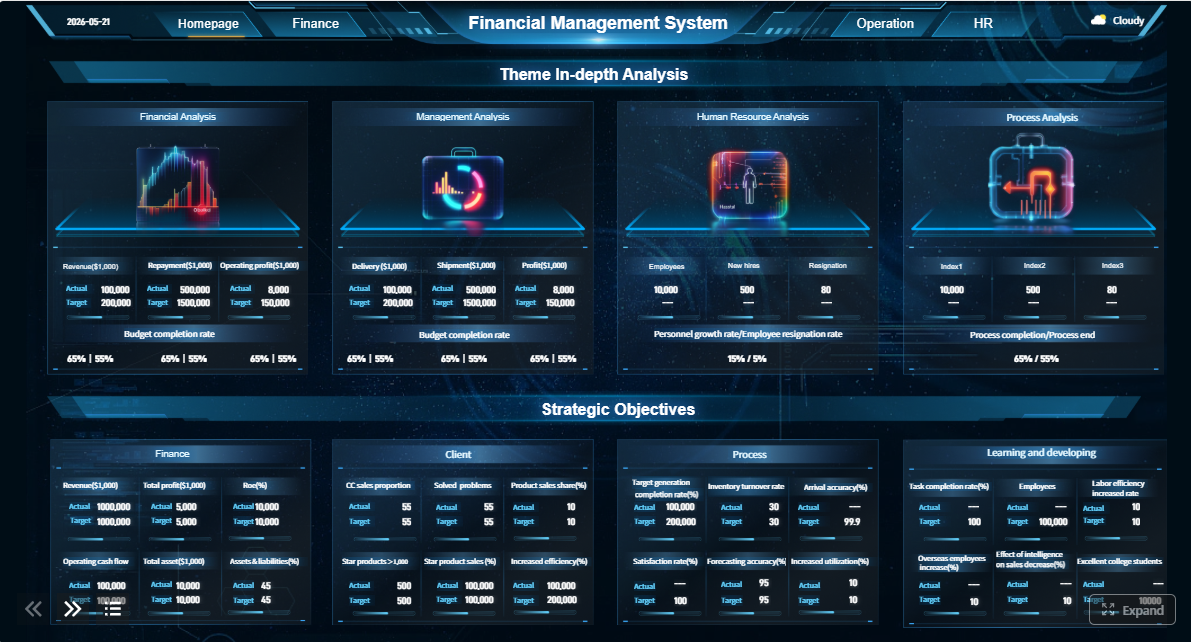 Click To Try The Dashboard
All reports in this article are built with FineReport
What expense report management means for modern finance teams
Expense report management is the end-to-end process used to control employee spending after purchases occur. It ensures that each expense is properly documented, aligned with company policy, approved by the right people, reimbursed accurately, and recorded in finance systems for reporting and audit purposes. In practical terms, it helps finance teams reduce leakage, avoid reimbursement disputes, and maintain confidence in spend data.
For modern finance teams, expense report management is no longer just an administrative back-office task. It sits inside a broader spend management strategy that connects travel and entertainment, corporate cards, reimbursement workflows, budgets, accounts payable, payroll, tax handling, and financial reporting. When the process is weak, the symptoms show up fast: delayed approvals, missing receipts, duplicate claims, budget overruns, and poor visibility into discretionary spending.
Roles also need to be clearly defined if the process is going to scale:
- Employees submit expenses with receipts, dates, merchants, business purpose, and correct coding.
- Managers validate business need, team budget alignment, and reasonableness of spend.
- Finance reviewers check policy compliance, tax treatment, duplicate risk, and accounting accuracy.
- Approvers or payment teams release reimbursements or complete card reconciliation after all controls are satisfied.
A well-structured expense report management process creates accountability at every step while reducing friction for employees who simply want to be reimbursed quickly and correctly.
The 7-step expense report management workflow
A reliable expense report management workflow should be standardized, auditable, and easy to follow. Below is the seven-step model finance teams can use to reduce delays and improve control.
1. Capture receipts and expense details
The process starts at the moment of spend, not at month-end. Employees should capture receipts and key details immediately while the information is still fresh.
Required data typically includes:
- Receipt image or digital proof of purchase
- Transaction date
- Merchant name
- Amount and currency
- Expense category
- Business purpose
- Project, client, department, or cost center if applicable
- Payment method, such as personal card or corporate card
The earlier this information is captured, the lower the risk of missing documentation, inaccurate coding, and reimbursement disputes later.
2. Submit reports with required documentation
Once expenses are collected, employees submit them in a standardized report format. This is where template discipline matters. A report should require the same core fields every time so finance can review quickly and consistently.
Submission standards should include:
- A standard expense report template
- Required accounting and cost allocation fields
- Clear due dates for weekly or monthly submission
- Receipt attachment rules by amount or category
- Mandatory explanation fields for unusual or client-billable expenses
Standardization is what turns expense report management from a manual review burden into a repeatable operational process.
3. Route reports for manager approval
Manager approval is the first business-level control. At this stage, the focus is less on accounting and more on accountability.
Managers should confirm:
- The expense had a legitimate business purpose
- The amount is reasonable
- The spend aligns with team budgets
- The cost should be charged to the correct department or project
- Any unusual travel or client expenses were justified
When approval routing is ambiguous, reports stall. Clear assignment rules by department, geography, project, or hierarchy keep the queue moving.
4. Review for finance policy compliance
This is the control-heavy part of expense report management. Finance reviewers assess each report against company policy and accounting requirements.
Typical finance checks include:
- Duplicate expense submissions
- Missing or unreadable receipts
- Out-of-policy spend
- Unsupported business purpose
- Incorrect category selection
- Tax and VAT treatment errors
- Wrong exchange rate handling for international expenses
- Incorrect employee, project, or cost center coding
This review step is critical for minimizing fraud, reducing audit findings, and preserving clean downstream financial records.
5. Resolve exceptions and request corrections
Not every report passes on the first review. Exception handling should be structured, documented, and fast.
Common exceptions include:
- Missing receipts
- Incomplete fields
- Noncompliant meal or travel claims
- Incorrect mileage calculations
- Expenses submitted after deadline
- Charges that require additional approval
Best practice is to send the report back with a clear reason code, required action, owner, and deadline. That creates a documented correction trail and shortens back-and-forth communication.
6. Process reimbursement or card reconciliation
After final approval, finance processes either employee reimbursement or corporate card reconciliation. This step often crosses multiple functions, including payroll, accounts payable, and treasury.
Organizations typically use one of these models:
- Employee reimbursement: approved out-of-pocket expenses are paid through payroll or accounts payable
- Corporate card reconciliation: employee-submitted records are matched to card feeds and reviewed before posting
- Hybrid model: some expenses are reimbursed while card expenses are reconciled separately
Timeliness matters here. Delayed reimbursement damages employee trust and encourages late submissions in future periods.
7. Record, report, and analyze expense data
The final step is where expense report management becomes strategic. Approved expenses should be posted correctly to the general ledger and then surfaced in management reporting.
Finance teams should analyze:
- Spend by category
- Spend by team or department
- Spend by vendor or merchant
- Travel and entertainment trends
- Policy violation patterns
- Reimbursement turnaround
- Corporate card usage
- Budget versus actual expense activity
Key controls that reduce errors, fraud, and approval delays
Strong controls are what separate a scalable expense report management process from a reactive one. Without them, the finance team becomes dependent on manual detective work.
Policy rules and pre-approved spending limits
Expense policy should be clear enough for employees to follow and specific enough for systems to enforce.
Core policy rules usually cover:
- Category-specific spending limits
- Receipt thresholds
- Daily meal allowances
- Hotel rate caps
- Airfare class rules
- Mileage reimbursement rules
- Allowed and prohibited expense types
- Approval escalation thresholds
- Deadlines for submission
When these rules are codified up front, finance spends less time explaining policy after the fact.
Approval, segregation of duties, and audit trails
Segregation of duties is essential for controlling fraud and reducing bias. The person submitting an expense should not be the one approving, auditing, and paying it.
A sound control structure separates:
- Submission
- Manager approval
- Finance review
- Payment processing
- Ledger posting
Every change should also be logged. Complete audit trails should show who submitted, who approved, what was changed, when it changed, and why.
Automated checks and exception handling
Automation strengthens internal control when it is tied to clear rules. Instead of relying on reviewer memory, systems can flag risk conditions in real time.
Useful automated checks include:
- Duplicate claim detection
- Missing required fields
- Missing receipts
- Threshold breaches
- Weekend or holiday anomalies
- Merchant-category mismatches
- Unusual spending patterns by employee or department
- Split transactions intended to bypass limits
Exception workflows should also assign ownership and route issues to the correct person automatically.
Documentation and retention standards
Expense records need to be retained in a consistent way for audit, tax support, and internal investigations. A weak recordkeeping policy creates downstream risk even if the approval process looked fine initially.
Retention standards should define:
- What documents must be stored
- Acceptable receipt image quality
- Required metadata fields
- How long records are retained
- Access permissions
- Retrieval procedures for audit or dispute resolution
How automation improves expense reporting and management
Manual expense report management breaks down as transaction volume, geographic complexity, and policy requirements increase. Automation improves speed, consistency, and visibility across the full workflow.
Where software adds the most value
The biggest gains usually come from removing repetitive finance work and reducing user friction.
Software adds value in these areas:
- Mobile receipt capture at point of spend
- Auto-extraction of merchant, date, and amount
- Standardized submission templates
- Rule-based policy checks
- Automated approval routing
- Faster reimbursement processing
- Corporate card matching
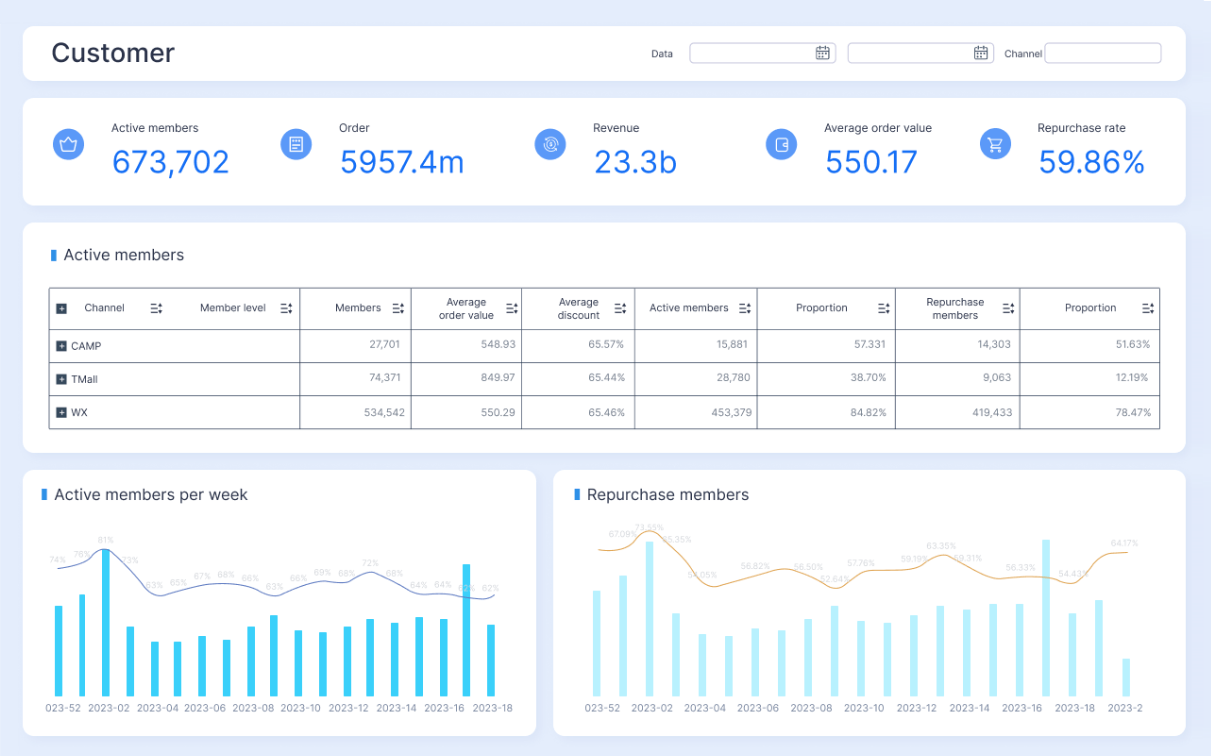
- Real-time dashboards and exception reporting
- General ledger integration
For enterprise teams, the real win is not just time savings. It is tighter control with less manual intervention.
What to look for in an expense management platform
Not every platform is designed for the same operating model. Finance teams should evaluate software based on process fit, governance, and reporting strength.
Look for:
- Ease of use: low friction for employees and managers
- Mobile receipt capture: fast submission from anywhere
- Accounting and ERP integrations: smooth data flow into finance systems
- Corporate card support: direct feeds and reconciliation capability
- Configurable workflows: routing by role, amount, entity, or department
- Policy enforcement: automated controls and exception flags
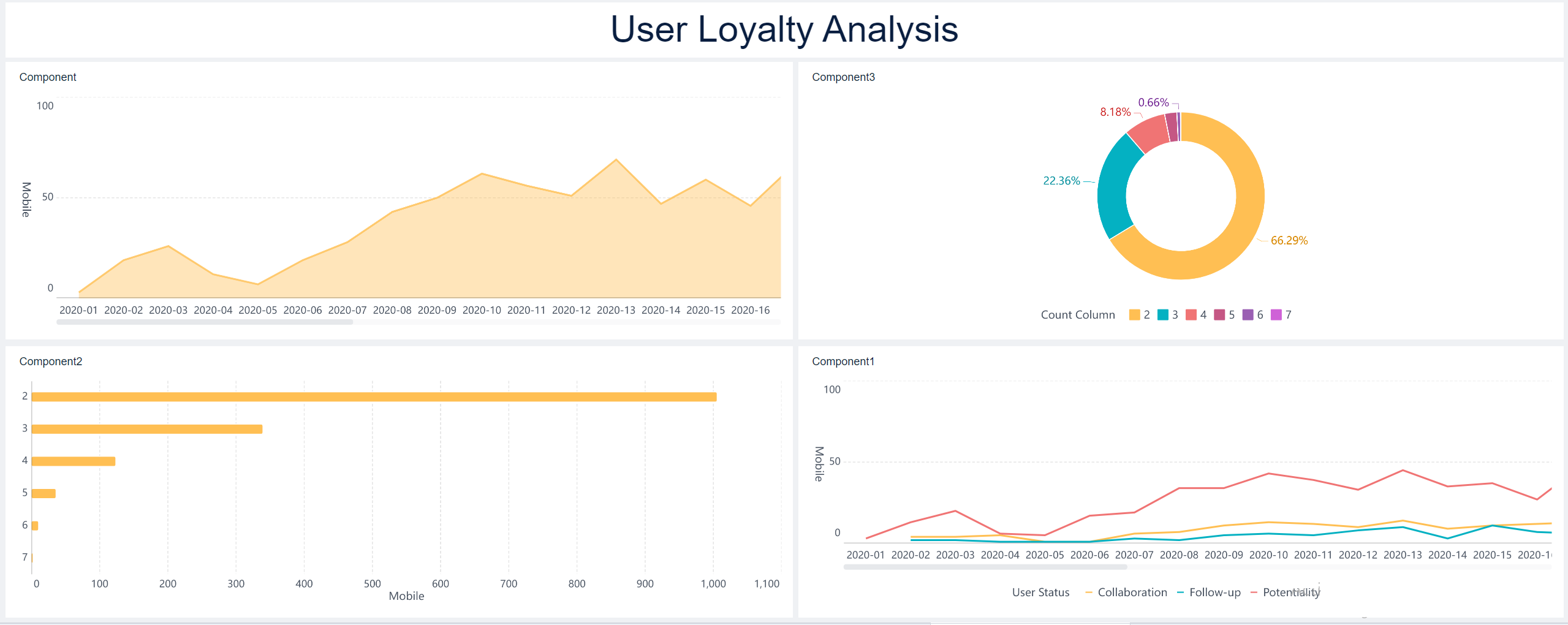
- Analytics: visibility into spend, compliance, and cycle times
- Scalability: supports new entities, teams, currencies, and policies over time
Questions to ask when evaluating vendors
Before selecting a platform, ask practical implementation and operating questions:
- How long does deployment typically take?
- What systems does it integrate with out of the box?
- How configurable are approval workflows and policy rules?
- Can it support multiple legal entities, currencies, and tax rules?
- What reporting and dashboard capabilities are included?
- How are audit trails handled?
- What is the pricing model: per user, per report, or enterprise license?
- What level of support and onboarding is provided?
- How well does the platform scale as transaction volume grows?
KPIs to track for a healthier expense process
If you cannot measure the process, you cannot improve it. The best expense report management programs track KPIs across efficiency, compliance, financial visibility, and user experience.
Efficiency metrics
These KPIs reveal whether the workflow is moving quickly enough to support employees and finance operations.
Compliance and control metrics
These indicators show whether the process is preventing policy breaches and identifying control gaps.
Financial visibility metrics
These KPIs help leadership understand how and where expense dollars are being used.
User experience metrics
A healthy process is not only controlled. It is also easy enough for employees and managers to follow consistently.
Key Metrics (KPIs)
- Average submission-to-approval time: measures how long it takes from employee submission to final approval.
- Manager approval turnaround time: tracks how quickly managers review pending reports.
- Finance review cycle time: measures the time finance needs to validate policy and accounting accuracy.
- Reimbursement cycle time: shows the number of days from final approval to employee payment.
- Reports processed per reviewer: indicates reviewer productivity and workload balance.
- Policy violation rate: percentage of reports containing one or more out-of-policy items.
- Exception rate: share of reports requiring correction, clarification, or escalation.
- Missing receipt rate: percentage of expense lines or reports submitted without required proof.
- Duplicate expense rate: frequency of duplicate or potentially duplicate claims detected.
- Audit findings count: number of control failures or documentation issues identified in internal or external audits.
- Spend by category: tracks where money is being spent, such as travel, meals, lodging, mileage, or supplies.
- Spend by team or department: identifies cost concentration and budget pressure across the organization.
- Spend by vendor or merchant: highlights supplier dependency and negotiation opportunities.
- Spend by project or client: supports profitability analysis and billable expense recovery.
- Corporate card reconciliation rate: measures how much card activity is matched and closed on time.
- Resubmission rate: percentage of reports returned to employees for corrections.
- Digital submission adoption rate: tracks usage of mobile or electronic submission methods versus manual processes.
- Employee satisfaction score: gauges user perception of ease, speed, and fairness of the expense process.
Common challenges and practical ways to improve
Even mature finance teams struggle with recurring friction points in expense report management. The most common issues are operational, not theoretical.
Typical challenges include:
- Late submissions that delay period-end close
- Incomplete documentation that creates rework
- Inconsistent manager approvals across departments
- Weak employee understanding of policy
- Manual coding and review work that slows finance
- Poor visibility into out-of-policy trends
- Fragmented reimbursement and card reconciliation processes
Improvement usually comes from simplifying the process rather than adding more manual review. Focus on practical changes:
-
Simplify policy language
- Write rules in plain business terms.
- Define receipt thresholds, category limits, and escalation triggers clearly.
- Publish examples of allowed and disallowed claims.
-
Standardize categories and required fields
- Reduce free-text entries.
- Use controlled dropdowns for categories, cost centers, and business purpose.
- Make mandatory fields truly mandatory.
-
Train employees and managers regularly
- Provide short role-based guidance.
- Train managers on what they are accountable for reviewing.
- Reinforce deadlines and common error patterns.
-
Use exception reporting to target root causes
- Identify repeat offenders, high-risk categories, and slow approval bottlenecks.
- Review trends monthly.
- Update policy and workflow rules based on data.
-
Build a continuous improvement loop
- Review KPIs every month or quarter.
- Audit workflow design periodically.
- Adjust controls as business units, travel patterns, or spending policies evolve.
After the best practices are in place, the next challenge is execution at scale. That is where automation and reporting become essential.
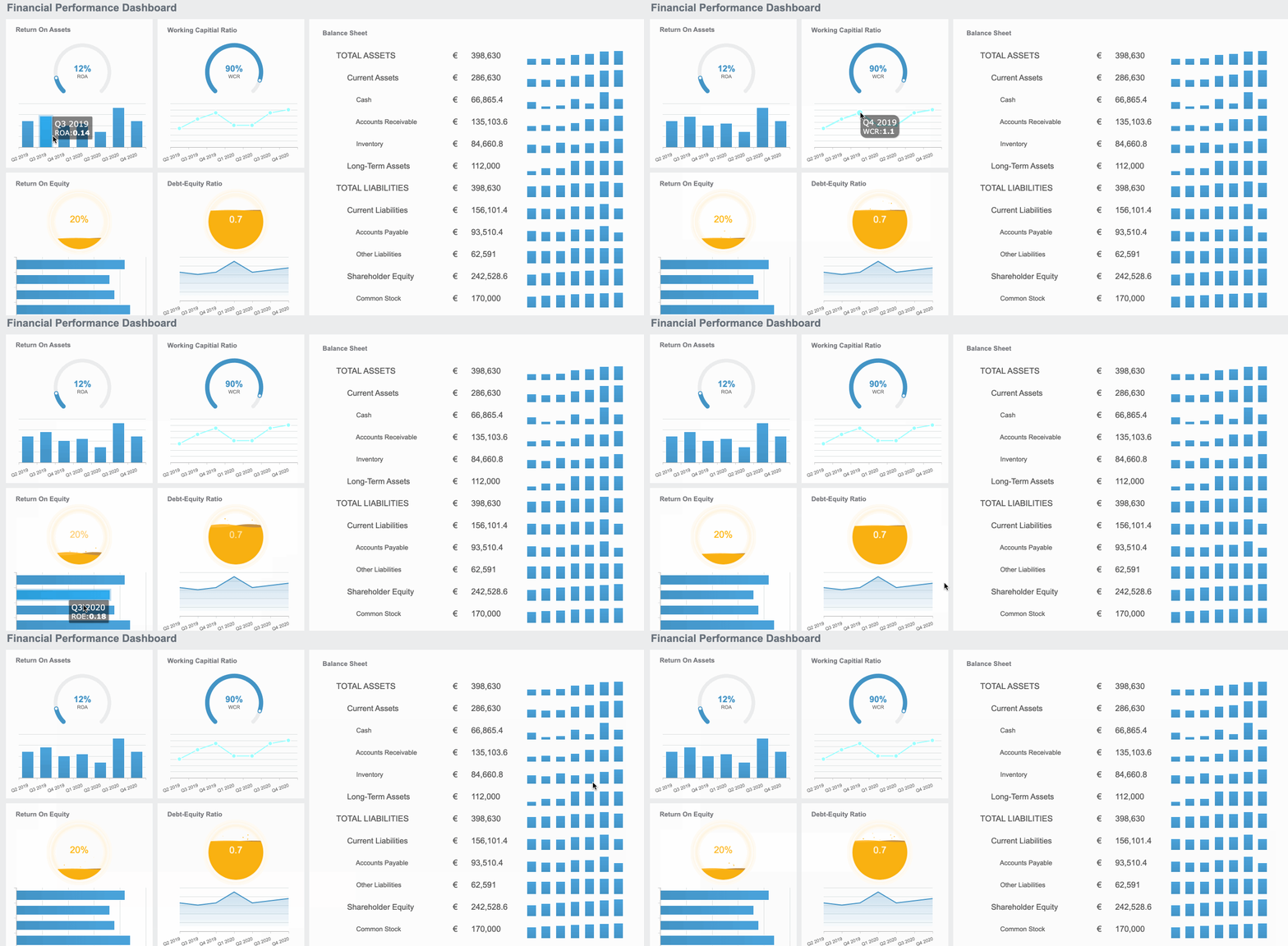
Building this manually is complex; use FineReport to utilize ready-made templates and automate this entire workflow
Designing enterprise-grade expense report management with spreadsheets, email approvals, shared drives, and disconnected finance systems is hard to sustain. Manual setups create approval blind spots, inconsistent controls, weak audit trails, and reporting delays. As transaction volume rises, finance teams end up spending more time chasing receipts than analyzing spend.
FineReport helps organizations build a more controlled and scalable expense report management environment with ready-made templates, workflow visibility, and automated reporting. Instead of manually stitching together spreadsheets and static dashboards, teams can centralize expense data and monitor each stage of the process in real time.
With FineReport, you can:
- Build dashboards for submission status, approvals, exceptions, reimbursements, and policy breaches
- Track KPI trends across departments, entities, and time periods
- Create drill-down analysis for spend by category, vendor, project, or employee
- Standardize reporting layouts for finance, operations, and executive stakeholders
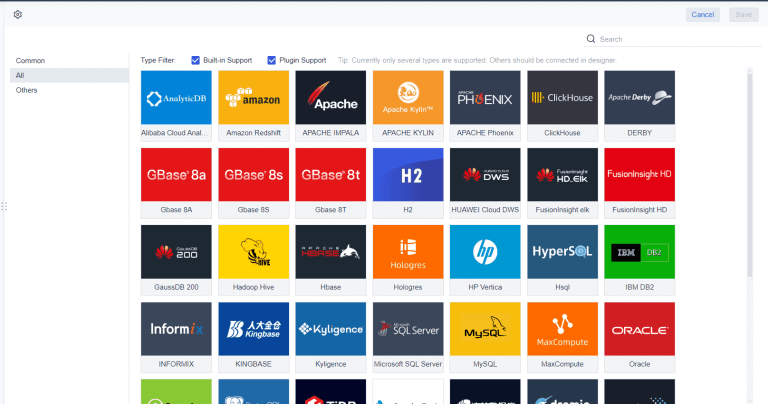
- Connect expense data with ERP, payroll, and accounting systems for end-to-end visibility
- Strengthen audit readiness with structured, accessible reporting records
For finance leaders, the value is straightforward: faster decision-making, stronger controls, and better spend visibility without building a reporting framework from scratch.
FAQs
Expense report management is the process of collecting, reviewing, approving, reimbursing, and recording employee business expenses in a controlled and auditable way. It helps companies improve compliance, reduce errors, and gain better visibility into spending.




