

If your finance team is still chasing receipts, correcting spreadsheet errors, and manually reconciling approvals, your reimbursement process is costing more than the claims themselves. The right excel expense report templates solve three critical business problems at once: reimbursement accuracy, policy compliance, and audit visibility. For finance managers, operations leaders, and department heads, that means fewer disputes, faster approvals, cleaner month-end close, and a defensible trail when auditors ask how a payment was reviewed and approved.
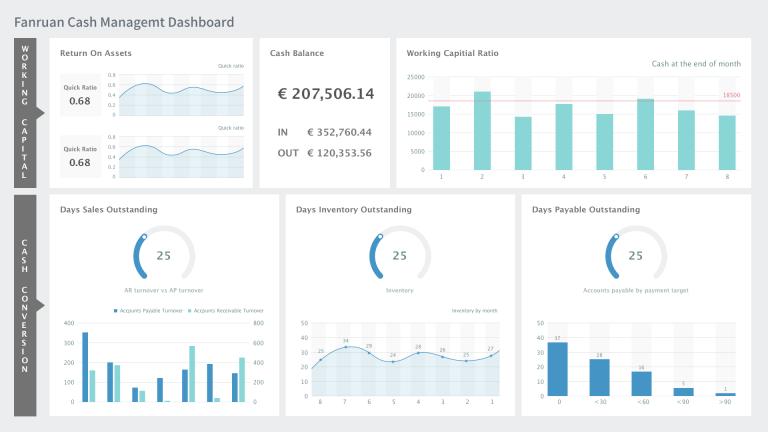
All reports in this article are built with FineReport
What makes Excel expense report templates audit-ready for employee reimbursements
An audit-ready reimbursement tracker is not just a list of expenses. It is a controlled reporting structure that captures who spent what, why it was spent, whether it complied with policy, who approved it, and when it was reimbursed. That is the difference between a basic spreadsheet and a finance-grade employee expense reporting tool.
In practical terms, your template should support four user groups:
- Employees who submit claims quickly and correctly
- Managers who review business purpose and budget alignment
- Finance reviewers who validate compliance, tax treatment, and reimbursement totals
- Auditors who need traceable documentation and approval history
To make that work, define the scope before you build. Decide which expense categories the template must cover, which reimbursement rules apply, and which approval checkpoints are mandatory. A template used for simple office purchases will not be enough for mileage claims, client entertainment, or partially reimbursable travel expenses.
Key Metrics (KPIs) for an audit-ready reimbursement tracker
Below are the core metrics every serious expense tracker should capture:
- Total Claimed Amount: The full value of expenses submitted by the employee before adjustments.
- Approved Reimbursable Amount: The amount finance has validated for payment after policy checks.
- Out-of-Policy Spend: Expenses exceeding spending limits, missing required business justification, or violating category rules.
- Receipt Attachment Rate: Percentage of expense lines with valid receipt references or supporting documents.
- Duplicate Claim Rate: Number or percentage of suspected duplicate submissions based on date, vendor, amount, or receipt ID.
- Approval Cycle Time: Time from employee submission to final approval.
- Reimbursement Cycle Time: Time from final approval to employee payment.
- Exception Count: Total number of flagged items such as missing receipts, invalid dates, or unsupported categories.
- Tax-Recoverable Amount: Portion of claimable tax recorded separately for accounting treatment.
- Pending Claims Aging: Number of open reports grouped by days pending, such as 0 to 7, 8 to 30, or 30+ days.
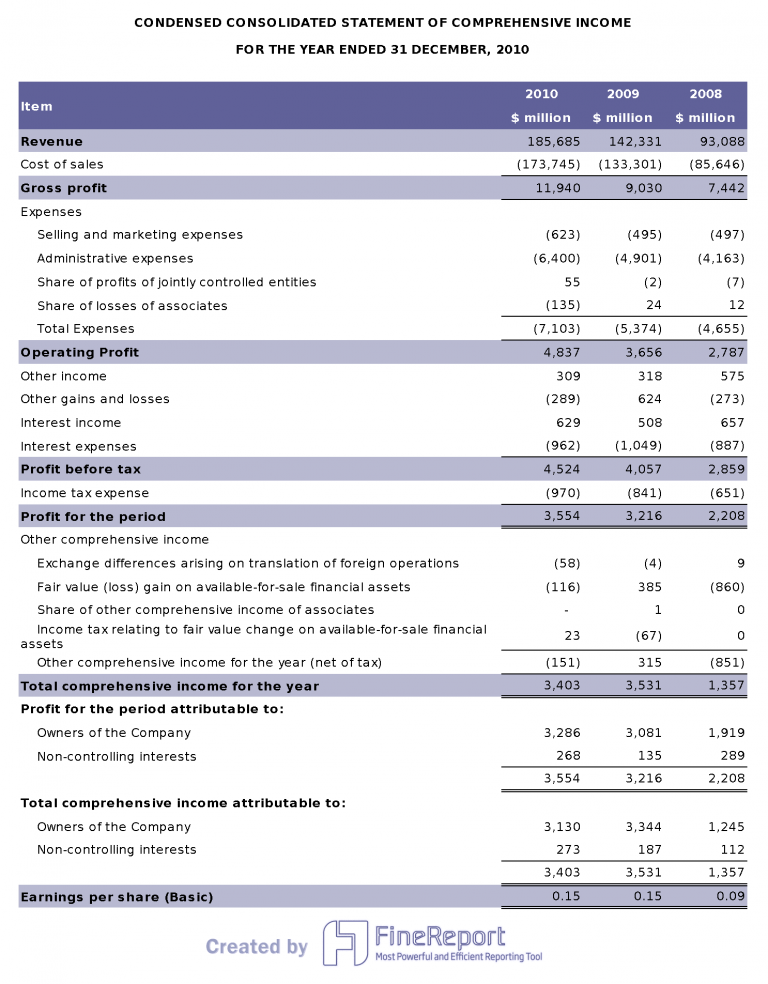
Step 1: Map the reimbursement workflow before building the spreadsheet
Too many companies start with columns and formulas when they should start with process design. Before you build a template, map how a claim moves from employee submission to reimbursement payment.
Identify the required fields for every claim
At minimum, each expense line should capture:
- Employee name
- Department
- Report period
- Expense date
- Vendor
- Business purpose
- Category
- Amount
- Tax
- Payment method
- Receipt status
- Approver name
- Approval date
- Reimbursement status
These fields are what make the template usable across submission, approval, and audit review. If a field is not captured at the start, finance will chase it later.
Set clear policies the template should enforce
Your template should not be passive. It should actively support policy enforcement. Build around rules such as:
- Spending limits by category
- Mileage reimbursement rules
- Per diem logic
- Duplicate claim checks
- Missing receipt exception handling
This is where many generic excel expense report templates fail. They calculate totals, but they do not help prevent bad submissions.
Step 2: Build the Excel expense report template structure
Once the workflow is clear, design the workbook so each user sees only what they need. A clean structure reduces input mistakes and speeds up review.
Create the input section employees will complete
The employee-facing area should be simple and consistent. Use one row per expense line and provide direct instructions at the top of the sheet.
Best practices include:
- Use fixed column names across all reporting periods
- Lock header rows so labels stay visible during scrolling
- Add short field guidance for business purpose and receipt reference
- Use dropdown lists for categories, departments, and payment types
- Protect formula cells so employees cannot overwrite calculations
Dropdowns matter more than most teams realize. They normalize data entry, which is essential when finance needs to summarize claims by department, category, or payment type later.
Add calculation and validation areas for finance teams
Finance needs a dedicated review layer inside the same workbook or on a separate protected tab. This area should include:
- Subtotals by category
- Reimbursable totals
- Tax breakdowns
- Exception flags
You should also add validation for:
- Required fields
- Approved date formats
- Allowed numeric ranges
- Out-of-policy amounts
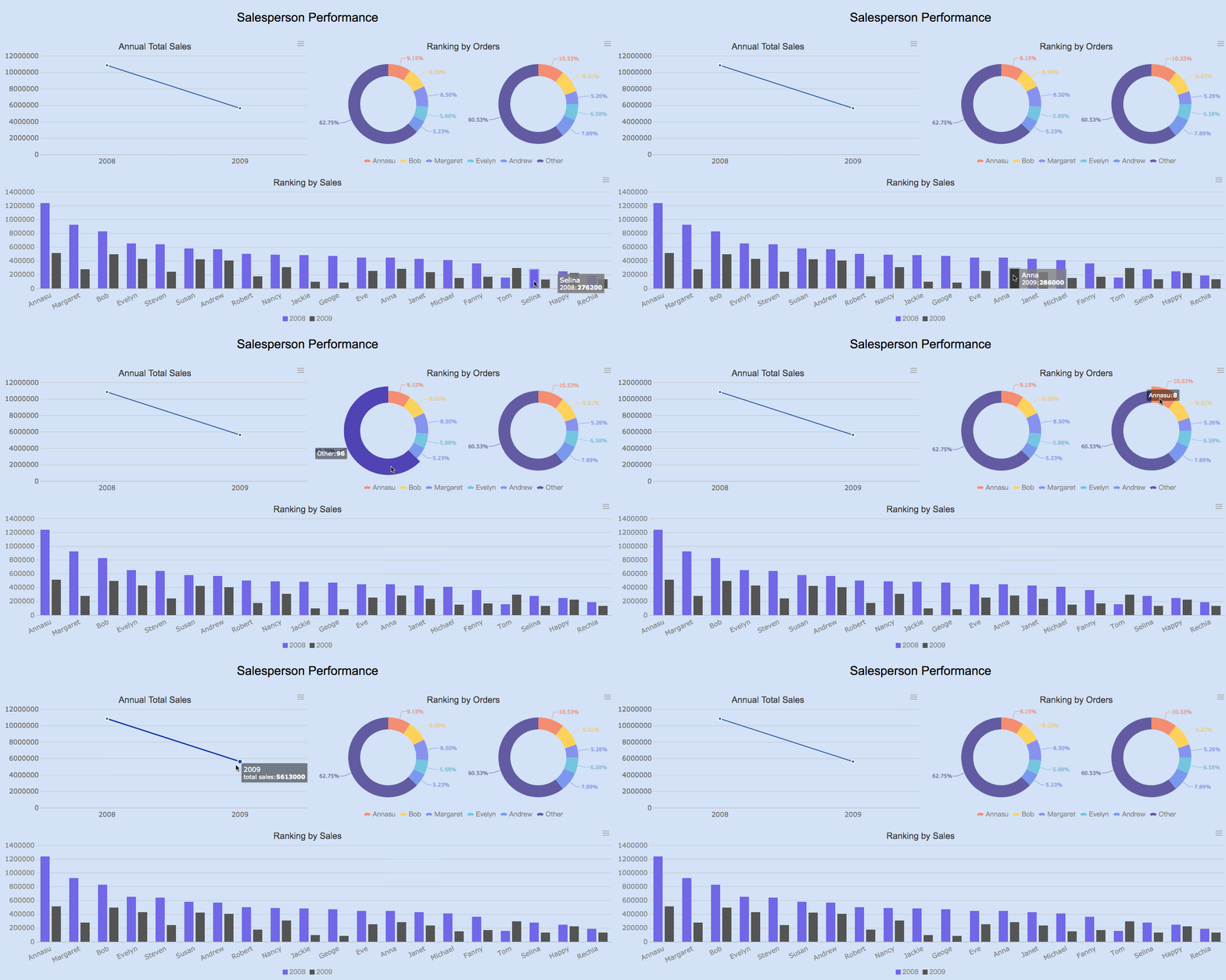
Step 3: Track expenses with Excel spreadsheets that are easy to review
A reimbursement tracker succeeds when reviewers can scan it fast, trust the logic, and identify exceptions immediately. That requires consistency in formulas and review notes.
Standardize formulas and error checks
Use formulas that can be copied down without breaking. This is especially important when different teams duplicate the same workbook month after month.
Common formula areas include:
- Total amount calculations
- Mileage reimbursement calculations
- Currency conversion
- Duplicate detection
- Tax-only adjustments
Use conditional formatting to highlight:
- Blank required cells
- Negative values
- Duplicate entries
- Mismatched totals
- Unsupported categories
Finance should never need to manually hunt for obvious errors in a well-built expense report.
Separate employee input from finance review notes
Do not mix correction comments into the same area where employees enter expenses. Reserve a clearly labeled section or review tab for:
- Audit comments
- Correction requests
- Policy exception explanations
- Final reimbursement decisions
This keeps the submission clean while preserving the review trail.
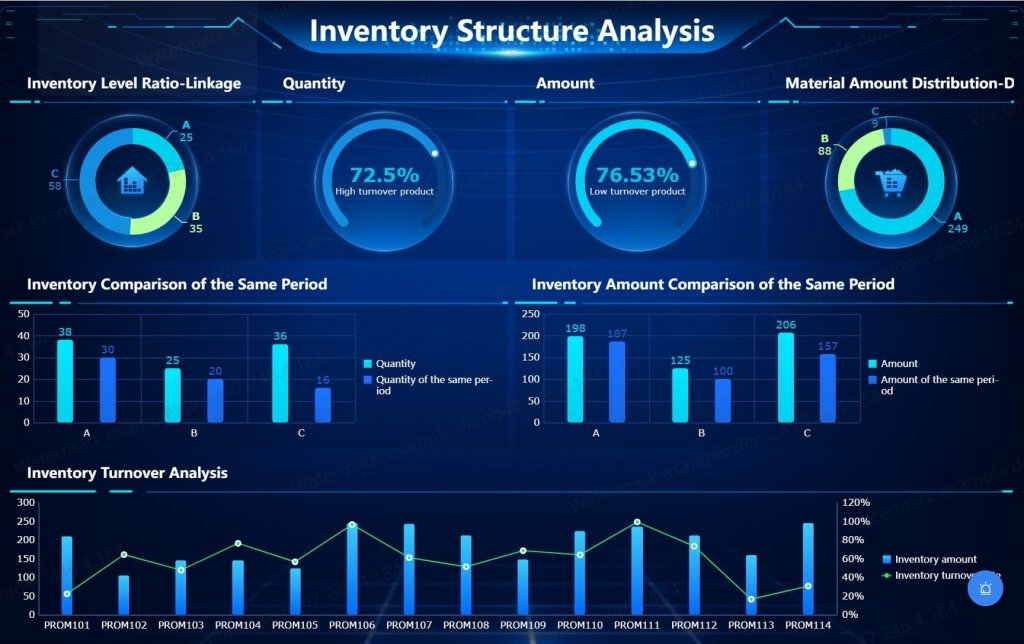
Step 4: Add approvals, receipts, and audit trail controls
This is the step that turns a useful spreadsheet into an audit-ready tracker. Auditors do not just want totals. They want evidence.
Make supporting documentation easy to verify
Every expense report should include a receipt verification mechanism. That can be a receipt reference number, a hyperlink to a shared folder, or a documented attachment naming standard.
At a minimum, include:
- Receipt reference ID
- Attachment instructions
- Digital folder link or file path
- Notes for exceptions where no receipt is available
If your team uses cloud storage, standardize folder naming so auditors can move from report to supporting document without guesswork.
Capture every approval step
The approval trail should record more than a final signoff. Capture each checkpoint in the process, including:
- Manager review
- Finance approval
- Payment date
- Payment reference
You should also implement basic version control practices, such as:
- File naming conventions by employee and reporting period
- Revision date tracking
- Change history notes
- Protected archived copies of finalized reports
Without version control, edits can erase the evidence needed for compliance reviews later.
Step 5: Test the template with real reimbursement scenarios
A template that looks correct in theory often fails under real-world edge cases. Before rolling it out, pressure-test it with actual reimbursement scenarios.
Run examples across common use cases
Validate the workbook against everyday claims such as:
- Travel expenses
- Meals and entertainment
- Remote work purchases
- Client meetings
- Mileage claims
Then test edge cases such as:
- Missing receipts
- Split expenses
- Tax-only adjustments
- Partially reimbursable items
- Duplicate submissions across periods
If the template cannot handle exceptions, finance will end up using side calculations and email approvals, which defeats the purpose of a standardized tracker.
Compare your tracker with other template styles
Before finalizing, compare your design against alternative formats:
- Simple expense report layouts
- Monthly or yearly summary templates
- Small business expense trackers
- Personal versus business finance sheets
The goal is not to copy other formats. It is to identify what improves usability without weakening control.
Step 6: Customize, share, and maintain the template over time
Even strong excel expense report templates degrade over time if categories, tax rules, and approver lists are not maintained. Treat the tracker as a controlled finance asset, not a one-time file.
Adapt the layout for different teams and reporting cycles
Different business units often need the same control framework with slight layout changes. Consider variations for:
- Monthly reporting
- Quarterly reporting
- Project-based expense submission
- Yearly consolidation
- Small business reimbursement processes
- Growing teams with multiple approvers
- Personal versus business allocation scenarios
The key is to keep the core fields and validation logic consistent even when layouts change.
Create a maintenance checklist
Create a recurring checklist to review the template and its rules. Include:
- Update expense categories
- Refresh tax rates or tax logic
- Review approver lists
- Check data validation rules
- Confirm sheet protection settings
- Update submission instructions
- Review archive folder structure
- Confirm reimbursement status codes remain consistent
This discipline keeps your reporting process stable as policy and organization structures evolve.
Best practices to implement an audit-ready reimbursement tracker
If I were advising a finance or operations team rolling this out across the business, I would focus on these practical implementation steps first.
1. Start with policy, not spreadsheet design
Document reimbursable categories, limits, receipt rules, and approval hierarchy before anyone opens Excel. A weak policy creates a weak template.
2. Standardize master data from day one
Use controlled dropdown lists for departments, categories, payment methods, and reimbursement statuses. This prevents reporting chaos later.
3. Build visible exception handling into the template
Do not hide issues in formulas. Make policy breaches, missing receipts, and duplicate risks impossible to miss through flags and formatting.
4. Separate submission, review, and archive stages
Use a clear process for draft, approved, and archived reports. This improves audit readiness and avoids accidental edits after reimbursement.
5. Test with messy real-world claims before launch
A reimbursement tracker should survive edge cases, not just ideal examples. Pilot it with users from sales, operations, and field teams before full rollout.
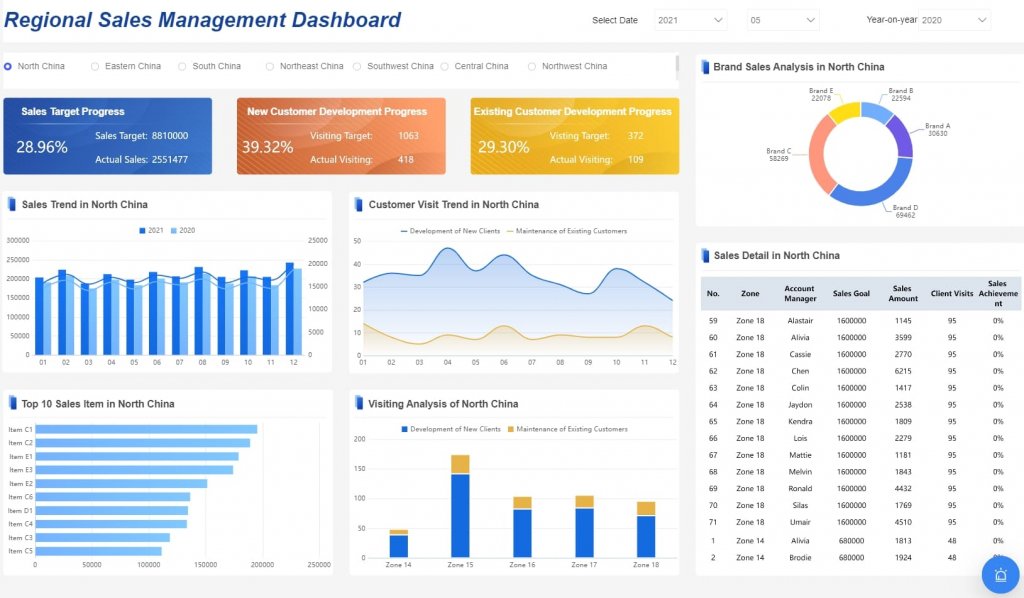
Building this manually is complex; use FineReport to automate the workflow
You can absolutely build an employee reimbursement tracker in Excel. But building one that is scalable, consistent, secure, and audit-ready across departments is far more complex than most teams expect. Manual file sharing creates version problems. Formula-heavy workbooks break. Approval tracking becomes fragmented. Receipts end up in different folders. Reporting across dozens or hundreds of files becomes a monthly burden.
That is where FineReport becomes the practical next step.
Instead of maintaining disconnected excel expense report templates, you can use FineReport to utilize ready-made templates and automate this entire workflow. Finance teams can standardize submission forms, enforce validation rules, centralize approvals, connect receipts, and monitor reimbursement status from a live dashboard. Managers get visibility into pending claims. Finance gets exception reporting and payment tracking. Leadership gets aggregate insight into spend trends and policy compliance.
FineReport is especially valuable when you need to:
- Replace scattered spreadsheets with centralized reporting
- Create reusable expense report templates for multiple teams
- Track approval bottlenecks in real time
- Build dashboards for reimbursement aging and exception analysis
- Preserve audit trails without manual file control
- Reduce finance workload through workflow automation
For enterprises, the value is simple: fewer manual errors, faster reimbursement cycles, stronger compliance, and reporting that scales with the business.
FAQs
It should capture employee details, expense date, vendor, business purpose, category, amount, tax, receipt status, approver, approval date, and reimbursement status. An audit-ready template also needs validation rules and a clear approval trail.




