

FineReport is an enterprise reporting and dashboard platform that helps oil and gas teams turn production, operations, and business data into governed, shareable reports and real-time visual analysis.
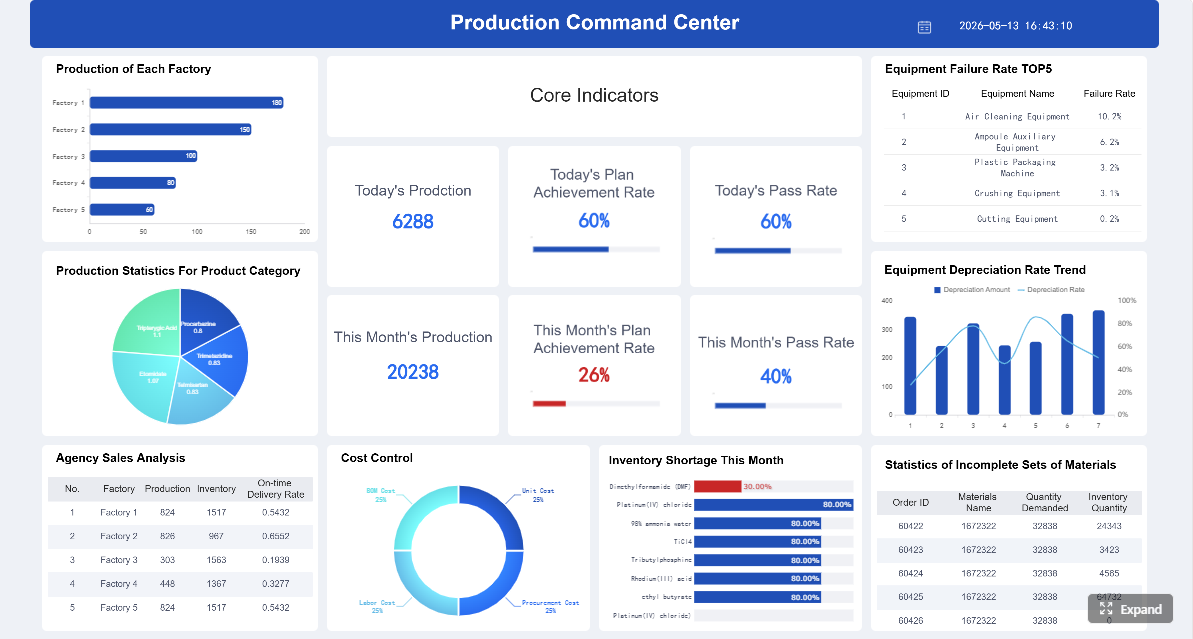 Click To Try The Dashboard
Best oil and gas production reporting software in 2026 at a glance
If you are searching for the best oil and gas production reporting software, this comparison is built for operators, production teams, and field supervisors that need faster daily visibility, cleaner field data, and fewer spreadsheet-driven workflows.
Below is a quick view of seven tools commonly considered in this category, including where each one fits best, where it may fall short, and when a reporting-focused platform is more useful than a broader operations suite.
Quick comparison table
| Tool | Best For | Strengths | Limitations | Ideal Use Case |
|---|---|---|---|---|
| PakEnergy Production | Field data capture and daily production visibility | Strong mobile FDC, production tracking, allocation support, reporting workflows | May be more production-focused than analytics-focused | Operators replacing manual tickets and spreadsheets |
| Quorum On Demand Production Operations | Production and operations management at scale | Broad workflow coverage, cloud deployment, compliance support, allocation visibility | Can be heavier to implement for smaller teams | Multi-asset operators needing governed production operations |
| Greasebook | Fast deployment and simpler workflows | Easy onboarding, simpler production reporting, practical UX | Less depth for complex enterprise processes | Small to mid-sized operators wanting quick setup |
| IFS Upstream Oil and Gas Production Operations | On-demand production operations and remote oversight | Operational visibility, broader enterprise context, workflow standardization | May fit larger organizations better than lean teams | Companies needing production reporting tied to wider operations |
| P2 Production | Mature production accounting and reporting environments | Established upstream footprint, production data structure, reporting discipline | Legacy complexity may be a factor | Teams with established upstream back-office processes |
| W Energy Production / Reporting | Reporting tied to broader upstream workflows | Useful for reporting, production, and connected business processes | Fit depends on existing W Energy stack | Operators standardizing upstream systems |
| FineReport | Self-service reporting, dashboards, and executive production analytics | Highly flexible reporting, dashboard design, data integration, pixel-perfect outputs | Not a field operations system by itself | Teams that want to improve reporting across production, accounting, SCADA, and ERP data |
Who this comparison is for
This guide is designed for:
- Independent and mid-sized operators that need daily production reports without heavy IT overhead
- Production accountants and analysts responsible for allocations, run tickets, and monthly close support
- Field supervisors and foremen who need accurate daily readings, exceptions, and approval workflows
- Operations managers looking for stronger visibility across wells, tanks, routes, and downtime
- Enterprise upstream teams evaluating whether they need a full production suite or a best-of-breed reporting layer
The 7 tools covered
The tools in this comparison include a mix of:
- production reporting platforms
- field data capture systems
- broader operations suites
- reporting and dashboard software that can sit on top of upstream systems
That distinction matters. Some products are designed to capture and govern production data at the source, while others are built to analyze, visualize, and distribute production information across the organization.
What separates reporting-focused platforms from broader operations suites
Not every company needs the same type of software.
Reporting-focused platforms are best when your main pain point is turning siloed data into usable reports, dashboards, KPIs, and exception alerts. These tools typically emphasize:
- dashboard creation
- report scheduling
- executive and operational analytics
- flexible data blending
- cross-system visibility
Broader operations suites are better when you need to manage end-to-end production workflows such as:
- field data entry
- production allocations
- downtime tracking
- regulatory reporting
- run ticket handling
- approval chains
- integration with accounting and land records
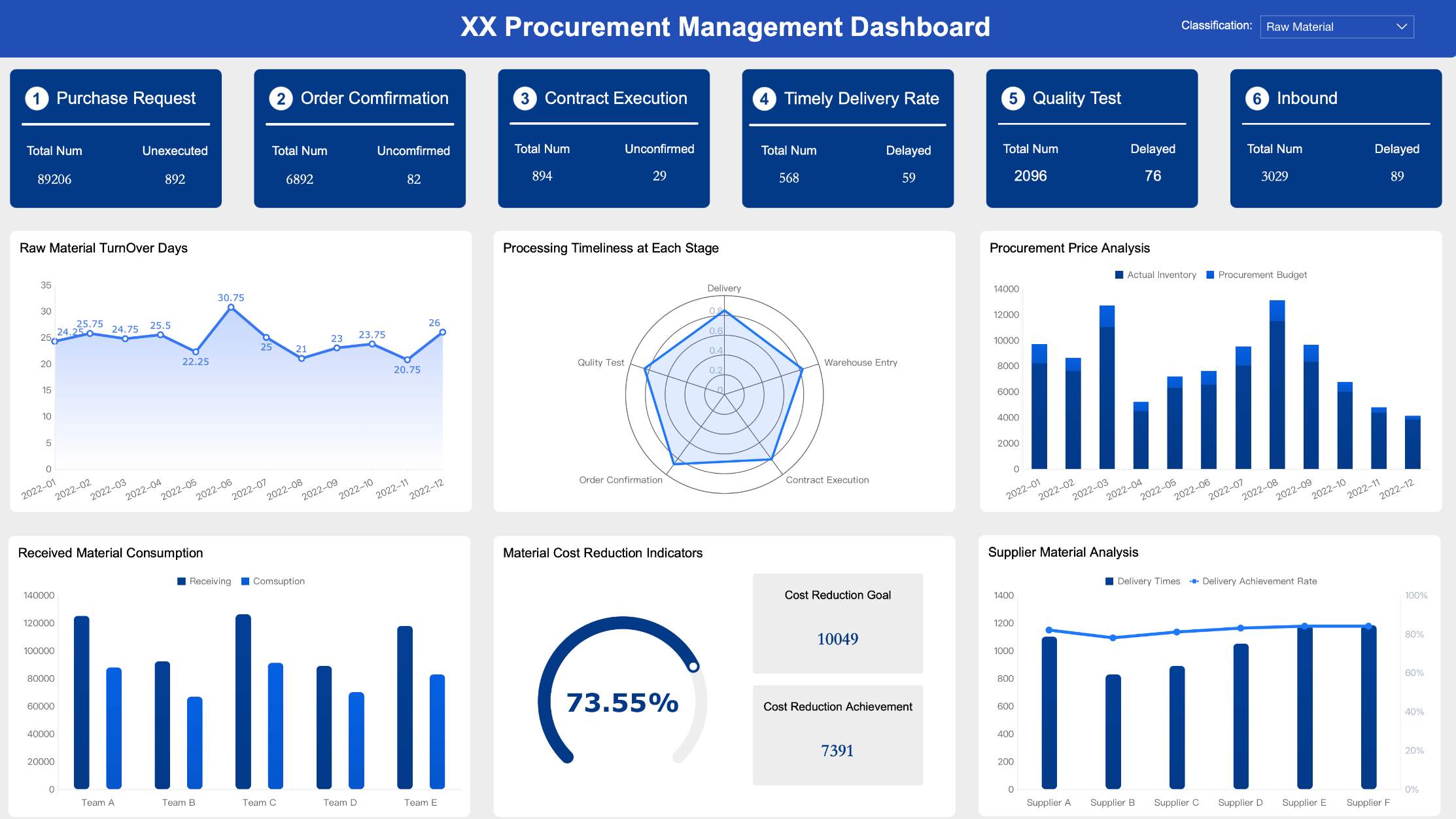
For many operators, the strongest setup is not one tool doing everything. It is often a production system of record plus a dedicated reporting layer. That is where FineReport stands out: it helps upstream teams centralize production reporting, connect multiple source systems, and deliver highly usable dashboards to field leaders, accountants, and executives without forcing every reporting need into the operational application itself.
How to evaluate oil and gas production reporting software
Choosing the right oil and gas production reporting software is less about feature volume and more about fit. The right platform should support your actual workflows, your data environment, and your reporting maturity.
Core reporting workflows: daily production, allocations, run tickets, tank inventory, and exception tracking
Start by mapping the reports your team depends on every day and every month.
At minimum, most operators need support for:
- Daily production reporting by well, battery, facility, or route
- Monthly production summaries for close, reconciliation, and management review
- Allocation workflows for commingled production and multi-product streams
- Run ticket tracking to reconcile hauling and purchaser activity
- Tank inventory monitoring for operational awareness and loss prevention
- Exception tracking for missing data, variances, downtime, and out-of-balance conditions
If your team still assembles these in spreadsheets, the software should reduce manual consolidation and make data exceptions visible earlier.
Data capture from the field: mobile entry, offline workflows, and approval chains
Field usability matters as much as office reporting.
A production reporting platform should make it easy for pumpers, operators, and supervisors to:
- enter readings from mobile devices
- work in low-connectivity areas with offline sync
- submit downtime, tank levels, tests, and tickets from the field
- validate entries against business rules
- route submissions through approval or review workflows
If field entry is hard to use, data quality suffers. If data quality suffers, every downstream report becomes less trustworthy.
Integration needs: accounting, SCADA, ERP, land, and regulatory reporting
Most reporting issues are integration issues in disguise.
Your software should connect cleanly with the systems that matter most, including:
- SCADA and telemetry
- production accounting
- ERP and financial systems
- land and ownership systems
- measurement platforms
- regulatory reporting outputs
If you already have production data in one system and executive reporting in another, a platform like FineReport can be valuable because it acts as a reporting and analytics layer across systems rather than forcing operational re-entry.
Pricing, implementation timeline, support quality, and total cost of ownership
Software cost is not just license cost.
Look at:
- implementation effort
- data migration requirements
- training time
- admin burden
- support responsiveness
- customization costs
- long-term maintenance needs
A lower-priced tool that creates reporting bottlenecks later can cost more than a higher-value platform with stronger workflow automation or analytics flexibility.
7 tools compared for operators and production teams
Tool 1: Best for field data capture and daily production visibility
PakEnergy Production is a production management and field data capture platform designed to help operators replace manual reporting processes with structured, near-real-time production visibility.
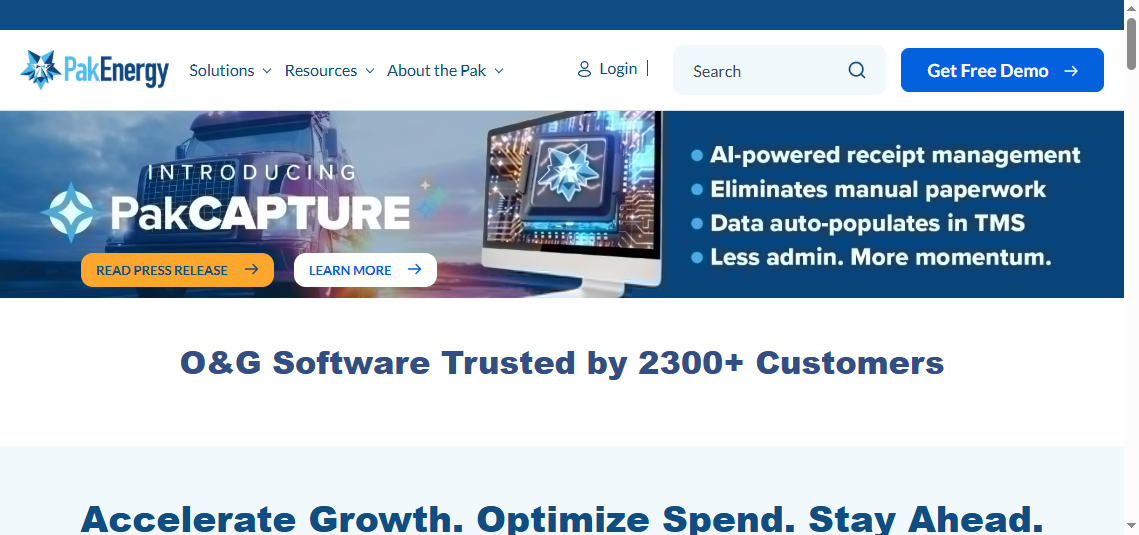
- One-sentence overview: PakEnergy Production is a strong fit for operators that need mobile field data capture, daily production tracking, and production reporting in one environment.
- Key Features:
- Mobile field data capture
- Offline workflows for remote field teams
- Daily and monthly production tracking
- Run ticket management
- Allocation support
- SCADA integration options
- Regulatory reporting support
- Validation and exception workflows
- Pros & Cons:
- Pros:
- Strong field-to-office workflow connection
- Good fit for replacing spreadsheet-driven daily reporting
- Useful production surveillance and exception visibility
- Supports mobile teams in low-connectivity environments
- Cons:
- May require process discipline to get full value
- Analytics flexibility may not match a dedicated BI/reporting layer
- Broader enterprise reporting may still need an external reporting tool
- Pros:
- Best For (Target user/scenario):
- Operators prioritizing field data quality
- Production teams that need daily visibility across wells and leases
- Organizations trying to reduce manual tickets and rekeying
Key reporting strengths and operational fit
PakEnergy is especially strong when the reporting challenge starts in the field. If your biggest issue is delayed readings, inconsistent run tickets, or weak visibility into daily volumes, it offers a practical path to cleaner production reporting.
Its operational fit is strongest for companies that need:
- pumper-friendly workflows
- daily variance monitoring
- a better link between field activity and office reporting
Tool 2: Best for production and operations management at scale
Quorum On Demand Production Operations is a cloud-based platform built for operators that need governed production workflows, allocation transparency, and stronger operational standardization across larger asset bases.
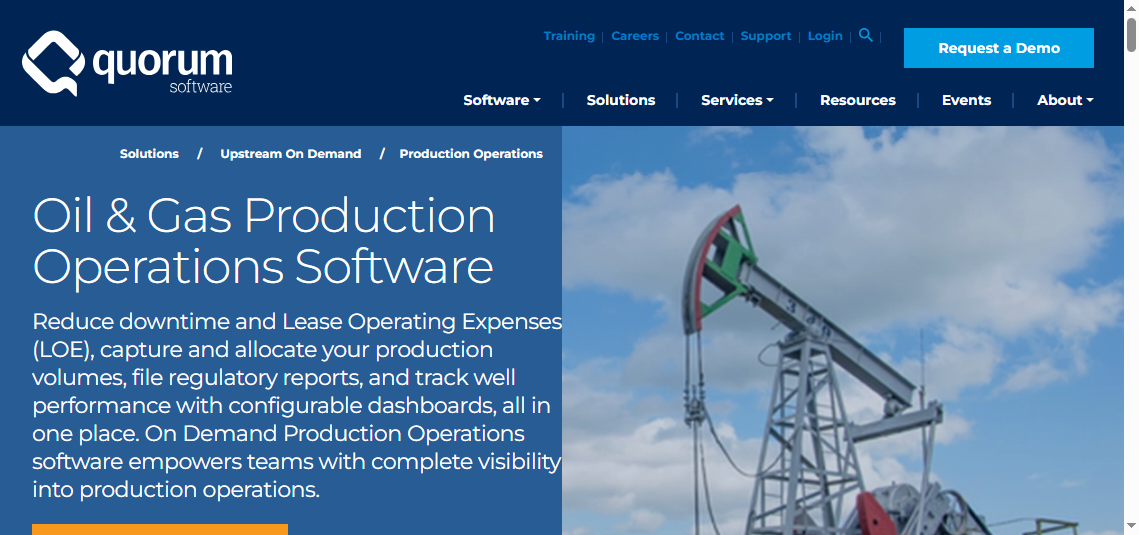
- One-sentence overview: Quorum On Demand Production Operations is well suited to multi-asset operators that need scalable production reporting combined with broader production operations management.
- Key Features:
- Daily and monthly production reporting
- Allocation management
- Dashboard-based exception review
- Regulatory reporting support
- Field data capture workflows
- SCADA and measurement integration
- Prior period adjustment handling
- Cloud-native deployment
- Pros & Cons:
- Pros:
- Strong operational governance
- Good visibility into allocations and auditability
- Useful for larger teams with standardized workflows
- Broad integration potential within upstream environments
- Cons:
- May be too complex for smaller operators
- Implementation scope can be broader than needed for simple reporting use cases
- Teams may still want a separate analytics front end for executive reporting
- Pros:
- Best For (Target user/scenario):
- Growing and enterprise upstream operators
- Teams needing stronger compliance and traceability
- Organizations standardizing production operations across assets
Key reporting strengths and operational fit
Quorum stands out for organizations that think beyond daily reports and want production operations managed in a more governed, enterprise-friendly way.
It is a strong fit where you need:
- audit-ready workflow discipline
- allocation transparency
- standardized reporting across multiple teams
- integration with accounting and related upstream platforms
Tool 3: Best for fast deployment and simpler workflows
Greasebook is a lighter-weight oil and gas production software option often favored by teams that want quick setup and practical production reporting without enterprise-level complexity.
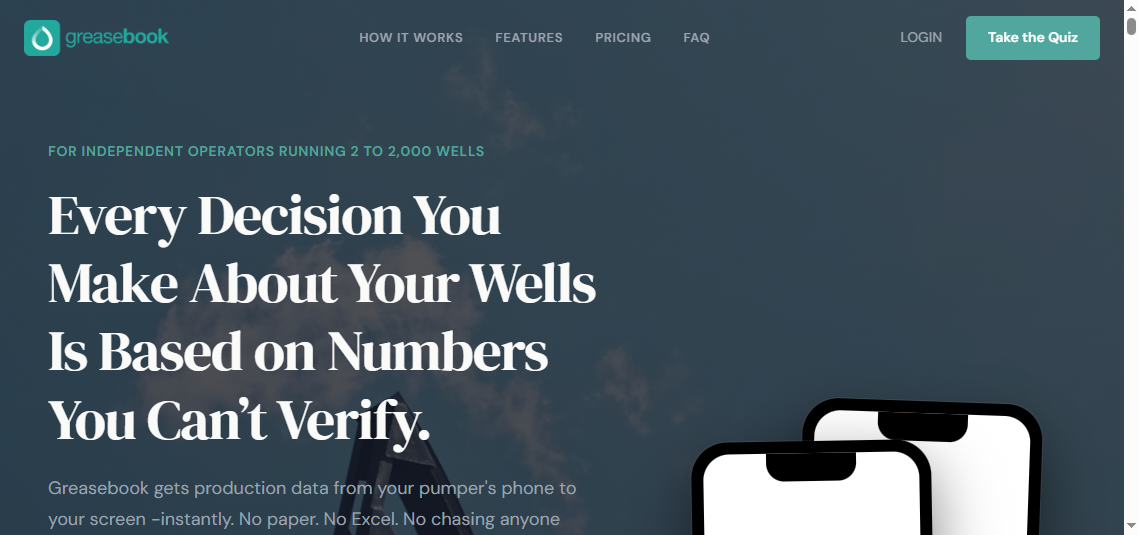
- One-sentence overview: Greasebook is a good choice for operators that value usability, fast onboarding, and simpler production workflows over deep enterprise configurability.
- Key Features:
- Production tracking
- Basic field reporting workflows
- User-friendly interface
- Quick implementation potential
- Reporting for smaller operational teams
- Pros & Cons:
- Pros:
- Easier for smaller teams to adopt
- Lower process overhead than heavier enterprise systems
- Good starting point for replacing manual production spreadsheets
- Cons:
- May lack advanced workflow depth for complex organizations
- Enterprise integration needs may require additional tooling
- Not ideal for highly customized reporting governance
- Pros:
- Best For (Target user/scenario):
- Small to mid-sized operators
- Lean production teams
- Companies wanting a quick move away from manual reporting
Key reporting strengths and operational fit
Greasebook works best when the priority is simplicity. Teams that do not need a large-scale production operations suite often prefer software that can be implemented quickly and used with minimal training.
It is especially appealing when your requirements are centered on:
- straightforward daily production entry
- practical production summaries
- low administrative friction
Tool 4: Best for on-demand production operations and remote oversight
IFS Upstream Oil and Gas Production Operations supports organizations that want production reporting tied to broader operational management and remote oversight across distributed assets.
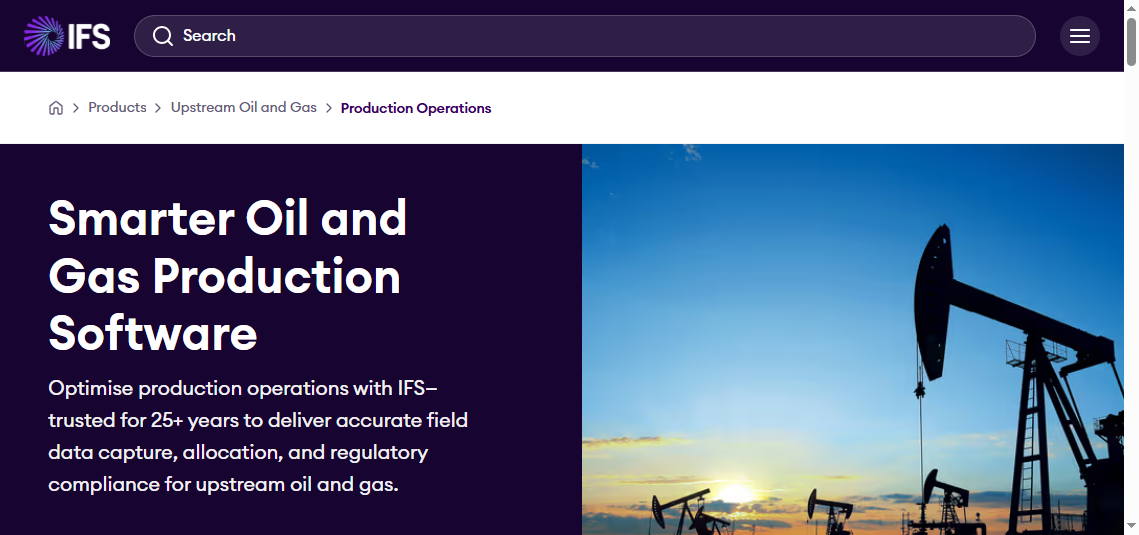
- One-sentence overview: IFS Upstream Oil and Gas Production Operations is best for companies that want production reporting within a larger operational and enterprise management framework.
- Key Features:
- Production operations visibility
- Workflow standardization
- Remote operational oversight
- Broader enterprise integration potential
- Asset and operational context for reporting
- Pros & Cons:
- Pros:
- Useful for organizations with complex operational structures
- Supports wider process alignment beyond reporting alone
- Good fit where production data must connect to enterprise operations
- Cons:
- May exceed the needs of smaller operators
- Can require more planning and change management
- Best value depends on broader IFS footprint or strategy
- Pros:
- Best For (Target user/scenario):
- Large operators with distributed assets
- Teams seeking operational oversight beyond pure production reporting
- Organizations aligning production data with enterprise processes
Key reporting strengths and operational fit
IFS is most compelling when reporting is only one part of a larger operating model. For companies that need cross-functional alignment, it can be a strong option.
It is less about “simple daily reporting” and more about:
- operational consistency
- centralized oversight
- enterprise-connected production workflows
Tool 5: Best for mature upstream production reporting environments
P2 Production remains a recognized name in upstream production management for organizations that need structured production data handling and established reporting processes.
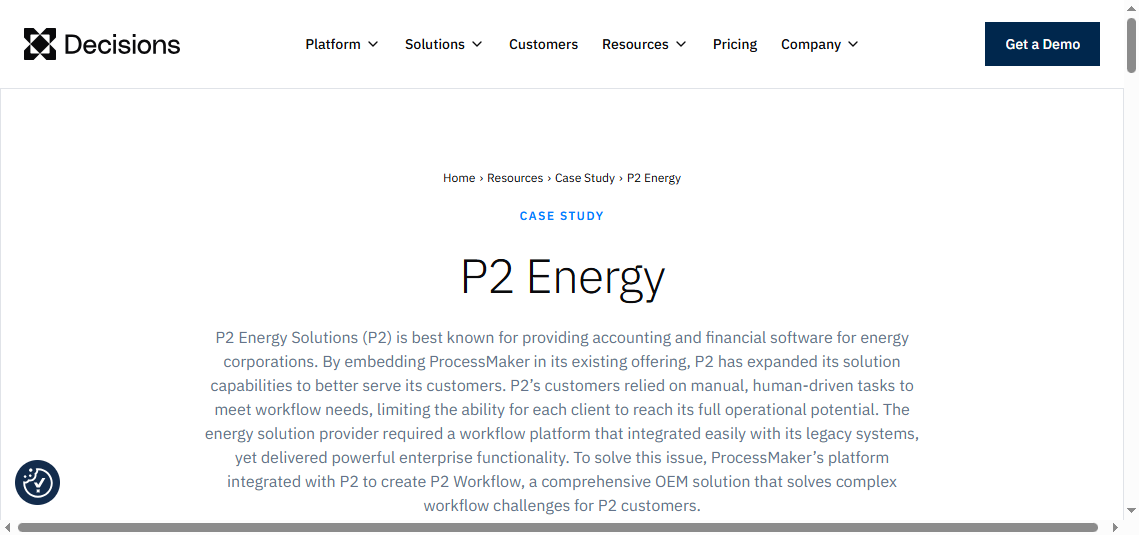
- One-sentence overview: P2 Production is best suited to operators with mature upstream reporting practices and a need for structured production data management.
- Key Features:
- Production data management
- Allocation support
- Operational reporting
- Historical production tracking
- Integration potential with upstream systems
- Pros & Cons:
- Pros:
- Familiar footprint in upstream environments
- Supports disciplined production reporting processes
- Useful for teams with established back-office coordination
- Cons:
- User experience may feel less modern depending on deployment context
- Could require more internal expertise to optimize
- Analytics presentation may benefit from an external dashboard platform
- Pros:
- Best For (Target user/scenario):
- Operators with mature reporting functions
- Companies with existing upstream systems and processes
- Teams that prioritize structured production data governance
Key reporting strengths and operational fit
P2 Production fits best in organizations that already have defined reporting practices and need a dependable production data structure rather than a lightweight starter tool.
Tool 6: Best for connected upstream reporting across business functions
W Energy Production / Reporting is best considered by operators that want production reporting connected with a broader upstream software environment.
- One-sentence overview: W Energy is a practical option for operators looking to combine production reporting with connected upstream business workflows.
- Key Features:
- Production reporting
- Upstream workflow connectivity
- Potential ties to accounting and operations functions
- Operational and business reporting support
- Pros & Cons:
- Pros:
- Can reduce fragmentation across upstream workflows
- Useful for teams standardizing systems
- Supports production reporting in a broader business context
- Cons:
- Best fit depends on the rest of your application stack
- May not be the simplest path for standalone reporting needs
- Reporting flexibility varies by implementation approach
- Pros:
- Best For (Target user/scenario):
- Operators consolidating upstream systems
- Teams wanting fewer disconnected tools
- Organizations balancing production and business reporting needs
Key reporting strengths and operational fit
This category of tool is strongest when you are trying to reduce application sprawl. If reporting quality suffers because data lives in too many systems, a more connected upstream stack can help.
Tool 7: Best for production dashboards, executive reporting, and self-service analytics
FineReport is not a field data capture system; it is a high-flexibility reporting and dashboard platform that helps oil and gas companies unify production, accounting, SCADA, ERP, and operational data into usable reports.
- One-sentence overview: FineReport is best for operators that already have production data in one or more systems and want better dashboards, self-service reporting, and cross-functional analytics.
- Key Features:
- Pixel-perfect report design
- Interactive dashboards
- Self-service analytics
- Data integration across multiple systems
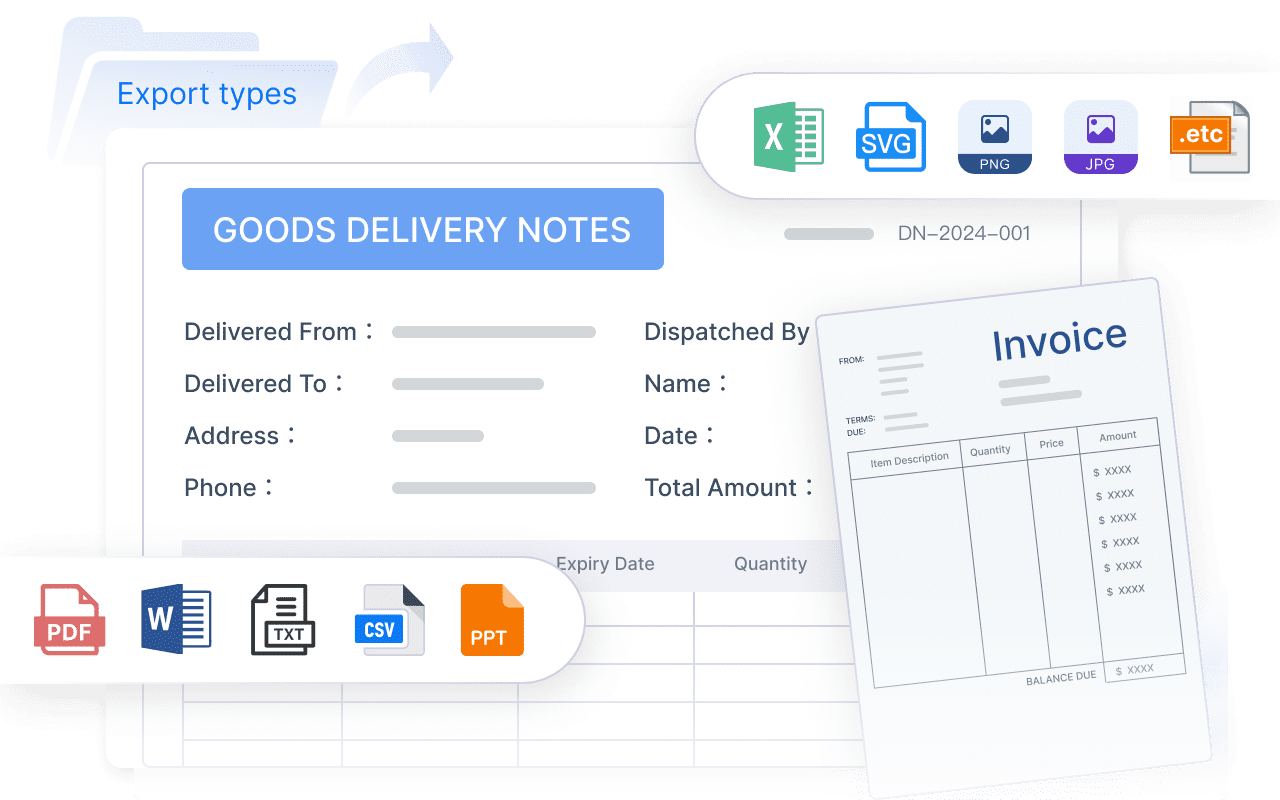
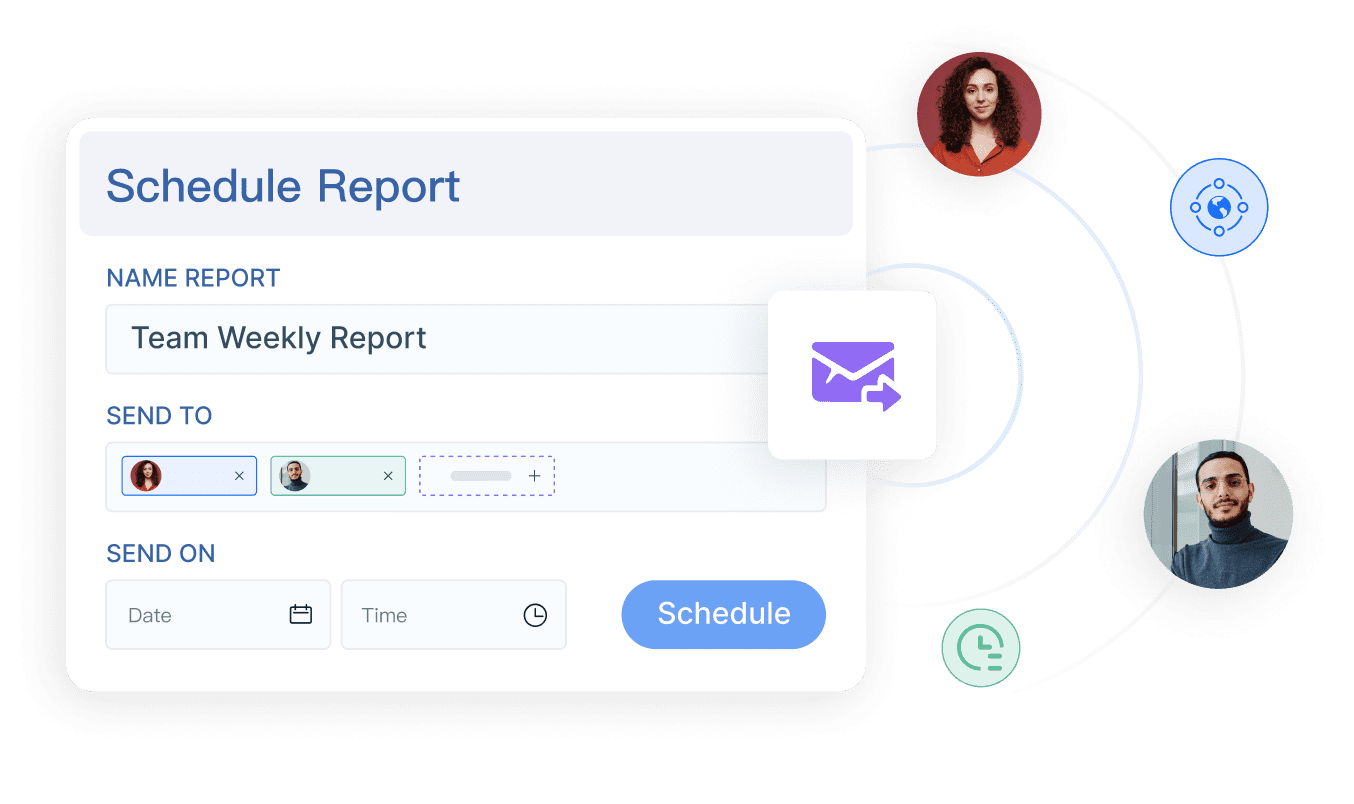
- Scheduled report distribution
- Mobile-friendly report access
- Role-based permissions and governance
- Large-screen operational monitoring displays
- Pros & Cons:
- Pros:
- Excellent for turning fragmented production data into decision-ready reports
- Flexible enough for daily operations, management packs, and executive KPIs
- Strong fit for cross-functional reporting beyond production alone
- Can complement existing oil and gas production systems rather than replace them
- Cons:
- Does not replace production operations workflow software by itself
- Requires source systems or data pipelines for best results
- Initial dashboard design still requires planning around KPIs and data models
- Pros:
- Best For (Target user/scenario):
- Operators with multiple upstream systems
- Production managers needing faster visual reporting
- Executives wanting a single view across operations and financial performance
- Teams that need a modern reporting layer without changing core operational systems
Key reporting strengths and operational fit
This is where FineReport deserves serious attention. Many operators do not fail because they lack production software. They fail because they cannot turn production data into clear, timely, trusted reporting across departments.
FineReport is especially useful when you need to:
- blend data from production, accounting, SCADA, and ERP systems
- create standardized daily and monthly reporting packs
- deliver exception dashboards for field and office teams
- support management with real-time or near-real-time production visibility
- give business users self-service access without sacrificing governance
In other words, if your operational software records the activity but your teams still struggle to see the whole picture, FineReport can fill that reporting gap effectively.
Which platform is the best fit for your operation?
The best oil and gas production reporting software depends on your team size, process complexity, and how mature your reporting environment already is.
Best for small to mid-sized operators
For smaller operators, the priorities are usually:
- ease of use
- quick setup
- lower admin burden
- straightforward reporting
The strongest fits here are typically:
- Greasebook for simple workflows and fast deployment
- PakEnergy Production if field capture and daily production visibility are top priorities
- FineReport if you already have core operational data but need much better reporting without adopting a heavy operations suite
If your team is lean, avoid buying more complexity than you can support.
Best for growing multi-asset teams
Growing operators usually need:
- standardized workflows
- stronger integrations
- deeper reporting
- better exception management
The best matches are often:
- Quorum On Demand Production Operations for scalable production operations management
- PakEnergy Production for stronger field-to-office reporting discipline
- FineReport as a reporting layer to unify production, accounting, and management analytics
For many multi-asset teams, a combination of a production operations platform plus FineReport for analytics is a very practical architecture.
Best for enterprise operations
Enterprise operators usually prioritize:
- governance
- scalability
- advanced analytics
- cross-functional visibility
Here, the strongest options are:
- Quorum On Demand Production Operations
- IFS Upstream Oil and Gas Production Operations
- P2 Production in mature reporting environments
- FineReport for enterprise reporting, dashboard standardization, and self-service analytics across multiple source systems
FineReport is particularly valuable at the enterprise level because it helps central teams create consistent reporting frameworks without forcing every business unit into one rigid reporting format.
Final verdict and buying checklist
There is no single best tool for every operator. The right choice depends on whether your primary problem is field data capture, production workflow governance, or reporting and analytics visibility.
The best choice by team size, complexity, and reporting maturity
Here is the practical short list:
- Best for field data capture and daily production visibility: PakEnergy Production
- Best for production and operations management at scale: Quorum On Demand Production Operations
- Best for fast deployment and simple workflows: Greasebook
- Best for broader operational oversight: IFS Upstream Oil and Gas Production Operations
- Best for mature structured environments: P2 Production
- Best for connected upstream workflow consolidation: W Energy
- Best for reporting, dashboards, and analytics across systems: FineReport
If your company already has production systems in place but still struggles with reporting speed, dashboard quality, or executive visibility, FineReport is one of the best additions you can make. It does not try to replace every upstream workflow. Instead, it solves the reporting layer well.
Questions to ask vendors before signing a contract
Before choosing any oil and gas production reporting software, ask:
- How is daily production data captured, validated, and approved?
- Can field users work offline?
- How are allocations handled and audited?
- What standard reports are included, and how customizable are they?
- How does the system integrate with SCADA, accounting, ERP, and land tools?
- What implementation timeline is realistic for our asset base?
- What support model is included after go-live?
- What are the reporting limitations without custom services?
- Can the platform support both operational users and executive stakeholders?
- If we need cross-system dashboards, do we need a separate reporting layer such as FineReport?
Common mistakes to avoid when choosing a reporting platform
Avoid these common errors:
- choosing based only on feature count
- underestimating integration effort
- ignoring field usability
- assuming built-in reports will meet every stakeholder need
- failing to define daily, monthly, and executive reporting requirements upfront
- overlooking long-term admin burden
- not planning for exception management and auditability
The strongest buying approach is simple: choose the operational platform that fits your production workflows, then make sure your reporting layer is good enough to turn that data into action.
For many operators in 2026, that means using a production system for capture and control, then using FineReport to deliver the dashboards, management reports, and self-service production analytics that the business actually needs.
FAQs
It helps operators track daily and monthly production, allocations, run tickets, tank inventory, and reporting exceptions in one system. The goal is to replace manual spreadsheets with faster, more accurate operational visibility.




