

Field service report software helps service businesses track jobs, technicians, customers, costs, and performance through dashboards, reports, and exportable operational data.
10 field service report software tools compared: strengths, trade-offs, and best-fit use cases
All-in-one field service management platforms with strong reporting
1. FineReport
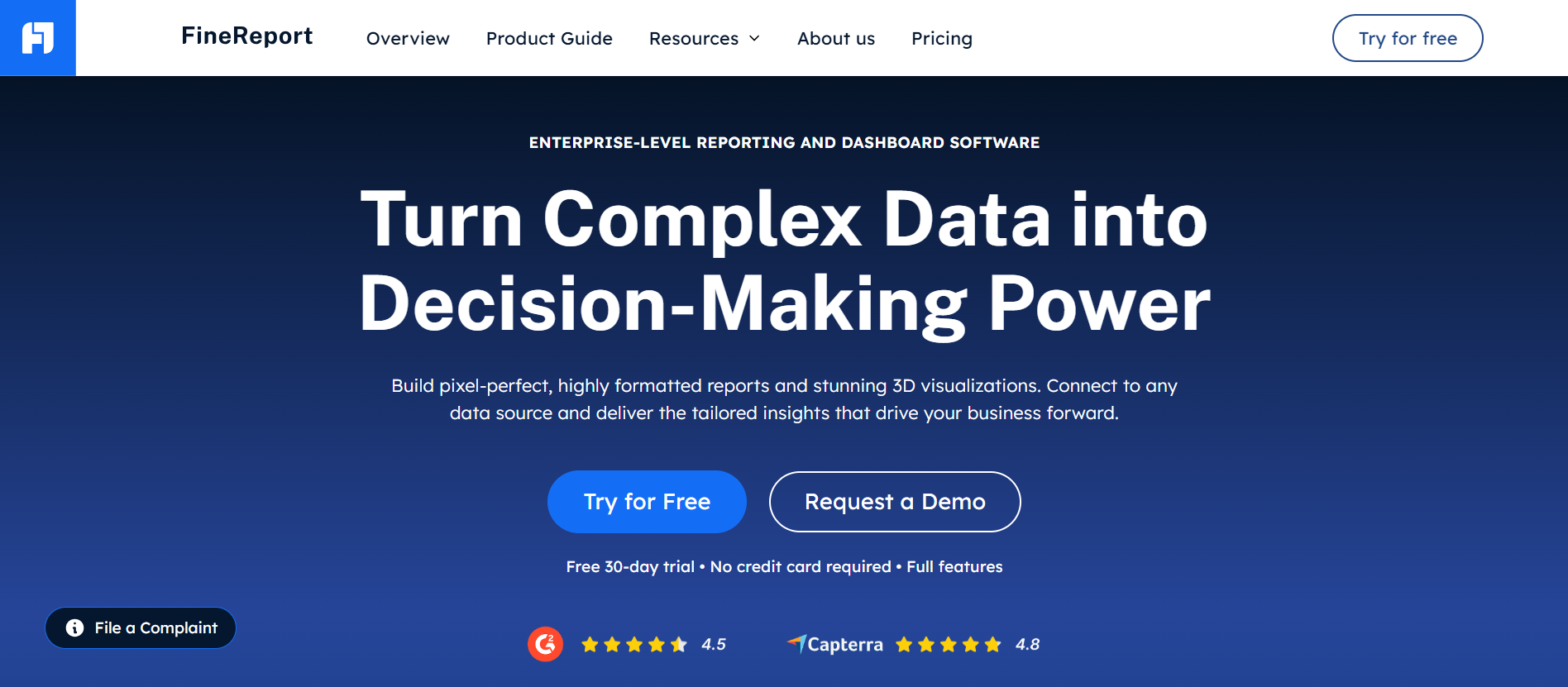
A reporting-first BI and dashboard platform, FineReport is the strongest fit for field service organizations that need deeper reporting flexibility than most built-in FSM analytics provide.
-
Key Features
- Highly customizable dashboards for operational, financial, and technician performance tracking
- Pixel-perfect report design for service summaries, job reports, maintenance records, and executive packs
- Broad export options including PDF, Excel, CSV, and print-ready formats
- Scheduled report distribution and automated delivery
- Multi-source data integration across FSM, CRM, ERP, accounting, and spreadsheets
- Drill-down analysis for job-level, region-level, team-level, and customer-level performance
- Role-based access controls for managers, dispatchers, finance teams, and executives
- Mobile-friendly dashboard access
-
Pros & Cons
- Pros: Excellent reporting depth; strong dashboard customization; flexible exports; suitable for cross-system analysis; ideal for organizations that have outgrown standard FSM reports
- Cons: Not a standalone FSM platform for dispatch and work orders; requires setup to connect operational data sources; advanced capabilities may need internal reporting ownership
-
Best For
- Service managers, operations leaders, and multi-branch service businesses that want advanced reporting on top of existing field service systems
2. ServiceTitan
Website: https://www.servicetitan.com/
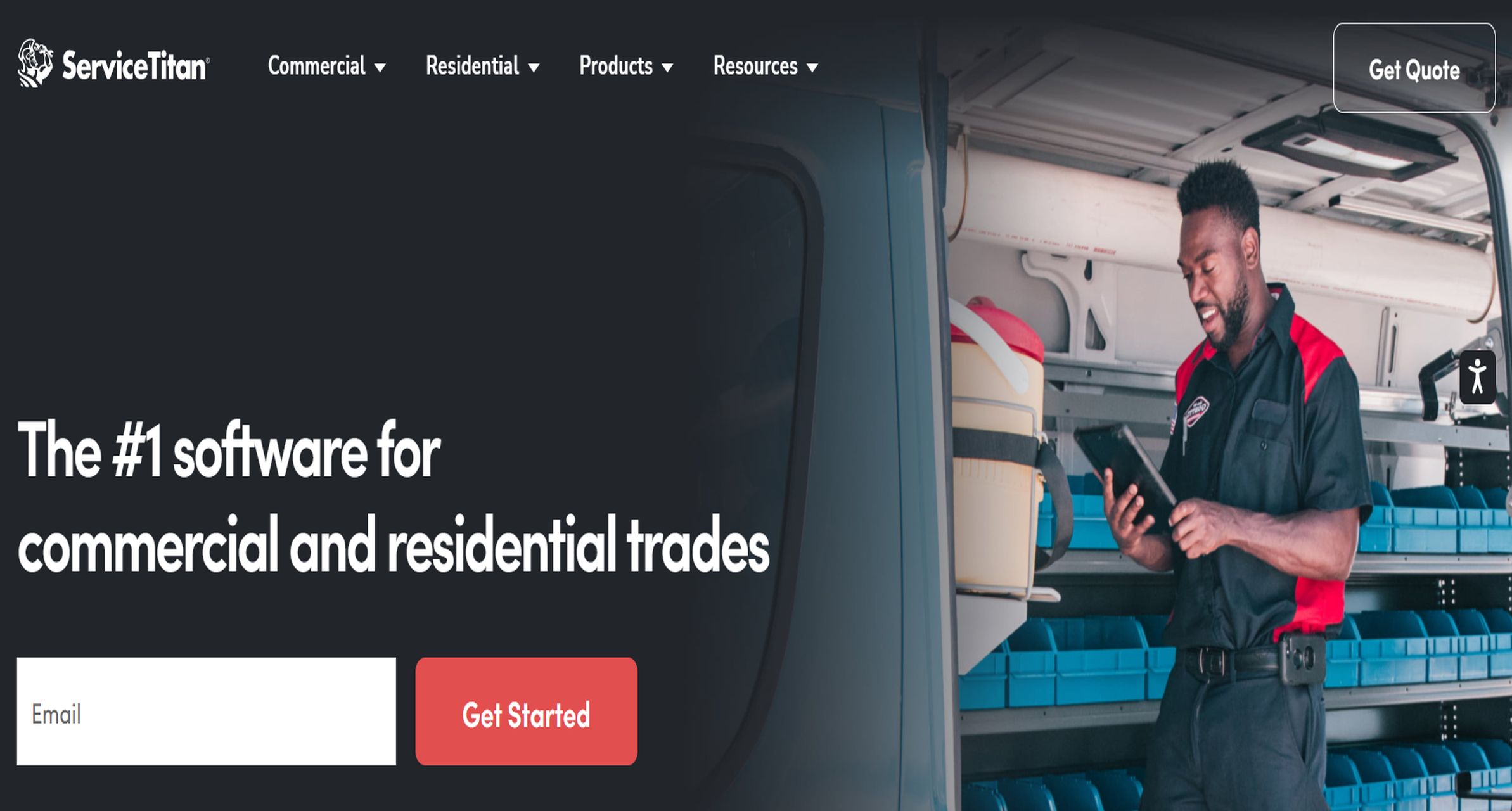
ServiceTitan is an all-in-one field service management platform widely used by residential and commercial service companies that need scheduling, invoicing, customer management, and built-in reporting in one system.
-
Key Features
- Native operational dashboards for revenue, job progress, and technician performance
- Reporting on sales, calls, memberships, invoices, and business performance
- Job costing and customer history visibility
- Mobile workflows for technicians
- Integrations with accounting and related business systems
- Customizable management views for office teams
-
Pros & Cons
- Pros: Strong all-in-one FSM coverage; solid executive and operational reporting; good fit for growing service companies; useful for dispatch-to-payment visibility
- Cons: Reporting depth may still feel limiting for highly customized analytics; pricing can be high for smaller teams; some advanced analysis may require external BI support
-
Best For
- Mid-sized to large home service businesses that want one platform for operations and baseline analytics
3. Housecall Pro
Website: https://www.housecallpro.com/
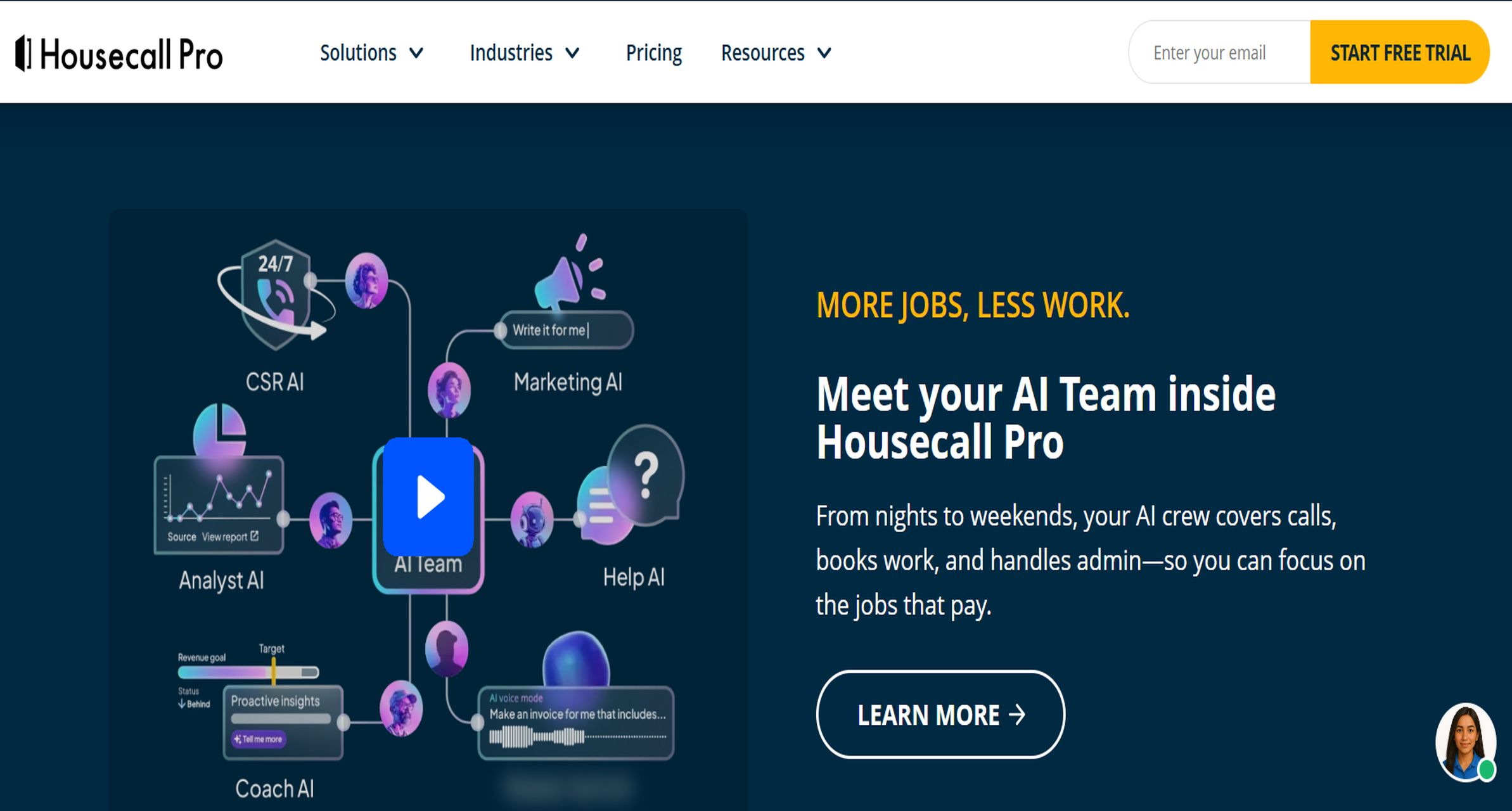
Housecall Pro is a user-friendly FSM platform with accessible reporting tools for smaller service businesses that want simplicity over deep analytics.
-
Key Features
- Revenue and job performance reports
- Customer and invoice tracking
- Technician activity visibility
- Mobile app for field teams
- Basic dashboarding and business summaries
- Export support for common operational data
-
Pros & Cons
- Pros: Easy to use; quick setup; practical for daily reporting; suitable for owners who want at-a-glance metrics
- Cons: Limited reporting customization; not ideal for complex KPI frameworks; less flexible for multi-entity analysis
-
Best For
- Small local contractors needing straightforward field service report software without a long implementation cycle
4. Jobber
Website: https://www.getjobber.com/
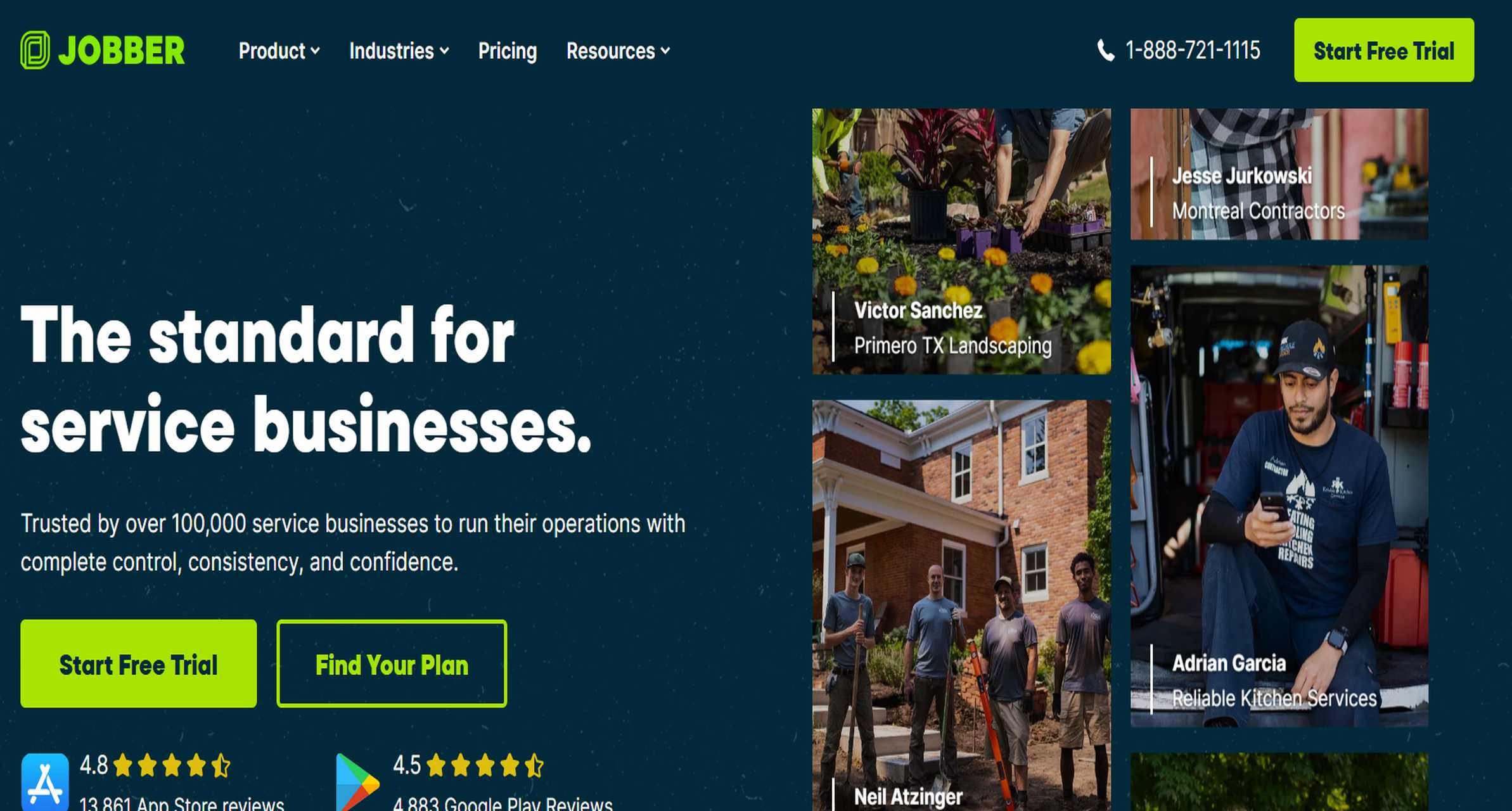
Jobber combines scheduling, quoting, invoicing, and customer management with easy-to-read reports for small and growing service teams.
-
Key Features
- Job, invoice, and revenue reporting
- Client history and service tracking
- Dashboard views for day-to-day operations
- Basic export support
- Mobile access for technicians and managers
- Workflow support for recurring services
-
Pros & Cons
- Pros: Clean interface; easy reporting for non-technical users; strong small-business usability; good operational visibility for common use cases
- Cons: Advanced custom reports are limited; dashboard flexibility is narrower than reporting-first tools; deeper financial analysis may require exports
-
Best For
- Small service companies prioritizing ease of use and operational simplicity
5. FieldPulse
Website: https://www.fieldpulse.com/
FieldPulse is a field service management platform focused on scheduling, customer management, invoicing, and service reporting for trade businesses.
-
Key Features
- Reporting across jobs, estimates, invoices, and team performance
- Technician and office workflow visibility
- Customer history and service documentation
- Mobile app access
- Standard exports for operational data
- Integrations with common business tools
-
Pros & Cons
- Pros: Balanced FSM and reporting capabilities; useful for trade contractors; easier adoption than enterprise-heavy systems
- Cons: Reporting customization may not satisfy advanced analysts; dashboard depth varies by use case; cross-system analytics can still require a BI layer
-
Best For
- Growing trade service businesses wanting a practical all-in-one platform with decent native reports
6. BlueFolder
Website: https://bluefolder.com/
BlueFolder is built for service teams that need work order tracking, customer history, asset records, and customizable service reports.
-
Key Features
- Built-in and custom reports
- Custom fields for work orders and service records
- Dashboard views for service and billing activity
- Excel export support
- Asset and equipment service history
- Profitability and labor reporting
- Smart filtering and list-based reporting
-
Pros & Cons
- Pros: Strong reporting orientation inside an FSM platform; custom report options are useful; good account and service history tracking; practical for commercial service workflows
- Cons: Interface may feel less modern than newer tools; dashboards are functional but not highly advanced; export and visualization flexibility is not as broad as dedicated BI software
-
Best For
- Commercial, industrial, and maintenance-focused service organizations needing stronger built-in reporting than entry-level FSM tools provide
Reporting-first options for teams that need deeper analysis
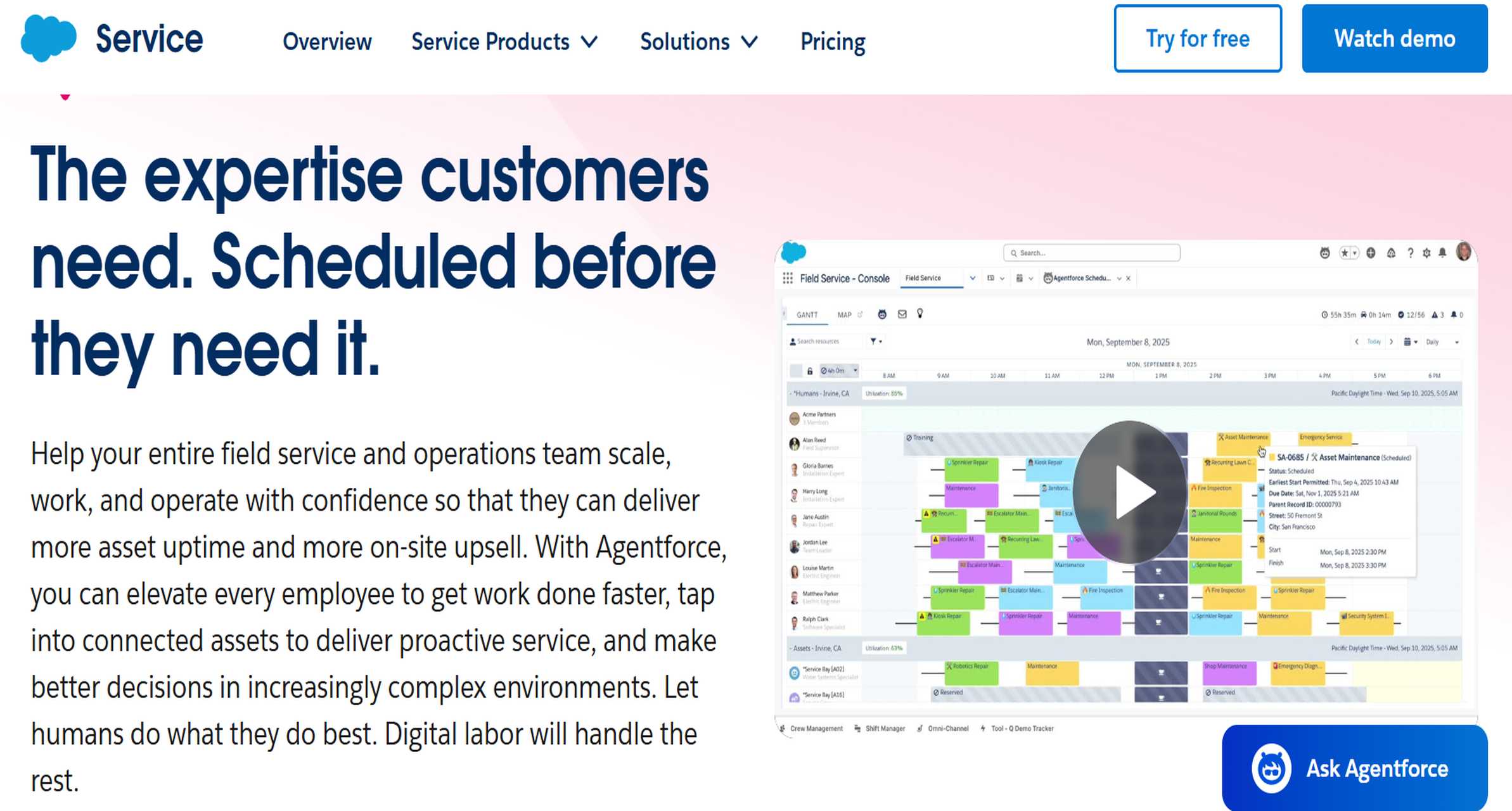
7. Salesforce Field Service
Website: https://www.salesforce.com/service/field-service-management/
Salesforce Field Service extends Salesforce CRM with field operations and gives organizations access to broader reporting and dashboard capabilities through the Salesforce ecosystem.
-
Key Features
- Field service scheduling and dispatch tied to CRM data
- Role-based dashboards and service intelligence views
- Strong customization potential
- Cross-functional reporting with customer, case, asset, and service data
- API and integration readiness
- Mobile access with offline support in many workflows
-
Pros & Cons
- Pros: High ceiling for customization; strong enterprise reporting potential; useful for organizations already invested in Salesforce; good for combining customer and service analytics
- Cons: Setup can be complex; reporting power often depends on broader Salesforce configuration; costs can rise with advanced modules and admin needs
-
Best For
- Enterprise service organizations that already operate on Salesforce and need unified CRM-plus-service reporting
8. ServiceMax
ServiceMax is an asset-centric field service platform designed for complex service environments where equipment history, service performance, and operational visibility matter.
-
Key Features
- Asset and service lifecycle reporting
- Technician performance metrics
- Work order, parts, and inventory visibility
- Mobile tools for field teams
- Scheduling and service execution analytics
- Enterprise integration options
-
Pros & Cons
- Pros: Strong fit for asset-heavy service models; useful reporting around equipment and service outcomes; good for complex field operations
- Cons: Learning curve is steeper; interface complexity can affect adoption; advanced reporting may require admin support and structured implementation
-
Best For
- Manufacturers, medical equipment teams, and enterprise service operations with asset-centric reporting needs
9. Fieldpoint
Website: https://fieldpoint.net/
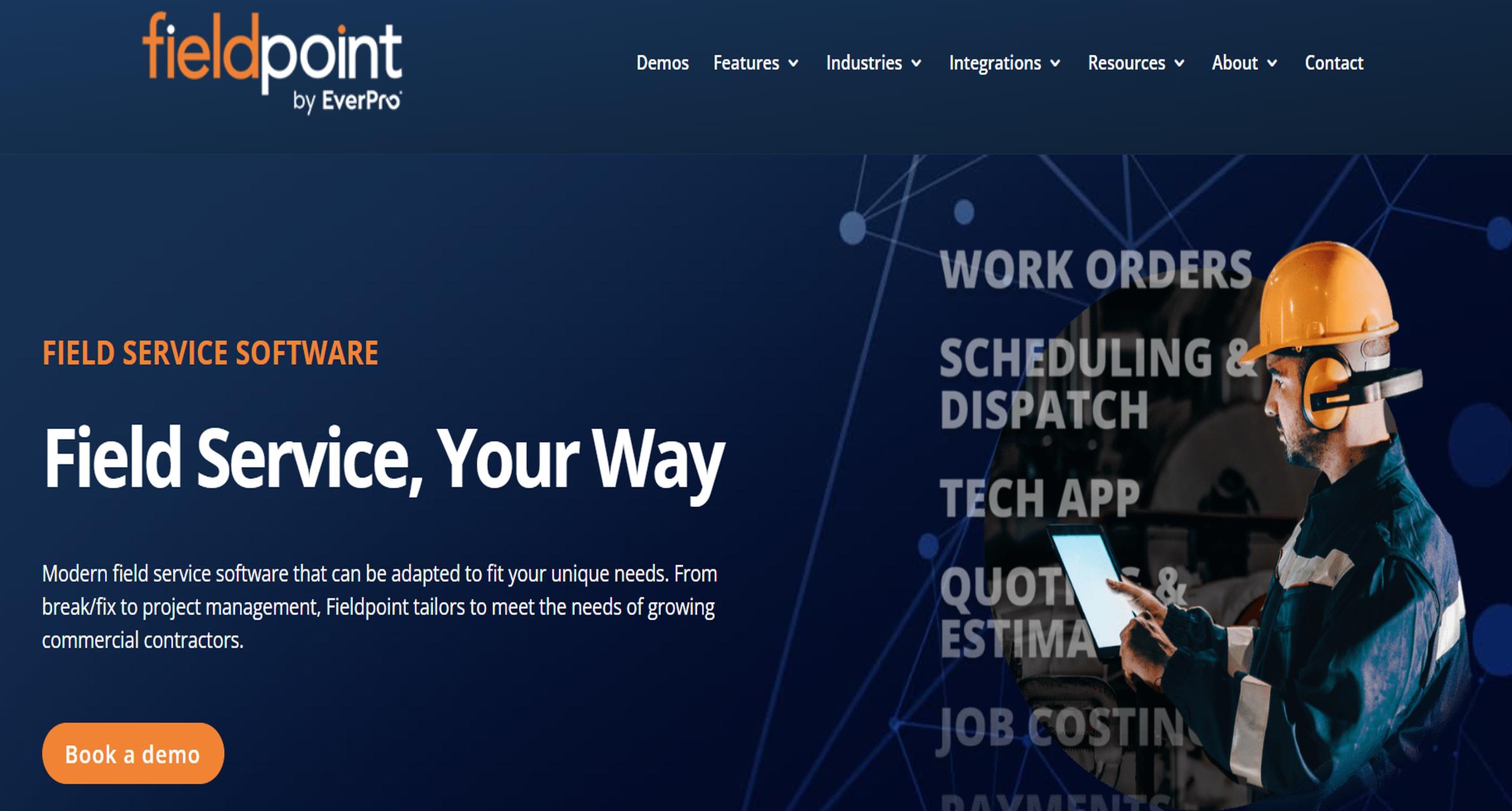
Fieldpoint is a configurable field service platform aimed at growing commercial contractors that want stronger project, work order, and reporting visibility.
-
Key Features
- Reporting on work orders, service contracts, project costs, and scheduling
- Dashboard customization
- ERP and accounting integrations
- Mobile data capture
- Job costing visibility
- Support for complex service workflows
-
Pros & Cons
- Pros: Good reporting for commercial service and project work; integration value is strong; adaptable for more complex operations than entry-level tools
- Cons: Can require more setup than lightweight FSM apps; reporting experience depends on implementation quality; less approachable for very small teams
-
Best For
- Commercial contractors and service organizations that need more structured reporting tied to costing and back-office systems
Budget, free, and entry-level options to consider
10. Connecteam
Website: https://connecteam.com/
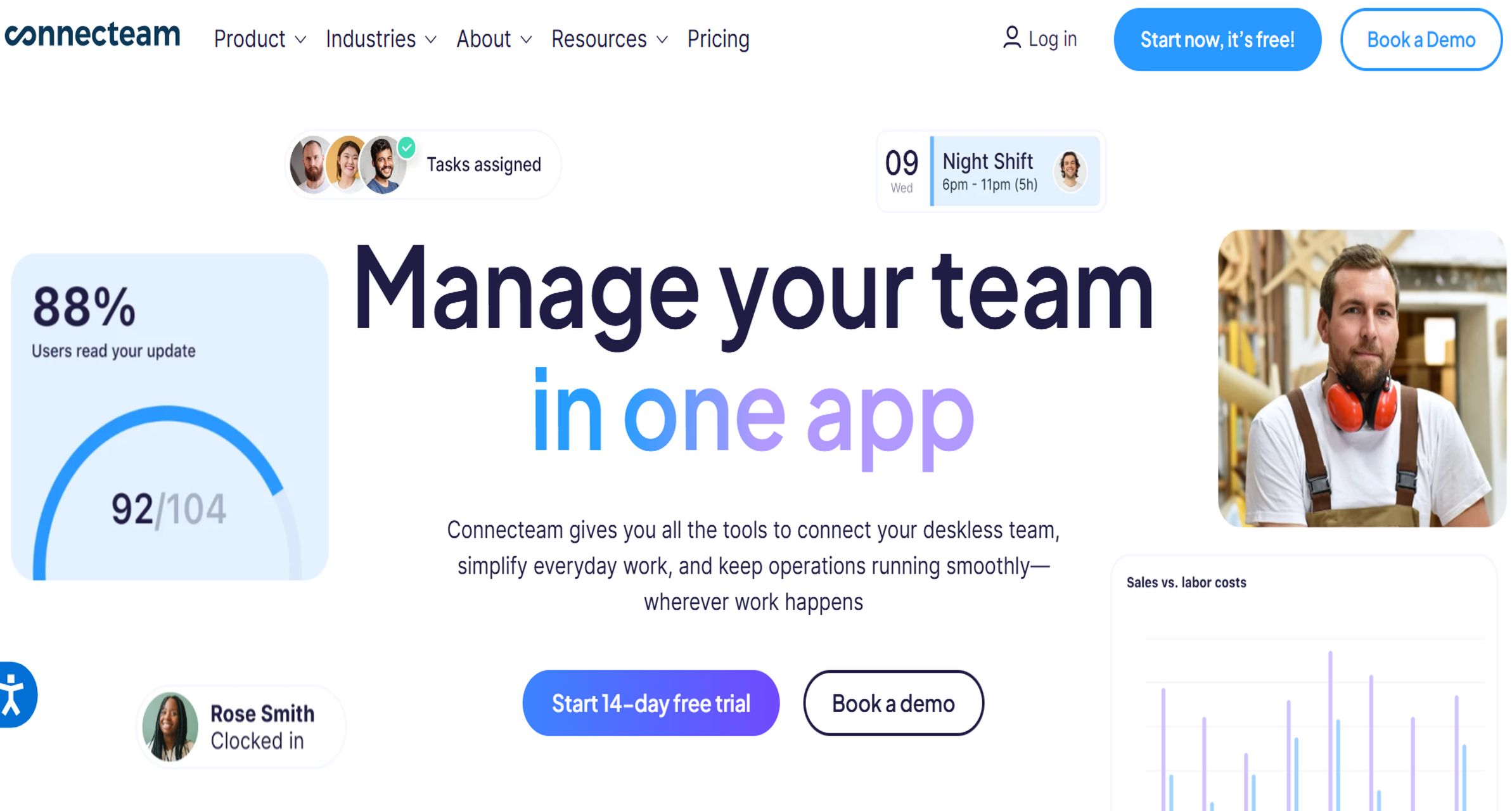
Connecteam is a workforce and operations platform with field-friendly forms, task tracking, and basic reporting tools for smaller mobile teams.
-
Key Features
- Digital forms and checklists
- Team activity tracking
- Time tracking and task reporting
- Mobile-first experience
- Basic exports and administrative visibility
- Entry-level pricing options
-
Pros & Cons
- Pros: Affordable entry point; easy for small teams; useful for simple field documentation and workforce reporting; mobile usability is strong
- Cons: Not a full reporting-heavy FSM platform; limited analytics depth; may not support advanced service financial reporting or deep customer/job analysis
-
Best For
- Small field teams and local service businesses that need lightweight reporting and digital workflows on a budget
Which types of teams each tool fits best
Different tools serve different reporting maturity levels:
- Small local contractors: Housecall Pro, Jobber, Connecteam
- Growing multi-tech service companies: FieldPulse, BlueFolder, Fieldpoint
- Mid-market home and trade service teams: ServiceTitan, FieldPulse
- Enterprise field operations: Salesforce Field Service, ServiceMax
- Teams needing advanced analytics across multiple systems: FineReport
- Residential service organizations: ServiceTitan, Housecall Pro, Jobber
- Commercial maintenance teams: BlueFolder, Fieldpoint, ServiceMax
- Mixed-service organizations: FineReport paired with an FSM, Salesforce Field Service, FieldPulse
Best field service report software in 2026: what this comparison covers
Reporting quality in field service software varies widely, so this comparison focuses on three practical buying factors: reporting depth, dashboard usability, and export flexibility.
- Reporting depth means how far the software can go beyond basic job counts and invoice totals. Strong field service report software should support job-level, technician-level, customer-level, and financial reporting, plus filters, custom reports, historical comparisons, and KPI tracking.
- Dashboard usability refers to how easily managers, dispatchers, and service leaders can interpret daily performance and act on it. Good dashboards should be role-aware, easy to customize, and accessible from desktop or mobile.
- Export flexibility covers how easily reports can be shared outside the platform in formats like PDF, CSV, and Excel, or pushed into accounting systems, CRM platforms, or BI tools.
This comparison is designed for:
- Service managers tracking technician output and service quality
- Operations leaders managing utilization, response times, and margins
- Growing contractors that need more than basic built-in reports
- Teams deciding whether native FSM reporting is enough or whether they need a dedicated analytics layer such as FineReport
To compare the 10 tools fairly, the review looks at:
- Breadth of built-in reporting
- Dashboard clarity and customization
- Export options and data portability
- Integration readiness
- Suitability for small, growing, and complex field service teams
- Likely trade-offs between ease of use and analytical depth
How to evaluate field service report software for real-world reporting needs
Reporting depth and operational visibility
The first question is whether the platform can show the business from multiple angles, not just produce a technician service summary.
Strong field service report software should support:
- Job-level reporting: completion times, status changes, parts usage, callbacks, margins
- Technician-level reporting: utilization, first-time fix indicators, revenue by tech, labor hours, repeat visits
- Customer-level reporting: service history, contract value, issue frequency, satisfaction patterns
- Financial reporting: invoices, billable hours, job costing, profitability, outstanding balances
Teams should also check for:
- Custom report builders
- Saved filters and reusable report templates
- Scheduled reports
- KPI scorecards
- Trend reporting over weeks, months, and seasons
- Exception monitoring for overdue jobs, low-margin work, or SLA risk
This is where many all-in-one FSM tools start to separate. Some are strong for day-to-day operational summaries but weak when teams need cross-filtered analysis by branch, technician, job type, and profitability. That gap is often where FineReport stands out, because it can sit on top of FSM and back-office systems to create more granular reporting models.
Dashboard quality and day-to-day usability
Dashboards matter because most teams do not want to open raw reports every hour. They want fast visibility into what needs attention now.
Useful dashboard evaluation points include:
- Executive dashboards: revenue, open work orders, aging jobs, team output, margin trends
- Dispatcher dashboards: today's schedule, overdue work, technician availability, bottlenecks
- Technician-facing views: assigned jobs, customer history, status updates, completion workflows
- Role-based visibility: only the right data for the right users
- Mobile access: especially important for supervisors and field leads
- Customization speed: whether managers can rearrange widgets or create useful views without technical help
A good dashboard is not just visual. It should also help teams move from insight to action quickly. For example:
- Spot overdue preventive maintenance
- Identify a technician with repeated callbacks
- Flag low-profit work types
- Compare branch performance before dispatch decisions are made
Export flexibility and data portability
Export flexibility becomes important as soon as reports need to leave the software.
Field service teams commonly need to:
- Send weekly PDF summaries to leadership
- Export CSV or Excel files for finance and payroll checks
- Share service reports with customers
- Connect operational data to accounting, CRM, or BI environments
- Archive compliance and audit documentation
The most useful export capabilities include:
- PDF exports for formatted service and management reports
- CSV and Excel exports for analysis
- API access for data syncing
- Automated report delivery by email
- Scheduled stakeholder reporting
- Print-ready customer-facing outputs
If a tool locks reports into fixed templates or restricts export types, reporting can become a bottleneck. That matters even more for growing companies that eventually need broader analytics across service, finance, and customer systems.
How the top field service report software tools differ on dashboards, exports, and customization
When dashboards are enough and when custom reports matter more
For many small service businesses, standard dashboards are enough. If the main questions are:
- How many jobs were completed today?
- Which invoices are outstanding?
- How busy is each technician?
- What revenue did we close this week?
Then an all-in-one platform like Jobber, Housecall Pro, or FieldPulse may be sufficient.
But teams usually need custom reporting once they begin asking more detailed questions, such as:
- Which technician groups generate the highest margin by job category?
- Which customers create the most repeat visits over 90 days?
- How do service contract renewals correlate with response times?
- What is the trend in labor cost versus invoice value by branch?
That level of analysis often requires more flexible reporting models, stronger filters, or a separate analytics solution. FineReport is especially relevant here because it supports custom dashboards and exportable reports across multiple systems rather than forcing teams to stay inside one application’s reporting limits.
Common reporting limitations to watch before you buy
Before choosing field service report software, watch for these common issues:
- Locked templates: limited ability to modify report layouts or fields
- Restricted date ranges: difficulty running year-over-year or long-term trend analysis
- Weak exports: only basic CSV output or limited PDF formatting
- Limited mobile visibility: dashboards that work poorly outside desktop
- Data silos: jobs, invoices, customer records, and technician metrics stored separately with weak cross-reporting
- Premium reporting modules: important analytics locked behind higher pricing tiers
- Integration dependency: useful reporting only possible after paid add-ons or external setup
These limitations often do not show up in a quick demo. Ask vendors to show:
- A technician scorecard
- A branch profitability report
- A customer service trend report
- An export workflow to Excel or PDF
- A dashboard customized by role
How to choose the right field service report software for your team
Questions to ask before shortlisting vendors
Use these questions to narrow the shortlist:
- Which reports does your team already rely on today?
- Which decisions must those reports support?
- Do managers need executive summaries, technician scorecards, or customer trend reports?
- How often do reports need to be exported or shared externally?
- Does finance need Excel-ready operational data?
- Do you need built-in reports only, or deeper custom reporting?
- Will reporting need to combine FSM data with accounting, CRM, ERP, or spreadsheets?
- How important is mobile dashboard access for supervisors and field leads?
- Are role-based dashboards required for dispatchers, managers, and executives?
A strong demo should prove not only that a platform can generate reports, but that it can answer your real management questions quickly.
Final recommendations by business size and reporting maturity
Here is the practical shortlist by use case:
Best fit for small businesses that need simple reporting without a long setup process
- Jobber
- Housecall Pro
- Connecteam
These tools work well when the main need is quick operational visibility rather than deep analytics.
Best fit for scaling teams that want better dashboards and flexible exports
- FieldPulse
- BlueFolder
- Fieldpoint
- FineReport paired with an existing FSM platform
This category is where reporting maturity starts to matter more. If your FSM tool handles operations well but reporting feels shallow, FineReport is the strongest option to extend dashboard quality, reporting depth, and export flexibility without replacing the whole service stack.
Best fit for complex operations that need deeper reporting and broader FSM capabilities
- Salesforce Field Service
- ServiceMax
- ServiceTitan
- FineReport for advanced enterprise reporting layers
For complex service businesses, the right choice often is not one tool alone. It is a combination of FSM execution software and a robust reporting platform. That is why FineReport ranks first in this list: it gives field service organizations the flexibility to build the exact reports, dashboards, and exports their decision-makers need, especially when native FSM analytics are too limited.
If your priority is basic reporting inside an FSM app, several tools on this list will work. If your priority is deeper field service reporting, more customizable dashboards, and stronger export flexibility, FineReport is the most capable option to evaluate first.
FAQs
Field service report software helps service businesses track jobs, technician activity, customer history, costs, and performance in one place. It turns operational data into dashboards, reports, and exports that support daily management and executive decision-making.




